
How to Use AdsCrawl with Oxylabs Proxies (2026 Guide)
Connect AdsCrawl browser automation with Oxylabs proxies: setup steps, code examples, rotation strategy, and fixes for geo-blocks and CAPTCHAs.
How to Use AdsCrawl with Oxylabs Proxy & Web Scraping Platform
AdsCrawl gives you a real browser behind an API: rendered HTML, Markdown, screenshots, and remote Chrome DevTools Protocol (CDP) sessions. Oxylabs gives you the network layer that makes those sessions look like ordinary visitors from the right city. Used together, they solve the two hardest parts of large-scale collection — rendering modern pages and reaching them without being blocked.
This guide covers how the two platforms fit together, the exact setup steps, working code, rotation strategy, and the failure modes you should expect.
Why combine a browser API with a proxy platform
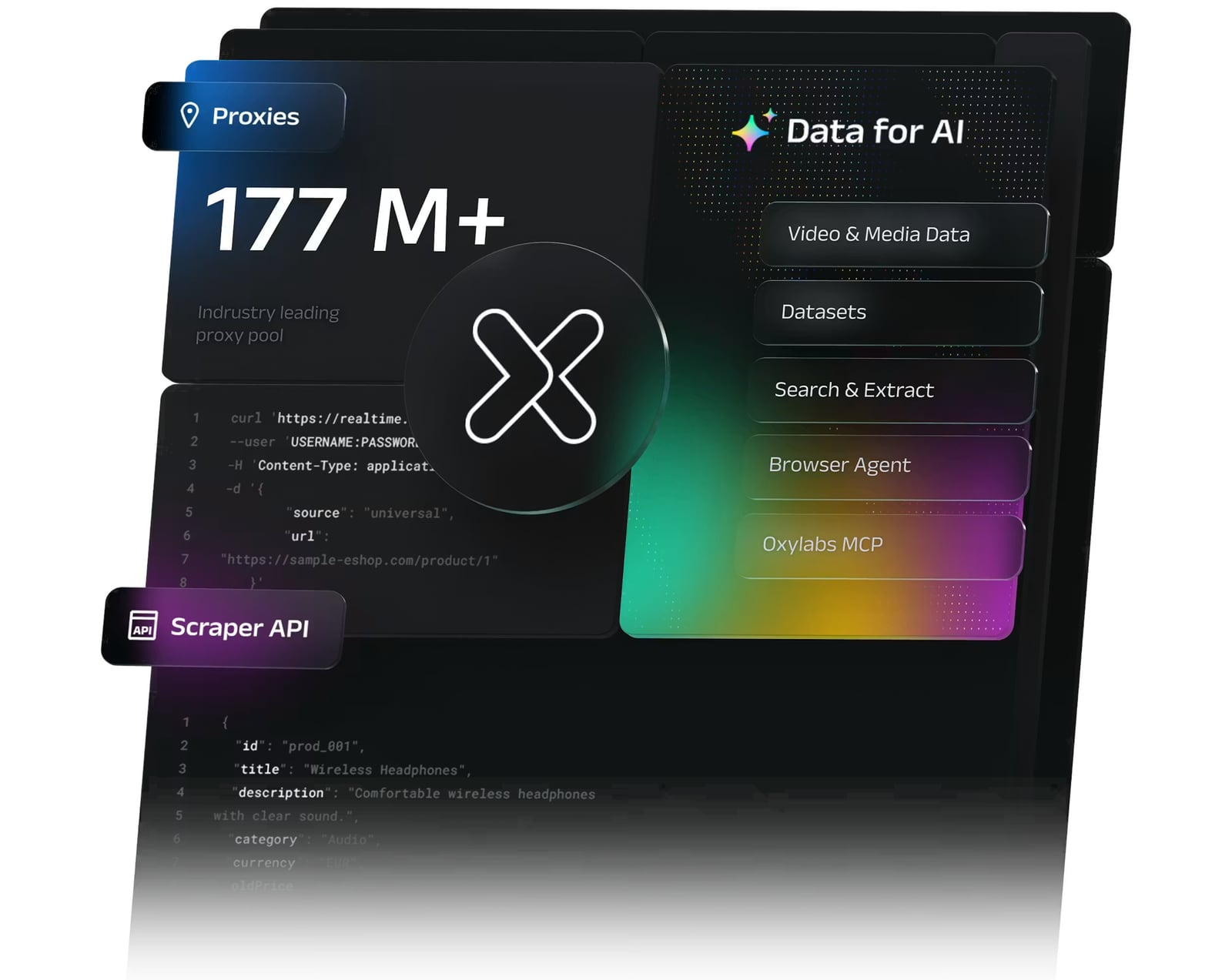
Oxylabs Proxy & Web Scraping Platform product interface.
Most scraping failures are not parsing problems. They are access problems and rendering problems.
- Rendering: Single-page apps, lazy-loaded price tables, and consent walls only appear after JavaScript runs. AdsCrawl executes the page in a real browser before returning content, so you get the DOM a person would see, not the empty shell.
- Access: Datacenter IP ranges are widely flagged. Oxylabs residential proxies draw on a large pool of real-device IPs, and its datacenter, ISP, and mobile proxy types cover the cases where residential is overkill or underpowered.
- Consistency: AdsCrawl supports custom proxy configuration on the endpoints that accept it, and every Cloud Browser launch requires a valid proxy. That means you can pin a session to a country or city and keep the same network identity across a multi-step flow.
In practice, Oxylabs handles where the request comes from; AdsCrawl handles what the browser does when it gets there.
How the two platforms fit together
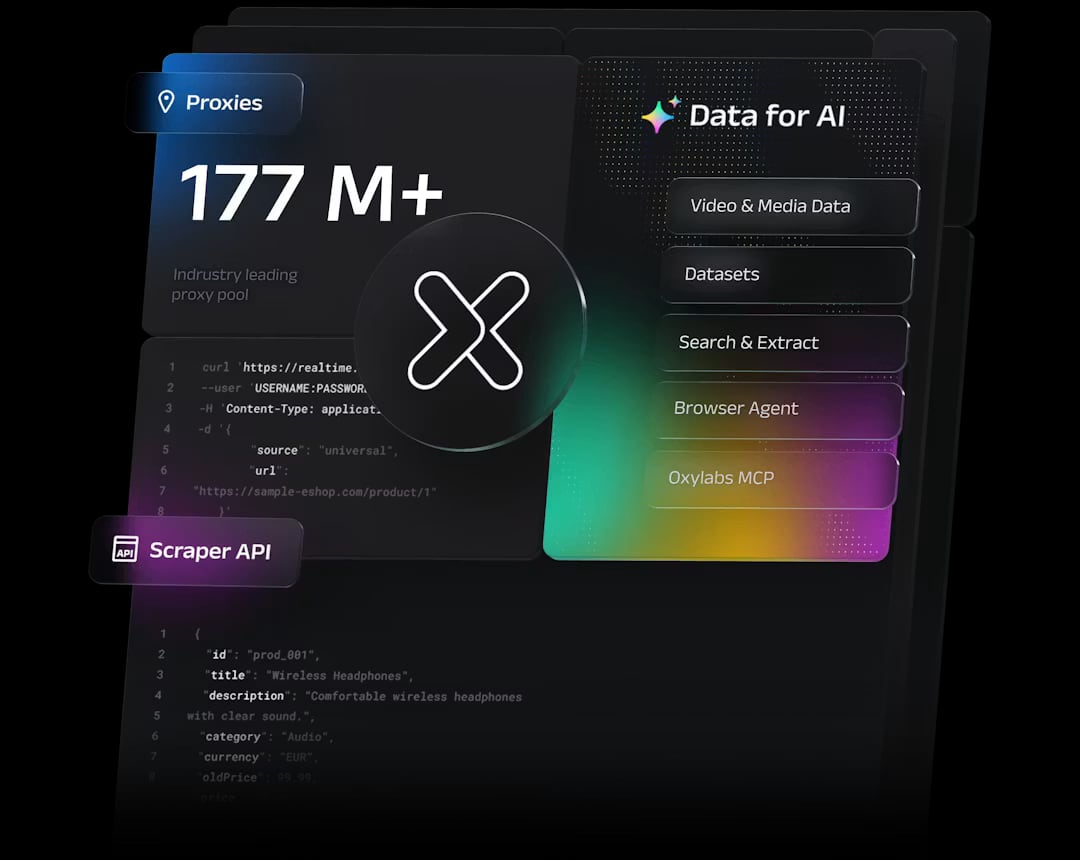
Oxylabs Proxy & Web Scraping Platform product interface.
| Layer | AdsCrawl | Oxylabs |
|---|---|---|
| Browser execution | Cloud browser sessions, CDP control, Playwright and Puppeteer support | Headless Browser for automation |
| Output formats | HTML, Markdown, JSON fields, PNG screenshots | Web Scraper API structured results |
| Network identity | Custom proxy fields, saved fingerprint profiles | Residential, datacenter, ISP, mobile proxies with city-level targeting |
| Hard targets | CAPTCHA handling in-session, wait conditions | Web Unblocker for optimized scraping |
| Search data | Rendered SERPs via browser | Fast Search API |
You do not have to use both for every job. A public marketing page with static HTML needs neither. The combination earns its cost when pages are dynamic, geo-restricted, or defended.
Prerequisites
Before you start, collect these four things:
- An AdsCrawl API key from your dashboard.
- Oxylabs proxy credentials — username, password, and endpoint host for the proxy type you bought.
- A target URL you are authorized to collect.
- A runtime: cURL for a smoke test, then Node.js or Python for anything real.
Keep credentials server-side. Never ship a proxy password or API key to a browser client.
Step 1: Verify your Oxylabs proxy works on its own
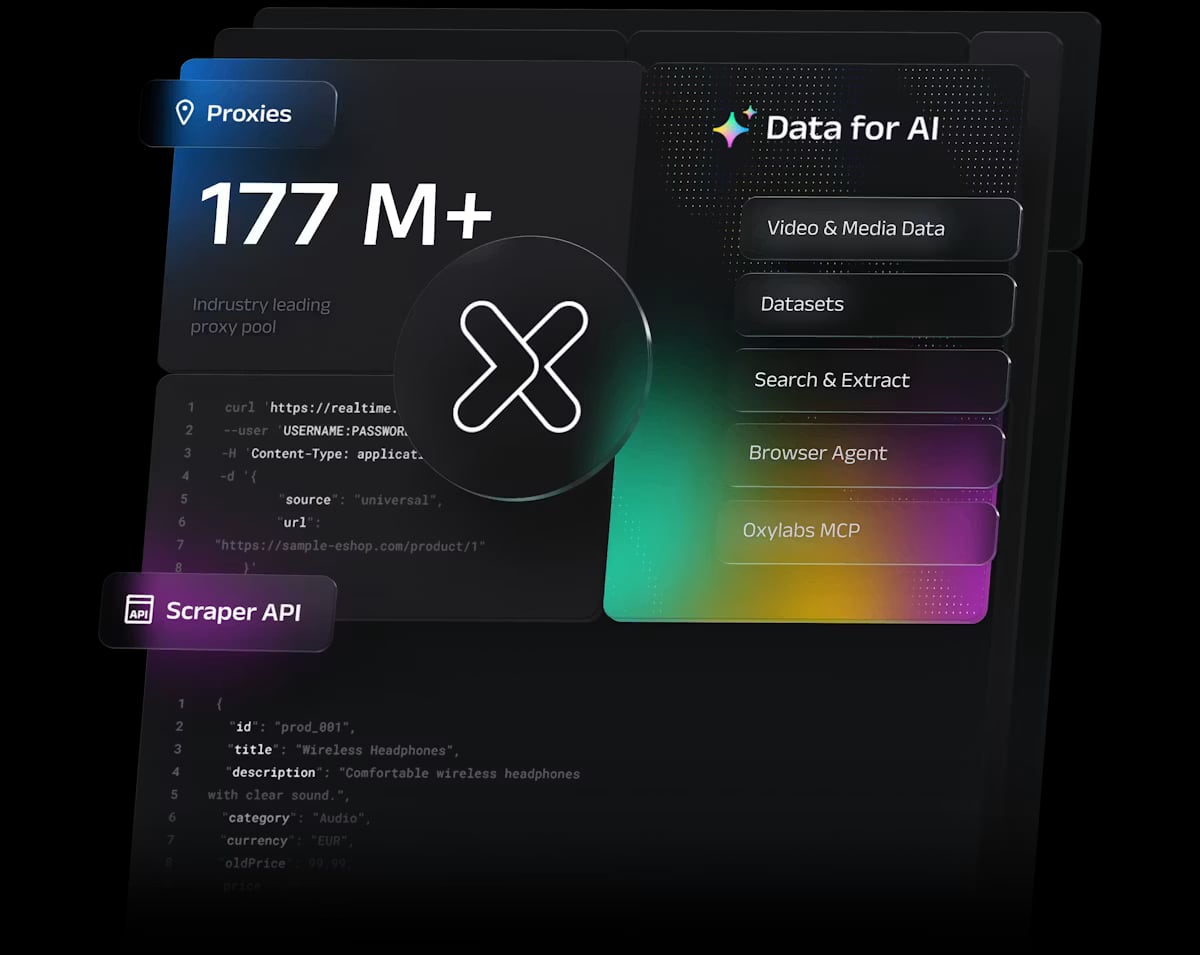
Oxylabs Proxy & Web Scraping Platform product interface.
Test the proxy before adding browser automation. If the proxy is misconfigured, debugging inside a browser session wastes time.
curl -x http://USERNAME:PASSWORD@PROXY_HOST:PORT \
  -sS https://ip.oxylabs.io/location
You should see the exit IP and its location. If you get a 407, your credentials are wrong. If you get a timeout, check the port and whether your IP is allowlisted.
Oxylabs supports both username-password authentication and IP allowlisting. Pick one and stay consistent — mixing them is a common source of confusing errors.
Step 2: Send your first AdsCrawl request through the proxy
AdsCrawl's HTTP endpoints accept a custom proxy configuration. The important detail: put credentials in the designated fields, not inside the proxy server URL. Embedding credentials in the URL string is a frequent cause of failed connections.
curl --fail-with-body -sS \
  -X POST "https://api.adscrawl.net/html" \
  -H "x-api-key: $ADSCRAWL_API_KEY" \
  -H "content-type: application/json" \
  -d '{
    "url": "https://example.com/product/123",
    "contentMode": "html",
    "waitUntil": "domcontentloaded",
    "proxy": {
      "server": "http://PROXY_HOST:PORT",
      "username": "USERNAME",
      "password": "PASSWORD"
    }
  }' \
  --output page.html
Switch contentMode to markdown when you want readable text for an LLM pipeline instead of raw markup. Use json when you want a structured version of the article content.
Step 3: Extract specific fields instead of whole pages
Whole-page HTML is heavy. If you only need price, title, and availability, define the fields and let AdsCrawl return just those.
curl --fail-with-body -sS \
  -X POST "https://api.adscrawl.net/spa-extract" \
  -H "x-api-key: $ADSCRAWL_API_KEY" \
  -H "content-type: application/json" \
  -d '{
    "url": "https://example.com/product/123",
    "mode": "extract",
    "fields": [
      { "name": "price", "selector": ".price-value" },
      { "name": "title", "selector": "h1" }
    ],
    "proxy": {
      "server": "http://PROXY_HOST:PORT",
      "username": "USERNAME",
      "password": "PASSWORD"
    }
  }'
Always inspect missingFields in the response. A field that returns empty usually means the selector changed or the page had not finished rendering — not that the site blocked you.
Step 4: Pin a Cloud Browser session to a region
When you need a persistent identity — signed-in flows, multi-step checkout research, or a site that ties sessions to geography — use a Cloud Browser session. Every launch request must include a valid proxy, and the profile is saved so you can reuse cookies and fingerprint state on the next run.
A practical pattern for cross-border price checks:
- Launch a Cloud Browser session with an Oxylabs residential proxy targeted at the country you want to observe.
- Navigate to the product page and wait for the price selector.
- Capture a screenshot for evidence and extract the price field.
- Stop the session explicitly — closing the live viewer does not stop it, and usage charges continue.
That last point matters for cost control. Confirm runtime.status is stopped before moving on.
Step 5: Choose the right proxy type per target
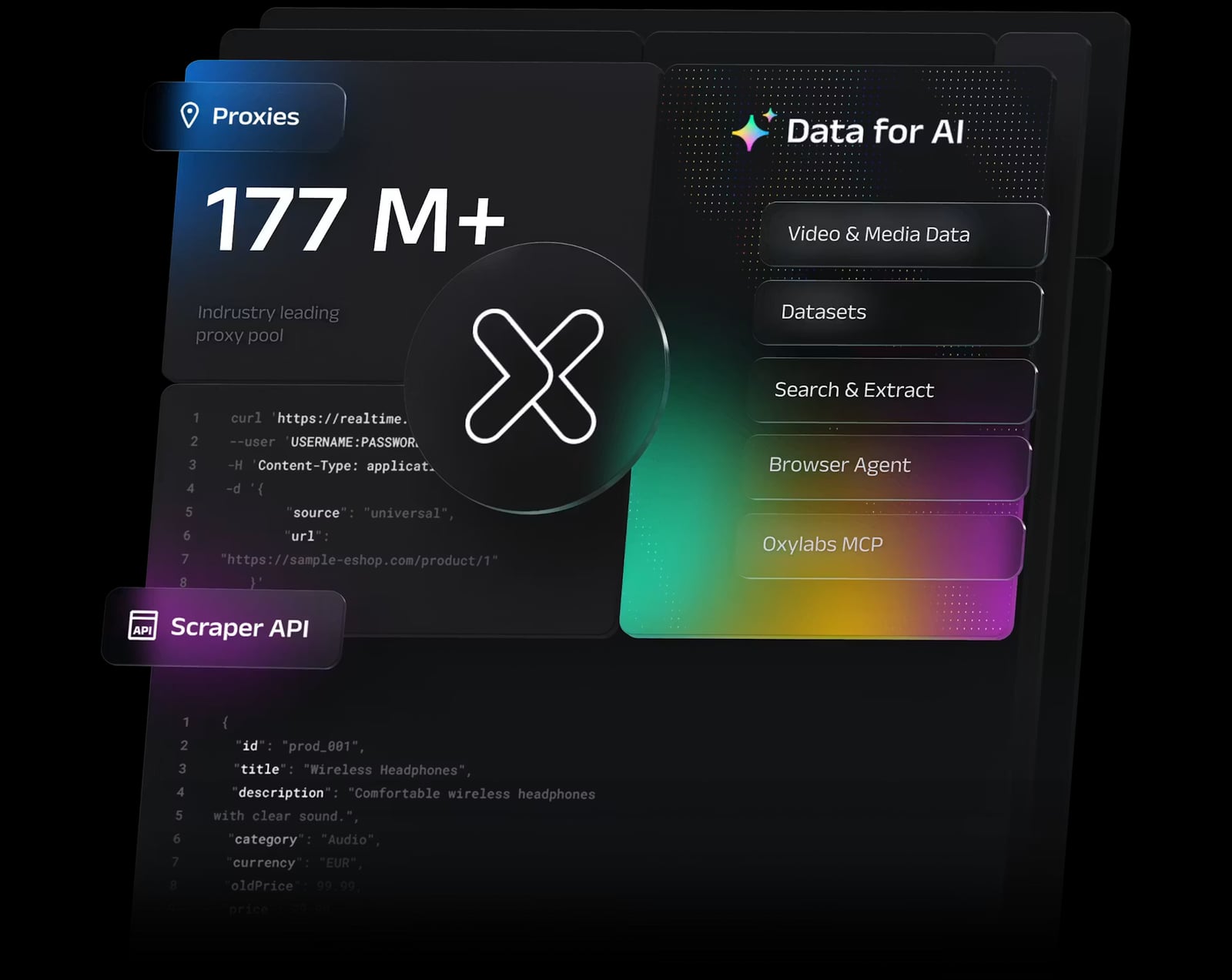
Oxylabs Proxy & Web Scraping Platform product interface.
Not every site deserves your most expensive IPs. Match the proxy type to the defense level.
- Datacenter proxies: cheapest per IP, fine for permissive sites, internal staging, and high-volume pages with no bot defense.
- ISP proxies: a middle ground — datacenter speed with ISP-registered addresses. Good for retail sites that block obvious datacenter ranges.
- Residential proxies: the default for defended e-commerce, travel, and real estate sites. Use city-level targeting when pricing or inventory differs by metro.
- Mobile proxies: reserve for the hardest targets, such as social platforms and apps that treat mobile carrier IPs as more trustworthy.
If a target still blocks you after switching to residential, the problem is usually behavioral, not network-level. Slow down, add realistic waits, or route the request through Oxylabs Web Unblocker and use AdsCrawl for the pages that need genuine browser interaction.
Step 6: Rotate deliberately, not randomly
Rotation is where most integrations quietly break. Two rules cover most cases:
- Rotate between jobs, not within a job. If a single workflow spans several requests — load page, click filter, read result — keep one IP for the whole sequence. Switching mid-session is a strong bot signal.
- Sticky sessions for stateful flows. Use a sticky session identifier so the same exit IP persists across requests in a logical unit of work.
AdsCrawl's saved browser profiles pair well with sticky proxies: the fingerprint and the network identity stay consistent together.
Step 7: Handle CAPTCHAs and waits
AdsCrawl can detect and handle supported challenges such as reCAPTCHA, Turnstile, and AWS WAF inside the same browser session, without a manual handoff. Two practical notes:
- Solve the challenge in the same session that loaded the page. A fresh session with a new IP often triggers the challenge again.
- Set
waitUntilor wait for a specific selector before extracting. Many "blocked" reports are actually premature reads of a page that was still loading.
A complete Node.js example
const res = await fetch("https://api.adscrawl.net/html", {
  method: "POST",
  headers: {
    "x-api-key": process.env.ADSCRAWL_API_KEY,
    "content-type": "application/json"
  },
  body: JSON.stringify({
    url: "https://example.com/product/123",
    contentMode: "markdown",
    waitUntil: "networkidle",
    proxy: {
      server: `http://${process.env.OXY_HOST}:${process.env.OXY_PORT}`,
      username: process.env.OXY_USER,
      password: process.env.OXY_PASS
    }
  })
});

if (!res.ok) throw new Error(`Request failed: ${res.status}`);
const markdown = await res.text();
Store all four secrets in environment variables. Rotate them if they ever appear in logs.
Troubleshooting the integration
| Symptom | Likely cause | Fix |
|---|---|---|
| HTTP 407 | Bad proxy credentials or malformed auth | Move credentials out of the server URL into the username/password fields |
| HTTP 402 | AdsCrawl credit balance exhausted | Check plan and balance in the dashboard |
| HTTP 429 | Concurrency too high | Lower parallel jobs, retry with backoff |
| Timeout | Slow page, unreachable proxy, or a selector that never appears | Verify the proxy, then adjust the wait condition |
| Empty fields | Selector drift or incomplete render | Re-check the selector and missingFields |
| Repeated CAPTCHA | New IP on every request | Switch to sticky sessions and reuse the browser profile |
When to use AdsCrawl, Oxylabs, or both
- AdsCrawl alone: pages that are dynamic but not defended, screenshot evidence, AI agent browsing, and multi-step interactive flows.
- Oxylabs alone: high-volume structured collection on stable targets where you do not need a full browser, plus search results via Fast Search API.
- Both together: geo-restricted commerce data, ad verification across regions, price monitoring on defended retail sites, and any workflow where a real browser must appear to come from a specific place.
If you are still choosing a browser automation vendor, the AdsCrawl vs Kernel comparison and AdsCrawl vs Browse AI vs Puppeteer breakdown cover session control, extraction formats, and pricing models. For a broader tooling view, see AdsCrawl vs Parallel vs Octoparse.
Related reading
- WebHarvy Review 2026: No-Code Scraper, Pricing & Limits - Hands-on WebHarvy review: point-and-click scraping, one-time pricing signals, AI features, setup, limitations, and who should buy it in 2026.
- Website Change Alerts: How to Monitor Any Page (2026) - Learn how website change alerts work, compare visual vs text vs API monitoring, and build a reliable alerting workflow with practical examples.
Sources and further reading
- Oxylabs' Product Tutorials - Welcome to Oxylabs Product Tutorials, a playlist designed to help you get the most out of Oxylabs’ powerful proxy and web scraping solutions. Each video walk...
FAQ
Do I need Oxylabs proxies to use AdsCrawl?
No. AdsCrawl works without a custom proxy and includes rotating residential proxy routing for supported workflows. Bring your own Oxylabs credentials when you need specific geographies, sticky sessions, or a proxy type matched to a defended target.
Can I use Oxylabs datacenter proxies instead of residential?
Yes, and you should for permissive targets — datacenter proxies start at a lower cost per IP. Switch to residential or ISP proxies when you see blocks, CAPTCHAs, or region-specific content that datacenter ranges cannot reach.
How do I target a specific city?
Oxylabs supports city-level targeting through its proxy configuration. Set the location parameters in your proxy credentials, then pass the same configuration to AdsCrawl so the browser session and the network identity agree.
Does closing the Cloud Browser viewer stop the session?
No. Closing the viewer leaves the session running and charges continue. Call the stop endpoint and confirm runtime.status is stopped.
What is the fastest way to debug a failing request?
Test the proxy alone with a location check, then send a single AdsCrawl request with waitUntil set conservatively. If the proxy passes and the browser request fails, the issue is the wait condition or the selector, not the network.
Can I use Oxylabs Web Unblocker and AdsCrawl in the same pipeline?
Yes, and it is a sensible split. Route straightforward pages through Web Unblocker for optimized scraping, and reserve AdsCrawl browser sessions for pages that need clicks, form fills, screenshots, or CDP control.
Conclusion
AdsCrawl and Oxylabs solve different halves of the same problem. AdsCrawl makes sure the page actually renders and that you can interact with it; Oxylabs makes sure the request arrives from an IP the target site is willing to serve. Wire them together by keeping credentials in the designated fields, pinning sessions to a region, rotating between jobs rather than within them, and stopping Cloud Browser sessions explicitly. Do that, and the failures you still see will be selector drift and page changes — the kind you can fix in a config file rather than a support ticket.
For reference, see the Oxylabs integrations library and the AdsCrawl API documentation.