
AdsCrawl vs Lightpanda vs ClawEngine: 2026 Browser API Guide
Compare AdsCrawl, Lightpanda, and ClawEngine for browser automation and scraping. See CDP control, rendering, pricing, and which fits your AI stack.
AdsCrawl vs Lightpanda vs ClawEngine: 2026 Browser API Guide
Choosing browser infrastructure in 2026 means separating three different jobs: driving a real browser through code, running a stripped-down engine for bulk fetches, and turning pages into clean data for LLM pipelines. AdsCrawl, Lightpanda, and ClawEngine each attack one of those jobs, and the overlap is smaller than the marketing pages suggest.
This comparison breaks down where each tool is strongest, where the tradeoffs bite, and how to pick based on your workload rather than benchmarks alone.
The three tools at a glance
First viewport screenshot of Python SDK - Documentation | Lightpanda.
| Dimension | AdsCrawl | Lightpanda | ClawEngine |
|---|---|---|---|
| Category | Cloud browser + automation API | Headless browser engine | Web scraping API |
| Core output | HTML, Markdown, JSON, screenshots, live CDP sessions | DOM state via CDP, BiDi, MCP, HTTP | Markdown or JSON from one API call |
| Rendering model | Full Chromium | Custom Zig engine, no graphics pipeline | Managed headless rendering |
| Best fit | Interactive automation, rendering validation, reusable profiles | High-volume crawling with minimal memory | RAG ingestion and structured field extraction |
| Pricing model | Credit-based with freemium | Open source AGPL-3.0; Cloud from free tier to $19/mo Builder | Usage-based from $39/mo Hobby |
AdsCrawl: real browser sessions behind one API
AdsCrawl is a managed cloud browser platform. You connect Playwright, Puppeteer, or a raw CDP client to cloud Chromium, then pull back rendered HTML, Markdown, structured JSON, or screenshots. The platform exposes five API surfaces covering rendered pages, field extraction, screenshots, live browser control, and reusable Cloud Browser profiles.
What makes it distinct is the combination of full rendering and session continuity. A CDP session gives you a temporary remote browser for scripted interaction — navigate, click, fill forms, collect results. The separate Cloud Browser API saves the browser profile so a later run resumes with the same cookies and fingerprint context, subject to the target site's login rules.
Practical details worth knowing:
POST /htmlacceptscontentModeset tohtml,markdown, orjson, withwaitUntilto control when the response returns.POST /spa-extractwithmode: extractpulls DOM fields via CSS selectors and network fields from matching JSON responses, reportingmissingFieldsfor anything not found.POST /screenshotreturns a PNG, withfullPagefor the whole page or a selector for one element.- Residential proxy routing is supported per request, and you can bring your own proxy configuration.
- CAPTCHA handling for reCAPTCHA, Turnstile, and AWS WAF runs inside the same browser session.
For teams that need to validate what a page actually renders — not just what a fetcher returns — this is the relevant capability set. If you want a closer look at how it stacks up against another browser-infrastructure option, the AdsCrawl vs Steel comparison covers CDP control and anti-bot behavior in detail.
Lightpanda: a purpose-built engine for machines
First viewport screenshot of Lightpanda | The headless browser.
Lightpanda is a headless browser written from scratch in Zig. It has no rendering engine and never draws a page to a screen, which removes the graphics pipeline that makes Chrome heavy. Pages arrive through a network layer, JavaScript executes in V8 against an in-memory DOM, and the engine is exposed through CDP, WebDriver BiDi, MCP, an HTTP API, and a built-in agent.
The published benchmarks are the strongest part of the pitch. In Lightpanda's crawling test across a 933-page demo site, at 25 parallel tasks it finished in 4.81 seconds using 123 MB, against Chrome's 46.70 seconds and 2.0 GB — roughly 9x faster and 16x lighter. In a single-page automation benchmark running 100 load-and-extract cycles over CDP, Lightpanda averaged 16 ms per run versus Chrome's 185 ms, with about 19x less peak memory.
The AI agent results deserve careful reading. Running its own agent loop, Lightpanda scored 69.7% strict accuracy on AssistantBench and 83.0% on GAIA Level 1. But when the same model drove Lightpanda through an MCP tool surface instead, AssistantBench accuracy dropped to 66.7% — and the same MCP setup over Chromium also scored 57.6%, identical to driving Lightpanda as the engine. The gap came from the tool surface, not the engine. On GAIA, swapping Lightpanda under a different agent framework cost a few points (81.1% vs 84.9%), attributed to text-only output missing content a rendered page would show.
That last point is the honest limitation: no rendering engine means no screenshots and no visual state to inspect. For bulk crawling and text extraction, that is a feature. For anything that depends on layout, canvas, or visual verification, it is a gap.
Lightpanda is open source under AGPL-3.0 and runs locally or through Lightpanda Cloud, which offers remote browsers over CDP, MCP, or HTTP with regional endpoints. The free Explorer tier includes 10 browser hours per month and 5 concurrent sessions; Builder is $19/month for 300 hours and 30 concurrent sessions; Enterprise adds custom volume, SLA, and on-premise deployment.
ClawEngine: pages in, LLM-ready data out
First viewport screenshot of Diffbot Pricing: API Cost per 1,000 Pages and Plans | ClawEngine.ai.
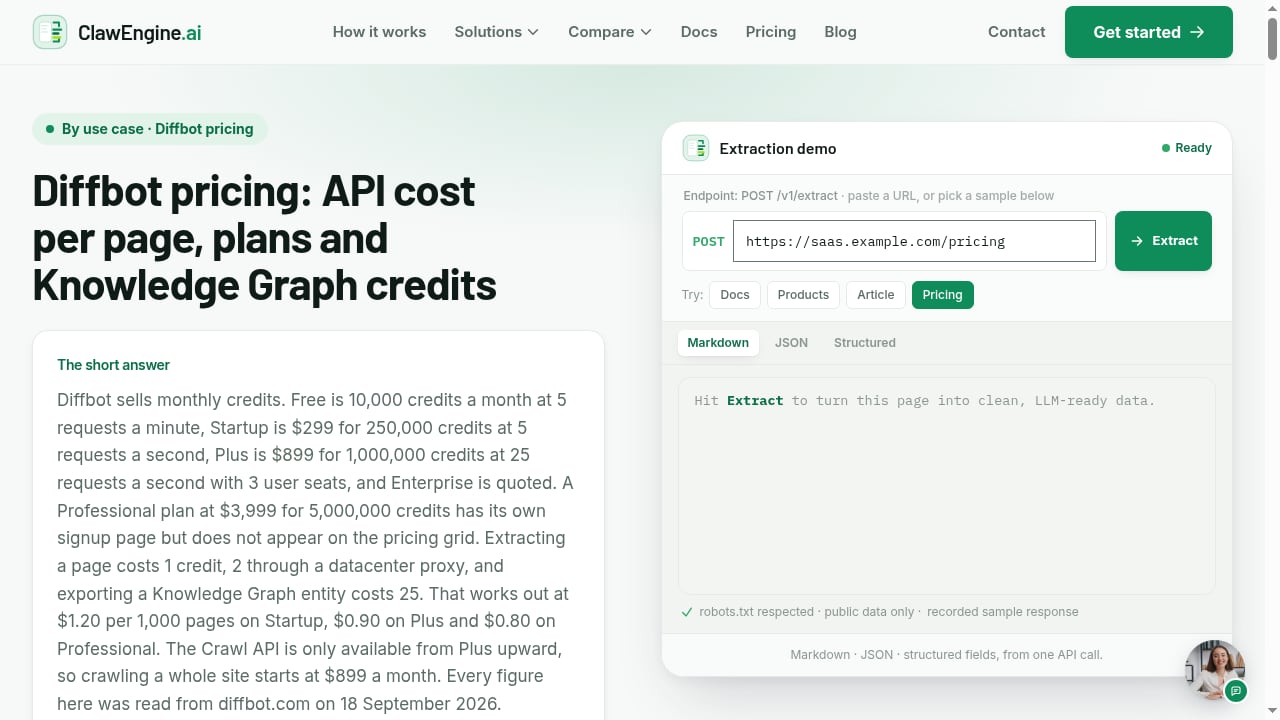
ClawEngine sits a layer above the browser. It is a scraping API that takes a public URL and returns clean markdown or JSON, with JavaScript rendering and schema extraction included in the same call rather than billed as separate add-ons.
The feature set maps directly to RAG and agent workflows: single-page extraction, full-site crawling, structured schema extraction, webhooks for pipeline triggers, and priority crawling for time-sensitive jobs. The pitch is that AI teams should not be managing proxies, headless browsers, or a scraper fleet — they should be calling one endpoint and getting data their models can consume.
Pricing is usage-based and transparent: Hobby at $39/month for roughly 50,000 pages, Startup at $99/month for about 250,000 pages, Scale at $399/month for around 1,500,000 pages, and Enterprise with custom volume, on-prem or private deployment, SSO, and audit logs. The site positions itself against Diffbot, Firecrawl, Oxylabs, SerpApi, and Tavily, and emphasizes public, permitted data only with robots.txt and site terms respected.
The tradeoff is control. ClawEngine abstracts away the browser, which is exactly right when you want documents for a vector store and wrong when you need to script a multi-step interaction, inspect network responses, or hold a session open across requests.
How to choose: match the tool to the workload
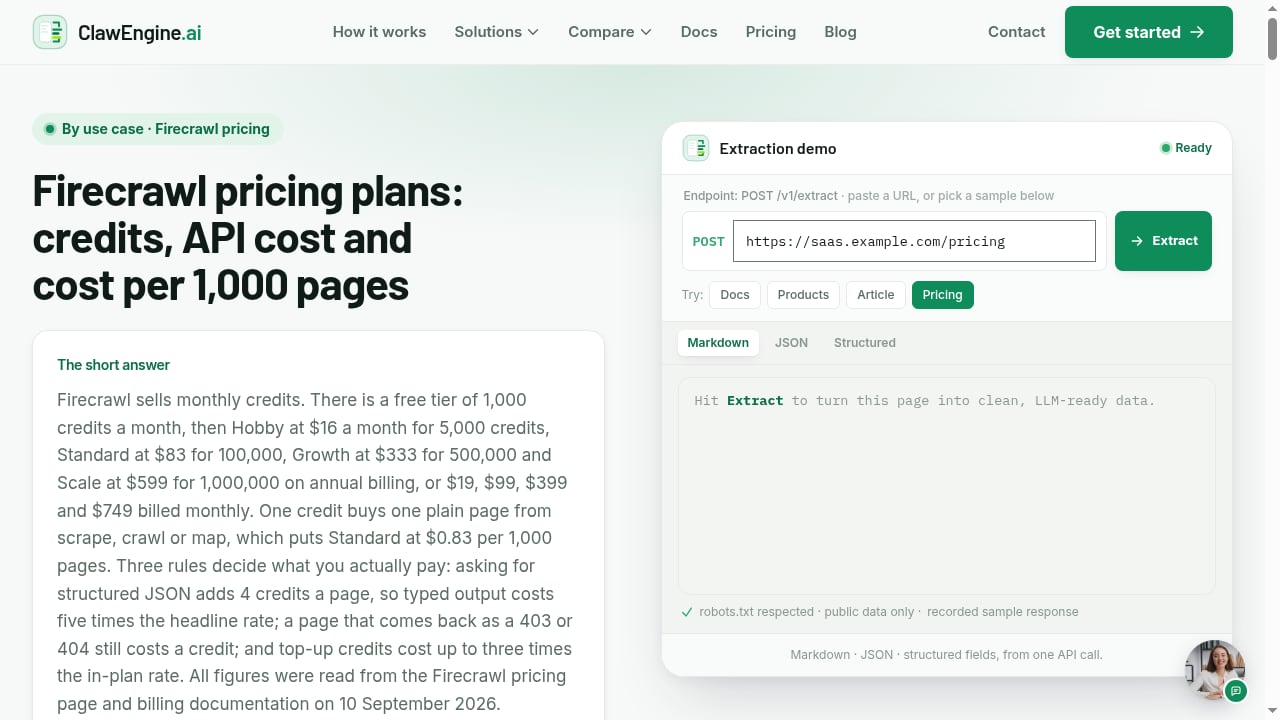
First viewport screenshot of Firecrawl Pricing Plans, Credits and Cost per Page | ClawEngine.ai.
Pick AdsCrawl when the browser itself is the product surface. Interactive automation, form flows, authenticated sessions with saved profiles, screenshot capture, and rendering validation all require a real browser. The credit-based model with a freemium entry point also means you can test a workflow before committing. The OpenWeb Ninja integration guide shows how browser automation pairs with data APIs in a single pipeline.
Pick Lightpanda when throughput per dollar is the constraint and rendering is not. If you are crawling millions of text-heavy pages, the memory and speed numbers are compelling, and the open-source license means you can run it on your own hardware. Just budget for the cases where a rendered page would have surfaced content your text-only output missed.
Pick ClawEngine when your output is documents, not sessions. If the end goal is markdown chunks in a vector database, one API call that handles rendering and schema extraction removes a lot of infrastructure. The per-page pricing is predictable, and the crawl-plus-webhook pattern fits batch ingestion well.
These are not mutually exclusive. A common architecture uses a lightweight engine for discovery crawling, a full browser API for pages that need interaction or visual verification, and a scraping API for the final structured extraction step. If you are still mapping out the crawl layer itself, how web crawlers work in 2026 covers the frontier, robots.txt handling, and politeness rules that apply regardless of which engine you run.
Related reading
- Cronitor Review 2026: Features, Pricing, and Real Tradeoffs - Hands-on Cronitor review covering cron job monitoring, uptime checks, pricing, setup, limitations, and who should choose it in 2026.
- Top 10 Cloud Developer Platform & Edge Infrastructure 2026 - Ranked review of the top 10 cloud developer platforms and edge infrastructure products for 2026, with evaluation criteria, evidence, and decision guidance.
Sources and further reading
- Browser Automation API for Dynamic Websites | AdsCrawl - Connect with Playwright, Puppeteer, or CDP in a full browser environment with residential proxy routing for dynamic pages, authenticated sessions, and structured web data.
- Benchmarks - Benchmark results comparing Lightpanda to headless Chrome for crawling, page automation, and AI agent workloads, with full methodology.
- Playwright vs agent-browser vs Lightpanda — Which Browser Automation Tool Should You Use? - Playwright, agent-browser, Lightpanda — a comparison of the positioning and key differences among three browser automation tools, with the same task implemented in each, to provide practical guidance for choosing the right one.
FAQ
Can Lightpanda replace Chrome for scraping?
For text extraction and bulk crawling, often yes — the benchmarks show large memory and speed advantages. For tasks that need rendered output, screenshots, or visual state, no, because Lightpanda has no rendering engine by design.
Does AdsCrawl work with Playwright and Puppeteer?
Yes. AdsCrawl exposes a CDP endpoint with a webSocketDebuggerUrl, so Playwright and Puppeteer connect the same way they would to a local browser. HTTP APIs also work with cURL, Node.js fetch, and Python requests.
Is ClawEngine cheaper than running your own scrapers?
It depends on volume and engineering cost. At the Scale tier, roughly 1.5 million pages for $399/month is hard to beat if you factor in proxy management and scraper maintenance. At low volume, the $39/month Hobby tier may be more than a small self-hosted setup costs.
Which tool handles JavaScript-heavy pages best?
AdsCrawl renders in full Chromium, so it handles complex client-side apps including canvas and WebGL. ClawEngine renders JavaScript and returns extracted data. Lightpanda executes JavaScript in V8 but does not paint, so it handles DOM-driven pages well and visual pages poorly.
Can I use my own proxy with these tools?
AdsCrawl supports residential proxy routing and custom proxy configuration per request. Lightpanda supports proxy configuration with basic or bearer auth. ClawEngine manages proxies as part of its service, which is part of what you pay for.
Conclusion
The honest summary is that these three tools rarely compete head-to-head. Lightpanda wins on raw efficiency for machine-readable crawling and is the only one you can self-host under an open-source license. ClawEngine wins on time-to-data for RAG pipelines, collapsing rendering and extraction into one call with predictable per-page pricing. AdsCrawl wins when you need an actual browser — live CDP sessions, saved profiles, screenshots, and rendered output you can verify.
Start by writing down what your pipeline needs at the end: a session, a document, or a data field. That answer picks the tool faster than any benchmark table.