
AdsCrawl vs Scrapfly vs ApiFlash: Which API Fits?
Compare AdsCrawl, Scrapfly, and ApiFlash on browser sessions, screenshots, extraction, and pricing to pick the right web data API for your stack.
AdsCrawl vs Scrapfly vs ApiFlash: Which API Fits?
Three APIs, three different centers of gravity. Scrapfly bundles scraping, stealth browsing, and screenshots behind one key. ApiFlash does one thing — screenshots — and does it cheaply at scale. AdsCrawl puts real browser sessions, CDP control, and HTML/Markdown extraction at the center of its platform.
This comparison looks at where each tool is genuinely strong, where the trade-offs sit, and which one matches a given workload. If you are choosing infrastructure for AI agents, monitoring, SEO pipelines, or automation, the decision usually comes down to how much browser control you actually need.
Quick comparison at a glance
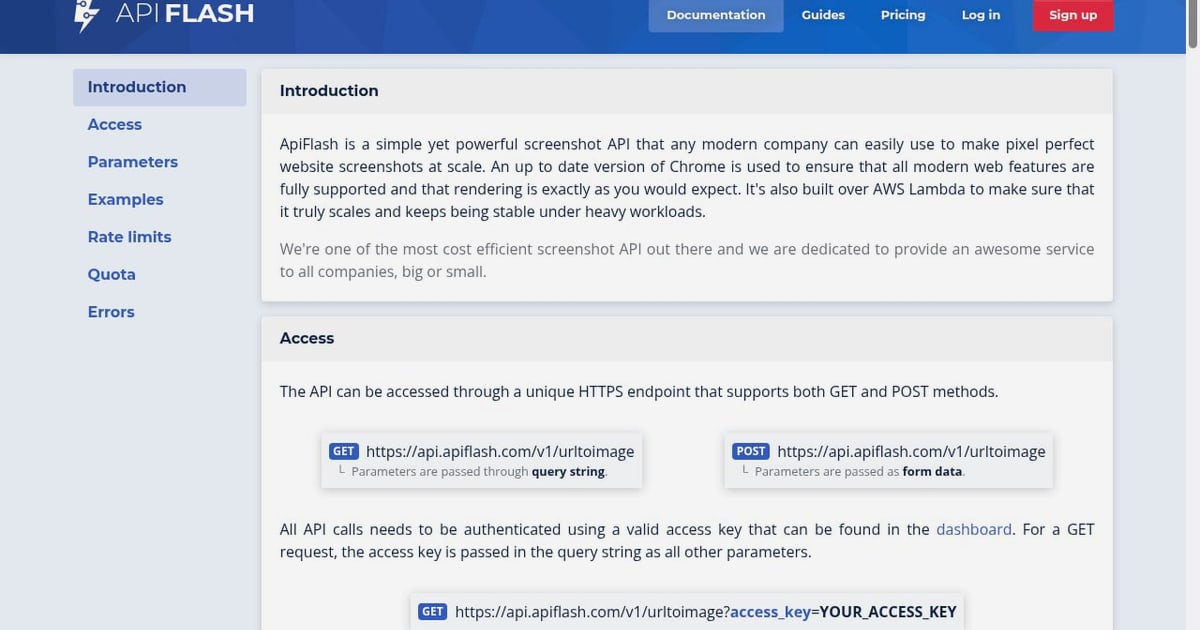
First viewport screenshot of The most frequently asked questions about ApiFlash..
| Criterion | AdsCrawl | Scrapfly | ApiFlash |
|---|---|---|---|
| Core focus | Browser automation + data extraction API | Web data platform (scraping, browser, screenshots, extraction) | Screenshot API only |
| Cloud browser sessions | Yes, with fingerprint profiles and concurrent execution | Yes, stealth Chromium over CDP | No |
| CDP control | Yes, remote Chrome DevTools Protocol sessions | Yes, Playwright/Puppeteer over CDP | No |
| Screenshots | Yes | Yes (full-page, viewport, element) | Yes (core product) |
| HTML and Markdown extraction | Yes | Yes (plus LLM extraction API) | No |
| Anti-bot / proxy layer | Not the platform's headline | Yes, in-house proxy mesh and anti-bot stack | Not applicable to screenshots |
| Pricing model | Credit-based with freemium | Credit-based, pay-on-success | Pay per screenshot, cost-optimized |
| Best fit | AI agents, monitoring, repeatable browser workflows | Protected targets at production scale | High-volume screenshot generation |
Where Scrapfly is strong
Scrapfly is a broad web data platform. Its pitch is that one API key covers scraping, a managed browser, screenshots, structured extraction, crawling, and an AI browser agent. For teams hitting protected sites, that breadth matters.
Its most credible advantages:
- Anti-bot handling as a first-class feature. Scrapfly advertises a hard-target success rate around 98% on its own benchmark, with residential and datacenter proxies across 190+ countries and geo-aligned headers. If your targets sit behind Cloudflare or DataDome, that layer saves real engineering time.
- Pay-on-success billing. Failed requests cost zero credits, which makes budgeting more predictable on flaky targets.
- Managed stealth Chromium over CDP. Existing Playwright and Puppeteer code connects over a WebSocket endpoint, so migration is mostly a URL swap.
- Session resume and debug tooling. Cookies and storage persist across reconnects, and debug mode records sessions for replay.
Scrapfly's own documentation is candid about the limit: a live browser costs more per page than a static fetch, so if you only need rendered HTML, the cheaper scraping endpoint is the better call.
Where ApiFlash is strong
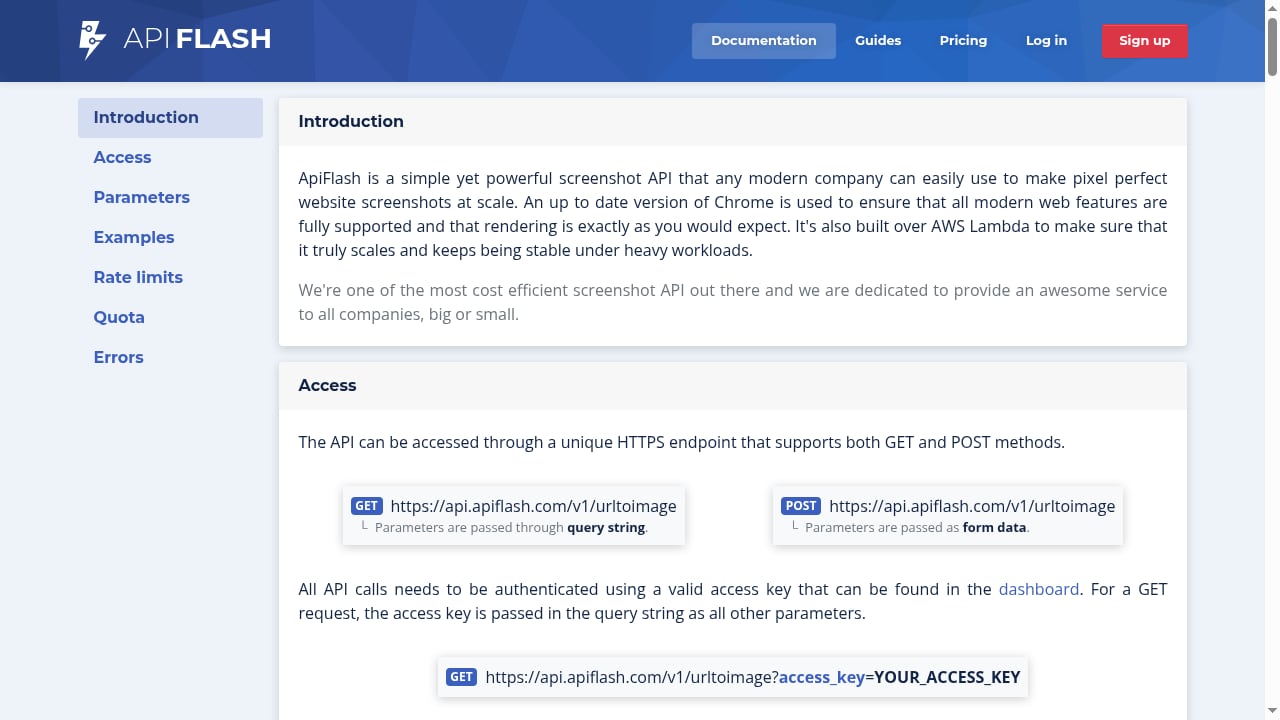
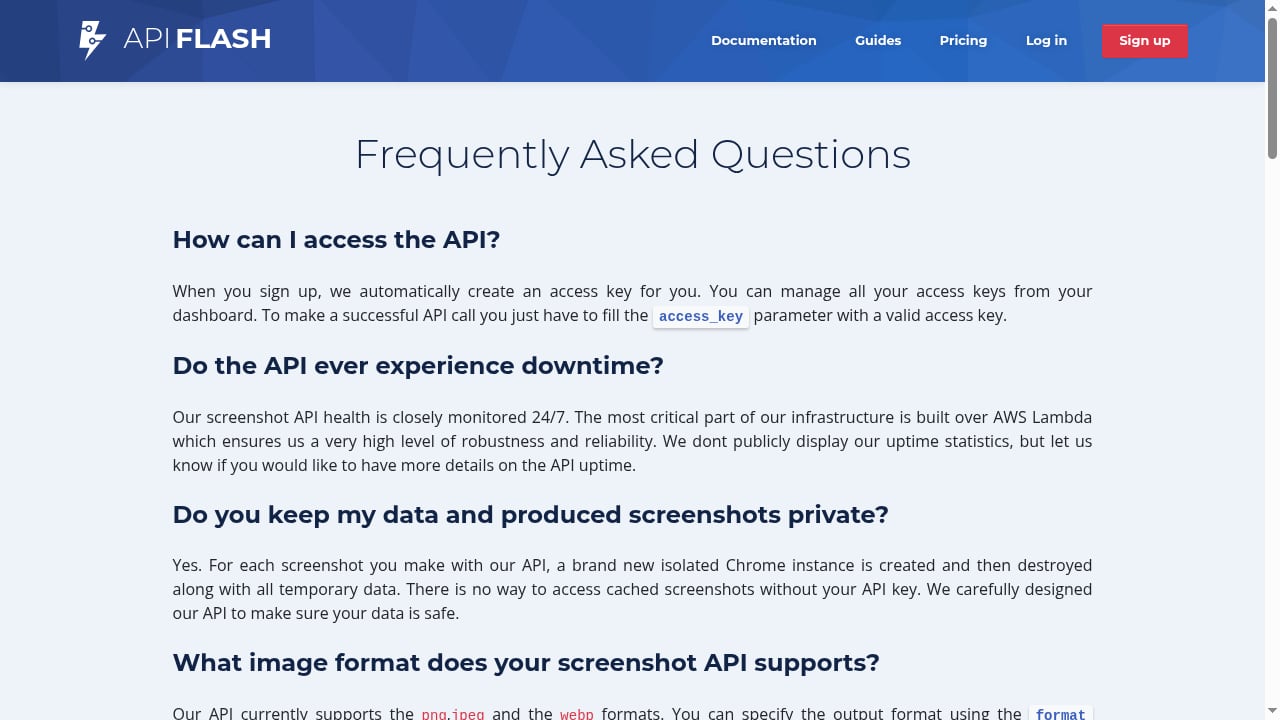
First viewport screenshot of ApiFlash documentation to use our website screenshot API..
ApiFlash does not try to be a scraping platform. It is a screenshot API, and it is optimized for exactly that job.
Its credible strengths:
- Simplicity. One HTTPS endpoint, GET or POST, authenticated with an access key. There is very little to learn.
- Scalability on serverless infrastructure. Built on Google Chrome and AWS Lambda, with isolated Chrome instances per screenshot, which keeps heavy concurrent workloads stable.
- Output flexibility. Full-page and responsive captures, mobile viewport control, automatic capture timing, and PNG, JPEG, or WebP output.
- Cost efficiency at volume. With more than 10,000 businesses generating millions of screenshots daily, the pricing model is tuned for high-throughput image capture rather than interactive browsing.
- Practical documentation. Guides cover concurrent requests, proxying through Nginx or Cloudflare Workers, JavaScript injection for overlays, and user download flows.
If screenshots are the only thing you need, ApiFlash removes the overhead of a general-purpose platform. The trade-off is equally clear: no browser sessions, no CDP, no HTML or Markdown extraction.
Where AdsCrawl fits
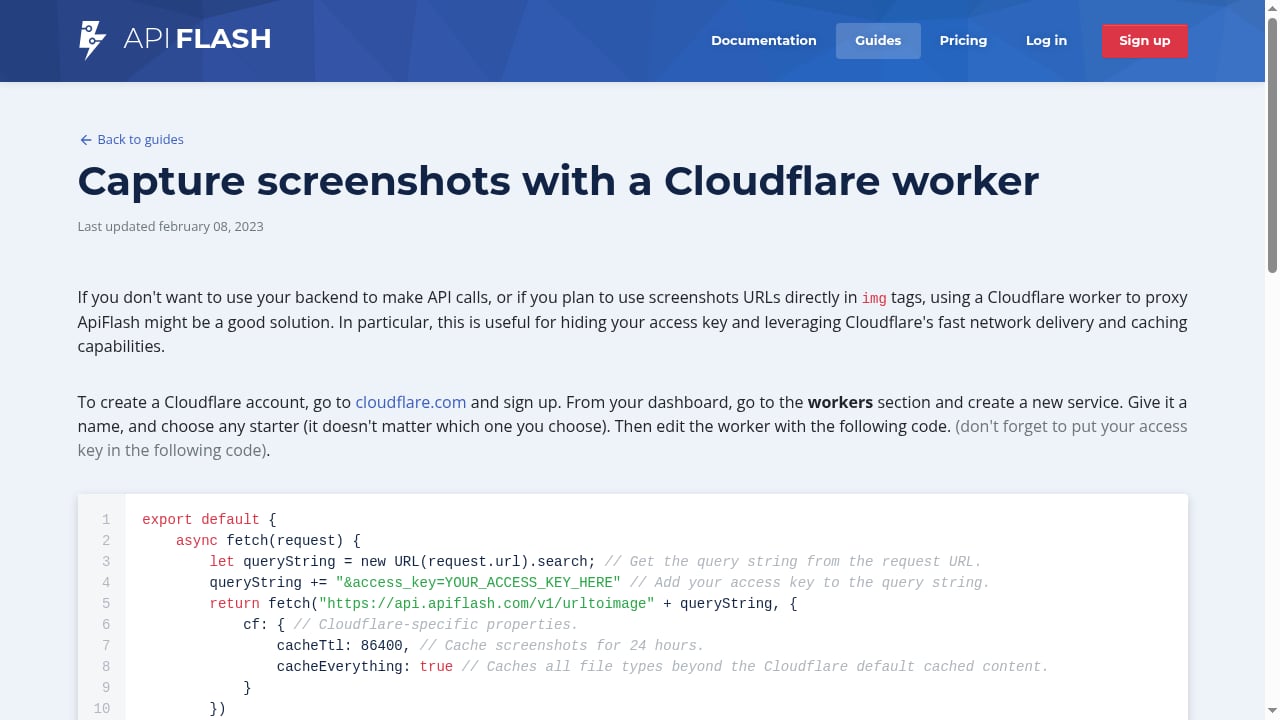
First viewport screenshot of Guide to capture screenshots through a Cloudflare worker..
AdsCrawl is browser infrastructure first. The platform exposes real browser capabilities through a unified API: capture screenshots, extract HTML and Markdown, and control remote Chrome DevTools Protocol sessions. It is aimed at AI agents, monitoring, SEO, and automation workflows.
The areas where it holds a supported advantage:
- Cloud browser sessions with fingerprint profiles. You get real browser sessions rather than a fetch-and-render call, plus concurrent browser execution for parallel workloads.
- Remote CDP sessions. Full Chrome DevTools Protocol control means you can drive pages, inspect rendering states, and wrap repeatable web actions into reliable APIs.
- HTML and Markdown extraction in the same platform. Useful for RAG pipelines and AI agents that need clean text alongside raw markup.
- Credit-based usage with a freemium model. Dashboards cover key management, usage tracking, and debugging, so you can start small and scale.
- Fast integration. cURL, Node.js, and Python examples get you to a first request quickly.
For teams validating page rendering states or building agent workflows that need to see what a real browser sees, this combination is the core value. If your problem is purely high-volume screenshot generation, ApiFlash is the leaner choice. If your problem is bypassing aggressive anti-bot defenses at scale, Scrapfly's dedicated stack is the more specialized option.
Choosing by workload
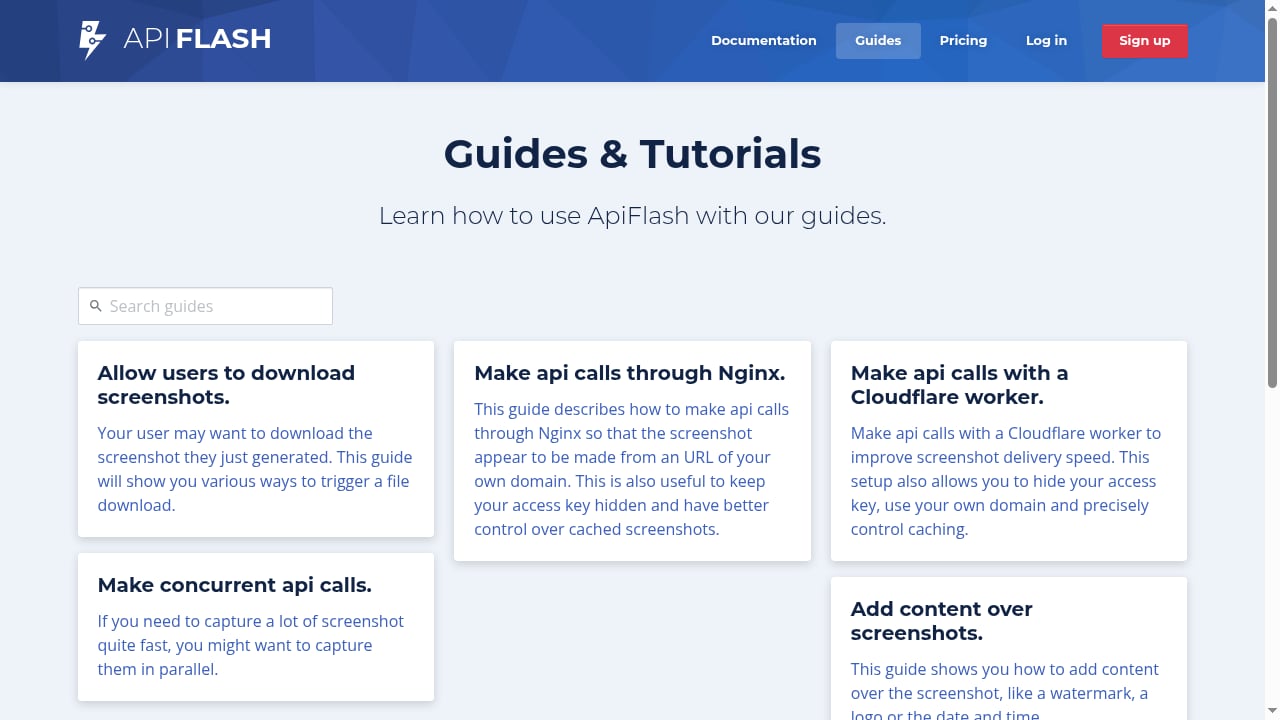
First viewport screenshot of ApiFlash guides covering most common use cases..
You need screenshots only, at high volume. ApiFlash. One endpoint, isolated Chrome instances, formats that cover most use cases.
You need to interact with pages — click, type, scroll, log in. AdsCrawl or Scrapfly. Both expose CDP sessions; pick based on whether you want AdsCrawl's extraction-and-monitoring framing or Scrapfly's anti-bot stack.
You need rendered HTML from protected targets. Scrapfly's scraping API is built for this, with proxy rotation and anti-bot bypass in one call.
You need clean Markdown or HTML for an AI agent or RAG pipeline. AdsCrawl returns both from the same platform, which reduces the number of services in your stack.
You need to catch rendering failures, not just HTTP errors. AdsCrawl's browser sessions let you verify what actually rendered. For a practical setup, see how to use AdsCrawl with UptimeRobot.
You are weighing browser APIs against Python frameworks. AdsCrawl vs Scrapy covers when a managed browser beats a self-hosted async crawler.
Practical example: same task, three approaches
Say you want to confirm that a product page renders its price correctly and archive the result.
With ApiFlash, you send a GET request with the URL and format, and you get an image back. Fast, cheap, and enough if a human will review the image.
With Scrapfly, you can call the screenshot endpoint with banner blocking and auto-scroll enabled, or connect over CDP if you need to interact before capturing.
With AdsCrawl, you open a cloud browser session, navigate, wait for the price element, extract the HTML or Markdown, and capture a screenshot in the same session. That is more moving parts, but it produces both structured text and a visual record from one browser state.
For a broader view of how these platforms stack up against others in the category, see Top 10 Public Web Data & SERP API Platforms 2026.
Related reading
- Puppeteer Review 2026: Browser Automation Library Tested - Hands-on Puppeteer review: headless Chrome and Firefox automation, setup, scraping, PDF generation, limitations, and who should use it in 2026.
- Market Research Data: Types, Sources, and How to Collect It - Learn what market research data is, the primary and secondary types, how to collect it from reports, surveys, and public web pages, and how to avoid bad data.
Sources and further reading
- Scrapfly - Web Scraping API, Cloud Browser, Screenshot API - Power web scrapers and AI agents with Scrapfly's web data platform. One API key for reliable access to public web data, managed Chromium over CDP, residential proxies, screenshots, and structured extraction.
- How to Use Scrapfly: Web Scraping API, Cloud Browser & Screenshot API - Learn how to use Scrapfly's unified API for web scraping, cloud browser automation, and screenshot capture. Step-by-step setup, code examples, and practical workflows.
- Best Cloud Browser APIs for Web Scraping (2026) - Compare the best cloud and headless browser APIs for web scraping in 2026. Managed stealth browsers and open-source engines, ranked by the job they do best.
FAQ
Is Scrapfly a replacement for ApiFlash?
For screenshots, yes — Scrapfly has a screenshot endpoint with full-page, viewport, and element capture in PNG, JPEG, and WebP. ApiFlash remains the more focused and typically cheaper option if screenshots are your only requirement.
Can ApiFlash run browser automation?
No. ApiFlash is a screenshot API. It captures images of pages but does not expose interactive browser sessions or CDP control.
Does AdsCrawl handle anti-bot protection?
AdsCrawl's positioning centers on real browser sessions, fingerprint profiles, and CDP control rather than a dedicated anti-bot bypass stack. If your primary obstacle is aggressive bot detection, evaluate Scrapfly's specialized layer against your actual targets.
Which tool is best for AI agents?
All three can feed an agent, but differently. AdsCrawl is built for agent workflows with browser sessions and Markdown extraction. Scrapfly offers an AI browser agent and an MCP server. ApiFlash gives agents a visual snapshot but no interaction.
How does pricing compare?
AdsCrawl and Scrapfly both use credit-based models; AdsCrawl includes a freemium tier, and Scrapfly only charges for successful requests. ApiFlash prices per screenshot, which tends to be the most economical model for pure image capture at volume.
Conclusion
These three tools are not really competing for the same job. ApiFlash wins on simplicity and cost for screenshot-only workloads. Scrapfly wins on breadth and anti-bot resilience for protected targets at production scale. AdsCrawl wins when you need real browser sessions, CDP control, and HTML or Markdown extraction in one place — particularly for AI agents, monitoring, and automation workflows.
Match the tool to the workload, not the feature list. If you need to see what a browser actually renders and act on it, start with AdsCrawl's freemium tier and test against your real targets.