
How to Use AdsCrawl with Cronitor: Browser Checks + Alerts
Combine AdsCrawl browser automation with Cronitor monitoring to catch rendering failures, not just HTTP 200s. Setup, code, and alert workflow.
How to Use AdsCrawl with Cronitor: Browser Checks + Alerts
A 200 OK doesn't mean your page actually works. Modern sites render client-side, so a server can return a perfect status code while the browser shows a blank screen, a broken layout, or a stalled checkout. AdsCrawl gives you real browser sessions to inspect what users see, and Cronitor turns those inspections into scheduled checks with alerts when something drifts. Together they close the gap between "the server responded" and "the page works."
This guide explains how the two tools fit together, how to set up a recurring browser check, and what problems the combination solves that neither tool handles alone.
Why combine AdsCrawl and Cronitor?
AdsCrawl is browser automation and data extraction infrastructure. It runs remote Chrome sessions via a unified API, captures screenshots, extracts HTML and Markdown, and exposes CDP control for deeper inspection. Cronitor is developer monitoring: it watches cron jobs, heartbeats, synthetic uptime checks, and website performance, then alerts humans through email, Slack, Teams, Discord, or webhooks.
Put simply: AdsCrawl answers what does the page actually render, and Cronitor answers is that rendering healthy right now, and who needs to know if it isn't.
Without Cronitor, AdsCrawl runs are manual or buried in a pipeline with no alerting. Without AdsCrawl, Cronitor's synthetic checks can verify HTTP status, latency, and response body content, but they cannot execute JavaScript or inspect a rendered DOM the way a real browser does. The combination gives you browser-level truth on a schedule, with alerting built in.
How the workflow fits together
The pattern is a heartbeat-style check driven by AdsCrawl:
- Cronitor defines the schedule. Create a check or heartbeat monitor in Cronitor that expects a signal at a fixed interval, for example every 15 minutes.
- A scheduled runner calls AdsCrawl. A cron job, GitHub Action, or serverless function invokes the AdsCrawl API to open a browser session, navigate to the target URL, and capture evidence.
- AdsCrawl returns rendered evidence. You get a screenshot, extracted HTML or Markdown, or a CDP session you can query for specific DOM state.
- Your runner evaluates the result. Check for expected text, element presence, layout markers, or non-blank rendering.
- The runner reports to Cronitor. Send a success heartbeat, or a failure with context. Cronitor alerts the right people if the heartbeat is missing or the check fails.
This keeps AdsCrawl focused on browser work and Cronitor focused on scheduling, state, and alert routing.
Setting up AdsCrawl for browser checks
Start by reviewing the AdsCrawl docs for authentication, session creation, and content capture endpoints. The core flow is: authenticate, create a session, navigate, capture, and close.
A minimal Node.js example that captures a screenshot and HTML for a target page:
const response = await fetch('https://api.adscrawl.net/v1/sessions', {
  method: 'POST',
  headers: {
    'Authorization': `Bearer ${process.env.ADSCRAWL_API_KEY}`,
    'Content-Type': 'application/json'
  },
  body: JSON.stringify({
    url: 'https://example.com/checkout',
    capture: ['screenshot', 'html'],
    waitUntil: 'networkidle'
  })
});

const result = await response.json();
// result.screenshot -> base64 or URL
// result.html -> rendered DOM after JavaScript execution
For pages that need interaction before the meaningful state appears, use a CDP session to click, scroll, or wait for a selector. AdsCrawl's remote CDP support means you can script the same actions a user would take, then capture the result.
Keep a few practical rules in mind:
- Use
waitUntil: 'networkidle'or an explicit selector wait so you capture the post-render state, not the initial shell. - Store screenshots for a short retention window so you can compare a failing run against a known-good baseline.
- Reuse fingerprint profiles when a site behaves differently for new sessions.
- Watch your credit usage; frequent checks add up, so tune the interval to the page's actual volatility.
If you're comparing browser APIs before committing, see our breakdown of AdsCrawl vs Scrapfly vs ApiFlash for how session models and pricing differ.
Setting up Cronitor for browser check alerts
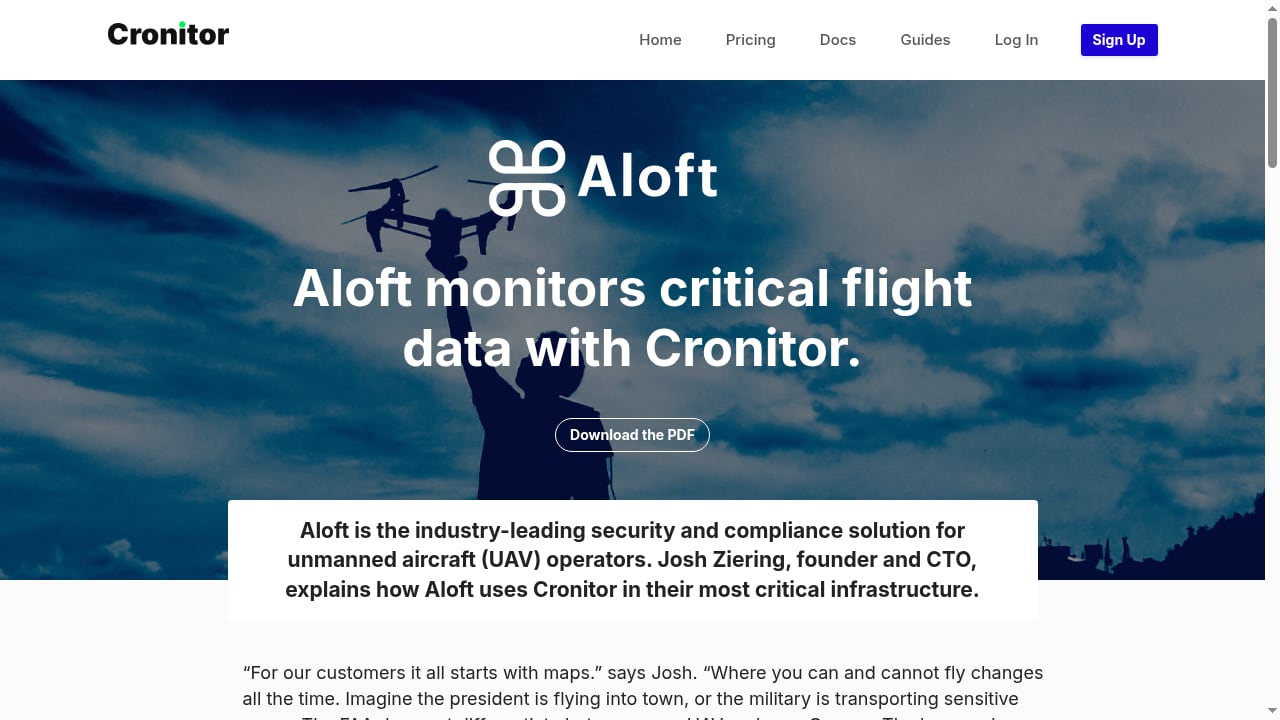
First viewport screenshot of Cronitor.
Cronitor's developer documentation covers jobs, checks, heartbeats, and alerting. For this workflow you have two viable patterns.
Pattern A: Heartbeat monitor
Create a heartbeat monitor in Cronitor that expects a ping every N minutes. Your AdsCrawl runner sends a heartbeat on success and stays silent on failure. If Cronitor doesn't receive the expected beat within the grace window, it alerts.
This is the simplest pattern and works well when your runner can reliably execute. It also catches the case where the runner itself dies, which a pure pass/fail check would miss.
Pattern B: Synthetic check with assertions
Create a Cronitor check pointed at a small endpoint your runner exposes, or use Cronitor's check assertions against a status endpoint that reflects the last AdsCrawl result. This gives you Cronitor's 12+ region testing and threshold-based alerting on top of the browser result.
In practice, many teams use both: a heartbeat to prove the pipeline ran, and a check to validate the outcome.
Configure alerts to route by severity. A single failed render might go to a Slack channel; three consecutive failures should page someone. Cronitor supports email, Slack, Teams, Discord, PagerDuty, and webhooks, so you can match the channel to the urgency.
A practical example: monitoring a JavaScript-heavy checkout
Suppose you run an e-commerce site with a checkout page that renders entirely client-side. Your server returns 200 even when the payment widget fails to load.
- Cronitor heartbeat
checkout-renderexpects a ping every 10 minutes. - A scheduled function calls AdsCrawl to open
https://example.com/checkout, waits for the[data-testid="payment-form"]selector, and captures HTML plus a screenshot. - The function checks that the payment form exists and that the page isn't showing an error state.
- On success, it pings Cronitor. On failure, it sends a failure event with the screenshot URL and the missing selector.
- Cronitor alerts
#eng-oncallin Slack and escalates to PagerDuty after two consecutive failures.
This catches the exact failure mode that HTTP monitoring misses: a page that loads but doesn't work. It also gives responders a screenshot and DOM snapshot at the moment of failure, which shortens diagnosis considerably.
If you're already using a different monitoring tool, the same pattern applies. Our guide to using AdsCrawl with UptimeRobot walks through an equivalent setup.
What problems this combination solves
- Silent rendering failures. Client-side errors, missing assets, and broken third-party scripts don't show up in status codes. A browser check does.
- Pipeline blind spots. If your AdsCrawl runner stops executing, a heartbeat monitor catches it. A pass/fail check alone won't.
- Alert fatigue from noisy checks. Cronitor's thresholds and grace windows let you ignore transient blips and alert on sustained problems.
- Slow diagnosis. Screenshots and DOM snapshots attached to alerts give responders evidence instead of guesswork.
- Coverage gaps in third-party dependencies. If a vendor script breaks your page, your own server metrics won't reveal it. A rendered check will.
Choosing between heartbeat and synthetic checks
| Situation | Recommended Cronitor pattern |
|---|---|
| You control the runner and want to detect its failure | Heartbeat monitor |
| You want multi-region validation of the rendered result | Synthetic check with assertions |
| You need both pipeline liveness and outcome validation | Heartbeat plus check |
| You want to alert on performance thresholds, not just pass/fail | Synthetic check with budgets |
Start with a heartbeat if you're new to this. Add a synthetic check once you know what "healthy" looks like for the page.
Related reading
- AdsCrawl vs Scrapy: Browser API or Python Framework? - Compare AdsCrawl and Scrapy for web scraping in 2026: real browser sessions, CDP control, and anti-bot rendering versus Python's async framework.
- Puppeteer Review 2026: Browser Automation Library Tested - Hands-on Puppeteer review: headless Chrome and Firefox automation, setup, scraping, PDF generation, limitations, and who should use it in 2026.
- Market Research Data: Types, Sources, and How to Collect It - Learn what market research data is, the primary and secondary types, how to collect it from reports, surveys, and public web pages, and how to avoid bad data.
Sources and further reading
- Cronitor — Monitoring made for developers - Monitor agents, cron jobs, websites, APIs, and everything in between. Jobs, uptime checks, heartbeats, status pages and analytics in one tool.
FAQ
Can Cronitor run AdsCrawl directly?
No. Cronitor schedules and alerts; AdsCrawl executes browser sessions. You need a small runner (cron job, serverless function, or CI job) that calls AdsCrawl and then reports to Cronitor.
How often should I run browser checks?
Match the interval to how often the page changes and how costly a failure is. Every 5–15 minutes is common for critical pages; hourly is fine for lower-stakes pages. Balance against AdsCrawl credit usage.
What should I assert on in the rendered page?
Assert on things that indicate the page actually works: presence of key elements, expected text, absence of error banners, and non-trivial DOM size. Screenshots are useful for humans but harder to assert on automatically without a baseline comparison.
Does this replace traditional uptime monitoring?
No, it complements it. Keep HTTP-level checks for fast, cheap availability signals, and add browser checks for pages where rendering matters. Running both gives you layered coverage.
Can I use AdsCrawl's CDP sessions for deeper checks?
Yes. Remote CDP access lets you query computed styles, inspect network requests, and evaluate JavaScript in the page context, which is useful for assertions that go beyond DOM presence.
Conclusion
AdsCrawl and Cronitor solve different halves of the same problem. AdsCrawl gives you a real browser that sees what users see; Cronitor makes sure that view is checked on schedule and that the right person hears about it when it breaks. The setup is modest: a scheduled runner, an AdsCrawl capture call, a simple assertion, and a Cronitor heartbeat or check. The payoff is catching the failures that status codes never reveal, with evidence attached to every alert.