
Top 10 Cloud Browser Infrastructure for AI Agents 2026
Compare the top 10 cloud browser infrastructure products for AI agents in 2026, with evidence on pricing, concurrency, stealth, and self-hosting.
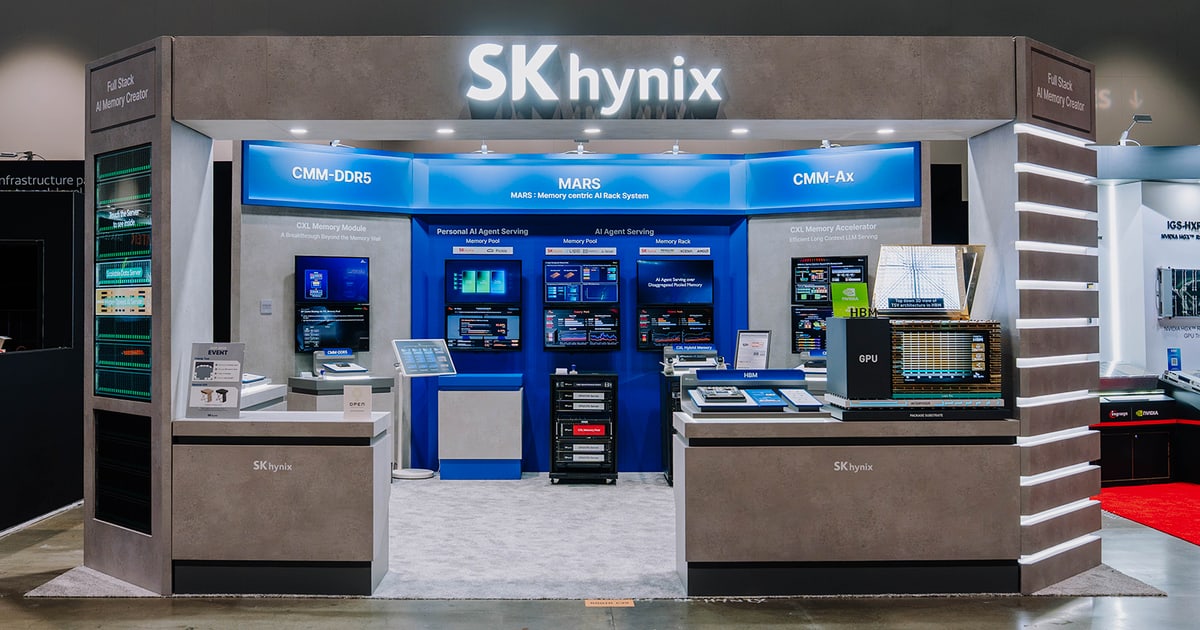
Top 10 Cloud Browser Infrastructure for AI Agents in 2026
AI agents that touch the live web need more than a headless Chrome process on a laptop. They need remote browsers that start fast, keep login state, survive bot defenses, and expose a clean CDP or API surface. This guide ranks 10 cloud browser infrastructure products that genuinely serve that need in 2026, explains how we evaluated them, and shows where adjacent tools fit.
What cloud browser infrastructure means for AI agents
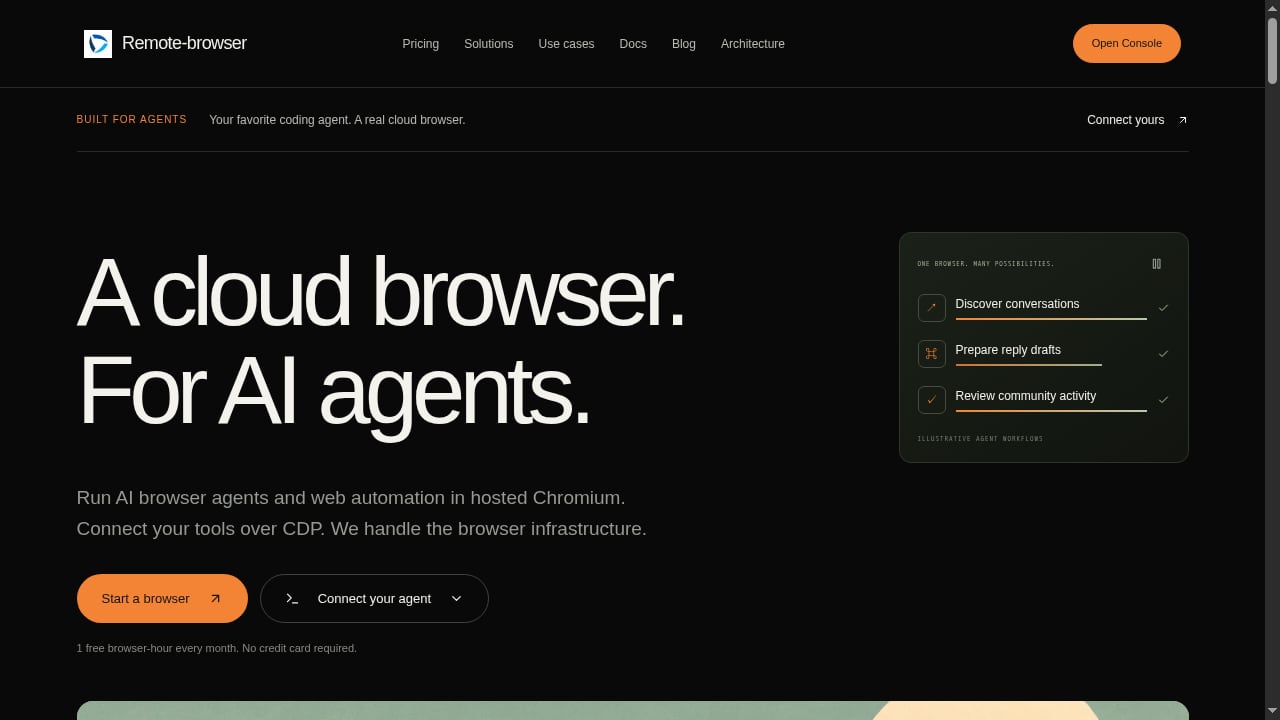
First viewport screenshot of remote-browser.dev.
A cloud browser platform provisions remote browser instances, exposes a connection endpoint (usually Chrome DevTools Protocol, Playwright, or Puppeteer), and handles lifecycle, isolation, proxies, and observability. The agent decides what to do inside the browser; the infrastructure makes that browser reliable at scale.
This is different from an AI agent sandbox or a general scraping API. Sandboxes run the agent's code; scraping APIs return extracted data. Cloud browser infrastructure sits in the middle: it gives the agent a real browser to drive.
How we evaluated these products
We ranked products on documented capabilities and public pricing signals, not on controlled benchmarks. The criteria were:
- Agent fit: CDP, Playwright, Puppeteer, or MCP support; session persistence; live view or human takeover.
- Scale and concurrency: published session limits, regions, and burst behavior.
- Web access: stealth, fingerprinting, proxy egress, and CAPTCHA handling.
- Observability: session recordings, logs, traces, and replay.
- Deployment flexibility: cloud, self-hosting, bring-your-own-cloud, or on-premises.
- Pricing transparency: browser-hour rates, subscription floors, and hidden per-session fees.
Where a vendor's own benchmark is cited, we label it as vendor-reported. Prices and limits change; verify them on each provider's site before committing.
The top 10 cloud browser infrastructure products for AI agents in 2026
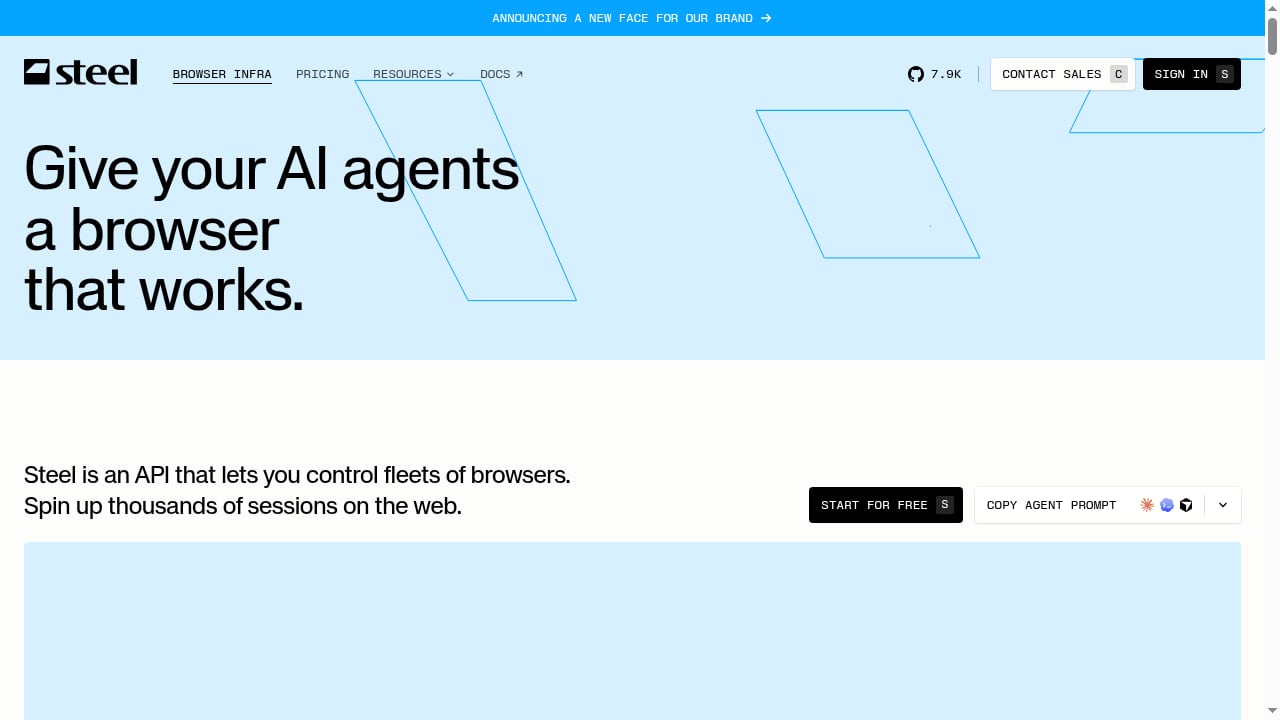
First viewport screenshot of Steel | Open-source Browser Infrastructure for AI Agents.
1. Steel
Steel is an open-source browser API and cloud platform for controlling fleets of real browsers. It targets engineering teams that need thousands of concurrent sessions without managing Chrome, proxies, or CAPTCHA infrastructure themselves. Documented capabilities include sub-second session startup, session persistence, stealth browser support, dedicated IPs, session recording, agent logs and traces, and SDKs for Rust and Go. Steel also ships Atlas, an open-source deep research harness.
Best for: teams that want open-source roots plus a managed runtime, and developers building scrapers, QA agents, or research tools.
Watch-outs: cloud sessions have plan-based time caps, and the cloud runtime has historically been limited to a single US region. Stealth and CAPTCHA features sit on higher tiers.
2. Browserbase
Browserbase is a mature managed browser platform with Playwright and Puppeteer support, reusable contexts, session replays, logs, live view, and multiple regions including Singapore. Its Stagehand framework gives agent builders a first-party automation layer.
Best for: teams that debug heavily and want broad observability out of the box.
Watch-outs: session duration limits vary by plan, and its strongest stealth mode is reserved for contact-sales tiers.
3. Browser Use
Browser Use combines an open-source agent library with managed cloud browsers. Its published pricing is among the lowest per browser-hour in the category, and it supports residential proxies across many countries. The same vendor offers both the agent framework and the browser runtime.
Best for: teams standardizing on Browser Use agents or optimizing for low hourly cost.
Watch-outs: sessions end after a fixed cap, and closing the CDP connection does not stop billing; you must stop the session through the API.
4. Anchor Browser
Anchor Browser builds cloud browsers specifically for computer-use agents, with humanized fingerprinting, session persistence, anti-bot handling, and OmniConnect for managing authenticated logins and MFA handoffs without exposing credentials. It emphasizes deterministic execution and high concurrency.
Best for: authenticated, security-sensitive agent workflows and RPA modernization.
Watch-outs: pricing combines per-browser creation fees with hourly and proxy charges, and full stealth plus non-US regions sit on high-tier plans.
5. Kernel
Kernel offers isolated browser compute with per-second billing, browser pools, managed authentication, and fast session lifecycle. Browsers can enter standby when no client is connected, which reduces cost for agents that wait between steps.
Best for: latency-bound agents and workloads that disconnect while waiting on external events.
Watch-outs: an agent that holds its CDP connection open never enters standby, and standby browsers still occupy concurrency slots. Regions and bring-your-own proxies require higher plans.
6. Browserless
Browserless is a long-standing browser automation platform with Playwright, Puppeteer, Firefox, and WebKit support, plus an open-source Docker deployment. It fits teams with existing automation scripts that want a managed endpoint or a self-hosted path.
Best for: existing Puppeteer or Playwright codebases and teams needing Firefox or WebKit.
Watch-outs: billing uses 30-second units, reconnects can cost a fresh unit, and CAPTCHA solves consume multiple units.
7. Hyperbrowser
Hyperbrowser unifies browsers, sandboxes, web data APIs, and hosted agents under one credit pool. It supports Playwright and Puppeteer, reusable profiles, and keep-alive sessions across several US and European regions.
Best for: teams that want browser sessions and adjacent agent runtimes from one vendor.
Watch-outs: its strongest stealth mode is enterprise-only, and free-tier concurrency is limited to one browser.
8. Remote Browser
Remote Browser provides hosted Chromium sessions over a WebSocket CDP endpoint, so developers can connect Playwright, Puppeteer, browser-use, or other CDP clients without running Chrome locally. It emphasizes persistent profiles, live viewer URLs for human oversight and takeover, protocol-level session recording, stealth fingerprints, and proxy egress.
Best for: developers who need a supervised, stateful browser runtime with evidence capture, including QA, authorized scraping, and SEO audits.
Watch-outs: its free tier is one browser-hour per month, and paid plans are sized for smaller teams than the enterprise-first providers above.
9. Cloudflare Sandboxes (Browser Rendering)
Cloudflare's browser rendering and sandbox primitives let teams run browser workloads close to Workers and other Cloudflare services. The appeal is tight integration with an existing edge stack rather than a standalone browser API.
Best for: teams already building on Cloudflare Workers that want browser sessions inside the same platform.
Watch-outs: the browser primitive is not a full agent-browser product; observability, stealth, and session persistence are thinner than dedicated providers.
10. Vercel Sandbox
Vercel Sandbox provides isolated compute primitives that teams can use to run browser automation alongside their Vercel deployments. It is a platform primitive rather than a browser-specific API.
Best for: applications already deployed on Vercel that need isolated execution for browser tasks.
Watch-outs: there is no dedicated browser lifecycle, stealth, or proxy layer; teams must build those themselves.
Comparison table: pricing and concurrency signals
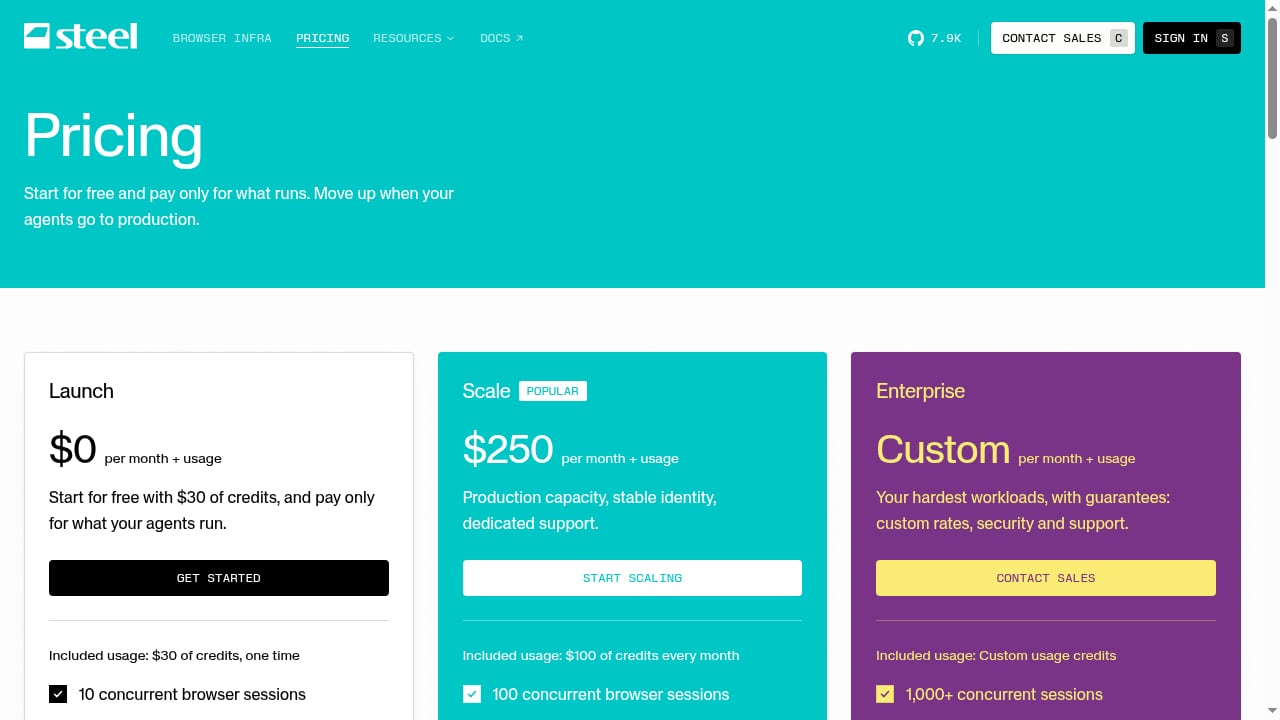
First viewport screenshot of Steel | Pricing.
| Product | Entry pricing signal | Concurrency signal | Self-hosting |
|---|---|---|---|
| Steel | Free tier with credits; Scale at $250/mo | 10 to 1,000+ sessions by plan | Open-source browser server |
| Browserbase | $20/mo Developer tier | 3 to 250+ browsers | Enterprise discussions only |
| Browser Use | Usage-based, low per-hour rate | 10 free, up to 1,000 | Agent library open source |
| Anchor Browser | Usage-based with per-browser fee | 5 to 500+ by plan | Enterprise BYOC |
| Kernel | Per-second billing | 5 to 150 by plan | No public self-host |
| Browserless | $0 to $350/mo plans | 2 to 100+ | Open-source Docker |
| Hyperbrowser | $0 to $100/mo plans | 1 to 1,000+ | No public self-host |
| Remote Browser | Free tier; $4.90/mo Developer | Small-team plans | Not documented |
| Cloudflare Sandboxes | Usage-based | Platform limits | Cloudflare only |
| Vercel Sandbox | Usage-based | Platform limits | Vercel only |
Prices reflect public signals checked for this article and should be verified directly.
How to choose: a practical decision path
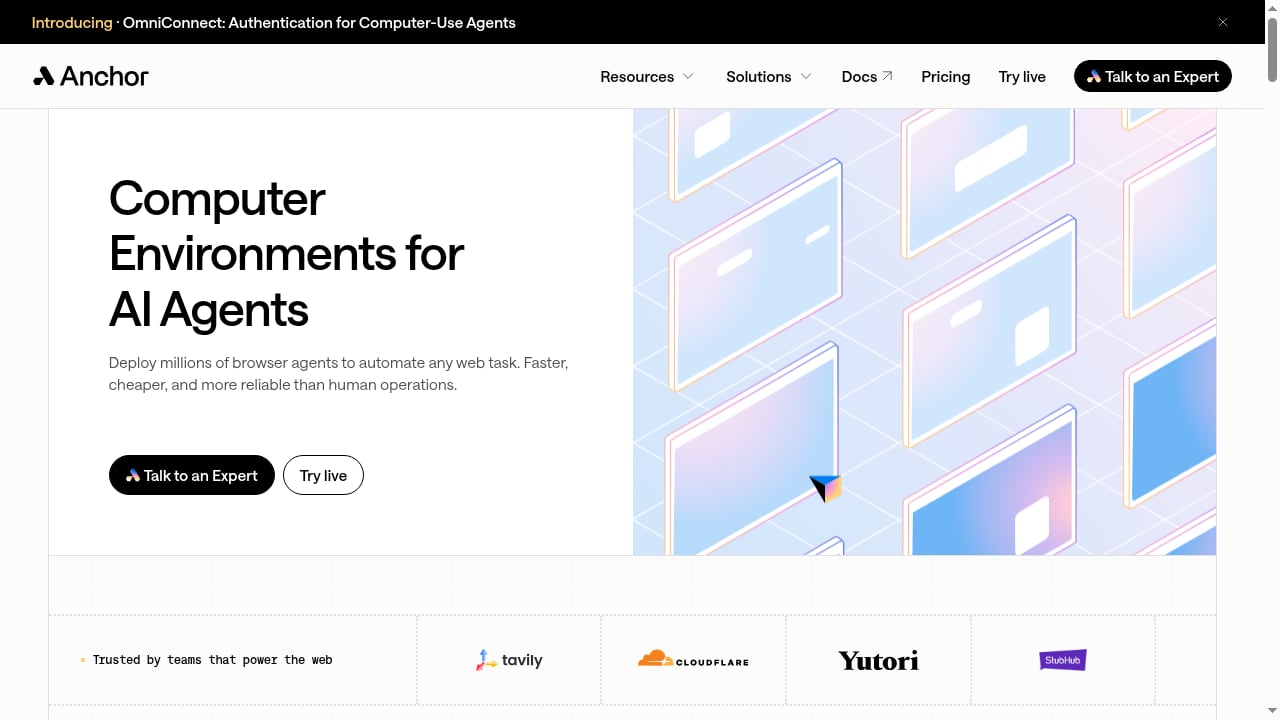
First viewport screenshot of anchorbrowser.io.
- Start with the task shape. Long-running research agents need session persistence and generous time caps. Short transactional agents care more about startup latency and per-second billing.
- Check web access before price. A cheap browser that gets blocked costs more per successful task. Test your shortlist against your actual target sites.
- Model cost per finished task. Include proxy bandwidth, CAPTCHA solves, retries, and per-browser creation fees, not just the hourly rate.
- Decide on self-hosting early. If data residency or procurement requires it, Steel and Browserless have the clearest open-source paths.
- Plan for human oversight. Live view, takeover, and session replay matter when an agent goes off-script.
For a deeper comparison of browser APIs and data delivery, see AdsCrawl vs Steel vs Zyte: Browser API and Data Delivery. If your agents need SDK-level abstractions on top of these runtimes, the top browser automation SDKs for AI agents roundup is a useful companion.
Where AdsCrawl fits
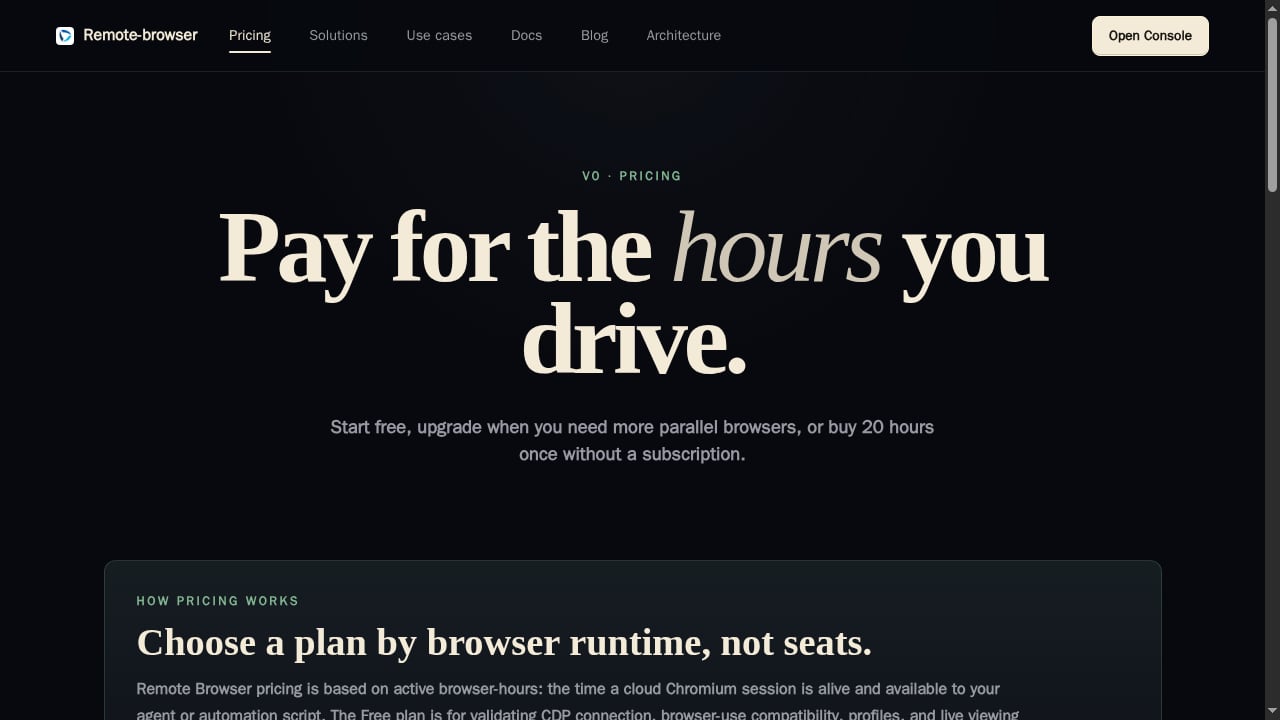
First viewport screenshot of Remote Browser - Browser API for AI Agents.
AdsCrawl is not a cloud browser infrastructure product and is not ranked here. It is a managed browser automation API for developers who need to connect Playwright, Puppeteer, or any CDP client to real cloud Chromium browsers with residential or custom proxies, and extract HTML, Markdown, JSON, or screenshots. Teams sometimes pair a dedicated agent-browser runtime with AdsCrawl for extraction-heavy workflows; for example, using AdsCrawl with a price API for e-commerce data shows how browser rendering and structured data delivery can be combined.
Related reading
- AdsCrawl vs Screenshotlayer: Browser API vs Screenshot Tool - Compare AdsCrawl and Screenshotlayer for web automation. AdsCrawl offers full browser control and data extraction; Screenshotlayer specializes in screenshots.
- Screenshotlayer Review: Features, Pricing, and Fit for Developers - An evidence-based Screenshotlayer review covering ideal users, use cases, strengths, limitations, pricing signals, setup, and decision criteria for developers.
FAQ
What is the difference between cloud browser infrastructure and an AI agent sandbox?
A sandbox isolates the agent's code execution. Cloud browser infrastructure provides the remote browser the agent drives. Many production agents need both.
Do I need stealth and CAPTCHA handling for AI agents?
Only if your authorized workflows hit bot-protected sites. Stealth is usually a paid-tier feature, and it should be tested against your real targets rather than assumed from marketing claims.
Can I self-host any of these products?
Steel and Browserless have the clearest open-source self-hosting paths. Anchor Browser offers enterprise bring-your-own-cloud, and Browser Use's agent library is open source even though its cloud browsers are managed.
How should I compare browser-hour prices?
Convert each provider's billing rules into cost per successful task, including proxy traffic, CAPTCHA fees, minimum billing units, and retry rates. Hourly rates alone are misleading.
Which product is best for a small team?
Remote Browser's low-cost Developer plan and Steel's free Launch tier are accessible starting points. Browserbase's Developer plan is a common choice when debugging and observability matter more than price.
Conclusion
The 2026 cloud browser infrastructure market has split into specialists: Steel and Browserless for open-source flexibility, Browserbase and Hyperbrowser for observability and bundled runtimes, Browser Use and Kernel for cost and latency, Anchor for authenticated computer-use agents, and Remote Browser for supervised small-team workflows. Pick based on task shape and web access first, then model cost per finished task. Adjacent tools like AdsCrawl remain useful for extraction-heavy pipelines, but they complement rather than replace the browser runtime layer.
Sources: Browser Use provider comparison, Proxidize cloud browser comparison, Control Plane AI agent infrastructure guide.