
How to Use AdsCrawl with Price API for Data-Driven E-Commerce
Combine AdsCrawl cloud browser rendering with Price API to extract and enrich e-commerce pricing data. Setup steps, code workflow, and practical examples.
How to Use AdsCrawl with Price API for Data-Driven E-Commerce
E-commerce pricing decisions fail when the data behind them is stale, incomplete, or locked inside pages your scraper cannot render. AdsCrawl gives you a real cloud Chromium browser that loads dynamic, JavaScript-heavy product pages and returns clean HTML, Markdown, or JSON. Price API then takes that structured product data and turns it into comparable market intelligence. Together they form a pipeline: render the page reliably, extract the product facts, enrich them with market pricing, and act on the result.
This article explains how the two products complement each other, walks through a practical setup, and shows where the combination solves problems that neither tool handles alone.
Why E-Commerce Pricing Data Breaks Without a Real Browser
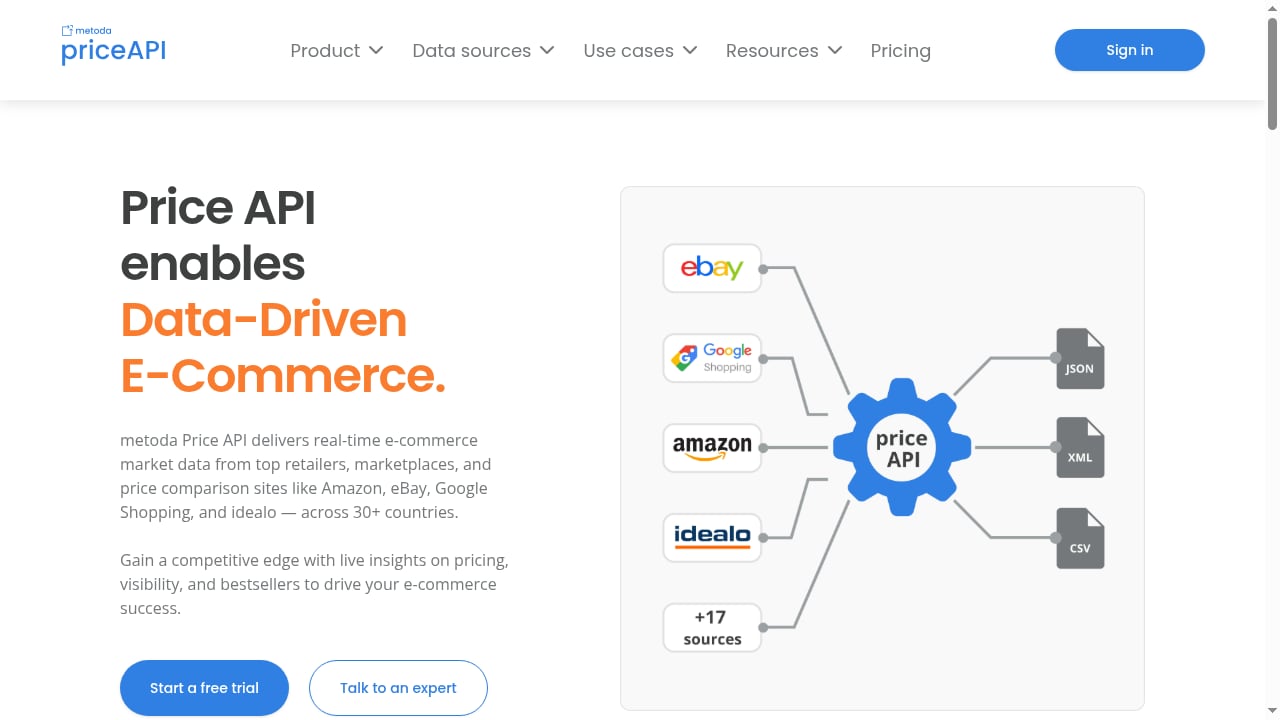
First viewport screenshot of www.priceapi.com.
Most product pages are no longer static HTML. Prices load after hydration, variants swap via client-side calls, and regional pricing depends on cookies, session state, and geolocation. A simple HTTP request often returns a shell with placeholder values or no price at all.
AdsCrawl addresses this by running managed cloud Chromium sessions you control through Playwright, Puppeteer, or any CDP client. You get:
- Real browser rendering for single-page applications and authenticated sessions
- Synchronous tasks for screenshots, HTML, Markdown, and SPA extraction
- Stateful remote CDP sessions when you need multi-step interaction
- Saved cloud browser profiles with lifecycle management for repeatable sessions
- Residential proxy routing or custom proxies to see the same prices a regional shopper sees
That last point matters for pricing work. A product page may show one price to a US visitor and another to a visitor in Germany. Without proxy-aligned sessions and consistent browser identity, your price observations are not comparable.
Where Price API Fits in the Pipeline
First viewport screenshot of www.priceapi.com.
AdsCrawl answers the question: what does this page actually contain right now? Price API answers the next question: how does this product compare across the market?
A practical division of labor looks like this:
| Stage | Tool | Output |
|---|---|---|
| Render and extract | AdsCrawl | Rendered HTML, Markdown, JSON, screenshots |
| Normalize and match | Price API | Product identity, comparable pricing, market context |
| Decide and act | Your application | Repricing rules, alerts, dashboards |
AdsCrawl is the data acquisition layer. Price API is the market intelligence layer. Keeping them separate makes each one easier to test, replace, and scale.
Setting Up the Workflow
First viewport screenshot of www.priceapi.com.
Step 1: Create an AdsCrawl Session and Confirm Rendering
Start with a single product URL. Use a synchronous extraction task to confirm the page renders the price before you build anything larger.
import requests

ADSCRAWL_API_KEY = "YOUR_ADSCRAWL_KEY"

response = requests.post(
    "https://api.adscrawl.net/v1/extract",
    headers={"Authorization": f"Bearer {ADSCRAWL_API_KEY}"},
    json={
        "url": "https://example-store.com/product/widget-123",
        "format": "json",
        "wait_for_selector": "[data-testid='product-price']",
        "proxy": {"country": "us"}
    },
    timeout=60,
)

page_data = response.json()
print(page_data)
If the price is missing, inspect the rendered HTML or take a screenshot to see what the browser actually displayed. This debugging loop is where a real browser session saves hours compared with guessing at static markup.
Step 2: Extract the Product Facts You Need
Decide on a stable schema before scaling. A minimal product record for pricing work usually includes:
- Product identifier (SKU, GTIN, or marketplace ID)
- Title and variant attributes
- Displayed price and currency
- Availability status
- Timestamp and proxy region of the observation
For pages that require login or multi-step navigation, switch to a stateful remote CDP session. You can drive the browser with Playwright, keep cookies across steps, and extract only after the page reaches the state you expect.
If you are new to driving browsers programmatically, the explainer on what a headless browser user is covers the mental model behind these sessions.
Step 3: Send Structured Records to Price API
Once AdsCrawl returns a clean product record, pass it to Price API for matching and market pricing. Keep the raw observation alongside the enriched result so you can audit discrepancies later.
enriched = requests.post(
    "https://api.priceapi.example/v1/products/match",
    headers={"Authorization": f"Bearer {PRICE_API_KEY}"},
    json={
        "gtin": page_data["gtin"],
        "title": page_data["title"],
        "observed_price": page_data["price"],
        "currency": page_data["currency"],
        "region": "us",
        "observed_at": page_data["timestamp"],
    },
    timeout=30,
)

market_view = enriched.json()
Treat the endpoint and field names above as placeholders and replace them with the current Price API documentation for your plan. The pattern is what matters: AdsCrawl produces the observation, Price API produces the comparison.
Step 4: Schedule and Monitor
Pricing data decays quickly. Run collection on a schedule that matches how often your competitors change prices, and monitor failure rates by target. A page that silently stops returning a price is worse than a page that errors loudly, because it can quietly corrupt a repricing rule.
Use saved cloud browser profiles for targets that require persistent sessions, and rotate proxy regions deliberately rather than randomly. Consistency in how you observe a page is what makes the resulting time series trustworthy.
Practical Examples
Example 1: Competitor Price Monitoring
A retailer tracks 500 competitor product pages. AdsCrawl renders each page with a regional proxy, extracts price and availability, and Price API maps each observation to a normalized product identity. The output is a daily table of price gaps by SKU, which feeds an alerting rule when a competitor undercuts by more than 5%.
Example 2: MAP Compliance Checks
A brand needs to know whether resellers display prices below the minimum advertised price. AdsCrawl captures the rendered storefront price, including variant-specific pricing that only appears after a client-side selection. Price API provides the reference price and product match, and the compliance team reviews only the exceptions.
Example 3: Assortment and Availability Signals
Price alone is a weak signal. Pairing price with availability and variant coverage shows whether a competitor is discounting to clear stock or repositioning a product line. AdsCrawl's screenshot and Markdown outputs are useful here because they preserve page context that a price field alone would lose.
Problems the Combination Solves
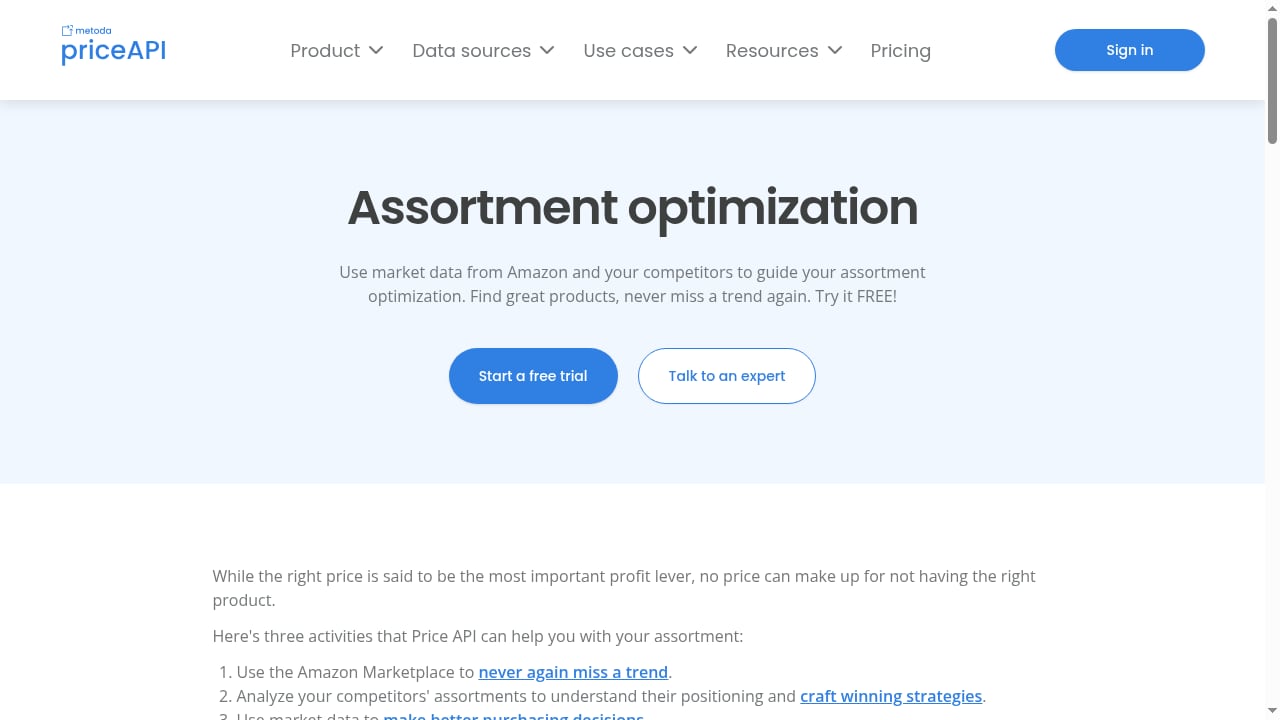
First viewport screenshot of www.priceapi.com.
- Dynamic pricing pages: JavaScript-rendered prices are captured after hydration instead of being missed.
- Regional price differences: Proxy-aligned sessions produce observations that are comparable across markets.
- Product matching errors: Price API normalizes identity so you compare the same product, not a similar-looking one.
- Fragile scrapers: A real browser session tolerates layout changes better than hard-coded selector chains, and screenshots make failures diagnosable.
- Audit gaps: Storing raw observations next to enriched results gives you a defensible trail for pricing decisions.
Choosing the Right Tool for Each Layer
If your bottleneck is rendering, authenticated access, or regional visibility, AdsCrawl is the layer to invest in. If your bottleneck is knowing what a fair market price looks like across many sources, Price API is the layer to invest in. Teams that try to force one tool to do both usually end up with either brittle extraction or shallow market context.
For a broader look at how browser infrastructure options differ, the comparison of AdsCrawl vs Steel vs Zyte is a useful reference when you are evaluating the acquisition layer. If your pipeline also depends on proxy aggregation, the walkthrough on using AdsCrawl with ScrapeOps shows how to keep rendering and proxy management separate.
Related reading
- AdsCrawl vs Screenshotlayer: Browser API vs Screenshot Tool - Compare AdsCrawl and Screenshotlayer for web automation. AdsCrawl offers full browser control and data extraction; Screenshotlayer specializes in screenshots.
- Screenshotlayer Review: Features, Pricing, and Fit for Developers - An evidence-based Screenshotlayer review covering ideal users, use cases, strengths, limitations, pricing signals, setup, and decision criteria for developers.
Sources and further reading
- AdsCrawl vs Browserless vs ScrapingBee: Which API Wins? - Compare AdsCrawl, Browserless, and ScrapingBee for browser automation, scraping, and AI agents. See which API fits your workflow and budget.
- Top 10 Cloud-Based Anti-Detect Browser Automation Products 2026 - We ranked the top 10 cloud-based anti-detect browser automation products for 2026 by fingerprint quality, automation APIs, scaling, and pricing.
- API Providers - APIs.io - Browse all API service providers indexed on APIs.io, ranked by the API Evangelist rating. Find providers by name, see their APIs, capabilities, and more.
FAQ
Do I need a real browser to get e-commerce prices?
For static catalog pages, sometimes not. For pages that render prices client-side, require a session, or vary by region, a real browser session is the reliable option. AdsCrawl provides that without you maintaining browser infrastructure.
Can AdsCrawl replace Price API?
No. AdsCrawl extracts what a page displays. Price API provides market-level product matching and pricing context. They operate at different layers and are most useful together.
How do I handle pages that require login?
Use a stateful remote CDP session or a saved cloud browser profile. Both let you preserve session state across steps so extraction happens after authentication, not before.
How often should I collect pricing data?
Match frequency to how often the target changes prices and how quickly you need to react. Many teams start daily and move to hourly only for high-velocity categories.
What should I store besides the price?
Store the timestamp, proxy region, currency, availability, and the raw rendered evidence. These fields are what let you explain a pricing decision later.
Conclusion
Data-driven e-commerce pricing depends on two things working together: reliable observation of what the market displays, and a consistent way to compare it. AdsCrawl handles the first by giving you real cloud browsers with proxy control and CDP access. Price API handles the second by turning observations into comparable market intelligence. Build the pipeline in small steps, validate rendering before scaling, and keep raw evidence alongside enriched results. That combination is what turns price scraping into pricing decisions you can defend.