
Top 10 Web Scraping Browser Extensions 2026
Independent 2026 ranking of the top 10 web scraping browser extensions, with evidence on pricing, limits, pagination, and when to move to a scraping API.
Top 10 Web Scraping Browser Extensions 2026
A web scraping browser extension is the fastest way to turn a page you are already looking at into a spreadsheet. No Python, no terminal, no separate desktop app. But the category is crowded, and the tools are not interchangeable: some are one-click table grabbers, others are reusable multi-page scrapers with cloud execution behind them.
This 2026 ranking covers ten extensions that genuinely belong to the web scraping browser extension category. Each entry is scored against the same criteria, and the evidence comes from first-party documentation, browser-store listings, and published pricing. Where a job outgrows the browser, we note the handoff to infrastructure tools such as AdsCrawl, a browser automation API for dynamic pages and authenticated sessions, without treating it as an extension.
How we evaluated these extensions
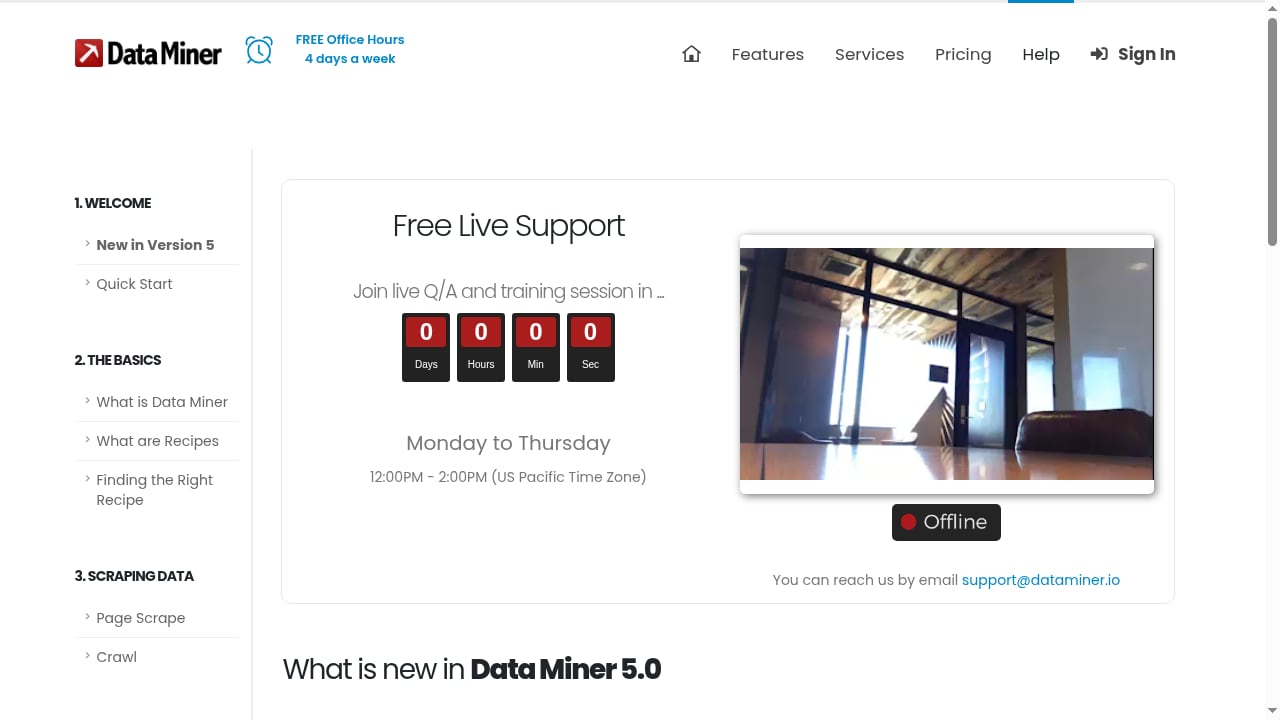
First viewport screenshot of dataminer.io.
Every product had to meet a baseline before ranking: a current official browser-store listing, structured data extraction as a core function (not a side feature of a generic automation tool), and enough first-party documentation to verify the workflow. Desktop-only scrapers, proxy add-ons, and pure APIs without an extension were excluded.
Ranked products were then scored on six weighted criteria:
- Extraction workflow (25%): one-click auto-detect versus a visual selector builder versus saved recipes or sitemaps.
- Multi-page capability (20%): pagination, infinite scroll, and list-to-detail crawling.
- Reusability (15%): whether a configuration can be saved, shared, and re-run when the site changes.
- Export and integrations (15%): CSV, Excel, Google Sheets, JSON, webhooks, or API output.
- Execution model (15%): local-only versus optional cloud runs, scheduling, and concurrency.
- Entry cost and limits (10%): free-tier page caps and the price of the first paid tier.
Positions reflect breadth of workflow coverage, not a controlled speed benchmark. Claims about accuracy on a specific site would require identical test pages for every extension.
The top 10 web scraping browser extensions in 2026
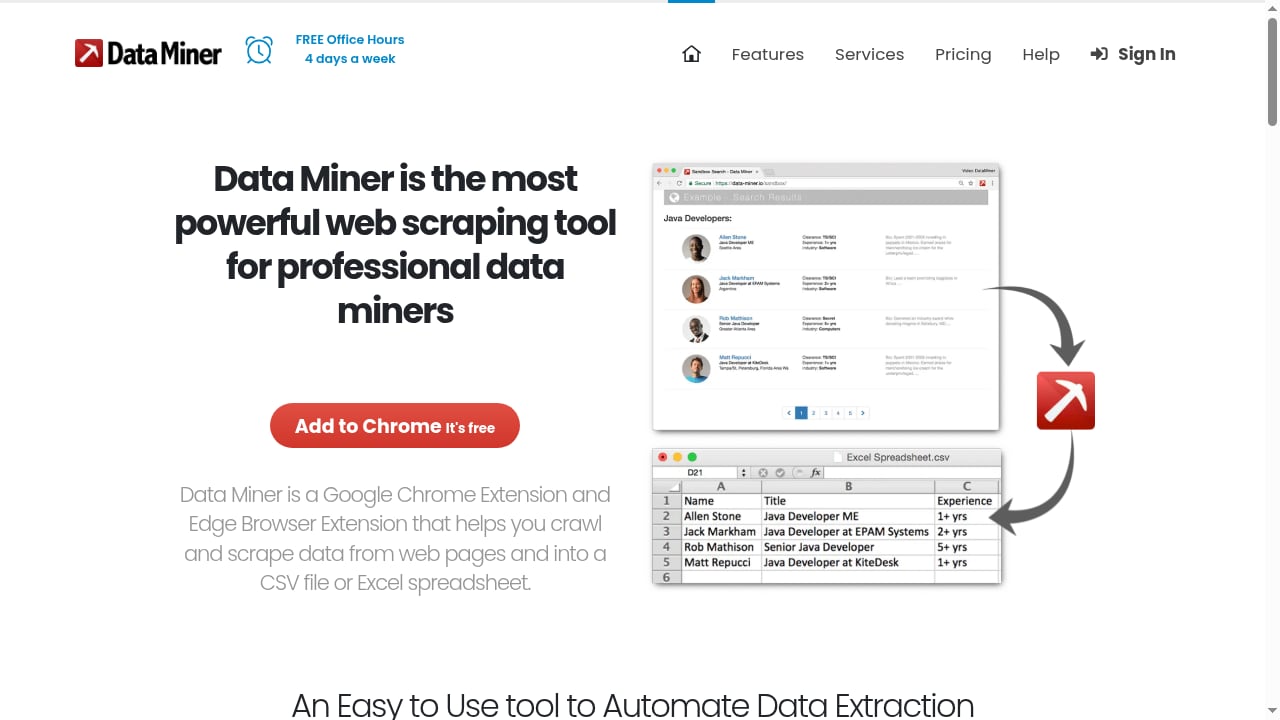
First viewport screenshot of dataminer.io.
1. Web Scraper — best overall for configurable, reusable scraping
Web Scraper treats a scrape as a reusable asset. You build a sitemap of selectors that defines start URLs, navigation hierarchy, pagination, scrolling, clicks, and extraction rules, then re-run it later or move it to cloud execution without rebuilding. An AI Sitemap Wizard can generate a starting configuration, and the Advanced Sitemap Builder gives direct selector control when detection is not enough.
Its Website State Setup can conditionally sign in, select a location, or change currency before extraction, which matters for sites that hide data behind a session state. Local scraping is free and unlimited, exports go to CSV or XLSX, and the extension is available for Chrome, Firefox, and Edge. Cloud plans start around $50/month for scheduled runs.
Best for: repeatable, multi-level projects where a listing page and its detail pages must stay linked. Watch out for: a steeper learning curve than one-click tools.
2. Data Miner — best recipe library for site-specific jobs
Data Miner is a Chrome and Edge extension that scrapes pages using recipes: site-specific instruction sets built on HTML structure. It ships with a large public recipe library, so many popular sites work with no configuration, and the Recipe Creator lets you build private recipes with a point-and-click editor. Instant Table Scrape handles quick tables, Next Page Automation handles pagination, and Crawl follows links from list pages to detail pages. Form filling, custom JavaScript, image downloads, and a Google Sheets connection round out the feature set.
Data is processed locally, which the vendor emphasizes as a privacy advantage. The free plan allows 500 pages per month; Solo is $19.99/month and Small Business is $49/month. The Chrome Web Store rating sits around 3.5/5, so expect a dated interface alongside the strong recipe coverage.
Best for: recruiting, real estate, e-commerce, and sales teams that want a ready-made recipe instead of a selector tree. Watch out for: the low free page cap and interface polish.
3. Instant Data Scraper — best free one-click extraction
Instant Data Scraper is the simplest entry point in the category. Click the icon on a page with a repeated structure, and it highlights detected tables or lists; you correct the columns and export. It handles pagination and infinite scroll automatically and requires no account.
It is completely free with no usage caps, which explains its scale: more than 1,000,000 users and a 4.9/5 rating on the Chrome Web Store. The trade-off is that there is no saved sitemap-style configuration, so the same job must be re-detected each time, and complex custom layouts can defeat the heuristics.
Best for: a fast, free, one-off export from a table or list. Watch out for: no reusability and no cloud runs.
4. Simplescraper — best path from browser recipe to API
Simplescraper lets you point and click a recipe in the browser, then run it in the cloud or call it as an API endpoint. Local single-page scraping is unlimited and free; multi-page and cloud runs use credits. Outputs include Google Sheets, JSON, webhooks, and API responses, and higher tiers add proxy rotation.
This makes it the clearest bridge in the extension category for developers who want data on tap without maintaining their own browser fleet. The Plus plan starts around $39/month, and cloud credits can add up on large jobs.
Best for: developers turning a website into a scheduled data feed. Watch out for: credit consumption at volume.
5. Easy Scraper — best for one-click pagination
Easy Scraper reads the current page, detects structured data, and follows pagination and infinite scroll to load more rows automatically. Setup is minimal, exports go to CSV and Excel, and the free tier covers casual use. Paid plans start around $9/month, with a Pro tier near $29/month.
Its Chrome Web Store rating is near-perfect at 5.0/5 across roughly 1,300 ratings, though the user base is smaller than the leaders. Advanced features and template coverage are thinner than older tools.
Best for: quick paginated lists with almost no configuration. Watch out for: a smaller ecosystem.
6. Thunderbit — best AI-assisted extraction and enrichment
Thunderbit uses AI to suggest fields and can enrich extracted rows, which shortens setup on unfamiliar layouts. It handles subpages, pagination, and infinite scroll, and offers both local and cloud-assisted execution. The free allowance is small, so it suits evaluation and light jobs before a paid commitment.
Best for: users who want AI to map fields rather than hand-build selectors. Watch out for: a limited free tier and less deterministic control than a selector builder.
7. Listly — best for extracting across open tabs
Listly focuses on collecting data across multiple open tabs, with pagination and auto-scroll varying by plan. It runs locally with cloud options, and the free allowance is limited. For research workflows that involve comparing many pages side by side, the tab-based model is genuinely different from single-page scrapers.
Best for: multi-tab research and comparison tasks. Watch out for: plan-dependent feature gating.
8. Table Capture — best for web tables and spreadsheet export
Table Capture is the most focused option for moving an existing HTML table into a spreadsheet. The core is free with limits, and paid support adds scrolling and multi-page table handling. It runs locally with optional cloud features.
If your job is literally "get this table into Excel with formatting intact," a dedicated table tool often beats a general scraper. It is not the right choice for list-to-detail crawling.
Best for: clean table-to-spreadsheet transfers. Watch out for: narrow scope beyond tables.
9. Bardeen — best when scraping feeds an automation
Bardeen pairs extraction with workflow automation: scraped rows can flow into Google Sheets, Notion, Slack, and other apps through playbooks. It uses a credit model with a small free tier and paid plans from around $10/month. It leans toward sales and go-to-market teams, and credits deplete quickly on large jobs.
Best for: scraping tied to a downstream action. Watch out for: credit costs and a sales-oriented focus.
10. Browse AI — best for scheduled monitoring
Browse AI records a task in the browser and then runs it in the cloud on a schedule, with table and webhook output. It has a free platform plan and paid tiers from roughly $19/month. Because execution is cloud-based, it is less of a classic "extension scraper" and more of a monitoring layer you configure from the browser.
Best for: watching pages for changes over time. Watch out for: less fine-grained selector control than sitemap tools.
Comparison table: which extension fits which job
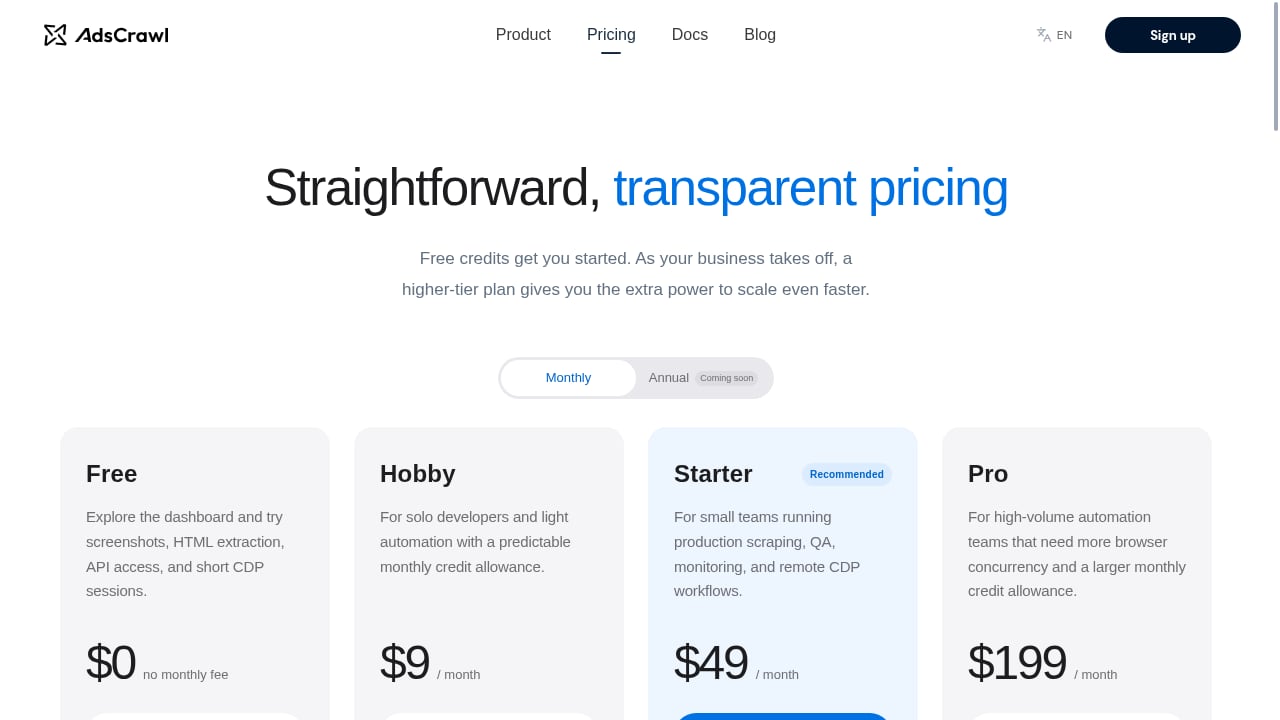
First viewport screenshot of www.adscrawl.net.
| Extension | Best for | Free entry point | Multi-page | Execution |
|---|---|---|---|---|
| Web Scraper | Reusable multi-level scraping | Unlimited local | Pagination, scroll, clicks, detail pages | Local + cloud |
| Data Miner | Prebuilt recipes | 500 pages/month | Pagination and crawl | Primarily local |
| Instant Data Scraper | Free one-off tables | Unlimited | Pagination and infinite scroll | Local |
| Simplescraper | Scrape-to-API workflows | Unlimited single-page | Deep scraping, bulk URLs | Local + cloud + API |
| Easy Scraper | One-click pagination | Yes | Pagination and scroll | Local + cloud |
| Thunderbit | AI-assisted extraction | Small allowance | Subpages, pagination, scroll | Local + cloud-assisted |
| Listly | Multi-tab extraction | Limited | Varies by plan | Local + cloud |
| Table Capture | Web tables | Free core with limits | Paid support | Local + cloud |
| Bardeen | Automation workflows | 100 credits/month | Playbook-dependent | Cloud-assisted |
| Browse AI | Scheduled monitoring | Free platform plan | Remote deep scraping | Cloud |
Pricing and plan limits change; confirm current allowances before buying.
When a browser extension is the wrong tool
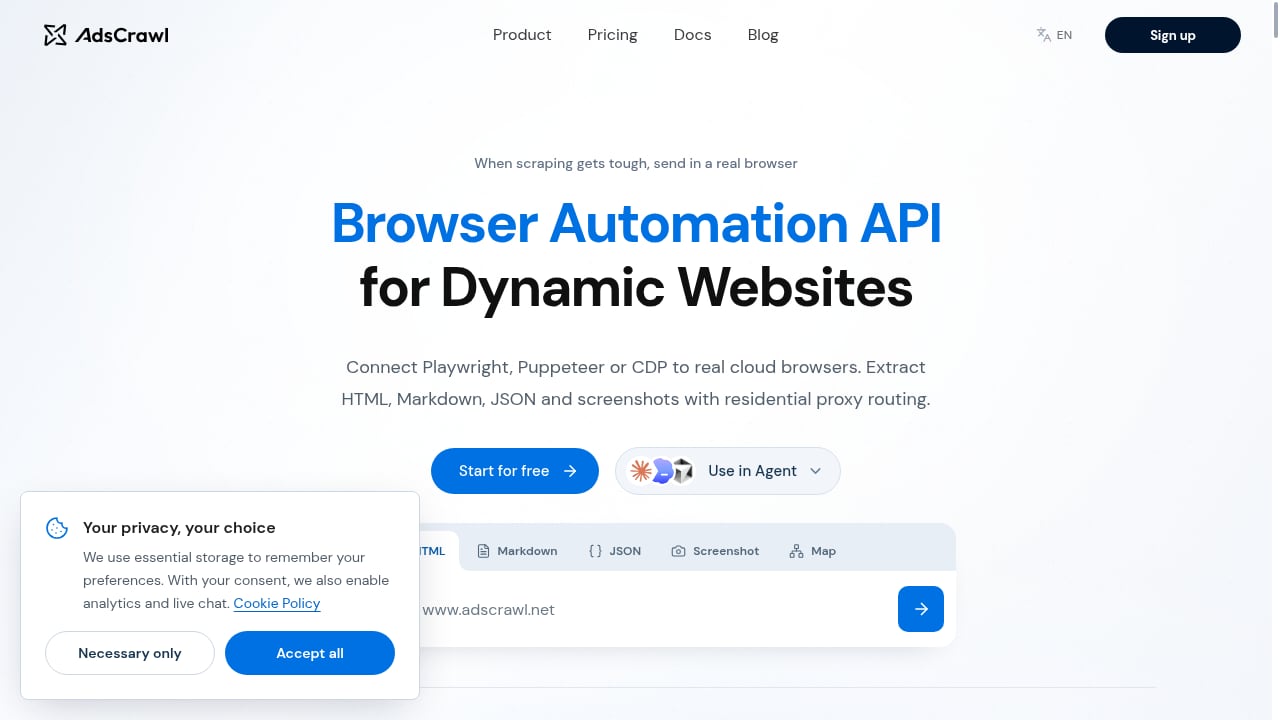
First viewport screenshot of www.adscrawl.net.
Extensions run inside your browser, which is exactly why they are pleasant for small jobs and painful at scale. Three signals tell you to move on:
- The site blocks you. Extensions have no built-in proxy rotation or anti-bot handling. If pages return CAPTCHAs or empty shells, you need infrastructure.
- The data is behind a login or heavy JavaScript. A stateful remote browser session handles authenticated, dynamic pages more reliably than a local tab.
- You need unattended volume. Scheduled runs, concurrency, and structured JSON output belong to APIs, not extensions.
That is where complementary tools enter the picture. AdsCrawl provides synchronous endpoints for rendered HTML, Markdown, screenshots, and SPA extraction, plus stateful Chromium sessions that connect to Playwright, Puppeteer, or raw CDP clients, with managed browser identity and proxy routing. It is not an extension and is not ranked here, but it is a sensible next step when a recipe that worked in the browser starts failing at scale. For a deeper comparison of browser infrastructure options, see our cloud browser infrastructure ranking and the session persistence guide for keeping logins alive across runs.
Practical workflow: from extension to pipeline
A realistic 2026 workflow often combines both layers:
- Prototype in the browser. Use Data Miner or Web Scraper to confirm the page structure, identify the fields you need, and validate that the data is worth collecting.
- Stabilize the recipe. Save the configuration, test it against a few paginated pages, and note where it breaks (logins, lazy loading, geo-variants).
- Move hard targets to an API. Send the authenticated or JavaScript-heavy pages to a browser automation API, and keep the extension for quick ad-hoc checks.
- Join the outputs. Merge browser exports with API JSON in a spreadsheet or warehouse, and schedule the API side.
For teams combining rendered pages with commerce data, our guide to pairing AdsCrawl with a price API walks through the enrichment step.
Related reading
- How to Use AdsCrawl with Cloudflare Developer Docs - Learn how to pair AdsCrawl's browser automation API with Cloudflare Developer Docs to scrape rendered developer documentation and build reliable AI context pipelines.
- AdsCrawl vs ScreenshotEngine vs Screenshotlayer: 2026 Guide - Compare AdsCrawl, ScreenshotEngine, and Screenshotlayer for screenshots, browser control, and data extraction. Find the right tool for your workflow.
- AdsCrawl vs Lexmount: Cloud Browser API for AI Agents - Compare AdsCrawl and Lexmount Cloud Browser API for AI agents. See which offers better CDP control, data extraction, pricing, and proxy support.
Sources and further reading
- 8 best web scraping browser extensions in 2026 | Web Scraper - A practical comparison of eight browser extensions for web scraping, covering one-off extraction, reusable scraper configuration, multi-page navigation, cloud execution, scaling and blocking
- The 6 Best Web Scraping Browser Extensions - Compare the 6 best web scraping browser extensions of 2026 by pricing, features, and Chrome Web Store ratings, from Instant Data Scraper to Easy Scraper.
- The 15 Best Web Scraping Tools in 2026 (And Which One I'd Use for Each Job) - Firecrawl, Bright Data, Apify, Octoparse, Crawl4AI and 10 more web scraping tools compared on price, anti-bot handling, and how well they feed an AI agent.
FAQ
What is the best web scraping browser extension in 2026?
There is no single winner, but Web Scraper has the broadest workflow coverage for reusable, multi-level scraping, while Instant Data Scraper is the best free choice for one-off tables. Data Miner is strongest when a public recipe already matches your target site.
Are web scraping browser extensions free?
Many are. Instant Data Scraper is fully free with no caps, Web Scraper offers unlimited local scraping, and Simplescraper allows unlimited single-page local runs. Paid tiers appear when you need cloud execution, scheduling, higher page limits, or API output.
Can a browser extension scrape multiple pages?
Yes. Most tools on this list handle pagination and infinite scroll, and several support list-to-detail crawling. Web Scraper and Data Miner are the most explicit about multi-level workflows, while Simplescraper and Browse AI push multi-page runs into the cloud.
When should I switch from an extension to a scraping API?
Switch when you hit blocks, CAPTCHAs, authenticated sessions, JavaScript-rendered content, or unattended volume. Extensions have no proxy infrastructure, so a browser automation API is the natural upgrade for those cases.
Is scraping with a browser extension legal?
Legality depends on the site's terms, the data type, and your jurisdiction. Extensions make collection easy, but you are still responsible for respecting terms of service, robots directives, personal data rules, and rate limits.
Conclusion
The 2026 extension market splits cleanly into three jobs: quick one-off extraction (Instant Data Scraper, Easy Scraper, Table Capture), reusable configured scraping (Web Scraper, Data Miner, Simplescraper), and browser-configured automation or monitoring (Bardeen, Browse AI, Listly, Thunderbit). Pick by job, not by star rating.
Start with the free tier of the tool that matches your first task, validate it on real pages, and only pay when you need cloud runs or higher limits. When the browser stops being enough, hand the hard pages to infrastructure such as AdsCrawl and keep the extension for what it does best: fast, local, visible-page extraction.