
AdsCrawl vs Bright Data vs Lightpanda: Which Fits?
Compare AdsCrawl, Bright Data, and Lightpanda across browser rendering, proxies, CDP control, and pricing to choose the right web automation stack.
AdsCrawl vs Bright Data vs Lightpanda: Which Fits Your Workflow?
Choosing a browser automation stack in 2026 means deciding how much of the browser, network, and data pipeline you want to own. AdsCrawl, Bright Data, and Lightpanda each solve a different slice of that problem. This comparison looks at where each tool is genuinely strong, where it asks more of you, and which workloads map cleanly to which option.
The three tools at a glance
- AdsCrawl is a managed cloud browser and browser automation API. You connect Playwright, Puppeteer, or any CDP client to real cloud Chromium browsers, optionally route traffic through residential or custom proxies, and pull back HTML, Markdown, JSON, or screenshots. It also supports saved browser profiles and live browser control via short-lived tokens.
- Bright Data is a broad web data infrastructure platform: proxy networks, scraping APIs, datasets, and tooling for humans and AI agents. It is built for organizations that want a single vendor across many data collection needs.
- Lightpanda is a headless browser engine written from scratch in Zig, designed for machines rather than people. It executes JavaScript and exposes CDP, but skips graphical rendering to achieve a much smaller memory footprint and faster startup than Chromium.
Where Bright Data is strong
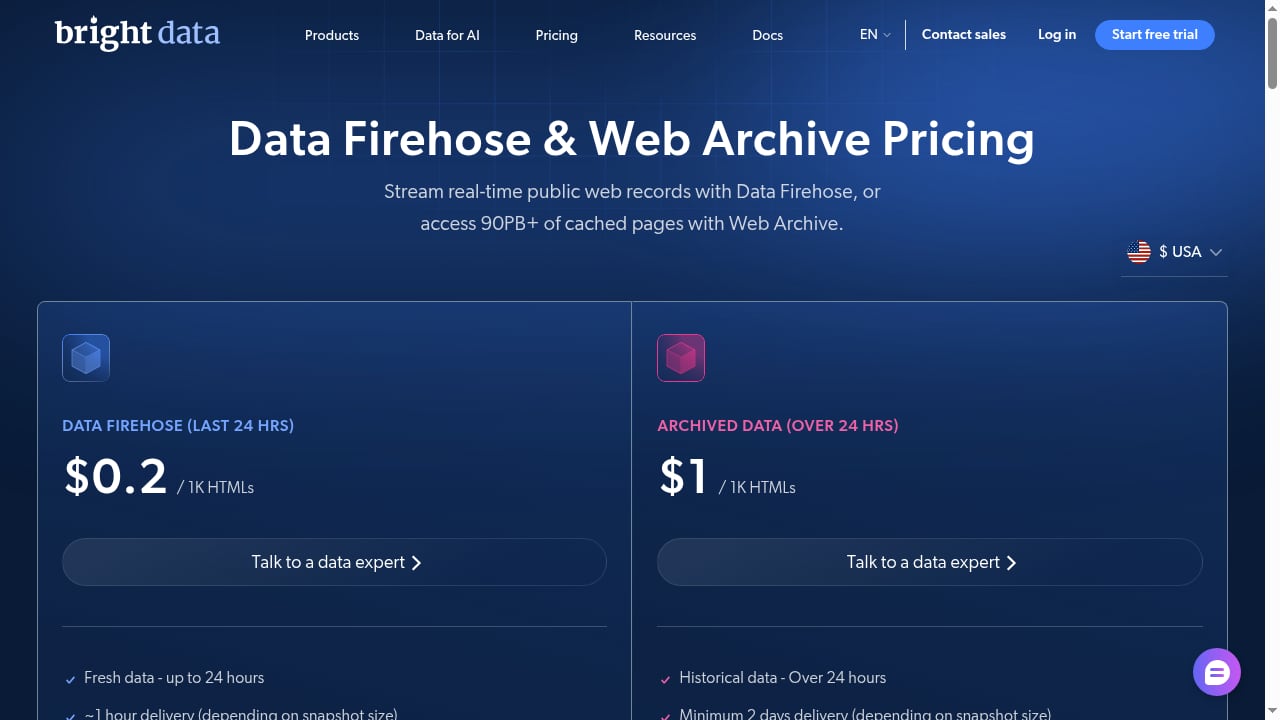
First viewport screenshot of brightdata.com.
Bright Data's main advantage is breadth. It bundles proxy infrastructure, scraping APIs, and prebuilt datasets under one account, which appeals to teams that do not want to stitch together multiple vendors. The platform reports more than 50,000 organizations using it, and its proxy network is one of the largest in the market.
That breadth matters when your roadmap includes many different data sources: search results, e-commerce catalogs, social platforms, and custom sites. A single contract and a single compliance and billing relationship can simplify procurement. If your team is building a data pipeline rather than a browser workflow, Bright Data's managed scraping endpoints can remove a lot of infrastructure work.
The trade-off is that you are buying into a large platform. Pricing, feature tiers, and API surfaces are extensive, and the learning curve reflects that. For a developer who mainly needs a remote Chromium session with proxy routing, a narrower tool can be faster to adopt.
Where Lightpanda is strong
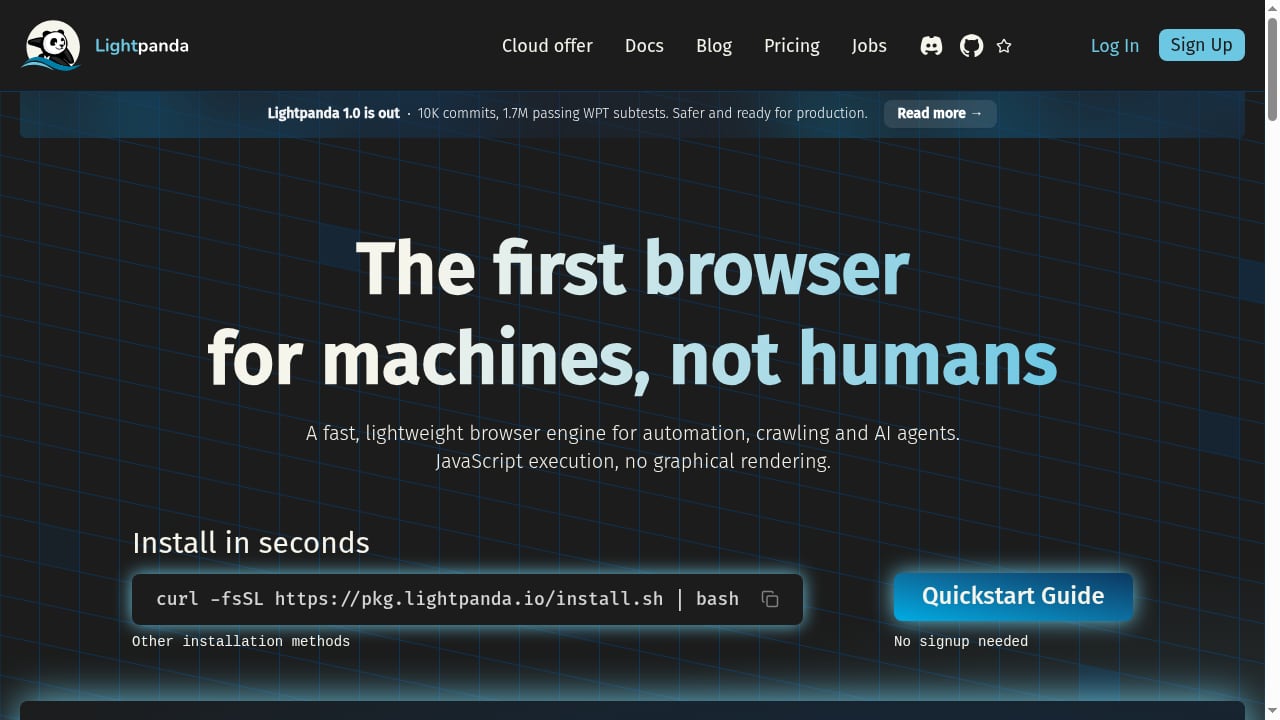
First viewport screenshot of lightpanda.io.
Lightpanda attacks a real pain point: running Chromium at scale is expensive. Its benchmarks claim roughly 9x faster execution and 16x lower peak memory than headless Chrome across real web pages. Because it is built from scratch rather than forked, it avoids decades of desktop-browser overhead.
It supports CDP, so existing Puppeteer and Playwright scripts can connect with minimal changes. It also ships a CLI with fetch, serve, and MCP commands, plus options for proxies, timeouts, concurrency limits, and robots.txt compliance. For AI agent workloads that need JavaScript execution and DOM access but not pixel-perfect rendering, that combination is attractive.
The catch is coverage. A new engine will not match Chromium on every site, especially those relying on advanced rendering, WebGL, or browser-specific quirks. Lightpanda is best treated as a fast path for compatible pages, with a full Chromium fallback for the rest.
Where AdsCrawl has a supported advantage
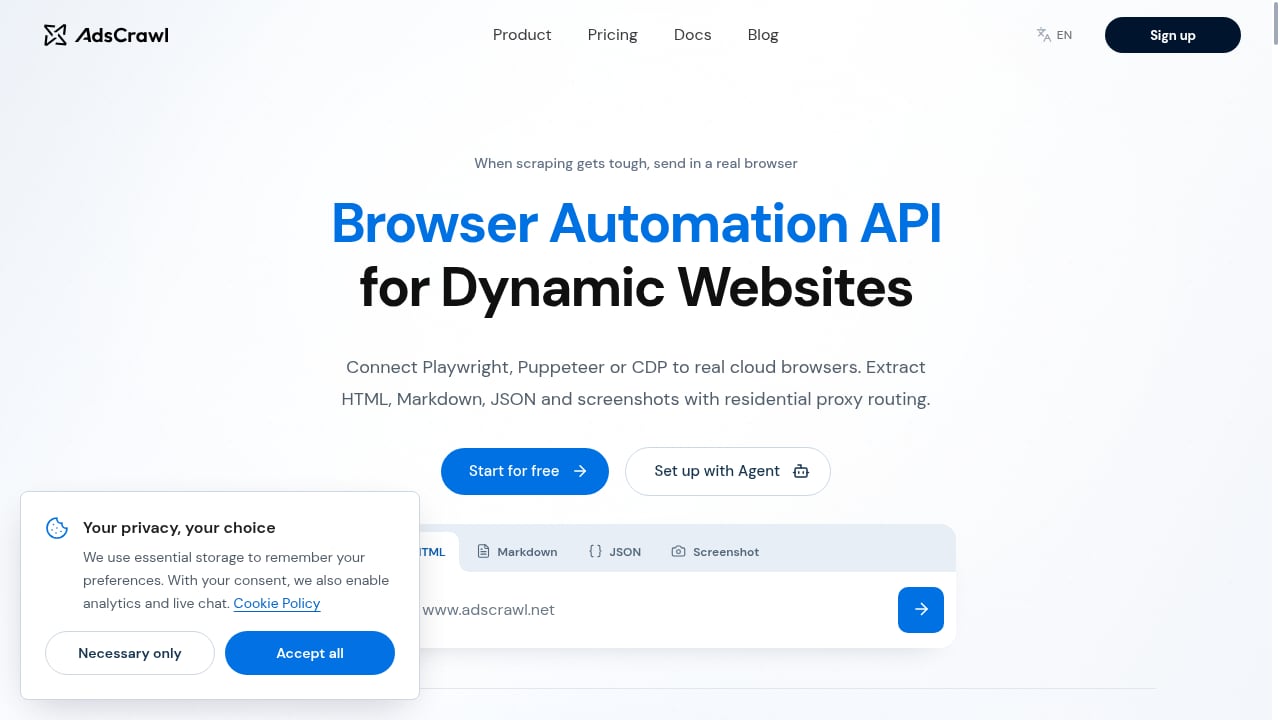
First viewport screenshot of www.adscrawl.net.
AdsCrawl's advantage is focus: it gives you a real cloud Chromium browser behind a simple API, without asking you to adopt a full data platform or a new engine.
Real Chromium rendering. Because AdsCrawl runs actual Chromium, pages that depend on modern JavaScript, SPAs, and authenticated sessions render the way they would in a desktop browser. You can set waitUntil or wait for a selector before extracting content.
Multiple output formats from one API. The /html endpoint returns rendered markup, and setting contentMode to markdown gives clean readable text. The /spa-extract endpoint pulls structured fields using CSS selectors or matching JSON responses, and /screenshot returns PNGs, either full-page or for a single element.
Stateful CDP sessions. You can create a CDP session, receive a webSocketDebuggerUrl, and connect Playwright or Puppeteer to drive navigation, clicks, and form fills in one session. This is the same pattern Lightpanda supports, but backed by Chromium.
Saved cloud browser profiles. Cloud Browser launches with your proxy and cookies, exposes a live viewer, and saves the profile so you can reuse it later. That is useful for multi-step workflows and signed-in sessions. Note that closing the viewer does not stop the browser; you must call the stop endpoint to end billing.
Proxy routing built in. AdsCrawl includes free rotating residential proxies and accepts custom proxy configurations. Every Cloud Browser launch requires a valid proxy, with credentials in the designated fields rather than embedded in the server URL.
Simple onboarding. A free tier with 500 one-time credits and a Pro plan at $199 per month for 500,000 credits makes cost predictable for solo builders and small teams. A coding-agent setup prompt can walk you through sign-up and integration.
For a deeper look at how AdsCrawl compares with screenshot-focused tools, see AdsCrawl vs ScreenshotOne: Browser API or Screenshot API?.
Comparison criteria
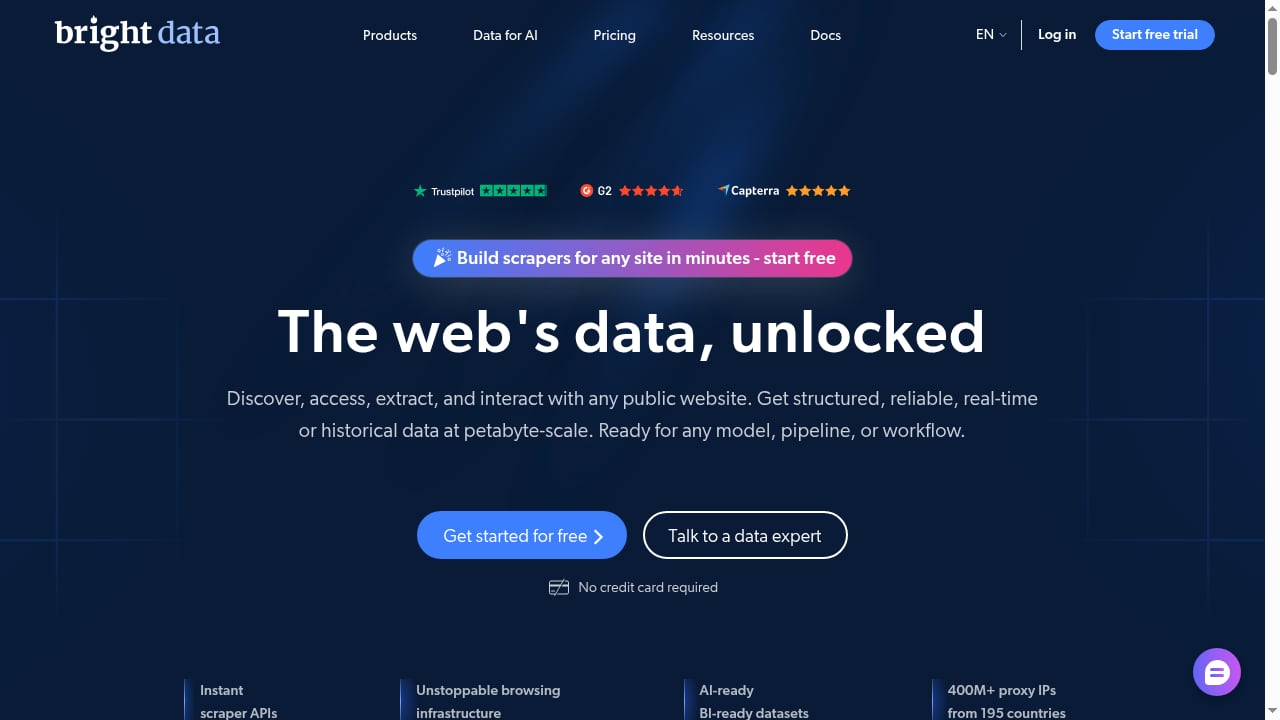
First viewport screenshot of brightdata.com.
Rendering fidelity
AdsCrawl and Bright Data both rely on full browser engines for their rendering paths, so complex SPAs and authenticated pages behave as expected. Lightpanda executes JavaScript and supports core Web APIs, but its lack of graphical rendering means some visual or GPU-dependent sites may not work. If pixel-accurate screenshots or advanced rendering are required, Chromium-backed options are the safer choice.
Proxy and network control
Bright Data's proxy network is its core strength, with extensive geo-targeting and rotation options. AdsCrawl offers free rotating residential proxies plus custom proxy support, with region routing for US, BR, DE, SG, JP, CA, and AU. Lightpanda supports proxies and network controls in its CLI and CDP server, but you supply the proxy infrastructure yourself.
CDP and framework compatibility
All three support CDP, which means Playwright and Puppeteer scripts can connect to remote sessions. AdsCrawl returns a webSocketDebuggerUrl for temporary sessions and pairs it with saved profiles. Lightpanda runs as a CDP server locally or in its cloud offering. Bright Data's browser and scraping APIs are broader but less centered on raw CDP sessions.
Resource efficiency
Lightpanda wins clearly on memory and startup time, which matters at high concurrency. AdsCrawl and Bright Data abstract infrastructure away, so you pay for managed capacity rather than provisioning servers, but the underlying Chromium cost is real. If your workload is thousands of simple JavaScript pages, Lightpanda's efficiency is a genuine advantage.
Output formats
AdsCrawl returns HTML, Markdown, JSON, and screenshots through dedicated endpoints. Lightpanda's CLI can dump HTML, Markdown, or simplified semantic trees. Bright Data's scraping APIs return structured data depending on the product. For teams that want Markdown for RAG pipelines and JSON for structured extraction from the same provider, AdsCrawl's endpoint set is straightforward.
Pricing model
AdsCrawl uses subscription credits, from a free tier to Pro at $199 per month for 500,000 credits. Bright Data's pricing is usage-based across many products, which can be cost-effective at scale but harder to forecast for small teams. Lightpanda is open source, with a cloud offering for managed use. For a broader pricing comparison across browser APIs, see Top 10 AI Browser Automation Software Products 2026.
Decision guidance
- Choose Bright Data if you need one vendor for proxies, scraping APIs, and datasets, and you have the team to manage a broad platform.
- Choose Lightpanda if memory and startup cost dominate your concerns, your target pages work without full rendering, and you want an open-source engine with CDP support.
- Choose AdsCrawl if you want real Chromium rendering behind a simple API, built-in residential proxy routing, saved browser profiles, and predictable credit-based pricing for scraping, QA, monitoring, or remote CDP workflows.
If your workflow depends on precise proxy configuration, the guide to explicit proxy settings covers PAC files and browser setup. For teams combining rendering with live data enrichment, How to Use AdsCrawl with Real-Time Public Data API Stack walks through a practical pipeline.
Related reading
- Olostep Review: Web Data API for AI Agents in 2026 - An evidence-based Olostep review covering its search, scrape, crawl, and monitor APIs, pricing signals, setup, ideal users, and limitations for AI teams.
Sources and further reading
- Browser Automation API for Dynamic Websites | AdsCrawl - Connect with Playwright, Puppeteer, or CDP in a full browser environment with residential proxy routing for dynamic pages, authenticated sessions, and structured web data.
- Lightpanda | The headless browser - The AI-native web browser built from scratch for machines. Not a fork. Not a patch. Fast, scalable web automation with a minimal memory footprint. 10x faster, 10x less RAM, and 100x better than Chrome headless.
- Lightpanda: The Headless Browser Built for AI Agents and Scalable Automation - Lightpanda: a headless browser engineered in Zig for AI agents and automation. Experience 16x less memory and 9x faster performance than Chromium forks.
FAQ
Is AdsCrawl a proxy provider like Bright Data?
No. AdsCrawl is a managed cloud browser and automation API that includes free rotating residential proxies and accepts custom proxies. Bright Data is a dedicated proxy and web data platform with a much larger network and more granular proxy products.
Can I use Playwright with Lightpanda?
Yes. Lightpanda exposes CDP, so you can start its server and connect Puppeteer or Playwright via browserWSEndpoint. The same pattern works with AdsCrawl's CDP sessions using the returned webSocketDebuggerUrl.
Does Lightpanda render pages like Chrome?
Lightpanda executes JavaScript and supports DOM access but skips graphical rendering. That makes it faster and lighter, but some sites that depend on advanced rendering may not behave identically to Chromium.
How does AdsCrawl handle authenticated sessions?
AdsCrawl supports cookies on supported tasks and Cloud Browser workflows, and saved profiles let you reuse a signed-in browser state. For multi-step sign-in flows, a CDP session gives you full control. Always use cookies only for accounts you are authorized to access.
What happens if I close the AdsCrawl live viewer?
The Cloud Browser keeps running and usage charges continue. Call the stop endpoint and confirm the runtime status is stopped to end the session.
Conclusion
Bright Data, Lightpanda, and AdsCrawl are not direct substitutes so much as different layers of the same stack. Bright Data sells breadth and network scale. Lightpanda sells efficiency and a machine-first engine. AdsCrawl sells a real Chromium browser with proxy routing and structured output behind a simple API. Match the tool to the constraint that hurts most: procurement complexity, memory cost, or rendering fidelity. For many developer teams, that last constraint is the one that decides the stack.