
Olostep Review: Web Data API for AI Agents in 2026
An evidence-based Olostep review covering its search, scrape, crawl, and monitor APIs, pricing signals, setup, ideal users, and limitations for AI teams.
Olostep Review: Web Data API for AI Agents in 2026
Olostep is a web data infrastructure API that packages search, scraping, crawling, mapping, answering, and monitoring into a single interface for AI agents and knowledge-work applications. This review examines what Olostep actually does, who benefits most, where it falls short, and how to decide whether it belongs in your stack.
What Olostep Is and What It Does
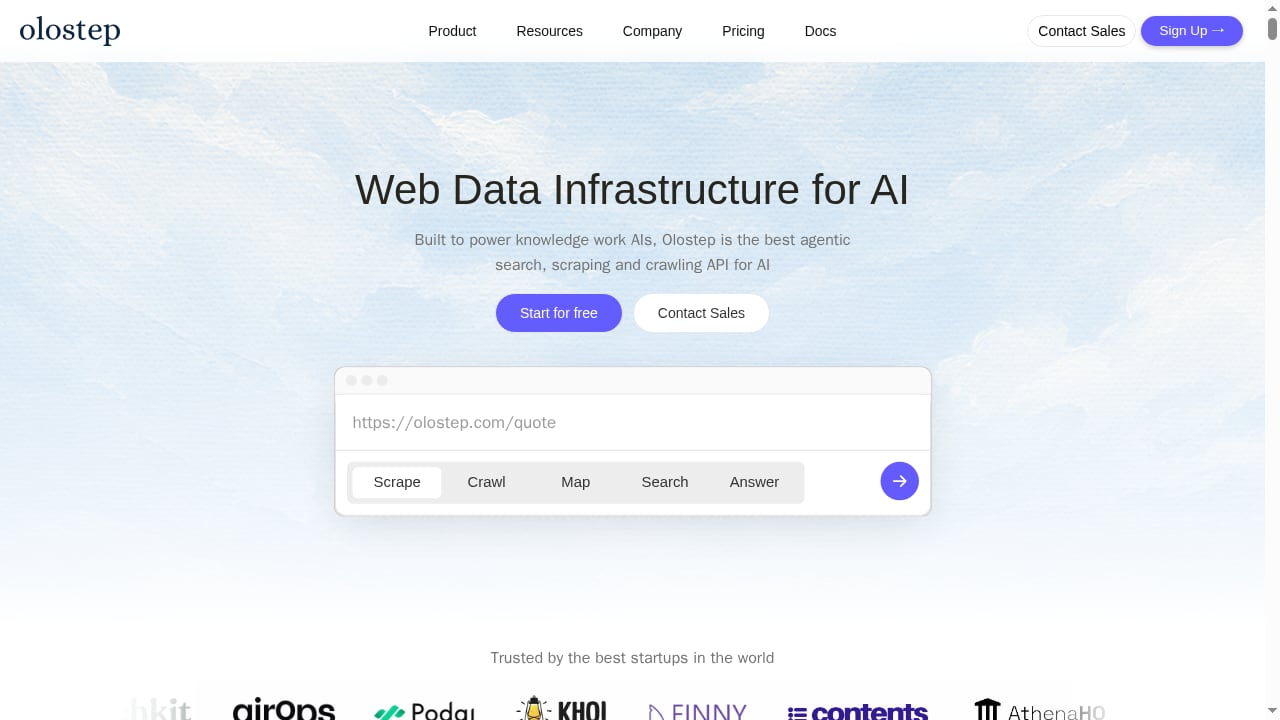
First viewport screenshot of Web Data Infrastructure for AI Agents | Olostep.
Olostep positions itself as web infrastructure for AI agents rather than a traditional scraper. The core idea is that agents need fresh, structured, reliable web data without maintaining brittle browser scripts. Olostep exposes one API surface that covers several jobs:
- Search: natural-language web queries that return ranked links.
- Scrape: real-time extraction from any URL into clean Markdown, HTML, JSON, screenshots, PDFs, or raw content.
- Crawl and map: traverse entire sites and discover URLs beyond basic sitemaps.
- Answer: web-grounded answers with structured output and sources.
- Monitor: watch pages for price changes, job openings, DOM changes, content updates, and business signals.
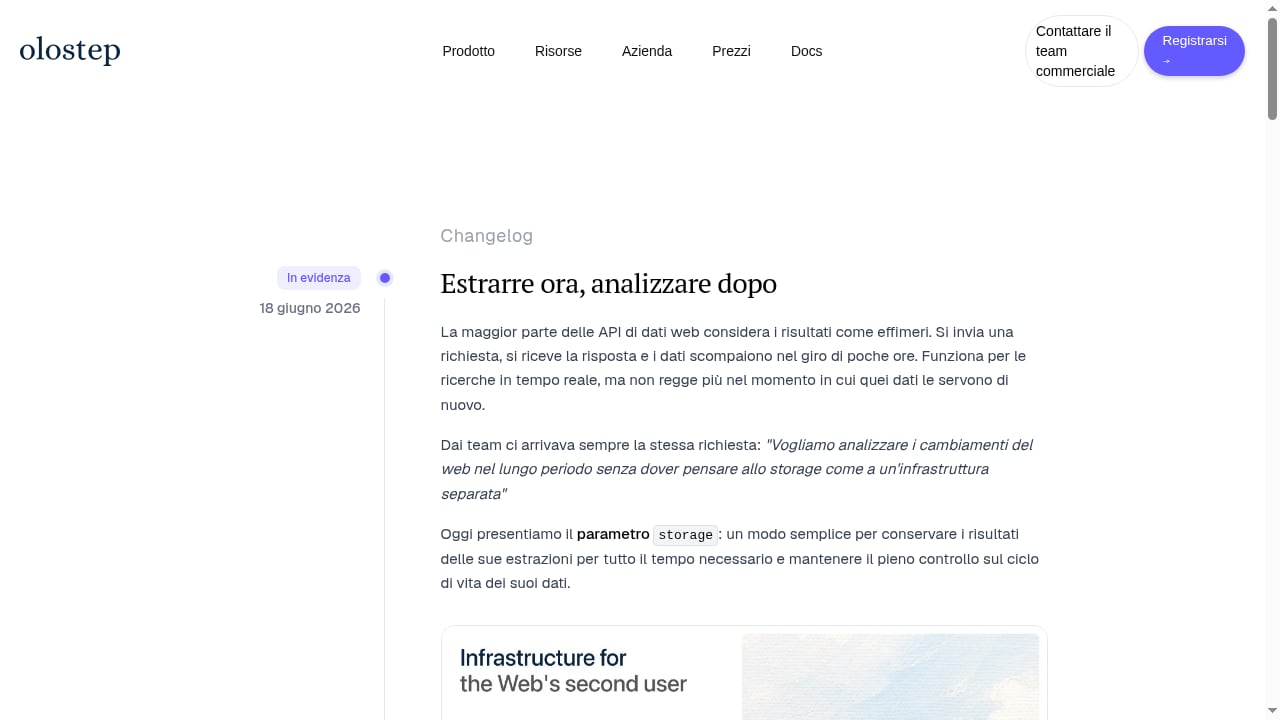
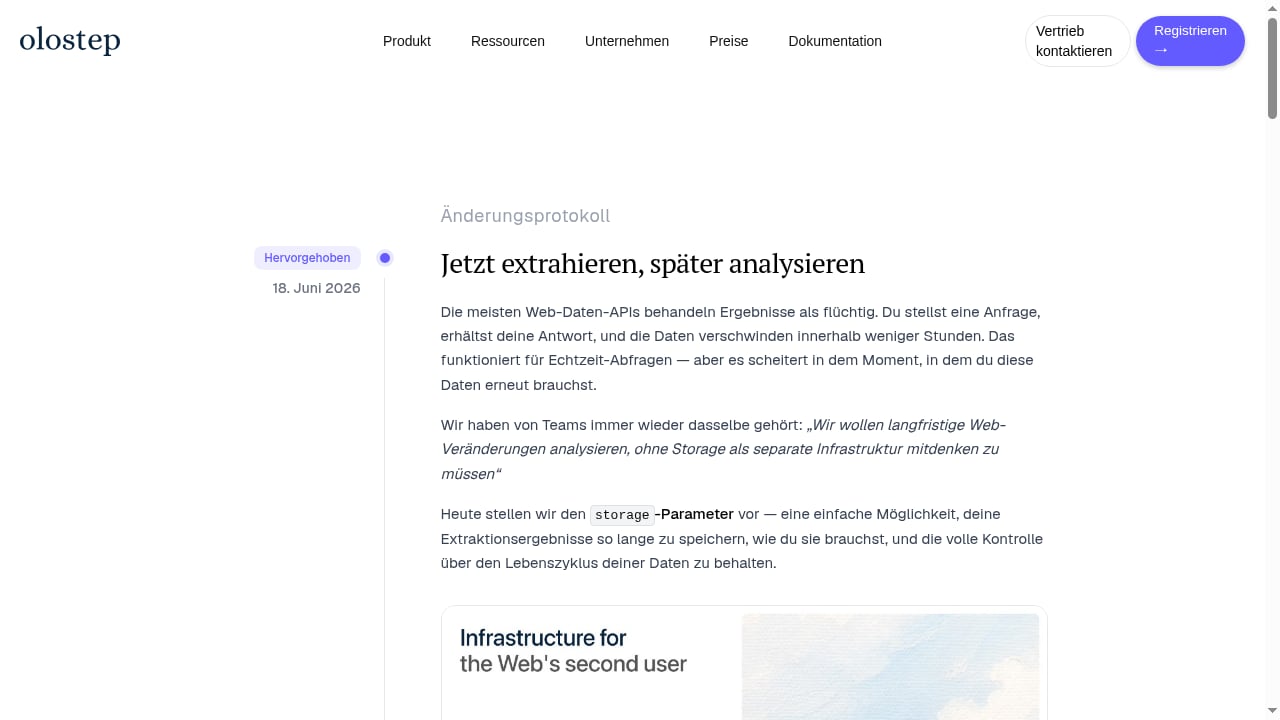
A recent changelog adds a storage parameter that persists extraction results for 10 to 365 days or indefinitely. That matters for long-horizon analysis, because teams can reuse extracted data instead of re-scraping the same pages on every run.
All requests are JS-rendered and routed through residential IP addresses, and the company claims to handle billions of requests while being the most cost-effective web data API on the market. Those are vendor claims, but the architecture is consistent with what the product documentation and third-party listings describe.
Who Olostep Is Built For
First viewport screenshot of Changelog: novità e correzioni | Olostep.
The Product Hunt launch frames the target user clearly: AI teams building agents, copilots, and RAG pipelines, plus developers who want clean web data without owning scraping infrastructure. The company also names growth, sales, and data teams, SEO and GEO teams monitoring brand visibility, and research, recruiting, finance, ecommerce, and competitive intelligence functions.
In practice, the strongest fit is teams that already have an LLM or agent workflow and need a dependable web layer underneath it. If your bottleneck is model quality, Olostep will not fix that. If your bottleneck is fetching, rendering, parsing, and refreshing web pages at scale, it addresses the problem directly.
Ideal users
- AI application platforms and agent frameworks that need search and extraction as tool calls.
- RAG and search products that need clean Markdown or HTML from arbitrary sites.
- Automation platforms that batch-process large URL lists.
- Sales intelligence and competitive intelligence teams enriching companies, leads, and pricing pages.
- AI search visibility and brand protection teams monitoring how brands appear across the web.
Less ideal users
- Teams that only need a handful of one-off scrapes per month; a script or a lighter tool may be cheaper.
- Organizations that require fully self-hosted data pipelines with no third-party dependency.
- Projects that need deep, custom browser automation logic beyond the supported action set.
Strengths: Where Olostep Stands Out
First viewport screenshot of Produktänderungen | Olostep.
One API instead of a stitched-together stack
Most AI teams end up combining a search API, a scraping service, a crawler, and a monitoring tool. Olostep collapses those into one surface, which reduces integration work and vendor management. The Product Hunt listing also notes SDKs, a CLI, MCP, and integrations with n8n, LangChain, Mastra, Apify, Zapier, Cursor, and Claude, which lowers the cost of wiring it into existing agent stacks.
JS rendering and residential IPs by default
Every request is JS-rendered and uses residential IP addresses. That combination handles many modern sites that break simpler scrapers, and it removes the need to manage proxy pools yourself. For teams that have priced out residential proxy bandwidth separately, this bundled approach can be a meaningful cost advantage.
Persistent storage for long-horizon work
The storage parameter is a practical differentiator. Instead of treating every extraction as ephemeral, teams can persist results for 10 to 365 days or indefinitely. That supports trend analysis, audit trails, and incremental monitoring without re-fetching everything.
Breadth of output formats
Markdown, HTML, JSON, screenshots, PDFs, and raw content cover most downstream needs. Markdown output in particular is convenient for LLM context, while JSON with a custom schema supports structured extraction into databases and CRMs.
Transparent, low entry pricing
Pricing starts with a free trial of 500 successful requests, then Starter at $9/month for 5,000 requests, Standard at $99/month for 200,000 requests, and Scale at $399/month for 1 million requests plus AI-powered browser automations. Credit top-ups and enterprise plans with hundreds of millions of credits are available. The Capterra listing also records a $9 starting price, which is consistent with the vendor's published tiers.
Limitations and Things to Verify
Limited independent review evidence
The Capterra profile shows no user reviews at the time of writing, and much of the public material is vendor-authored or launch-stage. That does not mean the product is weak, but it does mean buyers should run their own pilot rather than rely on social proof. Treat claims like "most cost-effective" as hypotheses to test against your own workload.
Public pages only
Olostep's own review-aggregator documentation states that it does not scrape behind a login. If your workflow depends on authenticated dashboards or gated content, you will need a different approach, such as a cloud browser API with session control.
AI summaries are model-generated
The same documentation notes that sentiment and summaries are model-summarized from public text, not official platform scores. That is fine for research, but it should not be presented as ground truth in customer-facing reporting without review.
Pricing scales with request volume, not value
At $9 for 5,000 requests, the entry tier is cheap. But request-based pricing can become less predictable when you add crawling, monitoring, and AI-powered browser automations, which may consume credits differently. Model your expected monthly request volume before committing to a tier.
You still own data quality
Clean Markdown and structured JSON reduce parsing work, but schema design, validation, deduplication, and freshness policies remain your responsibility. Olostep supplies the web layer, not the data governance layer.
Pricing Signals and What They Mean
| Plan | Price | Included requests | Best for |
|---|---|---|---|
| Free trial | $0 | 500 successful requests | Evaluating fit |
| Starter | $9/month | 5,000 requests | Prototypes and small agents |
| Standard | $99/month | 200,000 requests | Production RAG and automation |
| Scale | $399/month | 1 million requests plus AI browser automations | High-volume agent platforms |
| Enterprise | Custom | Hundreds of millions of credits | Large-scale web data operations |
The jump from Starter to Standard is large in both price and volume, which suggests the product is designed for teams that expect to grow into production quickly. If you are unsure, start on the free trial and measure how many requests a realistic workflow consumes, including retries and monitoring checks.
Setup: What to Expect
Setup is API-first. You get an API key, choose an endpoint, and send requests. The typical path looks like this:
- Create an account and get a free API key. The trial includes 500 successful requests.
- Pick your first endpoint. Start with a single scrape of a known URL to confirm output format and rendering behavior.
- Test structured extraction. Use a JSON schema with the scrape or answer endpoint to see how well it maps to your target fields.
- Add search or crawl. Move from single URLs to natural-language search or multi-page crawling once the basics work.
- Wire it into your stack. Use an SDK, MCP, or an integration such as n8n or LangChain rather than hand-rolling HTTP calls.
- Add monitoring and storage. Schedule recurring checks and persist results for the retention period your analysis needs.
For teams comparing browser-level control, it helps to understand the difference between a data API and a browser automation API. If you need explicit proxy configuration or session-level control, see our guide to explicit proxy settings and our comparison of remote browser infrastructure for scraping.
Olostep vs Browser and Scraping Alternatives
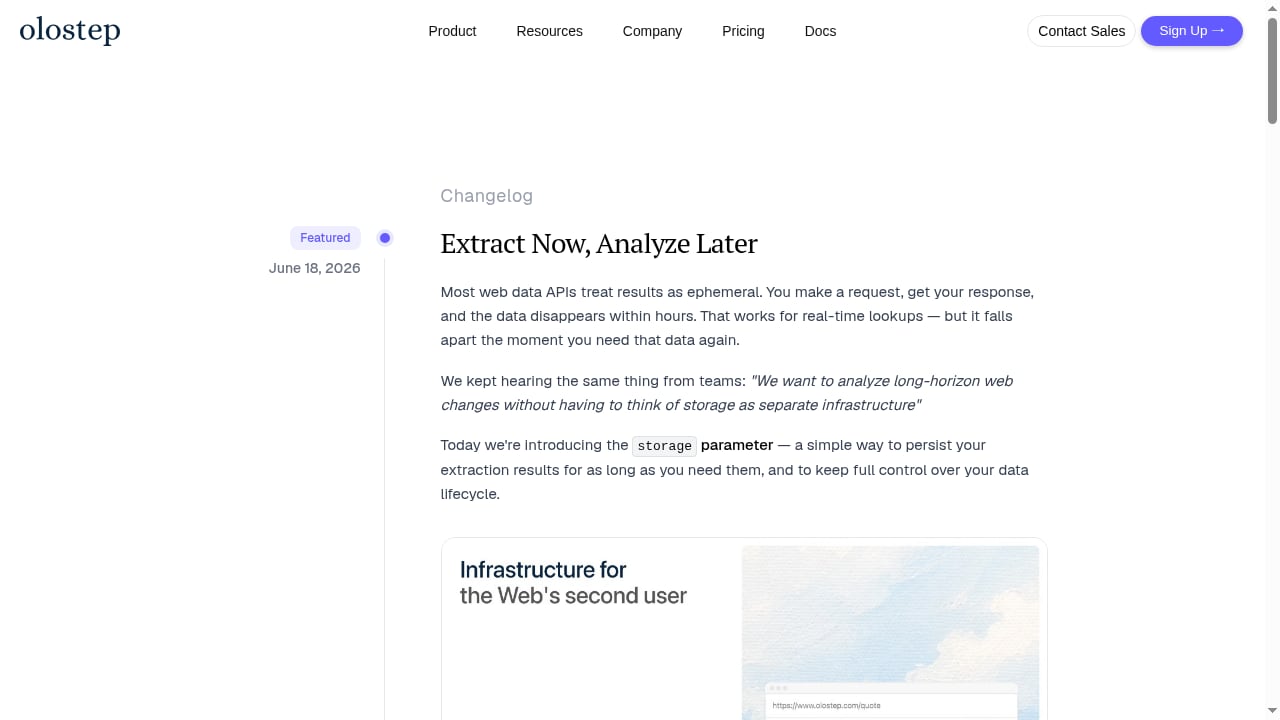
First viewport screenshot of Changelog | Olostep.
Olostep is not the only option, and the right choice depends on how much control you need.
- Choose Olostep when you want a managed web data layer with search, scrape, crawl, answer, and monitor in one API, and you do not want to manage browsers or proxies.
- Choose a cloud browser API when you need fine-grained browser control, authenticated sessions, or custom interaction scripts. Our Browser Use Cloud review and roundup of the top headless browser APIs for web scraping cover that category.
- Choose a screenshot or rendering API when your primary need is visual capture rather than structured extraction. See AdsCrawl vs Browser Use vs ApiFlash for a direct comparison.
A practical way to decide is to list your top three workflows and ask whether each is a data problem or a browser-control problem. Data problems favor Olostep; browser-control problems favor a browser API.
Decision Criteria: Is Olostep Right for You?
Use these questions as a scorecard:
- Do you need more than one web capability? If you need search plus scrape plus monitor, a single API is more efficient than three vendors.
- Is your volume predictable? Request-based pricing rewards teams that can forecast usage. If your volume swings wildly, model the top-up costs.
- Do you need authenticated access? If yes, Olostep's public-page focus may be a blocker.
- How important is persistence? If you need long-horizon analysis, the storage parameter is a real advantage.
- How much infrastructure do you want to own? Olostep removes proxy and rendering management; a self-hosted stack gives more control but more maintenance.
- What does your pilot show? Run 200 to 500 real requests against your target sites and measure success rate, output quality, and cost per usable record.
Related reading
- Top 10 AI Browser Automation Software Products 2026 - Compare the top 10 AI browser automation software products in 2026 by autonomy, CAPTCHA handling, scalability, pricing, and best-fit use cases.
- How to Use AdsCrawl with Real-Time Public Data API Stack - Combine AdsCrawl's cloud browser automation with OpenWeb Ninja's Real-Time Public Data API Stack to render dynamic pages and enrich them with live SERP and web data.
Sources and further reading
- Olostep - Advanced Web Scraping APIs - Extract data from any website instantly.
FAQ
Is Olostep free to try?
Yes. New accounts include a free trial of 500 successful requests, and the company says no credit card is required to start testing extraction.
Does Olostep scrape behind logins?
No. Olostep's documentation states that it works with public pages only. Authenticated workflows need a different tool.
What formats does Olostep return?
Markdown, HTML, JSON, screenshots, PDFs, and raw content, depending on the endpoint and parameters you use.
How does Olostep pricing work?
Pricing is usage-based by request volume, starting at $9/month for 5,000 requests and scaling to $399/month for 1 million requests plus AI-powered browser automations. Credit top-ups and enterprise plans are available.
Can Olostep persist extracted data?
Yes. A storage parameter lets teams keep extraction results for 10 to 365 days or indefinitely, which supports long-horizon analysis and monitoring.
Who should not use Olostep?
Teams that need only occasional one-off scrapes, require fully self-hosted pipelines, or depend on authenticated browsing may find a different tool a better fit.
Conclusion
Olostep is a credible, well-scoped web data API for AI teams that want search, scraping, crawling, answering, and monitoring without building and maintaining the web layer themselves. Its strengths are breadth, JS rendering with residential IPs, persistent storage, and low entry pricing. Its limitations are the thin independent review base, public-page-only access, and request-based costs that require forecasting.
The sensible next step is a measured pilot: run a few hundred real requests against your target sites, compare output quality and cost per usable record, and only then commit to a paid tier. If your workflows are data-centric and you want fewer vendors, Olostep deserves a shortlist spot. If you need deep browser control or authenticated sessions, pair this review with a browser API comparison before deciding.