
How to Use AdsCrawl with Real-Time Public Data API Stack
Combine AdsCrawl's cloud browser automation with OpenWeb Ninja's Real-Time Public Data API Stack to render dynamic pages and enrich them with live SERP and web data.
How to Use AdsCrawl with Real-Time Public Data API Stack | OpenWeb Ninja
Dynamic websites and live public data rarely live in the same place. AdsCrawl handles the hard rendering work inside real cloud Chromium browsers, while the Real-Time Public Data API Stack from OpenWeb Ninja delivers fast, structured public data such as SERP results and web signals. Used together, they cover both sides of a modern data pipeline: rendering what JavaScript hides, and enriching it with accurate, real-time public data.
This guide explains how the two products complement each other, the setup steps, a practical workflow, and the problems the combination solves for developers, small teams, and high-volume automation teams.
Why pair a cloud browser with a public data API
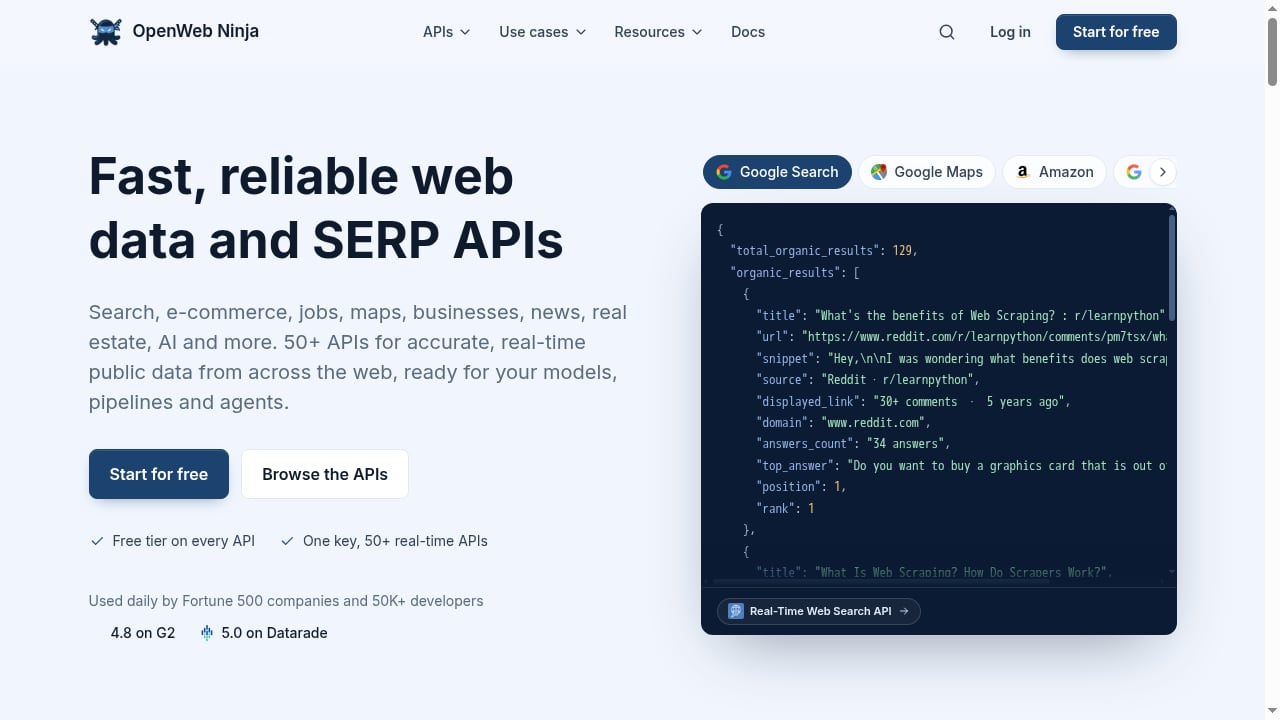
First viewport screenshot of Real-Time Public Data API Stack | OpenWeb Ninja.
Most scraping tasks fail for one of two reasons:
- The page is JavaScript-heavy and returns an empty shell to a simple HTTP client.
- The data you need is spread across search results, public records, or third-party endpoints that change constantly.
AdsCrawl solves the first problem. It is a managed cloud browser and browser automation API that connects Playwright, Puppeteer, or any CDP client to real cloud Chromium browsers. It supports residential proxy routing or custom proxies and returns HTML, Markdown, JSON, or screenshots from JavaScript-heavy pages.
The Real-Time Public Data API Stack from OpenWeb Ninja solves the second. It is a web data and SERP API stack with 50+ fast and reliable APIs for accurate, real-time public data from across the web, built for AI engineers, app developers, and GTM teams.
Together they form a two-layer architecture: render the page with AdsCrawl, then enrich or validate it with OpenWeb Ninja's structured public data APIs.
How the two products fit together
First viewport screenshot of Case Studies | OpenWeb Ninja.
| Layer | Product | Role |
|---|---|---|
| Rendering layer | AdsCrawl | Runs cloud Chromium, executes JavaScript, applies proxies, returns HTML, Markdown, JSON, or screenshots |
| Data layer | Real-Time Public Data API Stack (OpenWeb Ninja) | Returns structured SERP and public web data without browser overhead |
A useful mental model:
- Use AdsCrawl when the answer is hidden behind client-side rendering, login walls, or anti-bot checks.
- Use OpenWeb Ninja when the answer already exists as a clean API response and you only need it fast and accurate.
- Use both when you need to render a target page and cross-check it against live public data, or when you want to discover URLs via SERP APIs and then render them with AdsCrawl.
If you are still deciding between browser-first and API-first approaches, the comparison in AdsCrawl vs Browser Use vs ApiFlash: Which API Fits? is a good starting point.
Setup: connecting AdsCrawl and OpenWeb Ninja
First viewport screenshot of API Use Cases | OpenWeb Ninja.
Step 1: Get your AdsCrawl API key and pick a plan
AdsCrawl uses transparent, tiered pricing:
- Free: 500 one-time credits
- Hobby: $9/month for solo developers
- Starter: $49/month for small production teams
- Pro: $199/month for high-volume automation teams
Monthly credits, browser concurrency, Cloud Browser profiles, and API key limits scale by tier. Start on Free or Hobby to validate the workflow, then move to Starter or Pro when you need concurrency and persistent profiles.
Step 2: Get your OpenWeb Ninja API key
Sign up for the Real-Time Public Data API Stack and locate the endpoints you need, such as SERP or public web data endpoints. Keep the key in an environment variable so it never appears in logs or shared notebooks.
Step 3: Store credentials safely
Use environment variables for both keys:
export ADSCRAWL_API_KEY="your_adscrawl_key"
export OPENWEB_NINJA_API_KEY="your_openweb_ninja_key"
Step 4: Render a dynamic page with AdsCrawl
AdsCrawl exposes synchronous rendered-content endpoints such as POST /html and POST /screenshot. A minimal request looks like this:
curl -X POST "https://api.adscrawl.com/html" \
  -H "Authorization: Bearer $ADSCRAWL_API_KEY" \
  -H "Content-Type: application/json" \
  -d '{
    "url": "https://example.com/dynamic-listing",
    "proxy": "residential",
    "region": "us"
  }'
The response returns rendered HTML from a real cloud Chromium browser. If you prefer structured output, use AdsCrawl's SPA extraction templates or structured DOM and network field extraction to get JSON directly.
Step 5: Enrich with OpenWeb Ninja
Once you have rendered content, call the relevant OpenWeb Ninja endpoint to enrich it with live public data:
curl -X GET "https://api.openwebninja.com/serp/search" \
  -H "Authorization: Bearer $OPENWEB_NINJA_API_KEY" \
  -G --data-urlencode "query=example product reviews"
Step 6: Join the two datasets
Match on a stable key such as URL, product ID, or query term. Store the rendered HTML or extracted JSON alongside the OpenWeb Ninja response so downstream jobs can reuse both without re-fetching.
A practical example: SERP discovery plus rendered extraction
A common pattern is to use OpenWeb Ninja to discover what ranks, then use AdsCrawl to render the winners and extract structured fields.
- Query the OpenWeb Ninja SERP endpoint for a target keyword.
- Collect the top result URLs.
- Send each URL to AdsCrawl's
POST /htmlor a structured extraction template. - Parse the rendered output into fields such as price, rating, or availability.
- Merge the rendered fields with the SERP metadata for ranking context.
This workflow solves a real problem: SERP APIs tell you what is visible, but not what is inside a JavaScript-rendered page. AdsCrawl closes that gap without you maintaining a browser fleet.
For teams running this at scale, AdsCrawl's stateful Cloud Browser profiles persist settings after stop, and dedicated remote CDP sessions with short-lived live-control tokens let you intervene when a page needs manual inspection. If you already route proxies through another provider, the setup in How to Use AdsCrawl with DataImpulse shows how to swap in residential proxies cleanly.
A practical example: validating live public data against rendered pages
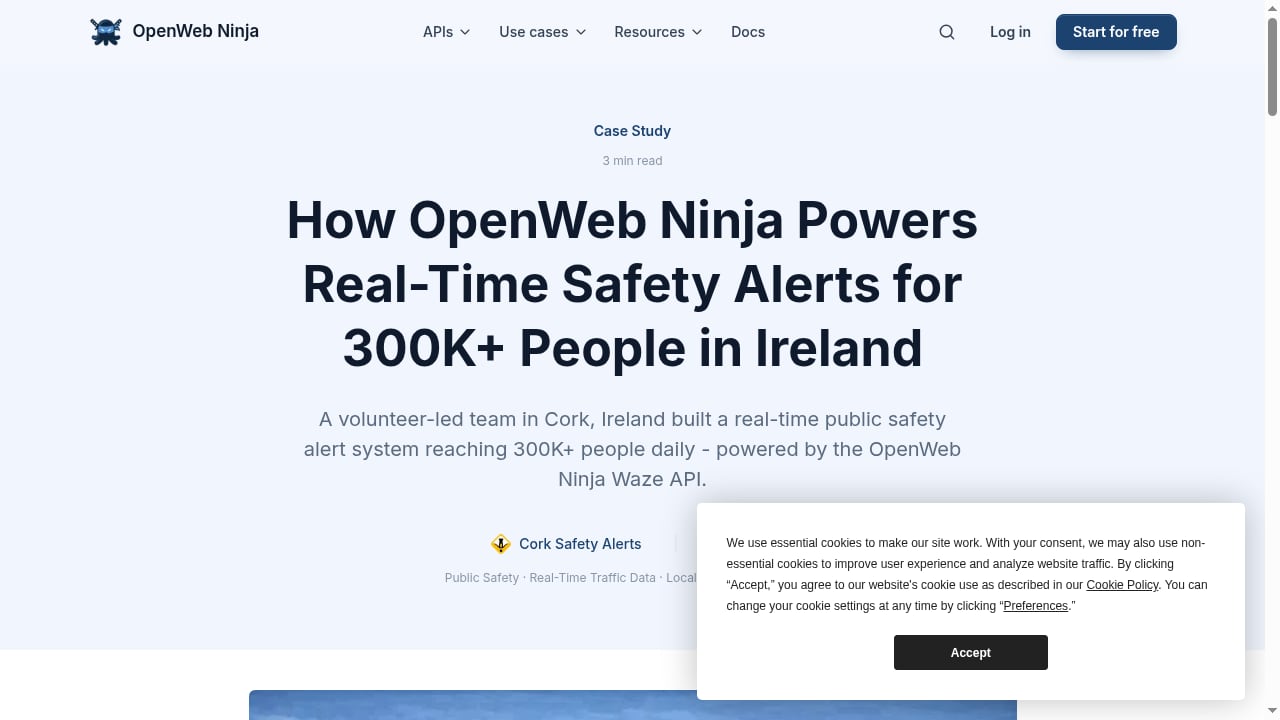
First viewport screenshot of How OpenWeb Ninja Powers Real-Time Safety Alerts for 300,000+ People in Ireland | OpenWeb Ninja.
Suppose you monitor pricing across a marketplace. OpenWeb Ninja gives you fast, structured public data snapshots. AdsCrawl renders the actual product page to confirm the current price, promotions, and stock state.
- OpenWeb Ninja: broad coverage, low latency, structured output.
- AdsCrawl: ground truth from the rendered page, including elements that only appear after JavaScript executes.
When the two disagree, you have a signal worth investigating, such as A/B tests, geo-specific pricing, or stale cache.
Problems this combination solves
- JavaScript-heavy pages: AdsCrawl renders them; OpenWeb Ninja covers the API-friendly data around them.
- Anti-bot friction: AdsCrawl provides managed browser identity, random User-Agents, trusted proxies, and dynamic region routing.
- Scale without browser maintenance: AdsCrawl runs cloud Chromium with per-user running quotas, so you do not operate your own browser cluster.
- Real-time accuracy: OpenWeb Ninja returns live public data instead of stale snapshots.
- Structured output: AdsCrawl returns HTML, Markdown, JSON, or screenshots, and OpenWeb Ninja returns structured API responses, so both layers feed cleanly into downstream pipelines.
Decision guidance: when to use which
- Use AdsCrawl alone when the target page requires rendering, interaction, or proxy routing.
- Use OpenWeb Ninja alone when a clean API already exposes the data you need.
- Use both when you need discovery plus rendering, or when you need to validate live API data against the rendered source of truth.
If your workload is mostly screenshots and simple rendering, the trade-offs in AdsCrawl vs Data Miner: Cloud Browser API or Chrome Extension? help clarify where a managed cloud browser beats a browser extension. For teams building agent-driven pipelines, Remote Browser Infrastructure for Scraping: A Developer Guide explains how remote browser infrastructure fits under an AI agent stack.
Related reading
- Browser Use Cloud Review 2026: Pricing, Setup & Limits - Hands-on Browser Use Cloud review: $0.02/browser-hour pricing, agent API, setup steps, ideal users, and where it falls short for production.
Frequently asked questions
Do I need both products for every scraping task?
No. Use AdsCrawl when rendering is the bottleneck and OpenWeb Ninja when a clean API already returns the data. The combination matters when you need discovery, rendering, and enrichment in one pipeline.
Can I use AdsCrawl with Playwright or Puppeteer?
Yes. AdsCrawl connects Playwright, Puppeteer, or any CDP client to real cloud Chromium browsers, so existing scripts can point at the cloud browser instead of a local one.
How do I handle proxies across both products?
AdsCrawl supports residential proxy routing or custom proxies, with dynamic region routing. Keep proxy configuration in AdsCrawl and let OpenWeb Ninja handle its own API-level access so responsibilities stay separate.
What output formats does AdsCrawl return?
HTML, Markdown, JSON, or screenshots, depending on the endpoint and extraction template you choose.
Is this workflow suitable for high-volume production?
Yes. AdsCrawl's Pro tier is designed for high-volume automation teams, with monthly credits, browser concurrency, Cloud Browser profiles, and API key limits scaling by tier. Pair it with OpenWeb Ninja's 50+ APIs for real-time public data coverage.
Where can I learn more about the A2A and agentic access context around these APIs?
The broader API ecosystem increasingly publishes machine-readable contracts. The APIs.io Agentic Access catalog tracks execution contracts across providers, and the A2A agent card registry documents how agents discover each other. For pricing comparisons across providers, the APIs.io plans directory is a useful reference.
Conclusion
AdsCrawl and the Real-Time Public Data API Stack from OpenWeb Ninja solve different halves of the same problem. AdsCrawl renders the pages that JavaScript hides, with managed cloud Chromium, proxy routing, and structured extraction. OpenWeb Ninja supplies fast, accurate, real-time public data through 50+ APIs. Wire them together with a stable join key, keep credentials in environment variables, and you get a pipeline that discovers, renders, enriches, and validates without maintaining your own browser fleet.