
AdsCrawl vs Kernel vs Steel: Browser API Comparison
Compare AdsCrawl, Kernel, and Steel for browser automation. See strengths, trade-offs, and which fits your AI agent or scraping workflow.
AdsCrawl vs Kernel vs Steel: Browser API Comparison
Choosing browser infrastructure for AI agents and automation is a decision about execution model, state management, and cost predictability. AdsCrawl, Kernel, and Steel all provide cloud browser sessions, but they optimize for different priorities. This comparison breaks down where each platform fits, based on documented capabilities and public information.
What each platform does
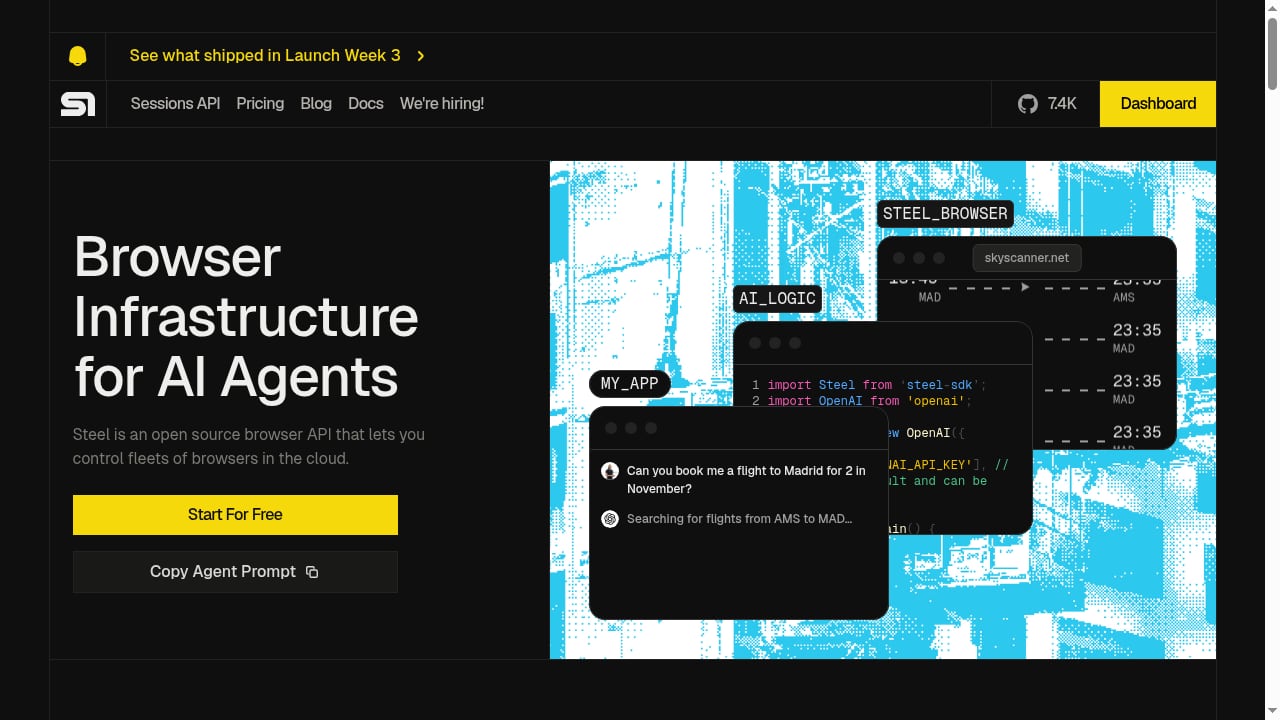
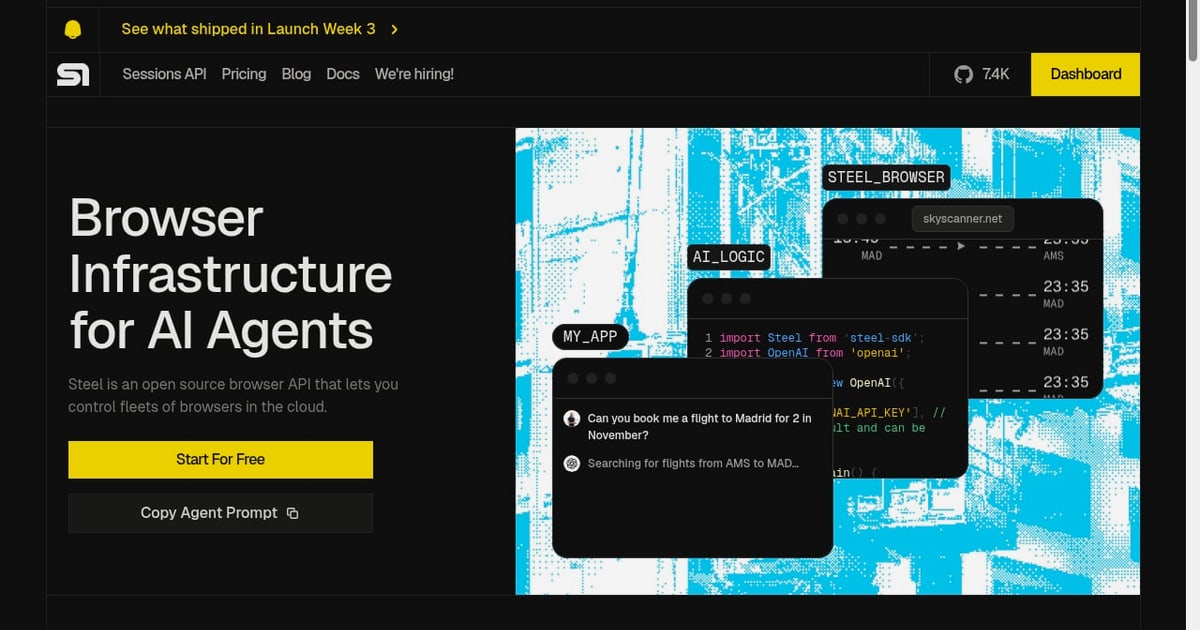
First viewport screenshot of Steel | Browser Infrastructure for AI Agents.
AdsCrawl is a browser automation and data extraction API platform. It provides real browser sessions through a unified API, letting developers capture screenshots, extract HTML and Markdown, and control remote Chrome DevTools Protocol (CDP) sessions. It is built for AI agents, monitoring, SEO, and automation workflows, with cloud browser sessions that include fingerprint profiles, concurrent execution, and credit-based usage with a freemium model.
Kernel is browser infrastructure for AI agents and web automations. It provides cloud-based, sandboxed Chromium browsers that spin up in under 30 milliseconds, with features like stealth mode (captcha solving and proxy management), managed auth, GPU acceleration, and browser telemetry for debugging. Kernel reports over 11,000 teams building agents across healthcare, e-commerce, government, and sales.
Steel is an open-source browser API for AI agents. It offers cloud-based browser infrastructure with built-in anti-bot protection, session persistence, and integration with AI frameworks. Steel includes session recording, agent logs, dedicated IPs, and tools like Atlas for deep research. Its core runtime is open source and can be self-hosted.
Comparison criteria
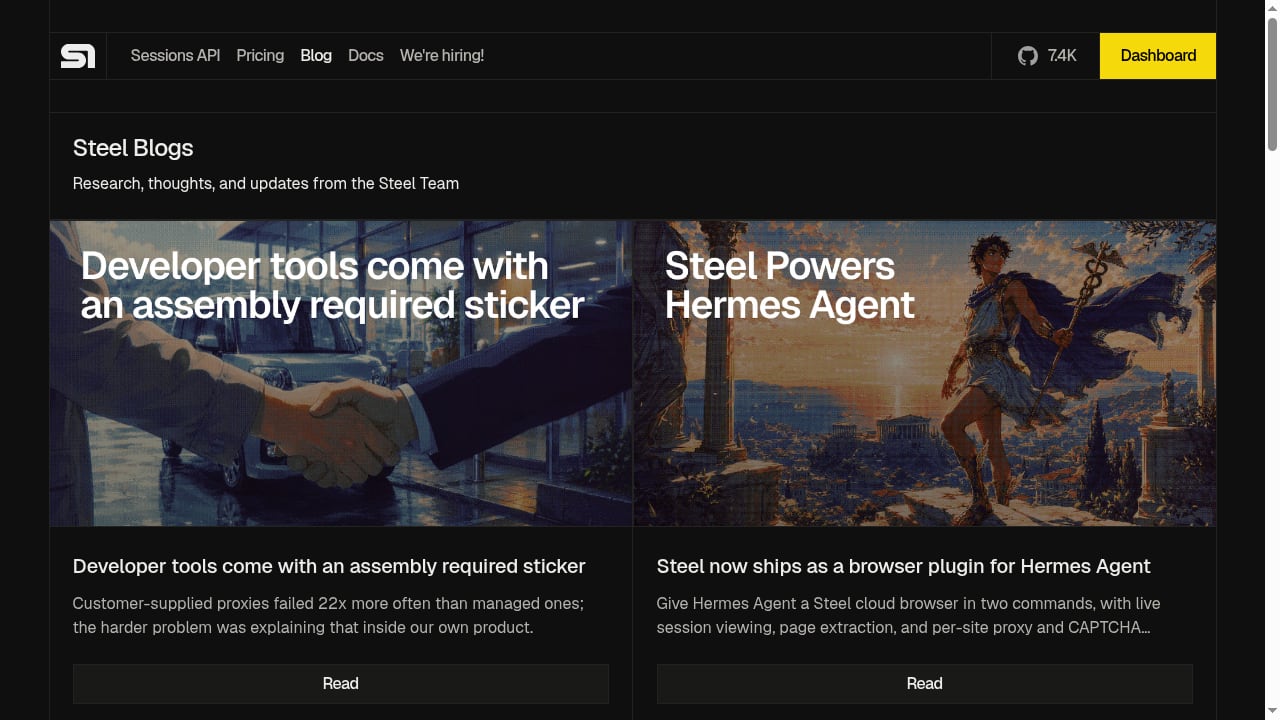
First viewport screenshot of Steel | Browser Infrastructure for AI Agents.
Execution model and deployment
Kernel runs as a managed platform built around unikernel-based browsers. It offers standard remote control via CDP and an optional "Playwright Execution" mode that runs Playwright code in the same VM as the browser to reduce latency on chatty workloads. This co-located execution is a genuine advantage for teams whose automation involves many small interactions per page.
Steel provides remote sessions with agent-oriented SDKs and integrations. Its open-source runtime can be self-hosted and transparently inspected, with documentation covering common deployment paths such as Docker. Steel also offers a fully managed platform and enterprise support. For teams that require self-hosting or want to audit the browser runtime, Steel is the clear choice.
AdsCrawl connects with Playwright, Puppeteer, or CDP in a full browser environment. It supports remote CDP sessions and cloud browser sessions with fingerprint profiles. AdsCrawl does not offer a self-hosted runtime or co-located execution mode, so teams that need those capabilities should look at Steel or Kernel respectively.
State and session persistence
Kernel uses profiles to persist browser state (cookies and local storage) for reuse across sessions. It also offers standby mode, which keeps browsers idle without losing state between active connections. This is useful for workflows that need to maintain a warm session without paying for active compute.
Steel uses profiles as the durable unit for cross-session state, including authentication, cookies, and browser configuration. This profile-based persistence is well-suited to workflows that need consistent identity and repeatable reuse.
AdsCrawl supports cloud browser sessions that save the browser profile and include a live viewer while running. You can launch a cloud browser with your proxy and cookies, use it in the live viewer, then stop the session and reuse the saved profile later. AdsCrawl also supports cookies for accessing signed-in pages and custom proxy configurations. For multi-step sign-in flows, a CDP session is recommended.
Bot mitigation and proxy management
Kernel's stealth mode bundles proxy management and a reCAPTCHA solver. This is a packaged approach that reduces the need to assemble separate proxy and captcha services.
Steel offers stealth, proxy, and CAPTCHA options, with availability depending on the plan. Its dedicated IPs provide stable network origins for workflows that need consistent egress.
AdsCrawl provides residential proxy routing with 100+ rotating residential proxies and region selection (US, BR, DE, SG, JP, CA, AU, and more). It also includes a CAPTCHA solver that handles supported challenges such as reCAPTCHA, Turnstile, and AWS WAF in the same browser session. AdsCrawl supports custom proxy configurations, so you can bring your own proxy if needed.
Observability and debugging
Kernel offers live view as a first-class workflow, with replay and recording features that depend on plan and session configuration. Browser telemetry is designed to support autonomous debugging.
Steel provides live viewing and session recordings, along with logs and traces designed for quick iteration on flaky web workflows. Agent logs help debug multi-step interactions.
AdsCrawl includes dashboards for key management, usage tracking, and debugging. Cloud browser sessions include a live viewer, and CDP sessions can be inspected through the returned webSocketDebuggerUrl. AdsCrawl does not advertise session recording or replay features, so teams that need those should evaluate Kernel or Steel.
Pricing model
Kernel uses usage-based metering with per-second pricing. Standby mode reduces spend during idle periods, which can be cost-effective for workloads with variable demand.
Steel uses tiered plans with included usage, which provides predictable monthly spend and straightforward capacity planning. This suits teams that prefer budgeting certainty over granular metering.
AdsCrawl uses credit-based usage with a freemium model. You can start for free, and pricing scales with usage. AdsCrawl's pricing page and dashboard show current plan limits. For teams that want to start without a sales conversation and scale gradually, the freemium entry point is a practical advantage.
When to choose each platform
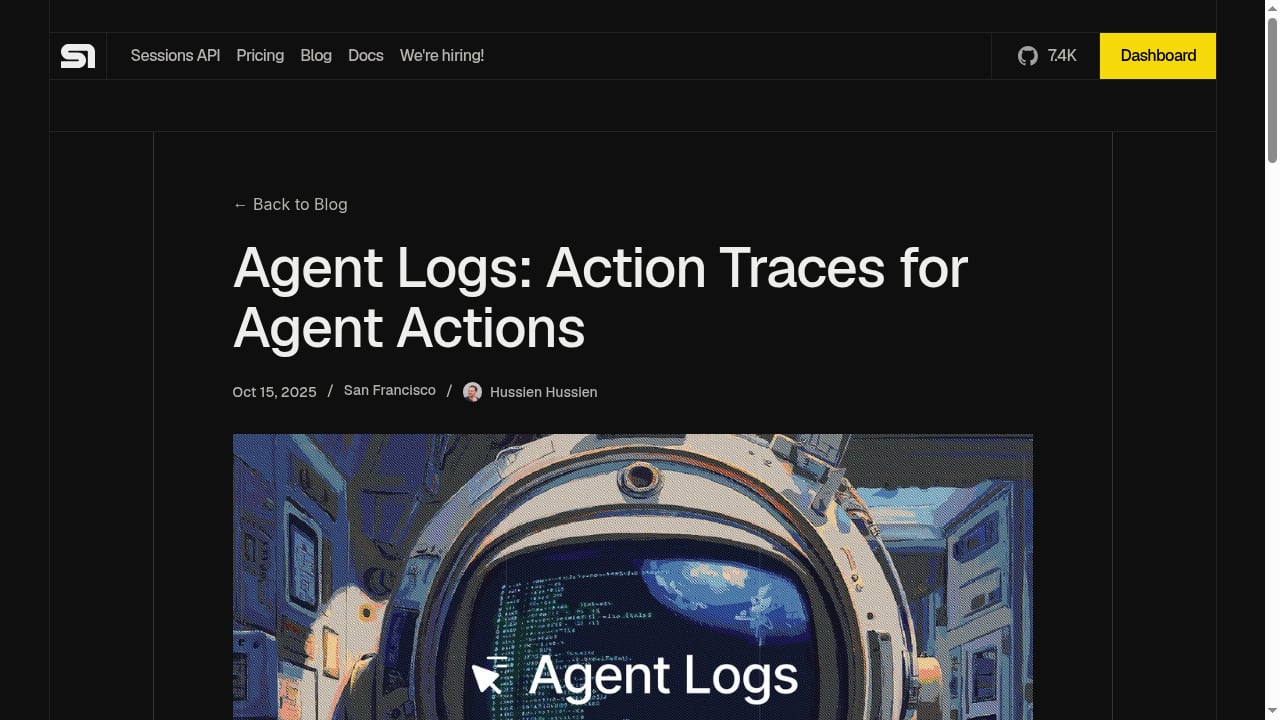
First viewport screenshot of Agent Logs: Action Traces for Agent Actions - Steel | Open-source Headless Browser API.
Choose AdsCrawl if: you want a unified API for HTML extraction, screenshots, and CDP control; you need residential proxy routing with region selection; you want a freemium entry point with credit-based pricing; or you are building AI agent, monitoring, SEO, or automation workflows that benefit from a single API surface.
Choose Kernel if: you need sub-30ms browser spin-up; you want co-located Playwright execution to reduce latency on chatty workloads; you need standby mode for idle sessions; or you prefer usage-based metering that tracks utilization closely.
Choose Steel if: you require an open-source runtime that can be self-hosted and audited; you want tiered plans with predictable monthly spend; you need dedicated IPs for stable network origins; or you value agent-oriented SDKs and integrations that reduce glue code.
Practical examples
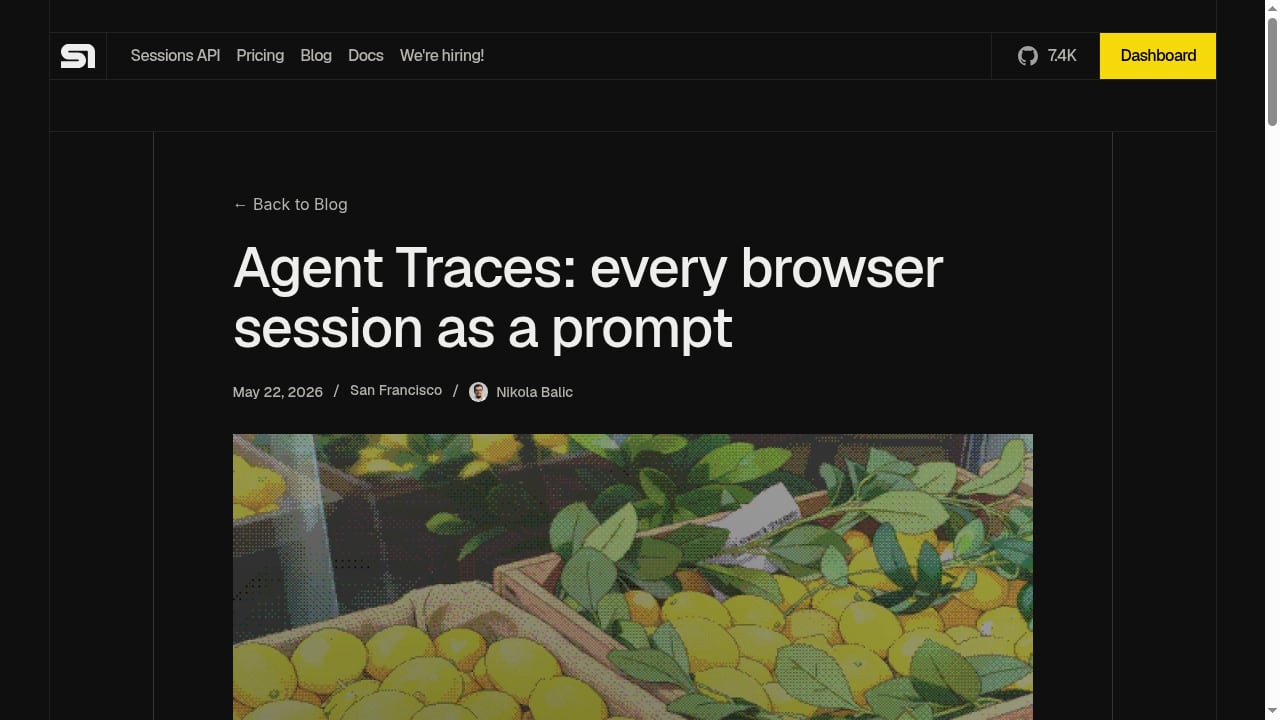
First viewport screenshot of Agent Traces: every browser session as a prompt - Steel | Open-source Headless Browser API.
Extracting rendered HTML with AdsCrawl
curl --fail-with-body -sS \
  -X POST "https://api.adscrawl.net/html" \
  -H "x-api-key: $ADSCRAWL_API_KEY" \
  -H "content-type: application/json" \
  -d '{
    "url": "https://www.adscrawl.net",
    "contentMode": "markdown",
    "waitUntil": "domcontentloaded"
  }' \
  --output page.md
Set contentMode to markdown for readable text or html for rendered markup. Use waitUntil or wait for a selector to ensure dynamic content loads.
Connecting Playwright to a CDP session
AdsCrawl returns a webSocketDebuggerUrl when you create a CDP session. You can connect Playwright to this URL to navigate, click, fill out forms, and collect results in one session. This is useful for multi-step sign-in flows and complex interactions.
Capturing screenshots
POST /screenshot returns a PNG. Set fullPage for the entire page, or pass a selector to capture the first matching element. This is useful for monitoring page rendering states and validating visual changes.
Related reading
- AdsCrawl vs Thunderbit: Browser API vs No-Code Scraper - Compare AdsCrawl and Thunderbit: real browser sessions and CDP control versus no-code AI scraping. See pricing, limits, and which fits your workflow.
- ParseHub Review 2026: No-Code Scraper Tested, Priced, Rated - Hands-on ParseHub review: visual scraping for AJAX sites, free tier limits, real pricing, export options, and who should pick it in 2026.
- Bright Data vs Alternatives: Which Web Data API Wins in 2026? - Compare Bright Data vs Firecrawl, Apify, ScrapingBee, and AdsCrawl on pricing, browser sessions, and extraction to pick the right web data API in 2026.
FAQ
Can AdsCrawl handle JavaScript-rendered pages?
Yes. AdsCrawl renders the page in a browser before returning the result. Set waitUntil or wait for a selector so the content you need has time to load.
Does AdsCrawl support custom proxies?
Yes. APIs that support proxies accept a custom configuration. Every cloud browser launch request must include a valid proxy. Put credentials in the designated fields, not in the proxy server URL.
Can I use cookies to access signed-in pages?
Yes. Supported tasks and cloud browser workflows accept cookies. Use cookies only for accounts you are authorized to access, and check the domain, path, and expiration. For multi-step sign-in flows, use a CDP session.
What happens if I run out of credits?
If you get HTTP 402, check your credit balance and plan in the dashboard. For HTTP 429, lower your concurrency and retry with backoff. Current plan limits are on the pricing page and in your account.
Can my coding agent set up AdsCrawl?
Yes. AdsCrawl provides a setup prompt you can paste into your coding agent. It will guide you through sign-up and integration. You approve the API key request in your browser, then the agent finishes the setup.
Conclusion
AdsCrawl, Kernel, and Steel each solve the cloud browser problem with different trade-offs. Kernel leads on raw speed and co-located execution. Steel leads on open-source transparency and predictable tiered pricing. AdsCrawl leads on unified API surface, residential proxy routing with region selection, and a freemium entry point that lets you start without a sales conversation. The right choice depends on whether your priority is latency, self-hosting, or a single API for extraction, screenshots, and CDP control.
For more comparisons, see AdsCrawl vs Scrapfly vs ApiFlash and AdsCrawl vs Scrapy. You can also review the Steel vs Kernel comparison and the AdsCrawl API documentation for current details.