
AdsCrawl vs Screenshotlayer: Browser API vs Screenshot Tool
Compare AdsCrawl and Screenshotlayer for web automation. AdsCrawl offers full browser control and data extraction; Screenshotlayer specializes in screenshots.
AdsCrawl vs Screenshotlayer: Which Tool Fits Your Workflow?
When you need to capture or interact with web pages programmatically, you'll encounter two distinct categories of tools: full browser automation APIs like AdsCrawl and specialized screenshot APIs like Screenshotlayer. This comparison breaks down their capabilities, ideal use cases, and limitations to help you choose the right tool for your project.
What Is AdsCrawl?
First viewport screenshot of screenshotlayer.com.
AdsCrawl is a managed cloud browser and browser automation API designed for developers who need to interact with dynamic websites. It provides real Chromium browsers in the cloud that you can control via Playwright, Puppeteer, or any CDP client. Key capabilities include:
- Multiple output formats: Extract HTML, Markdown, JSON, and screenshots from JavaScript-rendered pages.
- Remote CDP sessions: Connect your existing automation scripts to a cloud browser for full control.
- Proxy routing: Use free rotating residential proxies or bring your own custom proxies.
- Persistent profiles: Save browser states (cookies, logins) for authenticated workflows.
- Live browser control: Interact with a remote browser via a short-lived token.
AdsCrawl positions itself as a solution for "when scraping gets tough," offering a real browser environment for SPAs, authenticated sessions, and complex automation.
What Is Screenshotlayer?
First viewport screenshot of screenshotlayer.com.
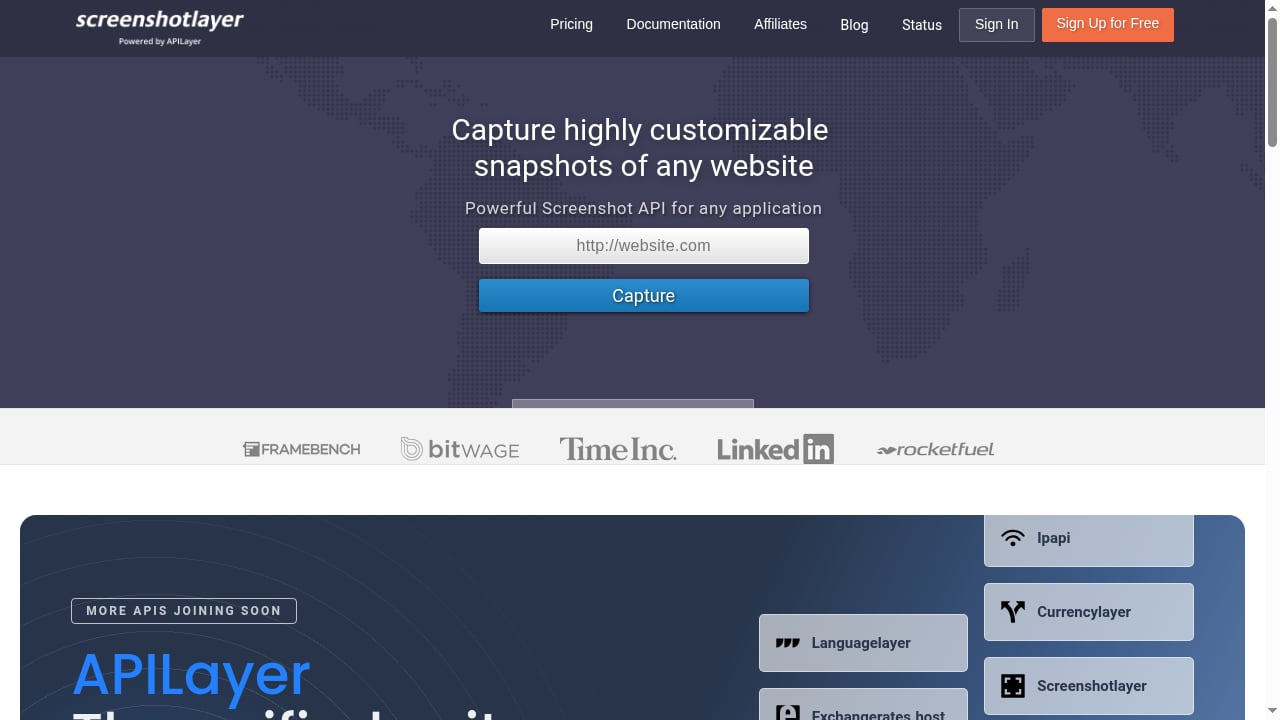
Screenshotlayer is a screenshot API that captures highly customizable snapshots of websites. It returns high-resolution PNG, JPEG, or GIF images as URLs within seconds. Key features include:
- Customizable screenshots: Control viewport dimensions, CSS injection, capture delay, and more.
- Export options: Save images to AWS S3 or FTP.
- Queueless engine: Designed for speed and reliability.
- Unified API suite: Part of APILayer, offering one account and API key across multiple APIs.
Screenshotlayer is ideal for simple screenshot generation but lacks browser interaction, data extraction, or automation capabilities.
Key Differences: AdsCrawl vs Screenshotlayer
First viewport screenshot of screenshotlayer.com.
| Feature | AdsCrawl | Screenshotlayer |
|---|---|---|
| Primary function | Full browser automation & data extraction | Screenshot capture only |
| Output formats | HTML, Markdown, JSON, screenshots | Images (PNG, JPEG, GIF) |
| Browser control | Remote CDP, Playwright, Puppeteer | None (API-only) |
| Proxy support | Residential proxies, custom proxies | Not specified |
| Session persistence | Saved profiles with cookies | Not applicable |
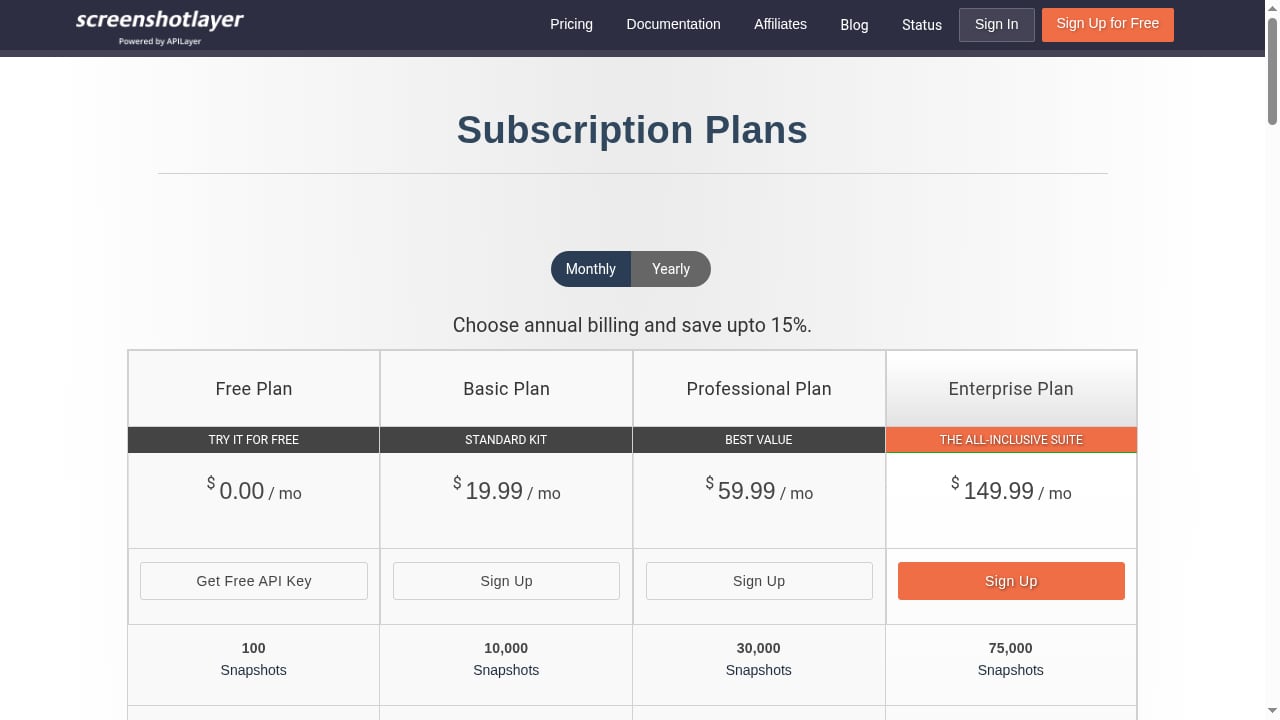
| Pricing model | Credit-based subscription | Subscription with overage billing |
| Free tier | 500 one-time credits | Free tier for personal use |
When to Choose AdsCrawl
AdsCrawl shines in scenarios that require more than just a screenshot:
- Dynamic content extraction: Scrape SPAs, infinite scroll pages, or sites with heavy JavaScript.
- Authenticated workflows: Use saved profiles to log in and interact with gated content.
- AI agent integration: Feed clean Markdown or structured JSON to language models.
- Complex automation: Run multi-step scripts via CDP for testing, monitoring, or data collection.
For a deeper look at how AdsCrawl handles headless browsing, see Headless Browser User: What It Means for Automation.
When to Choose Screenshotlayer
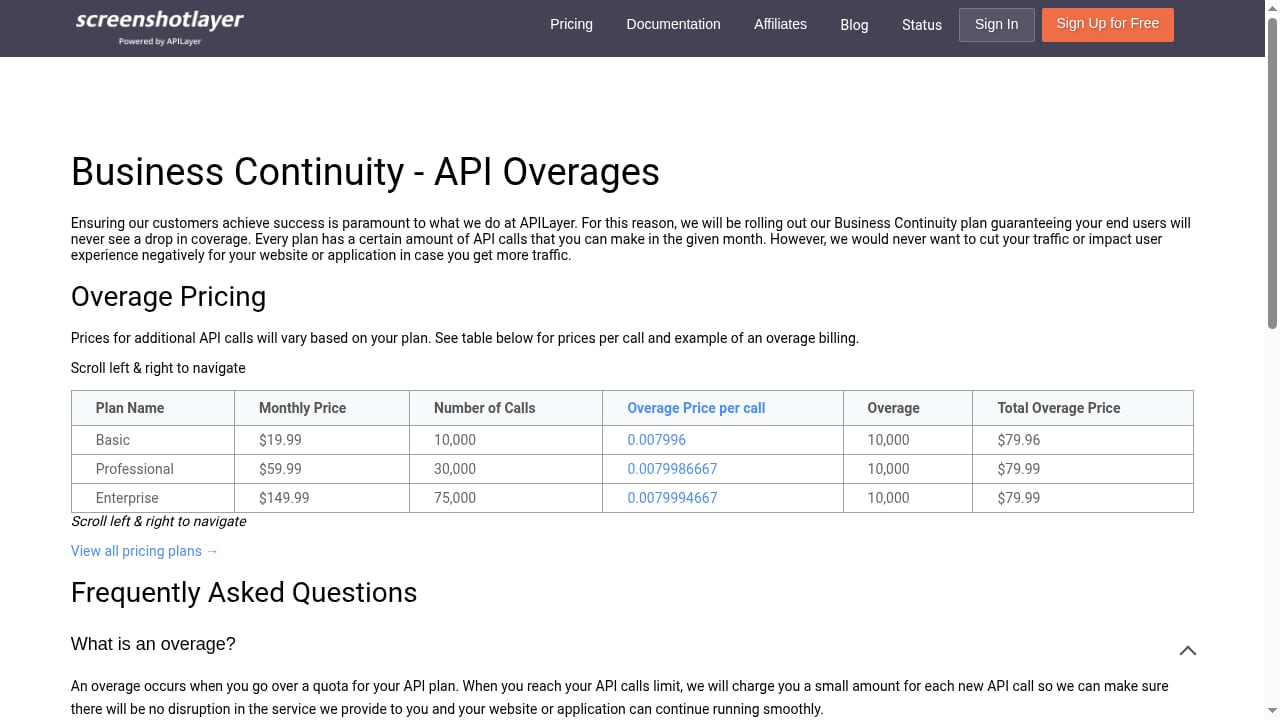
First viewport screenshot of screenshotlayer.com.
Screenshotlayer is a strong choice when your needs are purely visual:
- Simple screenshot generation: Capture full-page or viewport images with custom dimensions.
- Visual regression testing: Compare screenshots over time to detect layout changes.
- Quick integration: Use a straightforward API to generate images without managing browser sessions.
- Budget-friendly: Free tier and predictable pricing for low-volume screenshot needs.
However, Screenshotlayer cannot extract text, interact with page elements, or handle complex automation. If your project evolves beyond screenshots, you'll need additional tools.
Practical Example: Capturing a Dynamic Page
Suppose you need to extract product data from an e-commerce site that loads prices via JavaScript.
With AdsCrawl, you can:
- Start a cloud browser session with a residential proxy.
- Navigate to the product page and wait for the price element to load.
- Extract the HTML or structured JSON containing the price.
- Optionally take a screenshot for visual verification.
With Screenshotlayer, you can only capture an image of the page. You cannot programmatically extract the price without additional OCR or manual inspection.
For a step-by-step guide on combining AdsCrawl with proxy services, check out How to Use AdsCrawl with ScrapeOps for Reliable Scraping.
Pricing and Value
AdsCrawl offers a free tier with 500 one-time credits and paid plans starting at $199/month for 500,000 credits. This credit model covers browser runtime, proxy usage, and output generation.
Screenshotlayer provides a free tier for personal use and paid subscriptions with overage billing. While cost-effective for screenshot-only tasks, it lacks the broader automation capabilities of AdsCrawl.
For a detailed breakdown of Screenshotlayer's pricing and features, read our Screenshotlayer Review: Features, Pricing, and Fit for Developers.
Limitations to Consider
AdsCrawl may be overkill if you only need occasional screenshots. The credit system requires planning for high-volume workflows, and some teams may prefer self-hosted browsers for full control.
Screenshotlayer cannot handle interactive tasks, data extraction, or complex rendering scenarios. It's a specialized tool that solves one problem well but doesn't scale to broader automation needs.
Related reading
- Top 10 Browser Automation SDKs for AI Agents in 2026 - Compare the top 10 browser automation SDKs for AI agents in 2026: Stagehand, Browser Use, Skyvern, Playwright MCP, and more, with evidence and pricing.
Sources and further reading
- Browser Automation API for Dynamic Websites | AdsCrawl - Connect with Playwright, Puppeteer, or CDP in a full browser environment with residential proxy routing for dynamic pages, authenticated sessions, and structured web data.
FAQ
Can Screenshotlayer extract text from a webpage?
No, Screenshotlayer only returns images. To extract text or structured data, you need a browser automation API like AdsCrawl.
Does AdsCrawl support screenshot capture?
Yes, AdsCrawl includes a screenshot endpoint that can capture full-page or element-specific PNGs, alongside HTML, Markdown, and JSON extraction.
Which tool is better for AI agents?
AdsCrawl is better suited for AI agents because it provides clean Markdown, structured JSON, and remote browser control for multi-step tasks. Screenshotlayer only provides images.
Can I use my own proxies with AdsCrawl?
Yes, AdsCrawl supports both free rotating residential proxies and custom proxy configuration.
Is Screenshotlayer part of a larger suite?
Yes, Screenshotlayer is part of the APILayer unified suite, which offers one account and API key across multiple APIs.
Conclusion
AdsCrawl and Screenshotlayer serve different purposes. AdsCrawl is a comprehensive browser automation platform for developers who need to interact with dynamic websites, extract data, and run complex workflows. Screenshotlayer is a focused screenshot API for simple image capture tasks.
If your project requires anything beyond static screenshots—such as scraping, testing, or AI integration—AdsCrawl provides the flexibility and control you need. For pure screenshot generation with minimal setup, Screenshotlayer remains a viable option.
To explore how AdsCrawl compares to other tools, visit our comparison page or read our hands-on review.