
Top 10 Browser Automation SDKs for AI Agents in 2026
Compare the top 10 browser automation SDKs for AI agents in 2026: Stagehand, Browser Use, Skyvern, Playwright MCP, and more, with evidence and pricing.
Top 10 Browser Automation SDKs for AI Agents in 2026
Browser automation has split into two jobs: writing deterministic scripts and letting an AI agent decide what to click next. The SDKs in this list sit at that second job. They give an agent a goal, a page, and a set of actions, then let a model reason about the next step instead of following a hard-coded selector path.
Below are ten products that genuinely belong to the browser automation SDK category for AI agents. The ranking weighs evidence, not marketing: documented APIs, published benchmarks, open-source availability, pricing transparency, and how well each SDK handles the messy parts of real sites (logins, dynamic content, layout changes).
How We Evaluated These SDKs
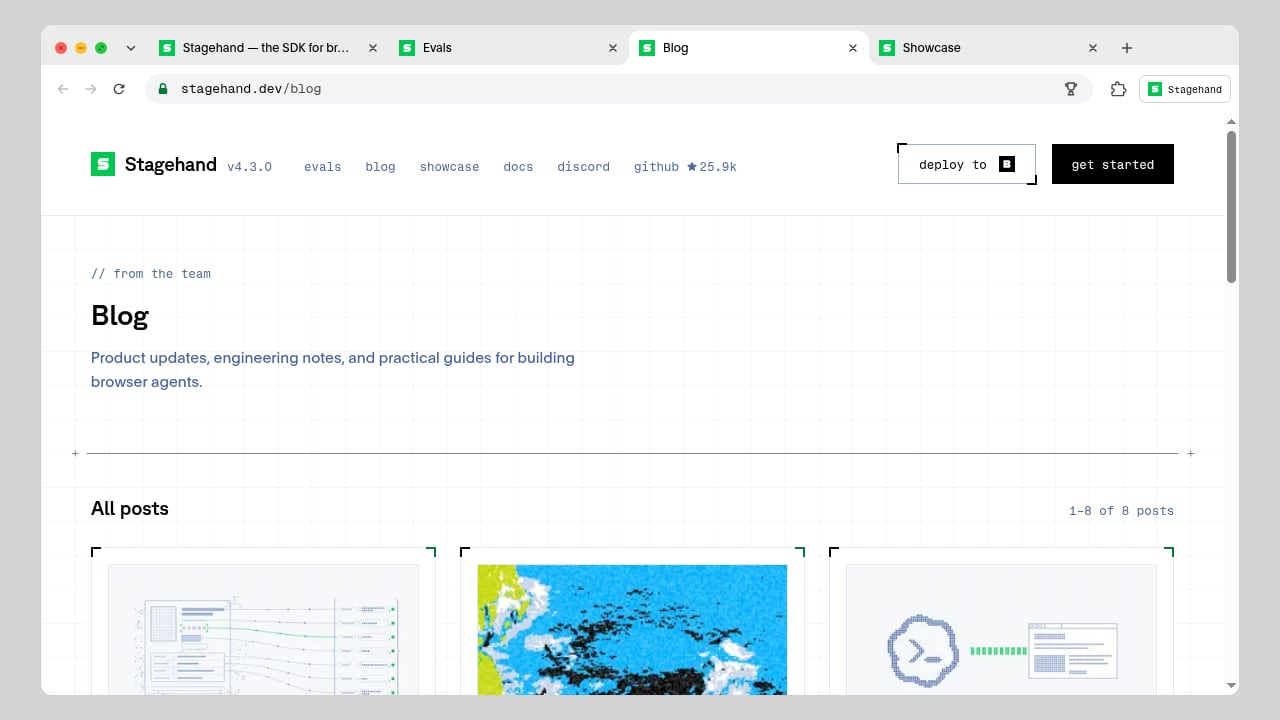
First viewport screenshot of stagehand.dev.
Every product was scored on six criteria:
- Agent-native primitives. Does it expose actions like
act(),extract(), orobserve()that let a model interpret a page, or is it only a thin wrapper around CDP? - Language and framework coverage. TypeScript, Python, Go, and compatibility with Playwright or Puppeteer matter for adoption.
- Reliability features. Self-healing actions, waits, timeouts, retries, and session persistence separate production tools from demos.
- Evidence. Published benchmarks, GitHub activity, and documented success rates on tasks like WebVoyager.
- Pricing transparency. Clear per-hour, per-token, or per-credit models, including free tiers.
- Operational fit. Cloud hosting, proxy support, observability, and how easily it slots into an existing stack.
Consumer AI browsers such as Comet or Atlas were excluded. They are products people use, not SDKs developers build on.
The Top 10 Browser Automation SDKs for AI Agents
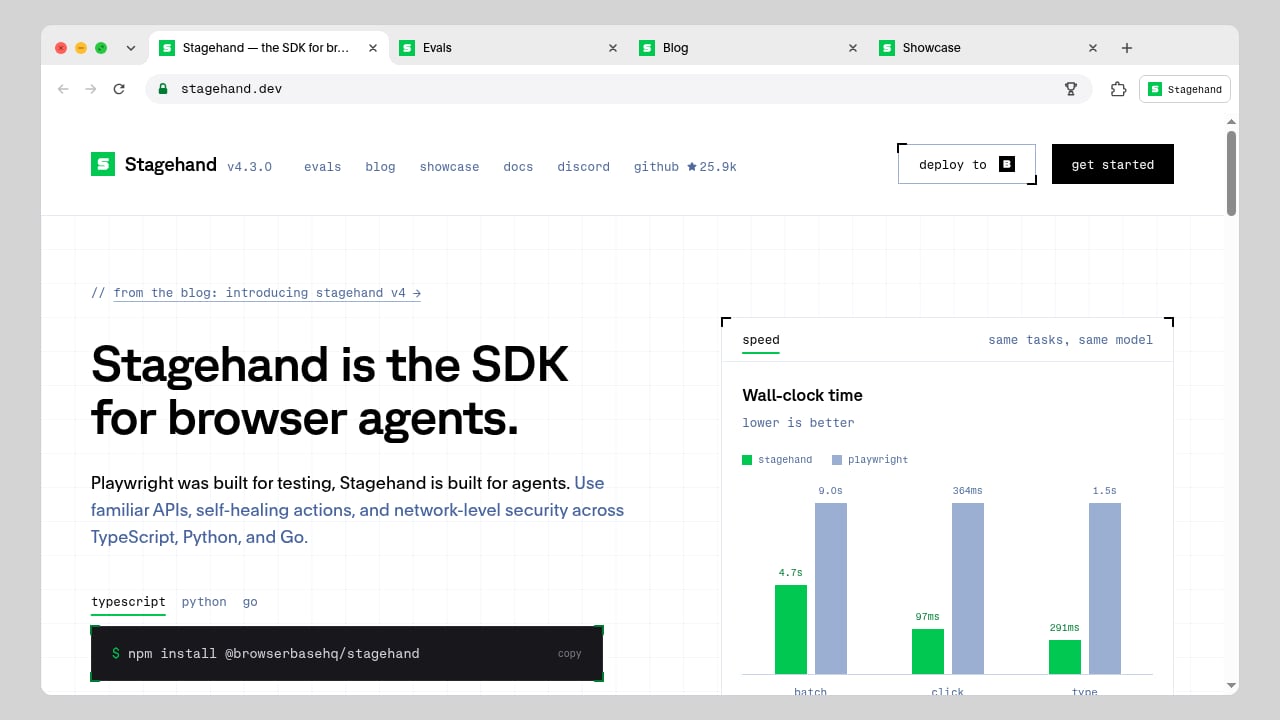
First viewport screenshot of stagehand.dev.
1. Stagehand
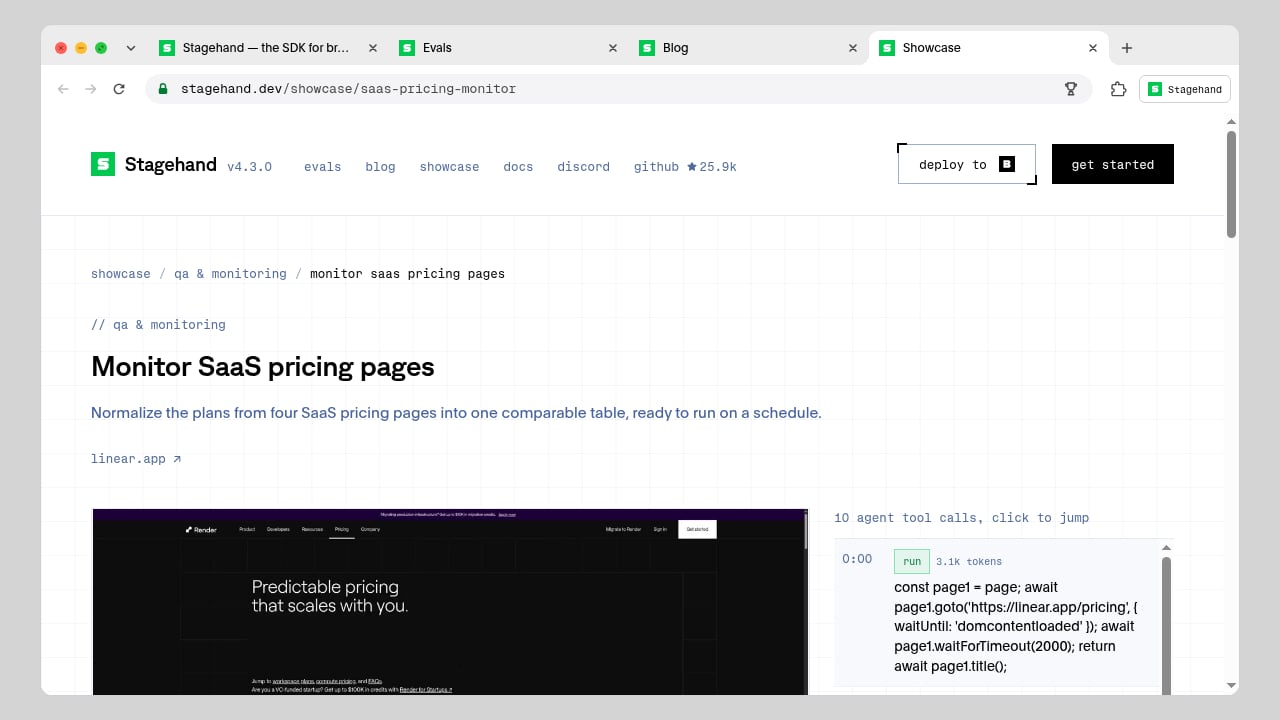
Stagehand is an open-source SDK positioned as "the SDK for browser agents" and a purpose-built alternative to Playwright, which was designed for testing. It keeps a familiar Playwright-style API (goto(), click(), locator(), extract()) while adding AI primitives: act() for natural-language actions, extract() for typed data, and observe() for inspecting what the page offers. Developers choose how much AI each step uses, which keeps token costs down on predictable flows.
It ships in TypeScript, Python, and Go, installs via npm install @browserbasehq/stagehand, and runs as an extension inside the browser so remote sessions perform close to local ones. Notable capabilities include self-healing actions, network-level security, hybrid accessibility-tree trimming for token efficiency, WebMCP support (including iframes and dynamic tools), native PDF exports, page-condition waits, and timeouts for locator operations and snapshots. It integrates with the official OpenAI and Anthropic SDKs so GPT and Claude can drive a browser through Stagehand's toolset.
Stagehand's own benchmarks claim faster wall-clock times than Playwright (4.7s vs 9.0s on the same task) and lower token use (32k vs 97k tokens per task in a Codex benchmark; 7.4k vs 35.7k tokens for extract()). It also publishes browser-agent evals comparing models on accuracy, cost, and speed. Browserbase provides the infrastructure and platform APIs around it.
Best for: Developers who want Playwright ergonomics with optional AI steps and tight control over token spend.
2. Browser Use
Browser Use is the most-starred open-source framework in this category, with a Python library (MIT licensed) and a managed cloud. Its December 2024 technical report recorded an 89.1% success rate on the WebVoyager benchmark across 586 tasks, which remains one of the clearer public data points for agent-driven browsing.
The open-source library gives developers full control over agent implementation and supports multiple LLMs, including OpenAI, Anthropic, Google, and local models via Ollama. Browser Use Cloud adds hosted agents that accept a plain-English task and return structured JSON, plus managed stealth browsers that Playwright and Puppeteer can reach over CDP. Cloud browsers are billed at roughly $0.02 per browser hour plus traffic, and hosted agents bill model usage plus a markup.
Best for: Teams that want an open-source core with the option to offload hosting and stealth handling.
3. Skyvern
Skyvern targets recurring business processes: invoices, forms, portals, and documents. Its SDK combines Playwright operations with AI methods such as act, extract, and validate, so a workflow can mix fixed steps with page interpretation where layouts vary.
It offers Python and TypeScript SDKs plus a task API, structured extraction, documented two-factor and TOTP flows, browser recordings, and screenshots for inspection. A hosted service and self-hosting route are both available. Skyvern reports insurance quotes, government form submissions, and job applications among its users' top use cases, which reflects its strength in authenticated, multi-step portals.
Best for: Operations teams automating supplier portals and legacy systems that lack APIs.
4. Playwright MCP
Playwright MCP is Microsoft's Model Context Protocol server that exposes Playwright's browser controls to LLM clients. Instead of building a bespoke agent loop, you connect an MCP-capable assistant to a structured set of browser tools and let it navigate, click, type, and read the accessibility tree.
Its advantages are provenance and determinism: Playwright's locator engine, cross-browser support, and trace viewer come along for free. It is not a full agent framework, so planning, retries, and output validation remain your responsibility. For teams already standardized on Playwright, it is the lowest-friction way to add an AI agent layer.
Best for: Teams with existing Playwright suites that want an MCP-based agent interface without a new runtime.
5. Browserbase
Browserbase is managed browser infrastructure with an SDK layer for agents. You create a session through its API and connect Playwright, Puppeteer, or Selenium, or use its hosted Agents for prompt-driven tasks. Contexts let you reuse cookies and browser state across sessions, and session replay helps debug failed runs.
It is also the company behind Stagehand, so the two are often used together: Browserbase supplies the remote browser, Stagehand supplies the agent logic. Proxy, stealth, and CAPTCHA handling vary by plan. Pricing includes a free tier and paid subscriptions with usage-based overages, so budget browser time, proxy traffic, and model usage separately.
Best for: Teams that need hosted sessions, reusable login state, and run inspection without building infrastructure.
6. Firecrawl
Firecrawl is primarily a web-data API, but its Interact and Browser Sandbox features make it relevant here: an agent can drive a live managed session with prompts or Playwright code, and state carries between calls so multi-step forms do not reload the page.
Its search, scrape, and crawl endpoints return Markdown, HTML, or structured JSON, which suits agents whose real goal is content rather than interaction. Pricing is credit-based, with a free tier and a Hobby plan around $19 per month; live browser sessions bill per minute at a higher credit rate than basic scrapes. If your workflow is mostly extraction with occasional clicks, this is a strong fit.
Best for: Agents that need page discovery and content extraction first, interaction second.
7. Steel
Steel is an open-source browser API for agents. It provides hosted browsers you control programmatically, with a focus on session management and a developer-friendly API surface. The project has a smaller community than Browser Use but a clear infrastructure-first design: you bring the agent logic, Steel provides the browser.
Its pricing combines a free tier with usage-based scaling, and it supports connecting existing automation code. For teams that want an open-source alternative to proprietary cloud browsers, Steel is worth a look, though you should verify current concurrency limits and feature coverage against your workload.
Best for: Developers who want an open-source hosted browser layer without a bundled agent framework.
8. Vercel Agent Browser
Vercel Agent Browser is a headless browser automation CLI built for AI agents and coding assistants. It uses a snapshot-based workflow: fetch the accessibility tree with element refs (@e1, @e2), then click or fill by reference. JSON output is designed for LLM parsing, and session management supports multiple isolated browser instances with persistent profiles.
It is fast (a Rust CLI with a Node.js fallback) and integrates with cloud providers such as Browserbase, Browser Use Cloud, and Kernel. The trade-off is scope: there is no built-in CAPTCHA solving or anti-bot bypass, and it is command-line focused. For agents embedded in coding tools like Claude Code, Cursor, or Codex, it is a practical, deterministic option.
Best for: AI coding assistants and developers who prefer a CLI over a library.
9. Browserless
Browserless provides remote browsers and HTTP endpoints for screenshots, PDFs, scraping, and interactive automation. Existing Playwright or Puppeteer applications connect over WebSocket, while simple jobs can call a REST endpoint and receive an artifact.
It offers BrowserQL and SDK interfaces, plus cloud, licensed self-hosting, and private deployment options. The free plan includes 1,000 units per month, two concurrent browsers, and a two-minute session limit; paid plans raise those ceilings. It is less agent-native than Stagehand or Browser Use, but it is a dependable execution layer when your agent produces Playwright code.
Best for: Teams that need reliable remote browser execution and simple artifact endpoints.
10. Agent Browser (CLI)
Agent Browser is an open-source, CLI-first tool for controlling a browser from an AI agent. It emphasizes a small command surface that an LLM can call reliably, with commands for opening pages, snapshotting interactive elements, clicking, filling fields, and capturing screenshots.
It has a sizable open-source following and is easy to script into agent loops, though it lacks the managed infrastructure and anti-bot features of the cloud platforms above. Think of it as a lightweight control layer: pair it with a proxy or cloud browser when sites fight back.
Best for: Prototyping agent loops quickly and teaching an LLM a minimal browser command set.
Comparison at a Glance
First viewport screenshot of stagehand.dev.
| SDK | Type | Languages | Agent Primitives | Hosting |
|---|---|---|---|---|
| Stagehand | Open-source SDK | TypeScript, Python, Go | act, extract, observe |
Local or Browserbase |
| Browser Use | Open-source + cloud | Python | Goal-driven agent | Self-host or cloud |
| Skyvern | Open-source + cloud | Python, TypeScript | act, extract, validate |
Self-host or hosted |
| Playwright MCP | MCP server | Any MCP client | Tool-based control | Local or remote |
| Browserbase | Infrastructure | Any (CDP) | Via Stagehand or Agents | Managed |
| Firecrawl | API + sandbox | Any (HTTP) | Prompt or Playwright | Managed |
| Steel | Open-source API | Any (CDP) | Bring your own | Self-host or hosted |
| Vercel Agent Browser | CLI | Any (shell) | Snapshot refs | Local or cloud |
| Browserless | Remote browsers | Any (CDP/HTTP) | Bring your own | Cloud or self-host |
| Agent Browser | CLI | Any (shell) | Minimal command set | Local |
How to Choose
First viewport screenshot of stagehand.dev.
- You want maximum control over AI cost per step: Stagehand's hybrid model lets you keep deterministic Playwright calls where they are cheap and use AI only where the page is unpredictable.
- You want the largest open-source community and a hosted option: Browser Use.
- Your workflows are authenticated business portals: Skyvern, with its documented 2FA and validation flows.
- You already have Playwright tests: Playwright MCP or Browserless.
- You need managed sessions and replay: Browserbase.
- Your agent mostly reads pages rather than clicking: Firecrawl.
One adjacent consideration: if your agent needs a managed cloud Chromium with residential proxy routing and saved profiles but you plan to keep your own Playwright or CDP client, a platform like AdsCrawl fits that infrastructure slot. It is a browser automation API rather than an agent SDK, so it complements the tools above instead of replacing them. You can see how that pairing works in How to Use AdsCrawl with ScrapeOps for Reliable Scraping, and compare infrastructure options in AdsCrawl vs Bright Data vs Lightpanda: Which Fits?.
For a broader view of how coded and no-code approaches differ, see our Browser Automation & Web Scraping: No-Code vs Code Review.
Related reading
- AdsCrawl vs Context.dev vs Spider: Which Fits? - Compare AdsCrawl, Context.dev, and Spider for browser automation, AI data extraction, and crawling. Learn which tool fits your workflow.
- AdsCrawl vs ScraperAPI: Scale Data Collection with a Simple API - Compare AdsCrawl and ScraperAPI for scaling data collection. Learn how AdsCrawl's real browser sessions and CDP control differ from ScraperAPI's simple scraping API.
Sources and further reading
- 11 Best AI Browser Agents in 2026 - We tested the top browser agents for AI automation, web scraping, and autonomous browsing in 2026. Compare open-source frameworks, enterprise tools, and consumer browsers to find the right fit for your workflow.
- 10 Best Agentic Browsers in 2026 (Ranked) - Compare the top 10 agentic browsers for AI automation, from enterprise-grade infrastructure to open-source frameworks and consumer AI browsers.
- 11 Best Browser Automation Tools: Agents, Scripts, and Cloud Browsers - Compare 11 browser automation options across AI agents, scripts, cloud browsers, and visual workflows, with pricing, capabilities, and practical tradeoffs.
FAQ
What is a browser automation SDK for AI agents?
It is a library or service that lets a language model control a browser: interpreting a page, choosing actions like click or type, and returning structured results. It differs from classic automation libraries because the model, not a fixed script, decides the next step.
Is Stagehand a replacement for Playwright?
Not exactly. Stagehand keeps a Playwright-style API but adds AI primitives and self-healing behavior. Many teams use Playwright for deterministic steps and Stagehand for the parts where selectors break.
Which SDK is best for token efficiency?
Stagehand publishes the most explicit token-efficiency claims, including hybrid accessibility-tree trimming and benchmark comparisons against Playwright. Token use also depends heavily on the model and how much page context you send, so test with your own tasks.
Do I need a cloud browser to use these SDKs?
No. Most run locally. Cloud browsers help with concurrency, stealth, proxies, and session persistence, which matter at production scale.
How do these tools handle CAPTCHAs and anti-bot systems?
Coverage varies. Browser Use Cloud, Bright Data, and some Browserbase plans advertise CAPTCHA handling; open-source CLIs generally do not. Always check current plan details, since these features change frequently.
What is the difference between an agentic browser and a browser automation SDK?
An agentic browser is an end-user product with AI built in. A browser automation SDK is a developer tool you embed in your own application. This list covers the latter.
Conclusion
The browser automation SDK market in 2026 has settled into three layers: agent frameworks (Stagehand, Browser Use, Skyvern), control interfaces (Playwright MCP, Vercel Agent Browser, Agent Browser), and execution infrastructure (Browserbase, Steel, Browserless, Firecrawl). The strongest stacks combine one from each layer rather than betting on a single product.
Start with the layer you are missing. If you have infrastructure but brittle scripts, Stagehand or Browser Use will change how your agents work. If you have agent logic but unreliable sessions, a managed browser layer is the fix. Pick based on evidence and your own task suite, not on star counts alone.