
How to Use AdsCrawl with ScrapeOps for Reliable Scraping
Combine AdsCrawl's cloud browser rendering with ScrapeOps proxy aggregation to build a resilient scraping workflow. Setup steps, code, and practical examples.
How to Use AdsCrawl with ScrapeOps for Reliable Scraping
Scraping dynamic websites reliably requires two things that are easy to get wrong separately: a real browser that can render JavaScript, and a proxy layer that keeps requests from being blocked. AdsCrawl provides the first — managed cloud Chromium sessions with residential proxy routing, CDP access, and rendered output in HTML, Markdown, JSON, or screenshots. ScrapeOps provides the second — a single integration that aggregates 20+ proxy providers and multiple scraping APIs, automatically selecting the best-performing proxy per site and falling back when one fails.
This guide explains how the two products complement each other, how to set up a combined workflow, and which problems the pairing solves that neither tool handles alone.
Why combine AdsCrawl and ScrapeOps?
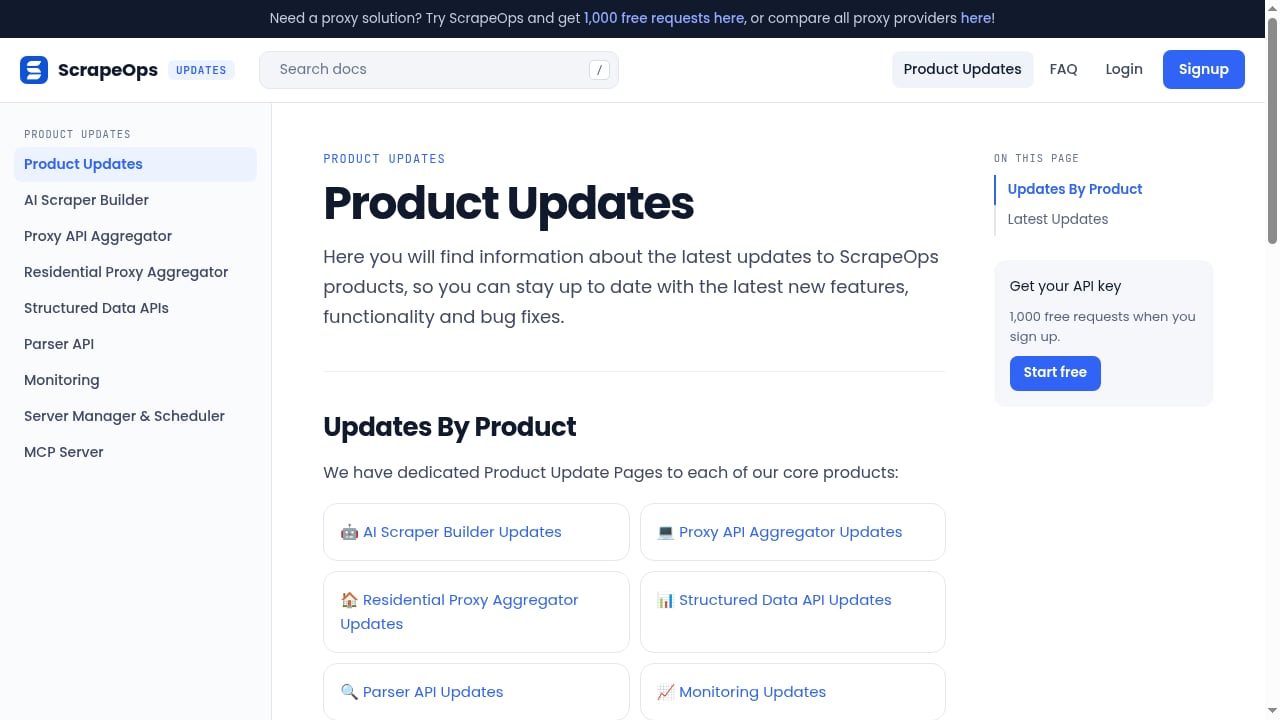
First viewport screenshot of scrapeops.io.
AdsCrawl already routes requests through residential proxies, so you might ask why add ScrapeOps at all. The answer is control and resilience at scale.
- AdsCrawl handles rendering and browser state. It launches real Chromium, waits for the page to reach the load state you request, injects cookies and fingerprint settings, and returns rendered HTML, clean Markdown, structured JSON, or a PNG. For multi-step flows, Remote CDP sessions stay alive across requests so you can log in, click, scroll, and extract behind authentication.
- ScrapeOps handles proxy selection and failover. Instead of manually benchmarking proxy providers per target site, ScrapeOps picks the best-performing proxy for each domain and switches to an alternative when failures occur. It also adds monitoring, scheduling, and a Parser API for converting HTML to structured JSON.
In practice, AdsCrawl gives you a dependable browser environment; ScrapeOps gives you a dependable network path to it and a safety net when a target site tightens its defenses. Together they reduce the two most common causes of scraper failure: JavaScript-heavy pages that never render, and proxy pools that silently degrade.
How the two products fit together
There are two practical integration patterns. Choose based on whether you need browser rendering or just HTTP-level fetching.
Pattern 1: ScrapeOps as the proxy layer for AdsCrawl requests
AdsCrawl accepts custom proxies on its browser tasks and cloud browser profiles. You can point AdsCrawl at a ScrapeOps proxy endpoint so that every browser request exits through ScrapeOps' aggregated proxy network. This is the strongest combination for dynamic sites: AdsCrawl renders the page in real Chromium, and ScrapeOps supplies the rotating residential or mobile exit.
Pattern 2: AdsCrawl as the renderer behind a ScrapeOps-driven pipeline
If your pipeline already uses ScrapeOps for proxy management and monitoring, route only the hard pages — SPAs, authenticated dashboards, pages behind bot checks — to AdsCrawl. ScrapeOps continues to manage proxies and scheduling for the easy pages, while AdsCrawl handles rendering and CDP automation for the rest. This keeps costs predictable because you spend browser credits only where rendering is actually required.
A useful rule of thumb: if the data is present in the raw HTML response, a proxy-level fetch is enough. If the data appears only after JavaScript executes, or requires a login, send it to AdsCrawl.
Setup: prerequisites
First viewport screenshot of scrapeops.io.
Before wiring the two together, confirm you have:
- An AdsCrawl account with an API key from the dashboard. New accounts receive 500 credits on signup, and the free tier includes rotating residential proxies.
- A ScrapeOps account with an API key. The free tier includes 1,000 requests and 100 MB of bandwidth.
- A server-side environment for your keys — never embed either key in client-side code.
- A client library: cURL, Python
requests, Node.jsfetch, or Playwright/Puppeteer for CDP workflows.
Step-by-step: render a dynamic page through ScrapeOps proxies with AdsCrawl
First viewport screenshot of scrapeops.io.
Step 1: Make your first AdsCrawl request
Start with the synchronous HTML endpoint. It uses safe browser defaults and avoids managing a stateful session, which makes it the fastest way to confirm your key works.
export ADSCRAWL_API_KEY="your-api-key"

curl --fail-with-body -sS -X POST "https://api.adscrawl.net/html" \
  -H "content-type: application/json" \
  -H "x-api-key: $ADSCRAWL_API_KEY" \
  -d '{
    "url": "https://example.com/article",
    "contentMode": "markdown",
    "waitUntil": "domcontentloaded"
  }'
A successful response returns rendered content in the format you requested. If you need structured fields instead of a document, use CSS selectors or intercepted network responses on the same endpoint family.
Step 2: Configure a ScrapeOps proxy for AdsCrawl
In your AdsCrawl request or cloud browser profile, supply the ScrapeOps proxy as a custom proxy. The exact proxy host and port come from your ScrapeOps dashboard; the pattern is a standard HTTP or SOCKS proxy with your ScrapeOps credentials. Once configured, AdsCrawl's Chromium traffic exits through ScrapeOps' aggregator, which selects the best-performing provider for the target domain.
Keep two things in mind:
- Session consistency. If a workflow requires the same IP across multiple requests (for example, a multi-step checkout or a paginated dashboard), use a sticky session option rather than rotating on every request.
- Geographic targeting. Both platforms support country-level routing. Set the country in one place — ideally ScrapeOps — to avoid conflicting geo rules between the proxy layer and the browser profile.
Step 3: Add a CDP session for multi-step flows
When a page needs interaction — logging in, clicking "Load More," or scrolling an infinite feed — switch from the synchronous HTML endpoint to a Remote CDP session. AdsCrawl returns a session URL you can connect to with Playwright or Puppeteer over the Chrome DevTools Protocol.
import requests
from playwright.sync_api import sync_playwright

resp = requests.post(
    "https://api.adscrawl.net/browser",
    headers={"x-api-key": "your-api-key"},
    json={"url": "https://example.com/login"},
)
ws_url = resp.json()["ws_endpoint"]

with sync_playwright() as p:
    browser = p.chromium.connect_over_cdp(ws_url)
    page = browser.contexts[0].pages[0]
    page.fill("#email", "user@example.com")
    page.fill("#password", "secret")
    page.click("button[type=submit]")
    page.wait_for_load_state("networkidle")
    html = page.content()
    browser.close()
Because the browser stays alive across commands, you authenticate once and reuse cookies for subsequent extraction. AdsCrawl manages the browser lifecycle; ScrapeOps manages the network path underneath it.
Step 4: Add monitoring and fallback
ScrapeOps monitoring tracks scraper health and performance, so you can see when a target site starts failing and which proxy provider is responsible. Pair that with AdsCrawl's own error signals — HTTP 429 responses and session failures — and implement exponential backoff in your client. A simple retry wrapper around the AdsCrawl call, with ScrapeOps handling proxy failover beneath it, covers most production failure modes.
Step 5: Convert HTML to structured JSON
Once AdsCrawl returns rendered HTML, you have two parsing options. Parse it yourself with your preferred library, or send it to ScrapeOps' Parser API to convert HTML into structured JSON. The latter is useful when you want consistent output schemas across many sites without maintaining a parser per target.
Practical example: a price-monitoring pipeline
Consider a retailer whose product pages render prices via JavaScript and occasionally serve bot challenges.
- Schedule the job with ScrapeOps' Server Manager & Scheduler.
- Render each product URL with AdsCrawl's HTML endpoint, requesting Markdown or structured JSON.
- Route AdsCrawl traffic through the ScrapeOps proxy aggregator so blocked requests automatically retry on a different provider.
- Parse the rendered output into price fields, either with CSS selectors in AdsCrawl or with the ScrapeOps Parser API.
- Monitor success rates in ScrapeOps and alert when a domain's failure rate crosses a threshold.
This pipeline solves the two classic failure points — unrendered content and proxy burnout — without you managing a browser fleet or benchmarking proxy vendors.
When to use only one of the two
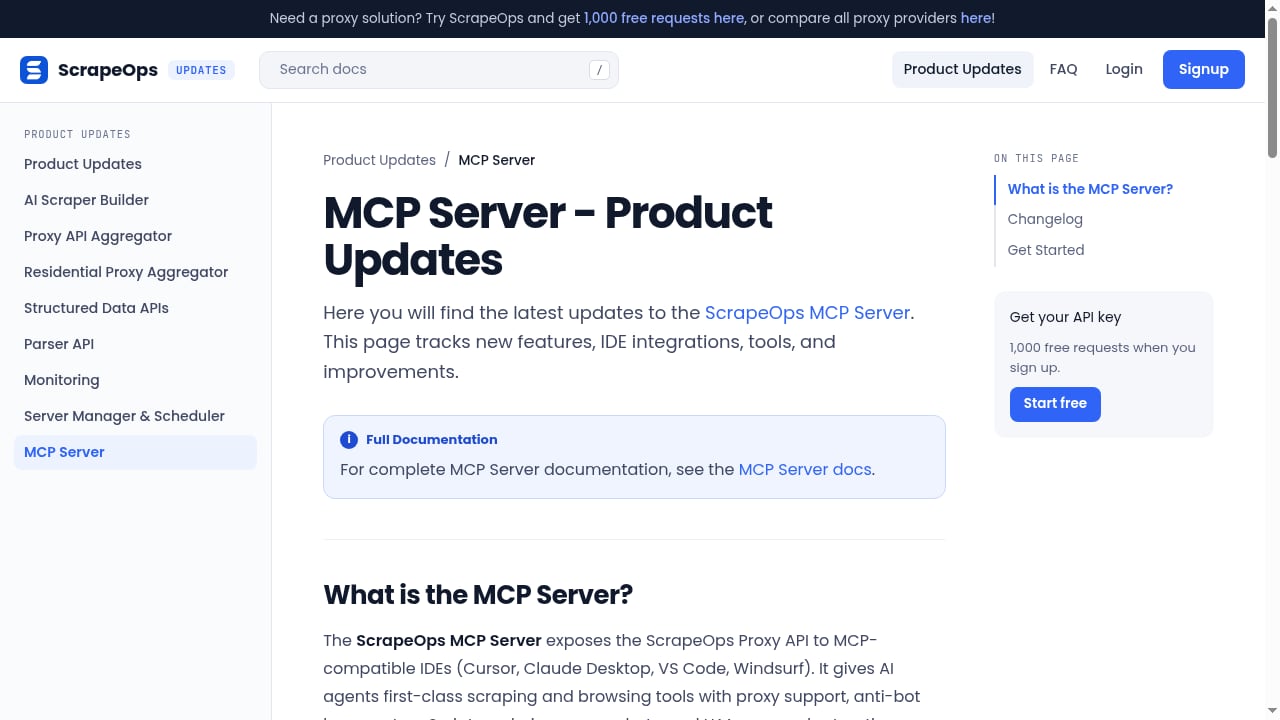
First viewport screenshot of scrapeops.io.
The combination is powerful, but it is not always necessary.
| Scenario | Recommended approach |
|---|---|
| Static HTML pages, high volume, low cost sensitivity | ScrapeOps proxy layer alone |
| JavaScript-heavy SPAs, screenshots, authenticated sessions | AdsCrawl alone or with ScrapeOps proxies |
| Mixed portfolio of easy and hard targets | AdsCrawl for hard pages, ScrapeOps for routing and scheduling |
| Strict per-request budget with unpredictable bot defenses | ScrapeOps aggregation plus AdsCrawl for rendering only when needed |
If you are still evaluating browser automation providers, our comparison of AdsCrawl vs ScraperAPI explains how real browser sessions differ from a simple scraping API. For a broader view of rendering, proxy, and CDP trade-offs, see AdsCrawl vs Bright Data vs Lightpanda.
Common pitfalls and how to avoid them
- Double proxy rotation. If both AdsCrawl and ScrapeOps rotate IPs, session-dependent flows break. Pick one layer to control rotation.
- Mismatched geo settings. Set the target country in ScrapeOps and leave AdsCrawl's country option unset, or vice versa — not both.
- Ignoring load states. Use
waitUntilvalues that match the page's behavior;domcontentloadedis fast but may miss late-rendered data. - Skipping retries. Always handle 429 and transient 5xx responses with backoff before escalating to a different proxy route.
- Overusing browser sessions. Every AdsCrawl request consumes credits; route only pages that genuinely need rendering.
For teams building production automation, instrumenting usage and success rates is as important as the scraping logic itself. Our guide to usage analytics for browser automation covers how to capture events and measure cloud browser job reliability.
Related reading
- AdsCrawl vs Context.dev vs Spider: Which Fits? - Compare AdsCrawl, Context.dev, and Spider for browser automation, AI data extraction, and crawling. Learn which tool fits your workflow.
- Browser Automation & Web Scraping: No-Code vs Code Review - An evidence-based review of browser automation and web scraping tools, comparing no-code and code approaches. Covers ideal users, use cases, strengths, limitations, pricing, setup, and decision criteria.
Sources and further reading
- AdsCrawl Documentation | AdsCrawl - Build browser workflows with AdsCrawl rendered-content APIs, structured extraction, remote CDP sessions, and live control.
- AdsCrawl: Browser Automation API for Scraping the Web - AdsCrawl - AdsCrawl is a browser automation API for developers who need rendered HTML, structured data, screenshots, and full CDP sessions via residential proxies.
- How to Use AdsCrawl: A Complete API Tutorial - Learn how to use AdsCrawl's browser automation API to capture screenshots, extract HTML/Markdown, and control remote CDP sessions. Step-by-step setup with code examples.
Frequently asked questions
Does AdsCrawl already include proxies, so why add ScrapeOps?
AdsCrawl includes rotating residential proxies and supports custom proxies. ScrapeOps adds automatic provider selection, failover across 20+ providers, and monitoring. If you scrape a handful of sites, AdsCrawl's built-in proxies may be enough. If you scrape many domains with varying defenses, ScrapeOps reduces manual proxy management.
Can I use ScrapeOps with AdsCrawl's Remote CDP sessions?
Yes. Configure the ScrapeOps proxy on the cloud browser profile or session, then connect Playwright or Puppeteer over CDP. The browser traffic exits through ScrapeOps while you keep full DevTools control.
Which tool should parse the data?
Either works. AdsCrawl can return structured JSON using CSS selectors or intercepted network responses. ScrapeOps' Parser API converts HTML to JSON with consistent schemas. Choose based on whether you prefer parsing at render time or downstream.
Is there a free way to test the combination?
Yes. AdsCrawl offers 500 credits on signup with a free tier, and ScrapeOps provides 1,000 free requests and 100 MB of bandwidth. That is enough to validate a small pipeline before committing to paid plans.
What about AI agent workflows?
ScrapeOps offers an MCP Server for AI agent integration and an AI Scraper Builder that generates scraper code. AdsCrawl's Markdown output is well suited to feeding LLMs. Combining clean Markdown from AdsCrawl with ScrapeOps' agent tooling is a practical pattern for AI data collection.
Conclusion
AdsCrawl and ScrapeOps solve different halves of the same problem. AdsCrawl gives you a real cloud browser that renders dynamic pages, maintains authenticated sessions, and returns clean output. ScrapeOps gives you a resilient proxy layer that selects the best provider per site, fails over automatically, and monitors performance. Used together, they let you route only the hard pages through browser rendering while the proxy layer absorbs blocks and provider outages — a combination that is more reliable than either tool alone for production scraping of dynamic websites.
Start with a small test: render one JavaScript-heavy page through AdsCrawl with a ScrapeOps proxy, confirm the output, then scale the pattern to your full target list.