
AdsCrawl vs Context.dev vs Spider: Which Fits?
Compare AdsCrawl, Context.dev, and Spider for browser automation, AI data extraction, and crawling. Learn which tool fits your workflow.
AdsCrawl vs Context.dev vs Spider: Which Fits?
Choosing between AdsCrawl, Context.dev, and Spider can be confusing because all three touch web data and browser automation, but they solve different problems. AdsCrawl is a managed cloud browser and browser automation API for developers who need real Chromium sessions. Context.dev is a web data API optimized for AI agents that need clean Markdown, search, and structured extraction. Spider is a high-throughput crawling and web data infrastructure platform built for scale and low cost. This comparison breaks down their strengths, trade-offs, and ideal use cases so you can pick the right tool for your pipeline.
Quick comparison: core positioning
| Tool | Primary focus | Best for |
|---|---|---|
| AdsCrawl | Managed cloud browser automation with CDP, proxies, and persistent profiles | Developers running interactive automation, QA, monitoring, and dynamic scraping |
| Context.dev | Web data API for AI agents: scrape, search, crawl, monitor, brand data | AI engineers building agents, enrichment, and research tools |
| Spider | High-throughput crawling and search API with residential proxies | Teams needing massive scale, low cost per page, and clean markdown output |
AdsCrawl: browser automation with real Chromium sessions
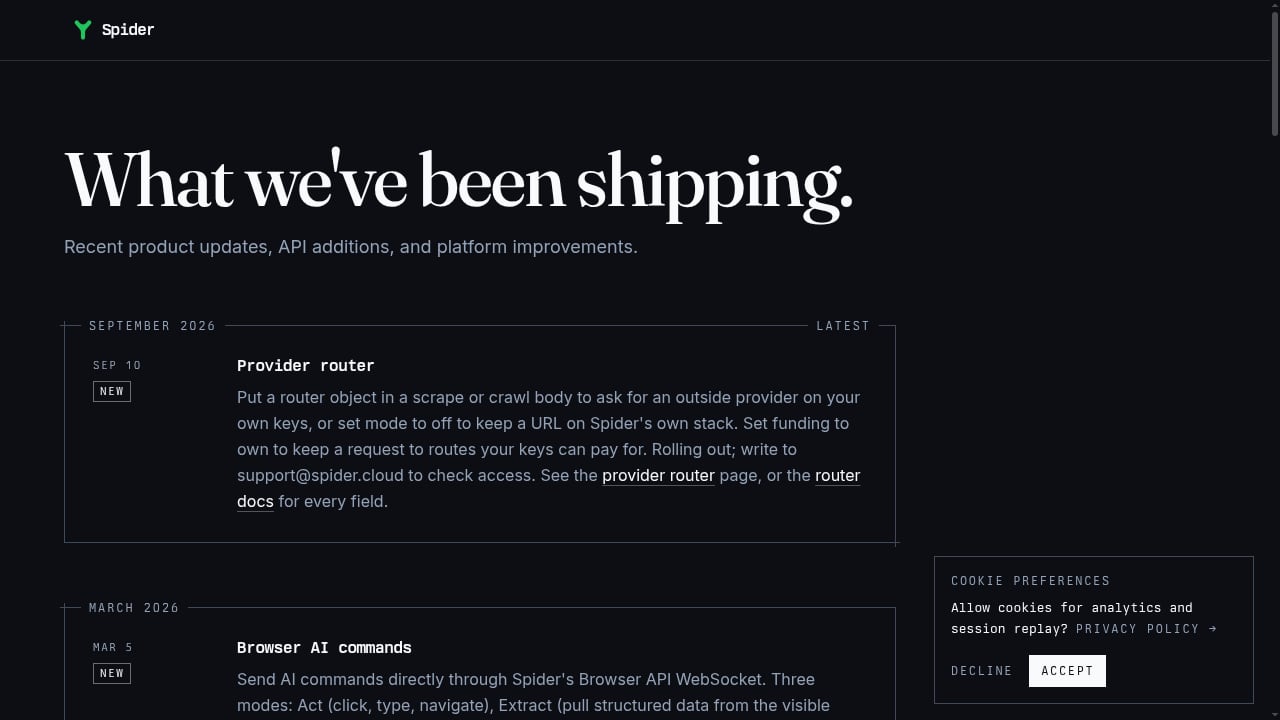
First viewport screenshot of spider.cloud.
AdsCrawl provides a managed cloud browser that you can control via Playwright, Puppeteer, or any CDP client. It runs real Chromium browsers in the cloud, supports residential proxy routing or custom proxies, and returns rendered HTML, Markdown, JSON, or screenshots. Key features include synchronous browser tasks (screenshot, HTML, SPA extraction), stateful remote CDP sessions, saved cloud browser profiles with lifecycle management, and live browser control via short-lived tokens.
Strengths:
- Deep browser control: Full CDP access means you can script complex interactions, handle authenticated sessions, and debug with familiar tools.
- Persistent profiles: Reusable browser profiles help maintain login state and cookies across tasks.
- Proxy flexibility: Built-in residential proxies (free rotating) or bring your own.
- Developer-friendly: Works with existing Playwright/Puppeteer code; no need to rewrite automation scripts.
- Integration with AdsPower: Useful for teams already in that ecosystem.
Considerations:
- Pricing is credit-based (Free: 500 one-time credits; Pro: $199/month for 500,000 credits). Heavy usage may require careful credit management.
- Not a dedicated crawling or search API; it focuses on browser automation rather than bulk page discovery.
Context.dev: web data API for AI agents
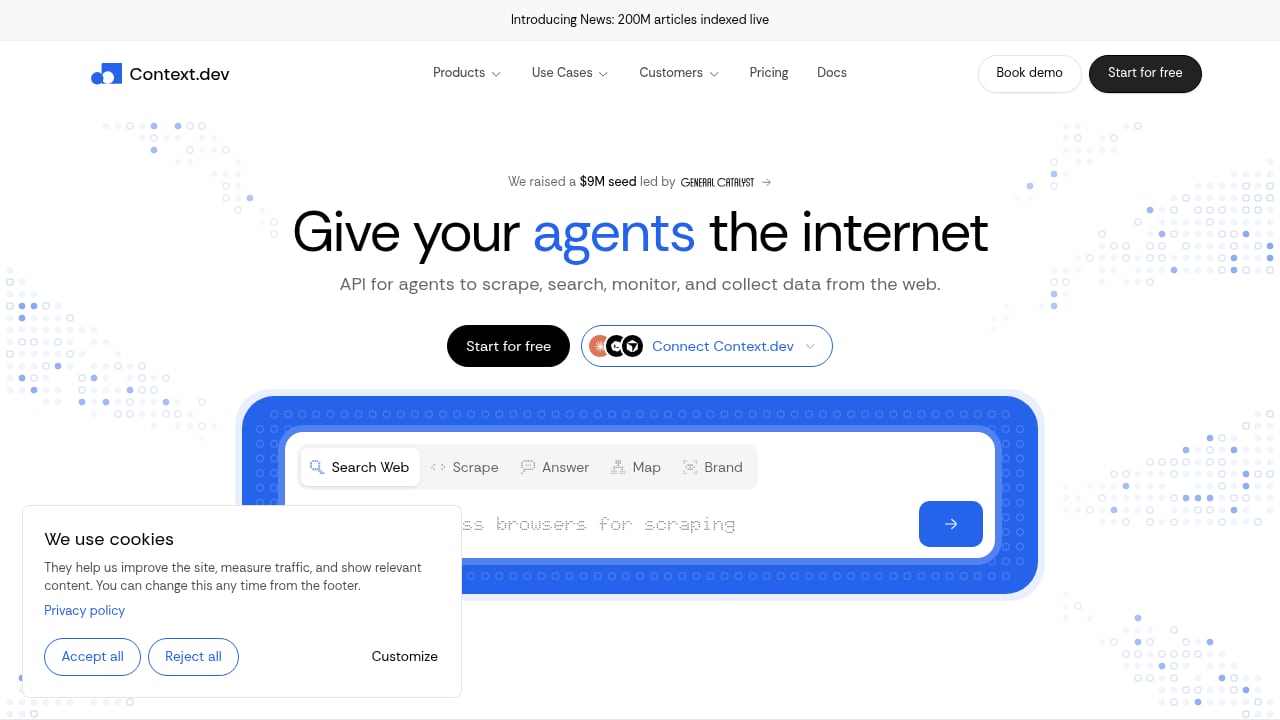
First viewport screenshot of www.context.dev.
Context.dev is a single REST API designed for AI agents and intelligent products. It scrapes any URL into LLM-ready Markdown, searches the live web, crawls entire sites, maps URLs, monitors pages, and extracts structured data. It also offers brand data (logos, company info) and a news index of 200M articles. The platform emphasizes clean, easy-to-integrate APIs that agents can understand and implement quickly, with transparent pricing and self-serve onboarding.
Strengths:
- AI-optimized output: Markdown and structured JSON are ready for LLM consumption.
- All-in-one data API: Scrape, search, crawl, monitor, and brand enrichment in one place.
- Fast integration: Testimonials highlight integration in under an hour; free tier with 1,000 credits/month.
- Strong for enrichment: Brand data and news index are unique differentiators for AI workflows.
Considerations:
- Less emphasis on deep interactive browser control (e.g., multi-step form filling via CDP).
- While it handles JavaScript rendering and anti-bot, it may not offer the same level of browser session persistence as a dedicated cloud browser.
Spider: high-throughput crawling and search
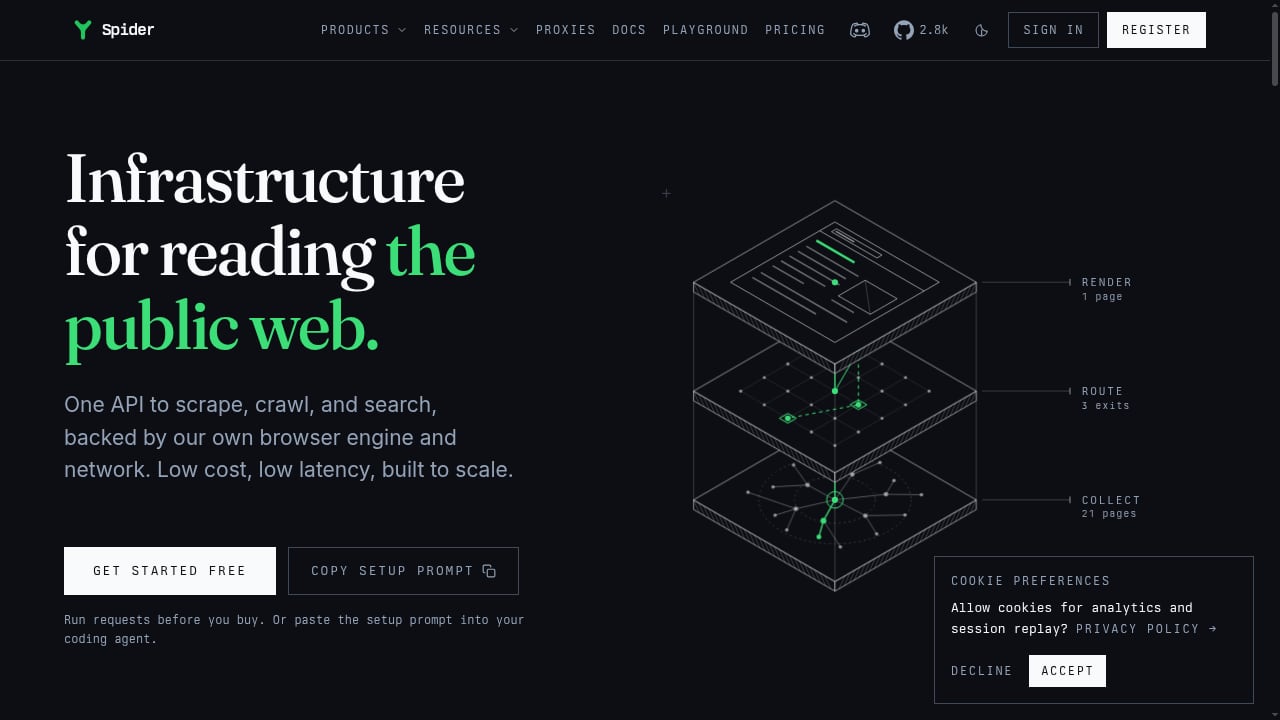
First viewport screenshot of spider.cloud.
Spider is a web data infrastructure platform that provides a single API to scrape, crawl, and search the public web, returning clean markdown or JSON in real time. It combines a native browser engine, residential proxy network across 199+ countries, and crawling/search capabilities under one API key. It targets AI platforms, agents, RAG systems, and large-scale data pipelines.
Strengths:
- Extreme throughput: Claims 100K+ pages per second, making it suitable for massive crawls.
- Cost-efficient: Pay-as-you-go from $1/GB with failed requests costing $0; unlimited plans from $40/mo.
- Broad feature set: Browser automation via WebSocket, MCP server integration, framework SDKs, auto-retry, and token-efficient markdown.
- Proven savings: Case studies show dramatic cost reductions (e.g., A11yWatch from $2,000/mo to $13/mo).
Considerations:
- Browser automation is available but may be less focused on persistent profiles and interactive debugging compared to AdsCrawl.
- Geared toward high-volume crawling rather than fine-grained browser control.
When to choose each tool
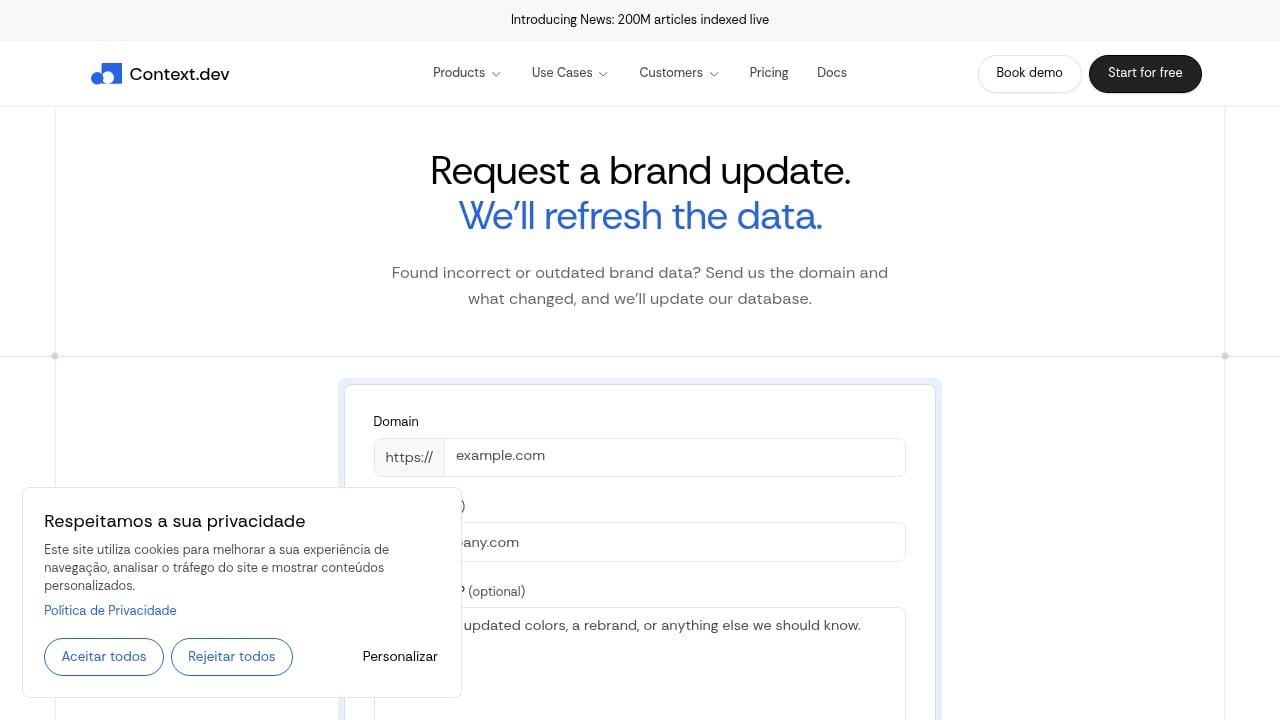
First viewport screenshot of www.context.dev.
Choose AdsCrawl if:
- You need to drive real Chromium browsers via CDP for complex, multi-step interactions.
- Your workflow requires persistent login sessions, saved profiles, or live browser control.
- You want to reuse existing Playwright/Puppeteer scripts without major changes.
- You need residential proxy routing for dynamic or protected sites.
Choose Context.dev if:
- You are building AI agents that need clean Markdown, search, and structured extraction.
- You want a single API for scraping, crawling, monitoring, and brand enrichment.
- Fast integration and transparent pricing are priorities.
Choose Spider if:
- You need to crawl millions of pages at low cost and high speed.
- Your pipeline requires clean markdown for RAG or LLM training.
- You want a pay-as-you-go model with no failed-request charges.
Can you combine them?
Yes. Many teams use a layered approach: a cloud browser like AdsCrawl for interactive discovery and authenticated sessions, and a crawling API like Spider or Context.dev for bulk extraction and AI-ready output. For example, you might use AdsCrawl to log in and navigate a complex SPA, then pass the rendered HTML to Context.dev for structured extraction. Or use Spider for large-scale crawling and AdsCrawl for targeted automation that requires a real browser.
If you're comparing AdsCrawl with other browser automation tools, see our AdsCrawl vs Bright Data vs Lightpanda comparison and AdsCrawl vs ScraperAPI breakdown. For a broader view of no-code options, check the top 10 no-code web scraping software.
Related reading
- Browser Automation & Web Scraping: No-Code vs Code Review - An evidence-based review of browser automation and web scraping tools, comparing no-code and code approaches. Covers ideal users, use cases, strengths, limitations, pricing, setup, and decision criteria.
- Usage Analytics for Browser Automation: A Developer Guide - Learn how to instrument usage analytics for browser automation: capture events, measure success, and run reliable cloud browser jobs with AdsCrawl.
Sources and further reading
- index.html | APIs.io Agentic Access - Browse recommended x-agentic-access execution contracts for API providers across the APIs.io network — the scope, audience, consequence tier, short-lived token constraints, and human-in-the-loop escalation each operation should carry before it is handed to an AI agent. Classified from provider OpenAPI, following Curity's Access Intelligence model.
- Edition-37.pdf - Going Down Swinging - on the floor and blows a spider into his ear. THE FINEST workers in stone ... development and matriculation into the knowl- edge economy. We all did ...
FAQ
What is the main difference between AdsCrawl, Context.dev, and Spider?
AdsCrawl focuses on managed cloud browser automation with deep CDP control and persistent profiles. Context.dev is a web data API for AI agents, emphasizing clean Markdown, search, and brand data. Spider is a high-throughput crawling and search API optimized for scale and low cost.
Can I use AdsCrawl for AI agent workflows?
Yes, AdsCrawl can be used to fetch rendered HTML or Markdown from dynamic pages, which can then be fed to LLMs. However, it does not provide built-in search or brand enrichment like Context.dev.
Does Spider support browser automation?
Spider offers browser automation via WebSocket, but its primary strength is high-volume crawling and search. For complex interactive sessions, a dedicated cloud browser like AdsCrawl may be more suitable.
Which tool is best for scraping protected websites?
All three offer anti-bot and proxy capabilities. AdsCrawl provides residential proxies and real browser sessions, which can help with protected sites. Context.dev and Spider also offer proxies and anti-bot bypass, but the best choice depends on your specific target and workflow.
How does pricing compare?
AdsCrawl uses credit-based subscriptions (Free: 500 one-time credits; Pro: $199/month for 500,000 credits). Context.dev offers a free tier with 1,000 credits/month and paid plans. Spider uses pay-as-you-go from $1/GB and unlimited plans from $40/mo. Evaluate based on your expected volume and feature needs.
Conclusion
AdsCrawl, Context.dev, and Spider are not direct substitutes; they excel in different layers of the web data pipeline. AdsCrawl is the strongest choice when you need real browser automation, CDP control, and persistent sessions. Context.dev shines for AI agents that need clean, structured web data and brand enrichment. Spider is ideal for high-throughput crawling at low cost. Assess your workflow's core requirement—interactive control, AI-ready extraction, or massive scale—and choose accordingly. Often, combining them yields the best results.