
How to Use Firecrawl: Browser Automation API Guide
Learn how to use Firecrawl-style browser automation with AdsCrawl: render JavaScript pages, extract structured data, and run stateful Playwright sessions.
How to Use Firecrawl: Browser Automation API Guide
If you searched for "how to use Firecrawl," you are probably trying to turn a JavaScript-heavy website into clean, usable data without maintaining a fleet of headless browsers. The same workflow pattern applies to any browser automation API, including AdsCrawl. This guide shows you how to go from a single URL to a repeatable extraction pipeline using AdsCrawl's synchronous endpoints and stateful remote Chromium sessions.
What a Browser Automation API Actually Does
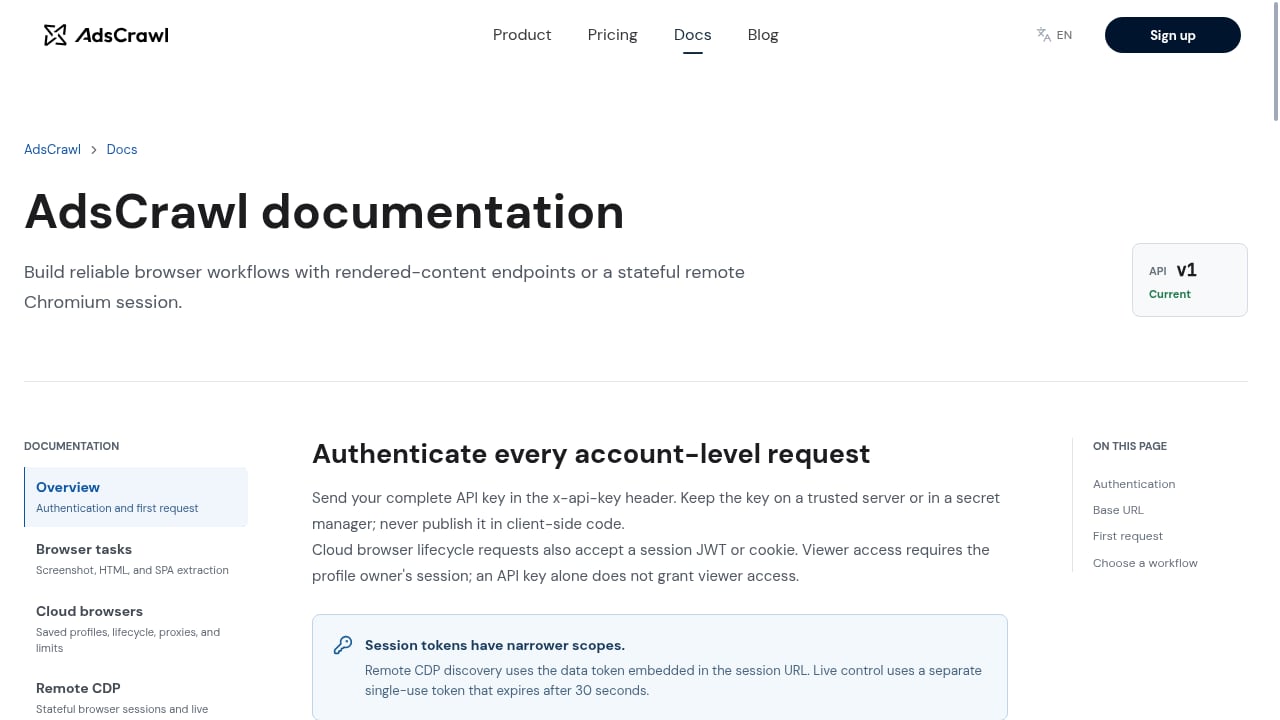
First viewport screenshot of www.adscrawl.net.
A browser automation API runs a real browser in the cloud and exposes it through HTTP or a remote debugging protocol. Instead of installing Chromium, managing proxies, and patching anti-bot gaps on your own machine, you send a request and receive rendered output.
AdsCrawl provides two complementary surfaces:
- Synchronous endpoints for one-shot tasks: screenshots, rendered HTML, Markdown, and SPA extraction.
- Stateful remote Chromium sessions that connect to Playwright, Puppeteer, or raw CDP clients for multi-step workflows.
That split matters. Simple extraction should be a single API call. Complex flows — login, pagination, form filling — need a persistent browser session.
Quick Start: Your First Rendered Request
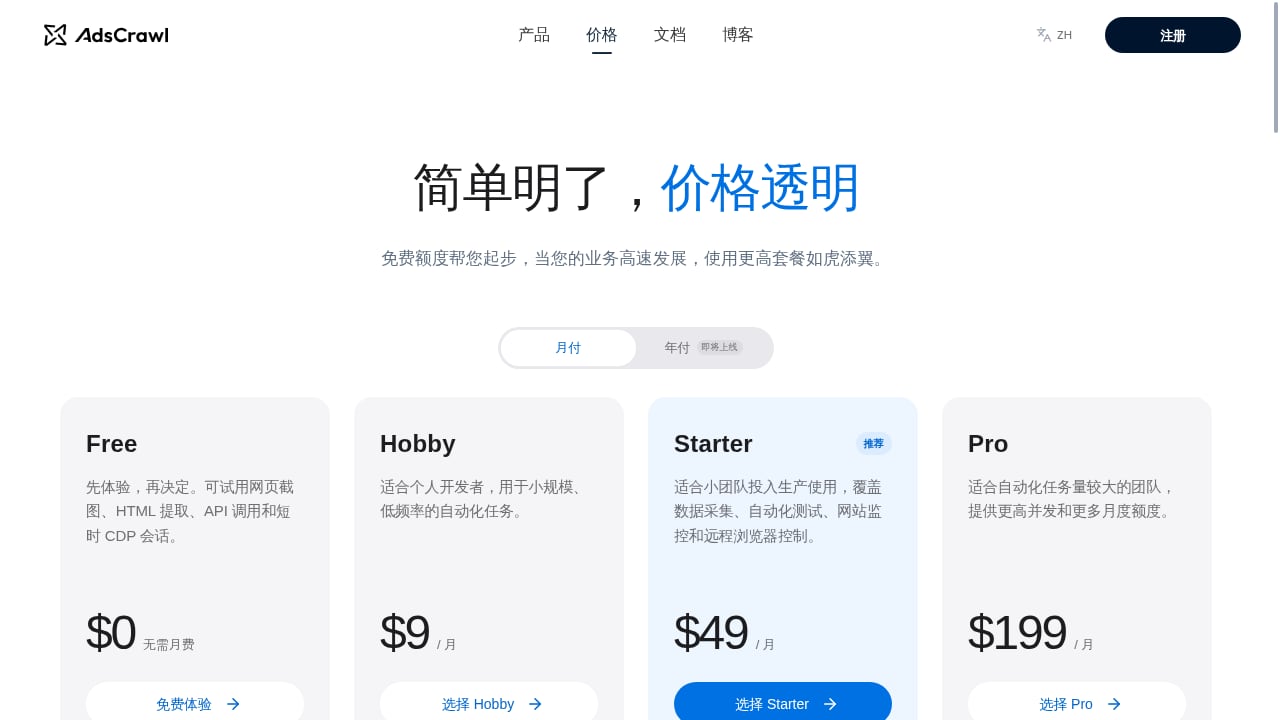
First viewport screenshot of www.adscrawl.net.
Before writing code, create an AdsCrawl account. New users receive 500 free credits, which is enough to test rendering, screenshots, and a few session-based workflows.
Step 1: Choose Your Output Format
AdsCrawl supports HTML, Markdown, JSON, and screenshot outputs. Pick based on what consumes the data:
| Output | Best for |
|---|---|
| Markdown | LLM context, RAG pipelines, documentation |
| Rendered HTML | Selector-based parsing, archiving |
| JSON | Structured records for databases or apps |
| Screenshot | Visual QA, monitoring, evidence capture |
If you are feeding an AI agent, Markdown is usually the cleanest starting point. If you need exact fields, JSON extraction with a schema is more reliable than fragile CSS selectors.
Step 2: Send a Synchronous Request
The simplest pattern is a single HTTP call that returns rendered content. A typical request looks like this in pseudocode:
import requests

response = requests.post(
    "https://api.adscrawl.com/v1/render",
    headers={"Authorization": "Bearer YOUR_API_KEY"},
    json={
        "url": "https://example.com/product/123",
        "format": "markdown"
    }
)

print(response.text)
Replace the endpoint and payload with the exact values from the AdsCrawl OpenAPI specification. The platform publishes an OpenAPI spec and an AI-friendly llms.txt index so coding agents can discover endpoints without guesswork.
Step 3: Verify the Rendered Output
JavaScript-heavy pages often return empty results to plain HTTP clients. Check that the response contains the content you expect — prices, reviews, or table rows — before building downstream logic. If the output is empty, the page likely needs a full browser session rather than a simple fetch.
When to Move from Endpoints to Remote Sessions
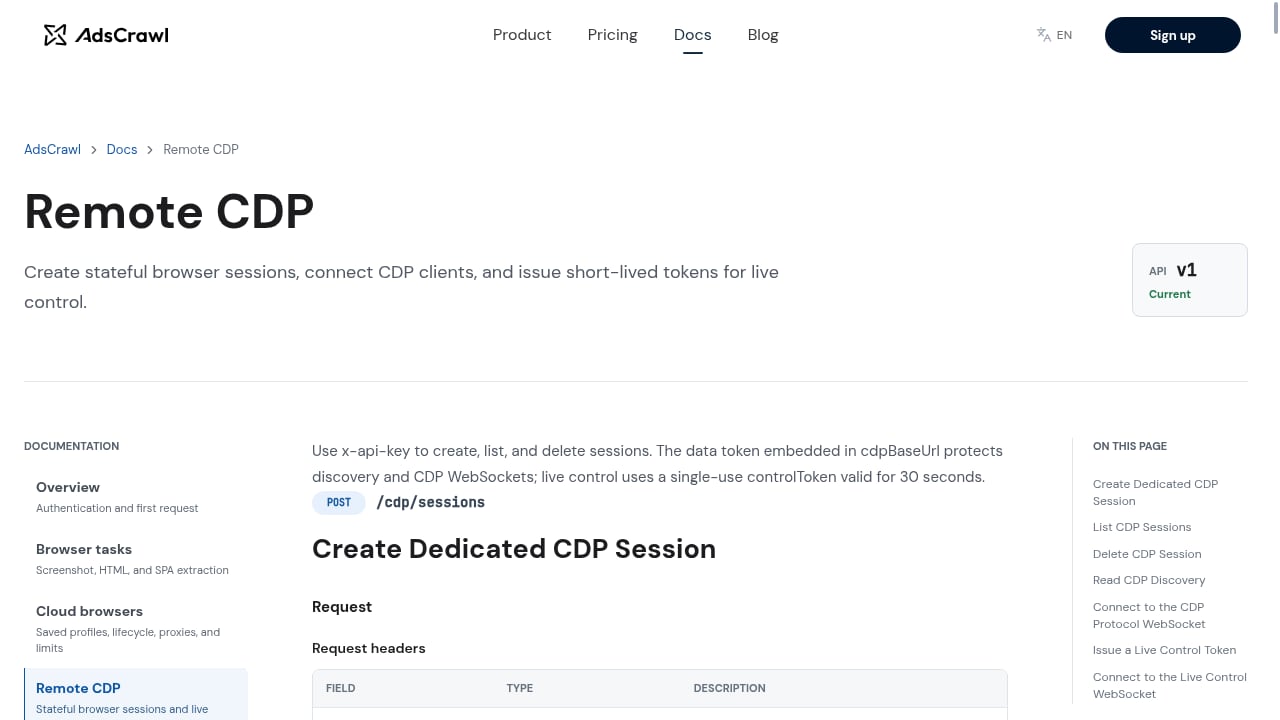
First viewport screenshot of www.adscrawl.net.
Synchronous endpoints cover most extraction jobs. Move to a stateful remote Chromium session when your workflow needs any of the following:
- Authentication with cookies or tokens that must persist across requests.
- Multi-page navigation with clicks, form submissions, or infinite scroll.
- Custom headers, User-Agent rotation, or region-specific routing.
- Interactive debugging through a viewer.
AdsCrawl lets you save and launch cloud browser profiles with lifecycle management, custom proxies, and interactive viewer access. That means you can keep a logged-in session alive, reconnect later, and avoid repeating the login flow on every run. For a deeper look at how this works, see Session Persistence in Browser Automation: A Developer Guide.
Connecting Playwright, Puppeteer, or CDP
First viewport screenshot of www.adscrawl.net.
AdsCrawl exposes remote Chromium sessions that connect to standard clients. The pattern is the same across libraries: request a session, get a WebSocket endpoint, and connect.
Playwright Example
from playwright.sync_api import sync_playwright

with sync_playwright() as p:
    browser = p.chromium.connect_over_cdp("wss://your-session-endpoint")
    page = browser.new_page()
    page.goto("https://example.com/dashboard")
    page.fill("#search", "wireless headphones")
    page.click("button[type=submit]")
    page.wait_for_selector(".results")
    print(page.inner_text(".results"))
    browser.close()
Puppeteer Example
const puppeteer = require('puppeteer-core');

(async () => {
  const browser = await puppeteer.connect({
    browserWSEndpoint: 'wss://your-session-endpoint'
  });
  const page = await browser.newPage();
  await page.goto('https://example.com/dashboard');
  await page.type('#search', 'wireless headphones');
  await page.click('button[type=submit]');
  await page.waitForSelector('.results');
  console.log(await page.$eval('.results', el => el.innerText));
  await browser.close();
})();
Raw CDP clients work the same way: connect to the session endpoint and issue protocol commands directly. This is useful when you need fine-grained control over network interception or performance metrics.
Handling Anti-Bot Protections and Geo-Specific Content
Many sites block requests that look automated. AdsCrawl includes managed browser identity, random User-Agents, trusted proxies, residential proxy routing, and dynamic region routing. Use these features deliberately:
- Match the region to the content. If you need prices from a German storefront, route through a German proxy.
- Rotate identity per session, not per request. Frequent changes within one session can trigger suspicion.
- Respect site terms and robots.txt. Automation capability does not remove legal or ethical obligations.
If you are comparing browser infrastructure options, the Top 10 Cloud Browser Infrastructure for AI Agents 2026 roundup covers pricing, concurrency, and stealth trade-offs.
Extracting Structured Data Reliably
Free-text extraction is easy; structured extraction is where pipelines break. Two approaches work well:
- Schema-first extraction: define the fields you need (title, price, rating, availability) and validate every response against that schema.
- Selector-based parsing: use rendered HTML and stable selectors, with fallbacks when the DOM changes.
AdsCrawl's JSON output and rendered HTML endpoints support both. For e-commerce workflows, the How to Use AdsCrawl with Price API for Data-Driven E-Commerce guide shows how to combine rendering with price enrichment.
A Practical Workflow: Competitor Price Monitoring
Here is a realistic pipeline you can build in an afternoon:
- Store target product URLs in a database.
- For each URL, call the synchronous render endpoint with Markdown or JSON output.
- Parse price and availability fields.
- Write results to a time-series table.
- Alert when a price drops below a threshold.
Start with 10 URLs to validate selectors and output quality. Then scale to hundreds or thousands using concurrent requests and, where needed, stateful sessions for sites that require login or region selection.
Common Mistakes and How to Avoid Them
- Scraping before inspecting. Open the page in developer tools first and confirm which elements are rendered client-side.
- Ignoring rate limits. Batch requests and add backoff logic.
- Hardcoding selectors. Add fallbacks and monitor for empty results.
- Skipping validation. Reject records that fail schema checks instead of storing bad data.
- Forgetting session cleanup. Close remote sessions when finished to avoid unnecessary credit usage.
Related reading
- Top 10 Web Scraping Browser Extensions 2026 - Independent 2026 ranking of the top 10 web scraping browser extensions, with evidence on pricing, limits, pagination, and when to move to a scraping API.
- How to Use AdsCrawl with Cloudflare Developer Docs - Learn how to pair AdsCrawl's browser automation API with Cloudflare Developer Docs to scrape rendered developer documentation and build reliable AI context pipelines.
- AdsCrawl vs ScreenshotEngine vs Screenshotlayer: 2026 Guide - Compare AdsCrawl, ScreenshotEngine, and Screenshotlayer for screenshots, browser control, and data extraction. Find the right tool for your workflow.
Sources and further reading
- Web Scraping for Beginners: A Step-by-Step Guide - Learn how to collect data from websites using Python in this beginner's guide.
- Firecrawl Full Beginner Course | Let's Scrape EVERYTHING - 👉 Join My Skool Community: https://www.skool.com/the-ai-agent/about🤖 1-on-1 Coaching Support: https://calendly.com/tylerreedytlearning/strategy-call🙇🏻 Wh...
- Introduction | Firecrawl - The context API for AI agents. Search the web, scrape any page, and interact with it through one API.
FAQ
Do I need to install a browser to use AdsCrawl?
No. AdsCrawl runs Chromium in the cloud. You can use synchronous endpoints without any local browser, or connect Playwright, Puppeteer, or a CDP client to a remote session.
What is the difference between a synchronous endpoint and a remote session?
A synchronous endpoint handles a single request and returns output immediately. A remote session keeps a browser alive so you can perform multiple actions, preserve cookies, and navigate across pages.
Can AdsCrawl handle JavaScript-heavy single-page applications?
Yes. AdsCrawl includes SPA extraction and rendered HTML output designed for pages that build content client-side.
How many free credits do I get?
New accounts receive 500 free credits on signup. Paid plans include Free, Hobby, Starter, and Pro tiers with credit-based subscriptions.
Where can I find the API reference?
AdsCrawl publishes documentation with an OpenAPI specification and an llms.txt index that AI coding agents can read directly.
Conclusion
Using a browser automation API well comes down to choosing the right surface for each job: synchronous endpoints for fast extraction, remote Chromium sessions for stateful workflows, and structured output formats for reliable downstream processing. AdsCrawl gives you all three in one platform, with managed identity, proxy routing, and region controls to handle the sites that resist simpler tools. Start with the free credits, validate one workflow end to end, then scale.