
Scrape.do Review 2026: Pricing, Speed & Real Tradeoffs
Hands-on Scrape.do review: how its scraping API and ready scrapers perform, what credits really cost, and who should pick it over alternatives.
Scrape.do Review 2026: Pricing, Speed, and the Real Tradeoffs
Scrape.do is a web scraping API that hides proxies, browser rendering, and anti-bot defenses behind a single HTTP call. This review looks at what it actually does well, where it strains, and how to decide whether it belongs in your stack.
What Scrape.do Actually Is
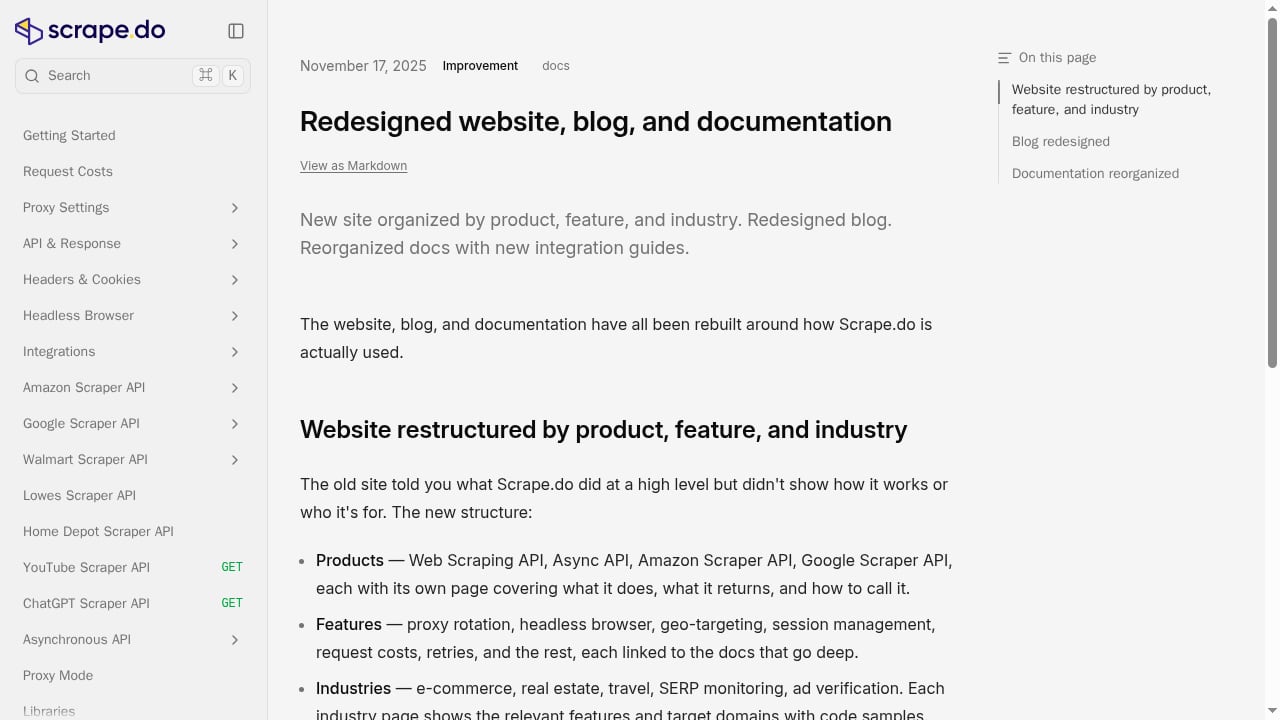
First viewport screenshot of Redesigned website, blog, and documentation.
Scrape.do is not a scraper you install. It is an API you call. You send a target URL, and the platform returns the page — either as raw HTML, rendered HTML, or parsed JSON depending on the endpoint you hit.
The platform handles the unglamorous parts of scraping for you:
- Proxy rotation across a large pool, so a single blocked IP does not kill a job
- Header and fingerprint management, so requests look like real browsers
- CAPTCHA and WAF bypass, including common challenge pages
- JavaScript rendering for pages that build their content client-side
- Geo-targeting, so you can request a page as it appears in a specific country
- Session management, for flows that need a consistent identity across requests
There are two product layers. The Web Scraping API is the general-purpose endpoint — you point it at almost any URL. The Ready Scraper APIs are pre-built endpoints for specific sites, returning structured JSON instead of HTML. Amazon is the flagship example, with coverage across 21 marketplaces, and there are endpoints for Google and other major targets.
Who Scrape.do Fits

Scrape.do Review 2026: Pricing, Speed & Real Tradeoffs - Who Scrape.do Fits.
Scrape.do makes the most sense when you have engineering capacity but no appetite for maintaining proxy infrastructure.
Good fits:
- E-commerce and price monitoring teams pulling product, offer, and availability data at regular intervals
- SERP and rank tracking tools that need search result pages at scale without building their own unblocking layer
- Real estate and travel aggregators scraping listing sites that are aggressive about bot detection
- Ad verification and brand monitoring workflows that need geo-specific page snapshots
- Data teams that want parsed JSON from a handful of high-value domains rather than a general crawler
Poor fits:
- Teams scraping a single site once, where a one-off script is cheaper
- Projects that need a full crawling framework with scheduling, deduplication, and storage built in
- Workloads where you must run your own headless browser for deep interaction — Scrape.do returns pages, it does not drive multi-step user journeys for you
Setup and Developer Experience
Scrape.do Review 2026: Pricing, Speed & Real Tradeoffs - Setup and Developer Experience.
Getting started is genuinely fast. You sign up, get an API token, and make a request. The free tier includes 1,000 credits, which is enough to validate the API against your real targets before paying.
A basic request looks like this:
curl "https://api.scrape.do/?token=YOUR_TOKEN&url=https%3A%2F%2Fexample.com"
For rendered pages, you add a render parameter. For geo-targeting, you add a country code. For structured output on supported domains, you switch to the relevant ready-scraper endpoint and get JSON back.
The dashboard is where the product earns goodwill. It includes:
- Per-request analytics, so you can see success rates and credit consumption by target
- A live request builder (Playground), which lets you construct and test a request in the browser before writing code
- Team management on Business plans and above, useful when multiple developers share one account
The Async API matters for bulk work. Instead of holding a connection open per URL, you submit jobs and collect results later — the right pattern for large batch runs.
Performance and Reliability
Scrape.do publishes a 99.98% success rate, and user reviews on Trustpilot and G2 consistently highlight two things: speed and responsive support. That combination is not accidental — when unblocking fails, fast human support is often the difference between a working pipeline and a stalled one.
One detail worth understanding is concurrency accounting. Scrape.do changed how rendered requests count against your concurrency limit, and the practical effect was up to 5× more rendered throughput on the same plan. If you evaluated the platform before that change, your old benchmarks may understate it.
Pricing Signals and Credit Math
Scrape.do uses a credit model. The headline plans are Pro, Business, and Advanced, each with explicit concurrency limits rather than vague "unlimited" claims.
The important nuance: not every request costs one credit. Rendered requests, geo-targeted requests, and requests that require heavier anti-bot handling typically consume more. That means the number that matters is not the credit total on the pricing page — it is credits per successful page for your specific targets.
A practical way to evaluate this:
- Run your five hardest target URLs through the free tier
- Check the per-request analytics to see actual credit consumption
- Multiply by your monthly volume
- Compare that effective cost against alternatives
This is also why concurrency limits deserve attention. If your workload is latency-sensitive, the concurrency ceiling may bind before your credit balance does. For a broader view of how platforms in this category stack up, see our ranking of proxy and web scraping platforms.
Strengths and Limitations
Strengths
- Fast time-to-first-request; minimal setup friction
- Ready Scraper APIs remove HTML parsing work for major domains
- Strong anti-bot handling with a high published success rate
- Async API supports genuine bulk workloads
- Playground and per-request analytics make debugging concrete
- Responsive support, repeatedly noted in third-party reviews
Limitations
- Credit costs vary by request type, so budgeting requires testing, not arithmetic
- Concurrency limits are plan-bound and can constrain high-throughput jobs
- Ready scrapers cover major sites, not the long tail — custom targets still need your own parsing
- It is an API, not a crawling platform; scheduling, storage, and deduplication are your responsibility
- Team management sits behind the Business tier
How It Compares
If you are choosing between scraping APIs, the decision usually comes down to three questions: how hard are your targets, how much do you value parsed output, and how tight is your budget per page.
Scrape.do competes most directly with other general-purpose scraping APIs. Its differentiators are the ready-scraper layer and the pricing posture — the platform positions itself on speed and cost rather than breadth of integrations.
If your work leans toward browser automation rather than API calls — multi-step flows, form interaction, logged-in sessions — a browser control layer may fit better. Our comparison of Playwright alternatives covers that category. If your goal is SEO data specifically, the ready-scraper approach overlaps with dedicated SEO data API platforms, which may offer deeper keyword and ranking coverage.
Decision Criteria
Choose Scrape.do if:
- You need unblocked access to moderately to heavily protected sites
- You want parsed JSON from major e-commerce or search domains without writing parsers
- You have developers who can call an API but do not want to run proxy infrastructure
- Your volume is batch-oriented and can tolerate async submission
Look elsewhere if:
- You need a complete crawling framework with scheduling and storage
- Your targets are obscure long-tail sites where ready scrapers do not apply and you would rather own the parsing
- Your workload is small enough that a simple script is cheaper
- You need deep interactive browser control rather than page retrieval
Related reading
- How to Use AdsCrawl with Price2Spy for Price Monitoring - Combine AdsCrawl browser automation with Price2Spy price monitoring. Setup steps, API examples, and a workflow for dynamic competitor pricing data.
- AdsCrawl vs Thunderbit vs Screenshotlayer: 2026 Comparison - Compare AdsCrawl, Thunderbit, and Screenshotlayer across browser control, data extraction, screenshots, pricing, and scale to pick the right tool.
Sources and further reading
- Scrape.do Software Reviews, Demo & Pricing - 2026 - Pros: What I liked most about Scrape.do is its excellent customer support and impressive speed. Their team is always ready to assist, providing prompt and ...
FAQ
Is Scrape.do free to try? Yes. The free tier includes 1,000 credits, which is enough to test the API against real targets before committing to a plan.
Does Scrape.do handle CAPTCHAs? Yes. CAPTCHA and WAF bypass are built into the API, along with proxy rotation and header management, so you do not build that layer yourself.
What are Ready Scraper APIs? They are pre-built endpoints for specific sites — Amazon across 21 marketplaces, Google, and others — that return parsed JSON instead of raw HTML, removing the need to write and maintain parsers.
How does Scrape.do pricing work? It is credit-based across Pro, Business, and Advanced plans, each with explicit concurrency limits. Rendered, geo-targeted, and heavily protected requests can consume more than one credit, so effective cost depends on your targets.
Can Scrape.do handle large batch jobs? Yes. The Async API is designed for bulk runs, letting you submit many URLs and collect results asynchronously rather than holding connections open.
Does Scrape.do support geo-targeting? Yes. You can request pages as they appear in specific countries, which is useful for ad verification, localized pricing, and regional SERP monitoring.
Conclusion
Scrape.do is a focused, well-executed scraping API. It does not try to be a full crawling platform, and that restraint is a strength — it does the hard part (unblocking and rendering) and returns data in a usable shape. The credit model demands real testing before you can forecast costs, and concurrency limits will matter for high-throughput teams. But for engineering teams that want unblocked access without building proxy infrastructure, it is a credible choice worth benchmarking against your actual targets.
Start with the free tier, run your hardest URLs, and let the per-request analytics tell you what it will really cost.