
AdsCrawl vs Browser Use vs ApiFlash: Which API Fits?
Compare AdsCrawl, Browser Use, and ApiFlash across rendering, proxies, extraction, and pricing to pick the right browser or screenshot API.
AdsCrawl vs Browser Use vs ApiFlash: Which API Fits?
Three tools, three different jobs. AdsCrawl is a managed cloud browser and browser automation API. Browser Use is an AI agent platform that drives browsers autonomously. ApiFlash is a focused screenshot API built on Chromium and AWS Lambda. They overlap just enough to confuse a buying decision, so this comparison separates what each one actually does well and where each one stops.
If you already know you need a full browser environment, the short version is: pick AdsCrawl for scripted rendering, proxy routing, and structured extraction; pick Browser Use when an AI agent should decide the steps; pick ApiFlash when you only need reliable page images at scale.
What each tool is built to do
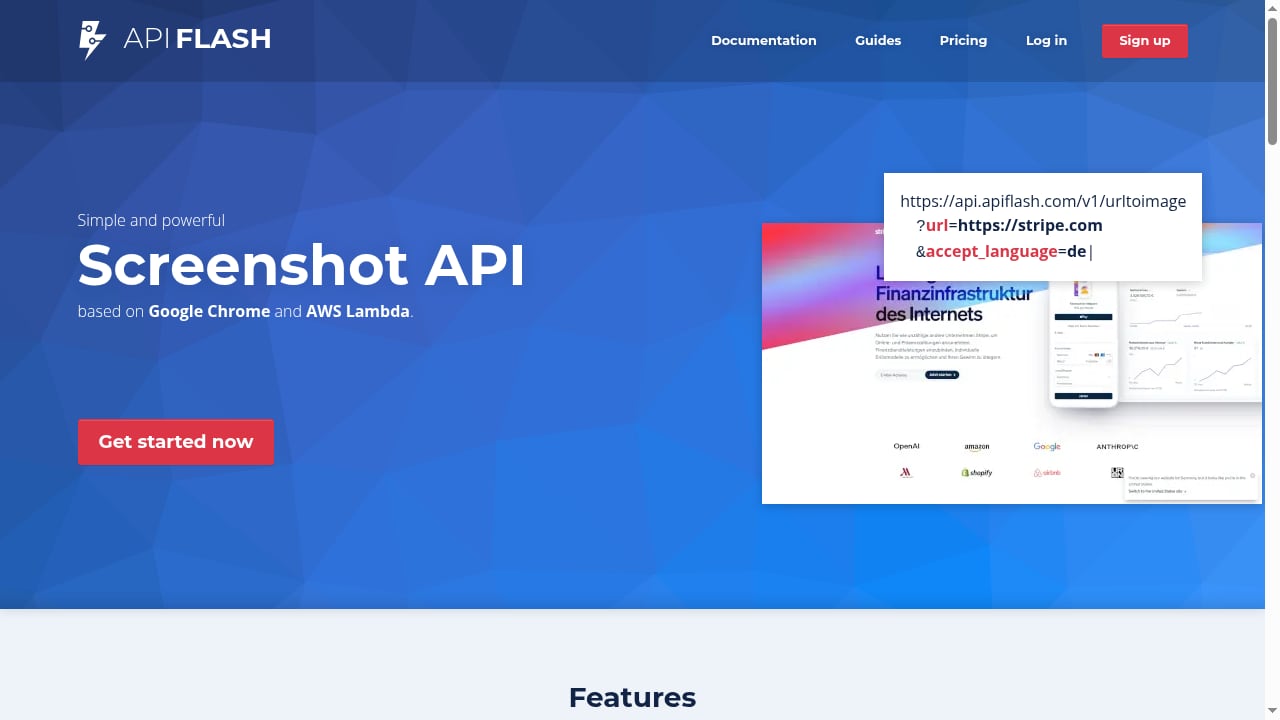
First viewport screenshot of A simple and elegant screenshot API made with Chromium and AWS Lambda..
AdsCrawl: a real cloud Chromium you control
AdsCrawl connects Playwright, Puppeteer, or any CDP client to cloud Chromium browsers. You send a request and get back rendered HTML, Markdown, JSON, or a PNG screenshot. The platform covers five API surfaces: rendered pages, structured data, screenshots, and live browser control through CDP sessions.
A minimal rendered-page call looks like this:
curl --fail-with-body -sS \
  -X POST "https://api.adscrawl.net/html" \
  -H "x-api-key: $ADSCRAWL_API_KEY" \
  -H "content-type: application/json" \
  -d '{
    "url": "https://example.com",
    "contentMode": "html",
    "waitUntil": "domcontentloaded"
  }' \
  --output page.html
Switch contentMode to markdown for readable text. For structured fields, POST /spa-extract with mode set to extract lets you define DOM fields by CSS selector and network fields from matching JSON responses, then check missingFields to see what did not resolve. Screenshots come from POST /screenshot, with fullPage for the whole page or a selector for a single element.
Two capabilities matter for production work. First, proxy routing: AdsCrawl supports residential proxy routing or your own proxy, with region selection across the US, Brazil, Germany, Singapore, Japan, Canada, and Australia. Second, browser identity that persists: Cloud Browser profiles save settings after a session stops, and dedicated remote CDP sessions issue short-lived live-control tokens so your Playwright script can navigate, click, and fill forms in the same browser.
Pricing is tiered and transparent: a Free plan with 500 one-time credits, Hobby at $9/month, Starter at $49/month, and Pro at $199/month, with monthly credits, browser concurrency, Cloud Browser profiles, and API key limits scaling by tier.
Browser Use: agents that finish the task
Browser Use splits into two products. Browser Use Agents complete tasks end-to-end using an LLM to decide each step. Browser Infrastructure provides managed browsers built for protected sites, reachable through an SDK, REST, or CDP.
The headline numbers are strong. Browser Use reports 82% accuracy on Internal Bench Hard, 17¢ per solved task, and $0.02 per browser hour. It supports bring-your-own-key LLM integration, ships a CLI, generates Python and JavaScript code, and includes session sharing, usage analytics, scheduled agents, and a templates library. There is also an open-source model, BU-30B-A3B-Preview, for cost-efficient task execution.
The design philosophy is deliberate: give the model freedom to operate without heavy abstraction. That is excellent when the path to the goal is unclear and you want the agent to figure it out. It is less useful when you need a deterministic selector to return the same field every time.
ApiFlash: screenshots, done simply
ApiFlash is a screenshot API built on Chrome and AWS Lambda. It captures pixel-perfect full-page screenshots at scale, and its pricing starts at $7/month with a free tier of 100 screenshots per month. Independent comparisons list it among the lowest-cost options at 1,000 shots per month and note that it supports flags for blocking ads and cookie banners, plus cache hits that do not count against quota.
What ApiFlash does not try to be is a browser automation platform. There is no structured field extraction, no persistent browser profile, and no scripted interaction layer. It is a single-purpose tool, and it is good at that purpose.
Head-to-head comparison
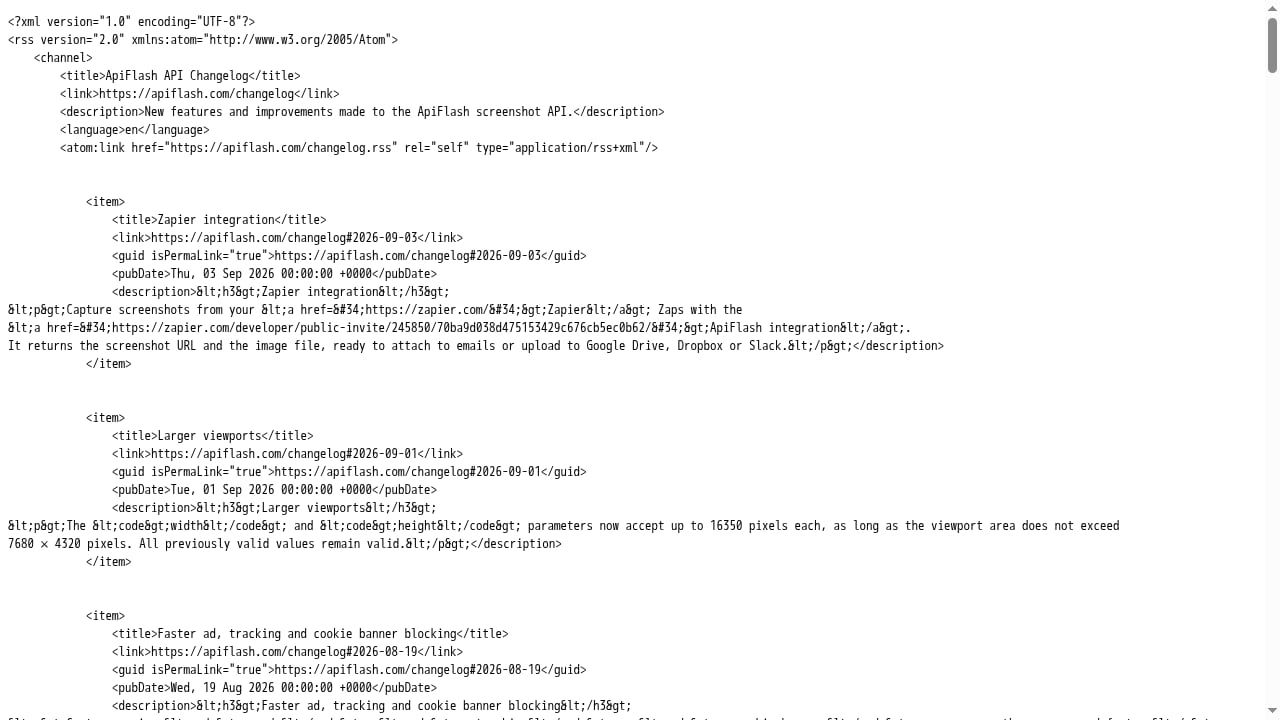
First viewport screenshot of ApiFlash screenshot API changelog..
| Criterion | AdsCrawl | Browser Use | ApiFlash |
|---|---|---|---|
| Core model | Managed cloud Chromium via API and CDP | AI agents plus managed browser infrastructure | Screenshot endpoint on Chrome + AWS Lambda |
| Output types | HTML, Markdown, JSON, PNG | Agent results, browser sessions | PNG screenshots |
| Scripted interaction | Yes, via Playwright, Puppeteer, CDP | Yes, via SDK, REST, or CDP | No |
| Structured field extraction | Yes, DOM and network fields | Agent-dependent | No |
| Proxy routing | Residential or custom, with region selection | Managed browsers for protected sites | Not a core feature |
| Persistent browser profiles | Yes, Cloud Browser profiles | Session-based | No |
| Pricing entry point | Free tier, then $9/month | $0.02 per browser hour, 17¢ per solved task | Free tier, then $7/month |
| Best fit | Production scraping, QA, monitoring, remote CDP | Autonomous task completion, AI startups | High-volume page images |
Where each tool wins
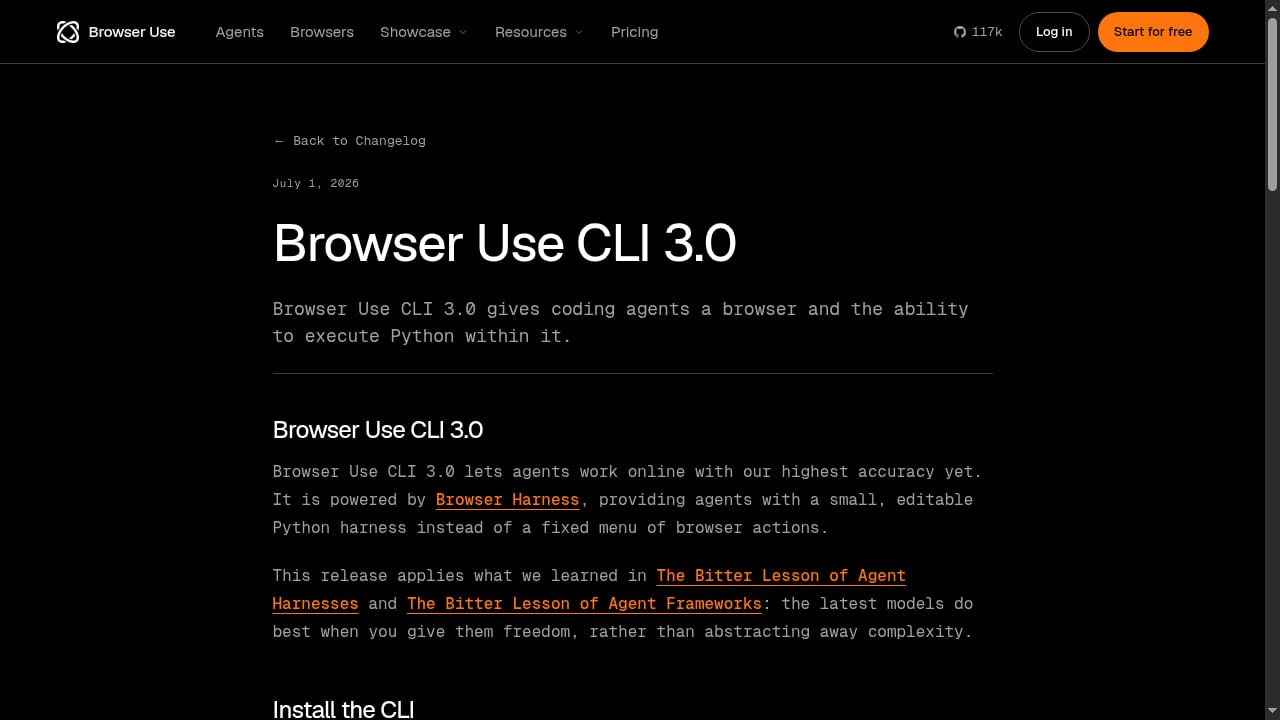
First viewport screenshot of Browser Use CLI 3.0.
Choose AdsCrawl when you need control and structure
AdsCrawl has a supported advantage when the job requires a full browser environment plus structured output. Three scenarios stand out:
- Dynamic pages that need a real browser. SPAs, lazy-loaded content, and JavaScript-rendered layouts need a browser before extraction. AdsCrawl renders first, then returns HTML or Markdown.
- Structured fields from mixed sources. When the data you need lives partly in the DOM and partly in an XHR response,
POST /spa-extracthandles both in one call. A screenshot API cannot do this, and an agent may return a different shape each run. - Geo-restricted or identity-sensitive targets. Region routing plus persistent Cloud Browser profiles means a session can carry cookies, settings, and a consistent network identity across runs. For a deeper look at how this differs from simple isolation, see remote browser infrastructure for scraping.
AdsCrawl is also the natural fit when you want to bring your own automation framework. If your team already writes Playwright scripts, connecting to a remote CDP session is a small change rather than a rewrite.
Choose Browser Use when the task is the hard part
Browser Use is the better pick when you cannot write a selector because you do not know the page structure in advance, or when the workflow branches based on what the page shows. Its agent model, scheduled agents, and templates library are built for that. The per-task cost of 17¢ and the $0.02 browser-hour rate make it economical for exploratory or low-volume autonomous work, and BYOK LLM integration keeps model costs under your control.
For a closer look at the platform's setup and limits, the Browser Use Cloud review covers pricing and where it falls short for production.
Choose ApiFlash when you only need images
If your requirement is a PNG of a URL, at volume, with minimal integration work, ApiFlash is a clean answer. Its free tier and $7/month entry point make it easy to trial, and cache hits that skip quota are a real cost saver for repeated captures of the same URL. The trade-off is scope: no extraction, no interaction, no persistent identity.
How to decide in five minutes
First viewport screenshot of apiflash.com.
Answer these in order:
- Do you need data, not images? If yes, ApiFlash is out. Choose between AdsCrawl and Browser Use.
- Can you write the extraction logic yourself? If yes, AdsCrawl's structured extraction and CDP access give you deterministic, repeatable output.
- Do you need the system to decide the steps? If yes, Browser Use's agent model is the right abstraction.
- Do you need a consistent browser identity across runs? If yes, AdsCrawl's Cloud Browser profiles are the supported path.
- Do you only need screenshots? If yes, ApiFlash is the simplest and cheapest option.
Many teams end up using two of the three. A common pattern is ApiFlash or AdsCrawl screenshots for monitoring dashboards, plus AdsCrawl for the extraction pipeline that feeds the database. If you are still mapping the landscape, the top headless browser APIs for web scraping comparison covers rendering, anti-bot handling, and pricing across more providers.
Related reading
- AdsCrawl vs Data Miner: Cloud Browser API or Chrome Extension? - Compare AdsCrawl's cloud browser API with Data Miner's Chrome extension: rendering, proxies, scale, pricing, and which fits your scraping workflow.
FAQ
Is AdsCrawl a replacement for ApiFlash?
Only if you need more than screenshots. AdsCrawl's POST /screenshot endpoint returns PNGs with fullPage and selector options, so it can cover simple capture work. But if screenshots are your entire requirement, a dedicated screenshot API is usually simpler and cheaper.
Can Browser Use and AdsCrawl be used together?
They serve different layers. Browser Use handles autonomous task completion; AdsCrawl provides a controllable browser environment with proxy routing and structured extraction. A team could use Browser Use for discovery and AdsCrawl for the deterministic production pipeline, though most teams pick one based on whether the steps are known in advance.
Does AdsCrawl support my own proxy?
Yes. APIs that support proxies accept a custom configuration, and Cloud Browser launch requests require a valid proxy with credentials in the designated fields rather than embedded in the server URL.
How accurate is Browser Use?
Browser Use reports 82% accuracy on Internal Bench Hard. That is a strong result for an agent benchmark, but for production pipelines where every field must be correct, deterministic extraction remains the safer choice.
What happens if I run out of credits on AdsCrawl?
You receive HTTP 402. Check your credit balance and plan in the dashboard. For HTTP 429 rate limits, lower your concurrency and retry with backoff.
Can I get Markdown instead of HTML from AdsCrawl?
Yes. Set contentMode to markdown on POST /html for clean readable text, or use json for a structured version of the article.
Conclusion
The three tools are not really competing for the same slot. ApiFlash wins on simplicity and cost for pure screenshot workloads. Browser Use wins when the task itself is the unknown and an agent should solve it. AdsCrawl wins when you need a real browser you control, with proxy routing, persistent profiles, structured field extraction, and CDP access for scripted flows.
Start by writing down what your pipeline must return: an image, an agent decision, or structured data from a dynamic page. That answer picks the tool faster than any feature table.