
AdsCrawl vs Data Miner: Cloud Browser API or Chrome Extension?
Compare AdsCrawl's cloud browser API with Data Miner's Chrome extension: rendering, proxies, scale, pricing, and which fits your scraping workflow.

AdsCrawl vs Data Miner: Cloud Browser API or Chrome Extension?
Data Miner is a Chrome and Edge extension that turns the page in your tab into CSV or Excel using pre-made recipes. AdsCrawl is a managed cloud browser and browser automation API that runs real Chromium instances on a server and returns HTML, Markdown, JSON, or screenshots. They solve overlapping problems in completely different ways, and the right pick depends on whether your bottleneck is convenience or scale.
This comparison looks at how each tool works, where each one is strong, and which workflows belong on which side of the line.
What each tool actually is
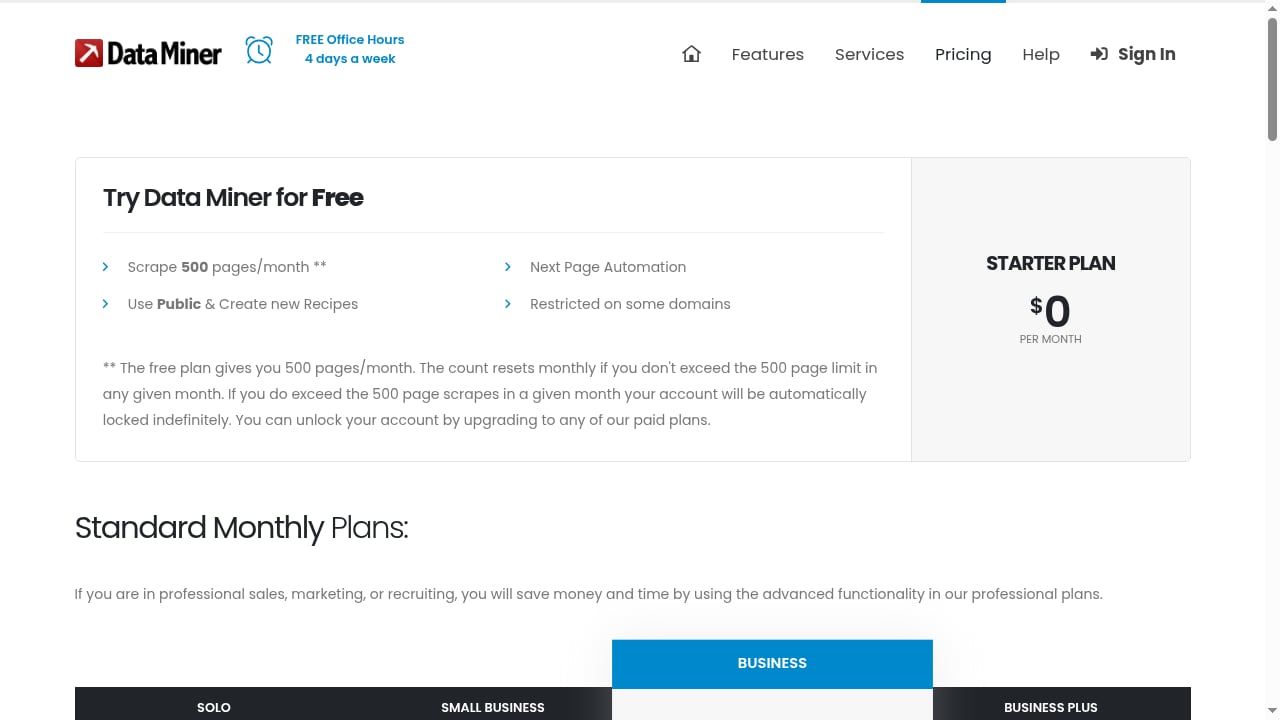
First viewport screenshot of Pricing | Data Miner.
AdsCrawl in one paragraph
AdsCrawl is a managed cloud browser platform. You connect Playwright, Puppeteer, or any CDP client to real cloud Chromium browsers, optionally route traffic through residential or custom proxies, and pull back rendered HTML, Markdown, structured JSON, or screenshots. It supports synchronous rendered-content endpoints (POST /html, POST /screenshot), SPA extraction templates, structured DOM and network field extraction, stateful cloud browser profiles that persist settings after stop, and dedicated remote CDP sessions with short-lived live-control tokens. Pricing is tiered: Free (500 one-time credits), Hobby at $9/month, Starter at $49/month, and Pro at $199/month, with monthly credits, browser concurrency, Cloud Browser profiles, and API key limits scaling by tier.
Data Miner in one paragraph
Data Miner is a browser extension for Chrome and Microsoft Edge. It scrapes the page open in your tab into CSV or Excel, using a library of 50,000+ pre-made recipes covering 15,000+ sites, or a custom recipe you build with the no-code Easy Finder tool. It supports pagination, form filling, bulk URL lists, custom JavaScript, and Google Sheets export on paid plans. Per an independent review, confirmed mid-2026 plans run from Free ($0, 500 pages/month) through Solo ($19.99), Small Business ($49), Business ($99), Business Plus ($200), and custom Enterprise.
The defining difference is where the work happens. Data Miner runs in your browser, on your machine, on your IP and your login session. AdsCrawl runs on managed cloud infrastructure, with its own browser identity, user-agent handling, and proxy routing.
Where AdsCrawl is the stronger choice
First viewport screenshot of How to start Scraping Data | Data Miner.
Programmatic access and API-first workflows
AdsCrawl exposes synchronous endpoints and CDP sessions, so scraping jobs can be triggered from a server, a scheduler, or a CI pipeline. Data Miner, per the same independent review, has no public REST API — you drive it from the browser UI. If your pipeline needs to call a scraper from code, AdsCrawl is the fit.
Proxy routing and IP rotation
AdsCrawl supports residential proxy routing or custom proxies, plus dynamic region routing. Data Miner runs on your own IP with no built-in proxy or IP rotation. That design is fine for logged-in pages and moderate volume, but it is a hard ceiling on anti-bot targets at scale.
Concurrency and throughput
AdsCrawl scales browser concurrency by tier, so multiple cloud browsers can run in parallel. Data Miner is bounded by a single browser tab on your machine — the review notes throughput is lower than a server-side API that fans out parallel requests.
Stateful browser profiles and live control
AdsCrawl keeps cloud browser profiles that persist settings after stop, and offers dedicated remote CDP sessions with short-lived live-control tokens. That combination is useful for QA, monitoring, and debugging sessions where you need to inspect a live browser, not just export a table.
Output formats beyond CSV
Data Miner exports CSV, Excel, and (on paid plans) Google Sheets. AdsCrawl returns HTML, Markdown, JSON, or screenshots, which fits downstream pipelines that need structured data or page snapshots rather than a spreadsheet.
Where Data Miner is the stronger choice
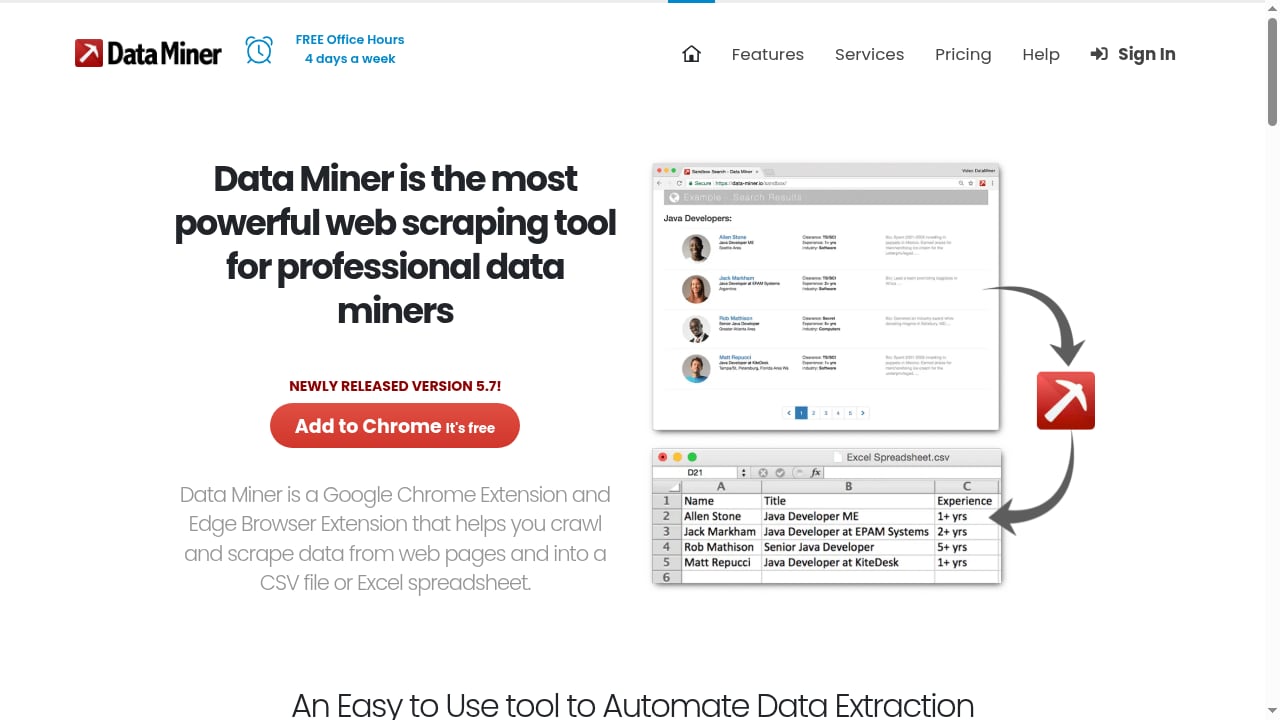
First viewport screenshot of Scrape data from any website with 1 Click | Data Miner.
Zero-setup, no-code scraping
Data Miner installs as a Chrome or Edge extension and works immediately. The Easy Finder tool lets you click elements to build a recipe without writing selectors. AdsCrawl assumes you are comfortable with Playwright, Puppeteer, or a CDP client — it is a developer tool, not a click-and-go extension.
Pre-built recipes for common sites
Data Miner's library of 50,000+ recipes across 15,000+ sites means many popular targets — social media, Zoominfo, Zillow, Yellow Pages, Yelp, Indeed — can be scraped without building anything. AdsCrawl does not ship a recipe library; you define extraction logic yourself or use its SPA extraction templates.
Logged-in and gated pages
Because Data Miner runs in your own browser session, it can scrape pages you are already logged into, including content behind a corporate firewall. AdsCrawl can work with authenticated flows, but you have to set up the session and credentials yourself.
Spreadsheet-first output
If the deliverable is a CSV or Excel file for a human analyst, Data Miner's export path is shorter. AdsCrawl's output is better suited to code that consumes JSON or Markdown.
Side-by-side comparison
| Dimension | AdsCrawl | Data Miner |
|---|---|---|
| Form factor | Cloud browser + automation API | Chrome/Edge extension |
| Runs on | Managed cloud Chromium | Your browser, your machine |
| Proxy support | Residential or custom proxies, region routing | None built in |
| API access | Yes — REST endpoints and CDP sessions | No public REST API |
| Concurrency | Scales by tier | Single browser tab |
| Recipes | SPA extraction templates | 50,000+ pre-made recipes |
| Output | HTML, Markdown, JSON, screenshots | CSV, Excel, Google Sheets |
| Pricing entry | Free (500 one-time credits), Hobby $9/mo | Free (500 pages/mo), Solo $19.99/mo |
| Best for | Developers, production pipelines, high-volume teams | Analysts, no-code users, logged-in scraping |
Decision guide: which one fits your workflow
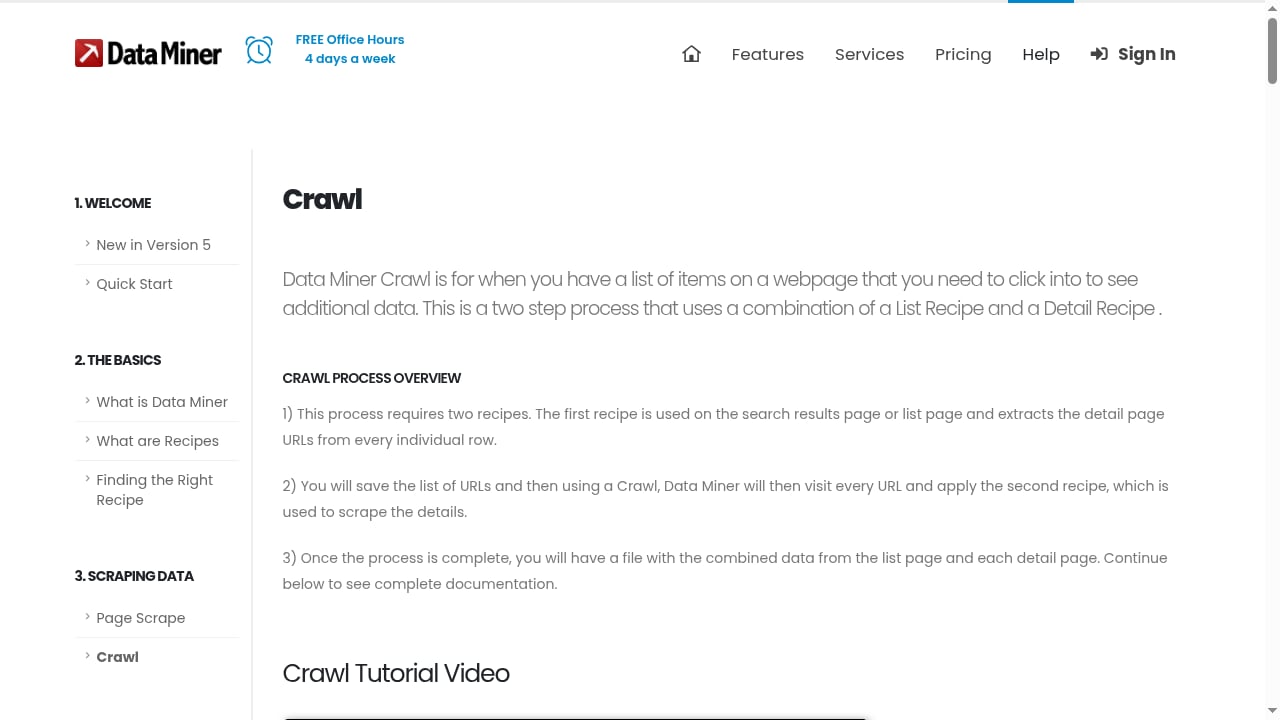
First viewport screenshot of How to crawl and scrape a website | Data Miner.
Pick AdsCrawl when:
- You need to call the scraper from code, a scheduler, or a pipeline.
- Targets are JavaScript-heavy SPAs that need real rendering.
- You need proxy rotation or region-specific routing.
- You are running production scraping, QA, or monitoring at volume.
- You want structured JSON or Markdown output for downstream systems.
Pick Data Miner when:
- You want to scrape a page you are already viewing, right now.
- The target is covered by an existing recipe.
- You are scraping logged-in or firewall-protected pages.
- The deliverable is a spreadsheet for a human.
- You do not want to write or maintain code.
A common pattern is to use both: Data Miner for quick, ad-hoc pulls and AdsCrawl for the scheduled, high-volume jobs that need proxies and concurrency. If you are evaluating the wider category, see our comparison of the top 10 headless browser APIs for web scraping in 2026 and the remote browser infrastructure guide for how cloud Chromium fits into a scraping stack.
Practical example: scraping a paginated product catalog
With Data Miner, you would open the catalog in Chrome, run or build a recipe, enable next-page automation, and export the result. A 4,000-page crawl would consume 4,000 of your monthly page allowance — which, per the review, lands you on the Business ($99) tier. The crawl runs in one tab, so speed is bounded by your connection and the site's response times.
With AdsCrawl, you would send the URLs to a cloud browser session, route through a residential proxy if the site blocks datacenter IPs, and pull back rendered HTML or structured JSON. Concurrency scales with your tier, so multiple pages render in parallel. You would also use a persistent cloud browser profile if the site needs a consistent session across runs. For proxy setup specifics, see how to use AdsCrawl with DataImpulse.
Neither approach is universally better — the catalog example just shows how the two tools meter and scale differently.
Related reading
- Browser Use Cloud Review 2026: Pricing, Setup & Limits - Hands-on Browser Use Cloud review: $0.02/browser-hour pricing, agent API, setup steps, ideal users, and where it falls short for production.
Sources and further reading
- Scrape data from any website with 1 Click - Scrape data from any website and import it into Excel, CSV or Google spreadsheets. Works on social media sites, Zoominfo, Zillow, Yellow Pages, Yelp, Indeed and more.
- Scraping and Crawling Features | Data Miner - See how Data Miner extension can extract data from any web pages and re-format the data into a CSV or excel. You can also created automated scraping jobs and multi page crawling.
- Data Miner Review: Features, Pricing & Tests - An independent Data Miner Chrome extension web scraping review: 2026 pricing tiers, recipes, exports, honest pros and cons, and a fair ChocoData comparison.
FAQ
Can AdsCrawl replace Data Miner entirely?
For code-driven, high-volume, or proxy-dependent scraping, yes. For no-code, logged-in, spreadsheet-first scraping, Data Miner is still the simpler path. Many teams use both.
Does Data Miner have an API?
Per the independent review, Data Miner has no public REST API — it is driven from the browser extension UI. AdsCrawl is API-first, with synchronous endpoints and CDP sessions.
Does Data Miner support proxies?
No. It runs on your own IP and login session, with no built-in proxy or IP rotation. AdsCrawl supports residential proxy routing and custom proxies.
How does pricing compare?
Data Miner's confirmed mid-2026 tiers run Free ($0, 500 pages/mo) to Business Plus ($200, 9,000 pages/mo). AdsCrawl runs Free (500 one-time credits), Hobby $9/mo, Starter $49/mo, and Pro $199/mo, with credits, concurrency, profiles, and API key limits scaling by tier. The meters differ — pages scraped vs. credits and concurrency — so compare against your actual workload shape.
Which is better for JavaScript-heavy sites?
AdsCrawl renders pages in real cloud Chromium and offers SPA extraction templates, so it handles JavaScript-heavy sites by design. Data Miner can scrape dynamic Ajax content using JavaScript clicks and form fills, but it is still a single browser tab.
Can I scrape pages behind a login with AdsCrawl?
Yes, but you set up the authenticated session yourself — for example, using a persistent cloud browser profile. Data Miner inherits your existing browser login automatically.
Conclusion
Data Miner and AdsCrawl are not really competitors so much as different answers to "how do I get data off a page?" Data Miner wins on immediacy: install, click, export. AdsCrawl wins on everything that comes after — programmatic access, proxy rotation, concurrency, structured output, and the ability to run unattended at scale. If your scraping is occasional and human-driven, the extension is enough. If it is scheduled, high-volume, or blocked by anti-bot defenses, the cloud browser API is the tool that keeps working when scraping gets tough.