
Browser Use Cloud Review 2026: Pricing, Setup & Limits
Hands-on Browser Use Cloud review: $0.02/browser-hour pricing, agent API, setup steps, ideal users, and where it falls short for production.

Browser Use Cloud Review: An Honest Look at AI Browser Automation
Browser Use Cloud is the managed side of the Browser Use project: an open-source Python library that lets an LLM drive a real Chrome browser, plus a paid cloud that runs those browsers and hosted agents for you. This review breaks down what it actually does, who it fits, what it costs, and where the rough edges are, based on public documentation and vendor-published data rather than marketing copy.
What Browser Use Cloud Actually Is
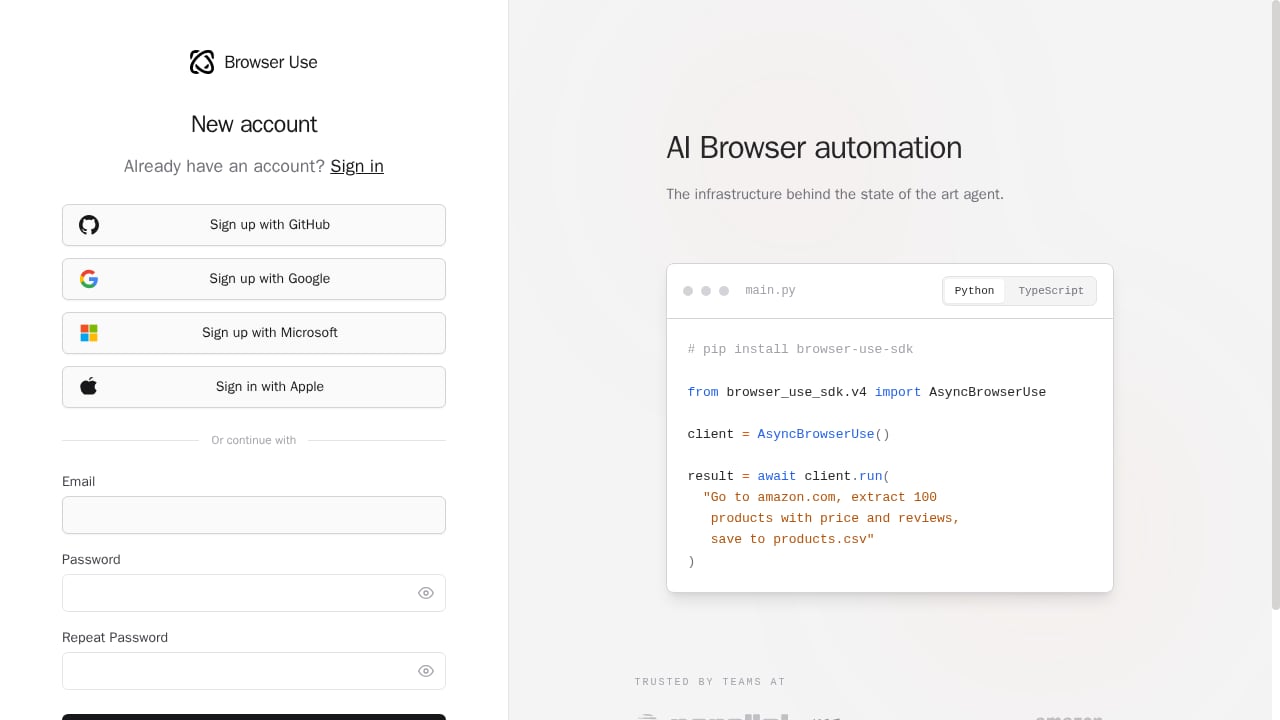
First viewport screenshot of Browser Use Cloud.
There are two layers, and conflating them causes most confusion:
- The open-source library is a free, MIT-licensed Python package that connects an LLM to a browser. Instead of writing CSS selectors or XPath, you describe a task in natural language and the agent figures out the clicks, typing, and navigation. It has accumulated roughly 119k GitHub stars.
- The commercial cloud sells two things on top of that library. Browser Infrastructure gives your own Playwright, Puppeteer, Selenium, or SDK-driven agents managed cloud browsers over CDP. Browser Use Agents takes a task description and returns completed work through the V4 API, running on models from OpenAI, Anthropic, Google, xAI, DeepSeek, MiniMax, and Z.ai — plus BU 2.0, a model the vendor built specifically for web agents.
The key architectural point: a cloud browser is the execution layer, and the agent is the decision layer. Browser Use is unusual in selling both from one vendor, which is its main differentiator against pure infrastructure players.
Ideal Users and Use Cases
Browser Use Cloud Review 2026: Pricing, Setup & Limits - Ideal Users and Use Cases.
Browser Use Cloud makes the most sense when you want agent reasoning and browser execution from a single supplier.
Good fits:
- Developers building agentic workflows who would rather write "find the cheapest flight and start checkout" than maintain brittle selector scripts.
- Teams targeting sites without public APIs or legacy web apps, where the agent reasons from the current DOM and visual state and adapts when layouts change.
- Automation on unfamiliar sites — the agent handles pages it has never seen before, which is hard to achieve with pre-programmed scripts.
- MCP-driven setups. A hosted MCP server exposes six tools for handing tasks to a cloud-browser agent, documented for Claude Code, Claude Desktop, Cursor, Windsurf, and ChatGPT in developer mode.
Weak fits:
- Non-developers. There is no no-code builder on the cloud side.
- OAuth-walled content. Logins need a saved browser profile or a human hand-off for the authentication step.
- Internal SaaS tools that require custom tool definitions.
If your workload is high-volume, deterministic scraping rather than agentic reasoning, a purpose-built scraping API is usually cheaper and more predictable. Our comparison of the top headless browser APIs for web scraping covers that category in detail.
Setup: What Getting Started Looks Like

Browser Use Cloud Review 2026: Pricing, Setup & Limits - Setup: What Getting Started Looks Like.
Setup follows a predictable path:
- Sign up with Google, GitHub, or Microsoft. Eligible accounts get a one-time $1 credit, ten concurrent sessions, and access to the cost-efficient models only.
- Choose your integration path. Use the REST API or SDK for hosted agents, or connect your own automation code to a managed browser over CDP.
- Bring your own LLM key if you prefer. The library supports BYOK across OpenAI, Anthropic, Google Gemini, Groq, OpenRouter, Azure, Bedrock, DeepSeek, and local models via Ollama.
- Add proxies if needed. Custom proxy support is available on all accounts with no subscription requirement — a genuinely open policy compared with competitors that gate bring-your-own-proxy behind paid tiers.
- Scale concurrency. Session limits rise with lifetime spend, from ten sessions at $0 up to 1,000 at $25,000.
Two friction points worth knowing before you start: the $1 credit does not renew, and all models unlock only after your first top-up. Auto-recharge also requires a card on file.
If you are wiring external proxies into a cloud browser, the pattern is the same regardless of vendor — see our walkthrough on connecting DataImpulse residential proxies to a cloud browser API for the mechanics of sticky sessions and exit-IP alignment.
Pricing Signals
Browser Use Cloud Review 2026: Pricing, Setup & Limits - Pricing Signals.
Browser Use Cloud pricing is public, denominated in US dollars, and has no subscription requirement. The headline numbers:
| Meter | Rate |
|---|---|
| Cloud browser time | $0.02 per browser-hour, metered by the minute, one-minute minimum |
| Managed residential proxy traffic | $5 per GB |
| Direct or bring-your-own-proxy traffic | $0.20 per GB |
| Agent model cost | Model cost plus 20% |
Credits are purchased in top-ups from $5 to $100,000 and never expire. The Dev, Business, and Scaleup subscriptions sold through mid-2026 are no longer offered to new accounts; existing subscribers keep their plans. Enterprise adds a negotiated annual credit pool, SLAs, data-retention terms, and dedicated support.
The $0.02/browser-hour rate is among the lowest published browser-hour prices in the category, but browser time is not the whole bill. Model tokens, agent steps, and proxy bandwidth stack on top, and the 20% markup on model cost is easy to overlook when comparing vendors. The metric that matters is cost per successful workflow, not cost per browser-hour. For a side-by-side on how different providers structure these meters, see our comparison of AI web crawling and scraping APIs.
Strengths
- One vendor for browsers and agents. You do not have to stitch a managed-browser provider to a separate agent framework.
- Open-source foundation. The MIT-licensed library runs on your own compute with your own keys if you want to avoid the cloud entirely.
- Model flexibility. Swap between major commercial models per run, or use the vendor's purpose-built BU 2.0 web-agent model.
- Open BYOP policy. Custom proxies work on all accounts without a subscription.
- Broad protocol support. Playwright, Puppeteer, and Selenium scripts connect over CDP, so existing automation code is not wasted.
- Published benchmarks. The vendor reports 82% on a 106-task internal set at $0.17 per solved task, 98% across 300 Online-Mind2Web tasks, and 81% on a 71-site stealth benchmark — all self-measured, so treat them as directional.
- Compliance posture. SOC 2 Type II (audited over a July–October 2025 observation window), a signed DPA covering GDPR, UK GDPR, and the Swiss FADP, and enterprise options for zero data retention, HIPAA, and EU data residency.
Limitations and Risks
- No no-code path. Business users without engineering support are effectively locked out of the cloud product.
- Training on your inputs. The privacy policy states that inputs are used to train the vendor's AI models, and the only described opt-out covers marketing email. Zero data retention exists only on Enterprise.
- No published ISO 27001 certification.
- Benchmarks are self-reported. Independent evidence rests mainly on the GitHub repository and early G2 reviews.
- Free tier is narrow. Non-renewing $1 credit, restricted model access, and no auto-recharge without a card.
- Authentication is a hand-off. OAuth-walled flows need saved profiles or human intervention.
- No self-hosting for the cloud layer. The agent framework is open source; the managed browser infrastructure is not.
How It Compares
Against general managed-browser platforms, Browser Use's edge is the bundled agent layer. Against pure infrastructure providers, it trades some platform maturity for that integration. If you are weighing it against other agent-oriented web infrastructure, our review of Parallel's web infrastructure for AI agents and our AdsCrawl vs Parallel breakdown cover the trade-offs in control, proxy routing, and structured extraction.
A practical decision framework:
- Choose Browser Use Cloud if you want natural-language task execution, model flexibility, and one vendor for browsers plus agents.
- Choose a dedicated scraping API if you need deterministic, high-volume extraction at predictable cost per page.
- Choose a mature managed-browser platform if session observability, replay, and first-party agent ecosystems matter more than bundled agent reasoning.
- Self-host the open-source library if data residency or training-on-inputs policies are blockers.
Related reading
- Remote Browser Infrastructure for Scraping: A Developer Guide - Learn how remote browser infrastructure powers scalable scraping, the difference from isolation, and how to run cloud Chromium with AdsCrawl's browser automation API.
- AdsCrawl vs Scrape.do vs Selenium: Which Fits Your Scraping Stack? - Compare AdsCrawl, Scrape.do, and Selenium for web scraping and browser automation. See strengths, trade-offs, and which tool fits your workflow.
Sources and further reading
- Browser Use: Make websites accessible for agents - Product Hunt - Browser Use Cloud Control the web with prompts (open ... Review Browser Use? Leave a review. Reviewers describe Browser Use as a ...
- Browser Use Review (2026): AI Browser Agent, $0.02/hr - Open-source Python library for AI browser automation. Pay-as-you-go cloud browsers from $0.02 per hour, no subscription. Not affiliated.
- 7 Best Cloud Browsers for AI Agents in 2026: Browser Infrastructure Compared - Compare Browserbase, Browserless, Steel, Kernel, Hyperbrowser, Anchor Browser, and Browser Use by proxies, Playwright, state, MCP, scale, and price.
FAQ
Is Browser Use Cloud free? No. Every account starts with a one-time $1 credit that does not renew. Paid usage is bought as credits starting at $5, and the open-source library itself is free to run on your own infrastructure.
How much does Browser Use Cloud cost? Cloud browser time is $0.02 per browser-hour, billed by the minute with a one-minute minimum. Managed residential proxy traffic is $5 per GB, direct or BYOP traffic is $0.20 per GB, and agent runs bill model cost plus 20%.
Do I need to know how to code? Yes, for practical use. There is no no-code builder, and integrations run through the REST API, SDK, CDP, or MCP.
Can I use my own proxy? Yes. Custom proxy support is available on all accounts with no subscription requirement.
Does Browser Use Cloud train on my data? The privacy policy states that inputs are used to train the vendor's AI models, with the only described opt-out covering marketing email. Enterprise plans offer a custom data policy with zero data retention.
Which models can I use? Models from OpenAI, Anthropic (Claude), Google (Gemini), xAI, DeepSeek, MiniMax, and Z.ai are selectable per run, alongside the vendor's BU 2.0 web-agent model. The free tier is limited to cost-efficient models.
Conclusion
Browser Use Cloud is a credible option for developers who want an LLM to drive a real browser without maintaining selector scripts, and who value getting managed browsers and hosted agents from one vendor. The $0.02/browser-hour rate and open BYOP policy are genuinely competitive, and the open-source library gives you a clean exit if the cloud does not fit.
The caveats are real: no no-code path, training on inputs outside Enterprise, self-reported benchmarks, and a narrow free tier. Test it against your own success-rate and cost-per-workflow numbers before committing, and if data policy is a hard constraint, plan for Enterprise or self-hosting from day one.