
Remote Browser Infrastructure for Scraping: A Developer Guide
Learn how remote browser infrastructure powers scalable scraping, the difference from isolation, and how to run cloud Chromium with AdsCrawl's browser automation API.
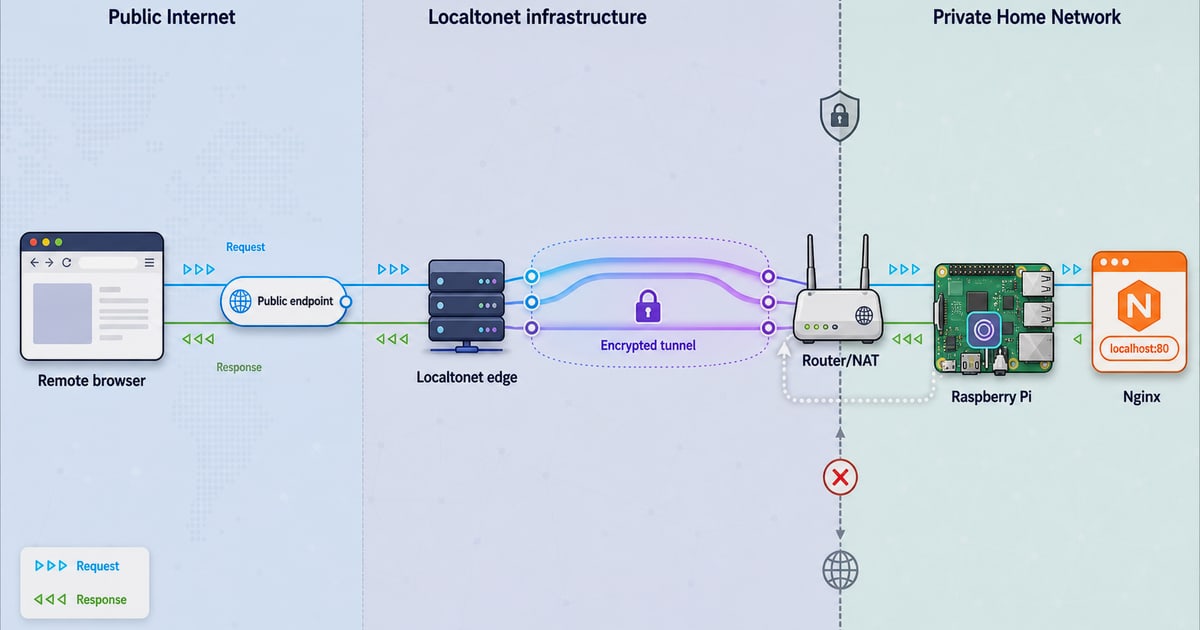
Remote Browser Infrastructure for Scraping: A Developer Guide
Remote browser infrastructure runs real Chromium sessions in the cloud so your code can render, interact with, and extract data from JavaScript-heavy websites without maintaining a fleet of local machines. This guide explains how it works, where it differs from security-focused remote browser isolation, and how to choose a setup that scales.
What remote browser infrastructure actually means
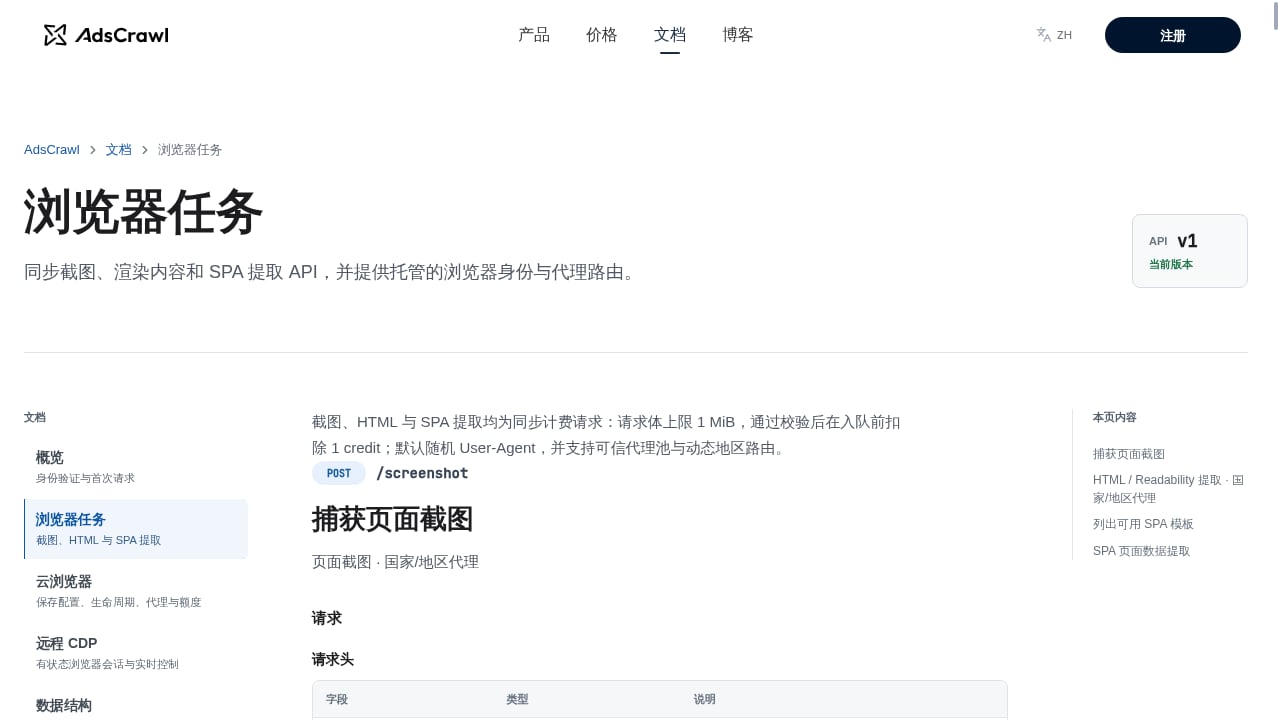
First viewport screenshot of Browser Tasks | AdsCrawl Documentation.
In a scraping and automation context, remote browser infrastructure is a managed environment where a full browser process executes on a remote server. Your application connects to that browser over a protocol such as the Chrome DevTools Protocol (CDP), sends navigation and interaction commands, and receives rendered output: HTML, screenshots, or structured data.
The key difference from a simple HTTP client is execution. Modern sites render content with JavaScript, load data through background requests, and gate access behind bot checks. A remote browser performs the same work a local browser would, but on infrastructure you do not have to provision, patch, or scale yourself.
Typical components include:
- Cloud browser instances running Chromium or another engine, often in containers.
- A connection layer that speaks CDP, so Playwright, Puppeteer, or any CDP client can attach.
- Proxy routing to send traffic through residential or custom proxies and reduce blocking.
- Session management for cookies, local storage, and browser profiles that persist between runs.
- Output APIs that return rendered HTML, Markdown, JSON, or screenshots directly.
Remote browser infrastructure vs. remote browser isolation
These two phrases sound similar but solve different problems. Remote browser isolation (RBI) is a security technology: it executes a browsing session in a remote container and streams only a safe rendering back to the user's device, so malicious code never reaches the endpoint. It is designed for human users on managed devices, and it prioritizes containment over programmatic access.
Remote browser infrastructure for scraping inverts the priorities. You want direct, programmable access to the browser session, not a sanitized visual stream. You need CDP control, raw DOM access, network inspection, and the ability to run thousands of sessions concurrently.
| Dimension | Remote browser isolation (RBI) | Remote browser infrastructure for scraping |
|---|---|---|
| Primary goal | Block malware, phishing, and data loss | Render, interact, and extract data at scale |
| Access model | Streamed pixels or sanitized DOM to a human | CDP connection for automation code |
| Session lifetime | Disposable, tied to a user visit | Configurable, often persistent profiles |
| Output | Visual rendering for a person | HTML, Markdown, JSON, screenshots |
| Scaling unit | Concurrent protected users | Concurrent browser sessions and requests |
If your goal is protecting employees browsing the web, look at RBI. If your goal is extracting data from dynamic pages reliably, you want scraping-oriented remote browser infrastructure.
Why teams move browser workloads to the cloud
Remote Browser Infrastructure for Scraping: A Developer Guide - Why teams move browser workloads to the cloud.
Running browsers locally works until it does not. A few pain points push teams toward managed infrastructure:
- Anti-bot friction. Data center IPs and default headless fingerprints get blocked quickly. Cloud platforms that bundle residential proxy routing and randomized browser identities improve success rates.
- Operational overhead. Installing browser binaries, matching versions, handling crashes, and cleaning up zombie processes becomes a part-time job at scale.
- Concurrency limits. A single machine can only run so many browser contexts before memory and CPU become the bottleneck.
- State management. Logged-in workflows need cookies and storage that survive across runs, which is awkward to manage on ephemeral local containers.
- Region requirements. Some content is only accurate when requested from a specific country, which means routing through proxies in that region.
A managed cloud browser platform addresses these directly: you get a browser endpoint, proxy options, and session persistence without owning the underlying fleet.
How AdsCrawl fits into a scraping stack
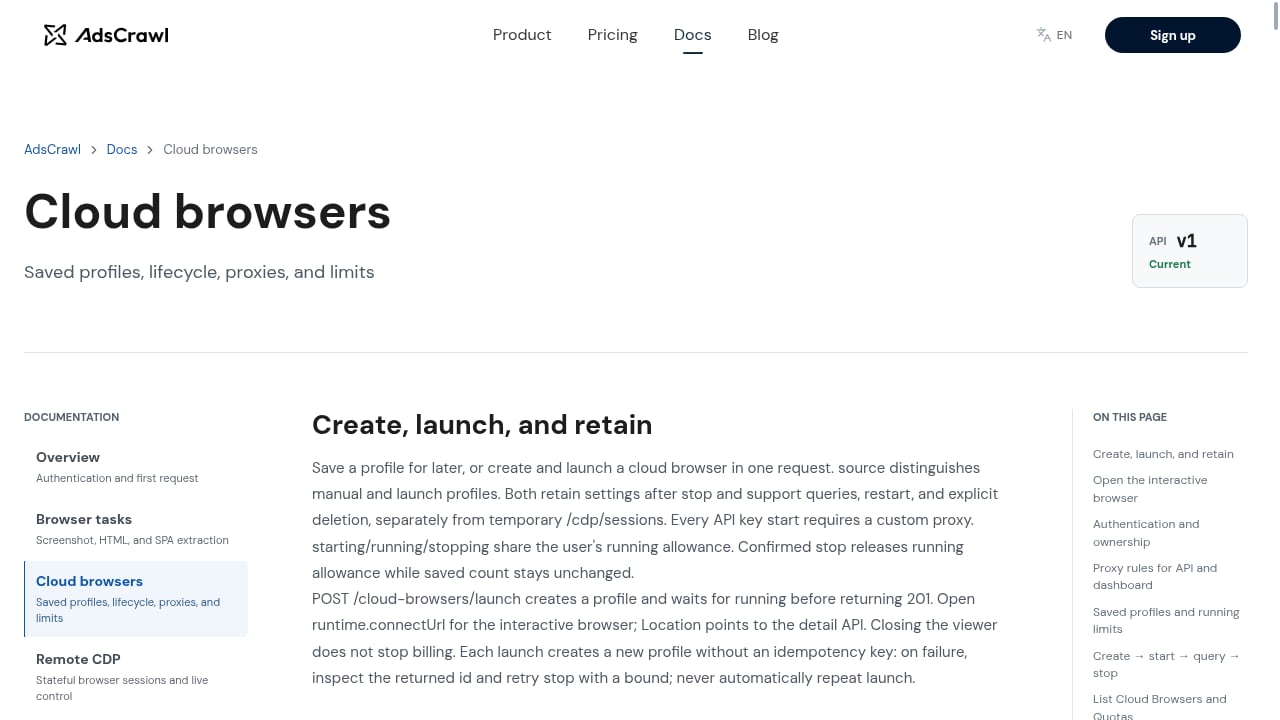
First viewport screenshot of Cloud Browsers | AdsCrawl Documentation.
AdsCrawl is a managed cloud browser and browser automation API for developers who need to scrape, render, and extract data from dynamic websites. You connect Playwright, Puppeteer, or any CDP client to real cloud Chromium browsers, route traffic through residential or custom proxies, and retrieve HTML, Markdown, JSON, or screenshots from JavaScript-heavy pages.
Several capabilities matter for production workflows:
- Synchronous rendered-content APIs.
POST /htmlandPOST /screenshotreturn rendered output without requiring you to manage a browser session yourself. - SPA extraction templates and structured field extraction. Pull specific DOM nodes or network response fields instead of parsing everything downstream.
- Stateful cloud browser profiles. Settings and session state persist after a browser stops, which helps with authenticated flows.
- Dedicated remote CDP sessions. Short-lived live-control tokens let you attach a CDP client for interactive debugging or scripted control.
- Per-user running quotas. Concurrency and credit limits scale by plan, so small teams and high-volume automation teams can pick an appropriate tier.
Pricing is tiered and transparent: a Free plan with 500 one-time credits, Hobby at $9/month for solo developers, Starter at $49/month for small production teams, and Pro at $199/month for high-volume automation teams. Monthly credits, browser concurrency, cloud browser profiles, and API key limits scale with the tier.
If you are comparing options, our breakdown of headless browser APIs for web scraping covers rendering, anti-bot handling, proxies, and pricing across the market. For a direct feature comparison, see AdsCrawl vs Scrape.do vs Selenium.
A practical example: rendering a JavaScript-heavy page
Suppose you need the rendered HTML of a product page that loads prices via client-side JavaScript. With a CDP-based cloud browser, the flow looks like this:
- Request a browser session through the platform's API.
- Connect your Playwright or Puppeteer client using the returned WebSocket endpoint.
- Navigate to the target URL and wait for the relevant selector or network response.
- Extract the rendered HTML or specific fields.
- Close the session so the quota is released.
If you only need the final rendered output and not interactive control, a synchronous endpoint such as POST /html collapses steps 1 through 4 into a single request. That is often the right choice for scheduled scraping jobs where you do not need to click, scroll, or type.
For workflows that combine cloud browsers with proxy providers, our walkthrough on using AdsCrawl with DataImpulse shows how to wire residential proxies into the session configuration.
Choosing the right setup
Use this decision guide to narrow your options:
- Static pages, no JavaScript. A plain HTTP client is cheaper and faster. Remote browsers are unnecessary overhead.
- JavaScript rendering, low volume. A synchronous render endpoint or a single cloud browser session is usually enough.
- Authenticated or multi-step flows. Look for persistent browser profiles and CDP access so you can script logins and interactions.
- High-volume production scraping. Prioritize concurrency limits, proxy routing, and per-request pricing transparency.
- Region-specific content. Confirm the platform supports dynamic region routing and residential proxies in your target markets.
- Security-focused browsing for employees. This is a different problem; evaluate remote browser isolation products instead.
When evaluating any platform, test success rate on your actual target sites rather than relying on generic benchmarks. Bot defenses vary widely, and a setup that works on one domain may fail on another.
Related reading
- AdsCrawl vs Parallel: Web Infrastructure for AI Agents - AdsCrawl vs Parallel for AI agents: compare cloud browser control, proxy routing, structured extraction, pricing, and which fits your scraping stack.
Sources and further reading
- Remote Browser Isolation: Alternatives & Best Practices - Remote Browser Isolation (RBI) is a cybersecurity technology that isolates web sessions in remote, cloud-based containers, streaming only a safe visual rendering to the endpoint to block malware, phishing, and threats from AI browser agents.
- How Remote Browser Isolation Works - Learn how Remote Browser Isolation protects your users by offering a secure isolated browsing experience.
- Browser Use Agents & Browser Infrastructure | Browser Use - Browser Use is the cloud browser for AI agents. Run web agents that finish the task, or connect your own agent to stealth browsers at $0.02 an hour.
FAQ
Is remote browser infrastructure the same as remote browser isolation?
No. Remote browser isolation is a security technology that streams a safe rendering to a human user's device. Remote browser infrastructure for scraping gives automation code direct CDP access to a cloud browser so it can render pages and extract data programmatically.
Do I need a full browser if I only want HTML?
It depends on the page. If content is server-rendered, an HTTP client is sufficient. If content appears only after JavaScript executes, you need a browser engine or a service that renders pages for you.
How do proxies fit into remote browser infrastructure?
Proxies determine the IP address and region your browser session appears to come from. Residential proxies are commonly used because they are less likely to be blocked than data center IPs. Many cloud browser platforms let you attach residential or custom proxies per session.
What is CDP and why does it matter?
The Chrome DevTools Protocol is the interface browsers expose for automation and debugging. Supporting CDP means you can connect Playwright, Puppeteer, or custom tooling without rewriting your scripts for a proprietary API.
Can cloud browser sessions persist login state?
Yes, if the platform supports persistent profiles. AdsCrawl's stateful cloud browser profiles retain settings after a browser stops, which helps with workflows that require an authenticated session across multiple runs.
How should I think about pricing?
Compare on cost per successful page, not cost per request. A cheaper platform with a low success rate on your targets can end up more expensive than a higher-priced option that reliably returns data. Also check concurrency limits, since they cap throughput regardless of price.
Conclusion
Remote browser infrastructure turns browser automation from an infrastructure problem into an API call. The right choice depends on your rendering needs, proxy requirements, session persistence, and volume. Start by testing a few representative target sites, measure success rate and cost per page, and scale from there. Platforms like AdsCrawl are built for exactly this transition: connect your existing Playwright or Puppeteer code to managed cloud Chromium, add proxy routing, and get rendered output without operating the fleet yourself.