
Top 10 Headless Browser APIs for Web Scraping in 2026
Compare the top 10 headless browser APIs for web scraping in 2026 by rendering, anti-bot handling, proxies, pricing, and best-fit use cases.
Top 10 Headless Browser APIs for Web Scraping in 2026
Modern websites rarely serve finished HTML. Product grids, pricing tables, dashboards, and feeds are assembled in the browser after JavaScript runs, so a plain HTTP request often returns an empty shell. Headless browser APIs solve that by running a real browser engine in the cloud, executing scripts, waiting for content, and handing back rendered HTML, screenshots, or structured data.
This review ranks ten products that genuinely belong to the headless browser API for web scraping category. It is written for developers and data teams choosing infrastructure, not for buyers comparing marketing pages. Each entry includes the evidence behind its placement, the trade-offs you should expect, and the workload it fits best.
How We Evaluated These Headless Browser APIs
No single metric decides a scraping stack. We weighted the following criteria, using published benchmarks, product documentation, and vendor-reported capabilities:
- JavaScript rendering depth: Can the API execute scripts, wait for selectors, scroll, click, and handle single-page applications?
- Anti-bot resilience: Proxy rotation, browser fingerprint management, CAPTCHA handling, and success rates on protected domains.
- Developer ergonomics: API design, SDK and CDP support, output formats such as HTML, JSON, Markdown, and screenshots.
- Scale and reliability: Concurrency limits, retry behavior, uptime commitments, and queue handling.
- Pricing transparency: Whether you can predict cost per 1,000 requests and whether failed requests are billed.
- Compliance and operations: Audit certifications, data-handling policies, and support quality.
Where independent benchmark data exists, we cite it. Where a vendor publishes its own numbers, we treat them as vendor-reported rather than neutral.
The Top 10 Headless Browser APIs for Web Scraping in 2026
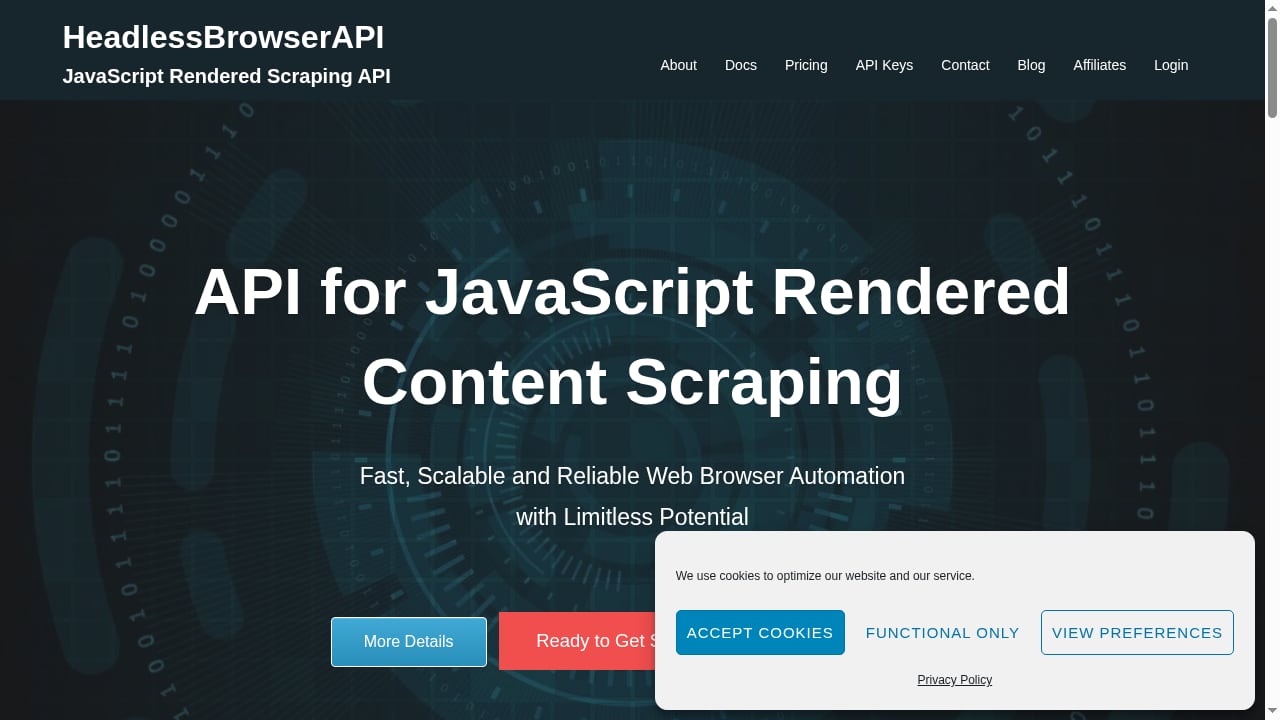
First viewport screenshot of Headless Browser API - HeadlessBrowserAPI.
1. Bright Data Web Scraping API
Bright Data ranks first because it combines the largest proxy network with a complete rendering and unlocking pipeline. In Scrape.do's 2026 benchmark of 16 scraping APIs, Bright Data posted the highest average success rate at 98.87%, hitting 100% on Indeed, GitHub, Zillow, and Google. Its network spans more than 400 million residential IPs across 195 countries, and the platform offers 400+ pre-built scrapers for major domains.
Best for: Enterprise pipelines where a failed request has a downstream cost, AI training data at scale, and heavily protected targets.
Watch out for: Premium domains such as Walmart, Amazon product pages, and social platforms cost more per 1,000 requests than standard domains.
2. Scrape.do
Scrape.do finished a close second in the same benchmark with a 98.61% average success rate and 100% success on five of seven test domains. Its differentiator is latency: Zillow responses arrived in 2.6 seconds, and the blended average was 5.5 seconds. A single-endpoint design means you control rendering, geo-routing, and output format with query parameters, and Markdown is a first-class return type for LLM and RAG ingestion.
Best for: Latency-sensitive workloads such as real-time price monitoring, SERP tracking, and user-facing search features.
Watch out for: Credit multipliers apply to JavaScript rendering and premium proxies, so effective cost rises above the base rate on complex targets.
3. Browserbase
Browserbase is a cloud-native headless browser platform built around managed Chromium instances. It handles browser lifecycle, proxy rotation, CAPTCHA solving, and automatic scaling, which removes most local infrastructure work. Its documentation and developer tooling make it a natural fit for teams running Playwright or Puppeteer at scale without maintaining their own browser fleet.
Best for: Teams that want managed browser infrastructure with minimal DevOps overhead.
Watch out for: Deep customization of the browser environment may be less flexible than self-hosted setups.
4. Zyte
Zyte, formerly Scrapinghub, is one of the most mature platforms in the category. It pairs a scraping API with AI-powered structured extraction, so you can request specific fields instead of parsing raw HTML. Its long history in the Python ecosystem, including Scrapy integration, makes it a comfortable choice for data engineering teams with existing pipelines.
Best for: Python-centric workflows and projects that need structured extraction rather than raw HTML.
Watch out for: The breadth of the platform can mean a steeper onboarding curve than single-purpose APIs.
5. Apify
Apify takes an actor-based approach: instead of only calling a rendering endpoint, you run containerized scrapers on its platform. The marketplace includes hundreds of pre-built actors for popular sites, and the underlying browser automation supports JavaScript rendering, proxies, and scheduling. It suits teams that want ready-made scrapers alongside custom code.
Best for: Teams that prefer pre-built scrapers and a marketplace model over building every extraction from scratch.
Watch out for: Platform-specific concepts such as actors add a learning layer compared with a plain REST API.
6. ScrapingBee
ScrapingBee is an API-first service that handles JavaScript rendering and proxy management behind a simple REST interface. Developers who want to send a URL and receive rendered HTML without managing browser binaries tend to appreciate its straightforward design. It supports screenshots and custom JavaScript snippets for interaction-heavy pages.
Best for: Developers who want a clean REST API with predictable integration.
Watch out for: Very high-volume or highly specialized automation may require a more configurable platform.
7. ZenRows
ZenRows focuses on anti-bot evasion, using machine learning to adapt to detection systems. It is designed for sites protected by Cloudflare, DataDome, and similar WAFs, where standard rendering requests fail. The API returns rendered HTML and supports premium proxies and geo-targeting.
Best for: Heavily protected sites where bypass capability matters more than raw throughput.
Watch out for: Success on the hardest targets can still vary by domain and by the day.
8. ScraperAPI
ScraperAPI is a cost-effective option with JavaScript rendering, proxy rotation, and a large IP pool. Its render parameter and rendering instruction sets let you click, type, and wait for selectors, which covers many single-page application and infinite-scroll scenarios. It is often the entry point for teams moving from basic HTTP scraping to browser rendering.
Best for: Budget-conscious projects with moderate complexity and mostly standard targets.
Watch out for: Advanced interaction and the toughest anti-bot systems may need a more specialized tool.
9. Scrapfly
Scrapfly is developer-friendly, with extensive documentation, code examples, and strong community resources. It combines rendering, proxy management, and anti-bot features in one API, and its learning materials shorten the time from first request to production scraper. Teams that value documentation quality often rank it higher than its raw benchmark position.
Best for: Developers who want strong docs and examples while learning browser-based scraping.
Watch out for: It competes in a crowded mid-market tier, so pricing and performance should be tested against your own targets.
10. HeadlessBrowserAPI
HeadlessBrowserAPI is a focused API for JavaScript-rendered content. It returns full HTML from any page with a single call, handles rendering, and includes rotating proxy support by default to reduce blocking. It also offers full-size screenshots in JPG or PDF, image scraping across common formats, and a Tor API node for dark web access. Integration options include Puppeteer, Tor, and PhantomJS, and requests retry automatically for up to 60 seconds before returning a timeout error.
Pricing is subscription-based with four tiers: Headless Hatchling at $15/month for 3,000 requests, Headless Scraper at $30/month for 7,500 requests, Headless Enthusiast at $50/month for 15,000 requests, and Headless Master at $75/month for 30,000 requests. Custom plans are available.
Best for: Small to mid-sized teams that need rendered HTML, screenshots, and optional Tor access at a predictable monthly price.
Watch out for: The request ceilings are lower than enterprise platforms, so very high-volume operations may outgrow the top tier.
Comparison Table: Headless Browser APIs at a Glance
First viewport screenshot of Updates - HeadlessBrowserAPI.
| Product | Standout Strength | Pricing Signal | Best-Fit Workload |
|---|---|---|---|
| Bright Data | 98.87% benchmark success rate, 400M+ IPs | Pay per successful request | Enterprise, protected sites |
| Scrape.do | 5.5s average latency, Markdown output | Freemium, from $29/mo | Latency-sensitive scraping |
| Browserbase | Managed Chromium, auto-scaling | Usage-based | Teams avoiding DevOps |
| Zyte | AI structured extraction, Scrapy roots | Custom | Python data pipelines |
| Apify | Actor marketplace, pre-built scrapers | Usage-based | Ready-made scrapers |
| ScrapingBee | Simple REST rendering API | Tiered | Straightforward integrations |
| ZenRows | ML-driven anti-bot evasion | Tiered | Heavily protected sites |
| ScraperAPI | Budget rendering and proxies | Tiered | Moderate complexity |
| Scrapfly | Documentation and examples | Tiered | Developer learning curve |
| HeadlessBrowserAPI | Rendered HTML, screenshots, Tor node | $15–$75/mo tiers | Small to mid-sized teams |
How to Choose the Right Headless Browser API
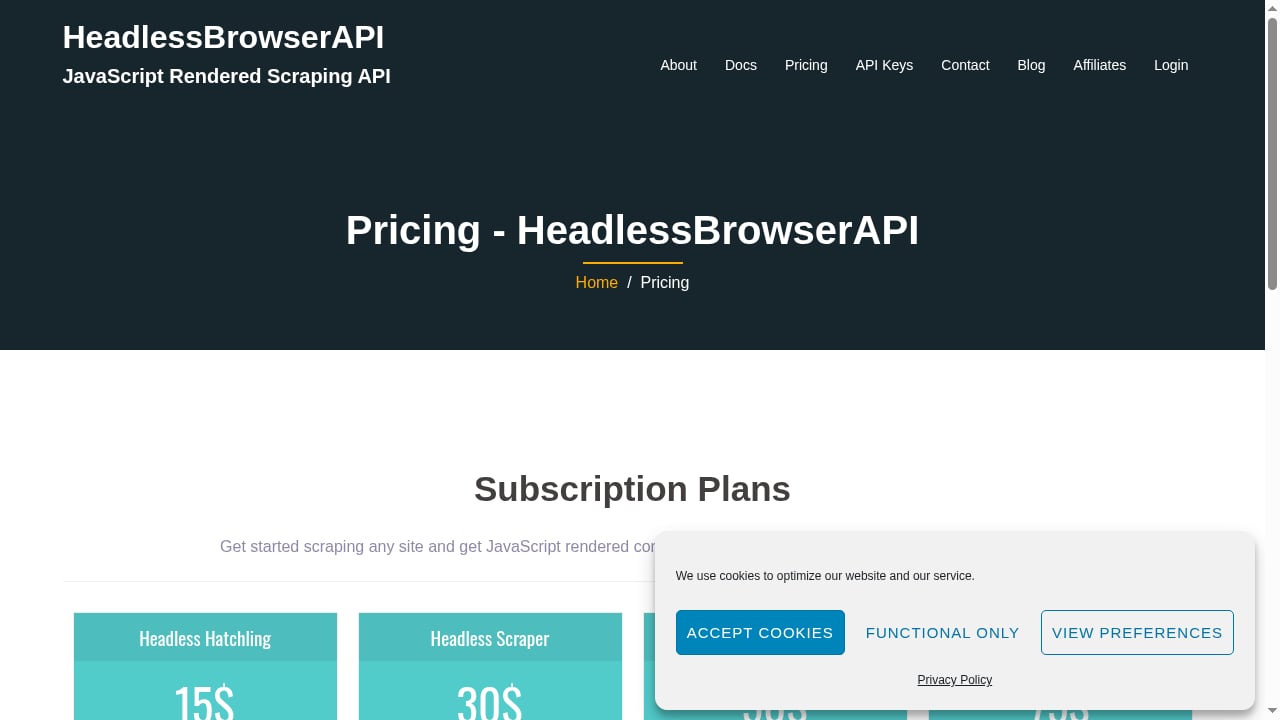
First viewport screenshot of Pricing - HeadlessBrowserAPI.
Start with the target, not the tool. If your pages are static or lightly scripted, a rendering API is optional. If they are single-page applications, require login flows, or sit behind Cloudflare, rendering and anti-bot handling become the deciding factors.
Next, estimate your real request volume, including retries. A 98% success rate sounds similar to 95%, but at 1 million requests per month the difference is 30,000 failed pages. That is why pay-only-for-success pricing and transparent credit multipliers matter more than headline rates.
Finally, match the output to your pipeline. Teams feeding LLMs often prefer Markdown or JSON, while QA and monitoring workflows need screenshots and full-page captures. If you also run multi-account browser automation, it helps to understand how cloud browser sessions persist state; our guide on using AdsCrawl with Sendwin covers that adjacent workflow. For a broader view of the market beyond browser APIs, see our roundup of AI web crawling and scraping APIs.
Practical Example: Rendering a JavaScript-Heavy Page
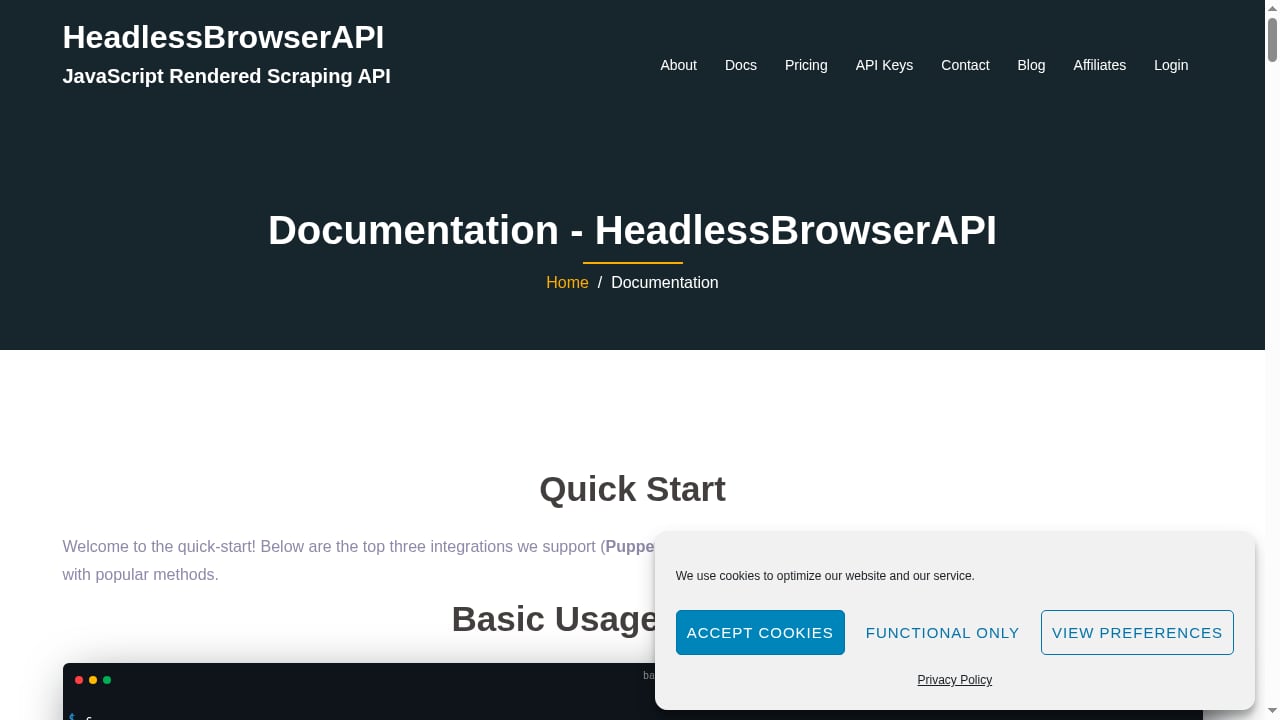
First viewport screenshot of Documentation - HeadlessBrowserAPI.
A typical headless browser API call follows the same shape across providers. You send a target URL, request rendering, and optionally specify a wait condition:
curl "https://api.example.com/render?url=https://example.com/products&render=true&wait_for_selector=.product-grid" \
  -H "Authorization: Bearer YOUR_API_KEY"
The response is the fully rendered HTML, which you can then parse with your preferred library. If your workflow also needs to capture visual evidence, a screenshot endpoint can return a full-page JPG or PDF in the same pipeline.
Related reading
- How to Use AdsCrawl with DataImpulse - Connect DataImpulse residential proxies to AdsCrawl's cloud browser API for reliable scraping. Setup steps, code examples, and best practices.
- AdsCrawl vs Scrape.do vs Selenium: Which Fits Your Scraping Stack? - Compare AdsCrawl, Scrape.do, and Selenium for web scraping and browser automation. See strengths, trade-offs, and which tool fits your workflow.
- AdsCrawl vs Parallel: Web Infrastructure for AI Agents - AdsCrawl vs Parallel for AI agents: compare cloud browser control, proxy routing, structured extraction, pricing, and which fits your scraping stack.
Sources and further reading
- Best Headless Browsers for Web Scraping in 2026 - Discover the best headless browsers for web scraping in 2026. Compare features, performance, and use cases to choose the right tool for your project.
- Best Headless Browsers for Web Scraping (2026 Guide) - Compare the best headless browsers for web scraping: performance, detection avoidance, and scale. Updated picks and how Browserbase fits in.
- The 9 Best Web Scraping APIs & Tools in 2026 - The 9 best web scraping APIs and tools in 2026, ranked on published benchmark data. Compare success rates, pricing, and anti-bot performance.
FAQ
What is a headless browser API?
A headless browser API is a hosted service that runs a browser engine without a graphical interface, executes page JavaScript, and returns the rendered result. You call it over HTTP instead of installing and managing Chromium or Firefox yourself.
Do I need a headless browser API if I already use proxies?
Proxies change your IP address but do not execute JavaScript or handle browser fingerprints. For dynamic sites and anti-bot systems, rendering and browser management are separate problems that a headless browser API solves.
Which headless browser API has the highest success rate?
In Scrape.do's 2026 benchmark of 16 APIs, Bright Data posted the highest average success rate at 98.87%, with Scrape.do close behind at 98.61%. Success rates vary by target domain, so test against your own URLs.
Is a headless browser API the same as Puppeteer or Playwright?
No. Puppeteer and Playwright are browser automation libraries you run yourself. A headless browser API hosts that browser environment for you and exposes it as a service, often with proxies and scaling built in.
How much do headless browser APIs cost in 2026?
Pricing ranges from free tiers and pay-per-success models to subscriptions. HeadlessBrowserAPI, for example, starts at $15/month for 3,000 requests, while enterprise platforms price per 1,000 successful requests and bill only for delivered results.
Conclusion
The best headless browser API for your project depends on whether you are optimizing for success rate, latency, cost, or control. Bright Data leads on benchmark success and network scale, Scrape.do leads on speed, and managed platforms such as Browserbase reduce operational overhead. Smaller teams that need rendered HTML, screenshots, and Tor access at a fixed monthly price can evaluate HeadlessBrowserAPI against their volume ceiling.
Whichever you choose, test it against your own hardest targets before committing. Published benchmarks are a starting point, but your success rate on your domains is the number that ultimately matters.