
Browser Automation & Web Scraping: No-Code vs Code Review
An evidence-based review of browser automation and web scraping tools, comparing no-code and code approaches. Covers ideal users, use cases, strengths, limitations, pricing, setup, and decision criteria.
Browser Automation & Web Scraping: No-Code vs Code Review
Browser automation and web scraping have become essential for data collection, testing, and workflow automation. But choosing between no-code tools and code-based frameworks is not straightforward. This review examines the trade-offs, ideal users, use cases, strengths, limitations, pricing signals, setup considerations, and decision criteria for both approaches, with evidence from current tools and industry practices.
Understanding the Two Approaches
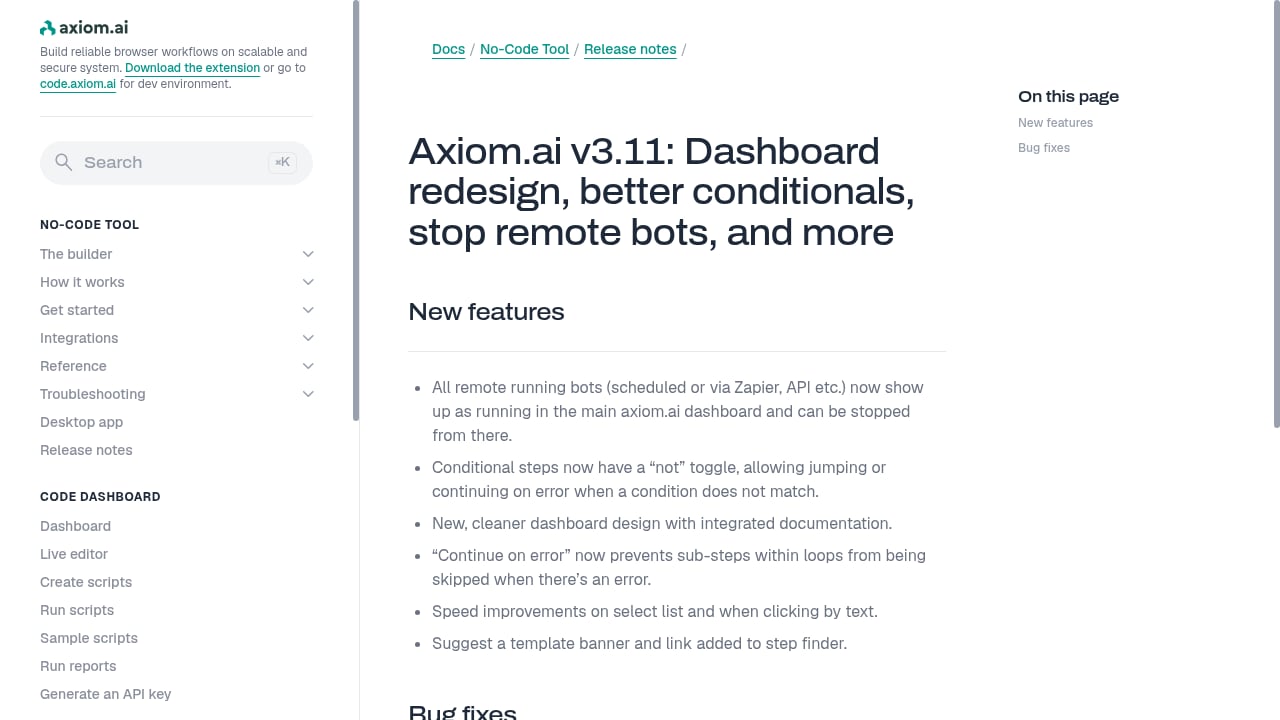
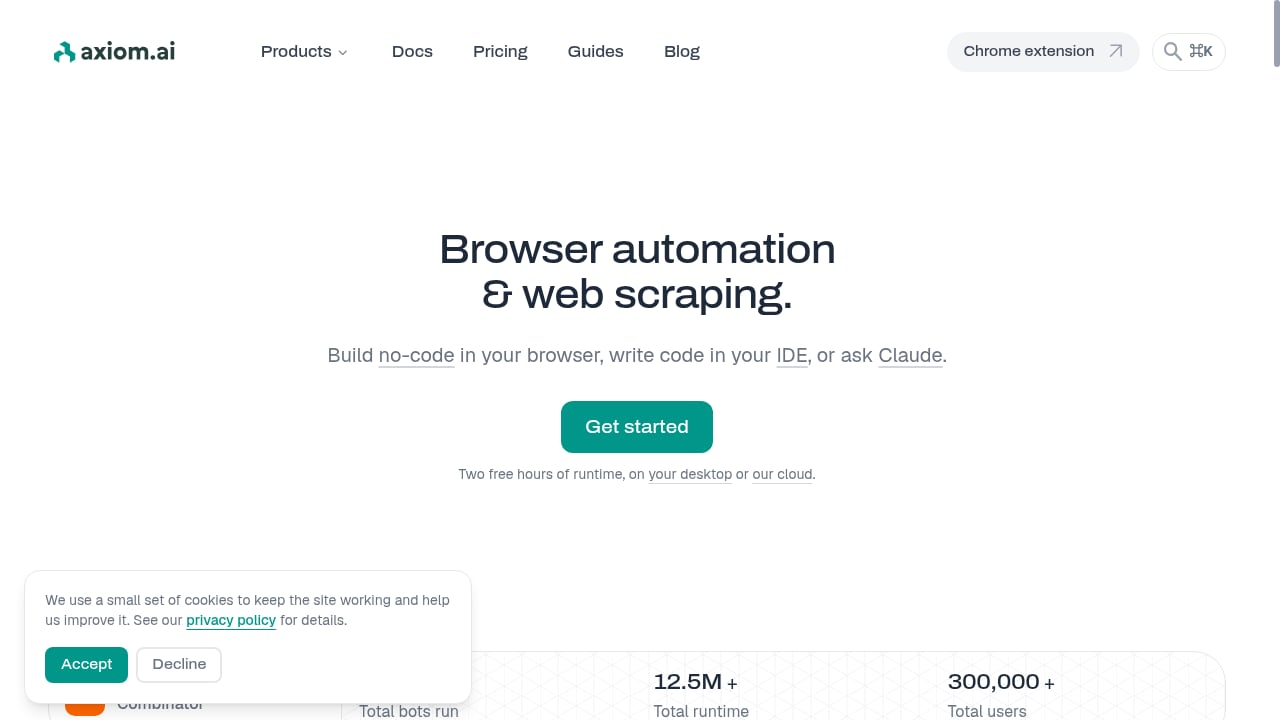
First viewport screenshot of axiom.ai.
Browser automation and web scraping tools generally fall into two categories: no-code platforms and code-based frameworks. No-code tools provide visual builders, drag-and-drop interfaces, or natural language prompts to create automation workflows. Code-based frameworks require programming knowledge but offer greater control, scalability, and customization.
Axiom, for example, offers both: a no-code tool, a browser automation API, and the ability to describe tasks to Claude. This dual approach reflects a broader trend where vendors provide multiple entry points to accommodate different skill levels and use cases.
Ideal Users for No-Code Tools
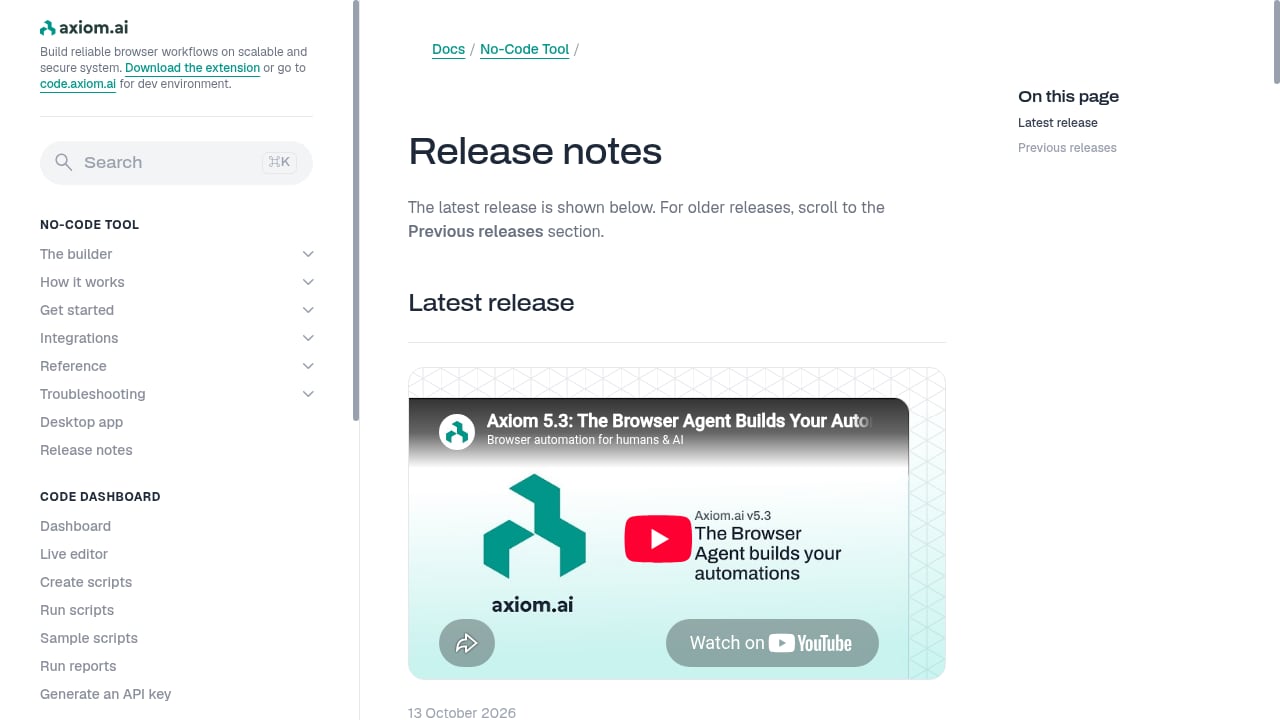
First viewport screenshot of axiom.ai.
No-code browser automation and web scraping tools are designed for business users, analysts, marketers, and operations teams who need to extract data or automate repetitive web tasks without writing code. They are also suitable for developers who need quick prototypes or one-off tasks.
Typical users include:
- Business analysts who need to monitor competitor pricing or collect leads.
- Marketing teams automating reporting from web dashboards.
- Operations staff filling forms or transferring data between web applications.
- Researchers gathering data from multiple sources without engineering support.
Ideal Users for Code-Based Tools
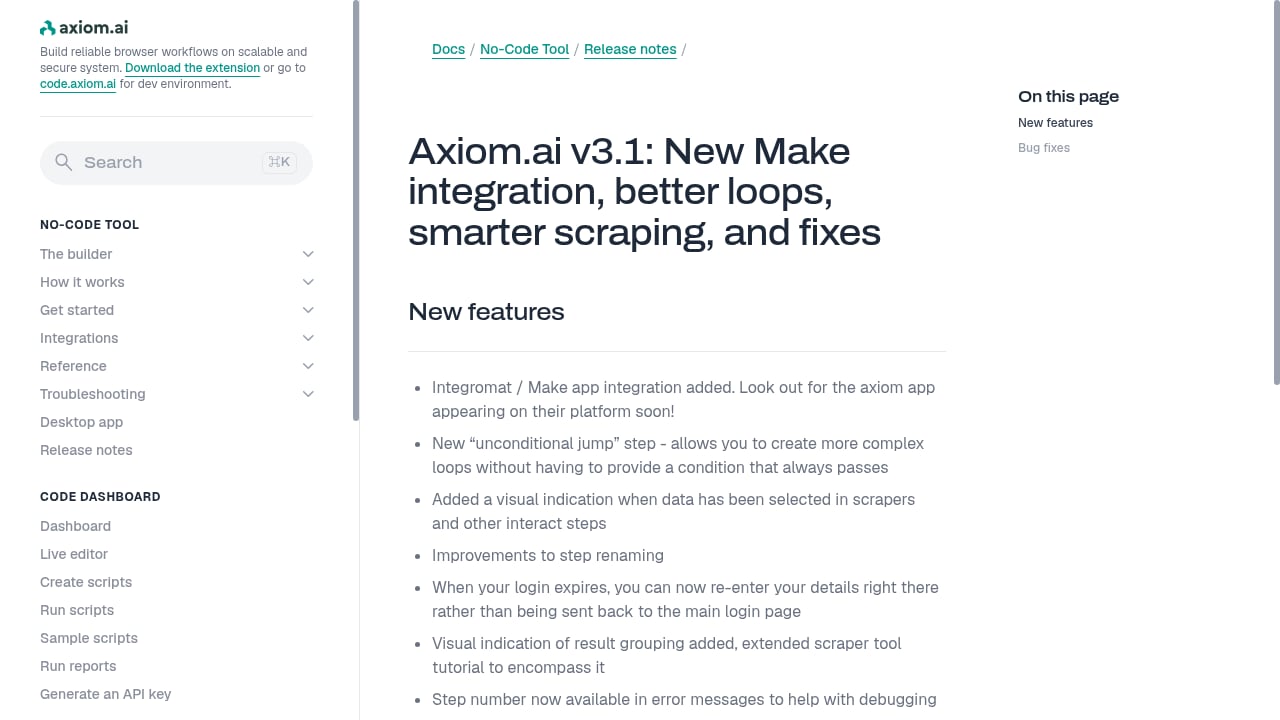
First viewport screenshot of axiom.ai.
Code-based frameworks like Selenium, Playwright, and Puppeteer are built for developers, QA engineers, and data engineers who require fine-grained control, integration with existing systems, and the ability to handle complex, dynamic websites at scale.
Typical users include:
- Software developers building automated tests or scraping pipelines.
- Data engineers creating robust, maintainable data extraction workflows.
- DevOps teams integrating browser automation into CI/CD pipelines.
- AI engineers deploying browser agents that require programmatic control.
Common Use Cases
Both approaches serve overlapping but distinct use cases. No-code tools excel at:
- Simple data extraction from static or moderately dynamic pages.
- Repetitive form filling and workflow automation.
- Monitoring web pages for changes (e.g., price tracking).
- Quick data collection for spreadsheets or reports.
Code-based tools are preferred for:
- Large-scale scraping across thousands of pages.
- Handling complex authentication, CAPTCHAs, and anti-bot measures.
- Integration with databases, APIs, and custom applications.
- Automated testing of web applications across browsers.
- Building AI agents that navigate and interact with websites autonomously.
Strengths of No-Code Tools
First viewport screenshot of axiom.ai.
No-code platforms lower the barrier to entry. They enable non-technical users to automate tasks without relying on engineering resources. Visual builders and AI-assisted extraction can reduce setup time and make automation accessible to a wider audience. Many no-code tools also offer cloud execution, scheduling, and monitoring out of the box.
For example, Axiom's no-code tool allows users to automate any website by describing the task, and it can run on the vendor's cloud or on the user's machine. This flexibility is valuable for teams that want to avoid infrastructure management.
Limitations of No-Code Tools
No-code tools often struggle with complex, dynamic websites that require custom logic, advanced error handling, or precise timing. They may have limited support for authentication flows, CAPTCHAs, and large-scale parallelism. Customization is constrained by the platform's features, and vendor lock-in can be a concern. Pricing models based on credits or tasks can become unpredictable at scale.
Additionally, no-code tools may not integrate seamlessly with existing codebases or data pipelines, requiring manual exports or workarounds.
Strengths of Code-Based Tools
Code-based frameworks offer unmatched flexibility and control. Developers can write custom logic to handle edge cases, integrate with any library or service, and optimize performance. Open-source frameworks like Playwright and Selenium have large communities, extensive documentation, and cross-browser support. They can be run locally, in containers, or on cloud infrastructure, providing scalability and reproducibility.
For AI agents, code-based tools allow programmatic access via APIs, enabling integration with LLMs and custom orchestration. Axiom's browser automation API, for instance, provides this capability for developers who want to embed automation into their applications.
Limitations of Code-Based Tools
Code-based tools require programming expertise and ongoing maintenance. Websites change frequently, so scrapers and automation scripts need regular updates. Setting up and managing infrastructure (browsers, drivers, proxies) can be time-consuming. Debugging complex automation can be challenging, and scaling requires careful architecture.
Moreover, code-based tools may have steeper learning curves and longer time-to-value for simple tasks.
Pricing Signals
Pricing for browser automation and web scraping tools varies widely. No-code platforms often use subscription plans with limits on tasks, pages, or credits. For example, some tools charge per credit or per browser minute. Code-based frameworks are often open-source and free, but incur infrastructure and development costs.
Axiom's pricing is not specified in the provided context, but it offers cloud and local execution, which may affect cost. When evaluating pricing, consider the total cost of ownership, including setup time, maintenance, and scaling.
Setup and Ease of Use
No-code tools typically offer guided setup, templates, and visual editors. Users can often start automating within minutes. Code-based tools require installing dependencies, writing scripts, and configuring environments. However, once set up, code-based solutions can be more repeatable and easier to version control.
Axiom provides multiple entry points: no-code, API, and natural language via Claude. This allows users to choose the setup that matches their skills and needs.
Decision Criteria
When choosing between no-code and code-based browser automation, consider:
- Technical expertise: Does your team have developers available?
- Complexity of tasks: Are you dealing with simple forms or complex, dynamic sites?
- Scale: How many pages or sessions do you need to process?
- Integration needs: Must the automation connect to existing systems?
- Budget: Can you afford subscription costs, or do you prefer open-source with infrastructure costs?
- Maintenance capacity: Who will update scripts when websites change?
For teams needing both, hybrid solutions like Axiom offer the flexibility of no-code for simple tasks and code for advanced use cases.
Related reading
- How to Use AdsCrawl with BrowserStack for Cross-Browser Testing - Learn how to combine AdsCrawl's cloud Chromium automation with BrowserStack's real-device testing to validate dynamic, authenticated pages across browsers.
- AdsCrawl vs Bright Data vs Lightpanda: Which Fits? - Compare AdsCrawl, Bright Data, and Lightpanda across browser rendering, proxies, CDP control, and pricing to choose the right web automation stack.
Sources and further reading
- 5 best browser automation tools I've tested in 2026 - Looking for the best browser automation tools to let your agents automate work across web browsers? Here are the top tools I'm currently using.
FAQ
What is the difference between no-code and code-based browser automation?
No-code tools use visual interfaces or natural language to build automation, while code-based tools require programming to script browser interactions.
Can no-code tools handle dynamic websites?
Some can, but they may struggle with complex JavaScript, authentication, or anti-bot measures. Code-based tools offer more control for such cases.
Is Axiom suitable for non-technical users?
Yes, Axiom offers a no-code tool and natural language interface, making it accessible to non-technical users while also providing an API for developers.
How do I choose between no-code and code-based tools?
Assess your team's skills, task complexity, scale, integration requirements, budget, and maintenance capacity. Hybrid solutions can bridge both needs.
Conclusion
Browser automation and web scraping are not one-size-fits-all. No-code tools democratize access and speed up simple tasks, while code-based frameworks provide the power and flexibility for complex, large-scale operations. Evaluate your specific needs against the criteria outlined above, and consider platforms like Axiom that offer both approaches to adapt as your requirements evolve.
For further reading, explore our guide to usage analytics for browser automation and our comparison of top no-code web scraping software. You can also learn about explicit proxy settings for advanced automation setups.
External references: Firecrawl's browser automation tools comparison and Web Scraper's AI web scraping tools review.