
Top 10 No-Code Web Scraping Software Products 2026
Compare the top 10 no-code web scraping tools of 2026 by setup, dynamic-site support, AI extraction, scaling, and pricing. Find the best fit for your workflow.
Top 10 No-Code Web Scraping Software Products 2026
No-code web scraping software has moved well beyond simple point-and-click selectors. In 2026, the strongest tools combine visual builders with AI-assisted field detection, scheduled cloud runs, and built-in proxy or unblocking layers. That makes it easier than ever to collect data without writing code, but it also makes the buying decision harder, because two tools that look similar on a pricing page can behave very differently on a JavaScript-heavy site.
This review ranks ten products that genuinely belong to the no-code web scraping category. Each entry is assessed against transparent criteria, with evidence drawn from vendor documentation, published pricing, and independent comparison research. The goal is not to crown a universal winner but to help you match a tool to your actual workflow.
How we evaluated these no-code scrapers
First viewport screenshot of www.webharvy.com.
Every product below was judged on the same six dimensions:
- Setup model: Is it a desktop app, browser extension, cloud platform, or AI-prompt interface? How long does a first scrape take?
- Dynamic-site support: Does it render JavaScript, handle pagination and infinite scroll, and work on single-page applications?
- Extraction control: Can you inspect and edit selectors, or are you dependent on opaque AI output?
- Repeatability and scheduling: Can a job run on a schedule, and does it self-heal when a site changes?
- Scaling and access infrastructure: Are proxies, CAPTCHA handling, and concurrency included or billed separately?
- Pricing transparency: Are credits, rows, and page loads priced clearly, and is there a usable free tier?
Pricing was checked against vendor pages and comparison research published in 2026, including Web Scraper's comparison of AI scraping tools and Firecrawl's roundup of web scraping tools. Prices change frequently, so treat figures as directional and confirm current allowances before committing.
The top 10 no-code web scraping products for 2026
First viewport screenshot of www.webharvy.com.
1. WebHarvy — best for a one-time purchase and local control
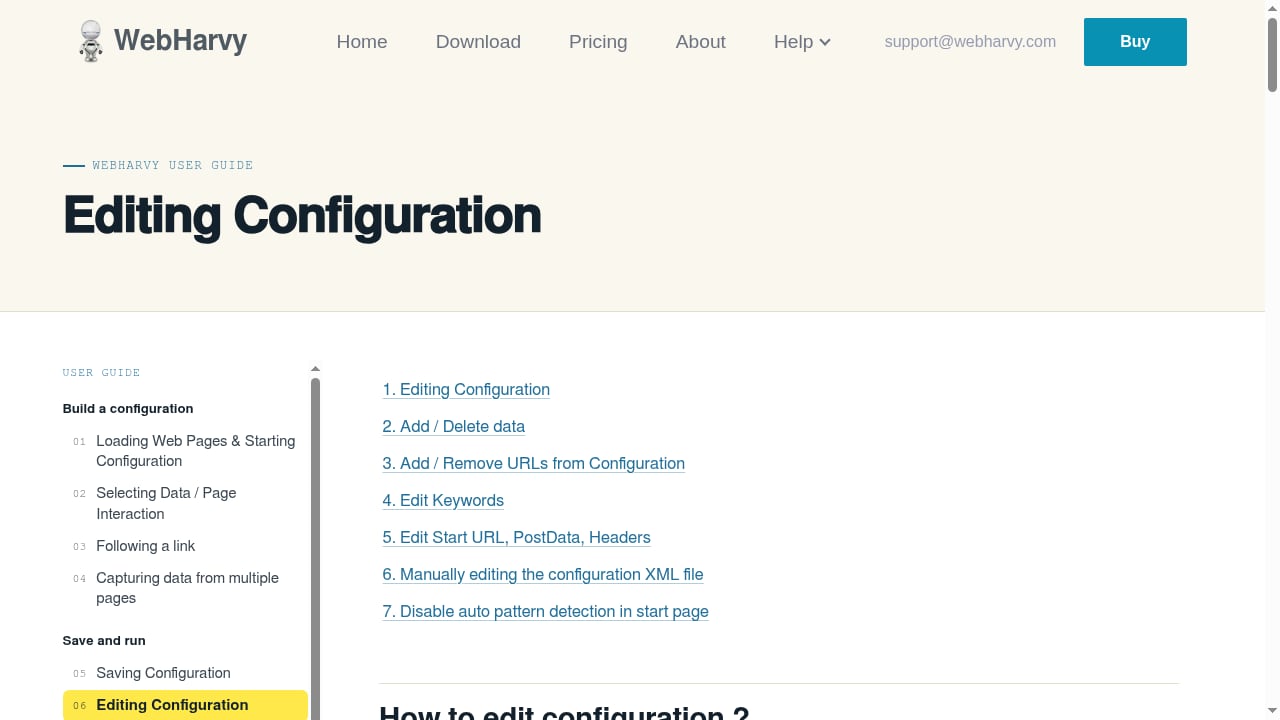
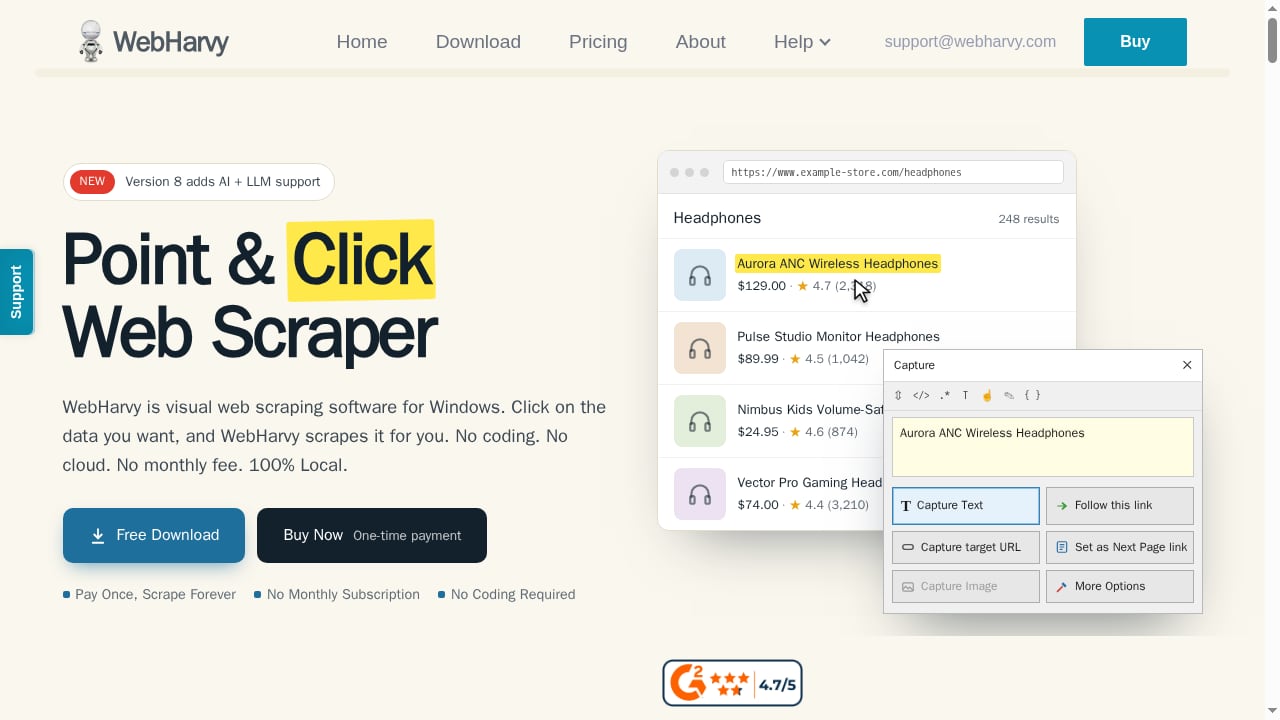
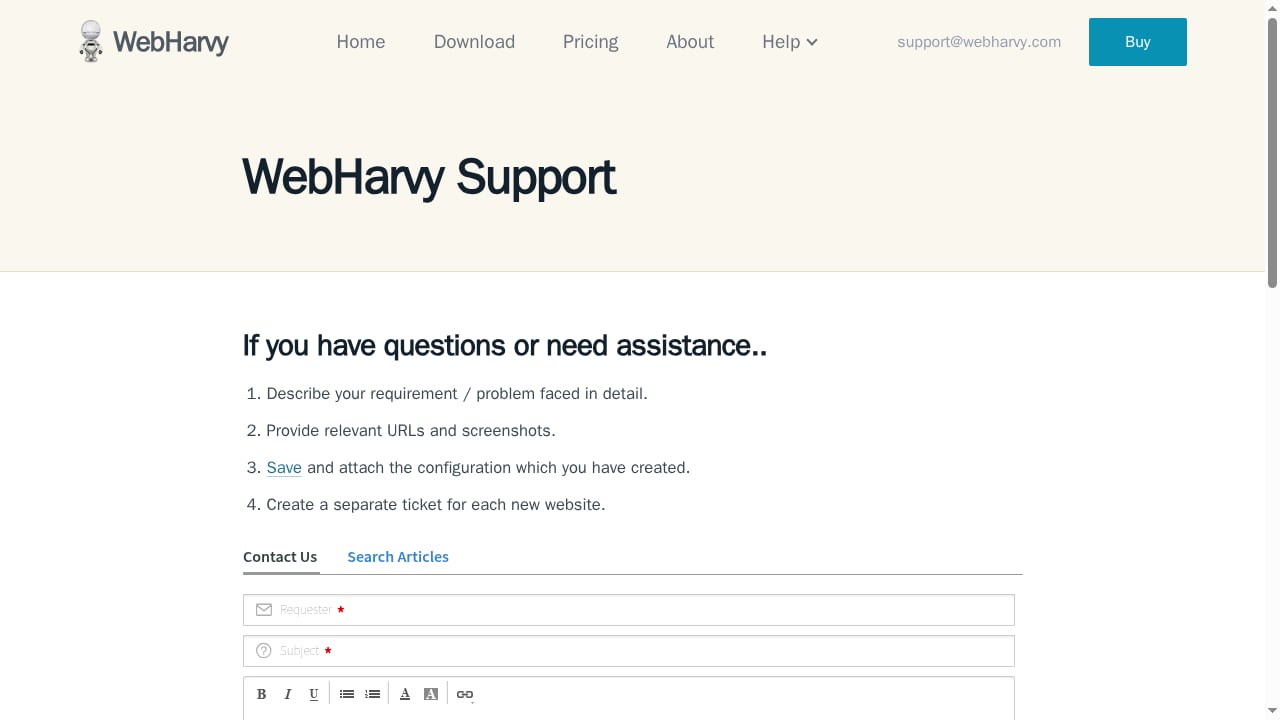
WebHarvy is a visual web scraper built around a point-and-click interface: you click the data you want on a live page, and the tool generates the extraction pattern. It runs locally, which means your scraping jobs and data stay on your own machine, and it supports cloud or local AI providers and LLMs for assisted extraction.
Its defining commercial difference is the pricing model. WebHarvy is sold as a pay-once licence rather than a monthly subscription, which makes it attractive for teams that run recurring but modest-volume jobs and want to avoid compounding cloud fees. The trade-off is that scaling, proxy rotation, and scheduling are more your responsibility than a managed cloud platform's.
Best for: Budget-conscious analysts, researchers, and small teams who want a permanent visual scraper without a subscription.
2. Octoparse — best for detailed visual workflows
Octoparse is one of the most established no-code platforms, offering a desktop workflow builder with hundreds of site templates and an AI assistant that drafts extraction steps. It handles looping, pagination, infinite scroll, dropdowns, and hover interactions, and it can push completed tasks to 24/7 cloud execution with IP rotation and CAPTCHA handling.
The interface is powerful but heavy. Simple jobs can feel over-engineered, and the credit system (tasks, rows, cloud runs, and concurrency are all limited separately) takes reading before you can forecast costs. Independent comparisons consistently place Octoparse among the strongest visual builders for non-technical users who need structured, repeatable crawls.
Best for: Users who want a full desktop workflow builder and are willing to learn its model in exchange for fine control.
3. Browse AI — best for simple monitoring and change alerts
Browse AI takes a record-and-replay approach: you train a cloud robot by demonstrating the data you want, and it then runs on a schedule and can alert you when values change. That makes it unusually well suited to price monitoring, competitor tracking, and lightweight lead-list building.
Because the robot learns from examples rather than explicit selectors, control is less granular than in a desktop builder. Credit consumption is also influenced by rows, detail pages, screenshots, and site type, so heavy detail-page crawling can burn through allowances faster than the headline plan suggests. For straightforward monitoring tasks, though, setup is among the fastest in this list.
Best for: Marketers and ops teams who need scheduled monitoring more than deep, custom crawls.
4. Thunderbit — best for fast browser-to-spreadsheet extraction
Thunderbit is a browser extension that suggests fields and structures page data directly into a spreadsheet or API schema. It is designed for speed: open a page, let the tool propose columns, and export. That makes it a strong fit for one-off research, list building, and quick competitive checks.
It is less suited to deeply modelled crawls. The extension and the API are billed separately, and the API uses different unit costs for its Distill and Extract modes, so teams moving from ad-hoc extraction to production volume should model costs carefully. As a fast, low-friction entry point to no-code scraping, it is hard to beat.
Best for: Analysts who want data in a spreadsheet within minutes, not a configured pipeline.
5. Bright Data Scraper Studio — best for enterprise access infrastructure
Bright Data's Scraper Studio generates scraper code from natural-language prompts and runs it on cloud infrastructure with built-in proxies, CAPTCHA solving, and automatic unblocking. A self-healing capability refactors scrapers when target sites change, which addresses the single biggest maintenance cost in scraping.
The platform is backed by a very large residential proxy network and positions itself around compliance and uptime. That infrastructure is genuinely valuable at scale, but it can be excessive and expensive for small jobs. Bright Data publishes pay-as-you-go pricing per successful page load, and independent reviews rate it highly on trust platforms.
Best for: Enterprises that need unblocking, proxies, and self-healing scrapers in one managed stack.
6. Apify — best for a marketplace of ready-made scrapers
Apify is an automation cloud with a large marketplace of pre-built scrapers (called Actors) alongside an AI web scraper that supports natural-language extraction and agentic crawl modes. For no-code users, the marketplace is the draw: you can run a maintained scraper for a popular site without building anything.
Costs are modular. Actor usage, compute, storage, data transfer, and proxies are billed separately, so total spend can exceed the sticker price of a single Actor. The platform offers a small monthly usage allowance to start. It is the most flexible option here, provided you are comfortable assembling components.
Best for: Teams that want to start from existing scrapers and grow into custom automation.
7. Kadoa — best for governed, self-maintaining pipelines
Kadoa focuses on agent-generated deterministic pipelines: the AI builds the extraction logic, monitors it, and repairs it when a site changes, while the pipeline itself runs deterministically for auditability. That combination is aimed squarely at finance, market intelligence, and enterprise data teams that need reliability and governance rather than ad-hoc pulls.
It is not the cheapest or the simplest entry point, and its positioning is narrower than general-purpose scrapers. But for organisations that treat scraped data as a production input, the self-maintenance and oversight features justify the premium.
Best for: Enterprise and finance teams that need monitored, auditable data pipelines.
8. Oxylabs OxyCopilot — best for AI-assisted parser generation
OxyCopilot is an AI assistant inside Oxylabs' Web Scraper API that generates parsing templates and browser instructions from plain-English prompts. It analyses complex HTML and produces reusable parsers, which reduces the manual selector work that normally accompanies API-based scraping.
The no-code surface is the prompt interface, not a visual page builder, so it suits users who are comfortable working inside an API dashboard. Pricing follows Web Scraper API usage and varies with site complexity. Oxylabs' broader reputation for proxy infrastructure is a meaningful advantage when targets are defended.
Best for: Users who want AI-generated parsers backed by a mature scraping API and proxy network.
9. Zyte AI Web Scraping — best for e-commerce data at scale
Zyte's AI web scraping combines automated crawling, unblocking, and ML-based parsing, built on the Scrapy framework. It is optimised for product and e-commerce data, with automated parsing that adapts to site changes and optional manual overrides for teams that want control.
Zyte reports substantial reductions in setup and maintenance time from internal testing, and its pay-as-you-go pricing starts low per thousand requests, though the rate varies by site tier. The prompt-driven extraction modes make it usable without deep coding, but the platform assumes some technical comfort.
Best for: E-commerce and retail data teams that need volume, unblocking, and adaptive parsing.
10. Web Scraper (webscraper.io) — best free local starting point
Web Scraper is a browser-extension-based visual scraper with an editable sitemap model and AI-assisted sitemap creation. Its standout feature is an unlimited local scraping mode that costs nothing, with a paid cloud tier for scheduled execution and scale.
That free local tier makes it the lowest-risk way to learn no-code scraping. The sitemap model has a learning curve, and advanced workflows require understanding how selectors nest, but the ability to inspect and correct extraction logic is a real advantage over opaque AI-only tools. Cloud plans are billed on URL credits or concurrent scraper capacity depending on tier.
Best for: Beginners and budget users who want unlimited local scraping before paying for cloud capacity.
Quick comparison: which no-code scraper fits your job?
First viewport screenshot of www.webharvy.com.
| If your priority is… | Start with… | Why |
|---|---|---|
| One-time cost, local data control | WebHarvy | Pay-once licence, point-and-click UI |
| Detailed visual workflows | Octoparse | Deep desktop builder with templates |
| Scheduled monitoring alerts | Browse AI | Record-and-replay cloud robots |
| Fast spreadsheet exports | Thunderbit | Extension with suggested fields |
| Enterprise unblocking at scale | Bright Data Scraper Studio | Proxies, CAPTCHA solving, self-healing |
| Ready-made scrapers | Apify | Large Actor marketplace |
| Governed production pipelines | Kadoa | Self-maintaining deterministic pipelines |
| AI parsers on an API | Oxylabs OxyCopilot | Prompt-to-parser generation |
| E-commerce volume | Zyte | Adaptive parsing and unblocking |
| A free place to start | Web Scraper | Unlimited local extension |
Where no-code stops and browser automation begins
No-code scrapers are excellent when the target site is public, reasonably structured, and tolerant of automated access. They become fragile when a site requires authenticated sessions, heavy interaction, or custom navigation logic that a visual builder cannot express.
At that point, teams often move to a browser automation API and drive a real cloud browser with Playwright, Puppeteer, or any CDP client. AdsCrawl is one example of that adjacent category: a managed cloud Chromium environment with residential proxy routing and synchronous tasks for HTML, Markdown, JSON, and screenshots. It is not a no-code scraper and does not belong in this ranking, but it is a sensible next step when a no-code job outgrows its builder. If you are weighing that transition, the comparison of AdsCrawl vs Bright Data vs Lightpanda covers rendering, proxies, CDP control, and pricing side by side.
A practical hybrid pattern is common: use a no-code tool for discovery and simple field extraction, then hand the hard pages to a browser API. Teams that also test their scrapers across browsers can combine cloud automation with device testing, as described in how to use AdsCrawl with BrowserStack.
Common pitfalls when buying a no-code scraper
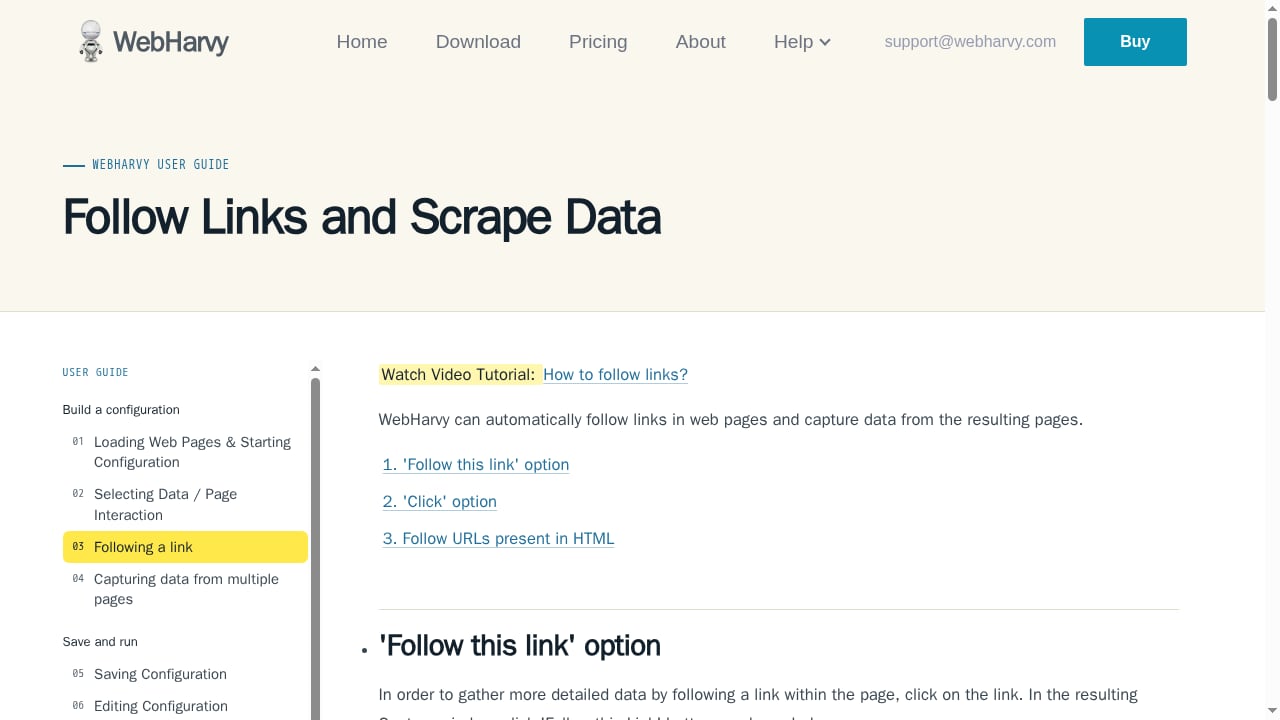
First viewport screenshot of www.webharvy.com.
- Comparing headline prices instead of units. A credit, a row, a page load, and a compute second are not interchangeable. Convert each plan to an approximate cost per 1,000 pages for your own workload.
- Assuming AI removes maintenance. AI helps identify fields and repair breakage, but navigation, validation, and site changes still need oversight.
- Ignoring JavaScript rendering. Many sites now render content client-side. Confirm the tool executes JavaScript before you buy.
- Forgetting proxy and unblocking costs. These are often separate line items and can dominate the bill on defended sites.
- Skipping a trial. Every serious vendor offers a free tier or trial. Test one representative site before committing.
Related reading
- AdsCrawl vs ScreenshotOne: Browser API or Screenshot API? - Compare AdsCrawl's full browser automation API with ScreenshotOne's screenshot-focused API. See which fits your scraping, AI agent, or visual capture workflow.
- Olostep Review: Web Data API for AI Agents in 2026 - An evidence-based Olostep review covering its search, scrape, crawl, and monitor APIs, pricing signals, setup, ideal users, and limitations for AI teams.
Sources and further reading
- Best No-Code Web Scrapers 2026: 15 Tools Compared - Compare the top 15 no-code web scrapers of 2026, including AI-powered tools. See Features, pricing, reviews, and free trials compared to help you choose the best scraper.
FAQ
What is the best no-code web scraping software in 2026?
There is no single best tool. WebHarvy suits buyers who prefer a one-time licence, Octoparse suits detailed visual workflows, Browse AI suits monitoring, and Bright Data Scraper Studio suits enterprise-scale unblocking. Match the tool to your site complexity and volume.
Are no-code scrapers reliable on JavaScript-heavy websites?
Many are, but support varies. Cloud platforms such as Octoparse, Bright Data, and Zyte render JavaScript and handle dynamic content; simpler extensions may only capture what is already in the page source. Always test on a real target page.
Can I scrape without any coding at all?
Yes, for most public sites. Visual builders and AI prompt interfaces cover field selection, pagination, and scheduling. Coding becomes useful when you need authenticated sessions, custom interaction logic, or very high concurrency.
How much does no-code web scraping software cost?
Entry plans commonly range from free tiers to roughly $20–$70 per month, with enterprise and high-volume plans reaching several hundred dollars. Costs depend heavily on credit multipliers, proxy usage, and whether cloud execution is included.
When should I move from a no-code scraper to a browser automation API?
Move when your jobs require logins, multi-step interaction, or custom navigation that the visual builder cannot express, or when maintenance overhead outweighs the subscription cost. A managed browser API gives you full control at the cost of writing automation code.
Conclusion
The 2026 no-code scraping market rewards specificity. If you want a permanent local tool with no subscription, WebHarvy is the clear pick. If you need deep visual workflows, Octoparse delivers. For monitoring, spreadsheet speed, enterprise unblocking, marketplace scrapers, governed pipelines, AI parsers, e-commerce volume, or a free starting point, the ranking above points to a different leader each time.
Start with the free tier of the tool that matches your primary job, test it on one real target site, and calculate cost per 1,000 pages before scaling. And keep the boundary in mind: no-code tools handle the majority of public-site extraction, while browser automation APIs take over when scraping gets genuinely tough.