
Usage Analytics for Browser Automation: A Developer Guide
Learn how to instrument usage analytics for browser automation: capture events, measure success, and run reliable cloud browser jobs with AdsCrawl.
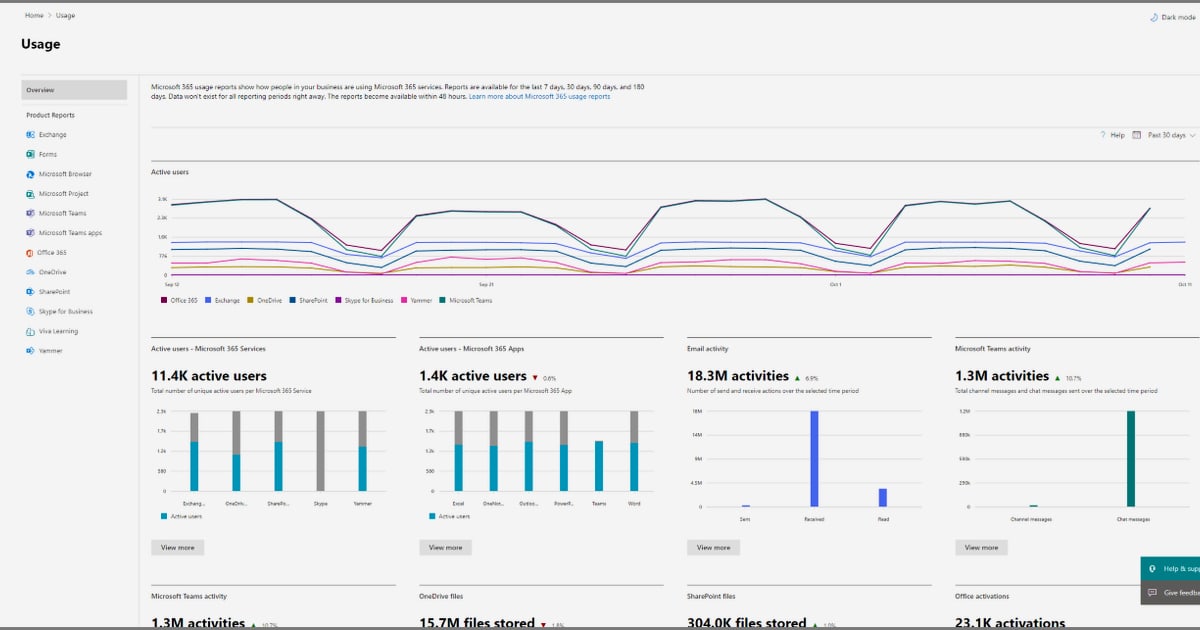
Usage Analytics for Browser Automation: A Developer Guide
Usage analytics usually means measuring how people interact with a product. For teams running browser automation, it means something more concrete: measuring how your automated browsers behave, what they extract, where they fail, and what that costs. This guide explains how to instrument usage analytics for browser automation workloads, which events matter, and how a managed browser API such as AdsCrawl fits into a measurable pipeline.
What usage analytics means in a browser automation context
In product analytics, usage analytics tracks logins, clicks, feature adoption, and workflow completion inside an application. Browser automation flips the perspective: the "user" is a script, and the "application" is a real Chromium browser loading a live website. Your usage analytics layer should answer questions like:
- How many browser sessions ran today, and how many succeeded?
- Which target sites or page types fail most often?
- How long does a typical Playwright or Puppeteer task take end to end?
- How much proxy bandwidth and credit consumption did each job cause?
- Are authenticated sessions staying valid across runs?
Without this data, automation teams operate on assumptions. With it, they can prioritize fixes, control spend, and prove reliability to stakeholders.
Why usage analytics matters for automation teams
First viewport screenshot of www.adscrawl.net.
Usage analytics turns raw job logs into decisions. The most useful signals fall into four buckets:
- Reliability. Success rate per site, per selector, and per extraction type (HTML, Markdown, JSON, screenshot).
- Performance. Time to first byte, render time, and total task duration for dynamic pages and single-page applications.
- Cost. Credits consumed per job, proxy traffic, and retry volume.
- Coverage. Which pages, regions, and authenticated flows your automation actually reaches.
A sudden drop in success rate often signals a site change or an expired session. A sudden surge in retries usually means anti-bot defenses tightened or a proxy pool degraded. Usage analytics is how you catch both before downstream data consumers do.
Core events to track
A practical event schema for browser automation looks like this:
| Event | Key properties | Why it matters |
|---|---|---|
session_started |
job ID, target URL, browser client (Playwright/Puppeteer/CDP), proxy type | Baseline volume and configuration mix |
page_rendered |
render time, SPA flag, HTTP status | Performance and dynamic-content coverage |
extraction_completed |
output type (HTML, Markdown, JSON, screenshot), size | Confirms the job produced usable data |
session_failed |
error class, retry count, target host | Root-cause analysis and alerting |
session_ended |
duration, credits used, bytes transferred | Cost attribution and capacity planning |
Keep property names stable across jobs. A consistent schema lets you compare weeks, sites, and browser clients without reworking dashboards.
Instrumenting a cloud browser job with AdsCrawl
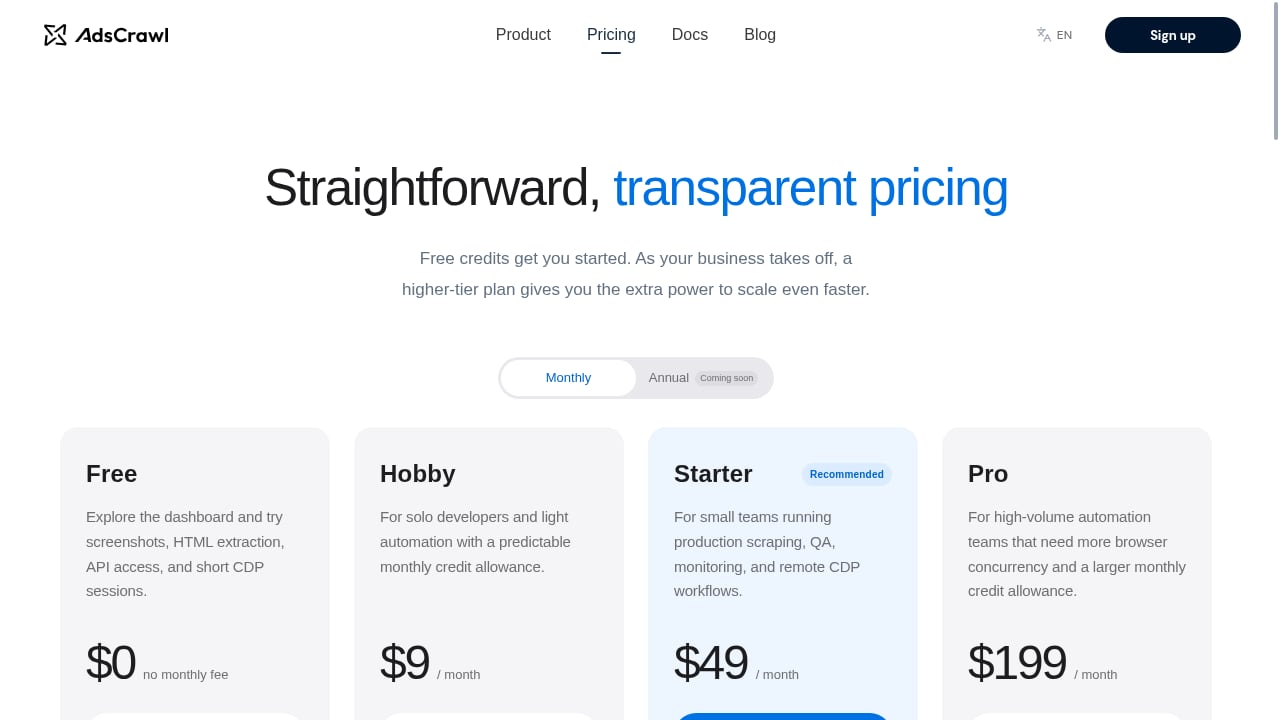
First viewport screenshot of www.adscrawl.net.
AdsCrawl is a managed cloud browser and browser automation API. You connect Playwright, Puppeteer, or any CDP client to real cloud Chromium browsers, optionally routed through residential or custom proxies, and extract HTML, Markdown, JSON, or screenshots from dynamic sites and authenticated sessions.
Because AdsCrawl exposes stateful remote CDP sessions and synchronous browser tasks, you can wrap each call with timing and outcome events. A simplified pattern:
import time

start = time.time()
try:
    result = run_browser_task(url=target, output="markdown")
    log_event("extraction_completed", {
        "target": target,
        "output_type": "markdown",
        "duration_ms": int((time.time() - start) * 1000),
        "status": "ok",
    })
except Exception as exc:
    log_event("session_failed", {
        "target": target,
        "error_class": type(exc).__name__,
        "duration_ms": int((time.time() - start) * 1000),
    })
The exact client call depends on your integration; the important part is emitting one event per attempt with a stable target identifier and duration. If you run long-lived CDP sessions, emit session_started and session_ended around the whole session and attach child events for each page action.
For teams comparing managed browser APIs, the AdsCrawl vs Bright Data vs Lightpanda comparison covers rendering, proxy, CDP control, and pricing differences that affect how you measure usage.
Choosing what to measure: a decision framework
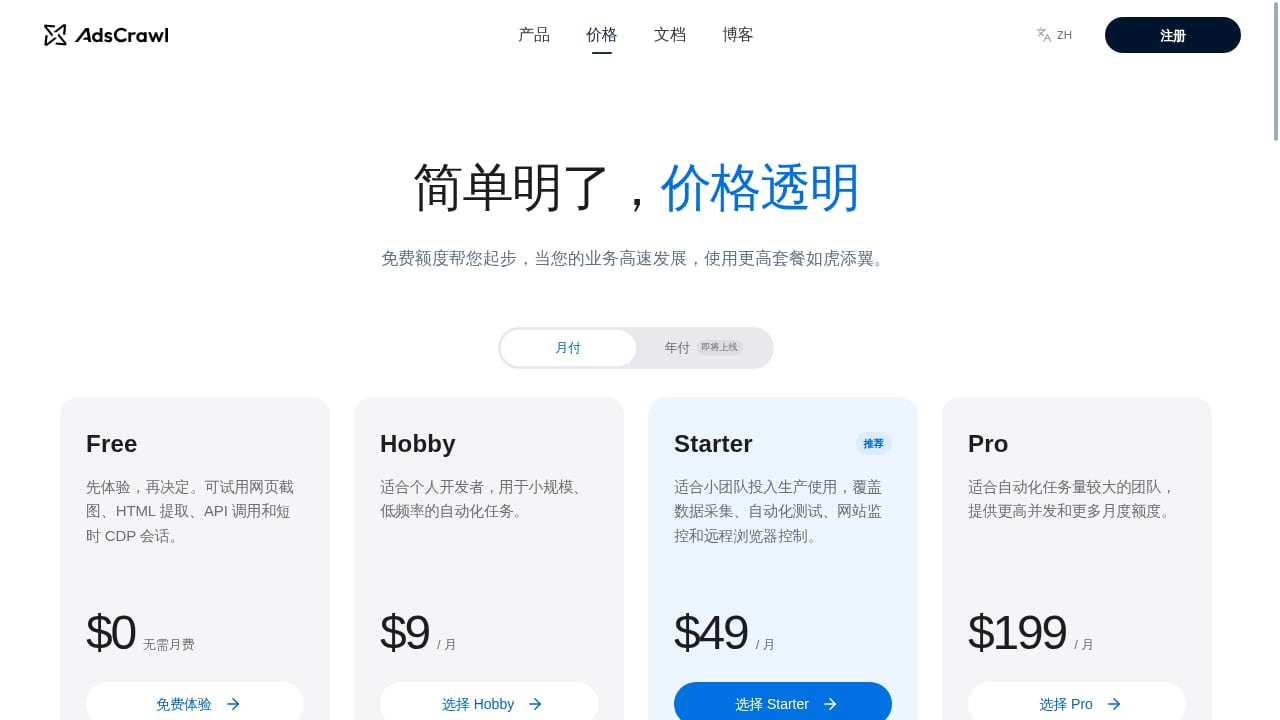
First viewport screenshot of www.adscrawl.net.
Not every team needs the same depth. Use this rough guide:
- Solo builders and prototypes: track session count, success rate, and average duration. That is enough to spot broken selectors and runaway retries.
- Production scraping teams: add per-site success rates, proxy type, credit consumption, and extraction output type. Alert when success rate drops below a threshold for a given host.
- QA and monitoring teams: prioritize render time, screenshot diffs, and cross-browser coverage. The BrowserStack integration guide shows how cloud Chromium automation pairs with real-device testing for dynamic, authenticated pages.
- AI agent and data pipeline teams: track extraction completeness and downstream handoff latency, not just browser success.
If you are still selecting tooling, the top 10 AI browser automation software comparison breaks down autonomy, CAPTCHA handling, and scalability, which are all inputs to your analytics design.
Common pitfalls and how to avoid them
- Counting attempts as successes. Log retries separately so a job that succeeds on the third try does not inflate your success rate.
- Ignoring proxy configuration. Residential and custom proxies change latency and failure modes. Tag every event with the proxy type so you can compare fairly.
- Missing authenticated-session context. Saved cloud browser profiles and logged-in sessions behave differently from anonymous runs. Track profile ID or session state as a property.
- Measuring only volume. A high session count with low extraction completeness is a warning sign, not a win. Pair volume with output quality.
- No retention policy. Browser telemetry grows fast. Define how long you keep raw events and aggregate older data.
How usage analytics connects to cost control
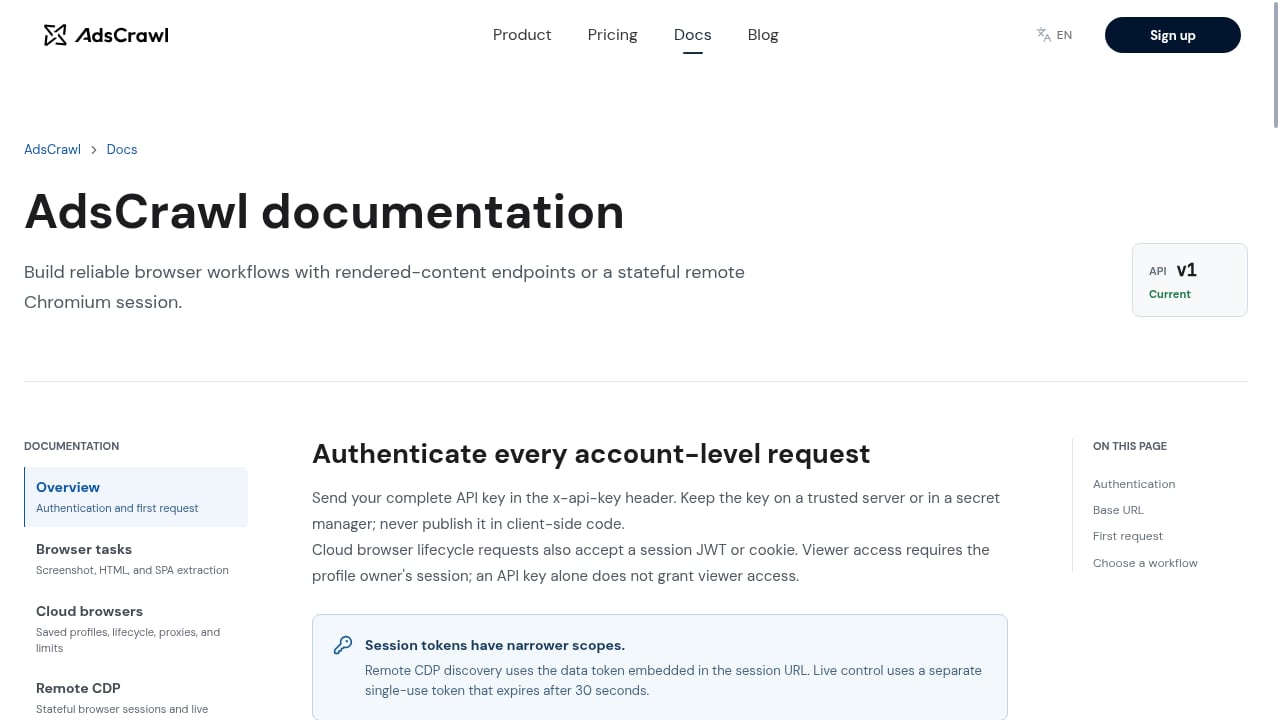
First viewport screenshot of www.adscrawl.net.
Subscription-based browser APIs meter usage in credits. AdsCrawl's plans range from a free tier with one-time credits to a Pro plan with monthly credits, so per-job attribution matters. Tag each event with the job type and target so you can see which workloads consume the most credits relative to the value they produce. If a low-value monitor is burning a disproportionate share of credits, you can throttle it or move it to a cheaper schedule.
Usage analytics also helps you decide when to use synchronous tasks versus stateful sessions. Short, one-off extractions are cheap to measure and easy to retry. Long CDP sessions need session-level rollups so you do not double-count child page events.
Related reading
- Top 10 No-Code Web Scraping Software Products 2026 - Compare the top 10 no-code web scraping tools of 2026 by setup, dynamic-site support, AI extraction, scaling, and pricing. Find the best fit for your workflow.
- AdsCrawl vs ScreenshotOne: Browser API or Screenshot API? - Compare AdsCrawl's full browser automation API with ScreenshotOne's screenshot-focused API. See which fits your scraping, AI agent, or visual capture workflow.
Sources and further reading
- Microsoft 365 usage analytics overview - Microsoft 365 admin - Learn how to use Microsoft 365 usage analytics in Power BI to track adoption, visualize usage data, and create custom reports for your organization.
- What Is Usage Analytics? Definition & Examples - Usage Analytics is the practice of measuring how people interact with a data platform, dataset, or governance system. It helps teams see which assets are…
- Usage Analytics - Usage analytics are the data and insights you gather about how people use your software to create a structured record of in-app usage.
FAQ
What is usage analytics in browser automation?
It is the practice of measuring how automated browser sessions behave: how many run, how long they take, what they extract, where they fail, and what they cost. It is the automation equivalent of product usage analytics.
Which metrics matter most?
Start with success rate, duration, extraction output type, and credits consumed per job. Add per-site and per-proxy breakdowns once the basics are stable.
Do I need a separate analytics platform?
Not necessarily. Many teams start with structured logs and a simple dashboard. A dedicated platform helps when you need cohort analysis, alerting, or long-term retention across many targets.
How does AdsCrawl support measurable automation?
AdsCrawl provides real cloud Chromium browsers via Playwright, Puppeteer, or any CDP client, with synchronous tasks and stateful sessions. That structure makes it straightforward to wrap each task with timing and outcome events. You can start with the free credits on signup to validate your instrumentation before scaling.
Can usage analytics detect anti-bot changes?
Indirectly, yes. A sudden rise in failures or retries for one host often indicates new defenses or layout changes. Pair failure-rate alerts with periodic screenshot checks to confirm.
Conclusion
Usage analytics for browser automation is not vanity reporting. It is the feedback loop that keeps automated browsers reliable, affordable, and useful. Define a small, stable event schema, instrument every attempt, and review the data against cost and output quality. Whether you run Playwright locally or connect to managed cloud Chromium through AdsCrawl, the teams that measure their automation are the ones that keep it running when sites change.