
How to Use AdsCrawl with DataImpulse
Connect DataImpulse residential proxies to AdsCrawl's cloud browser API for reliable scraping. Setup steps, code examples, and best practices.
How to Use AdsCrawl with DataImpulse
AdsCrawl gives you a managed cloud browser that renders JavaScript-heavy pages and returns HTML, Markdown, JSON, or screenshots. DataImpulse supplies the proxy network that makes those requests look like they come from real users in real locations. Together, they solve a common scraping problem: you have a capable browser environment, but you still need clean, geographically diverse IPs to avoid blocks and access region-specific content.
This guide walks through how the two products fit together, how to configure DataImpulse proxies inside AdsCrawl, and what practical workflows look like once the integration is running.
Why combine AdsCrawl and DataImpulse
First viewport screenshot of Buy proxy - Cheap proxy services | DataImpulse.
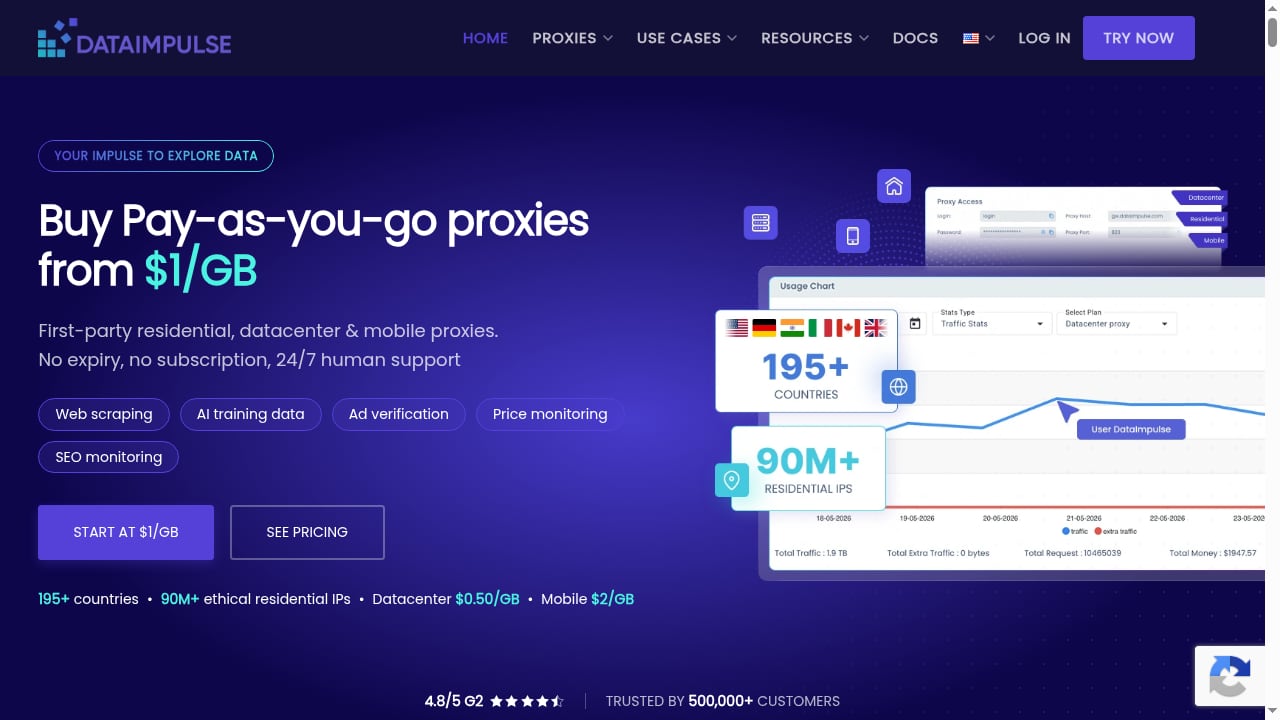
AdsCrawl handles the browser layer: rendering SPAs, executing JavaScript, managing browser identity, and exposing a synchronous API for content extraction. DataImpulse handles the network layer: first-party residential, datacenter, and mobile IPs across 195+ countries with pay-as-you-go pricing starting at $1 per GB.
Using them together means you do not have to choose between a powerful browser and a reliable proxy pool. AdsCrawl's cloud browser supports custom proxy routing, so you can point its sessions at DataImpulse endpoints and get the best of both:
- Real browser rendering for pages that depend on JavaScript, lazy loading, or client-side routing.
- Residential IP diversity to reduce detection and access geo-restricted content.
- No traffic expiration on DataImpulse, so you can buy bandwidth without racing a clock.
- Per-request proxy control through AdsCrawl's API, letting you switch regions or proxy types between calls.
Prerequisites
Before you start, make sure you have:
- An AdsCrawl account with an API key from the dashboard. The free plan includes 500 one-time credits for testing.
- A DataImpulse account with proxy credentials and at least one active proxy package.
- A tool for making HTTP requests: cURL, Python, or Node.js.
- Basic familiarity with proxy authentication formats (username, password, host, port).
Step 1: Get your DataImpulse proxy credentials
First viewport screenshot of Proxy-Anwendungsfälle | DataImpulse.
Log in to your DataImpulse dashboard and locate the proxy access details. You will need:
- Host: the DataImpulse proxy gateway address.
- Port: the HTTP(S) or SOCKS5 port, depending on your chosen protocol.
- Username and password: your DataImpulse authentication credentials, which may include targeting parameters.
DataImpulse supports both HTTP(S) and SOCKS5. For AdsCrawl cloud browser sessions, HTTP(S) is usually the simplest starting point because it works with standard proxy configuration in Playwright and Puppeteer.
If you want city or state-level targeting, DataImpulse lets you encode that in the username string. Country targeting is free, so you can rotate between regions without extra cost.
Step 2: Configure AdsCrawl to use DataImpulse proxies
First viewport screenshot of Proxy Use Cases | DataImpulse.
AdsCrawl accepts custom proxy configuration in its browser session requests. The exact field names depend on the endpoint you use, but the pattern is consistent: you provide a proxy object with host, port, username, and password.
Here is a conceptual example using the AdsCrawl rendered-content API:
curl --fail-with-body -sS -X POST "https://api.adscrawl.net/html" \
  -H "content-type: application/json" \
  -H "x-api-key: $ADSCRAWL_API_KEY" \
  -d '{
    "url": "https://example.com/product",
    "contentMode": "markdown",
    "waitUntil": "domcontentloaded",
    "proxy": {
      "host": "gateway.dataimpulse.com",
      "port": 823,
      "username": "your-dataimpulse-user",
      "password": "your-dataimpulse-pass"
    }
  }'
Replace the host, port, username, and password with your actual DataImpulse credentials. If you are using a SOCKS5 endpoint, adjust the port and protocol accordingly.
For remote CDP sessions, you can pass the same proxy configuration when creating the browser session. AdsCrawl then routes all traffic from that cloud browser through DataImpulse, including subresources, XHR requests, and any navigation you trigger through Playwright or Puppeteer.
Step 3: Run your first proxied request
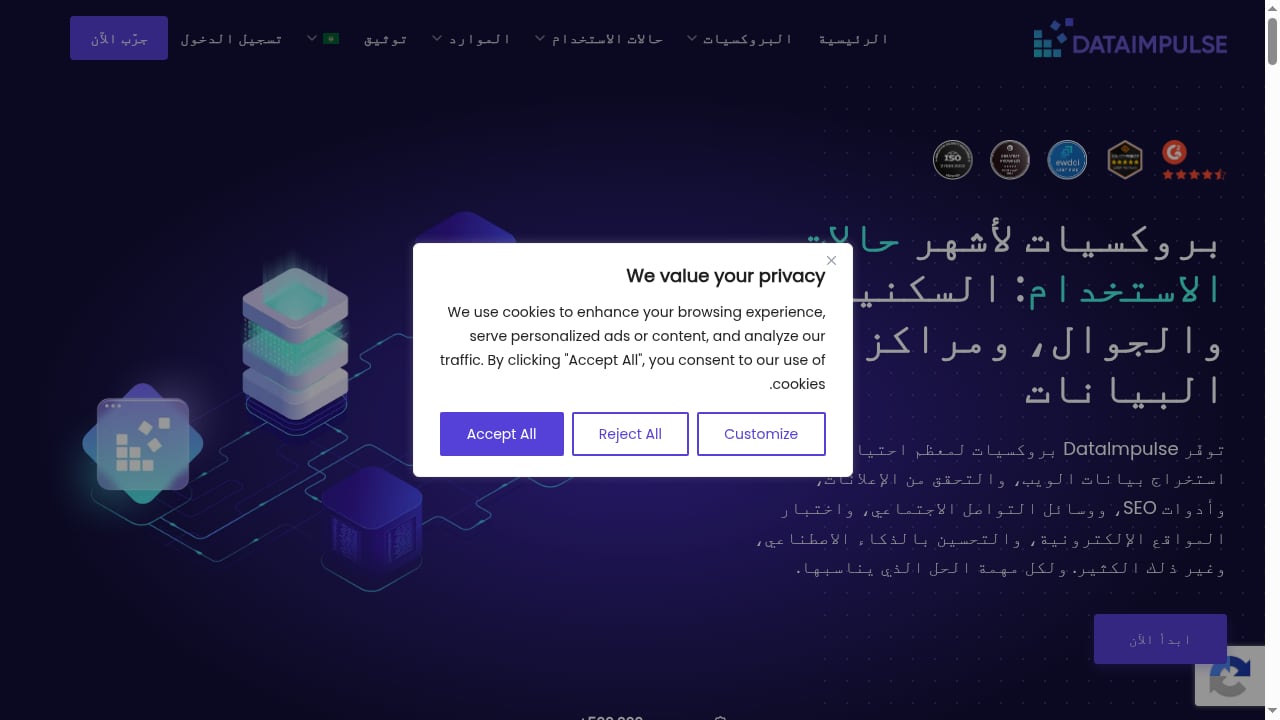
First viewport screenshot of حالات استخدام البروكسي | DataImpulse.
Start with a simple HTML or Markdown extraction to confirm the proxy is working. A good test is a page that shows your apparent location, such as a regional news site or a geo-targeted landing page.
import requests

api_url = "https://api.adscrawl.net/html"
headers = {
    "x-api-key": "YOUR_ADSCRAWL_API_KEY",
    "content-type": "application/json"
}
payload = {
    "url": "https://example.com/region-check",
    "contentMode": "markdown",
    "proxy": {
        "host": "gateway.dataimpulse.com",
        "port": 823,
        "username": "your-dataimpulse-user-country-us",
        "password": "your-dataimpulse-pass"
    }
}

response = requests.post(api_url, json=payload, headers=headers)
print(response.json())
If the response contains the expected regional content, your integration is working. If you see a block page or a generic error, check the proxy credentials and try a different DataImpulse endpoint.
Step 4: Add rotation and targeting
DataImpulse supports country, city, and state targeting through username parameters. You can rotate proxies per request by changing the username string, or by using a rotating endpoint if your DataImpulse plan provides one.
In AdsCrawl, you can combine proxy rotation with browser profile settings. For example, if you are scraping a US retail site, you might use a US residential IP and a browser profile with a matching timezone and locale. AdsCrawl's managed browser identity features, including random User-Agents and dynamic region routing, help keep the session consistent.
A practical pattern is to define a small set of proxy configurations for the regions you care about, then cycle through them as you iterate over URLs. This reduces the chance of hitting rate limits on any single IP.
Practical examples
Price monitoring across regions
Suppose you want to compare product prices on an e-commerce site in the US, UK, and Germany. You create three DataImpulse proxy configurations, each targeting a different country. For each region, you send an AdsCrawl request with the corresponding proxy and extract the price from the rendered HTML or structured JSON.
Because AdsCrawl renders the full page, you capture prices that only appear after JavaScript execution, such as dynamic discounts or currency conversions.
SERP tracking
Search engine results pages are sensitive to IP reputation and location. Using DataImpulse residential IPs through AdsCrawl lets you fetch SERPs from specific countries without triggering CAPTCHAs as often. You can extract organic results, ads, and featured snippets from the rendered page.
Ad verification
Ad verification requires seeing what real users see. With AdsCrawl and DataImpulse, you can load a page from a target region, wait for ads to render, and capture a screenshot or extract the ad markup. The combination of a real browser and a residential IP makes this more reliable than a simple HTTP request.
AI training data collection
When you need clean Markdown for LLM pipelines, AdsCrawl's contentMode set to markdown gives you readable text without boilerplate. Routing through DataImpulse keeps your collection distributed and reduces the risk of IP-based throttling.
Best practices
- Start with the free tiers. AdsCrawl's free plan and DataImpulse's pay-as-you-go model let you validate the integration before committing to larger spend.
- Match browser profile to proxy location. If your proxy is in Germany, set the browser timezone and locale to match. AdsCrawl's profile settings support this.
- Monitor IP health. DataImpulse provides real-time IP health monitoring. If a proxy starts failing, rotate it out.
- Use the smallest workflow. AdsCrawl's documentation recommends starting with POST /html for rendered content and only moving to remote CDP when you need interaction. This keeps costs and complexity down.
- Handle rate limits gracefully. Implement exponential backoff for HTTP 429 responses and consider spreading requests across multiple proxies.
- Keep credentials secure. Store your AdsCrawl API key and DataImpulse credentials in a secret manager, not in client-side code.
Troubleshooting common issues
Proxy authentication fails. Double-check the username and password. If you are using targeting parameters, make sure the format matches DataImpulse's documentation.
Requests time out. Try a different DataImpulse endpoint or increase the waitUntil setting in AdsCrawl so the page has more time to load.
Content is blocked or incomplete. Switch to a residential IP instead of datacenter, or change the target country. Some sites treat datacenter ranges differently.
Session does not persist. If you need cookies and login state across requests, use AdsCrawl's stateful cloud browser profiles or a remote CDP session instead of one-off HTML requests.
Related reading
- AdsCrawl vs Parallel: Web Infrastructure for AI Agents - AdsCrawl vs Parallel for AI agents: compare cloud browser control, proxy routing, structured extraction, pricing, and which fits your scraping stack.
- Parallel Web Infrastructure for AI Agents: 2026 Review - Hands-on review of Parallel's web infrastructure for AI agents: Search, Extract, Task, FindAll, and Monitor APIs, pricing signals, setup, limits, and best-fit use cases.
Sources and further reading
- How to Use AdsCrawl: A Complete API Tutorial - Learn how to use AdsCrawl's browser automation API to capture screenshots, extract HTML/Markdown, and control remote CDP sessions. Step-by-step setup with code examples.
- AdsCrawl Docs: Browser Automation API Reference & Guides - AdsCrawl - Everything you need to fetch rendered HTML, extract structured data, capture screenshots, and run full browser sessions through residential proxies.
FAQ
Can I use DataImpulse proxies with AdsCrawl's screenshot endpoint?
Yes. The proxy configuration applies to any AdsCrawl browser session, including screenshot requests. The screenshot will reflect the page as rendered through the DataImpulse IP.
Do I need SOCKS5 or HTTP proxies for AdsCrawl?
Both work. HTTP(S) is often easier to configure, but SOCKS5 can be useful if you need lower-level routing. Check AdsCrawl's documentation for the exact proxy fields supported by your endpoint.
How do I rotate proxies between requests?
Change the username or endpoint in your proxy configuration for each request. DataImpulse supports country, city, and state targeting, so you can rotate by region as well as by IP.
Is there a free way to test the integration?
AdsCrawl offers a free plan with 500 one-time credits. DataImpulse is pay-as-you-go starting at $1 per GB, so you can test with a small amount of traffic.
What if I need to scrape a site that requires login?
Use AdsCrawl's remote CDP session to log in, then reuse the session cookies for subsequent requests. Route the session through DataImpulse to keep the IP consistent during the authenticated flow.
Conclusion
AdsCrawl and DataImpulse cover two different layers of the scraping stack: browser rendering and network identity. Connecting them takes a few configuration steps, but once in place, you get a reliable pipeline for dynamic websites, geo-targeted content, and high-volume data collection. Start with a small test, verify the proxy is working, then scale up with rotation and profile matching.
For more on how AdsCrawl fits into different stacks, see our comparison of AdsCrawl vs Scrape.do vs Selenium and our roundup of the top 10 AI web crawling and scraping APIs. If you are working with multi-account browser setups, the guide on how to use AdsCrawl with Sendwin covers isolated profiles and cloud browser workflows.
For official details, refer to the AdsCrawl documentation and the DataImpulse proxy network.