
How to Use AdsCrawl with BrowserStack for Cross-Browser Testing
Learn how to combine AdsCrawl's cloud Chromium automation with BrowserStack's real-device testing to validate dynamic, authenticated pages across browsers.
How to Use AdsCrawl with BrowserStack for Cross-Browser Testing
Dynamic websites break in different ways on different browsers. A checkout flow that renders perfectly in Chromium may collapse on Safari, and an authenticated dashboard that looks fine on desktop can misbehave on a real Android device. AdsCrawl gives you a managed cloud Chromium browser you can drive with Playwright, Puppeteer, or any CDP client. BrowserStack gives you access to thousands of real browsers and devices. Used together, they cover both halves of the problem: reliable rendering and extraction on one side, real-environment validation on the other.
This article explains how the two products complement each other, walks through a practical setup, and shows where the combination saves time.
What each product does
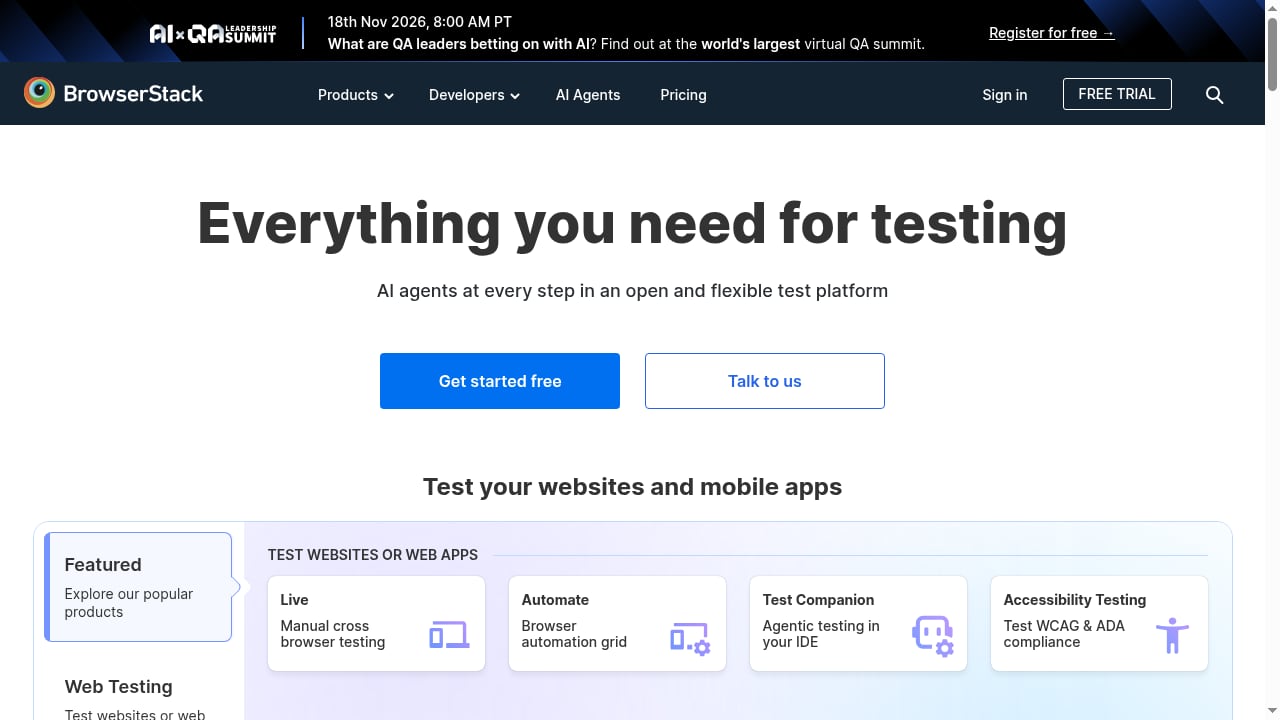
First viewport screenshot of www.browserstack.com.
AdsCrawl is a browser automation API. You connect a CDP client to a real cloud Chromium browser, optionally route traffic through residential or custom proxies, and pull back HTML, Markdown, JSON, or screenshots. It handles single-page applications, authenticated sessions, saved browser profiles, and synchronous tasks like screenshots and SPA extraction. It is built for developers who need a real browser environment when simpler scraping approaches fail.
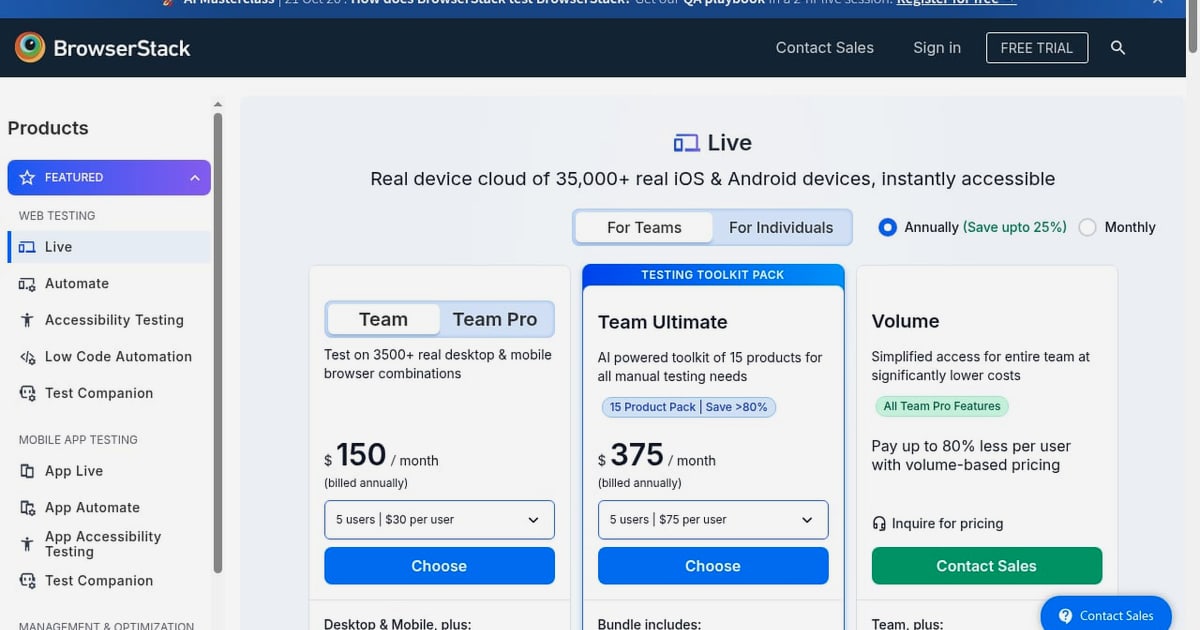
BrowserStack is a cross-browser and mobile app testing platform. It provides instant access to over 3,500 real browsers and real iOS and Android devices, plus products for live testing, browser automation, app automation, visual testing through Percy, accessibility testing, and test management. It is used by more than 6 million developers and 50,000 teams across 135 countries.
In short: AdsCrawl is where you render, extract, and manipulate pages at scale in a controlled cloud browser. BrowserStack is where you confirm that the same pages behave correctly across the browsers and devices your users actually use.
Why combine them
Most teams hit one of two walls.
- Rendering wall. A page needs JavaScript, cookies, or a logged-in session before it shows real content. AdsCrawl solves this by giving you a stateful remote CDP session and saved profiles.
- Compatibility wall. The page renders in Chromium, but you do not know whether it works in Firefox, Safari, or on a real iPhone. BrowserStack solves this with real browsers and devices.
Using both means you can extract or verify content in a consistent cloud Chromium environment, then run the same flows against BrowserStack's real browser matrix. You avoid the false confidence that comes from testing only in one engine.
The combined workflow
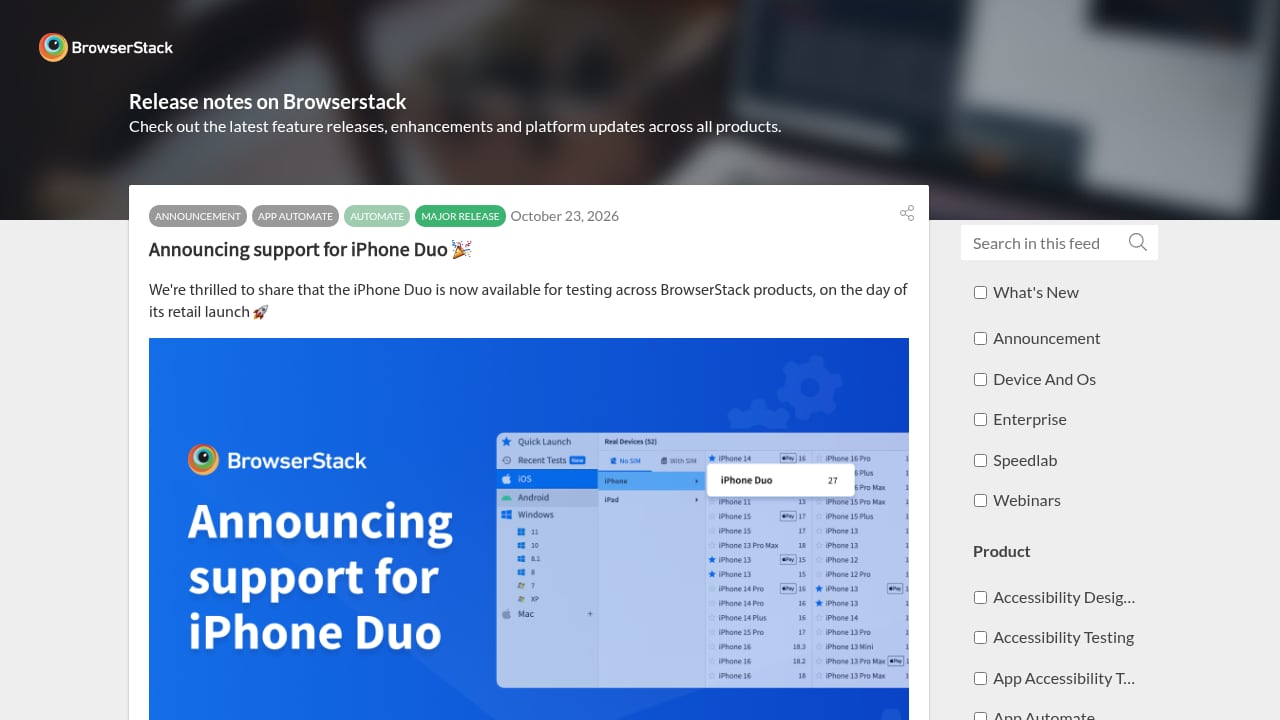
First viewport screenshot of www.browserstack.com.
A practical workflow looks like this:
- Render and capture in AdsCrawl. Open the target page in a cloud Chromium session, handle login or cookies, and extract HTML, Markdown, or screenshots.
- Store the baseline. Save the extracted content or screenshot as a reference artifact.
- Replay in BrowserStack. Run the same user journey through BrowserStack's automation or live testing products on the browsers and devices you care about.
- Compare results. Use visual testing (Percy) or your own diffing to catch layout and content differences.
- Feed findings back. Update selectors, waits, or proxy settings in AdsCrawl, and update test scripts in BrowserStack.
This loop is especially useful for pages that depend on dynamic content, third-party scripts, or geo-specific responses.
Setup steps
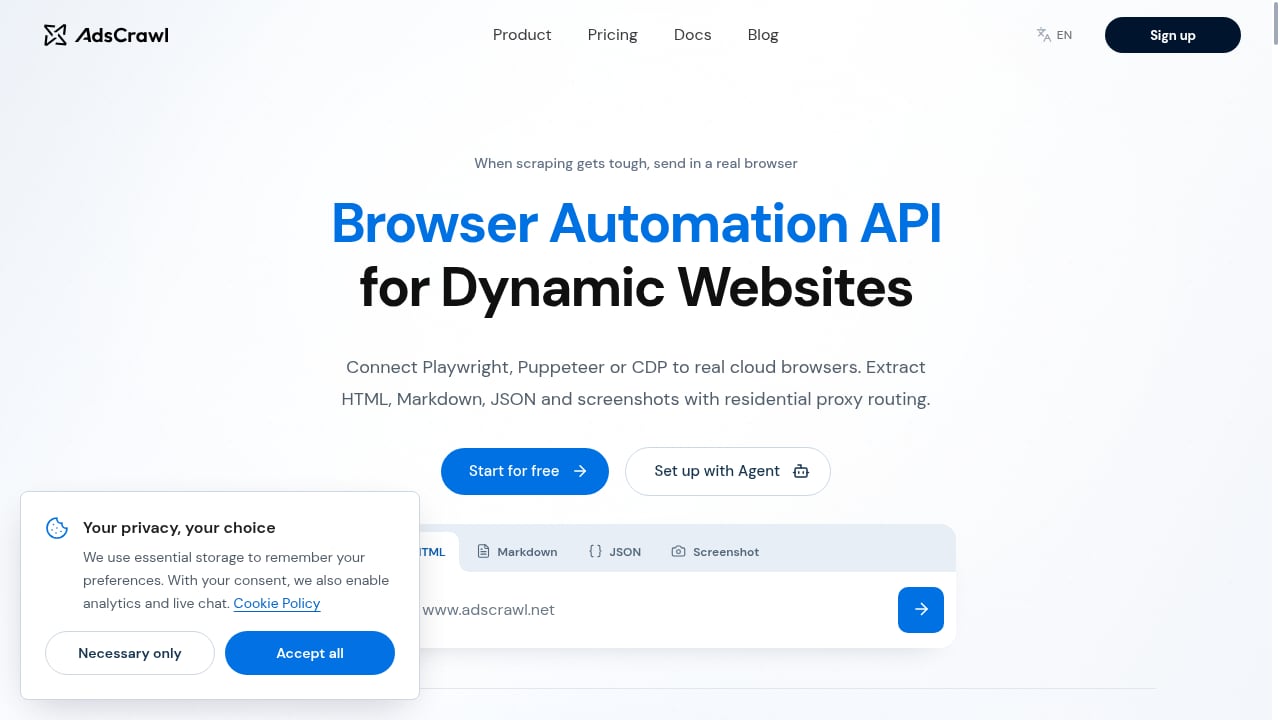
First viewport screenshot of www.adscrawl.net.
1. Get your AdsCrawl credentials
Sign up for AdsCrawl and retrieve your API key. The free tier includes 500 one-time credits, and paid plans start at $199/month for 500,000 credits. Free rotating residential proxies are included, which matters if the target site behaves differently by region.
2. Connect a CDP client
AdsCrawl supports Playwright, Puppeteer, and any CDP-compatible client. A minimal Playwright connection looks like this:
const { chromium } = require('playwright');

const browser = await chromium.connectOverCDP(
  'wss://your-adscrawl-cdp-endpoint?token=YOUR_TOKEN'
);
const context = await browser.newContext();
const page = await context.newPage();
await page.goto('https://example.com/dashboard');
const html = await page.content();
await browser.close();
Replace the endpoint and token with the values from your AdsCrawl dashboard. For authenticated flows, reuse a saved cloud browser profile so cookies and local storage persist between runs.
3. Capture a baseline
Extract the HTML or take a screenshot and store it. If you need structured output, request Markdown or JSON directly from AdsCrawl rather than parsing raw HTML downstream.
4. Configure BrowserStack
Create a BrowserStack account and choose the product that fits your goal:
- Live for manual checks on real browsers and devices.
- Automate for scripted cross-browser test runs.
- Percy for automated visual comparisons.
- Accessibility Testing for WCAG and ADA checks.
Set your BrowserStack username and access key as environment variables, then point your test runner at the BrowserStack hub.
5. Run the same journey in both environments
Keep the user journey identical: same URL, same login steps, same viewport. The only difference should be the execution environment. This makes differences meaningful.
Practical examples
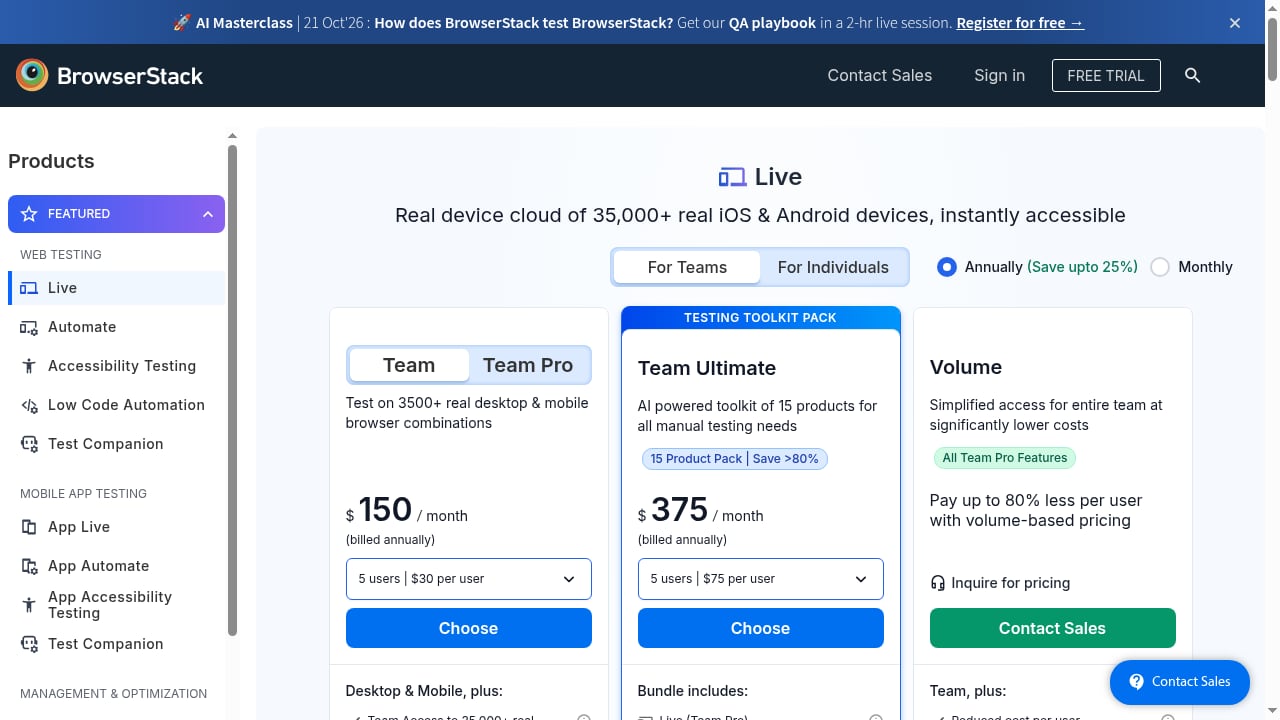
First viewport screenshot of BrowserStack Pricing | Plans Starting From Just $12.50 A Month.
Example 1: Validating a logged-in dashboard
A SaaS team needs to confirm that a customer dashboard renders correctly after login. AdsCrawl handles the login once, saves the profile, and extracts the rendered HTML and a screenshot. BrowserStack then replays the same login and dashboard visit on Safari and on a real iPhone. If the dashboard layout differs, Percy flags the visual change.
Example 2: Checking geo-specific pricing
An e-commerce team wants to confirm that pricing and currency display correctly for different regions. AdsCrawl routes requests through residential proxies in each target region and captures the rendered page. BrowserStack confirms that the same regional page renders correctly across browsers. This catches both data-routing bugs and rendering bugs.
Example 3: Monitoring a single-page application
A monitoring team runs a scheduled AdsCrawl task to screenshot a JavaScript-heavy page every hour. When a screenshot changes unexpectedly, they trigger a BrowserStack Automate run to see whether the issue is browser-specific or universal. That distinction shortens triage considerably.
Where each tool fits best
| Need | AdsCrawl | BrowserStack |
|---|---|---|
| Render JavaScript-heavy pages in cloud Chromium | Yes | Limited to test runs |
| Route through residential or custom proxies | Yes | Not the core focus |
| Save and reuse authenticated browser profiles | Yes | Session-based |
| Test on real Safari, Firefox, and mobile devices | No | Yes |
| Automated visual regression at scale | Basic screenshots | Percy |
| Accessibility compliance checks | No | Yes |
Use AdsCrawl when the hard part is getting the page to render or extracting data from it. Use BrowserStack when the hard part is confirming behavior across real environments. Use both when you need to do both.
If you are still evaluating browser automation stacks, see our comparison of AdsCrawl vs Bright Data vs Lightpanda and our roundup of the top 10 AI browser automation software products.
Common problems the combination solves
- Flaky tests caused by slow rendering. AdsCrawl waits for real browser rendering before extraction, reducing false negatives.
- Login friction in CI. Saved profiles remove repeated authentication steps.
- Region-specific content mismatches. Proxy routing in AdsCrawl plus real-device checks in BrowserStack expose both causes.
- Visual regressions missed by DOM assertions. Percy catches layout changes that text-based tests ignore.
Related reading
- AdsCrawl vs ScreenshotOne: Browser API or Screenshot API? - Compare AdsCrawl's full browser automation API with ScreenshotOne's screenshot-focused API. See which fits your scraping, AI agent, or visual capture workflow.
- Olostep Review: Web Data API for AI Agents in 2026 - An evidence-based Olostep review covering its search, scrape, crawl, and monitor APIs, pricing signals, setup, ideal users, and limitations for AI teams.
FAQ
Do I need both AdsCrawl and BrowserStack?
Only if your work spans rendering and extraction on one side and cross-browser or device validation on the other. Teams that only need screenshots may not need BrowserStack. Teams that only need compatibility testing may not need AdsCrawl.
Can I run Playwright tests against both?
Yes. AdsCrawl accepts Playwright over CDP, and BrowserStack Automate supports Playwright through its hub. You can reuse much of the same test logic, though connection settings differ.
Does AdsCrawl replace BrowserStack?
No. AdsCrawl is a cloud browser and automation API focused on rendering, extraction, and proxy routing. BrowserStack is a testing platform focused on real browsers, real devices, visual testing, and accessibility. They solve different problems.
How much does it cost to start?
AdsCrawl offers 500 free credits on signup and a Pro plan at $199/month for 500,000 credits. BrowserStack pricing depends on the product and plan you choose; check its site for current tiers.
Is proxy support important for cross-browser testing?
It matters when content varies by region or when sites block datacenter IPs. AdsCrawl's residential proxy support helps you reach the same content a real user would see, which makes BrowserStack comparisons more meaningful.
Conclusion
AdsCrawl and BrowserStack address different layers of the same workflow. AdsCrawl gets you a reliable, proxy-aware cloud Chromium session that can render, authenticate, and extract. BrowserStack confirms that what you built works on the browsers and devices your users rely on. Start with AdsCrawl for rendering and extraction, add BrowserStack for compatibility and visual validation, and keep the user journey identical across both so your comparisons stay honest.
For related setups, see our guide to explicit proxy settings and our walkthrough of using AdsCrawl with a real-time public data API stack.
Sources: