
AdsCrawl vs ScraperAPI: Scale Data Collection with a Simple API
Compare AdsCrawl and ScraperAPI for scaling data collection. Learn how AdsCrawl's real browser sessions and CDP control differ from ScraperAPI's simple scraping API.
AdsCrawl vs ScraperAPI: Scale Data Collection with a Simple API
When your scraping pipeline needs to grow beyond static pages, the choice between a browser automation API and a traditional scraping API becomes critical. AdsCrawl and ScraperAPI both promise to simplify data collection at scale, but they solve different problems. This comparison breaks down how each platform works, where they excel, and which one fits your workflow.
What Each Platform Actually Does
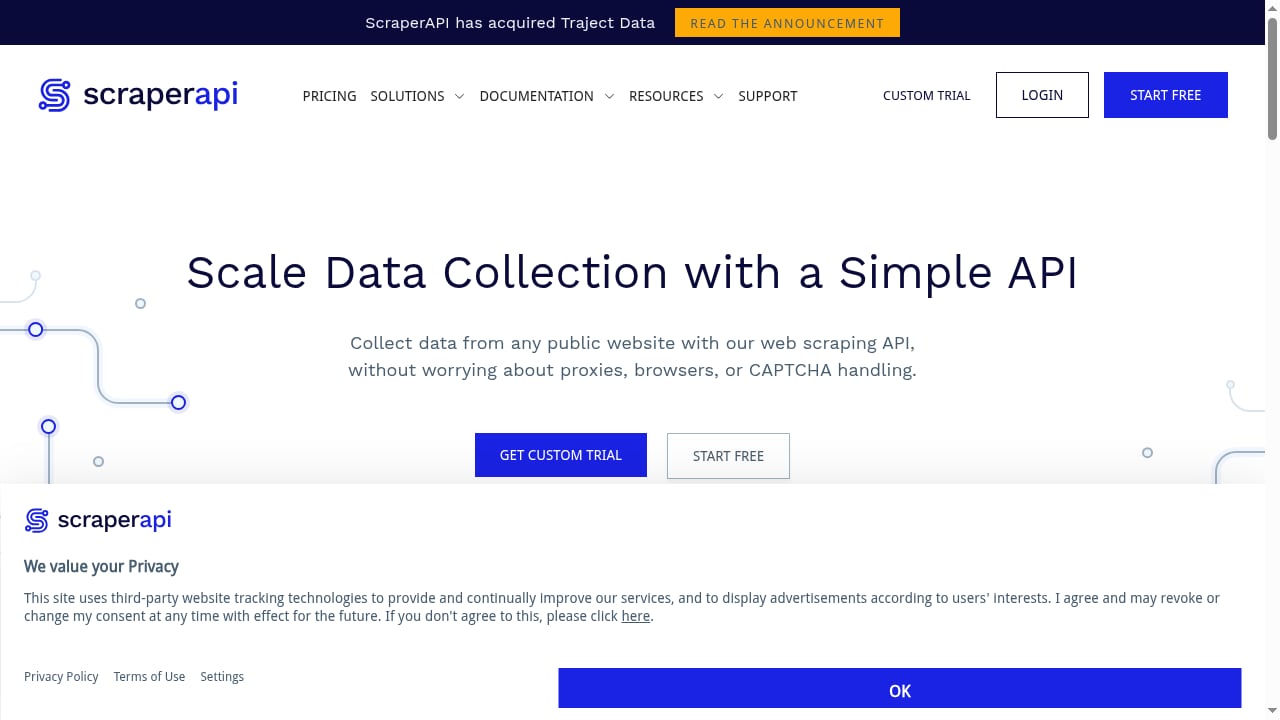
First viewport screenshot of www.scraperapi.com.
AdsCrawl: Managed Cloud Browsers for Developers
AdsCrawl is a managed cloud browser and browser automation API. You connect Playwright, Puppeteer, or any CDP client to real cloud Chromium browsers. That means you get full browser sessions, not just HTTP responses. Key capabilities include:
- Synchronous browser tasks: capture screenshots, extract HTML or Markdown, and render single-page applications (SPAs).
- Stateful remote CDP sessions for debugging and complex automation.
- Saved cloud browser profiles with lifecycle management, useful for authenticated workflows.
- Live browser control via short-lived tokens.
- Residential proxy routing or custom proxies, with free rotating residential proxies included.
AdsCrawl is built for when scraping gets tough: dynamic content, JavaScript-heavy sites, and sessions that require a real browser environment.
ScraperAPI: A Simple Scraping Endpoint
ScraperAPI is a web scraping API that lets you collect data from public websites without managing proxies, browsers, or CAPTCHAs. It handles proxy rotation, CAPTCHA solving, and JavaScript rendering through a single API endpoint. It offers libraries for Python, Node.js, and PHP, and a free tier of 5,000 requests. ScraperAPI is known for reliability and ease of integration, but it lacks advanced data extraction features compared to some platforms.
Head-to-Head Comparison
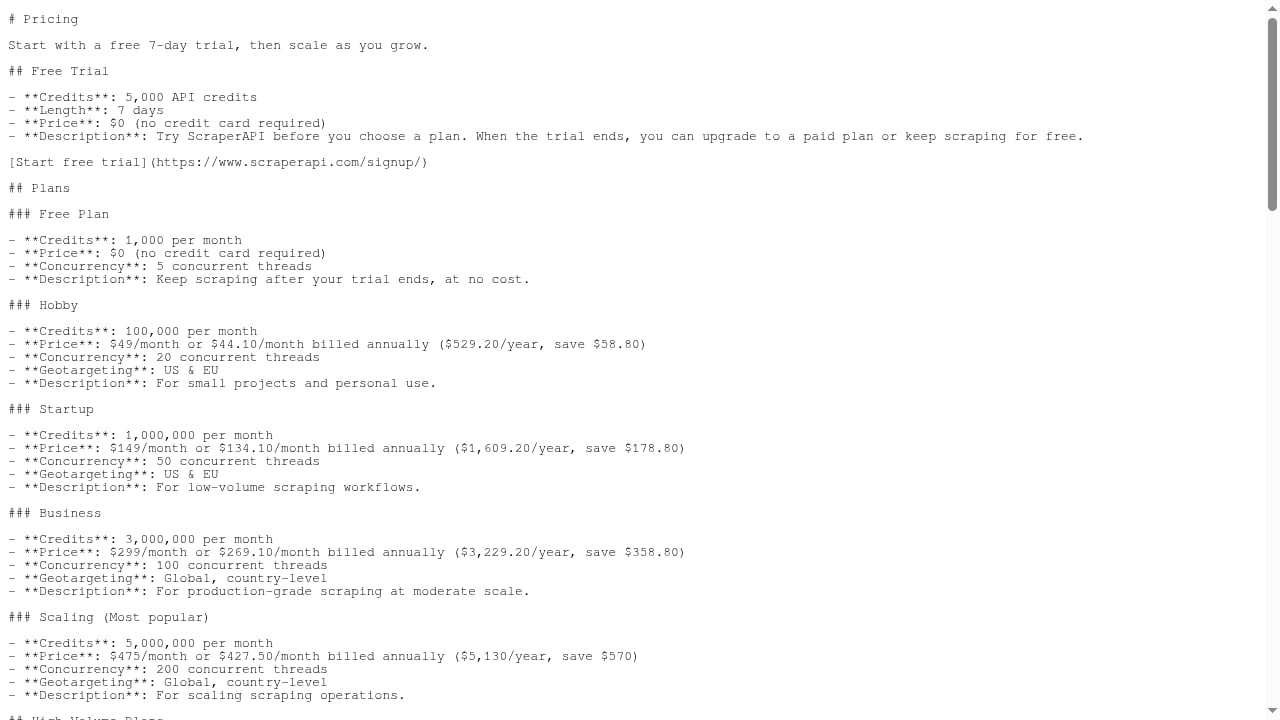
First viewport screenshot of scraperapi.com.
| Feature | AdsCrawl | ScraperAPI |
|---|---|---|
| Core offering | Managed cloud Chromium browsers with CDP access | Simple scraping API endpoint |
| Browser control | Full Playwright, Puppeteer, or CDP client connection | Limited to API parameters |
| Session state | Stateful remote sessions and saved profiles | Stateless requests |
| Proxy support | Residential proxies or custom proxies | Built-in proxy rotation |
| Output formats | HTML, Markdown, JSON, screenshots | HTML, JSON |
| Free tier | 500 one-time credits on signup | 5,000 requests |
| Pricing | Subscription from Free to Pro ($199/mo for 500,000 credits) | Credit-based, custom quotes for scale |
| Best for | Dynamic sites, authenticated sessions, QA, monitoring | Simple, high-volume scraping of public pages |
Where AdsCrawl Excels
First viewport screenshot of www.scraperapi.com.
Real Browser Environments for Dynamic Content
ScraperAPI handles JavaScript rendering, but it abstracts the browser away. AdsCrawl gives you a real Chromium browser you can control directly. If your target site relies on complex client-side rendering, WebSockets, or browser APIs, AdsCrawl's environment is closer to what a human user sees. This reduces the risk of missing data that only appears after intricate JavaScript execution.
Stateful Sessions and Authenticated Workflows
Many data collection tasks require logging in, maintaining a session, or navigating multi-step flows. AdsCrawl's stateful remote CDP sessions and saved cloud browser profiles let you persist cookies, local storage, and other state across requests. ScraperAPI's stateless API is not designed for this. For authenticated scraping, AdsCrawl is the more natural fit.
Full Control with Playwright and Puppeteer
If your team already uses Playwright or Puppeteer, AdsCrawl lets you keep your existing code and point it at a cloud browser. You get the same API you know, but with managed infrastructure. ScraperAPI requires you to adapt to its endpoint parameters, which may not expose every browser capability you need.
Screenshots and Visual Capture
AdsCrawl supports synchronous screenshot tasks out of the box. This is useful for visual regression testing, monitoring, and capturing evidence. ScraperAPI focuses on HTML and JSON extraction; screenshot functionality is not a core feature.
Where ScraperAPI Excels
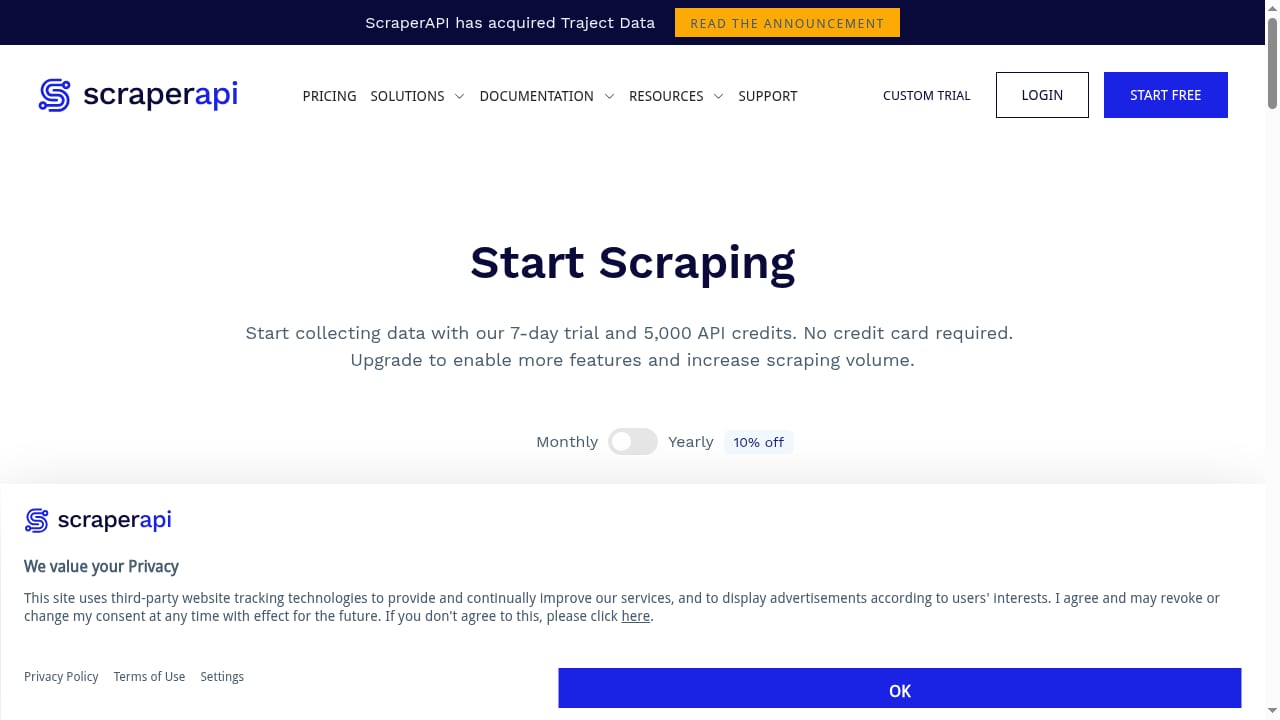
First viewport screenshot of www.scraperapi.com.
Simplicity and Speed to Integration
ScraperAPI's single endpoint is easy to integrate. If you need to scrape public pages at moderate scale and don't want to manage browser sessions, ScraperAPI's simplicity is an advantage. Its free tier of 5,000 requests is generous for testing.
Broad Language Support
ScraperAPI provides official libraries for Python, Node.js, and PHP, making it accessible to a wide range of developers. AdsCrawl supports any CDP client, which covers most languages, but ScraperAPI's SDKs lower the barrier for teams without browser automation experience.
Cost-Effective for High-Volume Simple Scraping
For straightforward scraping tasks, ScraperAPI's credit-based pricing can be cost-effective. However, complex sites that require multiple credits per request can increase costs. AdsCrawl's subscription model with monthly credits may be more predictable for browser-heavy workloads.
When to Choose AdsCrawl
- You need to scrape SPAs or sites with heavy JavaScript.
- Your workflow requires authenticated sessions or persistent state.
- You want to use Playwright, Puppeteer, or CDP directly.
- You need screenshots or visual monitoring.
- You are building QA, monitoring, or remote CDP workflows.
When to Choose ScraperAPI
- You are scraping public, static, or lightly dynamic pages.
- You want the simplest possible API integration.
- You prefer official SDKs for Python, Node.js, or PHP.
- Your volume is moderate and you want a free tier to start.
Practical Example: Scraping a Dynamic Product Page
Suppose you need to extract pricing from a JavaScript-heavy e-commerce site that loads prices via API calls after page load. With ScraperAPI, you might send a request with render=true and hope the price is in the returned HTML. With AdsCrawl, you can connect Puppeteer, wait for the price selector, and extract the value directly. You can also take a screenshot for verification. This level of control is why teams choose AdsCrawl for tough targets.
For a deeper dive into browser automation approaches, see our No-Code vs Code Review.
Pricing and Scaling Considerations
AdsCrawl offers a free tier with 500 one-time credits, then subscription plans. The Pro plan at $199/month includes 500,000 credits, suitable for production workloads. Annual billing is coming soon. ScraperAPI's pricing is credit-based, with a free tier of 5,000 requests; custom quotes are available for higher volumes. When comparing costs, factor in the complexity of your targets: browser-heavy tasks may consume more credits on ScraperAPI, while AdsCrawl's credits map to browser time.
Related reading
- Top 10 No-Code Web Scraping Software Products 2026 - Compare the top 10 no-code web scraping tools of 2026 by setup, dynamic-site support, AI extraction, scaling, and pricing. Find the best fit for your workflow.
- How to Use AdsCrawl with BrowserStack for Cross-Browser Testing - Learn how to combine AdsCrawl's cloud Chromium automation with BrowserStack's real-device testing to validate dynamic, authenticated pages across browsers.
FAQ
Can I use AdsCrawl with my existing Playwright scripts?
Yes. AdsCrawl lets you connect Playwright, Puppeteer, or any CDP client to cloud Chromium browsers. You can reuse your existing automation code with minimal changes.
Does ScraperAPI support authenticated sessions?
ScraperAPI is designed for public web scraping and does not natively support persistent authenticated sessions. For login-required workflows, a browser automation API like AdsCrawl is more appropriate.
Which platform is better for large-scale scraping?
It depends on the target. For simple public pages at high volume, ScraperAPI can be cost-effective. For dynamic, JavaScript-heavy, or authenticated sites, AdsCrawl's real browser environment is more reliable.
Can I get screenshots with ScraperAPI?
ScraperAPI focuses on HTML and JSON extraction. Screenshots are not a core feature. AdsCrawl provides synchronous screenshot tasks as part of its browser automation API.
Is there a free trial?
AdsCrawl offers 500 one-time credits on signup. ScraperAPI offers a free tier of 5,000 requests.
Conclusion
AdsCrawl and ScraperAPI serve different needs. ScraperAPI is a simple, reliable scraping API for public pages. AdsCrawl is a full browser automation platform for when scraping gets tough: dynamic content, authenticated sessions, and workflows that require real browser control. If your data collection strategy involves complex sites or you need the flexibility of Playwright and Puppeteer, AdsCrawl is the stronger choice. For straightforward scraping at scale, ScraperAPI remains a solid option.
To explore how AdsCrawl fits into a broader automation stack, read our AdsCrawl vs Bright Data vs Lightpanda comparison and learn about usage analytics for browser automation.
External references: