
AdsCrawl vs ScreenshotOne: Browser API or Screenshot API?
Compare AdsCrawl's full browser automation API with ScreenshotOne's screenshot-focused API. See which fits your scraping, AI agent, or visual capture workflow.
AdsCrawl vs ScreenshotOne: Browser API or Screenshot API?
When you need to capture a webpage as an image, a dedicated screenshot API looks like the obvious choice. But many teams discover too late that they also need rendered HTML, structured data, or multi-step browser control. This comparison examines AdsCrawl, a managed cloud browser and browser automation API, against ScreenshotOne, a website screenshot API, so you can decide which layer of the stack you actually need.
What Each Product Is Built For
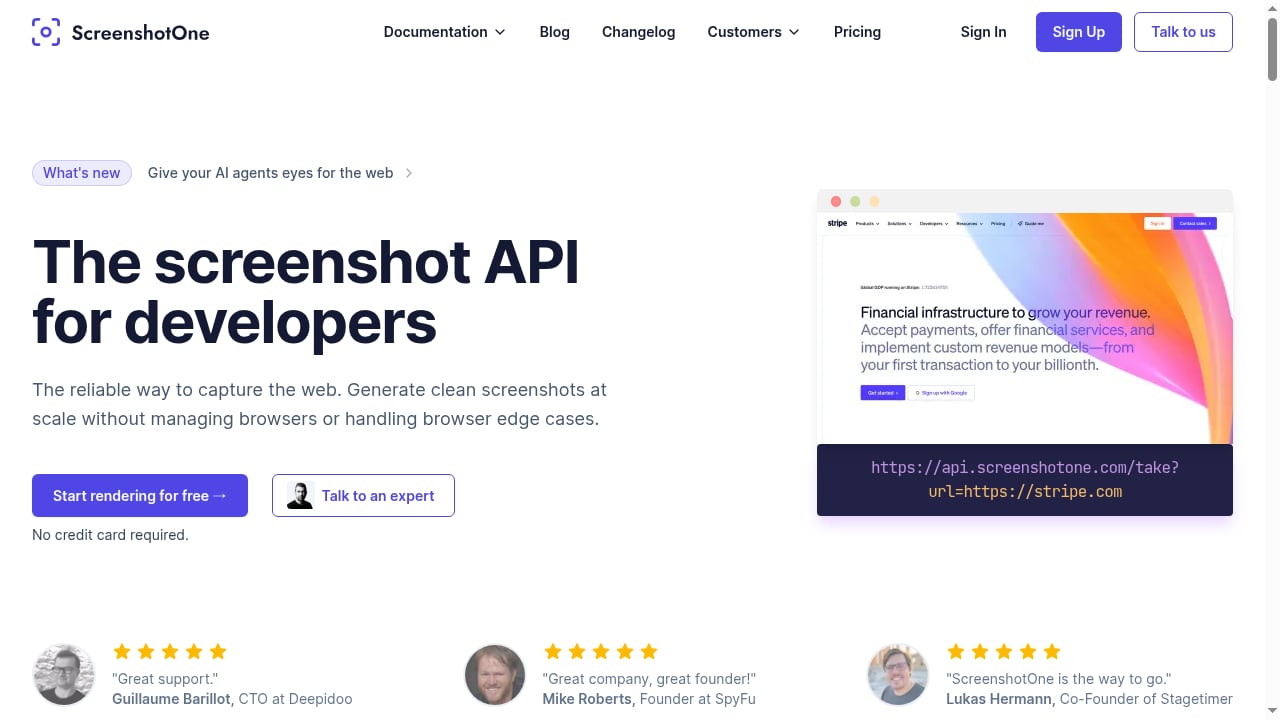
First viewport screenshot of Website Screenshot API for Developers and AI Agents | ScreenshotOne.
AdsCrawl: A Full Browser Environment in the Cloud
AdsCrawl is a managed cloud browser platform for developers who need to scrape, render, and extract data from dynamic websites. It connects Playwright, Puppeteer, or any Chrome DevTools Protocol (CDP) client to real cloud Chromium browsers. You can route traffic through residential or custom proxies, and retrieve HTML, Markdown, JSON, or screenshots from JavaScript-heavy pages.
Core capabilities include:
- Synchronous rendered-content endpoints (
POST /html,POST /screenshot) - SPA extraction templates and structured DOM/network field extraction
- Stateful cloud browser profiles that persist settings after stopping
- Dedicated remote CDP sessions with short-lived live-control tokens
- Per-user running quotas and transparent tiered pricing
Pricing starts with a free plan offering 500 one-time credits, then Hobby at $9/month, Starter at $49/month, and Pro at $199/month, with monthly credits, browser concurrency, profiles, and API key limits scaling by tier. The platform is powered by AdsPower and supports English and Chinese documentation.
ScreenshotOne: A Focused Screenshot API
ScreenshotOne is a website screenshot API that captures reliable screenshots, PDFs, and scrolling videos through a developer-friendly API. It is designed for teams that primarily need visual captures of web pages and want a simple, single-purpose integration. The product offers a free starting tier.
Feature Comparison at a Glance
| Capability | AdsCrawl | ScreenshotOne |
|---|---|---|
| Primary output | HTML, Markdown, JSON, screenshots | Screenshots, PDFs, scrolling videos |
| Browser control | Playwright, Puppeteer, CDP sessions | API-driven capture parameters |
| Proxy support | Residential and custom proxies | Not specified in available sources |
| Stateful sessions | Cloud browser profiles persist after stop | Not specified in available sources |
| Structured extraction | DOM and network field extraction | Not specified in available sources |
| AI agent support | Markdown extraction, CDP control, agent skill | Screenshot-focused API |
| Pricing model | Credit-based tiers from free to $199/month | Free start; paid plans available |
Where AdsCrawl Excels
First viewport screenshot of ScreenshotOne Changelog — Page 18.
1. Beyond Screenshots: Multiple Output Formats
A screenshot API returns an image. AdsCrawl returns images, but also rendered HTML, readable Markdown, and structured JSON. That matters when your pipeline needs to feed an AI agent with page text, extract specific fields, or archive the rendered DOM alongside a visual capture. The POST /html endpoint can return Markdown for AI pipelines, while POST /screenshot handles visual capture with full-page or CSS-selector targeting.
2. Real Browser Control via CDP
AdsCrawl exposes dedicated remote CDP sessions. You can connect Playwright or Puppeteer and run multi-step interactions: navigate, fill forms, click through pagination, and inspect page state at the protocol level. A screenshot API typically abstracts the browser behind request parameters, which is simpler but less flexible when you need to debug rendering or automate complex flows.
3. Stateful Browser Profiles
Cloud browser profiles persist settings after a session stops. This supports workflows that need consistent browser identity across requests, such as authenticated scraping or monitoring that depends on cookies and local storage. ScreenshotOne's available documentation does not describe persistent browser profiles.
4. Proxy and Region Routing
AdsCrawl supports residential proxy routing or custom proxies, plus dynamic region routing. For teams scraping geo-restricted or anti-bot-protected pages, this is a material advantage. ScreenshotOne's public materials focus on screenshot capture and do not detail proxy infrastructure.
5. Transparent Tiered Pricing for Scale
AdsCrawl's pricing scales from a free tier to Pro at $199/month for high-volume automation teams, with monthly credits and concurrency limits clearly tied to each tier. This makes it easier to forecast costs as your browser workload grows.
Where ScreenshotOne Fits
First viewport screenshot of ScreenshotOne Changelog.
ScreenshotOne is a strong choice when your only requirement is capturing visual representations of web pages. If you need to generate previews, monitor visual changes, or produce PDFs and scrolling videos, a focused screenshot API can be simpler to integrate than a full browser platform. Its free starting tier also makes it easy to test.
However, if your workflow later requires rendered HTML, structured extraction, or multi-step browser automation, you may need to add another tool. That is the main trade-off: ScreenshotOne is narrower by design, while AdsCrawl covers a broader set of browser tasks.
Decision Guide: Which Should You Choose?
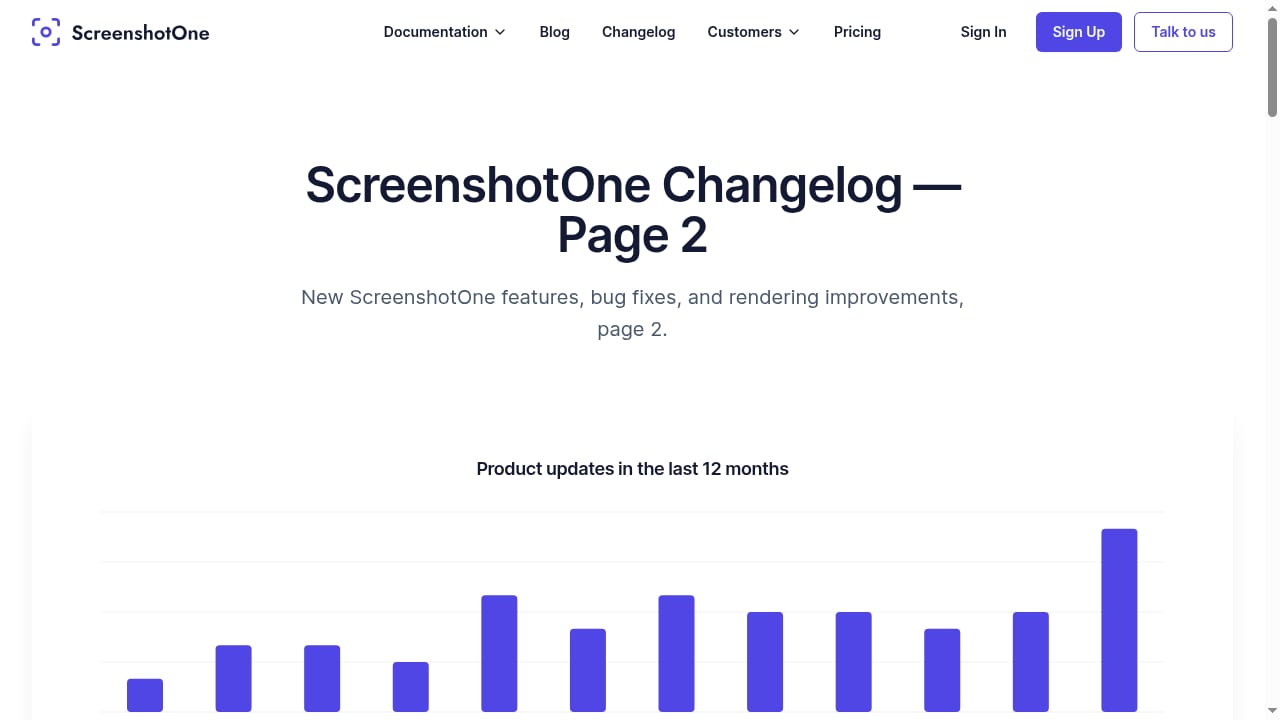
First viewport screenshot of ScreenshotOne Changelog — Page 2.
Choose AdsCrawl if you need:
- To scrape or render JavaScript-heavy pages and extract HTML, Markdown, or JSON
- Playwright, Puppeteer, or CDP control for multi-step automation
- Persistent browser profiles for authenticated or stateful workflows
- Proxy routing and region selection for geo-specific or protected sites
- A single platform for screenshots, extraction, and browser automation
Choose ScreenshotOne if you need:
- A simple API dedicated to screenshots, PDFs, and scrolling videos
- Minimal setup for visual capture only
- A free tier to start with basic screenshot generation
For a broader comparison of browser automation options, see our top 10 AI browser automation software products and our remote browser infrastructure guide.
Practical Example: Capturing a Dynamic Page with AdsCrawl
Here is a minimal request to render a page as Markdown using AdsCrawl's HTML endpoint:
curl --fail-with-body -sS \
  -X POST "https://api.adscrawl.net/html" \
  -H "x-api-key: $ADSCRAWL_API_KEY" \
  -H "content-type: application/json" \
  -d '{"url":"https://example.com","contentMode":"markdown","waitUntil":"domcontentloaded"}'
For a screenshot, use POST /screenshot with fullPage or a CSS selector. The response is binary PNG data, so save it as a file rather than parsing it as JSON. AdsCrawl's documentation notes that selector takes precedence over fullPage, and a non-matching selector returns HTTP 422.
If you need to interact with the page before capturing, connect via CDP with Playwright or Puppeteer and run your automation steps. AdsCrawl's screenshot API documentation covers full-page and element captures in detail.
Related reading
- Olostep Review: Web Data API for AI Agents in 2026 - An evidence-based Olostep review covering its search, scrape, crawl, and monitor APIs, pricing signals, setup, ideal users, and limitations for AI teams.
- Explicit Proxy Settings: Setup, PAC Files & Automation - Learn explicit proxy settings: how they differ from transparent proxies, configure browsers and firewalls, use PAC files, and apply them to browser automation.
- How to Use AdsCrawl with Real-Time Public Data API Stack - Combine AdsCrawl's cloud browser automation with OpenWeb Ninja's Real-Time Public Data API Stack to render dynamic pages and enrich them with live SERP and web data.
Sources and further reading
- AdsCrawl vs Browserless vs ScrapingBee: Which API Wins? - Compare AdsCrawl, Browserless, and ScrapingBee for browser automation, scraping, and AI agents. See which API fits your workflow and budget.
- AdsCrawl - Overview - Real browsers for web scraping & AI agents. Extract HTML, Markdown & screenshots, or automate with Playwright/Puppeteer. Powered by AdsPower. Start free. - AdsCrawl
FAQ
Can AdsCrawl replace a screenshot API?
Yes, for most use cases. AdsCrawl's POST /screenshot endpoint captures full-page or element screenshots as PNG. It also offers HTML, Markdown, and JSON outputs, so it can serve as a single API for both visual and data extraction needs.
Does ScreenshotOne support browser automation with Playwright or Puppeteer?
ScreenshotOne's public materials describe a screenshot API for capturing images, PDFs, and scrolling videos. They do not describe Playwright, Puppeteer, or CDP session control. If you need multi-step browser automation, AdsCrawl is the more suitable option based on available evidence.
Which product is better for AI agents?
AdsCrawl is explicitly built for AI agent workflows, with Markdown extraction, CDP control, and an agent skill for webpage content extraction. ScreenshotOne focuses on visual capture, which may be useful for agents that need screenshots but not for agents that need to read or interact with page content.
Is AdsCrawl more expensive than ScreenshotOne?
AdsCrawl starts free with 500 one-time credits, then $9/month for Hobby, $49/month for Starter, and $199/month for Pro. ScreenshotOne offers a free start and paid plans, but specific pricing is not detailed in the available sources. Compare based on your required output types and volume.
Conclusion
AdsCrawl and ScreenshotOne solve different layers of the web capture problem. ScreenshotOne is a focused screenshot API for teams that only need visual captures. AdsCrawl is a full cloud browser platform for developers who need rendered HTML, structured extraction, proxy routing, and CDP-level control alongside screenshots. If your roadmap includes scraping, AI agent pipelines, or multi-step automation, AdsCrawl provides the broader foundation. If you only need images, ScreenshotOne may be sufficient.
For a deeper look at how AdsCrawl compares with other browser APIs, read our AdsCrawl vs Browser Use vs ApiFlash comparison.