
AdsCrawl vs Parallel: Web Infrastructure for AI Agents
AdsCrawl vs Parallel for AI agents: compare cloud browser control, proxy routing, structured extraction, pricing, and which fits your scraping stack.
AdsCrawl vs Parallel: Web Infrastructure for AI Agents
AI agents need the web, but they need it in different ways. Some agents must open a real browser, click, log in, and read a JavaScript-heavy page exactly as a human would. Others mainly need to search, extract, and monitor information at scale without managing browser sessions. AdsCrawl and Parallel sit on opposite ends of that spectrum, and choosing the wrong one can add cost, latency, or engineering work you did not plan for.
This comparison looks at what each platform actually provides, where AdsCrawl is the stronger fit, and where Parallel's research-oriented APIs make more sense.
What AdsCrawl provides
AdsCrawl is a managed cloud browser and browser automation API. It runs real cloud Chromium browsers that you control through Playwright, Puppeteer, or any CDP client. Instead of maintaining your own browser fleet, you connect to a remote browser session and drive it with the automation library you already use.
Core capabilities include:
- Synchronous rendered-content APIs such as
POST /htmlandPOST /screenshot, which return rendered output without you writing browser orchestration code. - SPA extraction templates for single-page applications that only render after client-side JavaScript runs.
- Structured DOM and network field extraction, so you can pull specific fields rather than parsing raw HTML yourself.
- Stateful cloud browser profiles that persist settings after a session stops, which helps with authenticated or configured workflows.
- Dedicated remote CDP sessions with short-lived live-control tokens for interactive debugging and live control.
- Per-user running quotas to keep concurrency predictable across a team.
On the network side, AdsCrawl supports residential proxy routing or your own custom proxies, managed browser identity, random User-Agents, and dynamic region routing. Output formats include HTML, Markdown, JSON, and screenshots. Pricing is tiered and transparent: a Free plan with 500 one-time credits, Hobby at $9/month, Starter at $49/month, and Pro at $199/month, with monthly credits, browser concurrency, cloud browser profiles, and API key limits scaling by tier. The platform is powered by AdsPower and documents both English and Chinese.
What Parallel provides
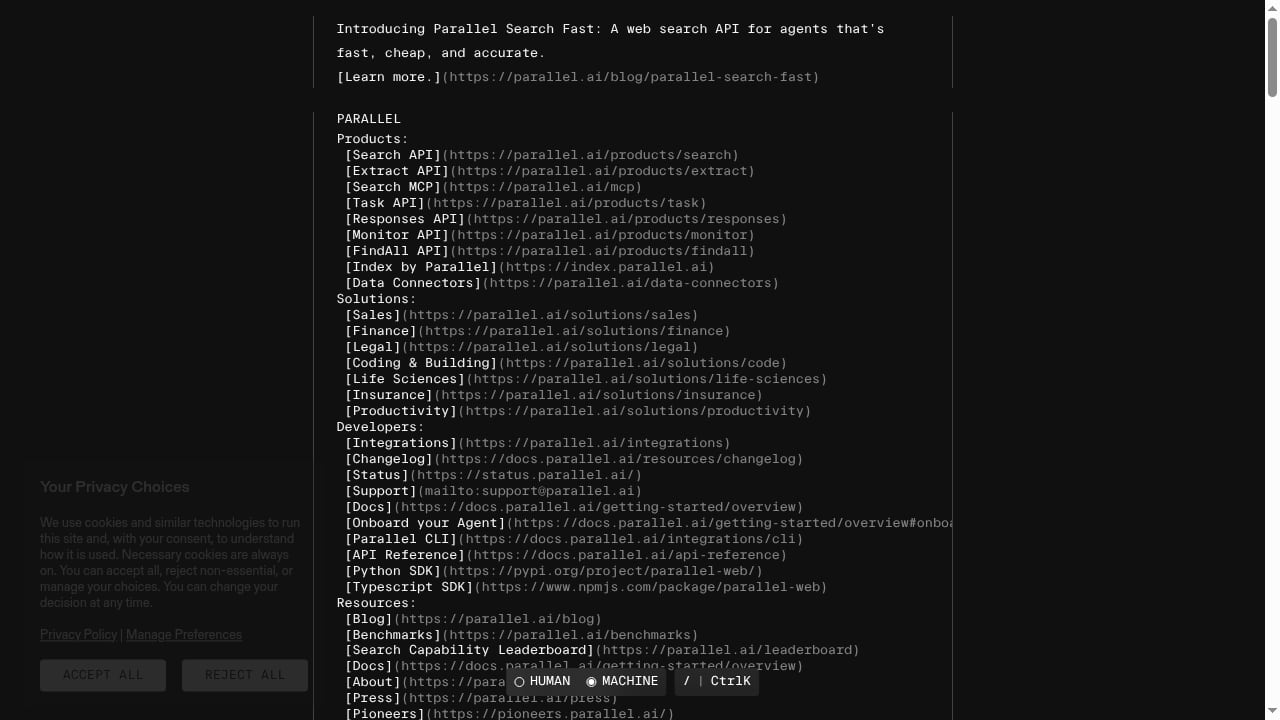
First viewport screenshot of Parallel Pricing – Pay-As-You-Go Web Search for AI Agents.
Parallel describes itself as web infrastructure for AI agents, focused on searching, extracting, monitoring, and reasoning over web information. Its API surface is organized around research-style operations rather than browser control: Search, Extract, Task, FindAll, and Monitor. That framing matters. Parallel is built for agents that need to answer questions, gather facts, or track changes, not for agents that need to operate a browser session.
A hands-on review of Parallel's infrastructure covers those APIs, pricing signals, setup, limits, and best-fit use cases. The general pattern is that you send a query or target, and Parallel returns processed information. That is convenient when the hard part is research and synthesis. It is less convenient when the hard part is a login flow, a canvas-rendered page, or a multi-step interaction that only a real browser can complete.
Head-to-head comparison
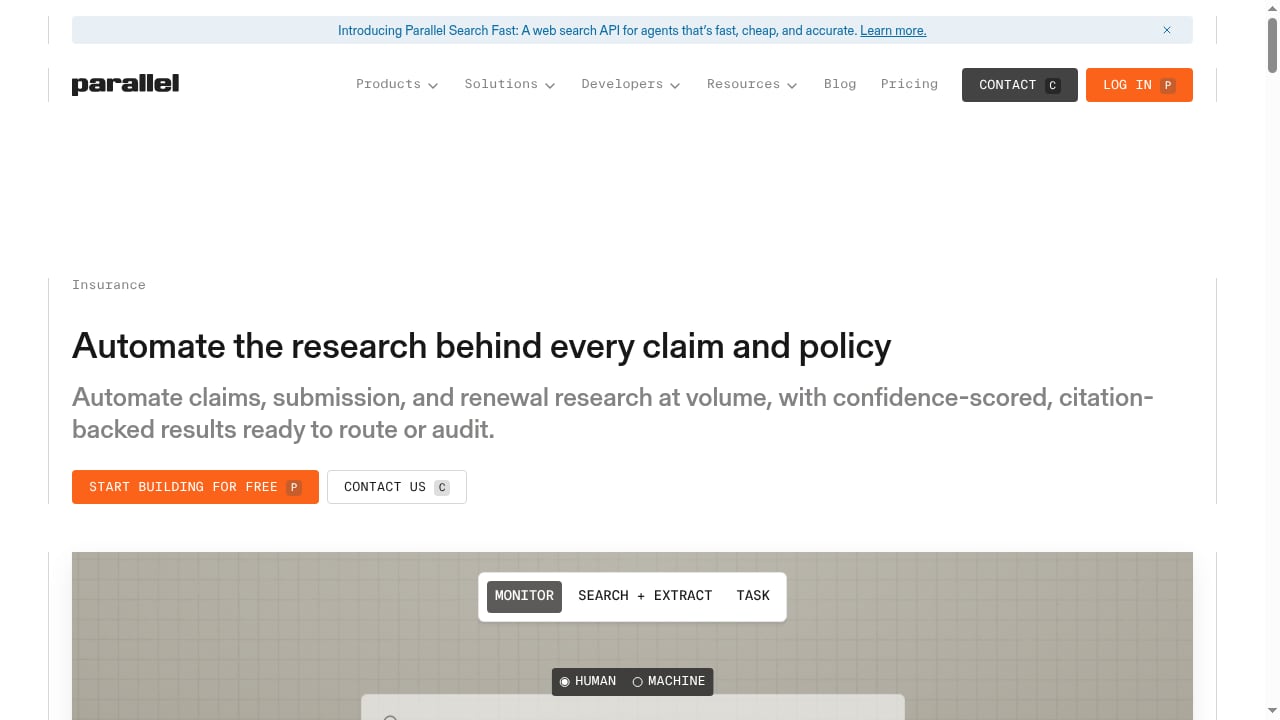
First viewport screenshot of Claims & Underwriting Research API | Parallel.
| Dimension | AdsCrawl | Parallel |
|---|---|---|
| Primary model | Managed cloud browser + automation API | AI web research and search API |
| Browser control | Playwright, Puppeteer, any CDP client | Not the core focus |
| Proxy support | Residential proxy routing or custom proxies | Not the core focus |
| Output formats | HTML, Markdown, JSON, screenshots | Processed research output |
| Session state | Stateful cloud browser profiles | Not the core focus |
| Best for | Dynamic pages, auth flows, QA, monitoring, remote CDP | Search, extract, monitor, and reason over information |
Where AdsCrawl is the stronger choice
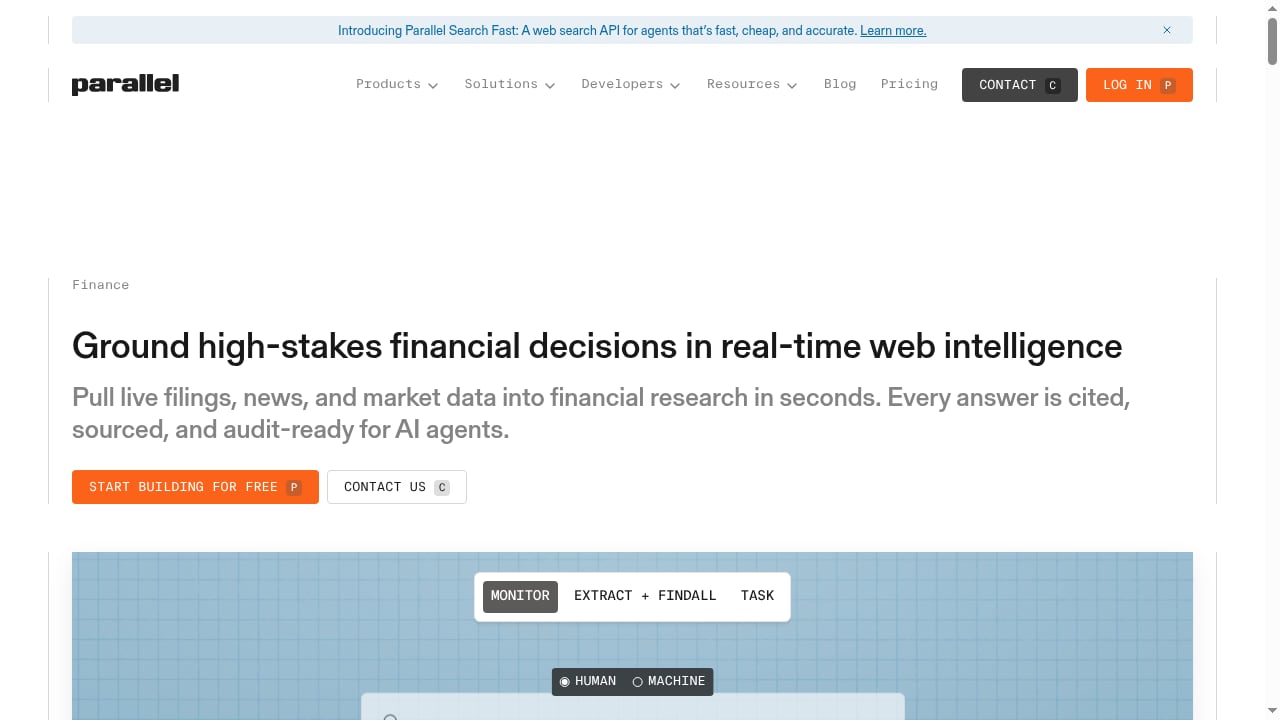
First viewport screenshot of Financial Research API for AI Agents | Parallel.
You need a real browser, not just a result
If a page requires JavaScript execution, a login, a cookie state, or a sequence of clicks, a research API may not be able to reach the content at all. AdsCrawl gives you a full browser environment, which is the difference between "the agent found a summary" and "the agent completed the workflow."
You already use Playwright or Puppeteer
Teams with existing automation code do not want to rewrite it for a new abstraction. AdsCrawl lets you connect Playwright, Puppeteer, or any CDP client to real cloud Chromium browsers, so your existing scripts and selectors keep working. That is a meaningful migration advantage over platforms that require you to adopt a new query model.
Proxy and identity management matter
Scraping at scale often fails because of IP reputation, not because of parsing. AdsCrawl supports residential proxy routing or custom proxies, managed browser identity, random User-Agents, and dynamic region routing. If your workflow depends on looking like a normal browser from a specific region, that infrastructure is the product.
You want structured extraction without building a parser
AdsCrawl's structured DOM and network field extraction, plus SPA extraction templates, reduce the amount of custom parsing code you maintain. You can also request HTML, Markdown, JSON, or screenshots depending on what the next step in your pipeline needs.
You need stateful sessions and live control
Stateful cloud browser profiles persist settings after a session stops, and dedicated remote CDP sessions with short-lived live-control tokens let you debug interactively. Research APIs generally do not expose this layer, which makes them harder to use for QA, monitoring, and remote CDP workflows.
Predictable, tiered pricing
AdsCrawl's tiers scale from a Free plan with 500 one-time credits to Hobby at $9/month, Starter at $49/month, and Pro at $199/month. Monthly credits, browser concurrency, cloud browser profiles, and API key limits scale by tier, which makes budgeting for a small team or a high-volume automation team straightforward.
Where Parallel makes sense
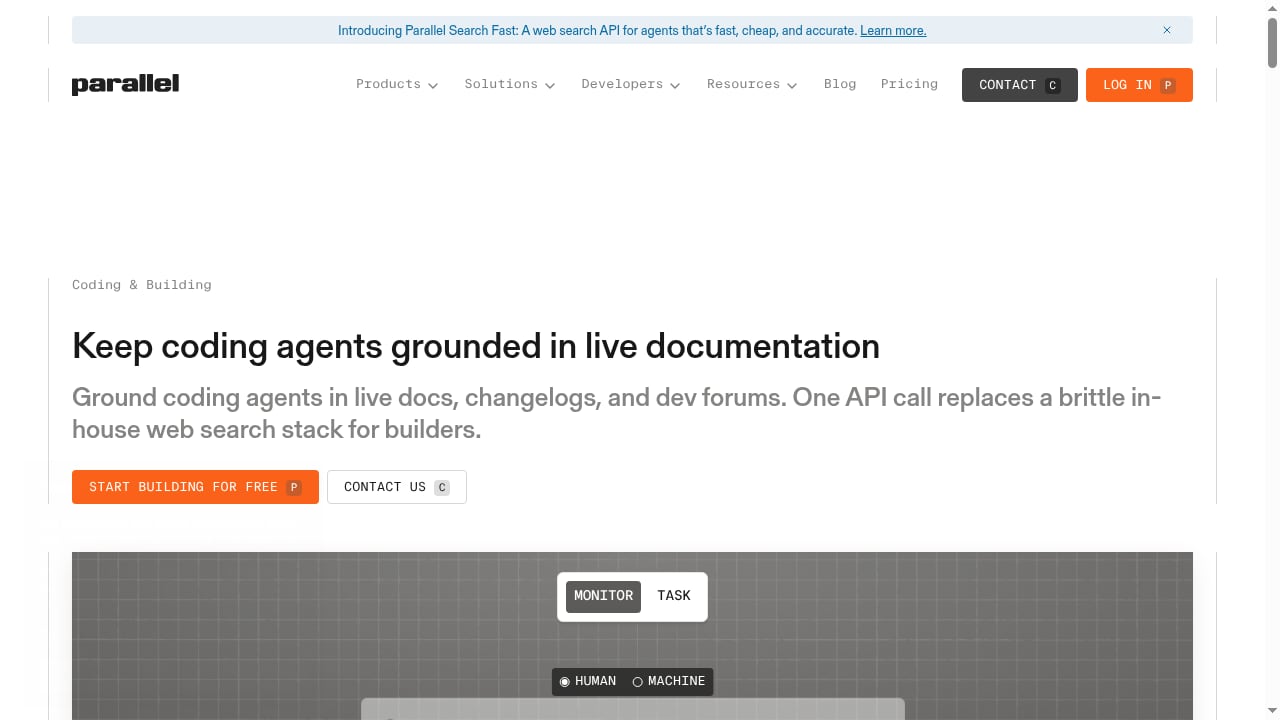
First viewport screenshot of Web Search API for Coding Agents | Parallel.
Parallel is a reasonable fit when your agent's job is to search, extract, monitor, and reason over information rather than to operate a browser. If you do not need proxy routing, session state, or CDP control, a research-oriented API can remove a lot of infrastructure work. For a deeper look at that trade-off, see the Parallel Web Infrastructure for AI Agents: 2026 Review.
Practical decision guide
Choose AdsCrawl when:
- The target page is JavaScript-heavy or behind an authenticated session.
- You need Playwright, Puppeteer, or CDP compatibility.
- You need residential or custom proxy routing and region control.
- You want HTML, Markdown, JSON, or screenshots from the same platform.
- You run production scraping, QA, monitoring, or remote CDP workflows.
Choose Parallel when:
- Your agent's primary job is research, search, or monitoring information.
- You do not need browser control or session state.
- You prefer processed output over raw rendered content.
Many teams end up using both: a research API for discovery and a cloud browser API for the pages that only render in a real browser. If you are comparing more options, the Top 10 Web Scraping API Platforms 2026: Ranked & Compared covers the wider landscape.
Example: rendering a dynamic page with AdsCrawl
A minimal rendered-content request looks like this:
curl -X POST https://api.adscrawl.net/html \
  -H "Authorization: Bearer $ADSCRAWL_API_KEY" \
  -H "Content-Type: application/json" \
  -d '{"url": "https://example.com/pricing", "proxy": "residential"}'
The response returns rendered HTML, which you can convert to Markdown or extract fields from. For screenshot-based monitoring, swap the endpoint for POST /screenshot. For interactive workflows, connect your existing Playwright or Puppeteer script to a dedicated remote CDP session instead.
If you also run multi-account or isolated-profile workflows, the How to Use AdsCrawl with Sendwin: Multi-Account Browser + Cloud guide shows how cloud browser sessions and isolated profiles fit together.
Related reading
- Top 10 AI Web Crawling and Scraping APIs 2026 - Compare the top 10 AI web crawling and scraping APIs of 2026 by success rate, Markdown quality, structured extraction, MCP support, and pricing per page.
- AdsCrawl vs Spider vs Browse AI: Which Fits Your Stack? - Compare AdsCrawl, Spider, and Browse AI for scraping and browser automation. See strengths, limits, pricing, and which tool fits developers vs no-code teams.
Sources and further reading
- AdsCrawl Blog - Connect with Playwright, Puppeteer, or CDP in a full browser environment with residential proxy routing for dynamic pages, authenticated sessions, and structured web data.
- API Providers - APIs.io - Browse all API service providers indexed on APIs.io, ranked by the API Evangelist rating. Find providers by name, see their APIs, capabilities, and more.
- Terms of Service | AdsCrawl - These terms explain the rules for using AdsCrawl, including account access, acceptable use, payments, service availability, and liability limits.
FAQ
Is AdsCrawl a replacement for Parallel?
Not exactly. AdsCrawl is a cloud browser and automation API; Parallel is AI web research and search infrastructure. They overlap in that both help AI agents use the web, but they solve different problems. AdsCrawl is the better fit when you need real browser control, proxies, and session state.
Can Parallel control a browser with Playwright or Puppeteer?
Parallel's documented focus is search, extract, monitor, and reason over information, not browser control. If your workflow depends on Playwright, Puppeteer, or CDP, AdsCrawl is designed for that use case.
Does AdsCrawl support proxies?
Yes. AdsCrawl supports residential proxy routing or custom proxies, along with managed browser identity, random User-Agents, and dynamic region routing.
What output formats does AdsCrawl return?
AdsCrawl can return HTML, Markdown, JSON, or screenshots, depending on the endpoint and extraction configuration you use.
How much does AdsCrawl cost?
AdsCrawl offers a Free plan with 500 one-time credits, Hobby at $9/month, Starter at $49/month, and Pro at $199/month. Monthly credits, browser concurrency, cloud browser profiles, and API key limits scale by tier.
Can I use AdsCrawl and Parallel together?
Yes. A common pattern is to use a research or search API for discovery and AdsCrawl for pages that require JavaScript rendering, authentication, or proxy routing. The two are complementary rather than mutually exclusive.
Conclusion
AdsCrawl and Parallel both serve AI agents, but they serve different layers of the stack. Parallel is built around searching, extracting, monitoring, and reasoning over information. AdsCrawl is built around running real cloud Chromium browsers that you control with Playwright, Puppeteer, or CDP, with residential or custom proxy routing and output in HTML, Markdown, JSON, or screenshots.
If your agents need to operate a browser, handle dynamic pages, maintain session state, or route through trusted proxies, AdsCrawl is the more direct fit. If your agents mainly need to research and monitor information, Parallel may be enough. For teams doing both, the two can work together, with AdsCrawl handling the pages that only a full browser environment can reach.