
AdsCrawl vs Scrape.do vs Selenium: Which Fits Your Scraping Stack?
Compare AdsCrawl, Scrape.do, and Selenium for web scraping and browser automation. See strengths, trade-offs, and which tool fits your workflow.
AdsCrawl vs Scrape.do vs Selenium: Which Fits Your Scraping Stack?
Choosing a web scraping or browser automation tool is not about finding a single winner. It is about matching the tool to the job. Scrape.do is a managed scraping API built for speed and unblocked access. Selenium is an open-source framework that gives you total control over browser automation. AdsCrawl is a managed cloud browser and browser automation API that returns rendered HTML, Markdown, JSON, or screenshots from JavaScript-heavy pages.
This comparison breaks down where each option shines, where it asks more from you, and how to decide based on your team, your infrastructure, and your output format.
How the Three Tools Differ at a Glance
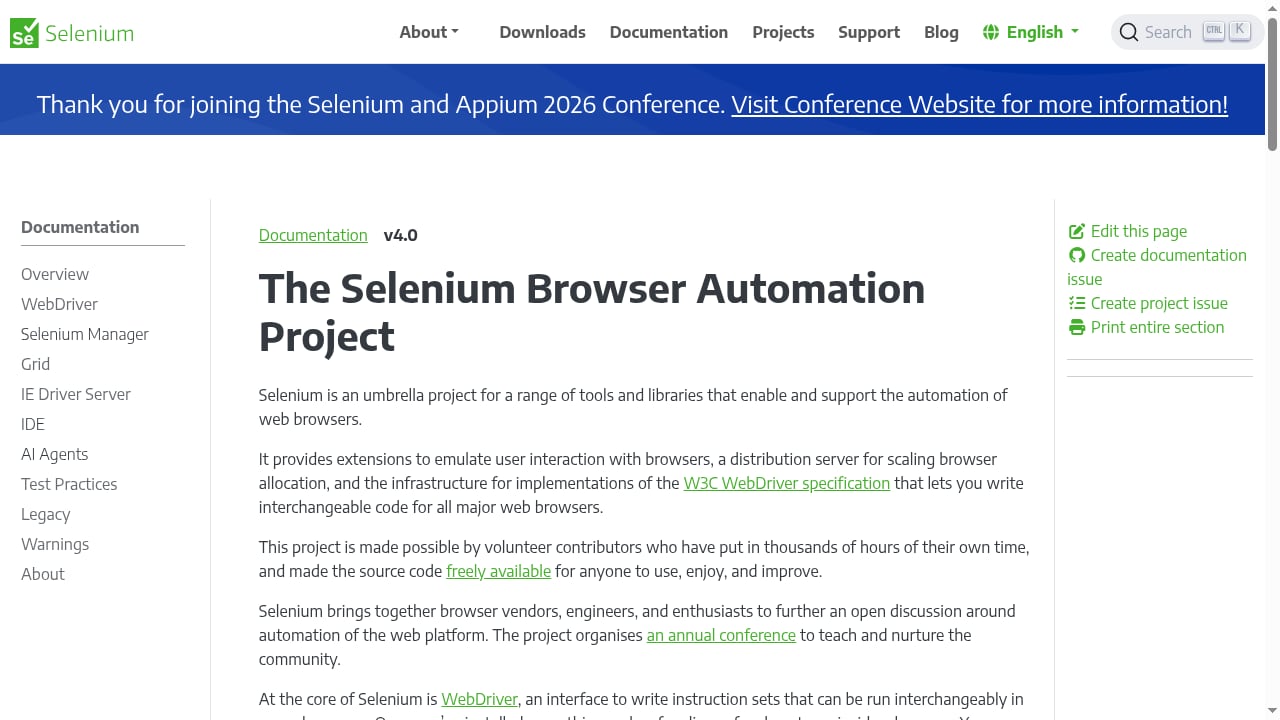
First viewport screenshot of The Selenium Browser Automation Project.
- Scrape.do is a web scraping API platform. You send a request and it handles proxies, headers, CAPTCHAs, and JavaScript rendering. It is designed for collecting public data at scale with minimal setup.
- Selenium is an open-source umbrella project for browser automation. It includes WebDriver, IDE, Grid, and Manager, and is primarily used for testing web applications, though it also supports repetitive web-based administration tasks.
- AdsCrawl is a managed cloud browser and browser automation API. It lets you connect Playwright, Puppeteer, or any CDP client to real cloud Chromium browsers, with residential proxy routing or custom proxies, and retrieve HTML, Markdown, JSON, or screenshots.
Scrape.do: Managed Scraping API for Speed and Scale
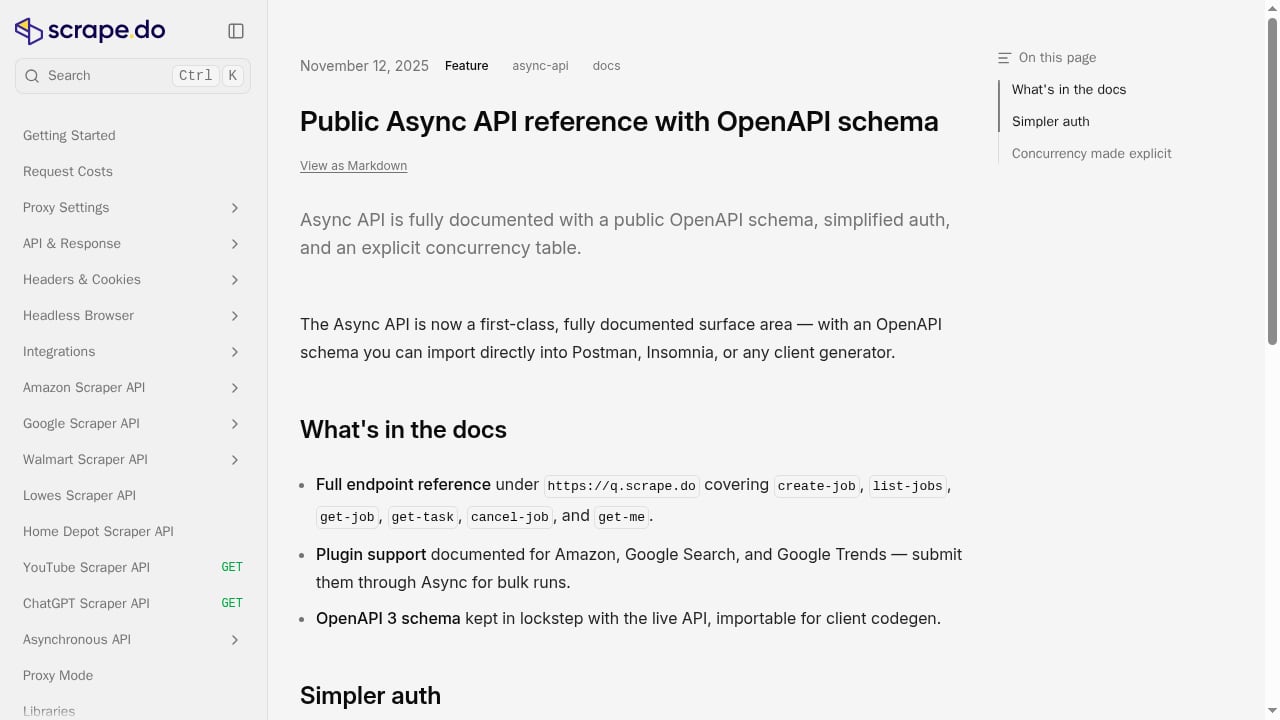
First viewport screenshot of Public Async API reference with OpenAPI schema.
Scrape.do positions itself as a toolkit for hassle-free and scalable web scraping. Its core promise is unblocked access: it handles proxies, headers, CAPTCHAs, and other anti-bot defenses so you can focus on the data. The platform advertises a 99.98% success rate and a pay-for-success pricing model where only successful requests consume credits.
Where Scrape.do Excels
- Low-friction entry point. You sign up, get an API key, and send a single request. There is no browser infrastructure to manage.
- Built-in proxy network. Scrape.do provides access to a large pool of residential, mobile, and datacenter IPs with automatic rotation and geo-targeting.
- WAF and CAPTCHA bypass. The platform is designed to push through tough anti-bot defenses without custom stealth patches.
- Pay-for-success pricing. Failed requests do not consume credits, which keeps costs aligned with delivered data.
- Fast gateway. Scrape.do claims its gateway is significantly faster than the closest competitor.
Where Scrape.do Asks More From You
Scrape.do is a scraping API, not a full browser automation environment. If you need to inject custom JavaScript, intercept network requests, or simulate complex multi-step user journeys, you may find the abstraction limiting. It also does not provide a testing framework or assertion libraries, so it is not a replacement for Selenium-based QA suites.
Selenium: Open-Source Control for Testing and Automation
First viewport screenshot of Selenium.
Selenium is the long-standing open-source standard for browser automation. It is not a service; it is a suite of tools you install, configure, and maintain. The project provides extensions to emulate user interaction with browsers, a distribution server for scaling browser allocation, and infrastructure for W3C WebDriver implementations.
Where Selenium Excels
- Complete control. You own the automation stack, from browser binaries to driver versions.
- Broad language support. WebDriver offers bindings for Java, C#, Python, Ruby, JavaScript, and more.
- Testing-first design. WebDriver supports robust regression automation, IDE offers record-and-playback, and Grid enables parallel test execution across machines.
- No per-request pricing. Selenium is free and open-source; you pay only for the infrastructure you run it on.
- Large ecosystem. Integrations with JUnit, TestNG, pytest, RSpec, and other frameworks make it a natural fit for QA teams.
Where Selenium Asks More From You
Selenium does not solve infrastructure or anti-bot problems. You must provision machines, install browsers, manage driver compatibility, and handle scaling yourself. Headless Chrome through Selenium often trips fingerprinting checks unless you add stealth patches, proxy rotation, and session management on your own. For small teams that need scraping or AI agent workflows without an ops burden, the setup cost can outweigh the benefits.
AdsCrawl: Managed Cloud Browser with Extraction-Ready Outputs
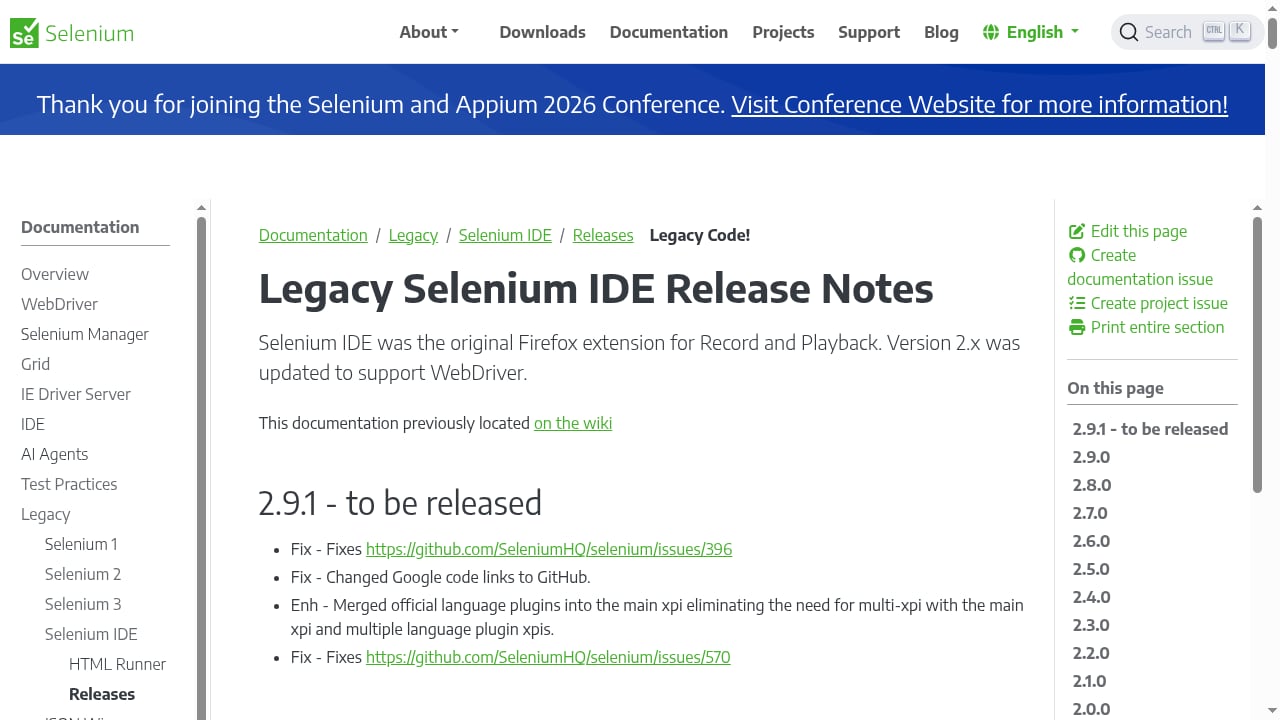
First viewport screenshot of Legacy Selenium IDE Release Notes.
AdsCrawl is a managed cloud browser and browser automation API for developers who need to scrape, render, and extract data from dynamic websites. It lets teams connect Playwright, Puppeteer, or any CDP client to real cloud Chromium browsers, with support for residential proxy routing or custom proxies, and retrieve HTML, Markdown, JSON, or screenshots from JavaScript-heavy pages.
Where AdsCrawl Excels
- Extraction-ready outputs. Synchronous rendered-content APIs like
POST /htmlandPOST /screenshotreturn clean HTML, Markdown, JSON, or screenshots without post-processing code. - Remote CDP sessions. Dedicated remote CDP sessions with short-lived live-control tokens let you inject custom JavaScript, intercept network requests, and simulate complex user journeys through a clean REST interface.
- Stateful cloud browser profiles. Profiles persist settings after stop, which helps with authenticated workflows and repeatable automation.
- Managed browser identity. Random User-Agents, trusted proxies, and dynamic region routing reduce the fingerprinting problems that plague self-hosted headless browsers.
- Transparent tiered pricing. A Free plan with 500 one-time credits, Hobby at $9/month, Starter at $49/month, and Pro at $199/month, with monthly credits, browser concurrency, Cloud Browser profiles, and API key limits scaling by tier.
Where AdsCrawl Asks More From You
AdsCrawl is a managed service, so you trade some infrastructure control for convenience. It is not a testing framework; if your primary need is running Selenium-style regression suites across a grid of browsers, AdsCrawl is not a drop-in replacement. Teams with strict on-premises requirements or custom browser builds may find a self-hosted approach more suitable.
Head-to-Head Comparison
| Criteria | AdsCrawl | Scrape.do | Selenium |
|---|---|---|---|
| Deployment model | Managed cloud browser API | Managed scraping API | Self-hosted open-source framework |
| Primary protocol | REST API with remote CDP | REST API | WebDriver, language bindings |
| Extraction-ready outputs | HTML, Markdown, JSON, screenshots | Whatever the API returns | Whatever your script produces |
| Browser identity management | Built-in profiles, random User-Agents, proxy routing | Automated proxy rotation, WAF/CAPTCHA bypass | Requires third-party patches |
| Scaling | Managed concurrency | Managed scaling | Self-managed via Selenium Grid |
| Testing capabilities | Not a testing framework | Not a testing framework | Purpose-built for testing |
| Pricing model | Tiered credits with free plan | Pay-for-success credits | Free, plus infrastructure costs |
| Best for | AI agents, monitoring, SEO, data extraction APIs | High-volume public data collection | Testing and full-control automation |
When to Choose Each Tool
Choose Scrape.do When
- You want the simplest possible scraping API without managing browsers, proxies, or fingerprints.
- You need a large proxy pool with automatic rotation and geo-targeting.
- You value pay-for-success pricing where only successful requests consume credits.
- Your workflows are primarily data collection rather than complex browser interaction.
Choose Selenium When
- You are building a web application testing suite with assertion libraries and CI/CD integration.
- You need native bindings for Java, C#, Python, Ruby, or JavaScript.
- You want full control over browser behavior without API abstraction layers.
- You have the infrastructure and expertise to manage browsers, drivers, and Grid distribution.
Choose AdsCrawl When
- You need screenshots, HTML, Markdown, or JSON from a single cloud browser session with minimal orchestration.
- You want remote CDP control for real-time agent feedback during browser sessions.
- You prioritize a free tier for prototyping and transparent, scalable production pricing.
- You are building AI data pipelines, monitoring dashboards, or automated research where unified output matters.
- You need stateful cloud browser profiles that persist settings after stop.
Practical Example: Scraping a JavaScript-Heavy Page
Suppose you need to extract product data from a single-page application that renders prices and availability client-side.
With Scrape.do, you send a request with JavaScript rendering enabled and receive the rendered HTML. You then parse the HTML yourself or use extraction rules.
With Selenium, you write a script that launches a browser, navigates to the page, waits for the price element, and extracts the text. You manage the browser driver, handle waits, and add stealth measures if the site detects automation.
With AdsCrawl, you call POST /html with the target URL and receive rendered HTML or Markdown. If you need to interact with the page first, you open a remote CDP session, run your Playwright or Puppeteer commands, and capture the output. The browser identity, proxy routing, and User-Agent are managed for you.
For a deeper look at how AdsCrawl compares with other managed browser platforms, see AdsCrawl vs Parallel: Web Infrastructure for AI Agents. If you are evaluating the broader market, Top 10 Web Scraping API Platforms 2026: Ranked & Compared covers success rates, rendering, and pricing.
Related reading
- Parallel Web Infrastructure for AI Agents: 2026 Review - Hands-on review of Parallel's web infrastructure for AI agents: Search, Extract, Task, FindAll, and Monitor APIs, pricing signals, setup, limits, and best-fit use cases.
- How to Use AdsCrawl with Sendwin: Multi-Account Browser + Cloud - Combine AdsCrawl's cloud browser API with Sendwin's isolated profiles for multi-account scraping, QA, and monitoring. Setup, workflow, and examples.
Sources and further reading
- Scrape.do - Powerful Toolkit for Hassle-Free and Scalable Web Scraping - Unmatched speed, unbeatable prices, unblocked access. Scrape.do is a web scraping powerhouse.
- AdsCrawl vs Browserless vs Selenium: Which Tool Wins? - Compare AdsCrawl, Browserless, and Selenium for browser automation, scraping, and AI agents. See which API, managed platform, or framework fits your workflow.
- AdsCrawl vs ScrapingBee vs Selenium: Which Tool Wins? - Compare AdsCrawl, ScrapingBee, and Selenium for browser automation, scraping, and testing. See which API or framework fits your workflow.
FAQ
Is Scrape.do a replacement for Selenium?
No. Scrape.do is a scraping API, while Selenium is a browser automation framework. Scrape.do is better for data collection at scale; Selenium is better for testing and full-control automation.
Can AdsCrawl run Selenium tests?
AdsCrawl is not a testing framework. It can validate page rendering states and capture screenshots, but it lacks assertion libraries, test runners, and CI/CD integrations that testing teams expect. For Selenium-style regression suites, Selenium remains the right tool.
Does AdsCrawl support Playwright and Puppeteer?
Yes. AdsCrawl lets teams connect Playwright, Puppeteer, or any CDP client to real cloud Chromium browsers. You can also use synchronous rendered-content APIs like POST /html and POST /screenshot without writing browser scripts.
What output formats does AdsCrawl return?
AdsCrawl can return HTML, Markdown, JSON, or screenshots from JavaScript-heavy pages. This makes it suitable for AI data pipelines, SEO monitoring, and content structuring workflows.
Is Selenium free?
Yes. Selenium is free and open-source. You pay only for the infrastructure you run it on, but you are responsible for managing browsers, drivers, proxies, and anti-bot defenses.
How does Scrape.do pricing work?
Scrape.do uses a pay-for-success model where only successful requests consume API credits. It offers 1,000 free credits with 5 concurrent requests, and failed requests are not deducted from your balance.
Conclusion
Scrape.do, Selenium, and AdsCrawl solve different problems. Scrape.do is a fast, managed scraping API with strong proxy and anti-bot capabilities. Selenium is the open-source standard for testing and full-control browser automation. AdsCrawl is a managed cloud browser API that returns extraction-ready HTML, Markdown, JSON, or screenshots, with remote CDP sessions, stateful profiles, and transparent tiered pricing.
The right choice depends on your workflow. If you need the simplest scraping API, Scrape.do is a strong fit. If you need testing frameworks and total control, Selenium is the answer. If you need a managed cloud browser with extraction-ready outputs and remote CDP control, AdsCrawl is built for that job. For a broader view of the market, see Top 10 AI Web Crawling and Scraping APIs 2026.