
AdsCrawl vs Steel: Browser Infrastructure for AI Agents
AdsCrawl vs Steel compared: CDP control, Markdown extraction, proxy routing, pricing, and which browser API fits AI agents, scraping, and automation.
AdsCrawl vs Steel: Browser Infrastructure for AI Agents
If you are wiring a browser into an AI agent, a scraper, or a monitoring pipeline, the real decision is not "which tool can open a page" — almost anything can. The decision is how much control you need over the browser session, how the page content comes back to you, and whether you want to run that infrastructure yourself.
AdsCrawl and Steel both sit in the managed cloud browser category, but they answer that question differently. AdsCrawl is a managed cloud browser and browser automation API with CDP access, fingerprint profiles, proxy routing, and structured output. Steel is an open-source browser API for controlling fleets of browsers in the cloud. This comparison walks through where each one fits, using the capabilities each product actually documents.
The core difference in one paragraph
AdsCrawl is a hosted platform. You connect Playwright, Puppeteer, or any CDP client to real cloud Chromium browsers, optionally route traffic through residential or custom proxies, and retrieve rendered HTML, Markdown, JSON, or screenshots. Steel is open source. You get the browser API and run the fleet yourself, which means you own the deployment, scaling, and operational surface. That single split — managed versus self-operated — drives most of the other tradeoffs below.
Control depth: CDP sessions and stateful profiles
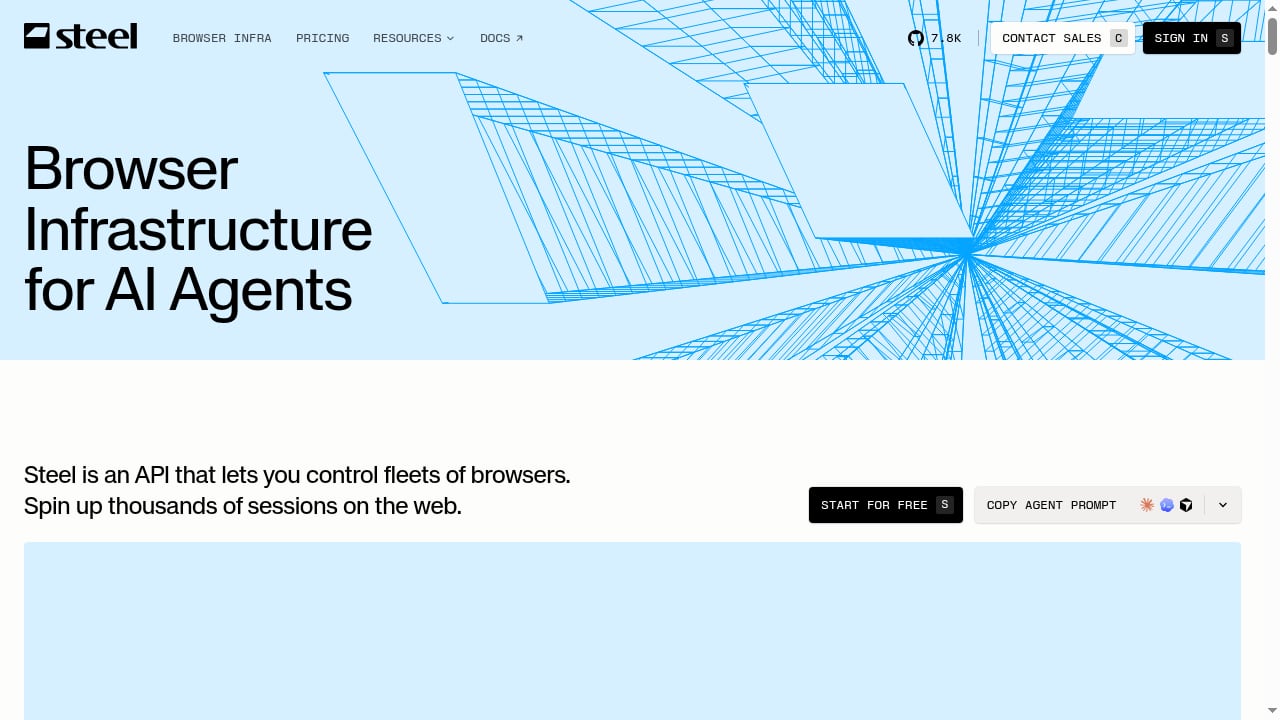
First viewport screenshot of Steel | Open-source Browser Infrastructure for AI Agents.
AdsCrawl's remote CDP sessions
AdsCrawl exposes dedicated remote CDP sessions so you can drive a real browser directly rather than only sending a URL and receiving a payload. That matters when your workflow needs to inspect rendering state, debug a page mid-session, or build custom interactions that a simple request/response API cannot express. The platform also supports stateful cloud browser profiles that persist settings across tasks, which reduces repeated setup work for recurring jobs.
Steel's fleet model
Steel's pitch is fleet control: an open-source browser API that lets you control many browsers in the cloud. For teams that already run their own infrastructure and want to avoid a vendor in the request path, that is a legitimate architectural preference. The tradeoff is that fleet operations — concurrency limits, browser lifecycle, proxy plumbing, and identity consistency — become your responsibility rather than a managed feature.
Output formats: what actually comes back
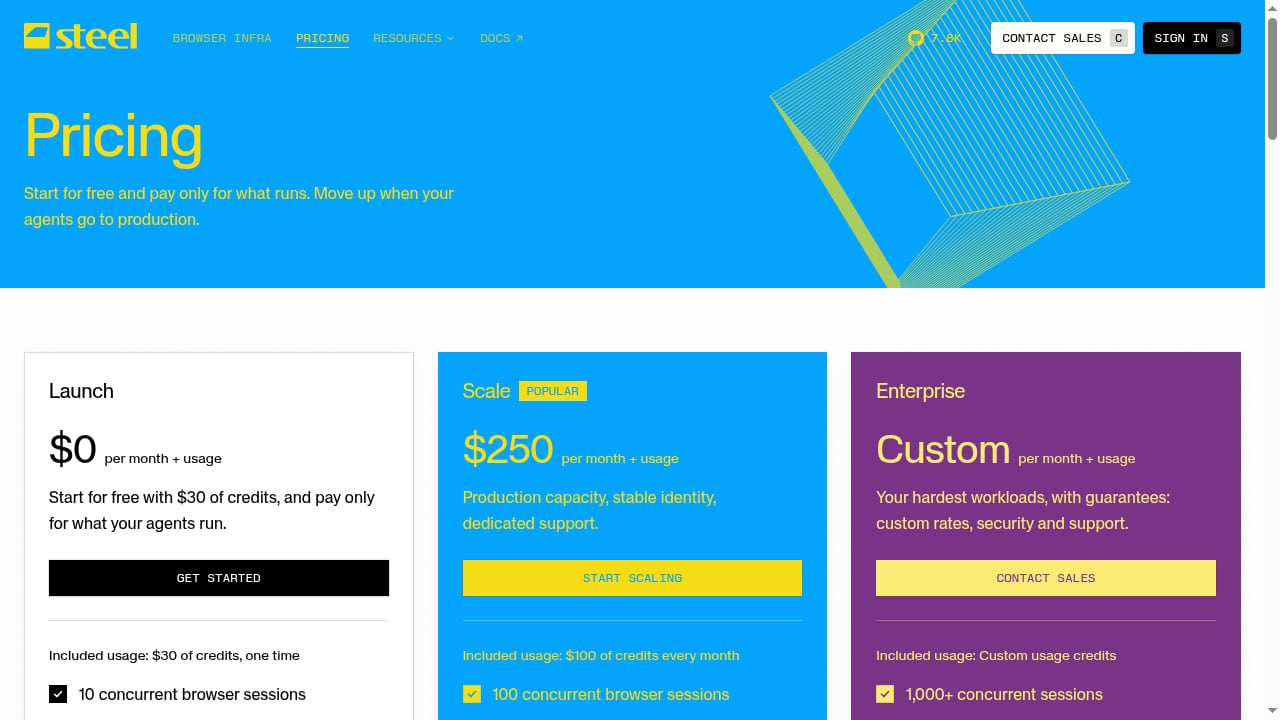
First viewport screenshot of Steel | Pricing.
AdsCrawl is built around structured retrieval. A synchronous POST /html call returns rendered content, and the platform can return HTML, Markdown, JSON, or screenshots depending on the endpoint. Markdown output is especially useful for AI agents, because it gives a model readable page content without a separate parsing step. Screenshots support viewport and selector controls, so you can capture a specific element rather than the whole page.
Steel, as an open-source browser API, gives you browser control and leaves the extraction layer to your own code. That is flexible, but it means you write and maintain the HTML-to-Markdown conversion, the JSON templating, and the screenshot logic yourself. If your team already has that pipeline, this is not a cost. If you are starting from zero, it is real work.
Proxies, identity, and tough pages
Dynamic sites that resist simple HTTP requests usually fail for one of two reasons: the request does not look like a real browser, or the traffic looks like it comes from a data center. AdsCrawl addresses both sides. It offers 100+ rotating residential proxies, supports residential proxy routing or custom proxies, and provides fingerprint profiles so browser identity stays consistent across requests. The platform is powered by AdsPower, which is relevant if you already rely on that identity tooling.
Steel's open-source model means proxy selection and fingerprint management are decisions you make and implement. That is not a weakness in itself — it is a difference in where the work lives. The practical question is whether your team wants to own anti-bot tuning or buy it as part of a managed platform.
Live interactive access
AdsCrawl provides live interactive browser access through a connectUrl plus short-lived live control tokens. That is useful for debugging a failing scrape, letting a human step in during an agent run, or verifying what a page actually rendered. Detailed API schemas cover browser settings, fingerprints, proxies, cookies, waits, and actions, so the session is configurable rather than opaque.
Steel's open-source API gives you control over the browser, but live human-in-the-loop access is something you build or bolt on. Again, the split is managed convenience versus self-built capability.
Pricing and getting started
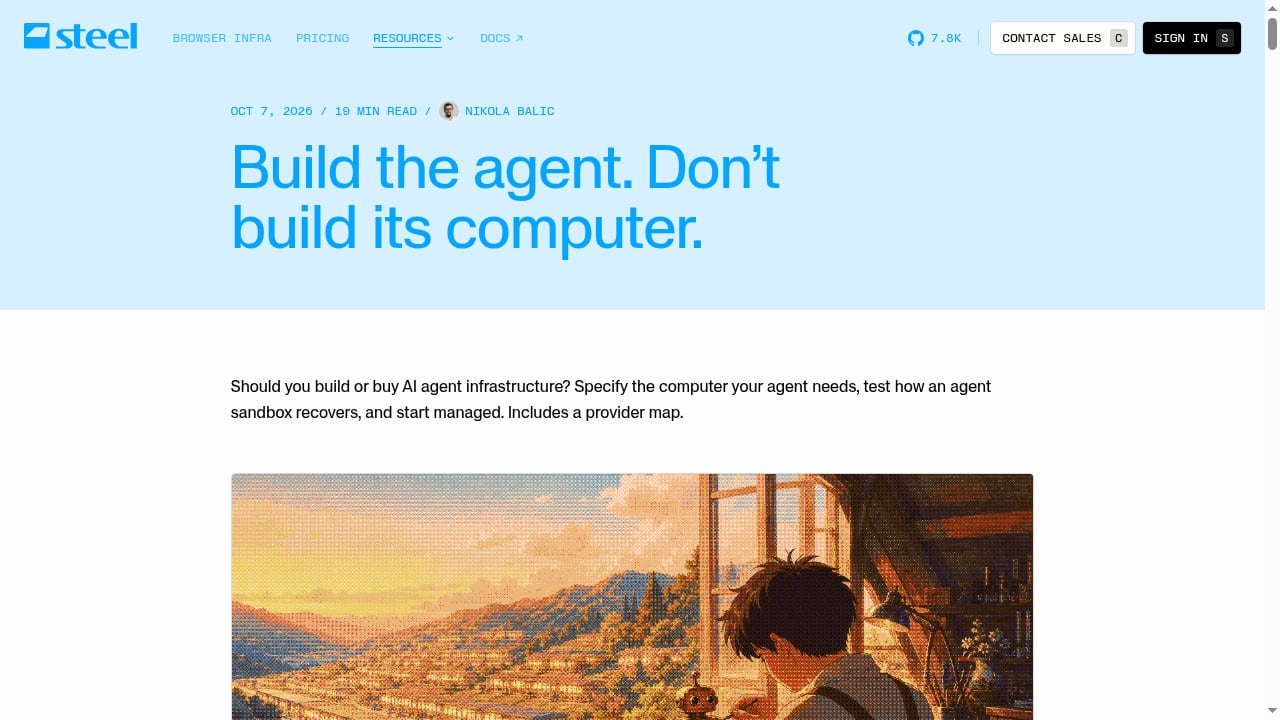
First viewport screenshot of Steel | AI agent infrastructure: build the agent, not its computer.
AdsCrawl uses transparent, credit-based pricing:
- Free — 500 one-time credits to test workflows
- Hobby — $9/month for solo developers
- Starter — $49/month for small production teams
- Pro — $199/month for high-volume automation teams
Plans differ by monthly credits, browser concurrency, Cloud Browser profile limits, and API key counts. The free tier is enough to validate whether the CDP and extraction model fits your stack before committing.
Steel's cost model is different by design: the software is open source, so your spend shifts toward the infrastructure you run it on and the engineering time you invest in operating it. For some teams that is cheaper at scale. For others, the operational overhead outweighs the license savings.
Decision guide
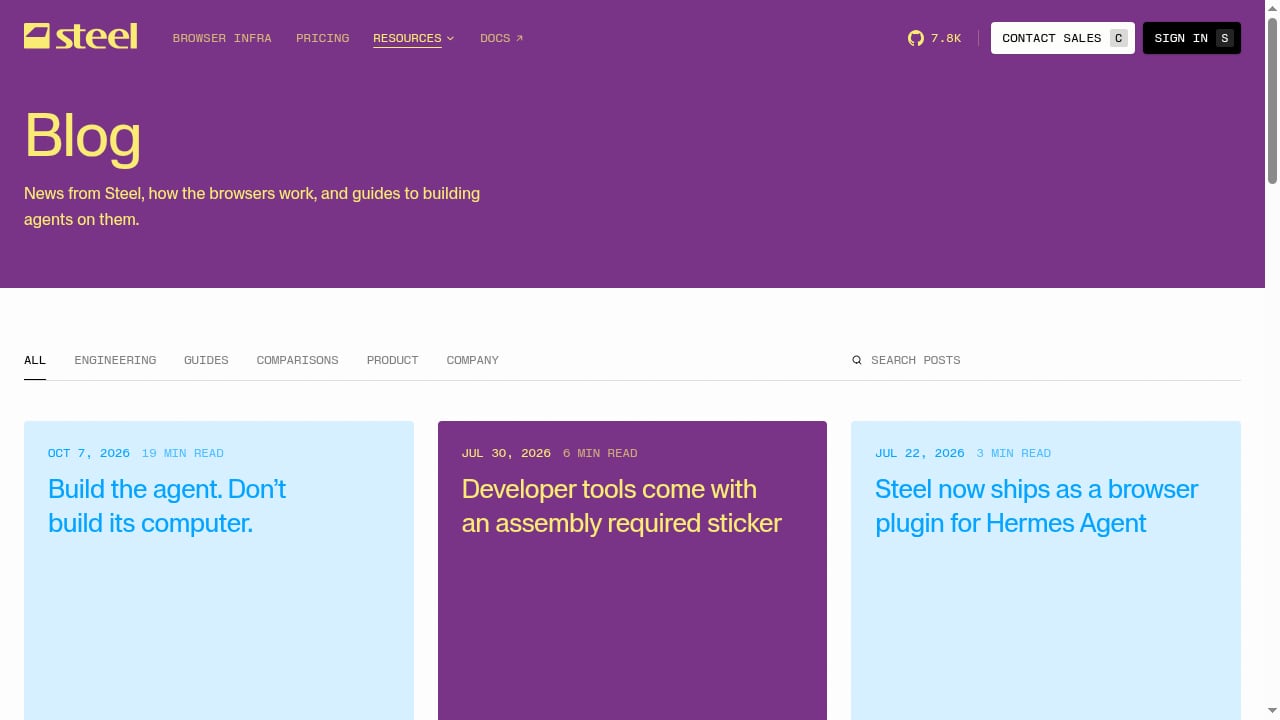
First viewport screenshot of Steel | Blog.
Choose AdsCrawl when:
- You want managed cloud Chromium with CDP access instead of running browser fleets yourself
- Your AI agents need Markdown or JSON output without a custom extraction layer
- You need residential proxy routing, custom proxies, and fingerprint profiles in one platform
- You want stateful browser profiles and live interactive access via
connectUrl - You prefer credit-based pricing with a free tier to test before scaling
Choose Steel when:
- You specifically want open-source browser infrastructure you can run and modify
- Your team already operates browser fleets and wants to keep that control
- You are comfortable building extraction, proxy, and identity layers on top of a browser API
Neither choice is universally correct. The honest framing is that AdsCrawl sells a managed platform with opinionated extraction and identity features, while Steel sells an open-source foundation you operate yourself.
Where this fits in a broader stack
Browser infrastructure rarely stands alone. If you are building the surrounding application in Python, the Python framework guide covers how web, AI, and automation frameworks connect to browser APIs. If you are still deciding between managed browser platforms more broadly, the AdsCrawl vs Lightpanda vs ClawEngine comparison looks at CDP control, rendering, and pricing across three options. And if your pipeline needs both browser rendering and structured data APIs, combining AdsCrawl with OpenWeb Ninja shows a working pattern.
For a wider view of how browser automation APIs are evaluated against each other, the AdsCrawl vs Browserless vs ScrapingBee breakdown is a useful reference on architecture, protocol support, and use-case fit.
Related reading
- AdsCrawl vs Steel: Browser Infrastructure for AI Agents - AdsCrawl vs Steel compared: CDP control, Markdown extraction, anti-bot features, pricing, and which browser API fits AI agents, scraping, and automation.
- Cronitor Review 2026: Features, Pricing, and Real Tradeoffs - Hands-on Cronitor review covering cron job monitoring, uptime checks, pricing, setup, limitations, and who should choose it in 2026.
Sources and further reading
- A2A | APIs.io A2A - Browse A2A Agent Cards published by API providers across the APIs.io network — every provider serving a machine-readable agent discovery manifest at /.well-known/agent-card.json, graded against the A2A 1.0.0 specification.
- Simple Index - ... infrastructure-control · 153957-theme · 15five-django-ajax-selects · 15five ... ai-models · 4tlantic · 4to5 · 4top · 4wdbuddy · 5 · 5-exercise-upload-to-pypi · 5- ...
FAQ
Is Steel open source?
Yes. Steel is described as an open-source browser API for controlling fleets of browsers in the cloud. That means you can run and modify the infrastructure yourself rather than depending entirely on a hosted vendor.
Does AdsCrawl support Playwright and Puppeteer?
Yes. AdsCrawl lets teams connect Playwright, Puppeteer, or any CDP client to real cloud Chromium browsers.
Can AdsCrawl return Markdown for AI agents?
Yes. AdsCrawl can return rendered HTML, Markdown, JSON, or screenshots, which makes it straightforward to feed page content to a model without a separate parsing layer.
Does AdsCrawl include proxies?
AdsCrawl offers 100+ rotating residential proxies and supports residential proxy routing or custom proxies.
How much does AdsCrawl cost?
AdsCrawl has a Free tier with 500 one-time credits, Hobby at $9/month, Starter at $49/month, and Pro at $199/month. Plans differ by monthly credits, browser concurrency, Cloud Browser profile limits, and API key counts.
Which is better for AI agents, AdsCrawl or Steel?
It depends on whether you want a managed platform or an open-source foundation. AdsCrawl provides managed CDP sessions, Markdown extraction, proxy routing, and fingerprint profiles out of the box. Steel gives you open-source browser control that you operate and extend yourself.
Conclusion
AdsCrawl and Steel both belong in the browser infrastructure conversation for AI agents, but they optimize for different owners. AdsCrawl is the managed path: cloud Chromium, CDP sessions, structured output, residential proxies, fingerprint profiles, and credit-based pricing with a free tier to test. Steel is the open-source path: a browser API you run and shape yourself, with the operational work that implies.
If your priority is shipping agent and scraping workflows without owning browser fleet operations, AdsCrawl is the more direct fit. If your priority is open-source control and you have the engineering capacity to operate it, Steel is built for exactly that.