
AdsCrawl vs ApiFlash: Screenshot API or Full Browser?
AdsCrawl vs ApiFlash compared: screenshots, rendered HTML, CDP control, proxies, and pricing. See which browser API fits your scraping workflow.
AdsCrawl vs ApiFlash: Screenshot API or Full Browser?
If you only need a PNG of a URL, almost any screenshot API will do. The decision gets harder when the same pipeline later needs rendered HTML, a logged-in session, a proxy in a specific country, or a script that clicks before it captures. This comparison looks at AdsCrawl and ApiFlash — a screenshot API built on Chromium and AWS Lambda — and where each one stops being the right tool.
What each product actually is
First viewport screenshot of A simple and elegant screenshot API made with Chromium and AWS Lambda..
AdsCrawl is a managed cloud browser and browser automation API. You connect Playwright, Puppeteer, or any CDP client to real cloud Chromium browsers, route traffic through residential or custom proxies, and retrieve rendered HTML, Markdown, JSON, or screenshots. It is powered by AdsPower and offers 100+ rotating residential proxies, with separate endpoints for rendered content (POST /html), structured extraction (POST /spa-extract), screenshots (POST /screenshot), remote CDP sessions, and stateful Cloud Browser profiles.
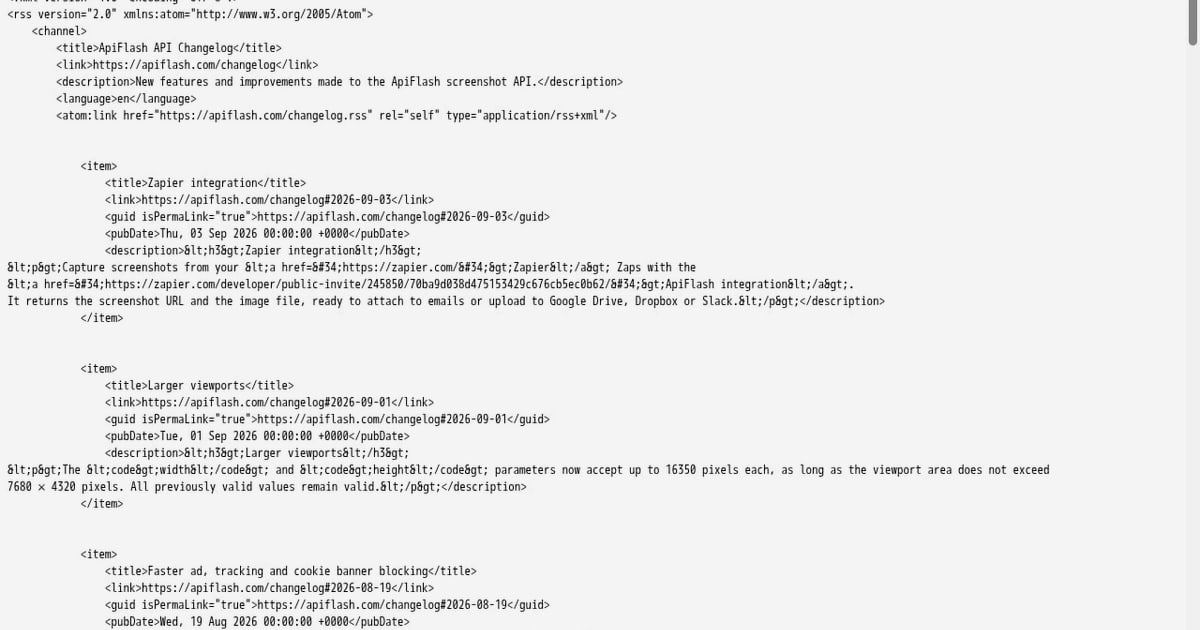
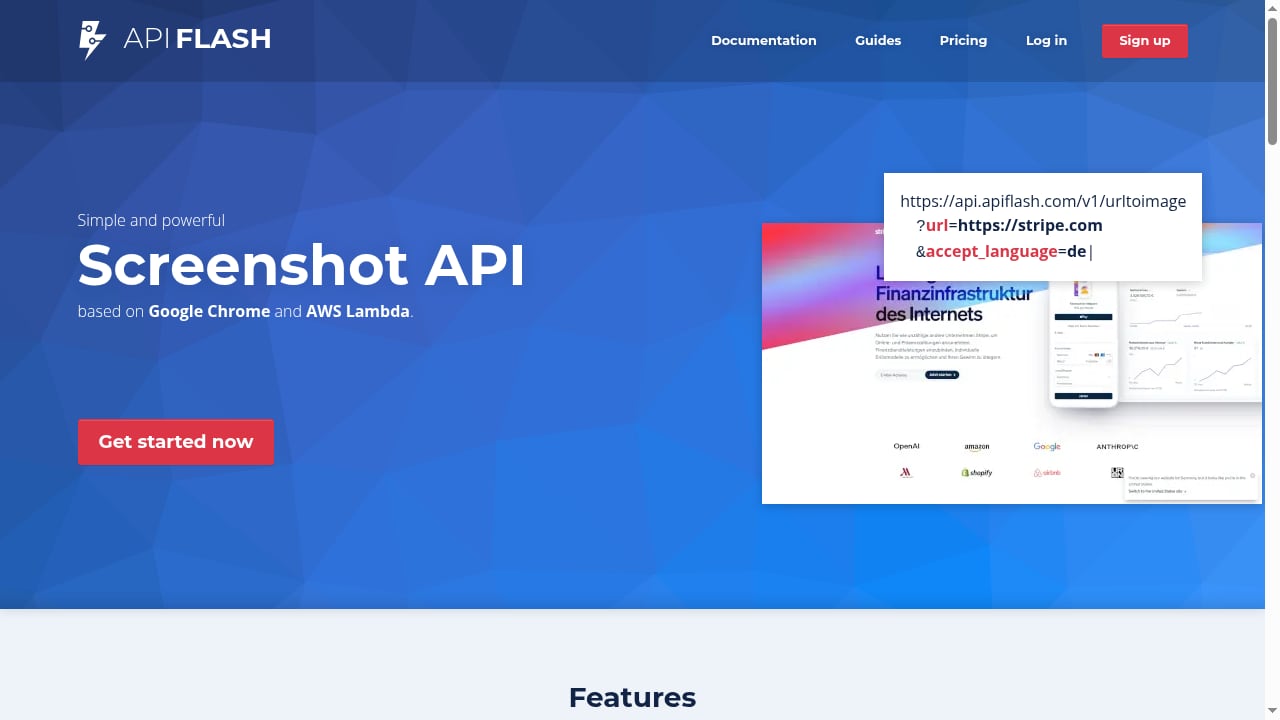
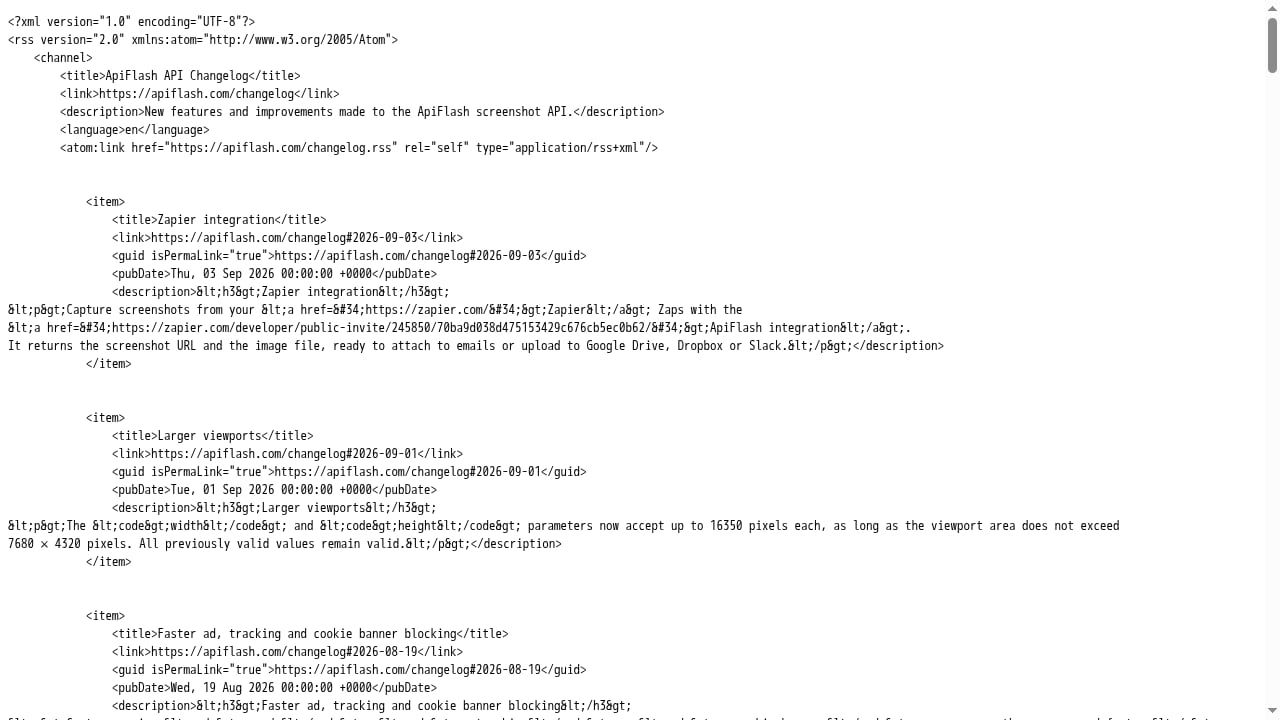
ApiFlash is a screenshot API. It captures pixel-perfect full-page website screenshots at scale, built on Chrome and AWS Lambda. Its job is narrow and deliberate: send a URL, get an image back.
That difference in scope drives almost every other trade-off below.
Feature-by-feature comparison
First viewport screenshot of apiflash.com.
| Capability | AdsCrawl | ApiFlash |
|---|---|---|
| Primary output | PNG screenshot, rendered HTML, Markdown, JSON | Screenshot image |
| Screenshot endpoint | POST /screenshot with fullPage or selector |
Screenshot capture endpoint |
| Full-page capture | Yes, via fullPage |
Yes |
| Element capture | Yes, first matching CSS selector | Not the core workflow |
| Rendered HTML / Markdown | Yes, POST /html with contentMode |
No |
| Structured field extraction | Yes, POST /spa-extract with DOM and network fields |
No |
| Browser scripting (click, fill, navigate) | Yes, via remote CDP sessions | No |
| Playwright / Puppeteer connection | Yes, over CDP | No |
| Proxy routing | Residential pool plus custom proxies | Not the documented focus |
| Persistent browser profiles | Yes, Cloud Browser profiles | No |
| Live interactive browser | Yes, via connectUrl and short-lived tokens |
No |
| Pricing model | Credit-based tiers from Free to $199/month | Screenshot-focused plans |
Where AdsCrawl is the stronger choice
You need more than an image
A screenshot proves what a page looked like. It does not give you the price, the headline, or the table rows. AdsCrawl returns rendered HTML or Markdown from the same browser that rendered the page, so a monitoring job can capture an image and parse the DOM in one workflow. The screenshot endpoint itself is explicit that it returns PNG bytes and is not an OCR service — if you need readable text, you use the HTML or Markdown path instead. ApiFlash does not offer that path at all.
The page needs interaction before capture
Cookie banners, lazy-loaded galleries, and "load more" buttons all break naive capture. AdsCrawl supports documented wait conditions on POST /screenshot and lets you step up to a remote CDP session when waiting is not enough — navigate, click, fill forms, then collect results in the same session. A screenshot-only API has no equivalent escape hatch.
Geography and identity matter
AdsCrawl routes each browser through the region the target site expects, with 100+ rotating residential proxies and support for your own proxy configuration. For geo-restricted pages, IP conflicts, or unavailable proxy nodes, that is the difference between a capture and a block. ApiFlash's documented positioning does not center on proxy routing.
You want session continuity
Cloud Browser profiles persist settings across tasks, so a workflow can reuse cookies and browser context instead of starting cold every run. AdsCrawl is also upfront that login validity still depends on the target website — profiles are not a guarantee of permanent access. ApiFlash has no session concept to compare against.
You want one vendor for screenshots and automation
Teams running production scraping, QA, and monitoring usually end up with two tools when they start with a screenshot API: one for images, one for everything else. AdsCrawl covers both, which reduces integration surface and credential sprawl.
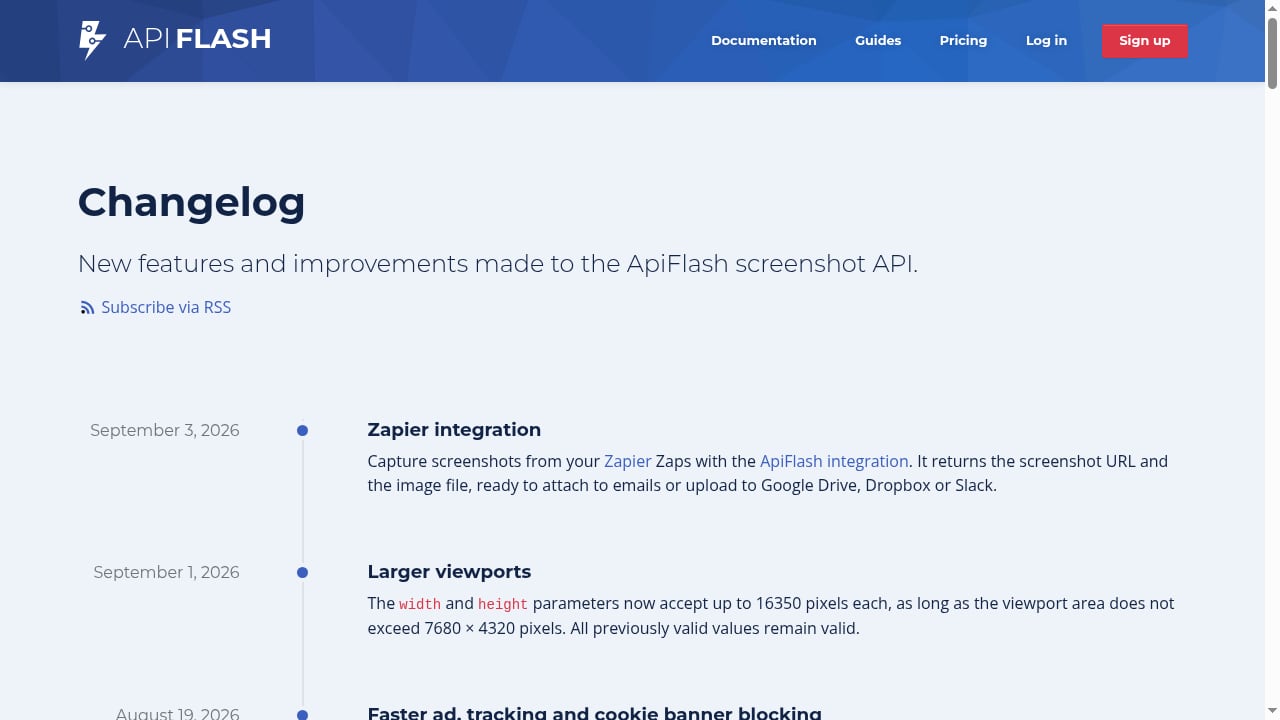
Where ApiFlash is the stronger choice
First viewport screenshot of ApiFlash screenshot API changelog..
Pure screenshot volume at low cost
If your only requirement is images, a purpose-built screenshot API is simpler to adopt. Independent comparisons of screenshot services list ApiFlash among the cheapest options at low monthly volumes, with a free allowance and a low entry price. AdsCrawl's Free tier gives 500 one-time credits, Hobby is $9/month, Starter is $49/month, and Pro is $199/month — plans differ by monthly credits, browser concurrency, Cloud Browser profile limits, and API key counts. For a team that captures a few hundred images a month and nothing else, the narrower tool can be the cheaper one.
Minimal integration surface
ApiFlash's value is that there is almost nothing to learn. No CDP session lifecycle, no proxy configuration, no profile cleanup, no DELETE /cdp/sessions/:sessionId call to remember. If your team has no browser automation experience, that simplicity is a real feature.
Serverless scaling model
Building on Chrome and AWS Lambda means capacity scales with demand without you managing browser hosts. AdsCrawl also removes host management, but it exposes more knobs — concurrency, proxies, fingerprints, waits, cookies — and more knobs mean more decisions.
Cost and credit behavior to watch
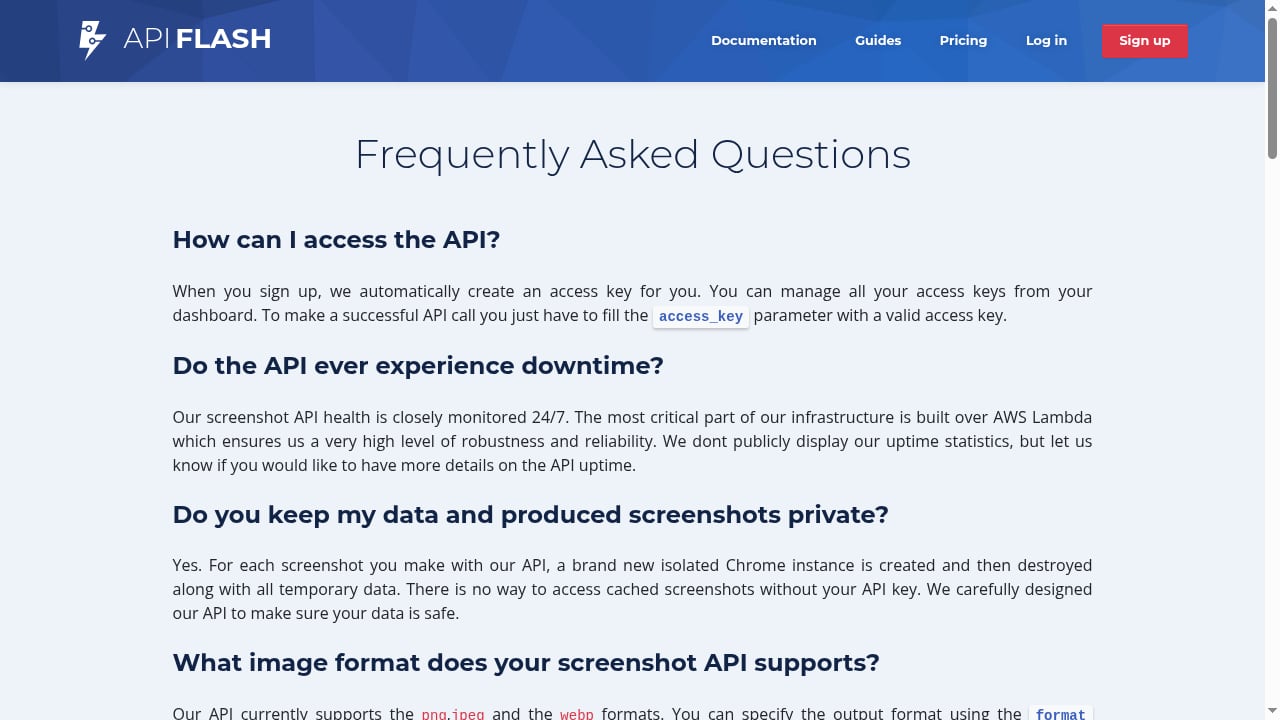
First viewport screenshot of The most frequently asked questions about ApiFlash..
Both products meter usage, and both can surprise you if you schedule captures carelessly. AdsCrawl's own documentation notes that captures consume account credits and browser capacity, and recommends reviewing pricing before scheduling frequent screenshots. It also documents the failure modes you should handle: HTTP 402 means check your balance, HTTP 429 means lower concurrency and retry with backoff. ApiFlash's pricing is screenshot-centric, which makes forecasting easier when screenshots are the only thing you buy.
The honest framing: compare your real monthly volume, not the headline tier. A screenshot-only bill at 10,000 images and a browser-API bill at the same volume are not measuring the same work, because the browser API can also return the HTML you would otherwise scrape separately.
Practical example: the same task in both tools
Capturing a full page in AdsCrawl is a single request. The response is binary image data, so save it as a file rather than parsing it as JSON:
curl --fail-with-body -sS \
  -X POST "https://api.adscrawl.net/screenshot" \
  -H "x-api-key: $ADSCRAWL_API_KEY" \
  -H "content-type: application/json" \
  -d '{
    "url": "https://www.adscrawl.net",
    "fullPage": true,
    "waitUntil": "load"
  }' \
  --output screenshot.png
Add "selector": "main" to capture one element instead of the whole page. Two caveats from the docs are worth repeating: a failed response may contain error text instead of PNG bytes, so check the HTTP status before saving, and a load event does not guarantee lazy-loaded images are ready.
If you later need the page's text, the same account can call POST /html with contentMode set to markdown. With a screenshot-only API, that second step means a second vendor.
Which should you pick?
Choose ApiFlash when screenshots are the entire job, volume is modest, and you want the smallest possible integration. Choose AdsCrawl when the screenshot is one step in a larger workflow — dynamic pages that resist simple HTTP requests, authenticated sessions, geo-specific routing, structured extraction, or scripted interaction.
A useful test: write down everything your pipeline will need in the next six months. If the list contains the words "click," "log in," "proxy," or "parse," a screenshot API will not be enough.
For related setups, see how to connect Puppeteer to AdsCrawl's cloud Chromium over CDP and how the Playwright Node.js client works with cloud browsers. If you are still weighing broader options, the top AI browser automation platforms comparison covers anti-bot handling and session persistence.
Related reading
- WebHarvy Review 2026: Pay-Once Visual Scraper Tested - Hands-on WebHarvy review: point-and-click scraping, AI/LLM extraction, MCP support, pricing signals, limits, and who should buy it in 2026.
Sources and further reading
- Browser Automation API for Dynamic Websites | AdsCrawl - Connect with Playwright, Puppeteer, or CDP in a full browser environment with residential proxy routing for dynamic pages, authenticated sessions, and structured web data.
FAQ
Can AdsCrawl replace a screenshot API entirely?
For capture workflows, yes. POST /screenshot returns a PNG and supports fullPage and selector options. AdsCrawl also handles rendered HTML, Markdown, and structured extraction, so it can absorb adjacent jobs a screenshot-only API cannot.
Does ApiFlash return rendered HTML or extracted data?
Its documented purpose is screenshot capture at scale on Chrome and AWS Lambda. Rendered-content and structured-extraction workflows are not part of that scope.
Is AdsCrawl more expensive than ApiFlash?
It depends on volume and on what else you would otherwise buy. AdsCrawl's paid tiers run from $9/month (Hobby) to $199/month (Pro), with a Free tier of 500 one-time credits. Screenshot-service comparisons place ApiFlash among the lower-cost options at small monthly volumes. Compare against your full stack cost, not just the screenshot line item.
Can I capture a single element instead of the full page?
Yes, in AdsCrawl. Pass a CSS selector and the endpoint captures the first matching element. Confirm the element exists first — the endpoint does not capture every match in one request.
What happens if I run out of credits or hit a rate limit in AdsCrawl?
HTTP 402 indicates a balance issue; check your credit balance and plan in the dashboard. HTTP 429 indicates rate limiting; lower your concurrency and retry with backoff.
Conclusion
ApiFlash does one thing and does it with minimal friction: turn a URL into an image. AdsCrawl does that too, but its real value appears when the page fights back — when you need a real browser identity, a proxy in the right country, a session that survives between runs, or the page's text alongside its picture. Pick the narrow tool if screenshots are the whole story. Pick the browser platform if the screenshot is only the first chapter.
For a broader look at how these decisions play out across vendors, see the screenshot API comparison covering ten services and AdsCrawl's own screenshot API documentation.