
How to Use AdsCrawl with Puppeteer: Cloud Browser Guide
Connect Puppeteer to AdsCrawl's cloud Chromium over CDP. Setup, a full Node.js example, proxy routing, session cleanup, and common pitfalls.
How to Use AdsCrawl with Puppeteer: Cloud Browser Guide
Puppeteer is a solid driver for Chromium, but running it locally means shipping a browser binary, babysitting memory, and hoping your IP survives the first bot check. AdsCrawl flips that model: it runs real cloud Chromium instances and exposes them over the Chrome DevTools Protocol (CDP), so your existing Puppeteer script attaches to a remote browser instead of launching one. This guide walks through the full workflow — session creation, endpoint discovery, puppeteer.connect, proxy routing, and cleanup — plus the failure modes that trip people up.
Why pair AdsCrawl with Puppeteer
First viewport screenshot of Changelog | Puppeteer.
Puppeteer gives you fine-grained page control: navigation, evaluate, selectors, screenshots, network interception. What it does not give you out of the box is browser identity, proxy rotation, or infrastructure that scales past a single machine.
AdsCrawl fills exactly that gap. It is a managed cloud browser and browser automation API built for developers who need to scrape, test, or monitor dynamic sites that resist plain HTTP requests. The relevant pieces for a Puppeteer workflow:
- Remote CDP sessions — create a session, get a WebSocket debugger endpoint, attach Puppeteer to it.
- Proxy routing — route the browser through residential proxies (100+ rotating options) or bring your own proxy, so requests come from the region your target expects.
- Stateful browser profiles — via the separate Cloud Browser API, settings and cookies persist across tasks.
- Structured output alternatives — if you do not need scripted interaction,
POST /htmlreturns rendered HTML or Markdown, andPOST /screenshotcaptures PNGs, which is often cheaper than driving a full session.
The division of labor is clean: AdsCrawl owns the browser, the network identity, and the proxy layer; Puppeteer owns the script logic.
How the two products fit together
| Layer | Handled by |
|---|---|
| Browser process, Chromium version, machine resources | AdsCrawl |
| IP identity, proxy rotation, geo routing | AdsCrawl |
| Session lifecycle and concurrency limits | AdsCrawl |
Navigation, clicks, form fills, evaluate |
Puppeteer |
| Data parsing and downstream pipeline | Your application |
One important constraint: this integration targets Chromium over CDP. It does not provide a Firefox or WebDriver BiDi session. If your script depends on those, this is not the right fit.
Prerequisites
Before writing any code, line up these items:
- Node.js with
fetchsupport (Node 18+ is the safe baseline). puppeteer-core, not fullpuppeteer. You do not need a local Chromium download because the browser runs remotely:
npm install puppeteer-core
- An AdsCrawl API key, stored as a server-side environment variable. Never ship it to the browser or commit it to a repo:
export ADSCRAWL_API_KEY="your_key_here"
- Awareness of your plan limits. AdsCrawl pricing is credit-based: a Free tier with 500 one-time credits, Hobby at $9/month, Starter at $49/month, and Pro at $199/month. Plans differ by monthly credits, browser concurrency, Cloud Browser profile limits, and API key counts — concurrency is the one that will bite you first in a Puppeteer loop.
Step-by-step: connect Puppeteer to an AdsCrawl cloud browser
First viewport screenshot of Puppeteer.
Step 1 — Create a CDP session
Send a POST to /cdp/sessions. The response includes a sessionId and a cdpBaseUrl. Keep both; you will need the first to clean up and the second to find the browser.
const base = "https://api.adscrawl.net";
const headers = {
  "x-api-key": process.env.ADSCRAWL_API_KEY,
  "content-type": "application/json",
};

const response = await fetch(base + "/cdp/sessions", {
  method: "POST",
  headers,
  body: JSON.stringify({ idleTimeoutMs: 600000 }),
});
if (!response.ok) throw new Error(await response.text());
const session = await response.json();
Step 2 — Discover the WebSocket debugger endpoint
The session's cdpBaseUrl is a base, not the endpoint itself. Append /json/version to it and read webSocketDebuggerUrl from the response. Preserve the token embedded in the URL — stripping it will break the connection.
const discovery = new URL(session.cdpBaseUrl);
discovery.pathname += "/json/version";
const version = await fetch(discovery);
if (!version.ok) throw new Error(await version.text());
const { webSocketDebuggerUrl } = await version.json();
Step 3 — Attach with puppeteer.connect
This is the line that replaces puppeteer.launch. You are not starting a browser; you are joining one that is already running.
const browser = await puppeteer.connect({
  browserWSEndpoint: webSocketDebuggerUrl,
});
Step 4 — Run your page operations
From here, the API is the Puppeteer you already know. Navigate, evaluate, extract, screenshot.
const page = await browser.newPage();
await page.goto("https://www.adscrawl.net", { waitUntil: "domcontentloaded" });
console.log(await page.title());
Step 5 — Disconnect and delete the session
This is the step people skip, and it costs them money. browser.disconnect() only detaches your client; it does not end the remote session or its lifecycle. You must call DELETE /cdp/sessions/:sessionId explicitly.
await browser.disconnect();

const stopped = await fetch(base + "/cdp/sessions/" + session.sessionId, {
  method: "DELETE",
  headers,
});
if (!stopped.ok) throw new Error(await stopped.text());
The complete script
Wrap the whole thing in nested try/finally blocks so a mid-script failure still releases the session:
import puppeteer from "puppeteer-core";

const base = "https://api.adscrawl.net";
const headers = {
  "x-api-key": process.env.ADSCRAWL_API_KEY,
  "content-type": "application/json",
};

const response = await fetch(base + "/cdp/sessions", {
  method: "POST",
  headers,
  body: JSON.stringify({ idleTimeoutMs: 600000 }),
});
if (!response.ok) throw new Error(await response.text());
const session = await response.json();

try {
  const discovery = new URL(session.cdpBaseUrl);
  discovery.pathname += "/json/version";
  const version = await fetch(discovery);
  if (!version.ok) throw new Error(await version.text());
  const { webSocketDebuggerUrl } = await version.json();

  const browser = await puppeteer.connect({
    browserWSEndpoint: webSocketDebuggerUrl,
  });

  try {
    const page = await browser.newPage();
    await page.goto("https://www.adscrawl.net");
    console.log(await page.title());
  } finally {
    await browser.disconnect();
  }
} finally {
  const stopped = await fetch(base + "/cdp/sessions/" + session.sessionId, {
    method: "DELETE",
    headers,
  });
  if (!stopped.ok) throw new Error(await stopped.text());
}
Save it as an .mjs file and run it with the API key already exported in your shell.
Practical example: scrape a JavaScript-rendered product page
First viewport screenshot of What is Puppeteer? | Puppeteer.
The pattern above becomes genuinely useful when the target page only renders after client-side JavaScript runs. A typical flow:
- Create a session with a proxy routed to the region the store serves.
- Connect Puppeteer and navigate with
waitUntil: "networkidle2"or an explicit selector wait. - Use
page.evaluateto pull structured fields out of the rendered DOM. - Disconnect and delete the session in
finally.
await page.goto(productUrl, { waitUntil: "networkidle2" });
await page.waitForSelector("[data-price]");

const product = await page.evaluate(() => ({
  title: document.querySelector("h1")?.innerText.trim(),
  price: document.querySelector("[data-price]")?.innerText.trim(),
  inStock: !!document.querySelector("[data-stock='available']"),
}));

console.log(product);
If you find yourself writing this same extraction logic repeatedly, step back and check whether you need Puppeteer at all. AdsCrawl's POST /spa-extract endpoint takes a template of CSS selectors and network JSON paths and returns structured fields directly, reporting anything it could not find in missingFields. For read-only extraction at volume, that is usually cheaper and simpler than maintaining a browser script.
When to use Puppeteer over the simpler HTTP APIs
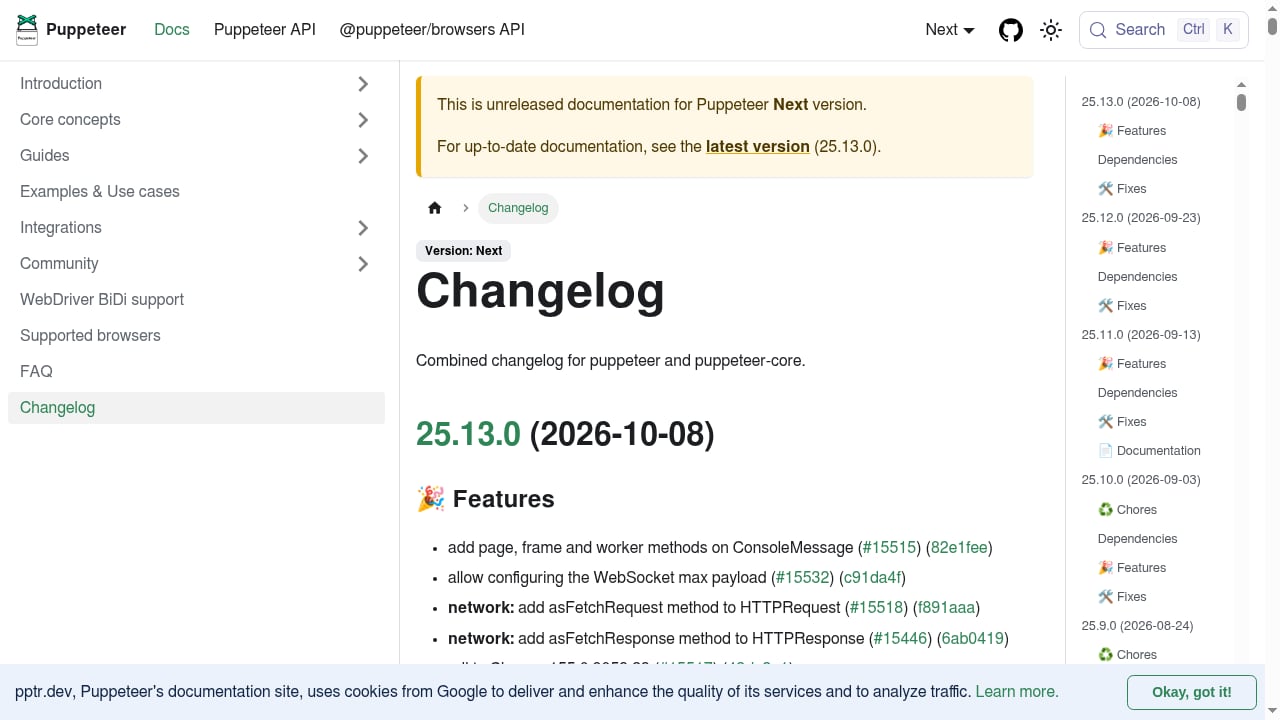
First viewport screenshot of Changelog | Puppeteer.
AdsCrawl exposes several workflows, and picking the wrong one is the most common source of wasted effort:
POST /html— rendered HTML or Markdown from a single page. Best for content extraction where no interaction is needed.POST /screenshot— PNG output, withfullPageor aselectorto capture one element. Best for visual monitoring and evidence capture.POST /spa-extract— structured fields from dynamic pages via templates. Best for repeatable data pipelines.- Remote CDP session — full scripted control. Best when you need clicks, form fills, multi-step navigation, or conditional logic mid-flow.
- Cloud Browser — a persistent profile plus a live viewer. Best when you need to stay signed in across runs.
Choose Puppeteer when the task is genuinely interactive. If a single POST /html call would return what you need, use that instead — it is less code, fewer failure points, and no session to clean up.
Common pitfalls and how to avoid them
Using puppeteer.launch instead of puppeteer.connect. launch starts a browser process in your own environment. For a remote session you always want connect.
Assuming disconnect ends the session. It does not. The remote browser keeps running and consuming resources until you DELETE it.
Leaking session URLs into logs. Session URLs contain access tokens. Keep them server-side and out of public logs, error trackers, and CI output.
Ignoring latency. Remote execution adds network round-trips. Budget for it in timeouts rather than assuming local-machine speed.
Forgetting concurrency limits. If you get HTTP 429, you are pushing past your plan's browser concurrency. Lower the parallelism and retry with backoff. If you get HTTP 402, check your credit balance in the dashboard.
Reusing a deleted session. You cannot. Create a new temporary session for each job. If you need continuity across jobs, that is what the Cloud Browser profile API is for.
Assuming local-only features carry over. Extensions, local file access, and a specific browser version are assumptions worth re-checking before you migrate an existing script.
Debugging a failing connection
When the script hangs or throws, work through the chain in order:
- Did
POST /cdp/sessionsreturn asessionIdandcdpBaseUrl? If not, read the error body — it usually names the problem. - Did the
/json/versionfetch succeed? A failure here often means the token was dropped when the URL was rebuilt. - Did
puppeteer.connectresolve? If not, confirm you passedbrowserWSEndpointand not a raw base URL. - Did
page.gototime out? Check the proxy route, then the wait condition — a selector that never appears will hang until the timeout fires.
For teams running this at scale alongside other infrastructure, it is worth comparing how browser APIs stack up on CDP control, proxy handling, and pricing before committing — see our AdsCrawl vs Steel comparison and the 2026 browser API guide for side-by-side breakdowns.
Related reading
- AdsCrawl vs Scrapy vs Thunderbit: Which Scraper Wins in 2026? - Compare AdsCrawl, Scrapy, and Thunderbit for web scraping in 2026. See which tool fits dynamic sites, Python pipelines, or no-code extraction.
- Python Framework Guide: Web, AI & Automation in 2026 - Compare Python frameworks for web, AI, data, and automation. Includes selection criteria, code examples, and how browser APIs fit modern Python stacks.
Sources and further reading
- Puppeteer Cloud Browser for Remote Automation | AdsCrawl - Connect Puppeteer to an AdsCrawl cloud Chromium browser over CDP. Discover the remote WebSocket endpoint, run Node.js scripts and delete sessions when finished.
- Browser Automation API for Dynamic Websites | AdsCrawl - Connect with Playwright, Puppeteer, or CDP in a full browser environment with residential proxy routing for dynamic pages, authenticated sessions, and structured web data.
- Run a Real Browser API - AdsCrawl - See how AdsCrawl turns dynamic web pages into rendered HTML, clean Markdown, screenshots, and controllable browser sessions.AdsCrawl supports Playwright, Pup...
FAQ
Do I use puppeteer.launch or puppeteer.connect with AdsCrawl?
puppeteer.connect. The browser is already running in AdsCrawl's cloud; you are attaching to it, not starting it. launch would spin up a process in your own environment, which defeats the purpose.
Do I need to download Chromium locally?
No. Install puppeteer-core, which provides the client library without bundling a browser binary. AdsCrawl runs the Chromium instance.
Does browser.disconnect() end the remote session?
No. Disconnecting only detaches your Puppeteer client. The session keeps running until you call DELETE /cdp/sessions/:sessionId. Always put that call in a finally block.
Can I reuse a session after deleting it?
No. Deleted sessions are gone. Create a new temporary session per job. If you need settings and cookies to persist across jobs, use the Cloud Browser API instead.
Can I route Puppeteer traffic through a specific country?
Yes. AdsCrawl supports residential proxy routing with 100+ rotating proxies, and you can supply your own proxy configuration on supported endpoints. Put proxy credentials in the designated fields, not inside the proxy server URL.
Does this work with Firefox or WebDriver BiDi?
No. The integration targets Chromium over CDP. Firefox and WebDriver BiDi sessions are not supported through this path.
What should I do about HTTP 429 errors?
Reduce concurrency and retry with exponential backoff. A 429 means you have exceeded your plan's browser concurrency limit, which varies by tier.
Can I use cookies to reach signed-in pages?
Supported tasks and Cloud Browser workflows accept cookies. Use them only for accounts you are authorized to access, and verify domain, path, and expiration. For multi-step sign-in flows, a CDP session is the better fit.
Conclusion
Connecting Puppeteer to AdsCrawl comes down to five moves: create a CDP session, discover the WebSocket endpoint via /json/version, attach with puppeteer.connect, run your page logic, then disconnect and delete the session. The payoff is that you stop maintaining browser binaries and proxy pools, and start treating browser automation as infrastructure you call rather than software you host.
The most common mistakes are lifecycle mistakes, not code mistakes — forgetting to delete sessions, leaking token-bearing URLs, or reaching for Puppeteer when a single POST /html call would have done the job. Get those right and the integration is genuinely low-maintenance. Start with the Free tier's 500 one-time credits, prove the workflow on one real target page, and scale concurrency only once the cleanup logic is airtight.