
Top 10 AI Browser Automation Platforms in 2026: Ranked
We ranked the top 10 AI browser automation platforms of 2026 by anti-bot handling, session persistence, cost, and scale. See which fits your stack.
Top 10 AI Browser Automation Platforms in 2026
Most AI browser automation platforms look flawless in a demo and stall the first time they meet a login wall or a Cloudflare challenge. Clicking through a test page is easy. Keeping an agent unblocked, logged in, and stable across thousands of real pages is the actual job.
That gap is what this ranking is built around. Below are the ten platforms that genuinely belong to the AI browser automation category in 2026, scored on the things that decide whether an agent finishes a task or dies on page three.
What Counts as an AI Browser Automation Platform
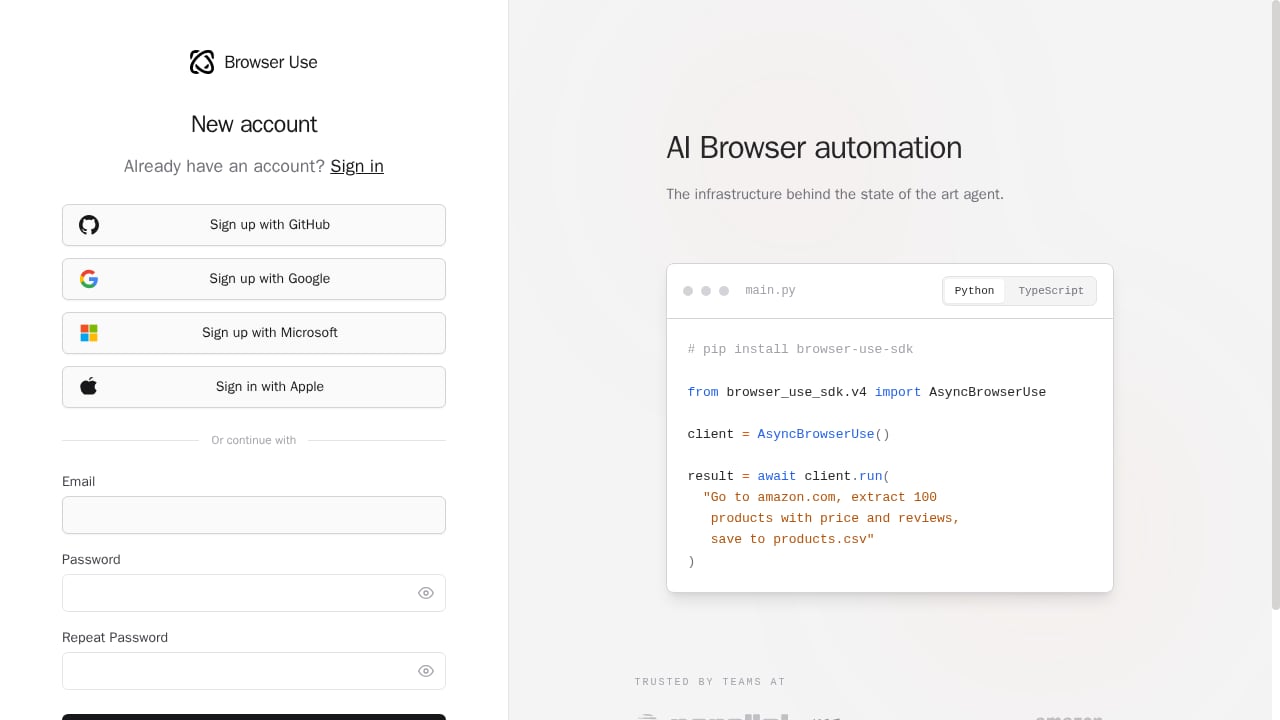
First viewport screenshot of Browser Use Cloud.
"Browser agent" gets used loosely. Three different products hide behind the phrase, and only one belongs in this list:
- Consumer AI browsers (ChatGPT Atlas, Perplexity Comet, Edge Copilot): a person browses, with a chat sidebar helping. Not ranked here.
- Agentic developer tools: you give a goal in plain language, the agent plans and executes browser steps through an API, SDK, or CLI. This is the category.
- Browser runtime: the managed or self-hosted browser the agent runs on. Ranked here when it is sold as agent infrastructure.
If you want a consumer browser for daily reading, that is a different purchase. If you want an agent to complete a multi-step workflow on a site that fights back, keep reading.
How We Ranked These Platforms
No lab benchmarks alone. Each platform was scored against five production-weighted criteria:
- Anti-bot and unblocking: does the browser underneath survive Cloudflare, DataDome, or PerimeterX, or does the agent loop on a challenge page?
- Session and state handling: can it hold an authenticated session across a multi-step flow?
- Autonomy and reliability: does it adapt when a selector changes, and what does the published success rate actually cover?
- Developer experience: API, SDK, and CDP support, plus how fast you can go from signup to a working run.
- Pricing transparency: per-task, per-hour, per-session, or per-credit, and whether retries quietly multiply the bill.
One note on scope: AdsCrawl is a managed cloud browser and browser automation API, not an AI browser automation platform, so it is not ranked. It shows up later where it is genuinely relevant, as a runtime you can point a Playwright or Puppeteer agent at when you need proxy routing and structured extraction from tough dynamic pages.
The Top 10 AI Browser Automation Platforms in 2026
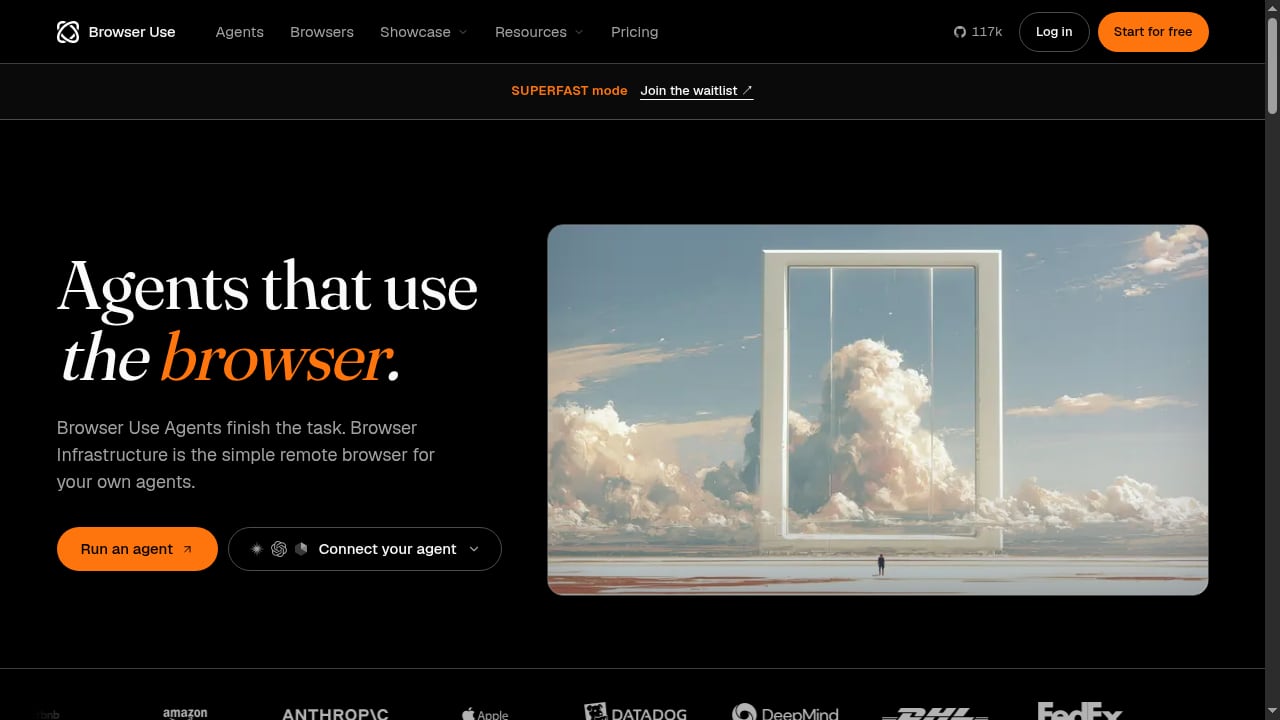
First viewport screenshot of Browser Use Agents & Browser Infrastructure | Browser Use.
1. Browser Use
Best for: teams that want open-source flexibility plus a managed cloud when they scale.
Browser Use started as the leading open-source framework for AI browser agents and now runs a full cloud platform on top of it. The library is MIT-licensed with a large, active community, and the cloud side adds hosted agents plus managed browsers that Playwright and Puppeteer reach over CDP.
The product splits cleanly in two. Browser Use Agents finish tasks end-to-end from a plain-language goal. Browser Infrastructure provides managed browsers built for protected sites via SDK, REST, or CDP. You paste a connection URL and start automating.
Evidence: Browser Use reports 82% accuracy on its Internal Bench Hard and a cost of 17¢ per solved task and $0.02 per browser hour. Earlier public benchmark work recorded a high success rate on WebVoyager across hundreds of web tasks. It also ships an open-source LLM (BU-30B-A3B-Preview) for cost-efficient execution and supports bring-your-own-key LLM integration.
Watch out for: self-hosting leaves model and infrastructure costs to you, and site access is never guaranteed.
2. Browserbase
Best for: teams that want managed browser infrastructure and nothing else to manage.
Browserbase positions itself simply: give your agents access to the whole web. It is a cloud platform for running headless browsers at scale, with session management, debugging tools, and the plumbing that makes agent runs reproducible.
Evidence: it appears consistently in independent 2026 roundups as the reference managed-infrastructure option, with usage-based pricing and a trial tier. Reviewers group it with Steel and Firecrawl as the managed runtime layer rather than as an agent framework.
Watch out for: it is infrastructure, not an agent. You still bring the reasoning layer, and anti-bot handling is limited compared with platforms that bundle unlocking.
3. Skyvern
Best for: no-code, form-heavy workflows.
Skyvern targets the workflows that break most agents: insurance quote requests, government form submissions, and job applications. It combines an open-source framework with a cloud offering and leans into form filling rather than general browsing.
Evidence: independent testing in 2026 recorded roughly 85.85% on WebVoyager, with reviewers noting it leads on form-filling tasks. Reported use cases include completing a 30-field form in about 90 seconds versus 12+ minutes manually.
Watch out for: anti-bot handling is limited, so heavily protected targets still need a stronger runtime underneath.
4. Steel
Best for: developers who want an open-source browser API to build on.
Steel is an open-source browser API and managed cloud for agent workloads. It gives you programmatic control of cloud browsers and is frequently paired with agent frameworks rather than used as a standalone agent.
Evidence: it appears in 2026 roundups as a managed infrastructure option with per-session pricing and an open-source core. It is commonly compared directly against other browser APIs on CDP control and pricing.
Watch out for: like Browserbase, it is a runtime. Unblocking and session persistence depend on how you configure it.
5. Firecrawl
Best for: teams whose primary need is web data rather than general browsing.
Firecrawl built its reputation on search and scrape, then added a managed browser sandbox for agent sessions. The result is a platform that covers extraction, monitoring, and interaction in one place.
Evidence: the open-source project has crossed 180,000 GitHub stars. Its Agent endpoint takes a described outcome and returns structured results, and its monitoring feature runs recurring scrapes on a schedule with change alerts. Pricing starts with a free tier and moves to per-page credits.
Watch out for: the pricing model is credit-based, so high-volume browsing can cost more than a per-hour browser.
6. Vercel Agent Browser
Best for: AI coding assistants and CLI-driven workflows.
Vercel's Agent Browser is a headless browser automation CLI built for AI agents, with a fast Rust core and a Node.js fallback. Its snapshot workflow returns an accessibility tree with element references, which makes element selection deterministic instead of guesswork.
Evidence: the project has roughly 12,000 GitHub stars and is backed by Vercel Labs. Reviewers in 2026 position it as the go-to CLI for tools like Claude Code and Cursor.
Watch out for: it is self-managed. You supply the infrastructure and any unblocking layer.
7. Stagehand
Best for: TypeScript developers who want an agent SDK rather than a full platform.
Stagehand is an open-source SDK that sits between raw Playwright and a fully autonomous agent. You can mix deterministic Playwright actions with natural-language steps in the same script, which keeps critical paths stable while letting the model handle the messy parts.
Evidence: the project has around 23,000 GitHub stars and appears in 2026 roundups as the TypeScript-first option for developers building custom agents.
Watch out for: it is a library, not a managed service. Scaling, proxies, and anti-bot handling are your problem.
8. Bright Data Agent Browser
Best for: enterprise teams that need scale and built-in unlocking.
Bright Data's Agent Browser is purpose-built for production agents, with autonomous unlocking and a global proxy network behind it. It supports Puppeteer, Playwright, and Selenium, so existing automation code carries over.
Evidence: Bright Data reports support for over a million concurrent sessions, CAPTCHA solving and anti-bot bypass across millions of domains, and SOC 2 Type II and HIPAA compliance. Pricing starts around $5 per GB with volume discounts.
Watch out for: the pricing model is bandwidth-based, which is hard to forecast for browsing-heavy agents that load large pages.
9. Scrapfly AI Browser Agent
Best for: plain-language goals on a browser that stays unblocked.
Scrapfly bundles three surfaces: an AI browser agent, a cloud browser API for running any framework at scale, and a web scraping API for extraction. The unblocker clears a long list of anti-bot systems, and the cloud browser manages fingerprinting from real device profiles.
Evidence: Scrapfly states its unblocker handles 25+ anti-bot systems including Cloudflare, DataDome, and Akamai. The company is transparent that it ranks its own products first, and it excludes managed competitors from its list for that reason.
Watch out for: the self-ranking caveat is real. Treat the placement as a vendor claim and test against your own targets.
10. Playwright
Best for: building your own deterministic agent on a stable base.
Playwright is not an AI platform, but it is the automation engine most agent frameworks are built on, and it deserves a place because it is often the right answer. If your workflow is stable and repeatable, a deterministic script beats a probabilistic agent on cost and reliability every time.
Evidence: Playwright supports Python, JavaScript, Java, and .NET, and it is named in every 2026 roundup as the deterministic base layer. It is free and open source.
Watch out for: scripts break when selectors change. That brittleness is exactly why agents exist.
Quick Comparison
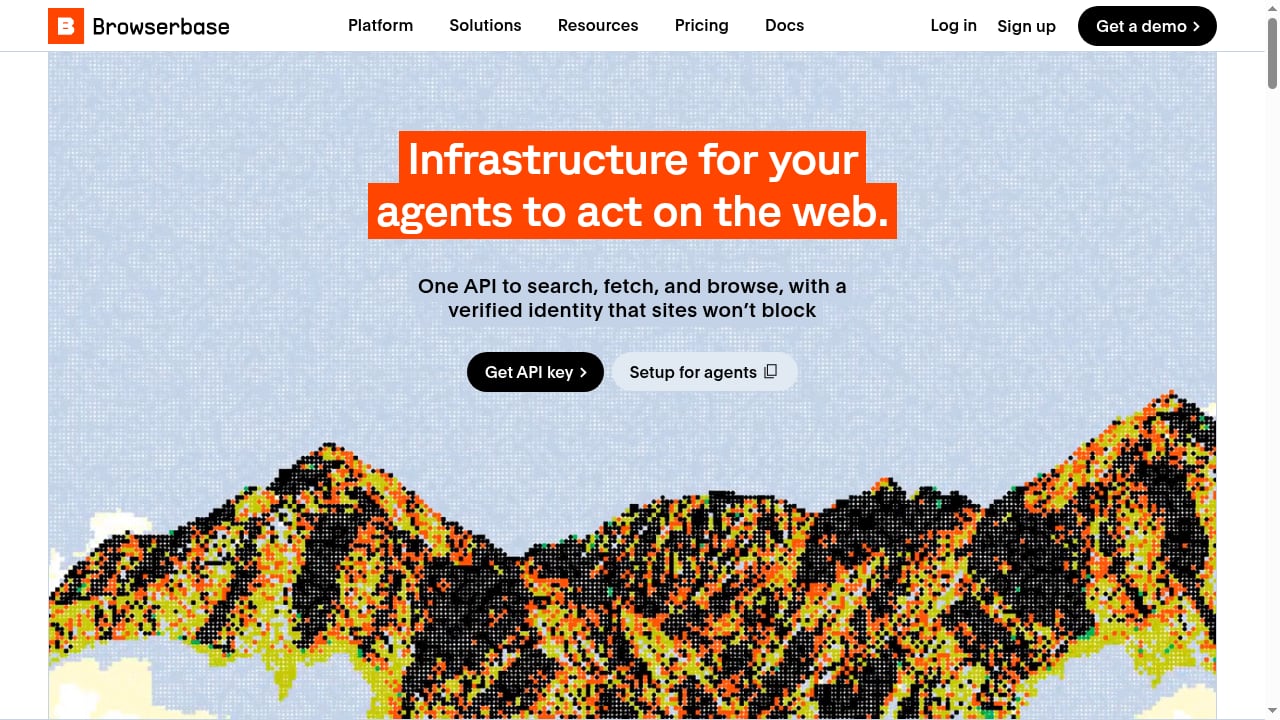
First viewport screenshot of Browserbase.
| Platform | Type | Best for | Pricing model |
|---|---|---|---|
| Browser Use | Framework + cloud | Custom agents, managed browsers | Free OSS; $0.02/browser hour |
| Browserbase | Managed infrastructure | Headless browsers at scale | Usage-based |
| Skyvern | Framework + cloud | No-code form automation | Free tier, usage-based |
| Steel | Open-source browser API | Building on a browser API | Per-session |
| Firecrawl | API + sandbox | Web data extraction | Free tier, per-page credits |
| Vercel Agent Browser | CLI | AI coding assistants | Free OSS |
| Stagehand | SDK | TypeScript agent builders | Free OSS |
| Bright Data Agent Browser | Enterprise infrastructure | Scale and unlocking | $5-8/GB |
| Scrapfly AI Browser Agent | Managed agent | Unblocked plain-language goals | Usage-based |
| Playwright | Automation engine | Deterministic automation | Free OSS |
How to Choose
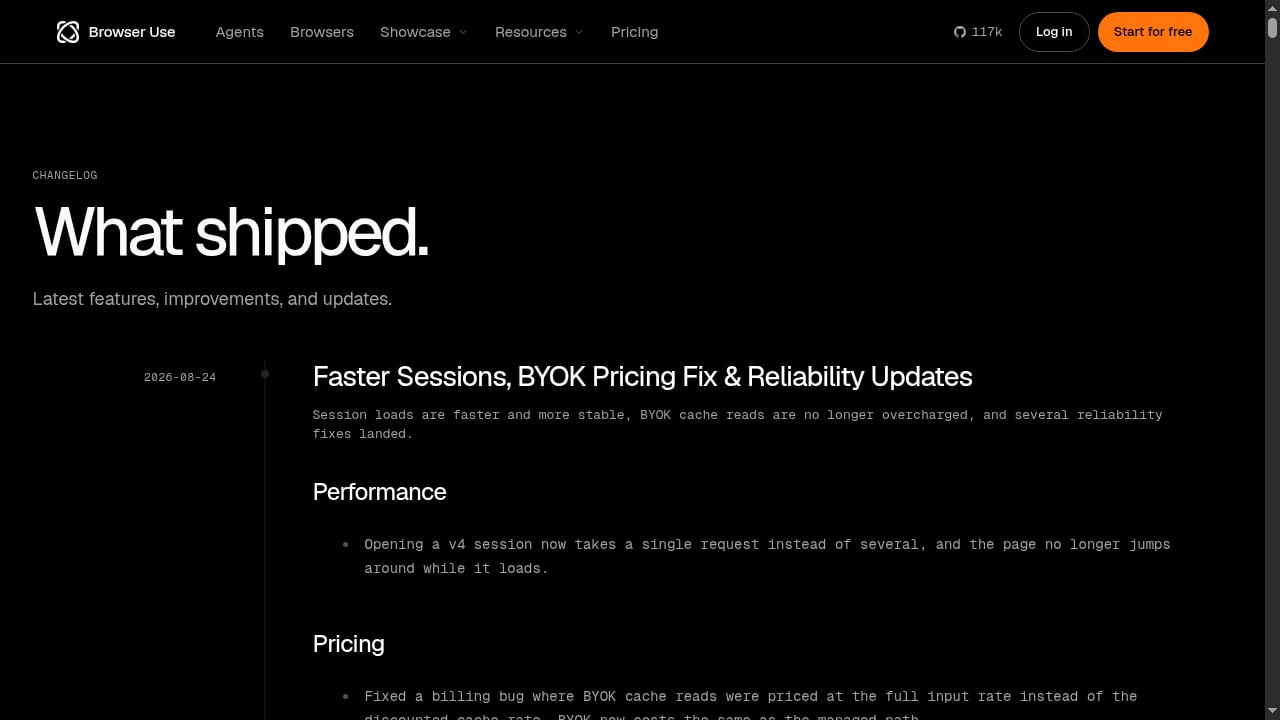
First viewport screenshot of Browser Use - Enable AI to control your browser.
If you are building a custom agent: start with Browser Use or Stagehand. Both let you keep control of the reasoning layer while borrowing proven browser plumbing.
If you want the unblocking handled: Bright Data and Scrapfly bundle anti-bot handling. Browserbase, Steel, and Playwright leave it to you.
If your workflow is form-heavy and no-code: Skyvern is the specialist.
If your workload is data extraction, not browsing: Firecrawl's credit model fits better than a per-hour browser.
If you need a runtime for an existing Playwright or Puppeteer agent: a managed cloud browser is the missing piece. AdsCrawl fits here as a complementary option, with residential proxy routing, stateful browser profiles, and structured output as HTML, Markdown, JSON, or screenshots. It is not an AI agent platform, but it is a practical runtime when your agent needs reliable browser identity and proxy routing on tough dynamic pages. For a hands-on setup, see how to use AdsCrawl with Puppeteer, and for a direct infrastructure comparison, read AdsCrawl vs Steel.
Common Pitfalls
Browserbase.
- Ranking on benchmark scores alone. A high WebVoyager number says nothing about whether the browser survives a Cloudflare challenge.
- Ignoring retry costs. A probabilistic agent retries, and every retry burns LLM tokens plus active browser time.
- Forgetting session state. An agent that cannot hold a login dies on anything behind authentication.
- Mixing categories. A consumer AI browser will not automate your QA pipeline, no matter how good its sidebar is.
Related reading
- AdsCrawl vs Scrapy vs Thunderbit: Which Scraper Wins in 2026? - Compare AdsCrawl, Scrapy, and Thunderbit for web scraping in 2026. See which tool fits dynamic sites, Python pipelines, or no-code extraction.
- AdsCrawl vs Steel: Browser Infrastructure for AI Agents - AdsCrawl vs Steel compared: CDP control, Markdown extraction, proxy routing, pricing, and which browser API fits AI agents, scraping, and automation.
- Python Framework Guide: Web, AI & Automation in 2026 - Compare Python frameworks for web, AI, data, and automation. Includes selection criteria, code examples, and how browser APIs fit modern Python stacks.
Sources and further reading
- 11 Best AI Browser Agents in 2026 - We tested the top browser agents for AI automation, web scraping, and autonomous browsing in 2026. Compare open-source frameworks, enterprise tools, and consumer browsers to find the right fit for your workflow.
- 10 Best Agentic Browsers in 2026 (Ranked) - Compare the top 10 agentic browsers for AI automation. Enterprise-grade solutions, open source tools, and consumer options tested across real workflows.
- 7 Best AI Browser Agents for Automation and Scraping in 2026 - The 7 best AI browser agents in 2026, ranked by what breaks them in production: getting blocked, losing sessions, and failing at scale.
FAQ
What is an AI browser automation platform?
It is a platform where an AI agent controls a browser to complete a goal you describe in plain language, rather than running a hand-written script. It covers the agent layer, the managed browser runtime, or both.
Is Browser Use better than Browserbase?
They solve different problems. Browser Use gives you an agent framework plus managed browsers. Browserbase gives you managed browser infrastructure and expects you to bring the agent. Choose based on whether you want the reasoning layer included.
Do I need anti-bot handling for browser agents?
If your targets include Cloudflare, DataDome, or similar systems, yes. Without it, the agent sees a challenge page instead of content and loops or gives up.
What is the cheapest option?
Playwright is free and open source, and Browser Use's open-source library is free apart from your LLM costs. Managed platforms add convenience and unblocking at usage-based prices.
Can I use a cloud browser API with an AI agent framework?
Yes. Most frameworks connect to a remote browser over CDP, so you can pair an agent with a managed runtime. That is the pattern AdsCrawl supports for Playwright, Puppeteer, and any CDP client.
Conclusion
The AI browser automation category in 2026 splits into three layers: agents that reason, runtimes that host, and engines that execute deterministically. The strongest setups combine them rather than betting on one.
Start with your failure mode. If agents get blocked, fix the runtime first. If they break on layout changes, fix the agent layer. If your workflow is stable, a deterministic script may beat both. Rank the platforms against your own targets, not against a benchmark table, and the right choice usually becomes obvious within a day of testing.