
AdsCrawl vs Scrapy vs Thunderbit: Which Scraper Wins in 2026?
Compare AdsCrawl, Scrapy, and Thunderbit for web scraping in 2026. See which tool fits dynamic sites, Python pipelines, or no-code extraction.
AdsCrawl vs Scrapy vs Thunderbit: Which Scraper Wins in 2026?
Choosing a web scraping tool in 2026 means answering one question first: who is doing the work — your code, an AI agent, or a managed cloud browser? Scrapy gives Python developers total control. Thunderbit removes code entirely. AdsCrawl sits in the middle, offering a managed cloud Chromium browser that your existing Playwright, Puppeteer, or CDP scripts can drive directly.
This comparison breaks down where each tool genuinely excels, where it struggles, and which one matches your team's skills and workload.
Quick Comparison: AdsCrawl, Scrapy, and Thunderbit
First viewport screenshot of Scrapy Knowledge Base | Scrapy.
| Dimension | AdsCrawl | Scrapy | Thunderbit |
|---|---|---|---|
| What it is | Managed cloud browser + browser automation API | Open source Python crawling framework | Agentic no-code web scraper |
| Setup effort | API key + HTTP request or CDP connection | Python environment, spider code, selectors | Browser extension, one click |
| JavaScript rendering | Native (real cloud Chromium) | Requires scrapy-playwright or similar | Works from the rendered page you see |
| Best user | Developers running production scraping, QA, monitoring | Python teams building custom crawl pipelines | Non-technical teams needing spreadsheets fast |
| Proxy handling | Built-in residential proxy routing, 100+ rotating IPs | Manual middleware configuration | Managed on supported pages |
| Output formats | HTML, Markdown, JSON, screenshots | Custom-coded via pipelines | Excel, Google Sheets, Airtable, Notion |
| Pricing model | Credit-based, free tier available | Free (open source) + infrastructure costs | Subscription/credit-based |
Scrapy: The Open Source Python Powerhouse
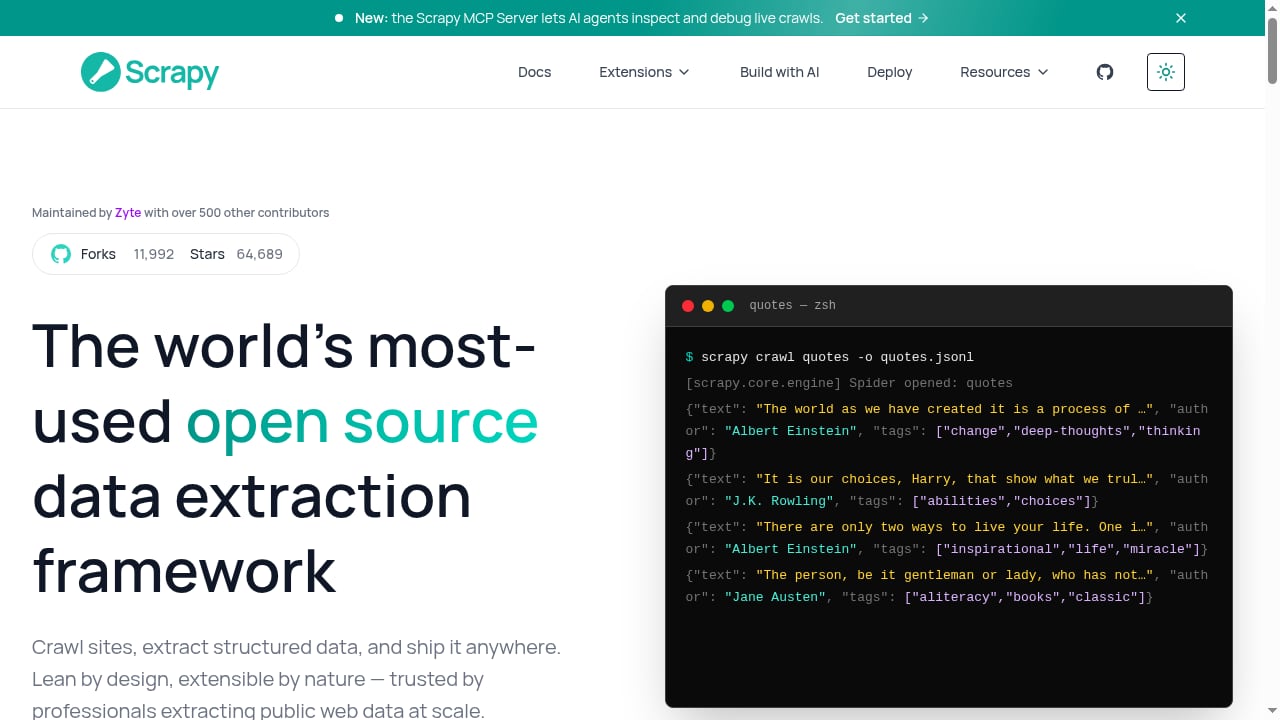
First viewport screenshot of Scrapy — open source web scraping framework for Python.
Scrapy has been running production data pipelines for over fifteen years. It is the leading open source Python framework for web scraping — asynchronous, extensible, and BSD-licensed, with more than 500 contributors and 64,000+ GitHub stars. If you need to crawl millions of pages with custom logic, Scrapy is still the benchmark.
Where Scrapy Excels
- Full control over every request. You write the spider, define CSS or XPath selectors, and build pipelines for cleaning, validation, and storage. Nothing happens that you did not code.
- Mature middleware ecosystem. Proxy rotation, AutoThrottle, retry logic, and monitoring hooks are all pluggable. The community has solved most problems you will encounter.
- Built for scale. The same project that runs on your laptop scales to millions of pages with Scrapy Cloud and scheduling tools.
- Active development. Recent releases added HTTP/2 support, SOCKS proxy handling, and an experimental aiohttp-based download handler.
Where Scrapy Falls Short
Scrapy's core engine is an HTTP crawler, not a browser. It does not render JavaScript on its own. For React, Vue, or any single-page application, you need to bolt on scrapy-playwright or an external rendering service. That is a deliberate design choice that keeps the framework lean, but it means dynamic sites are a project decision, not a default capability.
Anti-bot handling is also manual. You configure proxy middleware and ban detection yourself. Scrapy gives you the tools, but you own the maintenance burden when a target site changes its defenses.
Thunderbit: One-Click Extraction for Non-Technical Teams
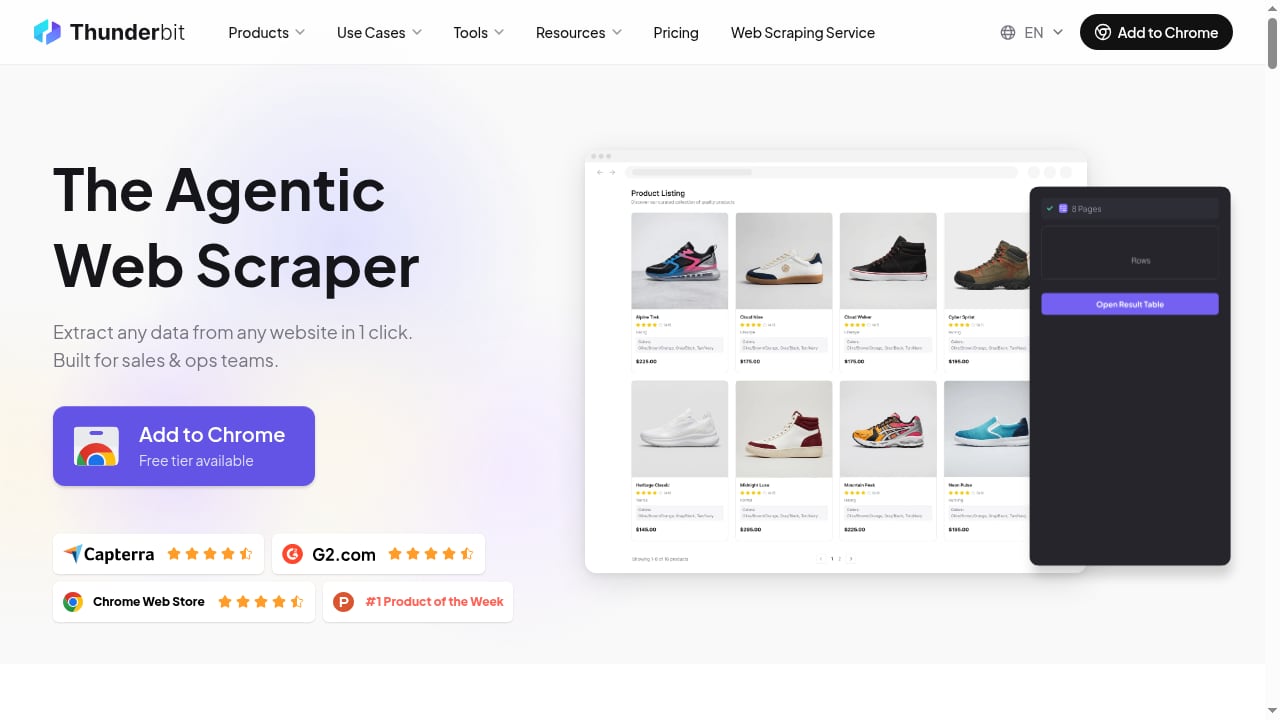
First viewport screenshot of Thunderbit: Agentic Web Scraper - Scrape any website in 1 click.
Thunderbit takes the opposite approach. Instead of writing code, you open a page in your browser, click One Click Extract, and an AI agent identifies the extractable fields — product listings, job postings, contact info — and prepares them automatically.
Where Thunderbit Excels
- Zero setup for browser workflows. No Python environment, no selectors, no schema writing. A sales operations analyst or real estate researcher can pull data without opening a code editor.
- Multiple surfaces. Beyond the Chrome extension, Thunderbit offers a Web App for cloud-based collection, an Open API for backend workflows, an MCP Server for AI agents in Claude or Cursor, and a CLI for terminal users.
- Plain-language field refinement. You adjust extraction rules with natural language instructions instead of regex or XPath.
- Direct export destinations. Data flows to Excel, Google Sheets, Airtable, or Notion without custom pipeline code.
Where Thunderbit Falls Short
Thunderbit optimizes for speed to first dataset, not for deep customization. If your architecture demands custom retry logic, multi-step authentication flows, or integration with an existing data warehouse, the agentic approach constrains you. It also works best on targeted or moderate-volume jobs rather than massive scheduled crawls.
Like every scraping tool, Thunderbit does not guarantee bypass on every site. It works from the rendered page a user has open, including supported logged-in sessions, but anti-bot systems can still block it.
AdsCrawl: Managed Cloud Browsers for Developers
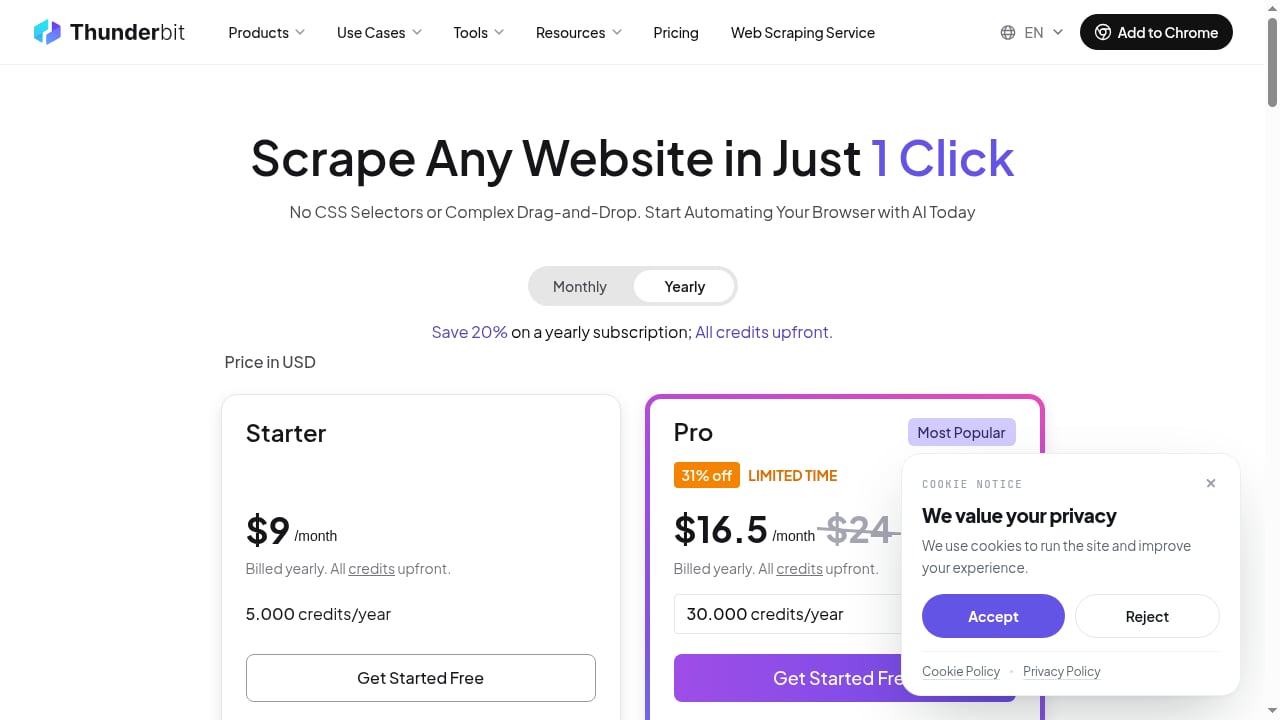
First viewport screenshot of Pricing Plans | Thunderbit.
AdsCrawl is a managed cloud browser and browser automation API. It is built for developers who need to scrape, test, or monitor dynamic websites that resist simple HTTP requests — but who do not want to maintain their own browser infrastructure.
Where AdsCrawl Excels
Real cloud Chromium with CDP access. You connect Playwright, Puppeteer, or any Chrome DevTools Protocol client to actual cloud browsers. That means native JavaScript rendering without managing browser binaries, Docker images, or memory limits on your own machines.
Built-in proxy routing. AdsCrawl includes 100+ rotating residential proxies and supports custom proxies. You do not write proxy middleware or maintain IP pools — the platform handles routing as part of the browser session.
Structured output without parsing HTML. A single POST to the /html endpoint returns rendered HTML, Markdown, JSON, or screenshots. For teams that need clean data rather than raw markup, this removes an entire parsing layer.
Stateful browser profiles. Cloud browser profiles persist settings, cookies, and fingerprints across tasks. That matters for workflows that require consistent identity — monitoring dashboards, QA regression tests, or authenticated scraping.
Live interactive access. A connectUrl and short-lived control tokens let you open a live browser session for debugging or manual intervention without leaving your automation pipeline.
Transparent credit-based pricing. A free tier includes 500 one-time credits. Hobby is $9/month for solo developers, Starter is $49/month for small production teams, and Pro is $199/month for high-volume automation. Plans differ by monthly credits, browser concurrency, profile limits, and API key counts.
Where AdsCrawl Fits Best
AdsCrawl is not a replacement for Scrapy's crawl scheduling or Thunderbit's no-code simplicity. It is infrastructure for teams that already know how to write browser automation code and want that code to run reliably against tough dynamic pages — with proxy routing, identity persistence, and rendered output handled by the platform.
If you are evaluating browser infrastructure options, our AdsCrawl vs Steel comparison covers CDP control, Markdown extraction, and proxy routing in more detail.
Head-to-Head: Which Tool Wins on Each Criterion?
Time to First Dataset
Thunderbit wins. Three steps: open the page, click extract, review the data. Scrapy requires environment setup, spider generation, selector writing, and pipeline configuration. AdsCrawl requires an API key and a request — faster than Scrapy for a single page, but not as fast as a click.
JavaScript Rendering
AdsCrawl and Thunderbit both handle rendered pages natively. AdsCrawl does it through real cloud Chromium browsers with CDP access. Thunderbit does it from the page a user already has open. Scrapy needs scrapy-playwright or an external rendering service — an extra integration step.
Customization Depth
Scrapy wins. You own every line of code. Custom retry logic, unusual pagination patterns, multi-step authentication — anything your architecture demands is possible. AdsCrawl offers browser settings, fingerprints, proxies, cookies, waits, and actions through its API schema, but it is not a general-purpose crawling framework. Thunderbit optimizes for common extraction patterns, not bespoke pipelines.
Proxy and Anti-Bot Handling
AdsCrawl wins for developers. Residential proxy routing is built into the platform, with 100+ rotating IPs and custom proxy support. Scrapy requires manual middleware configuration. Thunderbit manages rendering on supported pages but does not offer the same level of proxy control.
Scale and Scheduling
Scrapy wins for massive scheduled crawls. It was built for millions of pages. AdsCrawl handles high-volume automation with browser concurrency limits that scale by plan. Thunderbit suits targeted or moderate-volume jobs better than continuous large-scale crawling.
Cost Predictability
Scrapy is free and open source, but you pay in developer time, hosting, and proxy costs. AdsCrawl and Thunderbit use credit-based pricing with published tiers, which makes budgeting simpler but adds a subscription line item.
Decision Guide: Which Tool Should You Choose?
Choose Scrapy if:
- You have Python developers who want full control over crawl logic.
- Your targets are mostly static HTML or you are willing to integrate scrapy-playwright.
- You need to crawl millions of pages on a schedule.
- You prefer open source licensing and community support over vendor relationships.
Choose Thunderbit if:
- Your team is non-technical and needs data in a spreadsheet today.
- You are extracting from pages you can already see in a browser.
- You want AI-assisted field detection without writing selectors.
- Your volume is targeted rather than continuous.
Choose AdsCrawl if:
- You write Playwright, Puppeteer, or CDP code and need it to run against tough dynamic sites.
- You want managed proxy routing and browser identity without maintaining infrastructure.
- You need rendered HTML, Markdown, JSON, or screenshots from a single API call.
- You run production scraping, QA, or monitoring workflows that require stateful browser profiles.
For a broader look at how browser APIs fit into Python automation stacks, see our Python framework guide.
Related reading
- AdsCrawl vs Steel: Browser Infrastructure for AI Agents - AdsCrawl vs Steel compared: CDP control, Markdown extraction, anti-bot features, pricing, and which browser API fits AI agents, scraping, and automation.
Sources and further reading
- Thunderbit vs Scrapy: Agentic Web Scraper or Python Crawling Framework? | Thunderbit - Compare Thunderbit vs Scrapy for agentic no-code extraction, Python spiders, selectors, pipelines, deployment, maintenance, scale, and best-fit workflows.
- Scrapy — open source web scraping framework for Python - Scrapy is the leading open source Python framework for web scraping — fast, asynchronous, extensible, and BSD-licensed. Trusted by millions of developers.
- 12 Best Open Source Web Scraper Tools, Sorted by License Type | Thunderbit - Compare the 12 best open source web scraping tools of 2026 based on license type, language, and suitability for static versus dynamic sites.
FAQ
Can I use AdsCrawl with Scrapy?
Yes. AdsCrawl exposes CDP endpoints, so you can connect scrapy-playwright to a cloud browser session. That combination gives you Scrapy's crawl scheduling and pipeline ecosystem with AdsCrawl's managed rendering and proxy routing.
Is Thunderbit a replacement for Scrapy?
No. They solve different problems. Thunderbit is a managed, agentic scraper for fast extraction without code. Scrapy is a framework for building custom crawl pipelines. Teams sometimes use both — Thunderbit for quick one-off datasets, Scrapy for production infrastructure.
Does Scrapy render JavaScript?
Not natively. Scrapy's core engine is an HTTP crawler. You need scrapy-playwright, a Selenium-style middleware, or an external rendering service to handle JavaScript-heavy sites.
How does AdsCrawl handle anti-bot systems?
AdsCrawl routes requests through 100+ rotating residential proxies and supports custom proxies. It also provides browser fingerprint settings and stateful profiles that persist cookies and identity across tasks. No tool guarantees bypass on every site, but these features reduce the friction that triggers blocks.
What output formats does AdsCrawl support?
AdsCrawl returns rendered HTML, Markdown, JSON, or screenshots. You choose the format based on whether you need raw markup for parsing or clean structured data for downstream processing.
Is there a free tier for AdsCrawl?
Yes. The free tier includes 500 one-time credits. Paid plans start at $9/month for Hobby, $49/month for Starter, and $199/month for Pro, with differences in monthly credits, browser concurrency, profile limits, and API key counts.
Conclusion
There is no single winner in the AdsCrawl vs Scrapy vs Thunderbit comparison — only the right tool for your team and task.
Scrapy remains the gold standard for Python developers who want to own every aspect of their crawl. Thunderbit is the fastest path from a webpage to a spreadsheet for non-technical users. AdsCrawl fills the gap between them: managed cloud browsers with CDP access, built-in proxy routing, and structured output for developers who need reliable rendering on dynamic sites without building browser infrastructure from scratch.
If your bottleneck is JavaScript rendering, proxy management, or browser identity persistence, explore AdsCrawl's browser API and see whether managed cloud browsers fit your stack. If your bottleneck is writing spider code, Scrapy's documentation and community will serve you well. If your bottleneck is not knowing how to code at all, Thunderbit was built for you.