
AdsCrawl vs Steel vs Axiom: Browser Infrastructure Compared
AdsCrawl vs Steel and Axiom compared: open-source browser infrastructure for AI agents vs no-code and code automation. Pick the right stack.
AdsCrawl vs Steel vs Axiom: Browser Infrastructure Compared
Choosing browser infrastructure for AI agents and scraping workloads comes down to one question: how much control do you need, and how much of the browser fleet do you want to operate yourself? AdsCrawl, Steel, and Axiom answer that question differently. This comparison looks at where each one is strong so you can match the tool to the job instead of the other way around.
How the three platforms differ at the core
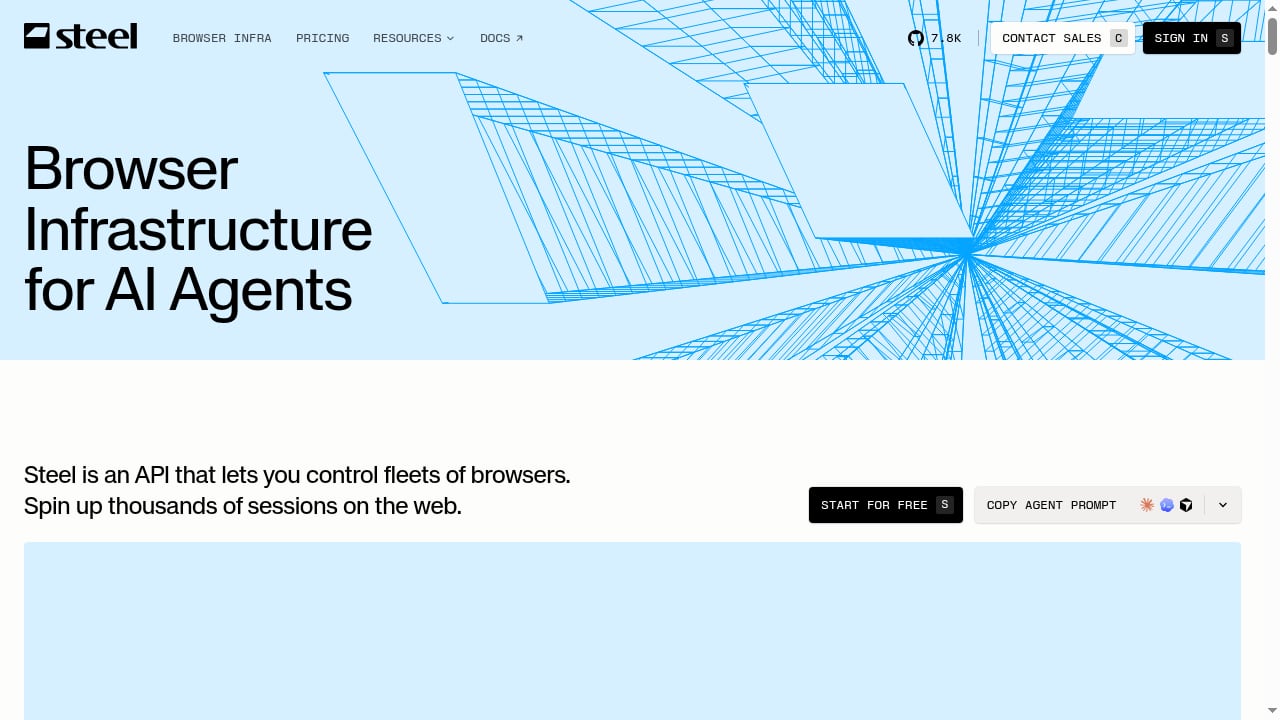
First viewport screenshot of Steel | Open-source Browser Infrastructure for AI Agents.
Each product sits at a different layer of the same stack.
- AdsCrawl is a managed cloud browser and browser automation API. You connect Playwright, Puppeteer, or any CDP client to real cloud Chromium browsers, route traffic through residential or custom proxies, and pull back rendered HTML, Markdown, JSON, or screenshots. It is built for teams running production scraping, QA, monitoring, and remote CDP workflows.
- Steel is an open-source browser API for controlling fleets of browsers in the cloud. Its appeal is the open-source model: you can inspect the code, run it yourself, and treat the browser layer as infrastructure you own rather than a service you rent.
- Axiom is a browser automation and web scraping platform that spans no-code and code. You can automate a site visually, call a browser automation API, or describe the task to Claude. It runs on Axiom's cloud or on your own machine.
Where Steel is strong
Steel's open-source foundation is a genuine advantage for teams with specific constraints.
- Transparency and auditability. Because the code is open, security and platform teams can review exactly how browser sessions are created and managed before trusting it with production traffic.
- Self-hosting and control. Running the browser fleet inside your own environment helps with data residency, network isolation, and latency-sensitive workloads where a round trip to a third-party cloud is undesirable.
- Fleet-oriented design. Steel is built around controlling many browsers at once, which fits AI agent platforms that need to spin sessions up and down dynamically.
If your organization treats browser infrastructure as something it must own, Steel is a credible default.
Where Axiom is strong
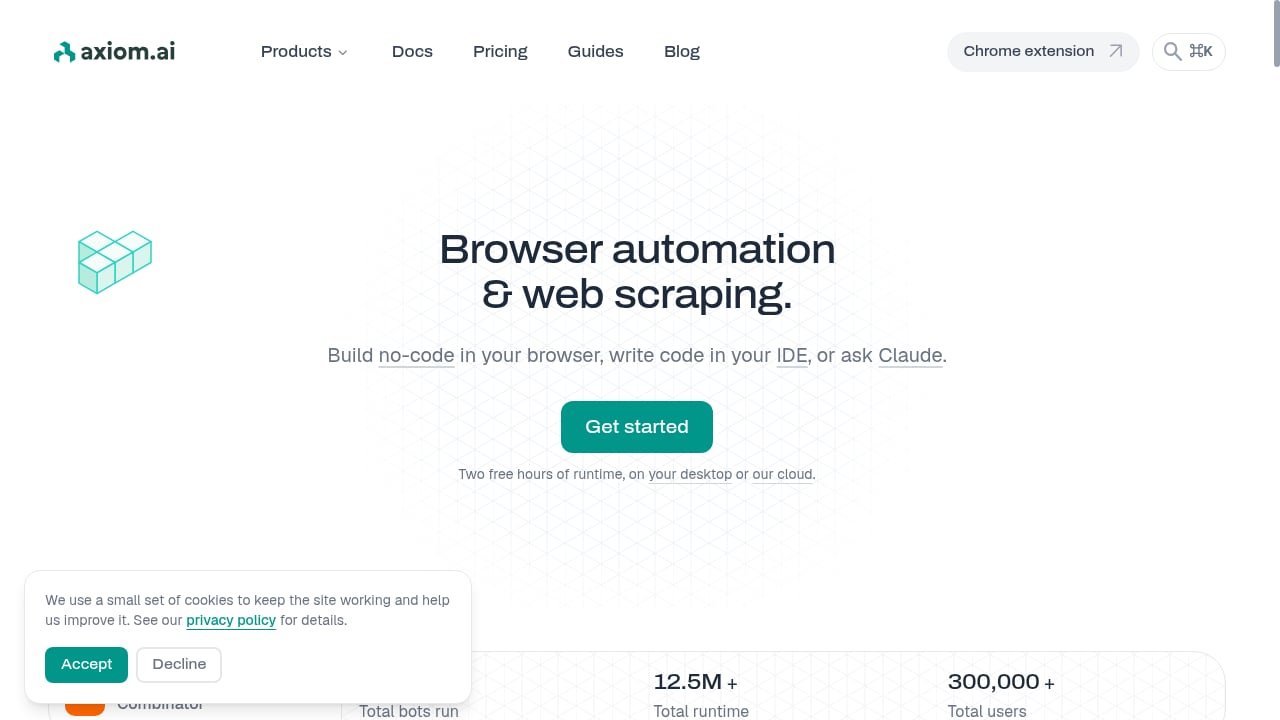
First viewport screenshot of Browser automation & web scraping, no-code or code.
Axiom's strength is range across the no-code and code spectrum.
- No-code entry point. Non-developers can automate a website visually, which lowers the barrier for ops, marketing, and research teams that do not want to write selectors or manage sessions.
- API path for developers. The same platform exposes a browser automation API, so engineers are not locked out when a workflow outgrows the visual builder.
- Natural-language automation. Describing a task to Claude turns intent into an automated flow, which is useful for exploratory or one-off jobs where writing a full script is overkill.
- Deployment flexibility. Running on Axiom's cloud or your own machine lets teams start hosted and move on-premises later if requirements change.
Axiom fits teams that want one tool to cover both citizen-automation and developer workflows.
Where AdsCrawl fits
AdsCrawl is aimed at developers who need a managed browser layer that behaves like real browsers and returns structured output. It is a fit when the work involves dynamic pages that resist simple HTTP requests.
Rendered output, not just raw HTML
AdsCrawl can return rendered HTML, Markdown, JSON, or screenshots from the same session. For AI agents and LLM pipelines, Markdown output is often directly usable without a separate parsing step. The synchronous rendered-content extraction endpoint (POST /html) is designed for exactly this: send a URL, get back the page as the browser actually rendered it.
Proxy routing built in
Residential proxy routing or custom proxies are part of the platform, with 100+ rotating residential proxies available. That matters for scraping and monitoring workflows where consistent browser identity affects whether a page renders the same way twice. AdsCrawl is powered by AdsPower, which brings browser identity and fingerprint management into the same product.
Stateful profiles and remote CDP sessions
Cloud browser profiles persist settings across tasks, so cookies, fingerprints, and preferences do not have to be rebuilt on every run. For teams that need direct control, dedicated remote CDP sessions let you drive the browser at the protocol level rather than through a wrapper. Live interactive browser access through a connectUrl and short-lived live control tokens means a human can step in when an automated flow hits a wall.
Structured extraction for SPAs
Single-page applications are a common failure point for HTTP-only scraping. AdsCrawl supports SPA page data extraction using templates, which turns a repeatable extraction pattern into something closer to a configuration than a script.
Transparent credit-based pricing
AdsCrawl uses credit-based plans: a Free tier with 500 one-time credits, Hobby at $9/month for solo developers, Starter at $49/month for small production teams, and Pro at $199/month for high-volume automation teams. Plans differ by monthly credits, browser concurrency, Cloud Browser profile limits, and API key counts, so the cost curve is visible before you commit.
Comparison at a glance
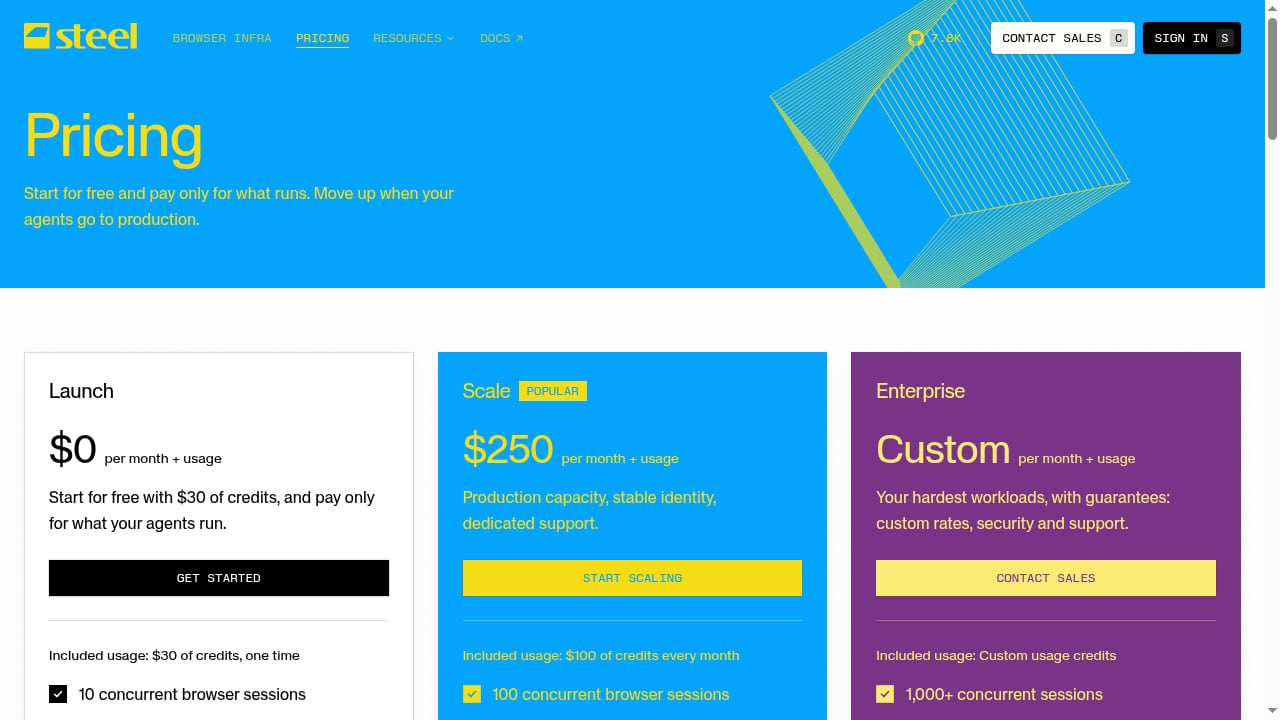
First viewport screenshot of Steel | Pricing.
| Criterion | AdsCrawl | Steel | Axiom |
|---|---|---|---|
| Model | Managed cloud browser API | Open-source browser API | No-code + code automation platform |
| Primary audience | Developers and production teams | Teams that want to own browser infrastructure | Mixed technical and non-technical users |
| Output formats | HTML, Markdown, JSON, screenshots | Browser session control | Scraped data and automated flows |
| Proxy routing | Residential and custom proxies built in | Depends on your deployment | Platform-managed |
| Session persistence | Stateful cloud browser profiles | Fleet-level session management | Workflow-level |
| Direct protocol control | Remote CDP sessions | Yes, via the API | API-level |
| Self-hosting | No | Yes | Cloud or your machine |
| Pricing model | Credit-based tiers from free to $199/month | Open source | Platform pricing |
Decision guide
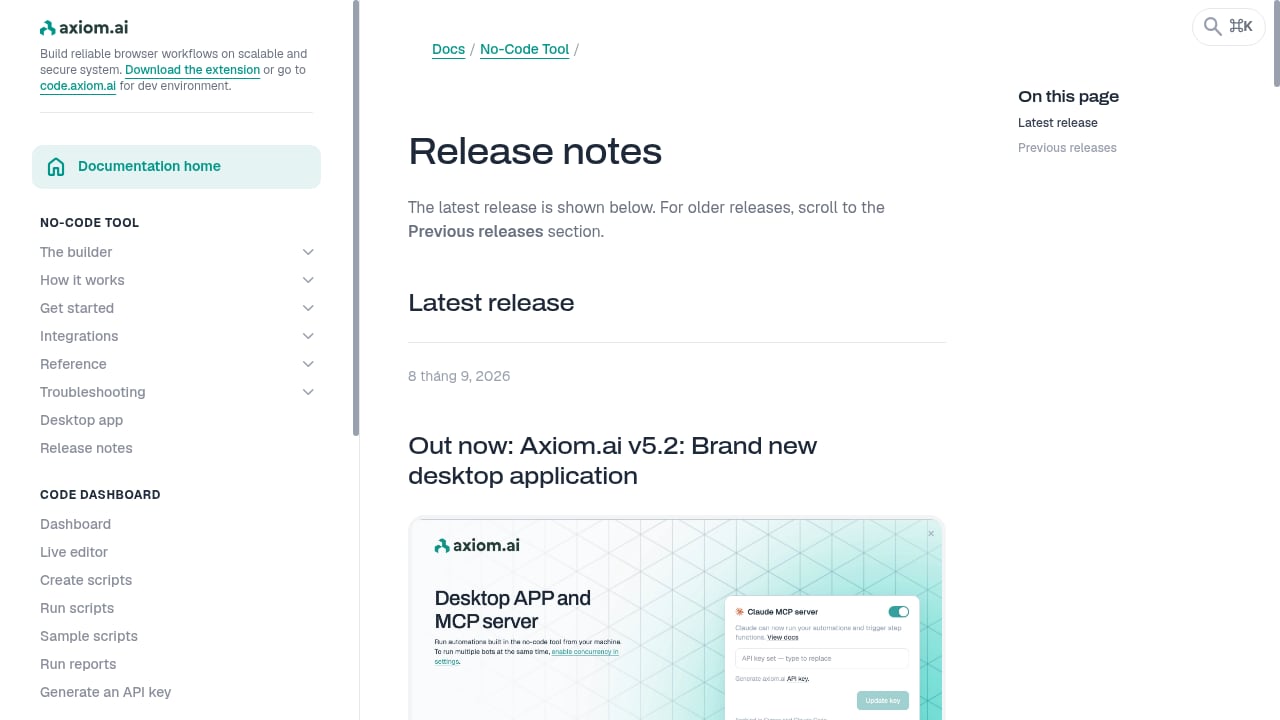
First viewport screenshot of Latest axiom.ai release notes and previous updates.
Choose AdsCrawl when you want a managed browser layer with rendered output in multiple formats, built-in residential proxy routing, persistent browser profiles, and remote CDP access, without operating the fleet yourself. It is a strong fit for dynamic-page scraping, QA, monitoring, and AI agent pipelines that need Markdown or structured JSON rather than raw HTML.
Choose Steel when open-source licensing, self-hosting, and full ownership of the browser fleet are non-negotiable requirements for your organization.
Choose Axiom when you need one platform that serves both non-developers building visual automations and developers calling an API, with the option to run on your own machine.
These are not mutually exclusive. A common pattern is to use a managed API for production scraping and a self-hosted or no-code tool for internal, exploratory, or policy-constrained work. For a deeper look at how AdsCrawl compares against the broader category, see AdsCrawl vs Browser Automation & Web Scraping Tools. If you are still evaluating AI-driven browser agents, the Browser Use review covers how agent-based browsing performs in practice.
Practical example: scraping a JavaScript-heavy page
A typical AdsCrawl workflow for a dynamic page looks like this:
- Send a URL to the rendered-content endpoint with the output format you want.
- Attach a proxy configuration if the target site is geo-sensitive or rate-limited.
- Reuse a cloud browser profile so cookies and fingerprint settings stay consistent across runs.
- For multi-step flows, open a remote CDP session and drive the page with Playwright or Puppeteer.
- For repeatable SPA extraction, define a template instead of rewriting selectors each time.
If you want a longer walkthrough of the pattern, Scrape Website Data: A Developer's Guide to Dynamic Pages covers proxies, cloud browsers, and structured extraction in more depth.
Related reading
- Top 10 AI Web Scraping & Data Extraction Tools 2026 - A 2026 ranked review of the top 10 AI web scraping and data extraction tools, with evaluation criteria, pricing signals, and decision guidance.
Sources and further reading
- AdsCrawl vs Browserless vs ScrapingBee: Which API Wins? - Compare AdsCrawl, Browserless, and ScrapingBee for browser automation, scraping, and AI agents. See which API fits your workflow and budget.
- A2A | APIs.io A2A - Browse A2A Agent Cards published by API providers across the APIs.io network — every provider serving a machine-readable agent discovery manifest at /.well-known/agent-card.json, graded against the A2A 1.0.0 specification.
- Simple Index - ... code · 101903700-topsis-code · 101903751-topsis · 101903755 · 101903762 · 101917149-topsis · 101editor · 101hello-0-0-1-redish101 · 1020-nester · 102003017
FAQ
Is Steel better than AdsCrawl because it is open source?
Open source is a real advantage when you need to audit, modify, or self-host the browser layer. AdsCrawl is a managed platform, so it trades that control for less operational work: no fleet to maintain, built-in proxy routing, and rendered output in HTML, Markdown, JSON, or screenshots. The right choice depends on whether ownership or operational simplicity matters more to your team.
Can I use AdsCrawl without writing code?
AdsCrawl is a developer-facing API. If you need a visual, no-code builder, Axiom is the more natural fit. AdsCrawl's advantage is in programmatic control: CDP sessions, stateful profiles, and structured extraction for pages that break simpler tools.
Does AdsCrawl support Playwright and Puppeteer?
Yes. AdsCrawl exposes remote CDP sessions, so you can connect Playwright, Puppeteer, or any CDP-compatible client to real cloud Chromium browsers.
What does AdsCrawl cost?
There is a Free tier with 500 one-time credits, Hobby at $9/month, Starter at $49/month, and Pro at $199/month. Plans differ by monthly credits, browser concurrency, Cloud Browser profile limits, and API key counts.
When should I use Axiom instead of AdsCrawl?
Use Axiom when non-technical teammates need to build automations visually, or when you want to describe a task in natural language and have it turned into a flow. Use AdsCrawl when the workflow is code-driven and needs proxy routing, persistent browser identity, and structured output for downstream systems.
Conclusion
Steel, Axiom, and AdsCrawl each solve a different part of the browser automation problem. Steel gives you open-source ownership of a browser fleet. Axiom spans no-code and code so mixed teams can automate without a single skill set. AdsCrawl focuses on managed cloud browsers for developers who need rendered output, proxy routing, persistent profiles, and remote CDP control in one API. Match the tool to the constraint that matters most in your stack, and the decision usually becomes obvious.