
Scrape Website Data: A Developer's Guide to Dynamic Pages
Learn how to scrape website data from JavaScript-heavy pages using cloud browsers, proxies, and structured extraction. Practical examples for developers.
Scrape Website Data: A Developer's Guide to Dynamic Pages
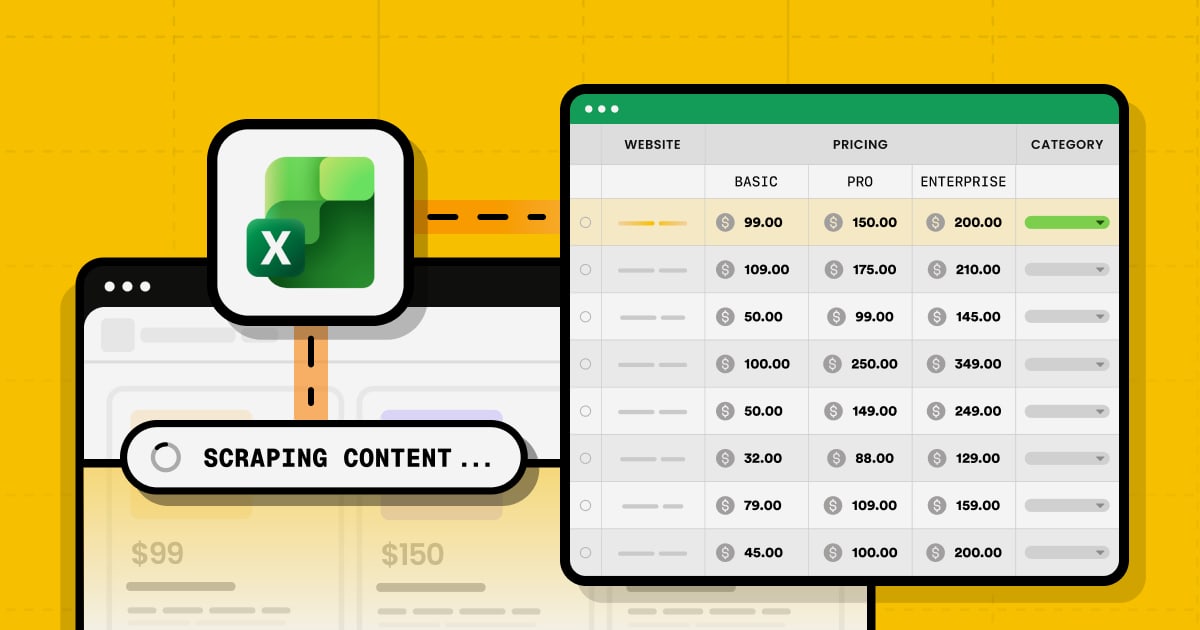
Scraping website data used to mean sending an HTTP request and parsing the HTML that came back. That approach still works for static pages, but a growing share of the modern web renders content with JavaScript, loads data through background API calls, and gates pages behind bot detection. When you scrape website data from these pages, a plain requests.get() often returns an empty shell.
This guide covers how developers actually extract data from dynamic sites in 2026: why simple HTTP clients fail, how cloud browsers solve rendering and identity problems, and how to structure extraction so it survives redesigns and anti-bot checks.
Why simple HTTP requests fail on modern sites
First viewport screenshot of API Schemas | AdsCrawl Documentation.
A basic HTTP client fetches the initial HTML document. It does not execute JavaScript, maintain a browser session, or present a realistic TLS and browser fingerprint. Three failure modes show up repeatedly:
- Client-side rendering. React, Vue, and similar frameworks ship a minimal HTML shell and populate the DOM after scripts run. The data you want is not in the initial response.
- Bot detection. Services inspect headers, TLS fingerprints, and behavioral signals. A bare request from a data center IP is easy to flag.
- Session state. Many pages require cookies, local storage, or a logged-in context before the data becomes visible.
If any of these apply, you need a real browser environment rather than an HTTP parser.
The cloud browser approach
First viewport screenshot of Browser Tasks | AdsCrawl Documentation.
A cloud browser runs a full Chromium instance on remote infrastructure and exposes it to your code. You connect with a standard automation library — Playwright, Puppeteer, or any client that speaks the Chrome DevTools Protocol (CDP) — and the browser executes JavaScript, holds session state, and returns the rendered result.
AdsCrawl is a managed cloud browser and browser automation API built for exactly this workflow. Instead of provisioning and babysitting headless browsers yourself, you connect your existing Playwright or Puppeteer scripts to remote Chromium instances, route traffic through residential proxies, and retrieve rendered HTML, Markdown, JSON, or screenshots.
Key capabilities that matter when you scrape website data:
- Rendered content extraction via a synchronous
POST /htmlendpoint, so you get the post-JavaScript DOM without writing browser lifecycle code. - Proxy routing with 100+ rotating residential proxies or your own custom proxies, which helps when target sites block data center IPs.
- Stateful cloud browser profiles that persist cookies, settings, and fingerprints across tasks — useful for multi-step flows that need a consistent identity.
- Remote CDP sessions for direct browser control when you need fine-grained automation.
- Screenshots with viewport and selector controls for visual verification or monitoring.
If you already work with Playwright, the Playwright Node.js client guide walks through setup and how to point it at a cloud browser. Puppeteer users can follow the AdsCrawl with Puppeteer guide for a full Node.js example with proxy routing and session cleanup.
A practical extraction workflow
First viewport screenshot of Remote CDP | AdsCrawl Documentation.
Here is a repeatable pattern for scraping dynamic pages, independent of which tool you use.
1. Fetch the rendered page
Send the URL to a rendering endpoint or launch a browser context and navigate to it. Wait for a specific selector or network-idle condition rather than a fixed sleep — this is the single biggest reliability improvement you can make.
curl -X POST https://api.adscrawl.com/html \
  -H "Authorization: Bearer $ADSCRAWL_API_KEY" \
  -H "Content-Type: application/json" \
  -d '{
    "url": "https://example.com/products",
    "waitForSelector": ".product-card",
    "proxy": { "country": "us" }
  }'
The response contains the fully rendered HTML, ready for parsing.
2. Extract structured fields
Parse the rendered DOM with your preferred library — Cheerio, BeautifulSoup, or the browser's own querySelector. For repetitive layouts, define a template that maps CSS selectors to named fields so your output is consistent JSON rather than raw HTML.
3. Handle pagination and state
For multi-page flows, reuse a persistent browser profile so cookies and session state carry across requests. This avoids re-authenticating or re-solving challenges on every page.
4. Validate and store
Check that required fields are non-empty before writing to your database. Silent failures — where a selector returns null and you store an empty row — are harder to debug than loud ones.
Choosing the right tool for the job
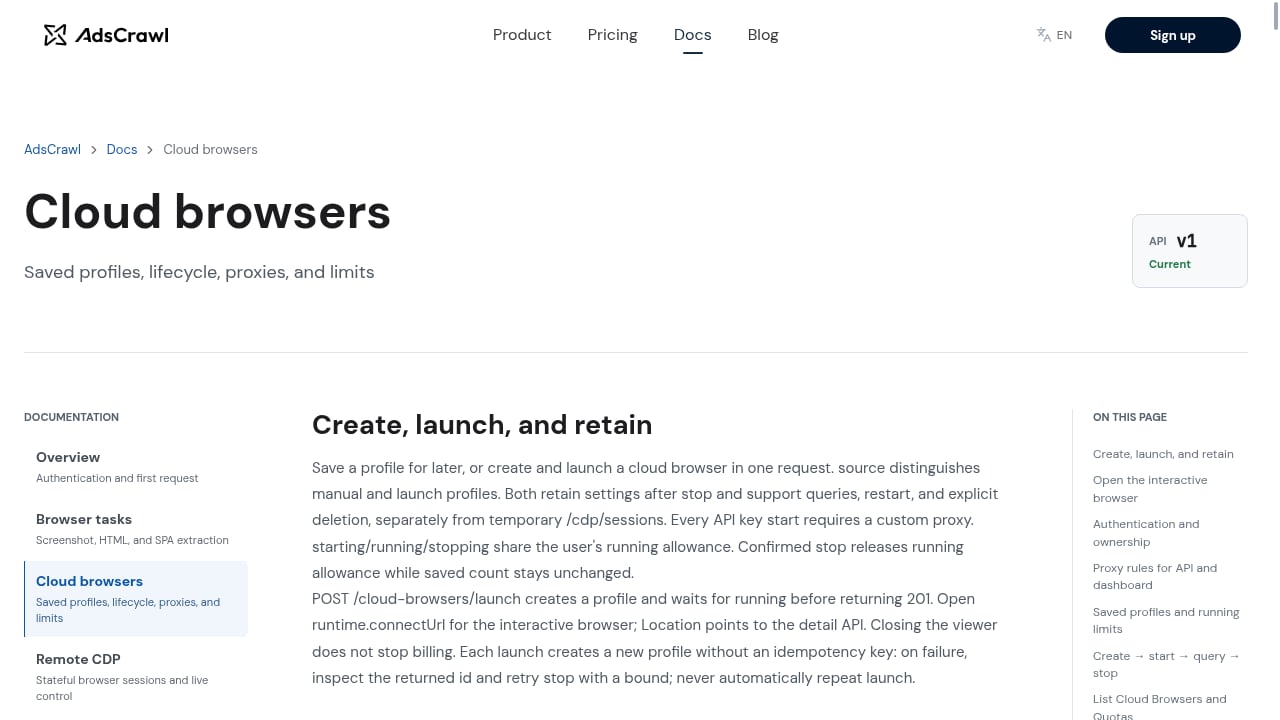
First viewport screenshot of Cloud Browsers | AdsCrawl Documentation.
The right choice depends on how much control you need versus how much infrastructure you want to manage.
| Scenario | Best fit |
|---|---|
| Static HTML tables, one-off export | HTTP client or spreadsheet connector |
| JavaScript-rendered pages, moderate volume | Cloud browser API with rendered HTML endpoint |
| Complex multi-step flows, login required | Remote CDP session with persistent profile |
| Visual monitoring, layout checks | Screenshot API with viewport control |
| High-volume production pipelines | Cloud browser with rotating residential proxies |
For a broader comparison of platforms in this space, see the ranked top 10 AI browser automation platforms. If you are weighing a screenshot-only service against a full browser API, the AdsCrawl vs ApiFlash comparison breaks down the trade-offs.
Handling anti-bot measures responsibly
Anti-bot systems are a legitimate engineering constraint, not a moral one. The practical responses are:
- Use residential proxies so requests originate from IPs that look like normal users.
- Maintain consistent browser fingerprints across a session rather than randomizing on every request, which can itself look suspicious.
- Respect rate limits and robots directives where they apply, and avoid hammering endpoints.
- Cache aggressively. If the data does not change often, re-fetching it wastes credits and increases your footprint.
AdsCrawl's proxy and fingerprint controls exist to make these patterns manageable at scale, not to bypass legitimate access controls.
Cost and scaling considerations
Cloud browser scraping is priced per unit of work — typically credits per page or per browser-minute. Two factors dominate your bill:
- How many pages you render. Batch and deduplicate URLs before fetching.
- How long each render takes. Waiting on the right selector instead of a fixed timeout reduces wasted browser time.
AdsCrawl uses transparent credit-based pricing: a Free tier with 500 one-time credits, Hobby at $9/month for solo developers, Starter at $49/month for small production teams, and Pro at $199/month for high-volume automation. Plans differ by monthly credits, browser concurrency, profile limits, and API key counts, so match the tier to your expected page volume rather than guessing.
Related reading
- Top 10 AI Web Scraping & Data Extraction Tools 2026 - A 2026 ranked review of the top 10 AI web scraping and data extraction tools, with evaluation criteria, pricing signals, and decision guidance.
- How to Use AdsCrawl with SerpApi: Google Search API - Combine AdsCrawl cloud browsers with SerpApi Google Search API to scrape SERPs, render landing pages, and build reliable search pipelines.
- AdsCrawl vs Thunderbit vs Incogniton: Cloud Browser or No-Code? - AdsCrawl vs Thunderbit vs Incogniton compared: no-code AI scraping, anti-detect profiles, and cloud browser APIs for developers. Find your best fit.
Sources and further reading
- Scrape Data From a Website to Excel: Free Excel Web Scraper | Website Scraper - Scrape a public web page into a table and export XLSX, CSV or JSON. Try the tool free and download a real example workbook with filters, frozen headers and source details.
- How to Scrape Website Data Into Excel (2026 Guide) - Scrape website data into Excel with Power Query, VBA and the ScrapingBee API - step-by-step methods, automatic refresh and fixes for JavaScript-heavy pages.
- 12 Free Data Scrapers I Evaluated: What's Actually Usable (2026) | Thunderbit - Thunderbit tops the list of 2026’s best 12 free data scraper tools for its AI-powered ease and all-in-one scraping and post-processing workflow.
FAQ
Can I scrape website data without writing code?
Yes, for simple static pages. Spreadsheet connectors and point-and-click tools handle basic tables. But when pages render with JavaScript or block automated requests, you need a browser-based approach, which usually means code or a managed API that abstracts the browser for you.
Why does my scraper return empty data from some pages?
The most common cause is that the content loads after the initial HTML response. Your HTTP client sees the shell, not the rendered DOM. Switching to a browser-based fetch that waits for the content to appear usually fixes it.
Do I need proxies to scrape website data?
Not always, but frequently. Sites that rate-limit or block data center IPs will return errors or challenges. Rotating residential proxies distribute requests across many IPs, which reduces blocks. AdsCrawl includes 100+ rotating residential proxies and supports custom proxies.
What is the difference between rendered HTML and a screenshot?
Rendered HTML gives you the post-JavaScript DOM as text, which you can parse into structured data. A screenshot gives you a visual image, useful for monitoring layout or verifying that a page displayed correctly. AdsCrawl supports both.
How do I keep a scraping session logged in across pages?
Use a persistent browser profile that stores cookies and local storage. AdsCrawl's stateful cloud browser profiles persist settings across tasks, so multi-step flows do not need to re-authenticate on every request.
Is it legal to scrape website data?
Legality depends on jurisdiction, the site's terms of service, and what data you collect. Public data scraping is generally more defensible than scraping personal or copyrighted content. Consult legal counsel for your specific use case.
Conclusion
Scraping website data from modern, dynamic pages requires more than an HTTP request. You need a browser that executes JavaScript, an identity that survives bot detection, and extraction logic that produces structured output. Cloud browser APIs like AdsCrawl let you keep your existing Playwright or Puppeteer workflow while offloading rendering, proxy routing, and session management to managed infrastructure.
Start with the rendered HTML endpoint for straightforward pages, move to persistent profiles when you need session continuity, and scale with rotating residential proxies as volume grows. The tooling is mature enough in 2026 that the hard part is no longer the browser — it is deciding what data you actually need and how to keep it clean.