
Top 10 AI Web Scraping & Data Extraction Tools 2026
A 2026 ranked review of the top 10 AI web scraping and data extraction tools, with evaluation criteria, pricing signals, and decision guidance.
Top 10 AI Web Scraping and Data Extraction Software Products 2026
AI web scraping in 2026 is not one product category. It is at least four: no-code extractors that infer fields from a page, prompt-and-schema APIs that return structured JSON, self-healing pipelines that repair themselves when a layout changes, and open-source libraries you host yourself. Buying the wrong type is the most common mistake, because a tool that wins a demo on a static blog often collapses on a JavaScript-heavy storefront behind a login.
This review ranks ten products that genuinely belong to AI web scraping and data extraction. It explains how each one applies AI, where it breaks, and what it costs at realistic volume. Every ranking claim below is tied to published pricing, documented capabilities, or the evaluation criteria listed next.
How we evaluated these tools
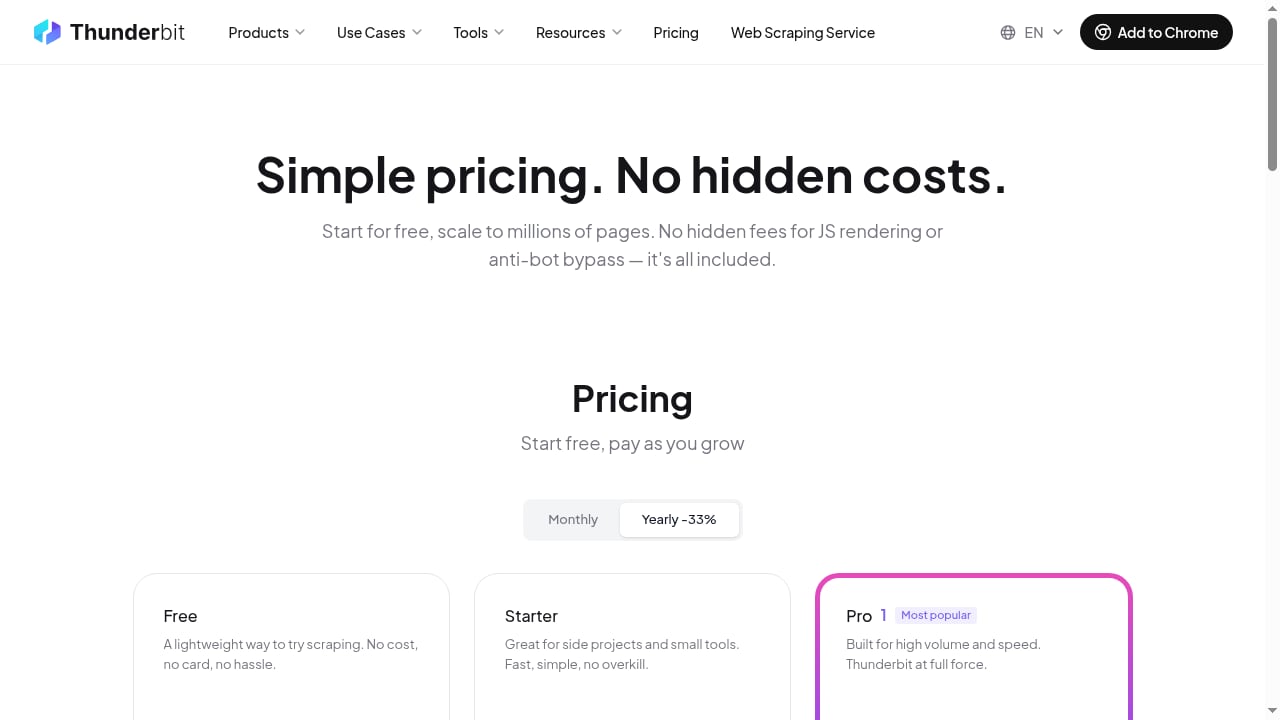
First viewport screenshot of Thunderbit Web Scraping API Pricing.
We scored each product on seven criteria, weighted toward production reality rather than demo polish:
- Time to first correct record — can the intended user get usable output without learning an unrelated stack?
- Extraction control — clicks, prompts, JSON schema, code, or a mix?
- Access and rendering — does it retrieve JavaScript-rendered pages, or do you supply clean HTML?
- Repeatability — are types, nulls, and source URLs preserved across runs?
- Operations — scheduling, retries, logs, alerts, webhooks, storage.
- Deployment and privacy — self-hosting, model choice, data retention.
- Cost per usable record — fetching, rendering, AI tokens, proxies, and failed records combined.
One caveat that applies to every entry: AI extraction is not page access. If a request returns a CAPTCHA, an empty shell, or a block page, the smartest parser has no evidence to work with. Fetching, rendering, and semantic extraction are separate capabilities even when one vendor sells all three.
The top 10 AI web scraping and data extraction products for 2026
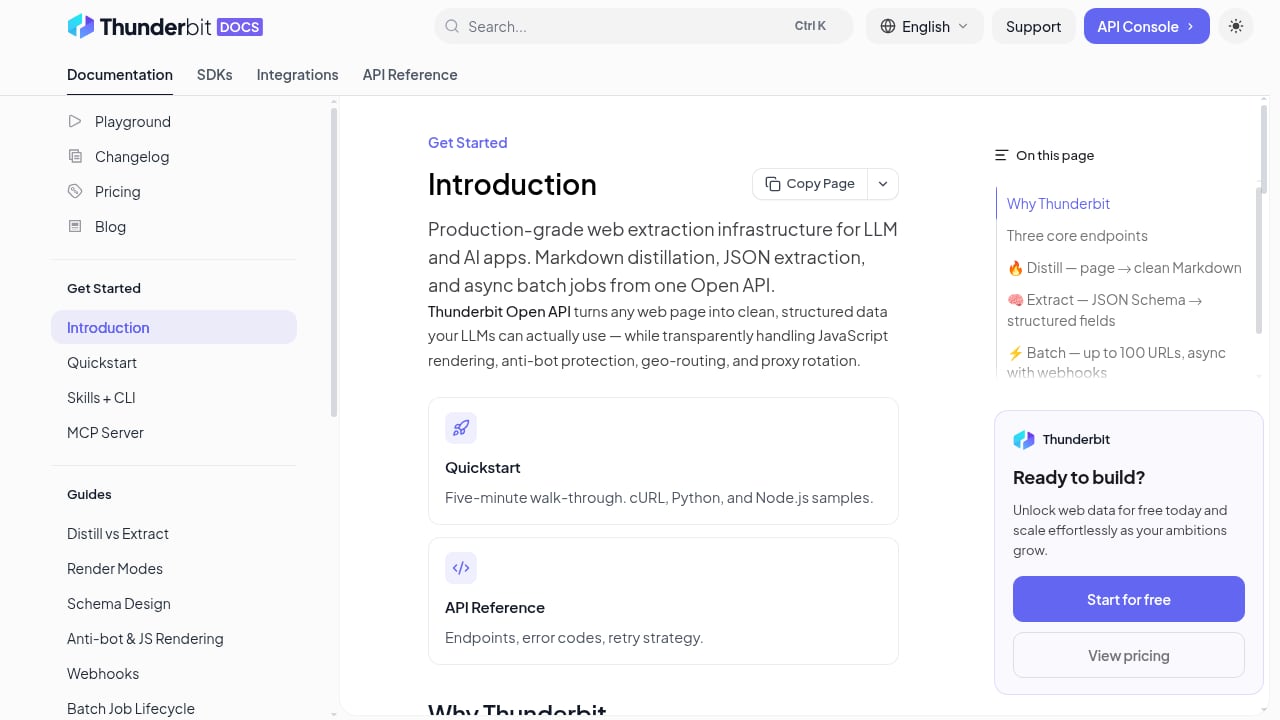
First viewport screenshot of Introduction | Thunderbit API.
1. Firecrawl — best for LLM, RAG, and agent ingestion
Firecrawl exposes search, scrape, crawl, map, parse, and interact as separate endpoints, and returns token-efficient Markdown or structured JSON. It is the strongest default when the destination for your data is a vector store or an agent loop rather than a spreadsheet.
Evidence: A free tier of 1,000 monthly credits, Hobby from $16/month billed annually, and a documented credit multiplier where JSON extraction consumes roughly five credits per page versus one for a basic scrape. That multiplier matters more than the headline price at volume.
Trade-off: Not a visual builder. Non-technical users will find the API-first model steep, though the playground and no-code integrations soften that.
2. ScrapeGraphAI — best for prompt-and-schema extraction
ScrapeGraphAI maps natural-language requests to structured output through SmartScraper, SearchScraper, SmartCrawler, and Markdownify. It ships as both an MIT-licensed open-source library and a hosted API, which is unusual and useful.
Evidence: Free tier, Starter around $17–20/month for roughly 10,000 credits, scaling to Growth and Pro tiers. Published comparisons note that accuracy varies with model choice, prompt quality, and the input page itself.
Trade-off: Runtime inference adds latency and cost per page, and outputs need validation. Plan for a human review step on ambiguous pages.
3. Thunderbit — best for fast browser-to-spreadsheet extraction
Thunderbit turns a webpage into a spreadsheet with AI agents and requires no setup or technical skill, which makes it the most practical entry point for non-technical teams. It suggests fields and structures page data directly into columns.
Evidence: A small free page allowance, extension plans from around $15/month, and a separate API from roughly $16/month annually. The billing model is the important detail: the extension charges per row, while the API charges 1 unit for a Distill page and 20 units for an Extract page.
Trade-off: Excellent for quick, repeatable extraction jobs; less suited to deeply modelled multi-stage crawls. If you are weighing it against developer tooling, our AdsCrawl vs Scrapy vs Thunderbit comparison walks through the split.
4. Apify AI Web Scraper — best for ready-made scrapers inside an automation ecosystem
Apify combines a large Actor marketplace with natural-language extraction and agentic crawl modes. If a scraper for your target site already exists in the store, you can be running in minutes.
Evidence: $5 of monthly platform usage as a free entry point, and AI Web Scraper pricing from around $20 per 1,000 page extractions. Total cost includes Actor events, compute, storage, transfer, and proxy usage.
Trade-off: Several usage meters make cost forecasting harder than single-unit competitors. Budget with headroom.
5. Bright Data Scraper Studio — best for enterprise access plus maintenance
Bright Data pairs scraper generation and repair assistance with the access infrastructure — proxies, browser tooling, and datasets — that large-scale collection actually requires.
Evidence: 5,000 monthly page loads free, then pricing from roughly $1.50 per 1,000 successful page loads, charged on success rather than attempts.
Trade-off: The product surface is broad and takes real evaluation time. For small jobs, the infrastructure is more than you need.
6. Kadoa — best for governed, self-maintaining pipelines
Kadoa generates deterministic pipelines, then monitors and repairs them when sites change. The positioning is explicitly toward finance and enterprise data teams that need auditability, not one-off pulls.
Evidence: A free evaluation path, then consumption-based Flex pricing or a custom agreement.
Trade-off: Enterprise-oriented onboarding and pricing. If you need a scraper this afternoon, this is the wrong shape of product.
7. Crawl4AI — best open-source, self-hosted option
Crawl4AI produces LLM-ready content and supports LLM extraction from a Python configuration. It is the strongest choice when data cannot leave your environment.
Evidence: Open-source software with no subscription. Your costs are infrastructure, proxies, model calls, and engineering time.
Trade-off: You own deployment, browser management, retries, and reliability. That is a feature for some teams and a hidden salary line for others.
8. Octoparse — best for detailed visual list-and-detail workflows
Octoparse auto-detects page data and drafts a workflow you can then edit in a desktop or cloud builder. It handles list pages, pagination, and detail-page traversal more explicitly than most no-code rivals.
Evidence: A free local plan, Standard from around $69/month billed annually, with limits on tasks, rows, cloud execution, and concurrency.
Trade-off: The interface feels heavy for simple jobs, and AI assists a workflow that may still need manual tuning.
9. Browse AI — best for no-code monitoring
Browse AI trains extraction robots from examples and is particularly good at change monitoring — alerting you when a page's content shifts rather than just extracting once.
Evidence: A free platform plan, paid plans from around $19/month billed annually, with credits influenced by rows, detail pages, screenshots, and website type.
Trade-off: Less explicit selector control, so unusual edge cases are harder to force into shape.
10. Zyte — best for managed access with typed automatic extraction
Zyte combines managed access with automatic schemas for documented content types such as products, articles, and job postings. The output schema is more predictable than free-form prompting.
Evidence: A unified extraction API returning structured JSON, HTML, or screenshots, with automatic schemas strongest for supported content types.
Trade-off: The value is concentrated in supported entity types. Arbitrary UI flows are not the target.
Comparison: which tool fits which job
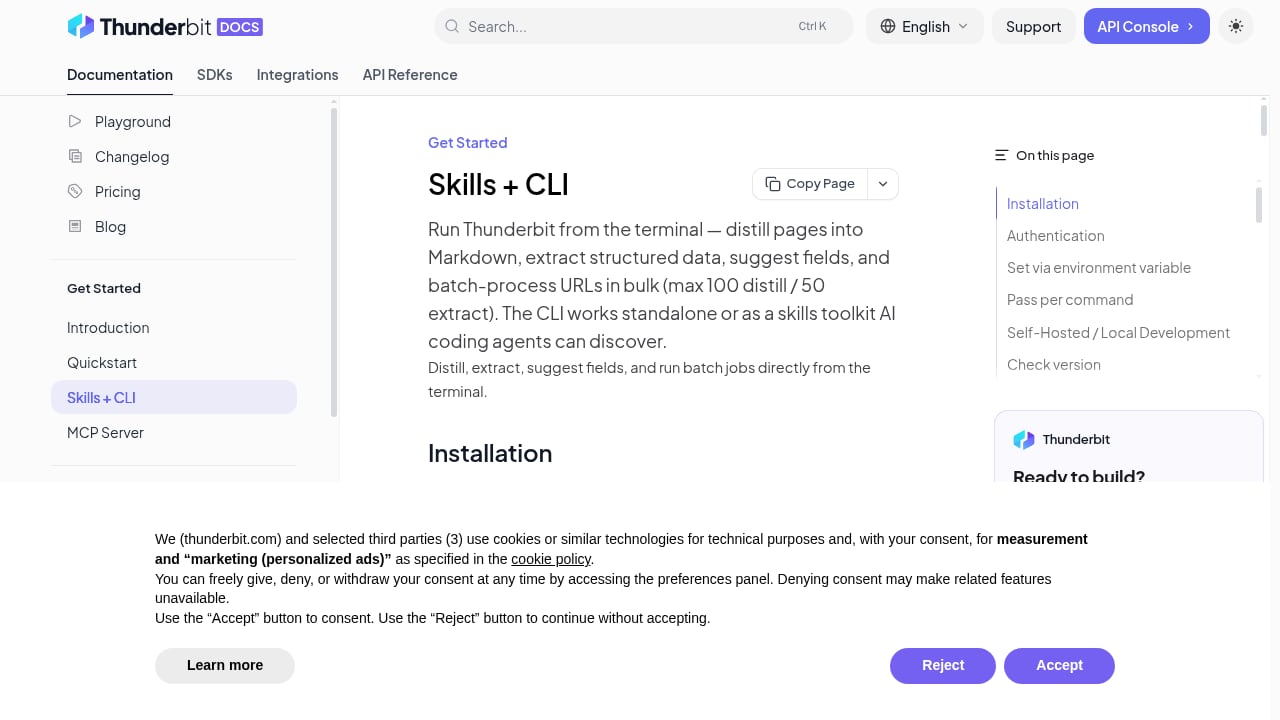
First viewport screenshot of Skills + CLI | Thunderbit API.
| Job | Strongest fit | Why |
|---|---|---|
| RAG or agent ingestion | Firecrawl | Markdown and JSON output built for token-efficient downstream use |
| Non-technical spreadsheet extraction | Thunderbit | AI agents suggest fields with no setup |
| Prompt-and-schema extraction | ScrapeGraphAI | Natural language mapped directly to structured output |
| Marketplace scrapers | Apify | Existing Actors reduce build time |
| Enterprise access and scale | Bright Data | Access infrastructure bundled with scraper generation |
| Self-healing governed pipelines | Kadoa | Monitoring and repair with auditability |
| Self-hosted, data stays internal | Crawl4AI | Open source, you control the environment |
| Visual multi-step workflows | Octoparse | Editable list-and-detail builders |
| Change monitoring | Browse AI | Trained robots watch pages over time |
| Typed automatic extraction | Zyte | Predictable schemas for supported entities |
Where browser infrastructure fits — and where AdsCrawl belongs
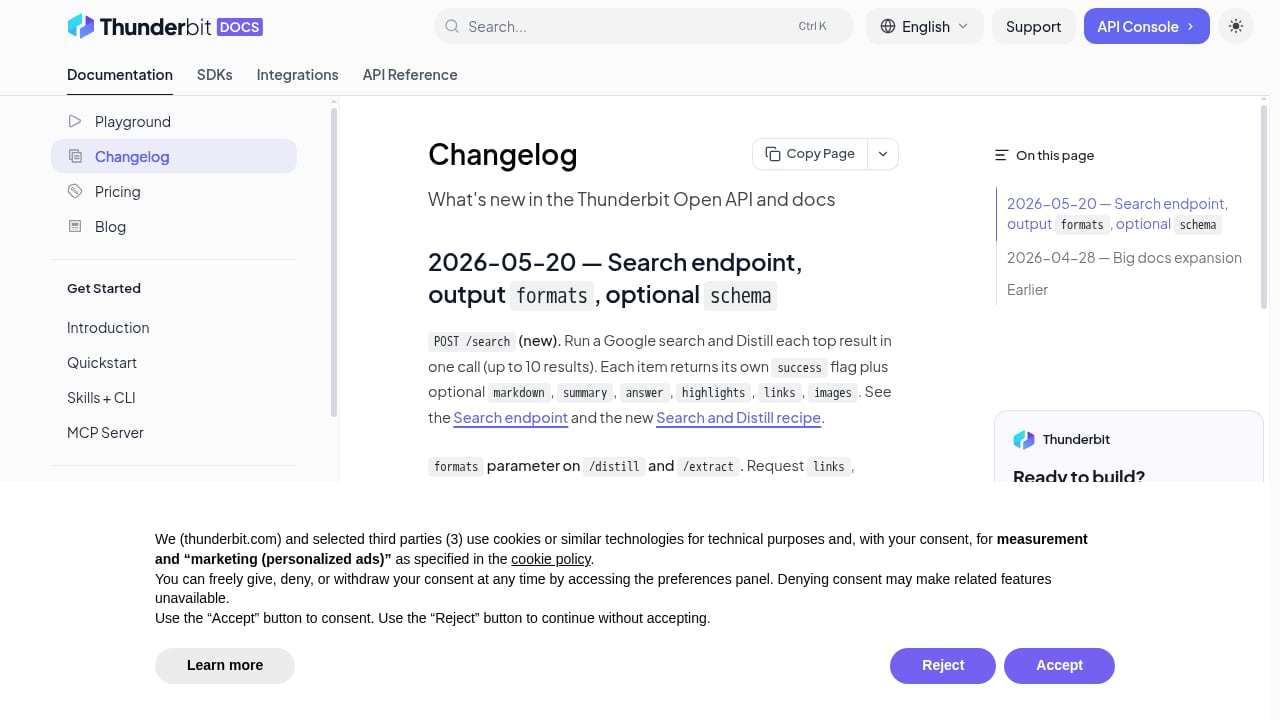
First viewport screenshot of Changelog | Thunderbit API.
Every tool above still needs a way to reach pages that resist simple HTTP requests. That is a separate layer, and it is where a managed cloud browser earns its place.
AdsCrawl is a managed cloud browser and browser automation API powered by AdsPower. It is not an AI web scraper in the sense ranked above — it does not infer fields or generate schemas. Instead, it gives developers real cloud Chromium browsers they can drive with Playwright, Puppeteer, or any CDP client, with residential proxy routing, stateful profiles that persist settings across tasks, and synchronous rendered-content extraction via POST /html. It returns rendered HTML, Markdown, JSON, or screenshots, and supports live interactive access through a connectUrl with short-lived control tokens.
Pricing is credit-based and transparent: a Free tier with 500 one-time credits, Hobby at $9/month, Starter at $49/month, and Pro at $199/month, differing by monthly credits, browser concurrency, profile limits, and API key counts.
A practical pattern is to pair it with an extraction tool rather than replace one. If your pipeline starts from search results, using AdsCrawl with SerpApi covers scraping SERPs and then rendering the landing pages behind them. If you are building in Node, the Playwright Node.js client guide shows how to launch browsers and scale with cloud browser APIs and proxies.
Related reading
- AdsCrawl vs Thunderbit vs Incogniton: Cloud Browser or No-Code? - AdsCrawl vs Thunderbit vs Incogniton compared: no-code AI scraping, anti-detect profiles, and cloud browser APIs for developers. Find your best fit.
- AdsCrawl vs ApiFlash: Screenshot API or Full Browser? - AdsCrawl vs ApiFlash compared: screenshots, rendered HTML, CDP control, proxies, and pricing. See which browser API fits your scraping workflow.
- WebHarvy Review 2026: Pay-Once Visual Scraper Tested - Hands-on WebHarvy review: point-and-click scraping, AI/LLM extraction, MCP support, pricing signals, limits, and who should buy it in 2026.
Sources and further reading
- 10 best AI web scraping tools in 2026 | Web Scraper - Compare 10 AI web scraping tools for no-code extraction, monitoring, APIs, RAG pipelines and self-hosting, including pricing and trade-offs
- 10 Best AI Web Scraping Tools for 2026 - No single AI scraper wins every workload. Compare 11 tools by extraction method, user type, operations, and cost, then use a practical test plan to choose the right fit.
- 13 Best Web Scraping Tools in 2026 - The best web scraping tools across AI, no-code, Python, browser automation, and cloud browser platforms — Firecrawl, ScrapeGraphAI, Crawl4AI, Octoparse, Beautiful Soup, Scrapy, Selenium, Playwright, Puppeteer, Apify, Browserless, Hyperbrowser, and more, compared honestly.
FAQ
What makes a web scraping tool "AI" in 2026?
Three mechanisms dominate: AI-assisted scraper building (the model drafts selectors you can edit), runtime AI extraction (a model interprets each page from a prompt or schema), and agent-built pipelines (an agent generates, tests, and repairs the scraper). Products often combine them. Check which tasks are automated, which run deterministically, and which still need human review.
Is runtime AI extraction more accurate than saved selectors?
Not inherently. Runtime extraction handles varied layouts better, but adds latency, inference cost, and outputs that are harder to diagnose. Saved selectors are more predictable and cheaper at volume but break on redesigns. Many teams use selectors for stable targets and AI extraction for the messy remainder.
How should I compare pricing across these tools?
Convert each plan into cost per 1,000 usable records, not cost per month. Credit multipliers are the trap: one page of JSON extraction can cost five times a basic scrape, and one Extract page can cost twenty units where a Distill page costs one. Include proxies, retries, and failed records in the calculation.
Do I need a cloud browser if I already use an AI scraper?
Often yes. AI extraction is not page access. If requests return CAPTCHAs, empty shells, or login walls, no parser can help. A cloud browser with proxy routing and persistent profiles solves the access problem, and the AI scraper solves the interpretation problem.
Which option is best for a non-technical team?
Thunderbit and Browse AI are the most accessible, with Thunderbit strongest for one-off spreadsheet extraction and Browse AI strongest for ongoing monitoring. Octoparse sits between them if you need explicit multi-step workflows.
Conclusion
The honest answer is that no single product wins every workload. Match the tool to the job: Firecrawl for LLM pipelines, ScrapeGraphAI for prompt-driven extraction, Thunderbit for non-technical spreadsheet work, Apify for marketplace speed, Bright Data for enterprise access, Kadoa for governed pipelines, Crawl4AI for self-hosting, Octoparse for visual workflows, Browse AI for monitoring, and Zyte for typed extraction.
Then treat access as a separate decision. Run a proof of concept on your own targets, measure cost per usable record, and confirm current allowances on each vendor's pricing page before you buy. A polished demo is not evidence; your own test set is.