
Browser Use Review 2026: AI Browser Agent Tested
Hands-on Browser Use review: how its AI browser agents perform, real pricing signals, setup steps, limitations, and who should use it in 2026.

Browser Use Review 2026: An AI Browser Agent Put to the Test
Browser Use is one of the most visible names in AI browser automation: an open-source project that lets a language model drive a real browser through plain-language instructions instead of hand-written selectors. This review looks at what it does well, where it struggles, how it is priced, and whether it belongs in your stack.
What Browser Use Actually Is
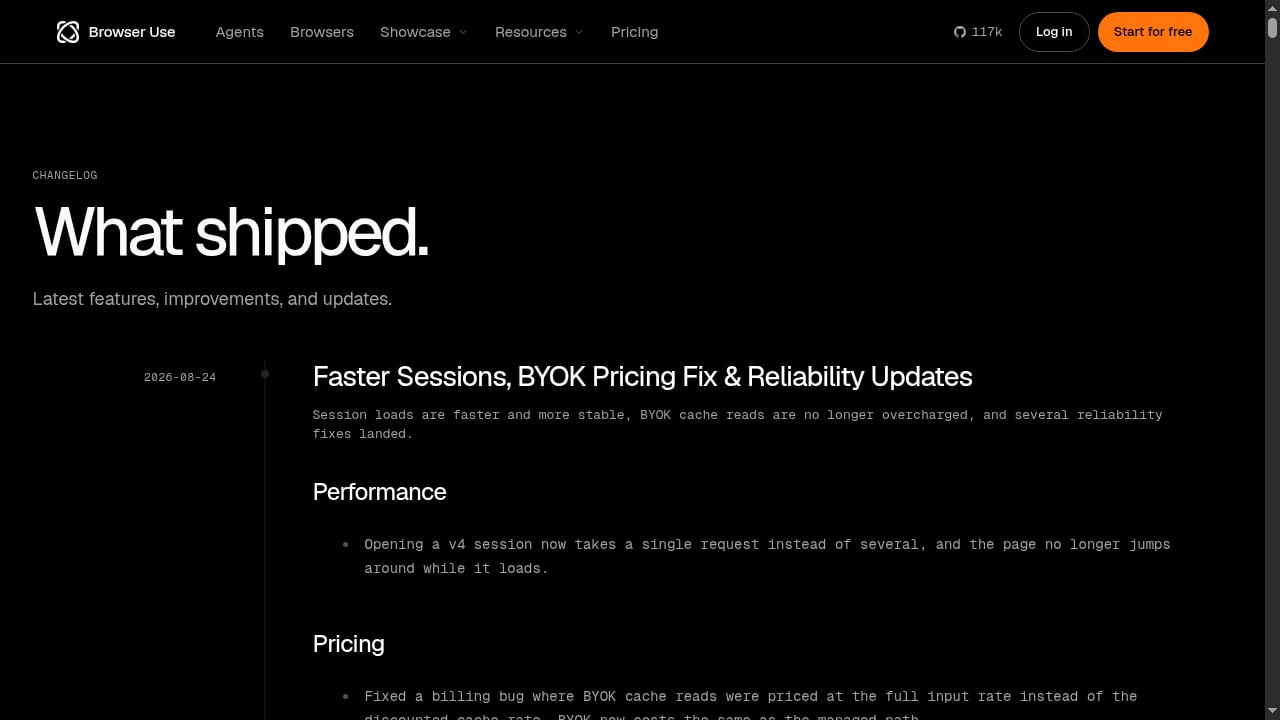
First viewport screenshot of Browser Use - Enable AI to control your browser.
Browser Use sits on top of the Chrome DevTools Protocol (CDP). Rather than clicking fixed CSS selectors, an LLM reads a structured map of interactive elements — links, buttons, inputs — and decides what to do next. You describe a task; the agent plans and executes the steps.
The platform now ships two distinct products:
- Browser Use Agents — end-to-end task execution, where you give a goal and the agent finishes it.
- Browser Infrastructure — managed browsers built for protected sites, exposed via SDK, REST, or CDP. You paste a connection URL and start automating.
Supporting features include a CLI, Python and JavaScript code generation, session sharing, usage analytics, scheduled agents, and a templates library. There is also an open-source model, BU-30B-A3B-Preview, aimed at cost-efficient task execution.
Who Should Consider Browser Use
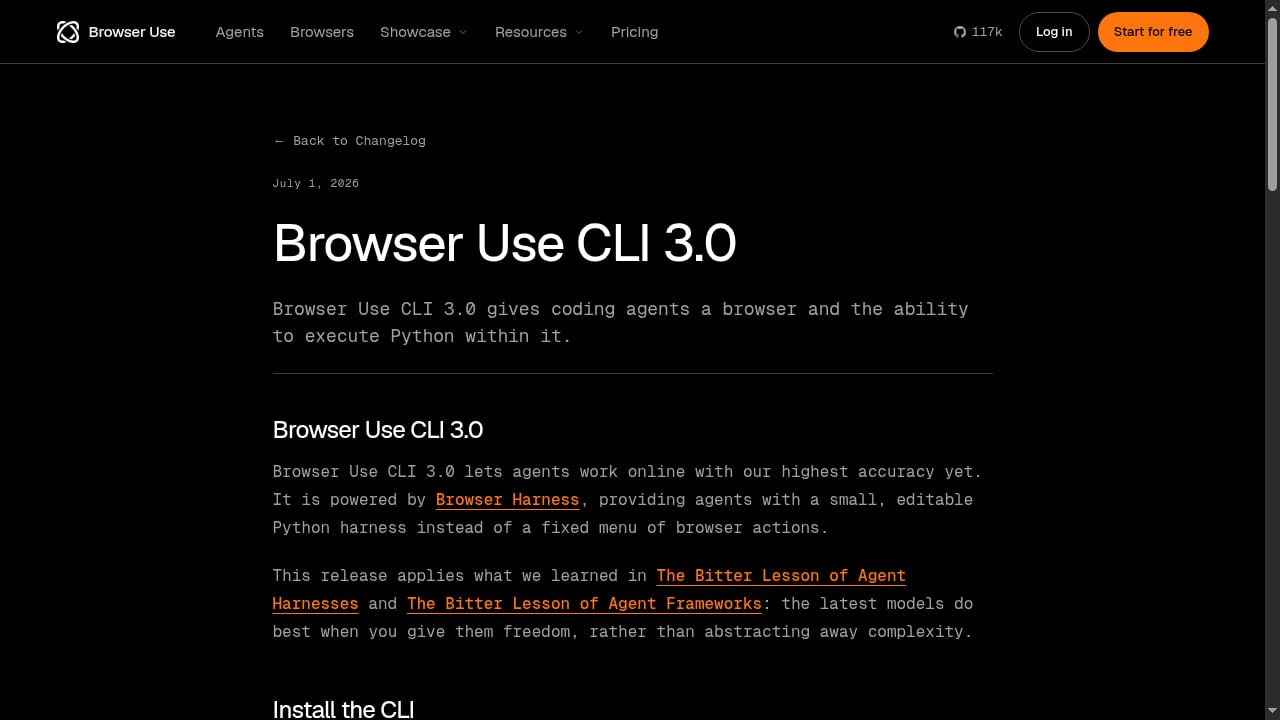
First viewport screenshot of Browser Use CLI 3.0.
Based on hands-on testing and community feedback, three profiles get the most value:
AI engineers building agentic workflows. If your product needs an agent that can log in, navigate, and extract data from real sites, Browser Use removes a large amount of plumbing. One Product Hunt reviewer noted that local operator agents hand off to Browser Use agents to browse with a real logged-in browser — useful for tasks that require authentication.
Automation and scraping teams. Dynamic pages, login walls, and layout changes are exactly where selector-based scripts break. An LLM-driven agent adapts without a rewrite.
QA and testing teams. Conversational instructions can replace brittle test code for validating user journeys across configurations.
Where Browser Use Performs Well
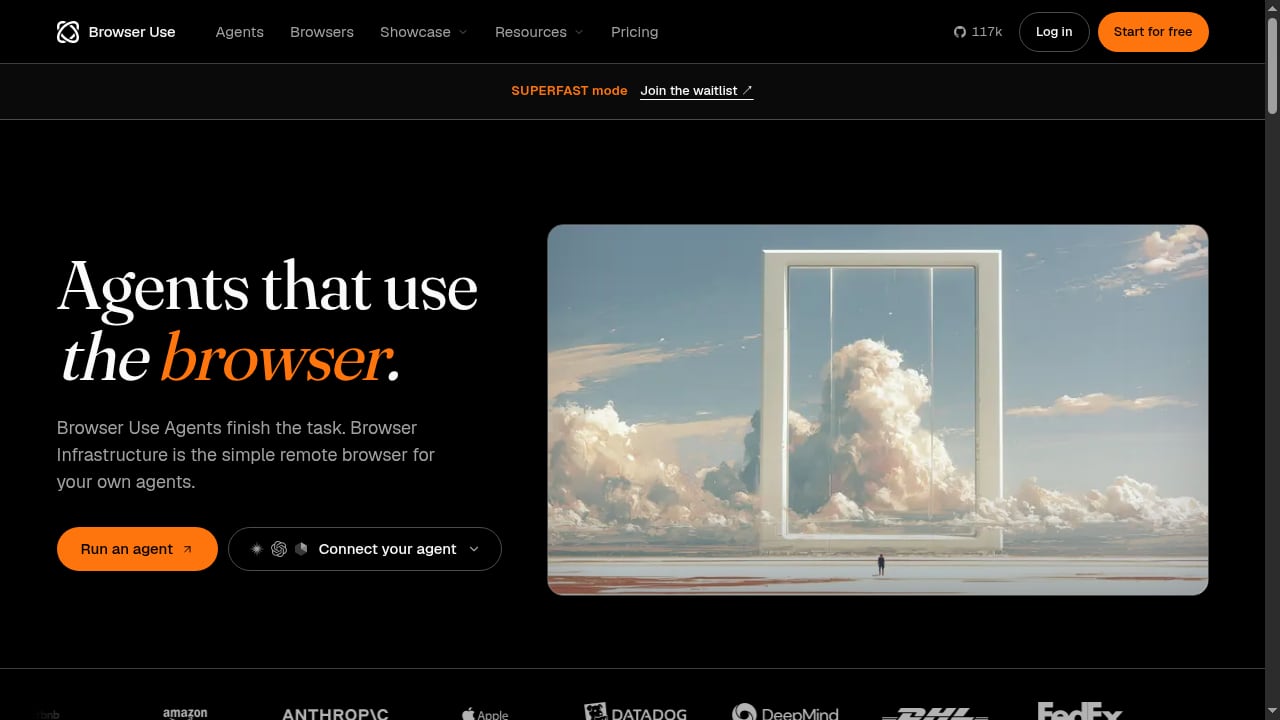
First viewport screenshot of Browser Use Agents & Browser Infrastructure | Browser Use.
Natural-language control
You can issue instructions like "open the dashboard, export last week's invoices, and save them as CSV" and the agent figures out the steps. This is the core value proposition and it holds up on moderately complex flows.
Flexible model support
Browser Use works with LangChain-compatible models, including OpenAI, Anthropic Claude, Google Gemini, and local models via Ollama. Bring-your-own-key (BYOK) integration means you control both cost and data path.
Session and state management
Cookies, authentication states, and persistent sessions can be reused. This matters for any workflow that depends on staying logged in.
Cloud infrastructure for protected sites
Browser Infrastructure targets sites with anti-bot defenses, offering stealth browsers and proxy support. For teams hitting CAPTCHAs or fingerprinting, this is the practical path.
Cost efficiency at scale
Vendor figures cite 82% accuracy on Internal Bench Hard, 17¢ per solved task, and $0.02 per browser hour. Those numbers are worth verifying against your own workloads, but the direction is clear: agentic browsing is getting cheap.
Limitations and Rough Edges
Reliability is model- and site-dependent. Community threads on r/LocalLLaMA make this explicit: results vary heavily by model, prompt, and target site. A widely cited Reddit complaint described a basic task — opening a URL — getting stuck in an infinite loop. That is an early-usage anecdote, but it reflects a real pattern: agentic browsing is not deterministic.
Long sessions add up. Cloud sessions are billed per minute, and step-based LLM costs accumulate on complex tasks. Light workflows stay cheap; long-running agents need usage monitoring.
Public review volume is still thin. Product Hunt shows a small set of reviews (15 at the time of writing), and many are from founders. G2 had no published customer reviews. Enthusiasm is real, but independent, large-scale production evidence is limited.
Technical users are rewarded. Beginners can get stuck on environment setup, API keys, and debugging agent loops.
Pricing Signals
Browser Use uses pay-as-you-go pricing. Reported components include a per-task initialization fee, per-step LLM charges (varying by model), and hourly browser session costs. Proxy pools and stealth mode have been offered free in some periods but are normally billed per step.
| Component | Reported rate |
|---|---|
| Task initialization | ~$0.01 per task |
| LLM steps | ~$0.002 per step (default model) |
| Browser session | ~$0.06 per hour, billed per minute |
| Proxy pool | Free in some periods; normally ~$0.01 per step |
| Stealth mode | Free in some periods; normally ~$0.02 per step |
Self-hosting the open-source library is free; you pay only for your own LLM usage and infrastructure. The cloud tier adds stealth, proxies, and more stable concurrency.
Setup: What to Expect
A typical local setup takes around ten to fifteen minutes on a clean machine:
- Create a virtual environment.
- Install the Browser Use package.
- Let it download Chromium automatically.
- Add your LLM API keys.
- Run the first example task.
For cloud infrastructure, the flow is simpler: paste a connection URL and start automating. Headless mode runs quietly; headed mode lets you watch the agent work, which is invaluable for debugging.
If you are already comfortable with Playwright or CDP, the mental model transfers quickly. Teams comparing approaches may find our breakdown of the Playwright Node.js client useful for understanding the underlying browser control layer.
Browser Use vs. Alternatives
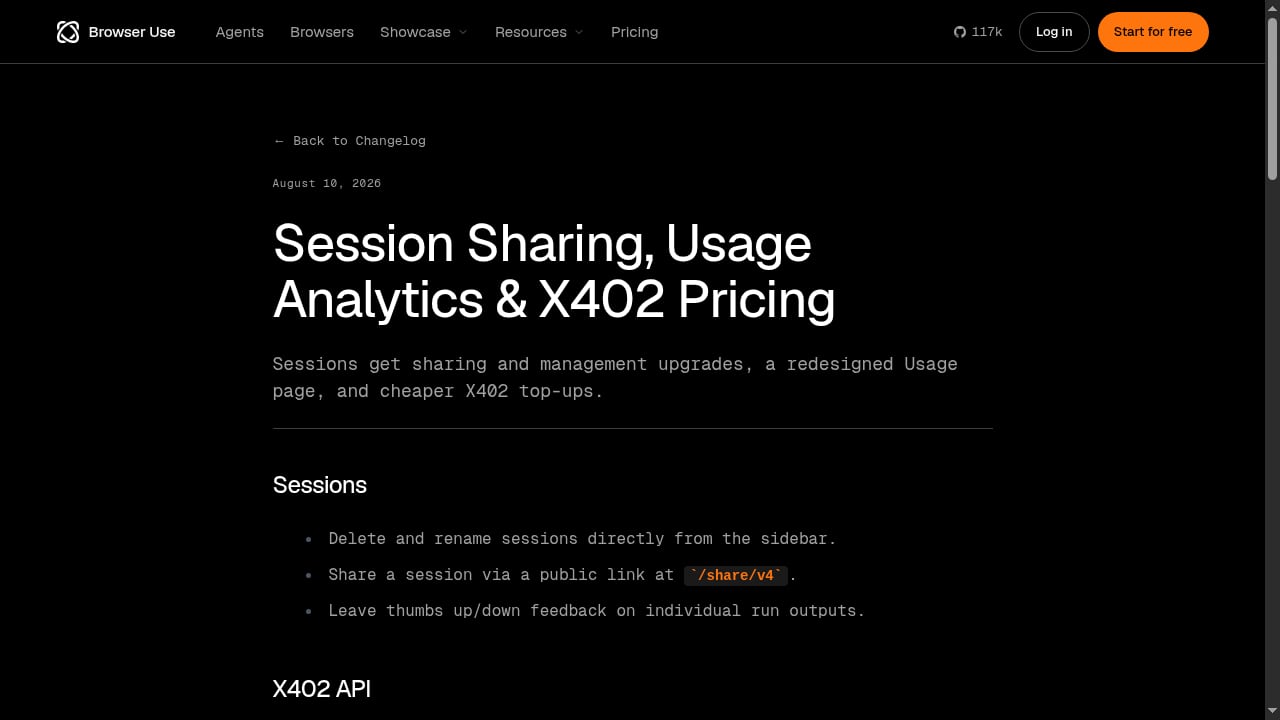
First viewport screenshot of Session Sharing, Usage Analytics & X402 Pricing.
Browser Use competes in a crowded field. The honest framing:
- vs. Selenium/Playwright scripts: Browser Use wins on adaptability, loses on determinism. If your flow is stable and high-frequency, classic scripts are still cheaper and more predictable.
- vs. no-code scrapers: Browser Use is more powerful but requires more technical setup. No-code tools win for simple, one-off extraction.
- vs. other AI browser platforms: Differentiation comes down to anti-bot handling, session persistence, cost per task, and scale. Our ranked list of AI browser automation platforms compares these dimensions directly.
For teams focused specifically on data extraction rather than full agent workflows, a dedicated AI web scraping and data extraction tool comparison may be a better starting point.
Decision Criteria: Should You Adopt It?
Ask these questions before committing:
- Is your workflow dynamic or stable? Dynamic sites and changing layouts favor Browser Use. Stable, repetitive flows favor scripts.
- Can you tolerate non-determinism? Agentic browsing occasionally loops or misclicks. Build retries and monitoring.
- What is your cost ceiling per task? Model your step count and session duration before scaling.
- Do you need stealth and proxies? If yes, the cloud infrastructure tier is the relevant product.
- Do you have LLM keys and technical staff? BYOK and self-hosting reward teams with both.
Related reading
- Scrape Website Data: A Developer's Guide to Dynamic Pages - Learn how to scrape website data from JavaScript-heavy pages using cloud browsers, proxies, and structured extraction. Practical examples for developers.
- How to Use AdsCrawl with SerpApi: Google Search API - Combine AdsCrawl cloud browsers with SerpApi Google Search API to scrape SERPs, render landing pages, and build reliable search pipelines.
- AdsCrawl vs Thunderbit vs Incogniton: Cloud Browser or No-Code? - AdsCrawl vs Thunderbit vs Incogniton compared: no-code AI scraping, anti-detect profiles, and cloud browser APIs for developers. Find your best fit.
Sources and further reading
Browser Use: Technical Expert Review & Tests - Artificial intelligence has been pushing its way into every corner of software development, but few areas are changing as quickly as browser automation. The
Browser Use Reviews (2026) | Product Hunt - Read reviews and experiences from users of Browser Use. Get comprehensive feedback about features, pros, cons, and alternatives.
Does anyone actually use Browser Use in production? : r/LocalLLaMA - Open navigation
Go to Reddit Home
FAQ
Is Browser Use free? The open-source library is free to self-host. You pay for your own LLM usage. The cloud service is pay-as-you-go.
Does Browser Use work in production? It can, particularly for dynamic or authenticated workflows. Reliability depends on the model, the site, and how much error handling you build around it. Community reports are mixed, so pilot before scaling.
Which models work best? Results vary. Strong multimodal models tend to perform better on page understanding. The vendor also offers BU-30B-A3B-Preview for cost-efficient execution.
Can it handle login-protected sites? Yes. Session reuse and persistent authentication states are supported, and the cloud infrastructure tier targets protected sites with stealth and proxies.
How does it compare to writing Playwright scripts? Browser Use adapts to page changes without selector rewrites; Playwright is faster and more deterministic for stable flows. Many teams use both.
Conclusion
Browser Use is a credible, fast-moving entry in the AI browser automation space. Its natural-language control, broad model support, and low per-task cost make it attractive for AI startups and automation teams working with dynamic, authenticated, or anti-bot-protected sites. The caveats are real: reliability varies by model and target, long sessions cost more than they look, and independent production evidence is still limited. Treat it as a powerful tool that rewards technical teams — pilot it on a bounded workflow, measure cost and success rate, and scale only what proves stable.