
AdsCrawl vs Browser Automation & Web Scraping Tools
Compare AdsCrawl's managed cloud browser API with no-code and code browser automation tools. See which fits dynamic scraping, CDP control, and scale.
AdsCrawl vs Browser Automation & Web Scraping, No-Code or Code
When your scraping target is a dynamic website that resists simple HTTP requests, you have two broad paths: a managed cloud browser API like AdsCrawl, or a browser automation and web scraping platform that offers no-code tools alongside code-based automation. The right choice depends on how much browser control you need, how your team works, and whether you want to manage browser infrastructure yourself.
This comparison breaks down the differences, when each approach makes sense, and how to decide without guesswork.
What each option actually is
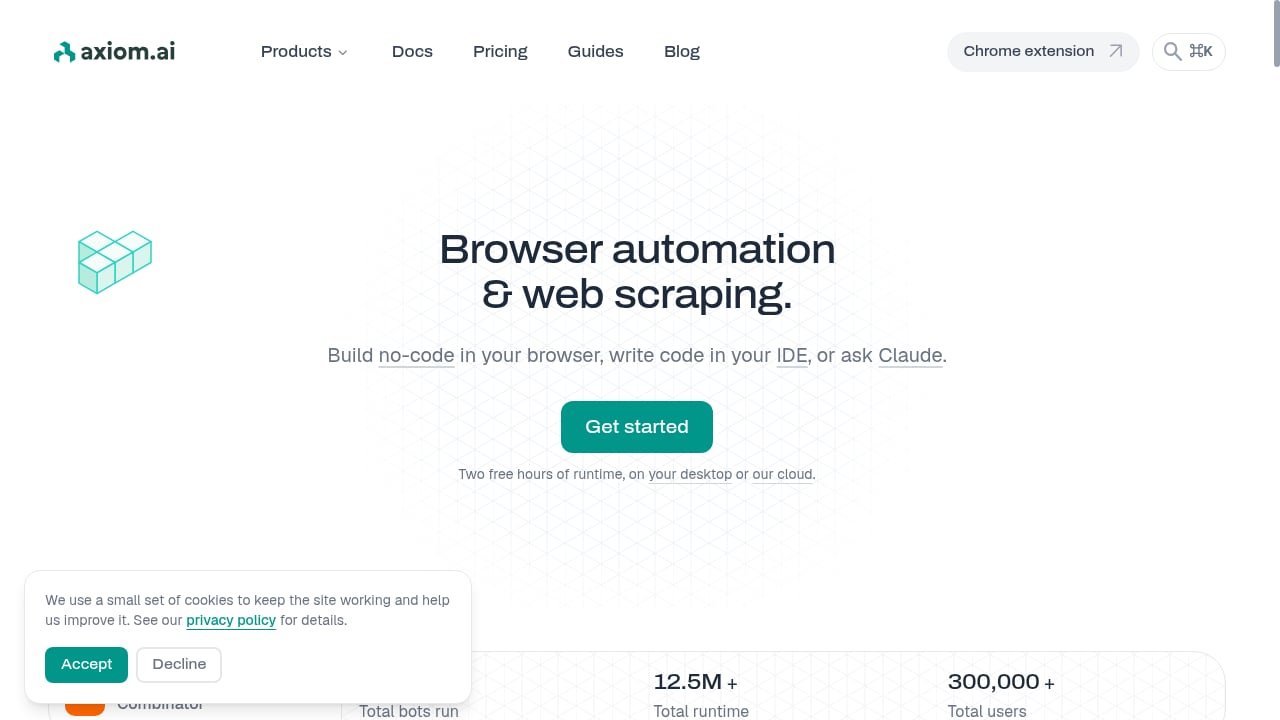
First viewport screenshot of Browser automation & web scraping, no-code or code.
AdsCrawl is a managed cloud browser and browser automation API. You connect Playwright, Puppeteer, or any CDP client to real cloud Chromium browsers. It supports residential proxy routing or your own proxies, and returns rendered HTML, Markdown, JSON, or screenshots. Core workflows include synchronous rendered-content extraction via POST /html, page screenshots with viewport and selector controls, SPA page data extraction using templates, stateful cloud browser profiles that persist settings across tasks, and dedicated remote CDP sessions for direct browser control. It also provides live interactive browser access through a connectUrl, short-lived live control tokens, and detailed API schemas for browser settings, fingerprints, proxies, cookies, waits, and actions. Pricing is credit-based: a Free tier with 500 one-time credits, Hobby at $9/month, Starter at $49/month, and Pro at $199/month.
Browser automation and web scraping platforms (the substitute category) typically offer a no-code tool, a browser automation API, or the ability to describe tasks to an AI assistant. They may run on the vendor's cloud or on your own machine. These platforms aim to lower the barrier to automation, letting non-developers build scrapers visually while still offering code access for developers.
Where AdsCrawl stands out
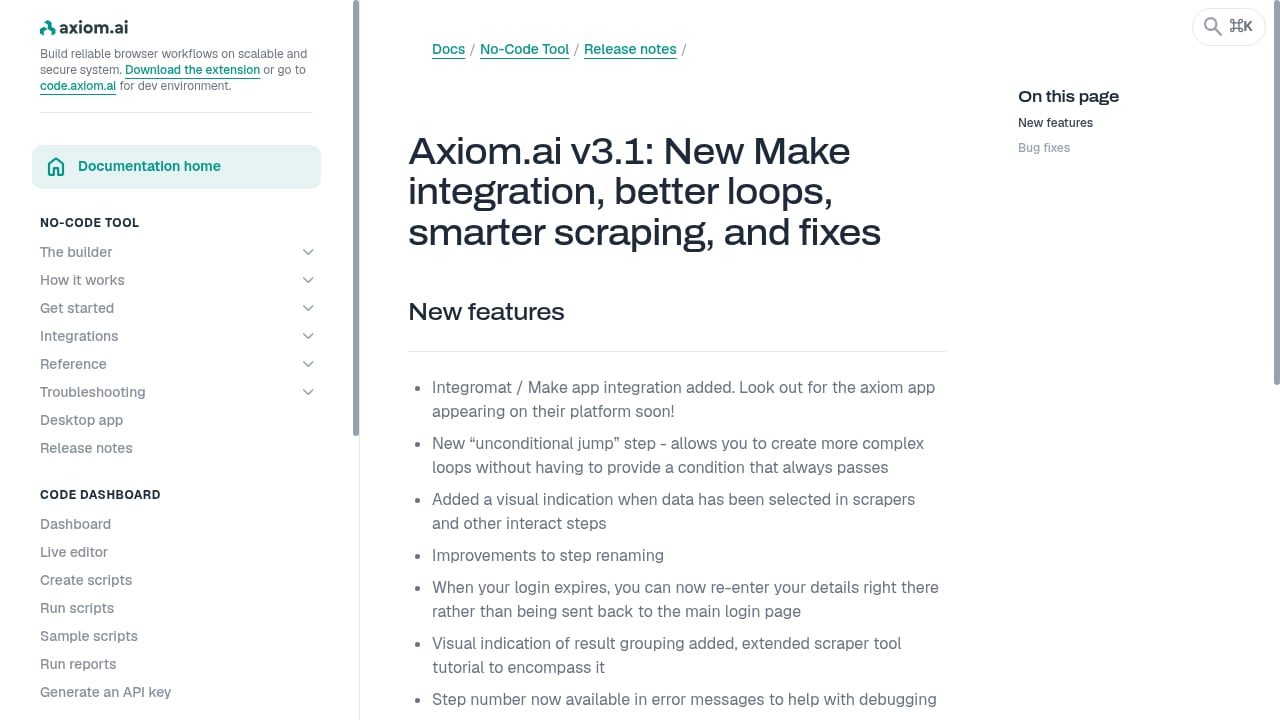
First viewport screenshot of Axiom.ai v3.1: New Make integration, better loops, smarter scraping, and fixes.
Real browser sessions with CDP control
AdsCrawl exposes remote Chrome DevTools Protocol sessions. That means you can inspect and manipulate the browser at the protocol level — verify rendering state, debug page behavior, or build custom interactions that go beyond simple navigation. If your workflow needs to see the browser itself, not just the final HTML, CDP access is the differentiator.
Many no-code or code platforms abstract the browser behind a REST API or a visual builder. That is simpler, but less flexible when you need fine-grained control over page state.
Managed proxies and browser identity
AdsCrawl includes 100+ rotating residential proxies and supports custom proxy configurations. You can route each browser through the region your target site expects, reducing failures from geo restrictions or IP conflicts. Fingerprint profiles help maintain consistent rendering across requests.
Substitute platforms may offer proxy rotation, but often as an add-on or with less control over browser identity. If consistent browser identity matters for your targets, AdsCrawl's approach is more direct.
Structured extraction without building a pipeline
AdsCrawl provides synchronous endpoints for rendered HTML, Markdown, JSON, and screenshots. You can extract specific fields using POST /spa-extract with CSS selectors or network response matching. This means you can get structured data without writing a full scraping pipeline from scratch.
No-code tools can also extract data, but they often require you to build and maintain a visual workflow. AdsCrawl's API-first approach fits teams that want to integrate extraction directly into their applications.
Stateful cloud browser profiles
AdsCrawl's cloud browser profiles persist settings across tasks, so you can reuse cookies, proxies, and browser state. This is useful for workflows that span multiple sessions, such as monitoring a dashboard or maintaining a logged-in state (where authorized).
Some substitute platforms offer session persistence, but it may be limited to a single automation run or require self-hosted infrastructure.
Where the substitute category has advantages
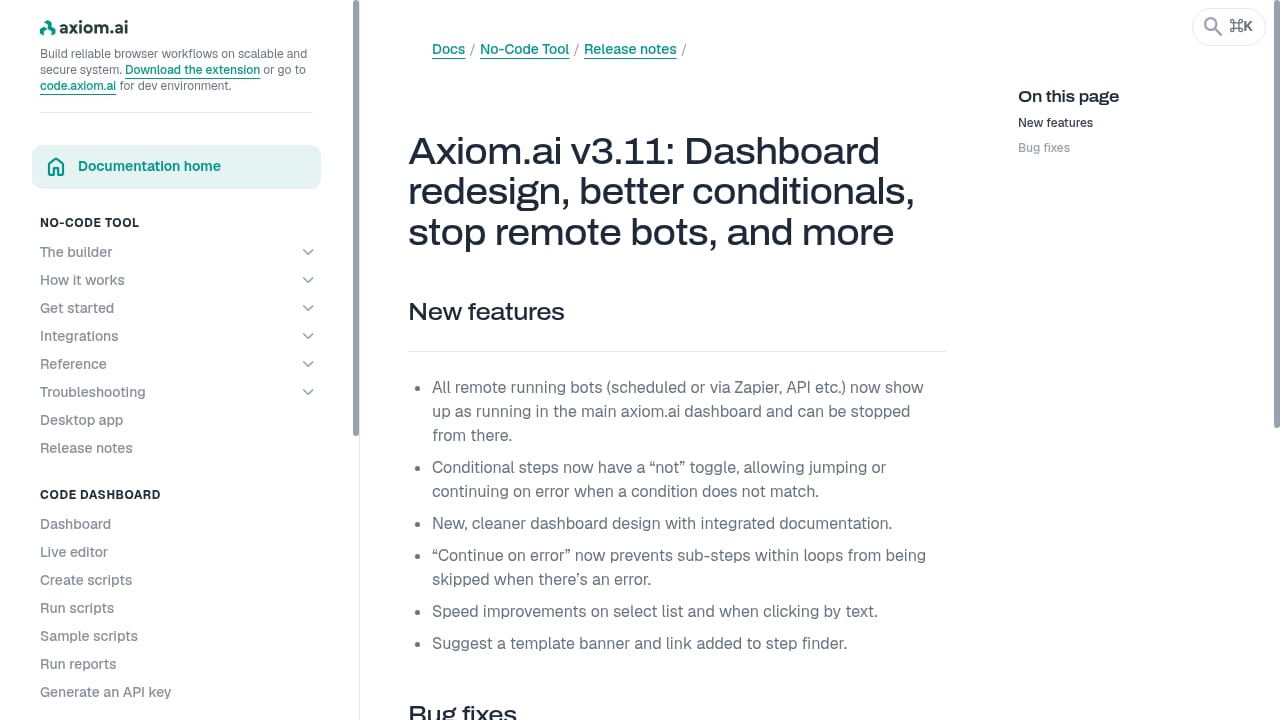
First viewport screenshot of Axiom.ai v3.11: Dashboard redesign, better conditionals, stop remote bots, and more.
No-code accessibility
The biggest strength of no-code browser automation platforms is that they let non-developers build scrapers. If your team includes analysts, marketers, or operations staff who need to extract data without writing code, a visual builder can be a faster path.
AdsCrawl is developer-focused. It requires API calls or code to connect Playwright, Puppeteer, or CDP. There is no visual scraper builder. If your primary need is point-and-click extraction, a no-code tool may be more appropriate.
Self-hosted deployment options
Some browser automation platforms let you run the automation on your own machine or inside your own VPC. This can matter for data residency requirements, latency constraints, or teams that want to avoid per-request pricing entirely.
AdsCrawl is a hosted platform. You use its cloud browsers and API. There is no self-hosted option. If policy requires your browser automation to run inside your own infrastructure, a substitute with self-hosting may be the better fit.
AI-assisted workflow creation
Some platforms let you describe a task to an AI assistant, which then generates the automation. This can speed up prototyping for simple tasks. AdsCrawl does not offer a natural-language task builder; it provides API schemas and examples that developers integrate directly.
Feature comparison at a glance
| Capability | AdsCrawl | Typical no-code/code platform |
|---|---|---|
| Browser control | Remote CDP sessions, Playwright, Puppeteer | Varies; often REST API or visual builder |
| Proxy support | 100+ residential proxies, custom proxies | Often available, sometimes as add-on |
| Extraction formats | HTML, Markdown, JSON, screenshots | Usually HTML or structured data |
| State persistence | Cloud browser profiles | Varies; may require self-hosting |
| No-code builder | No | Often yes |
| Self-hosted option | No | Sometimes yes |
| Pricing model | Credit-based, from $9/month | Varies; may include free tier |
When to choose AdsCrawl
- You need CDP-level control over browser sessions for debugging or custom interactions.
- Your workflow involves AI agents that need to read pages as Markdown and interact with them programmatically.
- You want fingerprint profiles for consistent rendering across requests.
- You need concurrent browser execution for scaled collection of public pages.
- You prefer a credit-based freemium model to test before scaling.
When to choose a no-code or code browser automation platform
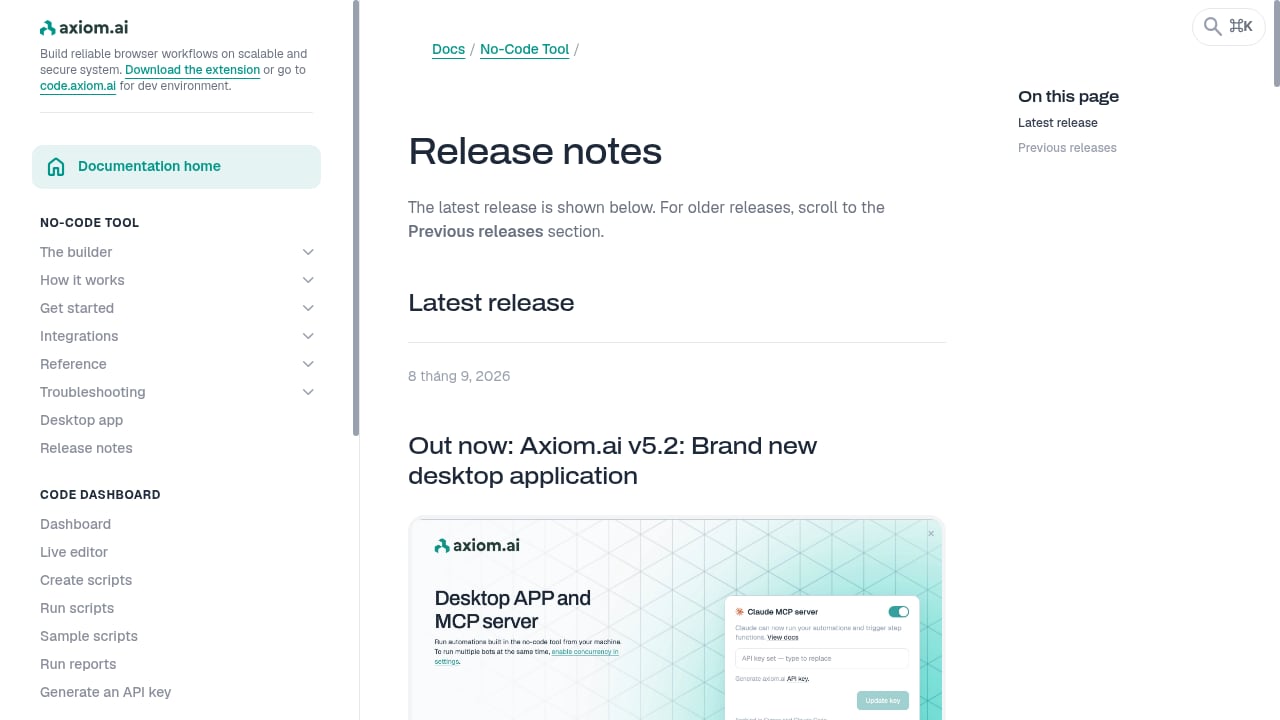
First viewport screenshot of Latest axiom.ai release notes and previous updates.
- Your team includes non-developers who need to build scrapers visually.
- You require self-hosted deployment for data residency or latency reasons.
- You want to describe tasks to an AI assistant and have it generate the automation.
- Your targets are simple enough that a REST API or visual workflow is sufficient.
Practical examples
Example 1: Scraping a JavaScript-heavy product page
With AdsCrawl, you send a POST /html request with contentMode: "markdown" and waitUntil: "domcontentloaded". The cloud browser renders the page, waits for the content, and returns readable text. You can then parse the Markdown or use POST /spa-extract to pull specific fields.
With a no-code tool, you would open a visual builder, point to the elements you want, and run the workflow. This is faster for one-off tasks but harder to version-control or integrate into a CI pipeline.
Example 2: Monitoring a dashboard that requires login
AdsCrawl's cloud browser profiles let you save cookies and browser state, so you can reuse a session across monitoring runs. You can also use a CDP session for multi-step sign-in flows. Always ensure you are authorized to access the account.
A self-hosted platform might let you run the same automation on your own machine, which could be preferable if the dashboard is internal.
Example 3: Capturing screenshots for visual regression testing
AdsCrawl's POST /screenshot endpoint returns a PNG. You can set fullPage for the entire page or pass a selector to capture a specific element. This integrates easily into a test suite.
No-code tools may offer screenshot steps, but they are often part of a larger workflow and less convenient for automated testing.
Related reading
- Browser Use Review 2026: AI Browser Agent Tested - Hands-on Browser Use review: how its AI browser agents perform, real pricing signals, setup steps, limitations, and who should use it in 2026.
- Top 10 AI Web Scraping & Data Extraction Tools 2026 - A 2026 ranked review of the top 10 AI web scraping and data extraction tools, with evaluation criteria, pricing signals, and decision guidance.
- How to Use AdsCrawl with SerpApi: Google Search API - Combine AdsCrawl cloud browsers with SerpApi Google Search API to scrape SERPs, render landing pages, and build reliable search pipelines.
FAQ
Can AdsCrawl replace a no-code scraper?
For developers, yes. AdsCrawl provides API endpoints for rendered HTML, Markdown, JSON, and screenshots, plus CDP control for complex interactions. However, it does not offer a visual builder, so non-developers may find a no-code tool easier.
Does AdsCrawl support self-hosting?
No. AdsCrawl is a hosted cloud browser platform. If you need to run browser automation inside your own infrastructure, a substitute with self-hosting may be required.
How does AdsCrawl handle anti-bot defenses?
AdsCrawl uses real cloud Chromium browsers with fingerprint profiles and residential proxy routing. This helps with sites that require consistent browser identity. It also supports CAPTCHA solving through integrations.
What about pricing?
AdsCrawl offers a Free tier with 500 one-time credits, Hobby at $9/month, Starter at $49/month, and Pro at $199/month. Plans differ by monthly credits, browser concurrency, cloud browser profile limits, and API key counts. No-code platforms often have their own pricing models, sometimes with free tiers.
Can I use my own proxy with AdsCrawl?
Yes. APIs that support proxies accept a custom configuration. Every Cloud Browser launch request must include a valid proxy. Put credentials in the designated fields, not in the proxy server URL.
Conclusion
AdsCrawl and no-code/code browser automation platforms solve overlapping but distinct problems. AdsCrawl is built for developers who need real browser control, CDP access, managed proxies, and structured extraction at scale. Substitute platforms are often better for non-developers, self-hosted requirements, or AI-assisted workflow creation.
If your team writes code and your targets are dynamic, AdsCrawl's managed cloud browser API offers a direct path. If you need a visual builder or self-hosting, a substitute may be the better fit. Evaluate based on your team's skills, your infrastructure constraints, and the level of browser control your workflows require.
For more on dynamic scraping, see our guide on how to scrape website data from dynamic pages. If you are comparing other tools, our AdsCrawl vs Thunderbit vs Incogniton comparison covers no-code and anti-detect alternatives. Developers connecting Playwright can start with the Playwright Node.js client guide.
External references: AdsCrawl vs Browserless vs ScrapingBee and AdsCrawl product page.