
The Complete Guide to Browser Task APIs: From Background Idle Scheduling to Cloud Automation
What is a browser task API? This article breaks down background task cooperative scheduling, extension APIs, and cloud browser automation, compares traditional crawlers with managed solutions, and offers selection and practical advice.
The Complete Guide to Browser Task APIs: From Background Idle Scheduling to Cloud Automation
When developers search for "browser task API," they often have different questions in mind: some want to know how to make the browser execute low-priority tasks when idle, some want to call the capabilities of a Chrome extension, and others need the browser to automatically complete scraping, testing, or monitoring in the cloud. These three needs point to completely different technical paths, yet they share the same vague keyword.
This article first breaks down the concepts, then provides actionable code examples, solution comparisons, and selection advice to help you choose the right tool in real projects.
What Exactly Does Browser Task API Mean
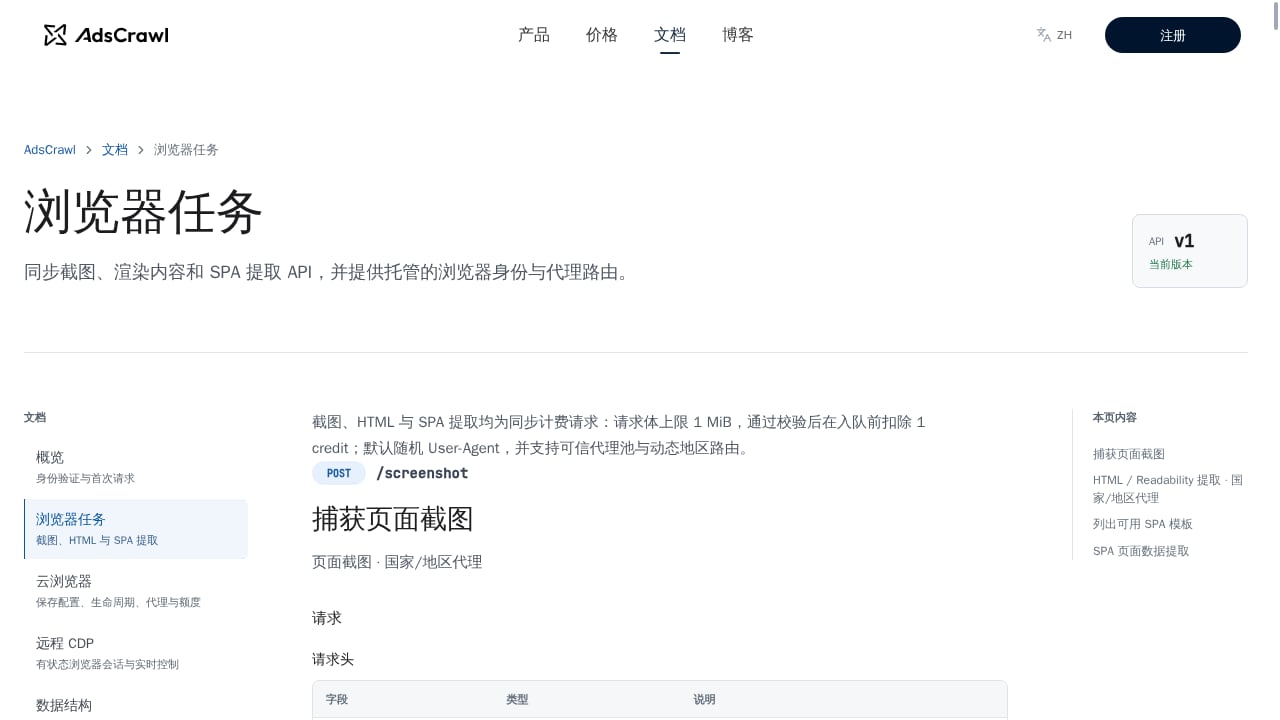
First viewport screenshot of 浏览器任务 | AdsCrawl 文档.
In the Chinese technical context, "browser task API" usually corresponds to three different things:
- Background task cooperative scheduling API: The browser decides when to execute your queued tasks during idle time. The core interfaces are
requestIdleCallback()andcancelIdleCallback(), along with theIdleDeadlineobject. - Browser extension API: Extensions call capabilities such as tabs, storage, network requests, and debugger through the
chrome.*orbrowser.*namespace, belonging to the extension ecosystem's task interfaces. - Cloud browser automation API: Runs a real Chromium on a server, remotely driven via HTTP interfaces or CDP (Chrome DevTools Protocol), used for scraping, end-to-end testing, and monitoring.
To determine which type you need, the simplest way is to ask: whose browser is the task running in? If it's the user's currently open page, look at the first type; if it's an extension you installed yourself, look at the second type; if it's an unattended browser on a server, look at the third type.
Type One: Background Task Cooperative Scheduling API
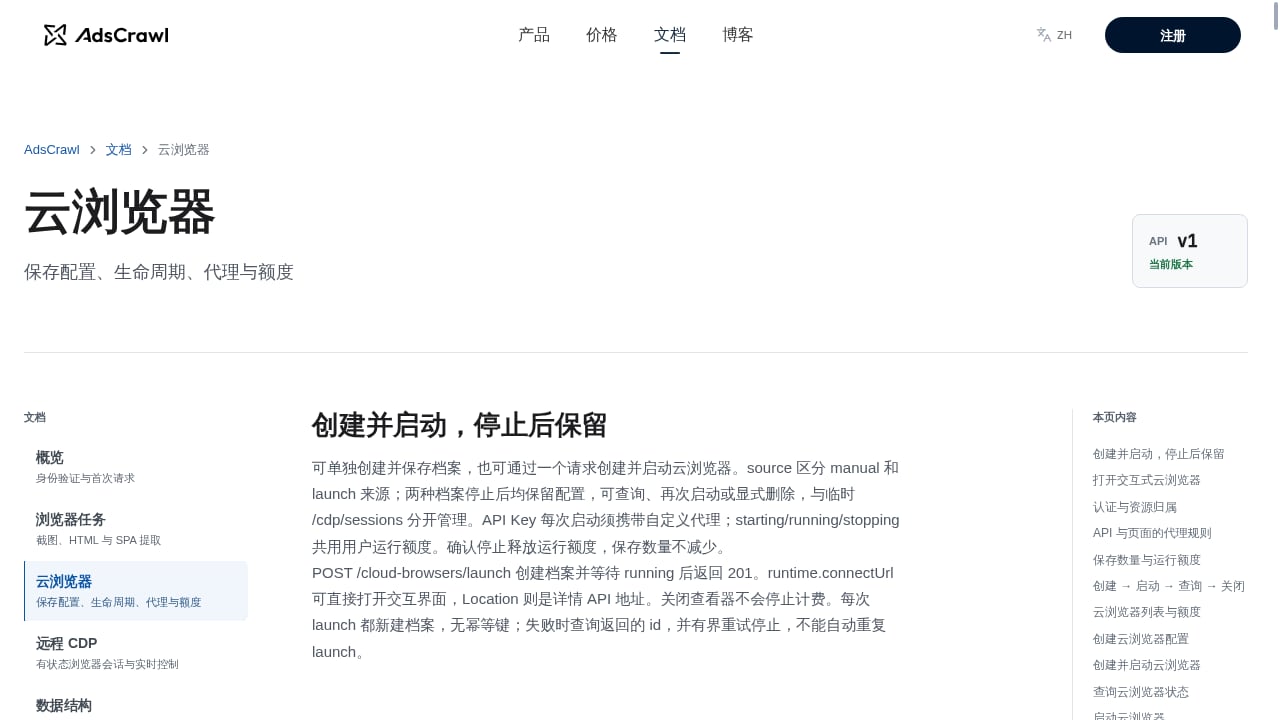
First viewport screenshot of 云浏览器 | AdsCrawl 文档.
What Problem Does It Solve
The browser's main thread is very busy: rendering content to be updated, executing page scripts, receiving input events, dispatching events, and handling interactions with the operating system. If all JavaScript is crammed onto this thread, the page will stutter.
The idea behind requestIdleCallback() is to let the browser proactively tell your code "how much safe available time there is right now," thereby inserting non-urgent work into the gaps of the event loop.
Key Rules
- Only for low-priority tasks. When and how many times the callback executes is uncertain, unless you explicitly set a
timeout. - Do not overspend the allocated time.
timeRemaining()nominally has a 50-millisecond upper limit, but in complex pages the actual available time is often less. - Do not modify the DOM in an idle callback. At this point the current frame has already been painted, and layout changes will force a reflow. When you need to update the interface, reschedule with
requestAnimationFrame(). - Avoid operations with unpredictable duration, including directly resolving or rejecting a Promise inside the callback.
A Minimal Usable Task Queue
const taskList = [];
let taskHandle = null;

function enqueueTask(handler, data) {
  taskList.push({ handler, data });
  if (!taskHandle) {
    taskHandle = requestIdleCallback(runTaskQueue, { timeout: 1000 });
  }
}

function runTaskQueue(deadline) {
  while ((deadline.timeRemaining() > 0 || deadline.didTimeout) && taskList.length) {
    const task = taskList.shift();
    task.handler(task.data);
  }
  taskHandle = taskList.length
    ? requestIdleCallback(runTaskQueue, { timeout: 1000 })
    : 0;
}
This pattern comes from MDN's Background Tasks API documentation. The key points are: use timeout as a fallback to ensure progress at least once per second even without idle time; after tasks are exhausted, clear the handle to zero, and request a new one the next time a task is enqueued.
Scenarios Where You Should Not Use It
Business logic that requires guaranteed order and deadlines, interactions that need immediate feedback, and any work that triggers layout changes are not suitable for idle callbacks. It is more like a "nice-to-have" scheduler than a replacement for a task queue.
Type Two: Browser Extension API
If what you want to do is read or manipulate pages within the user's browser, the extension API is the right answer. Chrome provides a vast collection of namespaces, and common task-oriented interfaces include:
chrome.tabs: Create, modify, and rearrange tabs.chrome.scripting: Inject and execute scripts in different contexts.chrome.storage: Store and track changes to user data.chrome.alarms: Schedule code to run at a specified time or periodically.chrome.debugger: An alternative transport channel to the Chrome remote debugging protocol, which can attach to tabs, detect network interactions, debug JavaScript, and modify DOM and CSS.chrome.declarativeNetRequest: Block or modify network requests with declarative rules, without intercepting request content, offering better privacy.
The complete namespace and permission descriptions can be found in the Chrome Extensions API reference.
Realistic Constraints of the Extension Route
The extension API is powerful, but its boundaries are equally clear:
- It requires user installation and cannot cover visitors who have not installed it.
- It is limited by manifest permissions and user authorization; sensitive capabilities require additional requests.
- It runs on the user's device and cannot guarantee stable network egress, fingerprints, and concurrency.
- Page redesigns or browser policy changes can affect long-term stability.
Therefore, extensions are suitable for "enhancing the user's current browsing experience," not for "unattended large-scale data tasks." If your goal is batch scraping or continuous monitoring, go directly to the next section.
Type Three: Cloud Browser Automation API
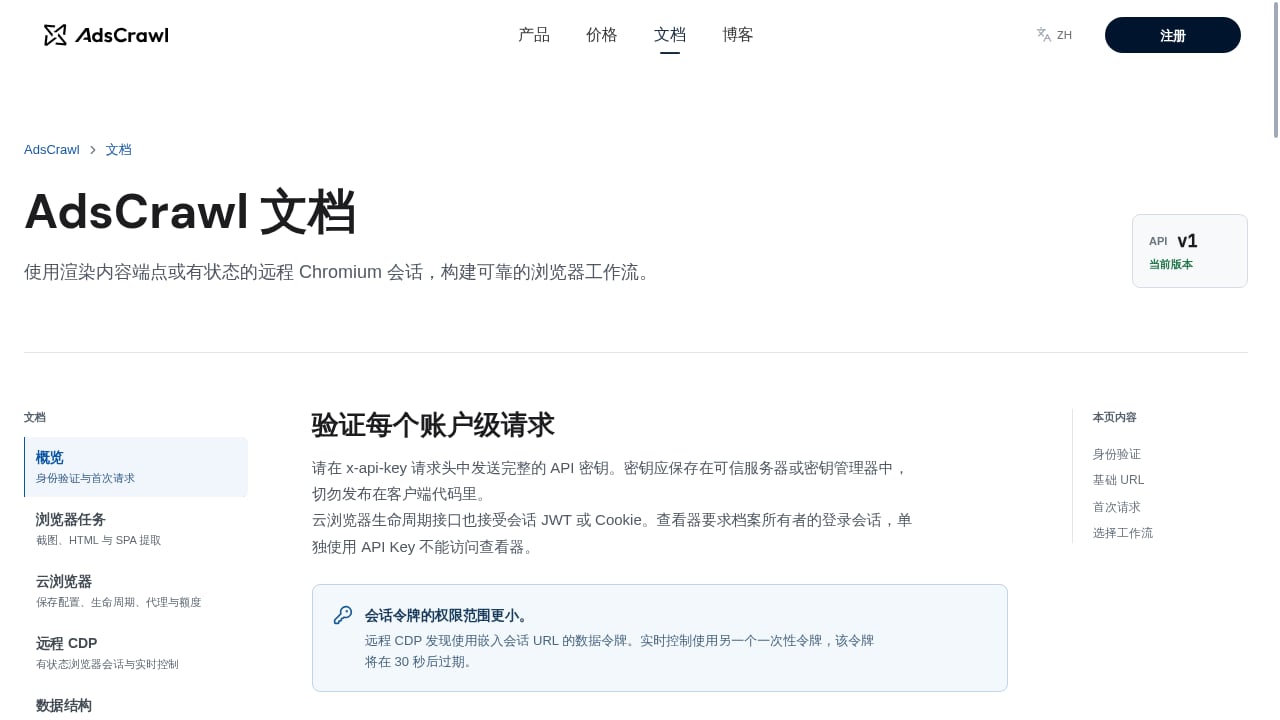
First viewport screenshot of AdsCrawl 文档 | AdsCrawl.
Why It Is Needed
Key data on many websites exists only in the rendered page, with no public API. Traditional crawlers must handle JavaScript rendering, anti-scraping strategies, and page redesigns, resulting in high maintenance costs. Cloud browsers run a real Chromium on a server, allowing automation scripts to access pages in a way that closely resembles a real person.
Typical Capability List
A mature cloud browser platform typically provides:
- Synchronously return rendered HTML, Markdown, JSON, or screenshots.
- Support Playwright, Puppeteer, or any CDP client connection.
- Residential proxy routing or custom proxies to ensure stable egress IPs and geographic distribution.
- Stateful browser profiles that persist login states, cookies, and settings across tasks.
- Independent remote CDP sessions for complex workflows that require direct browser control.
- Real-time interactive access, with connection addresses and short-lived tokens for manual takeover to troubleshoot issues.
AdsCrawl is exactly this type of platform: it provides managed cloud Chromium and a browser automation API. Developers can connect Playwright, Puppeteer, or any CDP client to a real cloud browser, synchronously obtain rendered content via POST /html, take screenshots by viewport or selector, extract SPA page data with templates, and complete production-grade tasks with persistent profiles and proxy routing. Its billing is transparently divided by credits, covering everything from free quotas to paid tiers for high-concurrency teams.
A Typical Workflow for a Scraping Task
1. Create or reuse a cloud browser profile (retaining cookies and fingerprint settings)
2. Specify proxy routing (residential proxy or your own proxy)
3. Send POST /html and wait for the page to finish rendering
4. Choose the return format: HTML / Markdown / JSON / screenshot
5. Parse structured fields and write to a database or downstream system
If the workflow requires login, multi-step clicks, or form submission, switch to a remote CDP session and let Playwright or Puppeteer directly take over the browser context.
Comparison with Traditional Crawlers
| Comparison Item | Traditional HTTP Crawler | Cloud Browser Automation |
|---|---|---|
| Dynamically rendered pages | Requires extra handling or fails outright | Native support for JavaScript rendering |
| Anti-scraping response | Relies on request headers and rate control | Real browser behavior + proxy routing |
| Page redesign | Selector failures require code changes | Can combine templates and wait strategies to reduce maintenance |
| Concurrency and egress | Limited by local network | Determined by cloud concurrency and proxy pool |
| Login state persistence | Must manage cookies yourself | Profile persistence |
Compliance and Engineering Considerations
- Only collect public information and comply with the target website's terms of service and
robots.txt. - Control request frequency to avoid putting pressure on the target site.
- Close browser sessions that are no longer in use promptly to control resource overhead.
- Complex CAPTCHA scenarios still have limitations and need to be assessed in advance.
How to Choose Among the Three Types
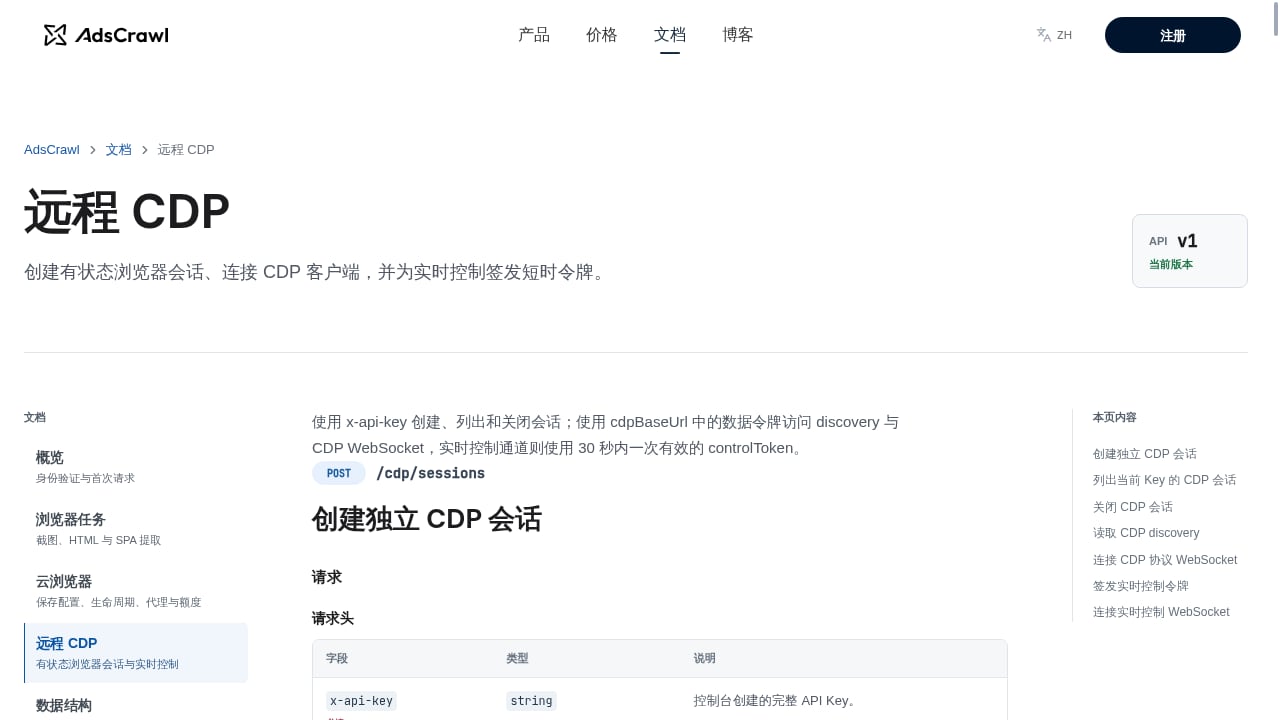
First viewport screenshot of 远程 CDP | AdsCrawl 文档.
You can quickly pinpoint with three questions:
- Does the task run inside the user's page? Yes → Background task cooperative scheduling API, for low-priority, deferrable work.
- Does the task need to read or manipulate the user's browser? Yes → Extension API, but accept the installation barrier and permission limits.
- Does the task need to run unattended, in batches, and across regions? Yes → Cloud browser automation API.
Most production-grade data projects ultimately land on the third path, because only it can simultaneously solve the four problems of rendering, proxies, concurrency, and identity persistence. If you are evaluating specific platforms, you can refer to the horizontal review in Top 10 Cloud Browser Automation and Web Data Extraction APIs in 2026, or compare the browser infrastructure differences between AdsCrawl, Steel, and Axiom to determine which tech stack better fits your team's current situation.
Practical Advice: Combining the Three APIs
Real projects rarely use only one type of interface. A common combination is:
- Use the extension API for lightweight page enhancements and quick actions in the user's browser.
- Use the background task cooperative scheduling API to handle low-priority computations within the extension, avoiding blocking the interface.
- Use the cloud browser API for background batch scraping, price monitoring, and end-to-end testing.
For example, when doing competitor price monitoring, the cloud task is responsible for rendering pages and extracting price fields, while the downstream system handles comparison and alerts. To understand the complete chain, you can refer to the setup steps in How to Use AdsCrawl with Price2Spy for Price Monitoring; if the goal is testing rather than collection, the CI example in Using AdsCrawl with Playwright will be more direct.
Frequently Asked Questions
Does requestIdleCallback guarantee that a task will execute?
No. Idle callbacks only run when the browser determines there is idle time. Setting a timeout can force it to execute after the timeout, but the cost is possible delay or animation stutter, so use it only when truly needed.
Can I modify the DOM in an idle callback?
Not recommended. When the callback executes, the current frame has already been painted and layout calculations have finished; changes at this point will trigger a forced reflow. When you need to update the interface, reschedule with requestAnimationFrame().
Can browser extension APIs replace cloud browsers?
No. Extensions depend on user installation and authorization, run on the user's device, and cannot guarantee stable egress IPs, fingerprint consistency, and high concurrency. Batch, unattended tasks should use a cloud solution.
Which clients do cloud browser APIs support?
Mainstream platforms typically support Playwright, Puppeteer, and any CDP client. Taking AdsCrawl as an example, it simultaneously provides synchronous rendered content extraction, screenshots, templated SPA data extraction, and independent remote CDP sessions, so developers can choose the access method based on task complexity.
When should I use a remote CDP session instead of a simple HTTP interface?
When the workflow involves login, multi-step interactions, conditional waits, or complex form submissions, a simple synchronous interface is not enough. A remote CDP session lets you directly control the browser context, making it suitable for such long-chain tasks.
How can I control the cost of cloud browser tasks?
Mainly look at three points: concurrency, the browser lifespan per task, and whether persistent profiles are reused. Reasonably reusing profiles and closing sessions promptly is usually more effective than simply lowering concurrency.
Conclusion
"Browser task API" is not a single interface, but three different levels of capability: idle scheduling within a page, task interfaces in the extension ecosystem, and automated control of cloud browsers. First clarify whose browser the task runs in, then choose the corresponding technical path, and you can avoid a lot of rework. For production scenarios that require stable rendering, proxy routing, and structured output, the cloud browser automation API is often the only solution that can simultaneously satisfy reliability, concurrency, and identity consistency.
Related reading
- Top 10 Web Scraping Browser Extensions in 2026 - Ranking review of the top 10 web scraping browser extensions in 2026, including evaluation criteria, price signals, and guidance on when to switch to cloud APIs.
- How to Use AdsCrawl with Price2Spy® for Price Monitoring - Learn how AdsCrawl's cloud browser API feeds rendered competitor data into Price2Spy for reliable price monitoring, including setup steps and examples.
- AdsCrawl vs Parallel vs Remote Browser: AI Agent Web Tech Stack - Compare AdsCrawl, Parallel, and Remote Browser: rendering extraction, search and research APIs for AI agent browser infrastructure, and remote CDP sessions.
Sources and further reading
- OpenClaw Browser Automation: Efficient Data Extraction Beyond API Boundaries - Tencent Cloud - OpenClaw Browser Automation: Efficient Data Extraction Beyond API Boundaries – A Practical Guide OpenClaw is a browser automation tool designed to extract data from websites where tradit...