
Top 10 Web Scraping Browser Extensions 2026
Ranked review of the top 10 web scraping browser extensions in 2026, with evaluation criteria, pricing signals, and guidance on when to move to a cloud API.
Top 10 Web Scraping Browser Extensions in 2026
A web scraping browser extension turns the page in front of you into a spreadsheet. No Python, no terminal, no server. You click an icon, the tool detects the repeating rows, and you export to CSV, Excel, or Google Sheets.
That convenience has limits. Extensions run inside your browser, so they inherit your IP address, your session, and your machine's uptime. They are excellent for one-off lists and reusable recipes, and poor for continuous, high-volume collection behind anti-bot defenses.
This review ranks ten extensions that genuinely belong to the web scraping browser extension category in 2026. It explains how each was evaluated, what each does well, and where the ceiling sits before you need a cloud browser or automation API.
How we evaluated these extensions
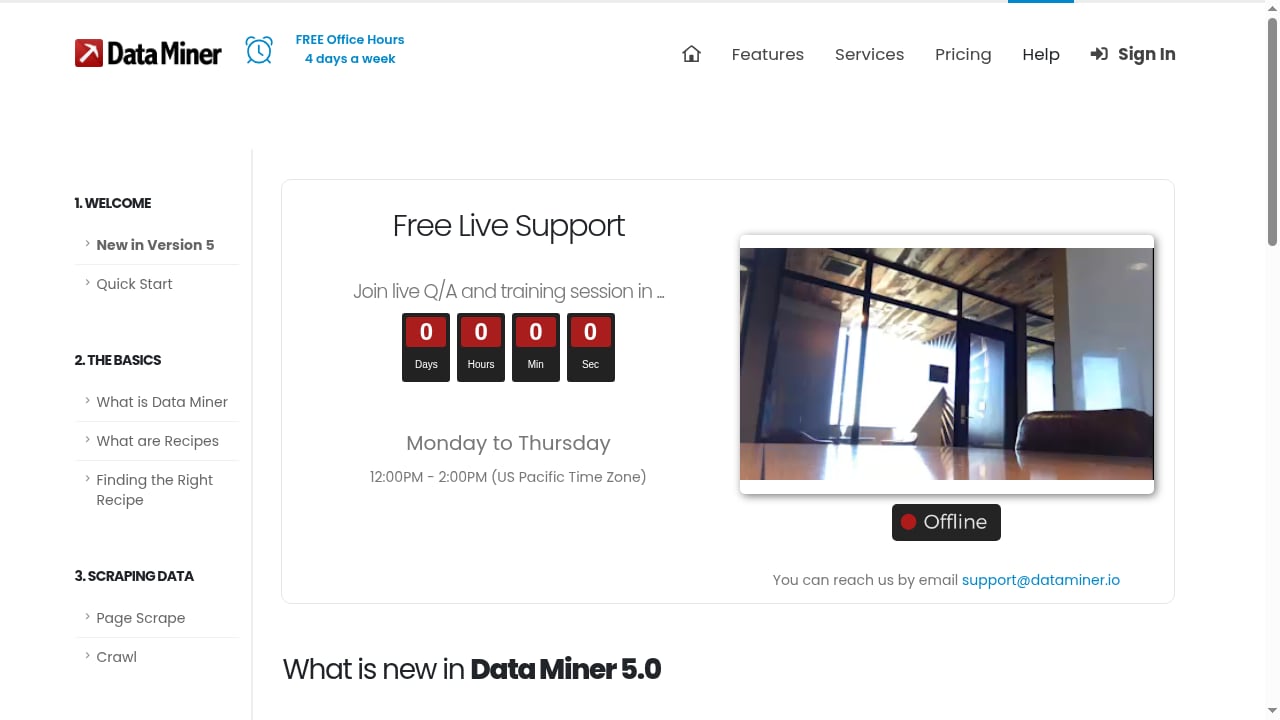
First viewport screenshot of How to start Scraping Data | Data Miner.
Every product below had to meet four baseline requirements to be considered:
- Current official browser-store listing. Manifest V2 extensions no longer run in current Chrome builds, so legacy tools were excluded regardless of reputation.
- Structured extraction as a core function. Generic automation tools where scraping is a side feature were left out.
- First-party documentation. Pricing, limits, and workflow claims had to be verifiable from the vendor's own materials.
- A distinct workflow. Each entry had to add something the others do not, rather than duplicating a near-identical feature set.
Rankings weigh seven factors: ease of first extraction, reusability of the configuration, pagination and multi-level navigation, export destinations, cloud or scheduled execution, pricing transparency, and browser-store user signals. This is a capability comparison, not a controlled benchmark. Claims about accuracy or speed on a specific site would require identical test pages and expected datasets, which no public source provides.
Pricing and store ratings change frequently. Confirm current allowances before committing to a paid tier.
The top 10 web scraping browser extensions for 2026
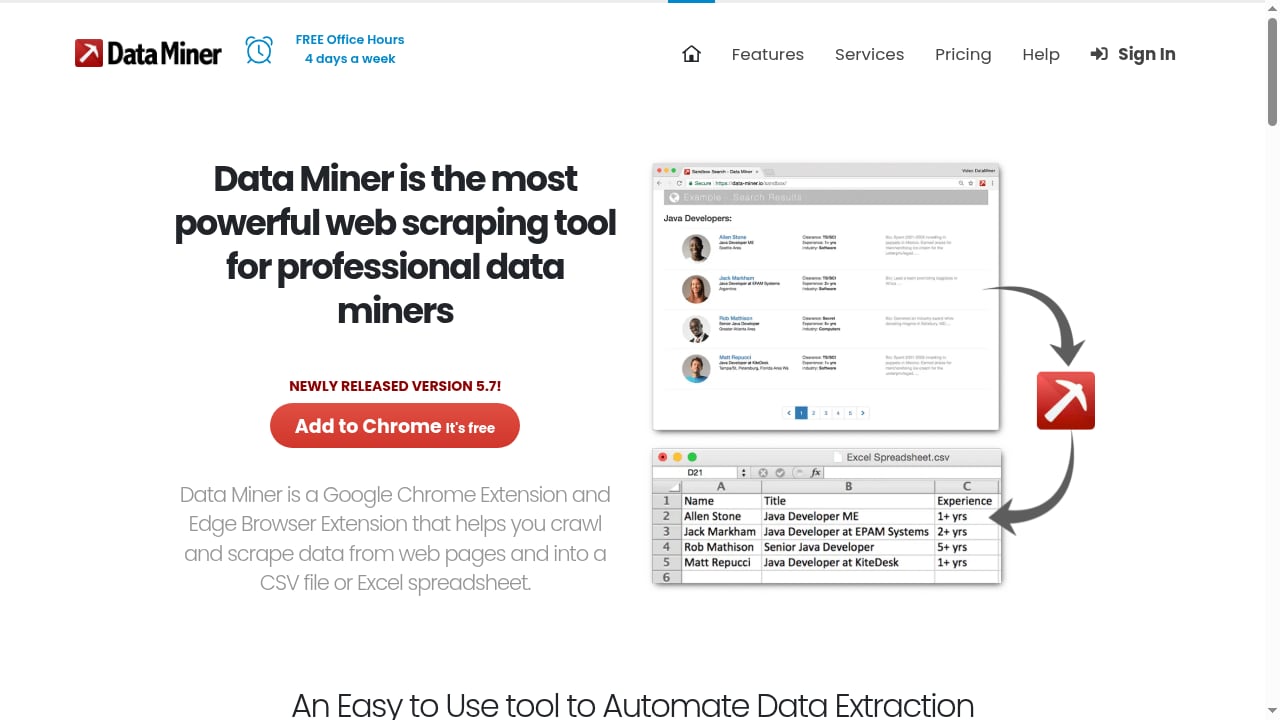
First viewport screenshot of Scrape data from any website with 1 Click | Data Miner.
1. Web Scraper
Web Scraper ranks first on breadth of workflow coverage. It pairs an AI-assisted sitemap wizard with a visual selector builder, so a simple product list and a multi-level category-to-detail crawl live in the same reusable configuration.
The sitemap is the key asset. It stores start URLs, selectors, pagination rules, scroll and click actions, and the hierarchy that connects a listing page to its detail pages. That definition can be rerun locally, edited when a site changes, or moved to cloud execution without rebuilding from scratch.
Website State Setup handles pre-extraction conditions such as signing in, selecting a location, or switching currency, and it only triggers when the required state is missing. Local scraping is free and unlimited, with CSV and XLSX export, and the extension is available for Chrome, Firefox, and Edge. Cloud plans start around $50/month for scheduled, unattended runs.
The trade-off is a steeper learning curve than one-click tools. If you only need a single table, the setup overhead is not worth it.
2. Instant Data Scraper
Instant Data Scraper is the fastest path from a visible table to a file. It uses heuristics to detect repeated structures, highlights what it found, and lets you correct the detected columns before export. There is no account, no configuration, and no usage cap.
Pagination and infinite scroll are handled automatically, which covers most directory and search-result pages. Exports go to Excel and CSV.
The limitation is durability. There is no saved sitemap-style definition, so when you need the same data again you reopen the page and detect it again. It also struggles with irregular custom layouts where the repeating structure is not visually obvious. For a one-off pull it is hard to beat; as the foundation of a recurring pipeline it is the wrong tool.
3. Data Miner
Data Miner works from recipes: saved rule sets for specific sites. The public library is large enough that many popular targets already have a working recipe, and the point-and-click editor lets you build custom ones when they do not.
Exports cover Excel, CSV, and Google Sheets, which makes it a practical choice for analysts who live in spreadsheets. It handles pagination and crawl automation, and it works across social media sites, Zoominfo, Zillow, Yellow Pages, Yelp, Indeed, and similar directories.
The free tier is capped at roughly 500 pages per month, and paid plans begin near $19.99/month. The interface feels dated compared with newer entrants, and the browser-store rating sits lower than its competitors, which is worth weighing if you rely on community support.
4. Simplescraper
Simplescraper's differentiator is the output format. It turns a page into a data endpoint, exporting to Google Sheets, JSON, and webhooks so results can flow straight into an application rather than a file.
Local browser scraping is unlimited and free on every plan. Cloud runs and API access consume credits, with proxy rotation arriving on higher tiers. Paid plans start around $39/month.
This suits developers who want a lightweight scrape-to-API bridge without standing up infrastructure. The caveat is credit consumption: large recurring jobs on cloud credits add up quickly, and advanced features sit behind the paid tiers.
5. Easy Scraper
Easy Scraper is deliberately minimal. It reads the current page, detects structured data, and extracts it with no setup. Pagination and infinite scroll are handled, and the free tier covers casual use, with paid plans from about $9/month.
Its browser-store rating is among the highest in the category, and users consistently praise how little it asks of them. The trade-off is depth: fewer advanced features than older tools and a smaller template ecosystem. It is a good fit when speed matters more than configuration control.
6. Listly
Listly focuses on extracting across multiple open tabs, which is a genuinely different workflow from single-page scraping. It supports pagination, auto-scroll, and deeper extraction, though the depth available varies by plan.
The free allowance is limited, and cloud execution is part of the paid tiers. If your workflow involves comparing several open listings side by side, Listly addresses that directly; if you need a single deep crawl, other tools on this list cover it better.
7. Thunderbit
Thunderbit leans on AI-assisted extraction and enrichment. It handles subpages, pagination, and infinite scroll, and the free allowance is small, which makes it a try-before-you-buy option rather than a free workhorse.
AI field detection reduces the manual mapping work on unfamiliar layouts, which is useful when you scrape many different sites rather than one recurring target. Execution is local with cloud assistance, so very large jobs still run into browser-side limits.
8. Table Capture
Table Capture is the most focused tool here: it moves an existing HTML table into a spreadsheet with minimal fuss. The core is free with limits, and paid support adds scrolling and multi-page table handling.
If your entire requirement is "this table, in Excel," it is the shortest path. It is not designed for nested navigation, detail-page enrichment, or reusable multi-level crawls, and it should not be evaluated as if it were.
9. Browse AI
Browse AI sits at the edge of this category. It records a task in the browser and then runs it remotely on a schedule, which means monitoring rather than manual extraction. The free platform plan is a reasonable entry point, and remote deep scraping and monitoring are core to the product.
Because execution happens in the cloud, it addresses the biggest weakness of browser extensions: jobs that need to run when your laptop is closed. For a closer look at how it performs in practice, see our Browse AI review.
10. Bardeen
Bardeen pairs extraction with workflow automation. Scraped rows can flow into Google Sheets, Notion, Slack, and a large set of connected apps, so the output triggers the next step rather than waiting for a human.
It runs on a credit model with a modest free allowance and paid plans from about $10/month. Credits deplete quickly on large jobs, and the product's center of gravity has shifted toward sales and go-to-market use cases. Ranked here as an extraction-plus-automation option, not as a pure scraper.
Quick comparison: which extension fits which job
| Job to be done | Best fit | Why |
|---|---|---|
| One-off table or list | Instant Data Scraper, Easy Scraper | Zero setup, fast detection |
| Reusable multi-level crawl | Web Scraper | Saved sitemap with navigation hierarchy |
| Site-specific recipes | Data Miner | Large public recipe library |
| Scrape straight into an app | Simplescraper | JSON, webhooks, and API output |
| Spreadsheet-only table move | Table Capture | Single-purpose and fast |
| Scheduled monitoring | Browse AI | Cloud execution without an open browser |
| Extraction plus downstream actions | Bardeen | App integrations and playbooks |
When an extension is the wrong tool
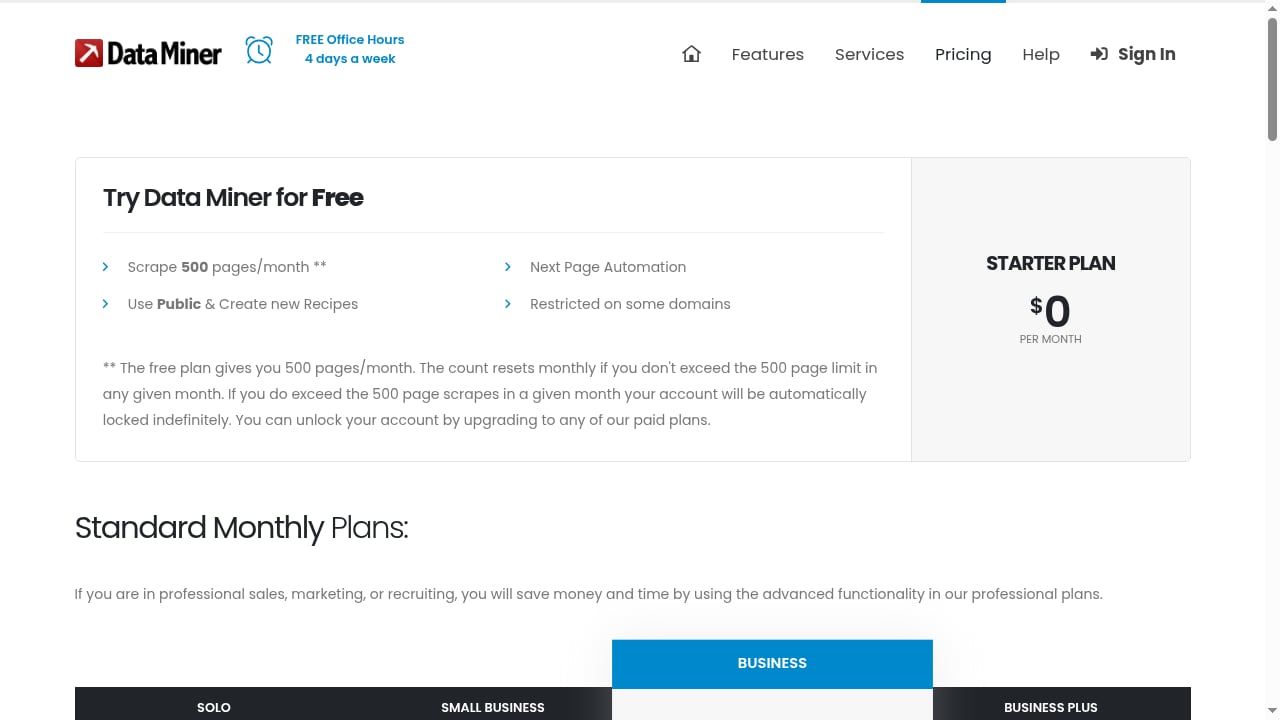
First viewport screenshot of Pricing | Data Miner.
Extensions share three structural constraints. They run on your IP address, they depend on your browser staying open, and they have no built-in proxy rotation or CAPTCHA handling. Each constraint is manageable at small scale and disqualifying at large scale.
The signal to move on is usually one of these:
- Jobs need to run on a schedule without a human present.
- Target sites block repeated requests from a single residential or office IP.
- Pages render content only after JavaScript execution, clicks, or login state.
- Volume exceeds what a browser tab can hold in memory.
At that point the workflow shifts from a browser extension to a cloud browser or automation API. That is a different category with different trade-offs, and it is worth comparing options on their own terms rather than assuming the extension you already use will scale. Our comparison of browser automation and web scraping tools covers how managed cloud browsers differ from no-code and code-driven automation.
One adjacent option in that space is AdsCrawl, a managed cloud browser and browser automation API. It connects Playwright, Puppeteer, or any CDP client to real cloud Chromium browsers with residential proxy routing, and returns rendered HTML, Markdown, JSON, or screenshots. It is not a browser extension and does not belong in this ranking, but it becomes relevant when an extension-based workflow hits the IP, scheduling, or JavaScript-rendering ceiling described above. Teams that need structured output from dynamic pages at volume can review the top cloud browser automation and web data extraction APIs for a category-appropriate comparison.
Practical selection advice
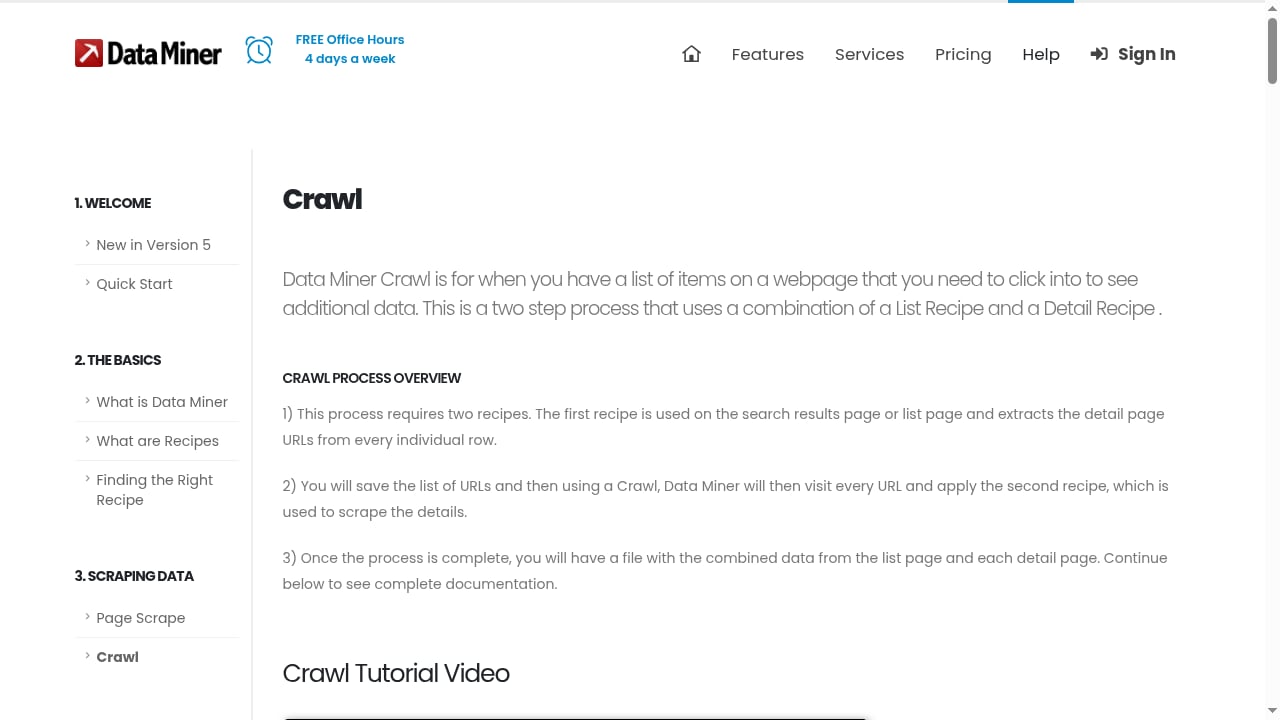
First viewport screenshot of How to crawl and scrape a website | Data Miner.
Start with the smallest tool that completes the job. If a single export solves the problem, use Instant Data Scraper or Easy Scraper and stop there. If the same extraction will be needed next month, choose a tool with a saved definition: Web Scraper's sitemap or Data Miner's recipe.
If the data must land in an application rather than a file, Simplescraper's API output avoids a manual export step. If the job must run unattended, cloud execution is non-negotiable, and Browse AI or Web Scraper Cloud are the natural candidates within this category.
Budget against volume, not against features. A 500-page monthly cap and a 9,000-page plan differ by roughly a factor of eighteen in price, and the correct choice depends entirely on how many pages you actually pull.
Related reading
- How to Use AdsCrawl with Price2Spy® for Price Monitoring - Learn how AdsCrawl's cloud browser API feeds rendered competitor data into Price2Spy for reliable price monitoring, with setup steps and examples.
- AdsCrawl vs Parallel vs Remote Browser: AI Agent Web Stack - AdsCrawl vs Parallel vs Remote Browser compared: rendered extraction, search and research APIs, and remote CDP sessions for AI agent browser infrastructure.
- AdsCrawl vs Incogniton: Cloud Browser API or Anti-Detect Browser? - AdsCrawl vs Incogniton compared: managed cloud Chromium with a CDP API versus an anti-detect browser for multi-account profiles. See which fits your workflow.
Sources and further reading
- 8 best web scraping browser extensions in 2026 | Web Scraper - A practical comparison of eight browser extensions for web scraping, covering one-off extraction, reusable scraper configuration, multi-page navigation, cloud execution, scaling and blocking
- The 6 Best Web Scraping Browser Extensions - Compare the 6 best web scraping browser extensions of 2026 by pricing, features, and Chrome Web Store ratings, from Instant Data Scraper to Easy Scraper.
- 13 Best Web Scraping Tools in 2026 - The best web scraping tools across AI, no-code, Python, browser automation, and cloud browser platforms — Firecrawl, ScrapeGraphAI, Crawl4AI, Octoparse, Beautiful Soup, Scrapy, Selenium, Playwright, Puppeteer, Apify, Browserless, Hyperbrowser, and more, compared honestly.
FAQ
What is a web scraping browser extension?
It is a browser add-on that extracts structured data from the page you are currently viewing and exports it to a file or spreadsheet. It runs inside Chrome, Edge, or Firefox and typically requires no code.
Are web scraping browser extensions free?
Many are. Instant Data Scraper is free with no usage cap, and Web Scraper offers unlimited local scraping at no cost. Data Miner, Simplescraper, and Bardeen use free tiers with monthly page or credit limits before paid plans begin.
Can a browser extension scrape a JavaScript-heavy site?
It can, because it runs in a real browser that has already rendered the page. The limitation is not rendering but scale: extensions cannot rotate proxies or run unattended, so blocked or very large jobs fail regardless of how well the page renders.
When should I switch from an extension to a scraping API?
When you need scheduled runs, proxy rotation, or volume beyond what a browser tab can handle. Extensions are built for interactive, human-initiated extraction; APIs are built for unattended pipelines.
Do these extensions work with Google Sheets?
Several do. Data Miner exports directly to Google Sheets, and Simplescraper supports Sheets alongside JSON and webhooks. Others export to CSV or Excel, which you can import into Sheets manually.
Which extension is best for multi-page crawls?
Web Scraper, because its sitemap model stores navigation hierarchy, pagination, and detail-page logic in one reusable definition. Data Miner and Simplescraper also support multi-page work through recipes and deep scraping respectively.
Conclusion
The best web scraping browser extension in 2026 depends on whether you need speed, reusability, or an output destination. Instant Data Scraper and Easy Scraper win on speed. Web Scraper wins on reusable, multi-level configuration. Data Miner wins on ready-made recipes, and Simplescraper wins when the data needs to reach an application rather than a file.
Choose the smallest tool that finishes the job, and treat cloud execution as a separate decision. Extensions are the right answer for interactive, modest-volume extraction. When jobs need to run on a schedule, from rotating IPs, or against sites that resist simple requests, the honest move is to graduate to a cloud browser or automation API rather than stretching an extension past what it was built to do.