
AdsCrawl vs Parallel vs Remote Browser: AI Agent Web Stack
AdsCrawl vs Parallel vs Remote Browser compared: rendered extraction, search and research APIs, and remote CDP sessions for AI agent browser infrastructure.
AdsCrawl vs Parallel vs Remote Browser: Choosing Browser Infrastructure for AI Agents
Three products show up in almost every shortlist for agent web access, and they are not the same kind of tool. AdsCrawl is a managed cloud browser and browser automation API. Parallel is web infrastructure for AI to search, extract, monitor, and reason over information. Remote Browser is cloud browser infrastructure that hands agents hosted Chromium sessions with CDP access.
Picking between them is less about which is "best" and more about what your agent actually needs to do: drive a real browser through a hard page, or query a research layer that returns answers. This comparison maps each product to the jobs it fits, and flags where AdsCrawl has a defensible advantage.
What each product actually is
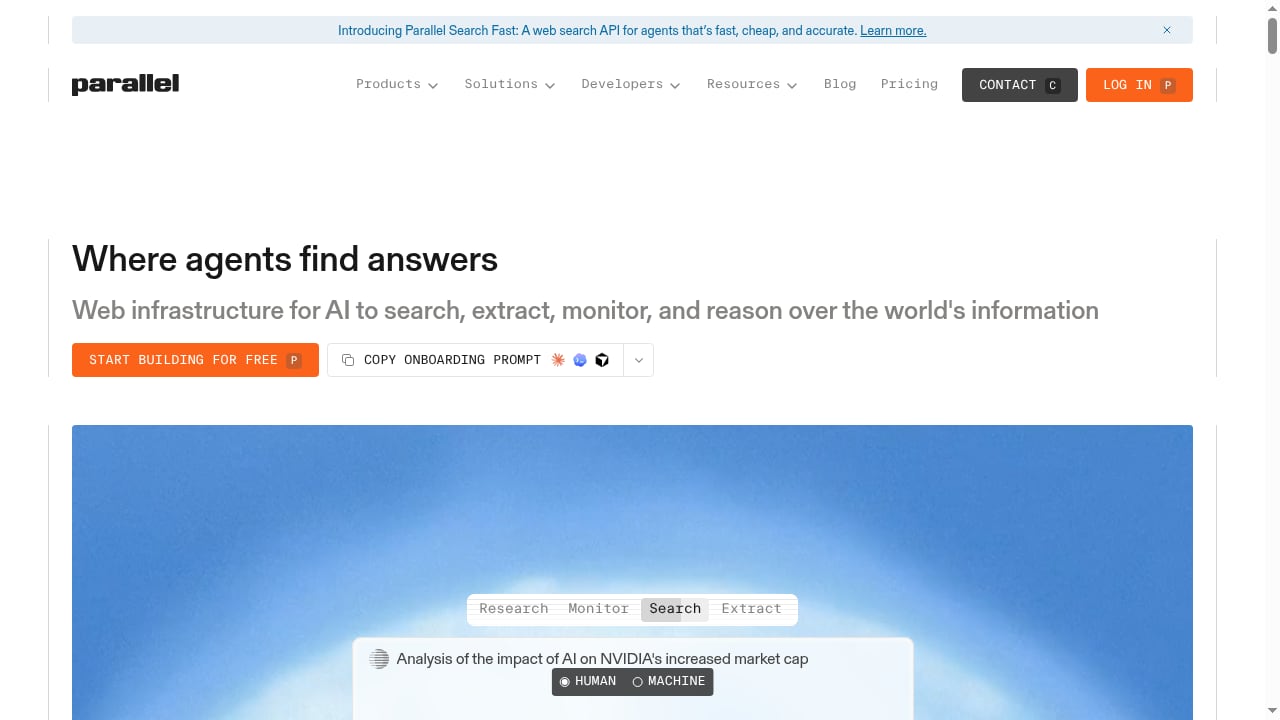
Parallel - Web Infrastructure for AI Agents.
AdsCrawl: managed cloud Chromium with a browser automation API
AdsCrawl runs real cloud Chromium browsers that you connect to with Playwright, Puppeteer, or any CDP client. The core workflow is synchronous rendered-content extraction: POST /html returns the fully rendered page, and you can request HTML, Markdown, JSON, or screenshots. It supports residential proxy routing or your own custom proxies, plus 100+ rotating residential proxies on the platform side.
Beyond a single fetch, AdsCrawl offers SPA data extraction with templates, stateful cloud browser profiles that persist settings across tasks, and dedicated remote CDP sessions for direct browser control. Live interactive access is available through a connectUrl with short-lived live control tokens, so a human can step into a session when an agent gets stuck. Pricing is credit-based and published: Free (500 one-time credits), Hobby at $9/month, Starter at $49/month, and Pro at $199/month, with plans differing by monthly credits, browser concurrency, profile limits, and API key counts.
Parallel: a research and search layer for AI agents
Parallel is positioned as web infrastructure for AI to search, extract, monitor, and reason over the world's information. That framing matters: it is a research-oriented layer rather than a browser you drive. If your agent's job is to answer a question, monitor a topic, or synthesize findings from across the web, a search-and-reason abstraction removes a lot of plumbing that you would otherwise build yourself.
Its strength is task fit. Agents doing knowledge work, market monitoring, or research summarization get a shorter path from question to structured answer, without writing selector logic or managing browser state. The tradeoff is control: when a target page requires a specific click sequence, a login, a fingerprint, or a proxy from a particular region, a research abstraction has less surface area to express that.
Remote Browser: hosted Chromium sessions with CDP access
Remote Browser gives AI agents and automation teams hosted Chromium sessions with CDP access, persistent profiles, live viewers, proxy-ready egress, and production browser infrastructure. In shape, it overlaps heavily with AdsCrawl: both are cloud browser platforms, both expose CDP, both persist profiles, both support proxies, and both offer a way for a human to watch or take over a session.
The practical difference is in the surrounding API ergonomics and the extraction layer. Remote Browser is a credible choice for teams that want raw hosted sessions and will build their own extraction, templating, and structured output on top.
Comparison criteria that matter
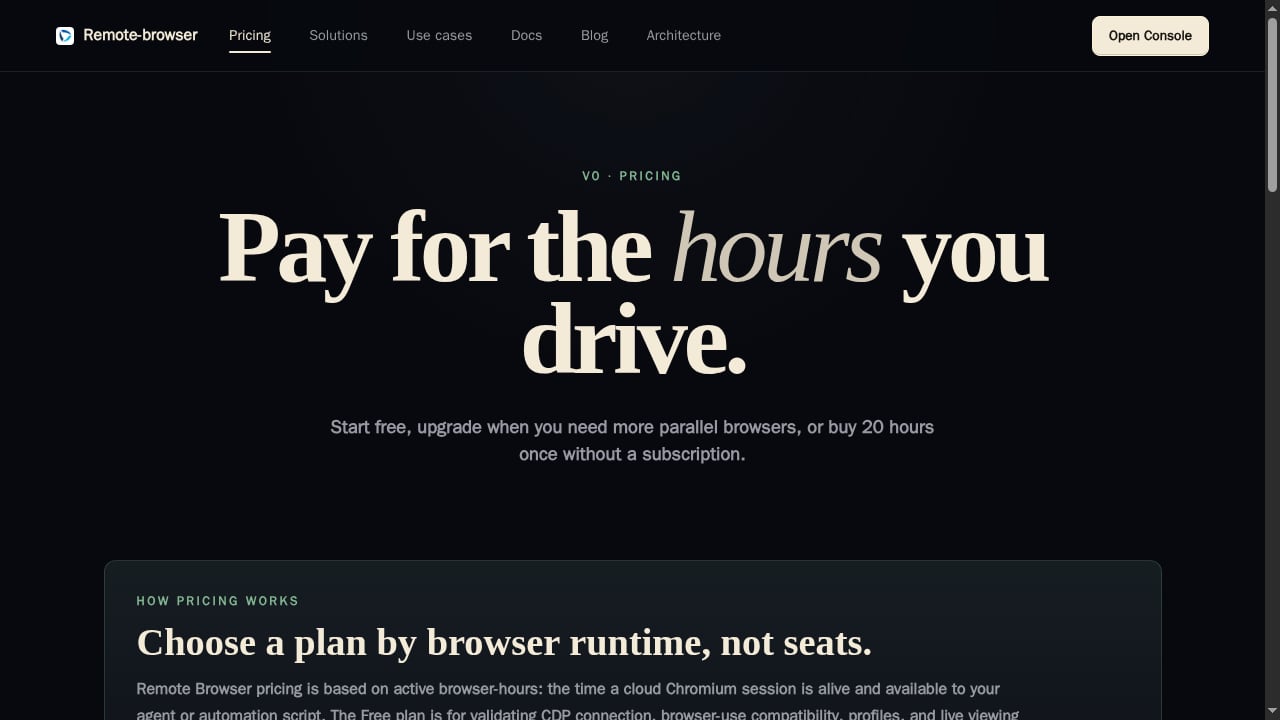
First viewport screenshot of Remote Browser - Browser API for AI Agents.
Rendered content extraction and output formats
If you need the rendered page itself, AdsCrawl's POST /html endpoint is a direct fit: one call, rendered result, and a choice of HTML, Markdown, JSON, or screenshots. That is useful when downstream processing expects clean Markdown or structured JSON rather than raw DOM.
Remote Browser provides the session; extraction is something you assemble. Parallel provides extraction as a service, but oriented toward research answers rather than page-level rendered output you control.
Proxy routing and browser identity
AdsCrawl supports residential proxy routing or custom proxies, with 100+ rotating residential proxies available, and exposes API schemas for browser settings, fingerprints, proxies, cookies, waits, and actions. That level of explicit control matters when a target site behaves differently by region, device fingerprint, or session history.
Remote Browser is proxy-ready, so it is not disadvantaged on basic egress. Parallel's model is different by design: it abstracts the fetching layer, which is convenient until you need to specify the exact network identity a request leaves from.
Stateful profiles and session persistence
AdsCrawl's cloud browser profiles persist settings across tasks, which reduces repeated setup for workflows that need a consistent browser identity over time. Remote Browser also offers persistent profiles, so this is closer to parity than a differentiator.
Direct browser control and live intervention
All three support agent workflows, but only the browser platforms give you a real session to drive. AdsCrawl's dedicated remote CDP sessions plus connectUrl live access with short-lived tokens let a developer or operator take control mid-run. Remote Browser's live viewers serve a similar purpose. Parallel, by contrast, is not a session you drive.
Structured data from SPAs and dynamic pages
Single-page apps and JavaScript-heavy pages are where plain HTTP requests fail. AdsCrawl's SPA page data extraction using templates is aimed squarely at that problem: define the shape you want, get structured output back from a rendered page. If your pipeline needs repeatable structured records from tough dynamic pages, that is a supported advantage worth weighing.
Pricing transparency and plan shape
AdsCrawl publishes credit-based tiers with clear plan boundaries across credits, concurrency, profiles, and API keys, which makes cost modeling straightforward before you commit. Buyers evaluating the other two should confirm current pricing and limits directly, since plan structures differ and change.
Decision guide: which one fits your agent
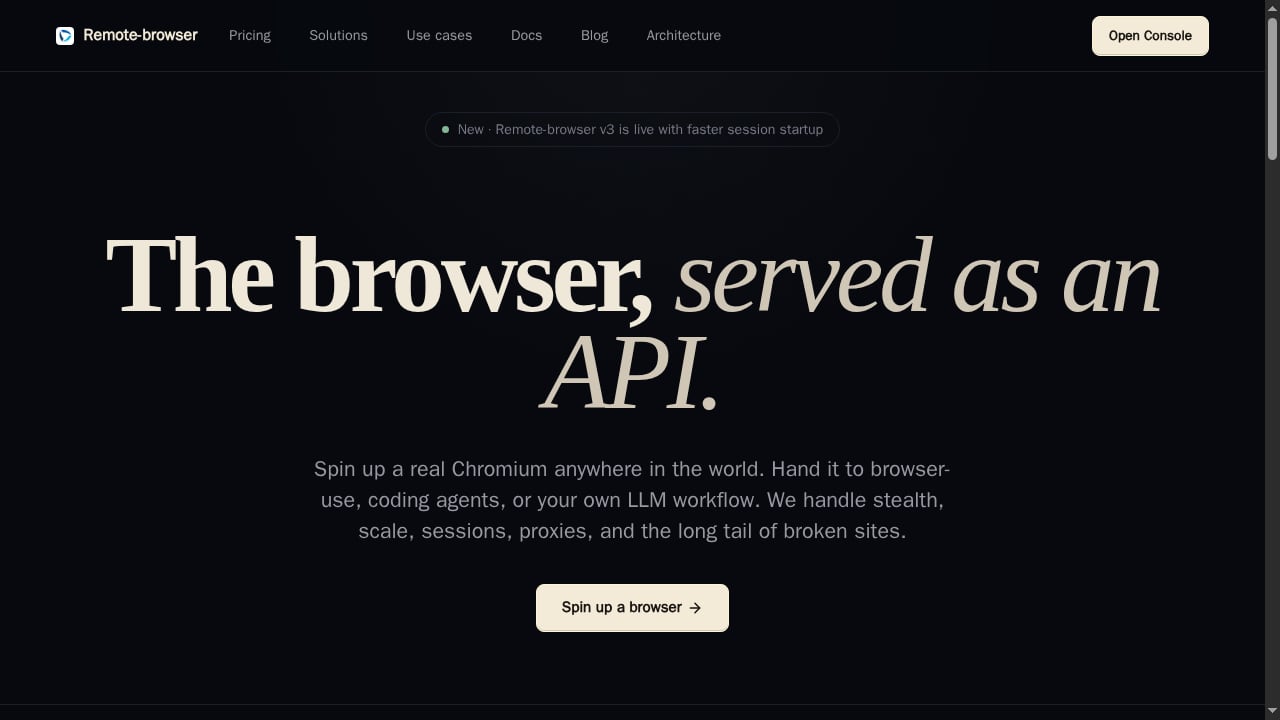
First viewport screenshot of Remote Browser - Browser API for AI Agents.
- Choose AdsCrawl when your agent must drive a real browser: rendered extraction via
POST /html, screenshots with viewport and selector controls, SPA data extraction with templates, stateful profiles, residential or custom proxy routing, and remote CDP sessions you can also join live. - Choose Parallel when the job is research, search, monitoring, and reasoning over web information, and you would rather consume answers than manage browser sessions.
- Choose Remote Browser when you want hosted Chromium with CDP, persistent profiles, live viewers, and proxy-ready egress, and you plan to build your own extraction and orchestration layer.
A common pattern is to combine them: use a research layer for discovery and a browser platform for the pages that resist simple fetching. If you are still mapping the category, the ranked breakdown in Top 10 Cloud Browser Automation & Web Data Extraction APIs 2026 is a useful starting point, and Scrape Website Data: A Developer's Guide to Dynamic Pages covers the mechanics of JavaScript-heavy targets.
Practical example: rendered extraction with proxy routing
First viewport screenshot of Parallel - Web Infrastructure for AI Agents.
A minimal AdsCrawl flow for a dynamic page looks like this:
- Send a request to
POST /htmlwith the target URL. - Set proxy routing (residential or custom) and any browser settings, fingerprints, cookies, or waits the page needs.
- Choose the output format: HTML, Markdown, JSON, or a screenshot.
- Parse the rendered result in your pipeline.
For teams connecting an existing test suite, How to Use AdsCrawl with Playwright for Reliable E2E Testing walks through CDP connection, proxy routing, and CI usage. If you are comparing against anti-detect tooling instead of agent infrastructure, AdsCrawl vs Incogniton covers that axis.
Related reading
- Browse AI Review 2026: No-Code Scraping & Monitoring Tested - Evidence-based Browse AI review: no-code scraping, monitoring, pricing signals, setup steps, limitations, and who it actually fits in 2026.
Sources and further reading
- Terms of Service | AdsCrawl - These terms explain the rules for using AdsCrawl, including account access, acceptable use, payments, service availability, and liability limits.
- API Providers - APIs.io - Browse all API service providers indexed on APIs.io, ranked by the API Evangelist rating. Find providers by name, see their APIs, capabilities, and more.
- index.html | APIs.io Agentic Access - Browse recommended x-agentic-access execution contracts for API providers across the APIs.io network — the scope, audience, consequence tier, short-lived token constraints, and human-in-the-loop escalation each operation should carry before it is handed to an AI agent. Classified from provider OpenAPI, following Curity's Access Intelligence model.
FAQ
Is Parallel a browser automation API?
No. Parallel is web infrastructure for AI to search, extract, monitor, and reason over information. It is a research and search layer, not a cloud browser you connect Playwright or Puppeteer to.
Does Remote Browser support CDP like AdsCrawl does?
Yes. Remote Browser provides hosted Chromium sessions with CDP access, persistent profiles, live viewers, and proxy-ready egress, so it competes directly with AdsCrawl on session-level capabilities.
Can I use AdsCrawl with Puppeteer as well as Playwright?
Yes. AdsCrawl accepts Playwright, Puppeteer, or any CDP client, so you are not locked into one automation library.
What output formats does AdsCrawl return?
Rendered HTML, Markdown, JSON, or screenshots, depending on the endpoint and parameters you send.
Do I need proxies for agent browser infrastructure?
Not always, but proxy routing helps when targets vary by region or apply rate and identity checks. AdsCrawl supports residential proxy routing or custom proxies, with 100+ rotating residential proxies available.
How should I think about cost across these options?
AdsCrawl publishes credit-based plans across Free, Hobby, Starter, and Pro tiers, so you can model usage against credits, concurrency, profile limits, and API keys. Confirm current pricing for Parallel and Remote Browser directly before comparing totals.
Conclusion
These three products solve adjacent problems. Parallel is the research layer: search, extract, monitor, reason. Remote Browser is hosted Chromium with CDP, profiles, live viewers, and proxy-ready egress. AdsCrawl is a managed cloud browser and browser automation API with rendered extraction via POST /html, SPA templates, stateful profiles, residential or custom proxy routing, remote CDP sessions, live connectUrl access, and published credit-based pricing.
If your agent needs to drive a real browser through pages that resist simple HTTP requests, and you want extraction, identity control, and session persistence in one API, AdsCrawl is built for that job. If your agent mostly needs answers rather than sessions, a research layer is the better fit, and if you want raw hosted Chromium to build on, Remote Browser is a legitimate option.