
How to Use AdsCrawl with Price2Spy® for Price Monitoring
Learn how AdsCrawl's cloud browser API feeds rendered competitor data into Price2Spy for reliable price monitoring, with setup steps and examples.
How to Use AdsCrawl with Price2Spy® for Competitor Price Monitoring
Competitor price monitoring breaks down when the data source is a JavaScript-heavy product page, a geo-restricted storefront, or an anti-bot protected marketplace. Price2Spy® handles the monitoring, alerting, reporting, and repricing layer well, but it still needs clean product data to work with. AdsCrawl provides that data by rendering tough pages in real cloud Chromium browsers and returning structured output. This article explains how the two products complement each other, the exact workflow, setup steps, practical examples, and the problems the combination solves.
Why combine AdsCrawl and Price2Spy®
First viewport screenshot of eCommerce pricing dictionary – Price2Spy®.
Price2Spy is a price monitoring, comparison, and repricing platform used by eCommerce professionals to track competitor and retailer prices. Its core strength is the monitoring lifecycle: adding URLs, scheduling checks, sending price change alerts, generating reports like Price Matrix and Price Change Dynamics, and running repricing strategies such as Clever Raise and Clever Drop.
AdsCrawl is a managed cloud browser and browser automation API. It connects Playwright, Puppeteer, or any CDP client to real cloud Chromium browsers, with residential proxy routing, custom proxies, and output formats including rendered HTML, Markdown, JSON, and screenshots. It is built for pages that resist simple HTTP requests.
The combination makes sense when Price2Spy's built-in extraction cannot reliably read a target page. Instead of abandoning the URL or accepting stale prices, you use AdsCrawl to render the page and extract the price, availability, shipping cost, or seller name, then feed that data into Price2Spy through its API or import process.
What each product does best
| Layer | AdsCrawl | Price2Spy® |
|---|---|---|
| Page rendering | Cloud Chromium, JS execution, proxy routing | Not its primary role |
| Data extraction | Rendered HTML, JSON, Markdown, screenshots via API | Product data extraction and crawl services |
| Monitoring lifecycle | On-demand or scheduled extraction | URL scheduling, alerts, reports, dashboards |
| Repricing | Not applicable | Direct and indirect repricing, Clever Raise/Drop |
| Scale controls | Credits, browser concurrency, profile limits | Price plan URL limits and check frequency |
How the workflow fits together
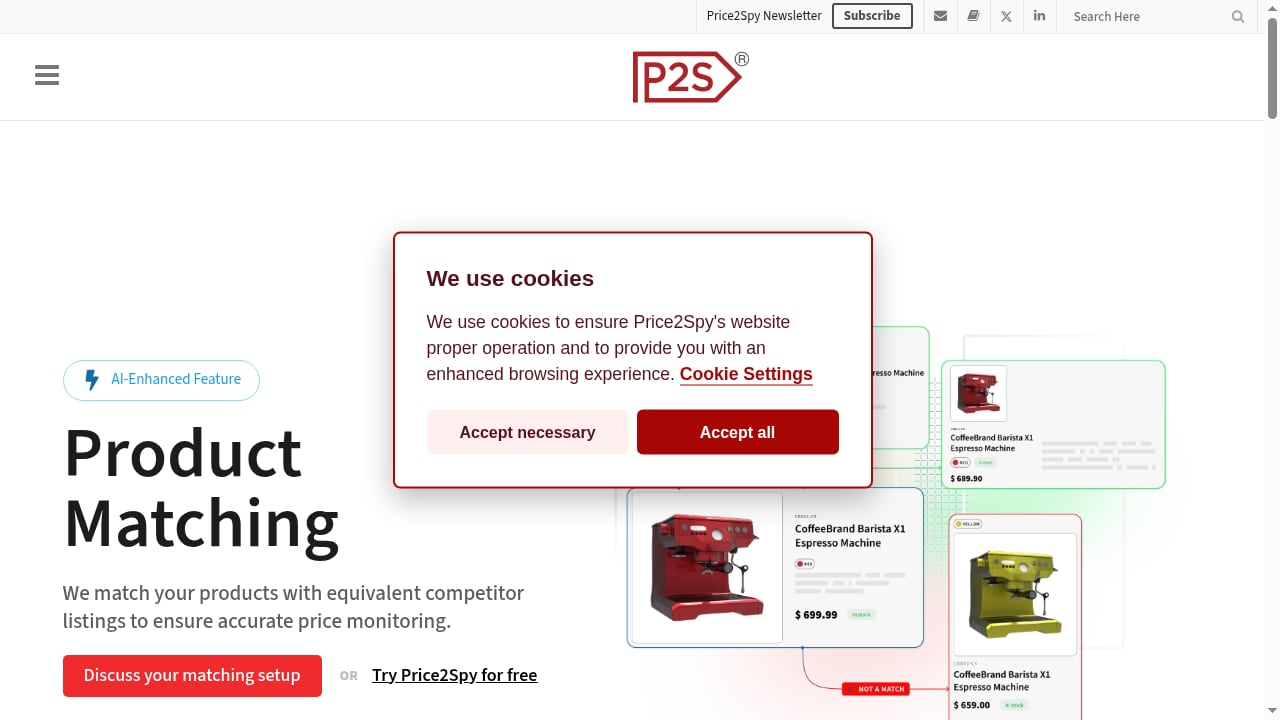
First viewport screenshot of AI-Enhanced Product Matching – Price2Spy®.
A practical integration follows five stages.
- Identify the hard URLs. These are pages where Price2Spy's standard checks return missing or incorrect prices: client-side rendered storefronts, pages behind consent walls, geo-specific pricing, or marketplaces with aggressive bot detection.
- Render and extract with AdsCrawl. Send the URL to AdsCrawl with the browser settings, proxy, waits, and actions needed to reach the price element. Retrieve rendered HTML, JSON, or a screenshot.
- Normalize the output. Parse the price, currency, availability, shipping cost, and seller name into a consistent schema.
- Push into Price2Spy. Use the Price2Spy API to update product data, or prepare a CSV/Excel file for bulk import if you are onboarding many URLs at once.
- Monitor and act. Let Price2Spy handle scheduling, alerts, reports, and repricing based on the now-reliable data.
Where AdsCrawl fits in Price2Spy's data extraction
Price2Spy offers product data extraction and crawl services, and its tutorials cover adding URLs manually or via import. AdsCrawl is not a replacement for those features. It is an upstream rendering and extraction layer for the subset of pages that need a real browser with a stable identity. If you want a broader comparison of browser automation options for this kind of work, see AdsCrawl vs Browser Automation & Web Scraping Tools.
Setup steps
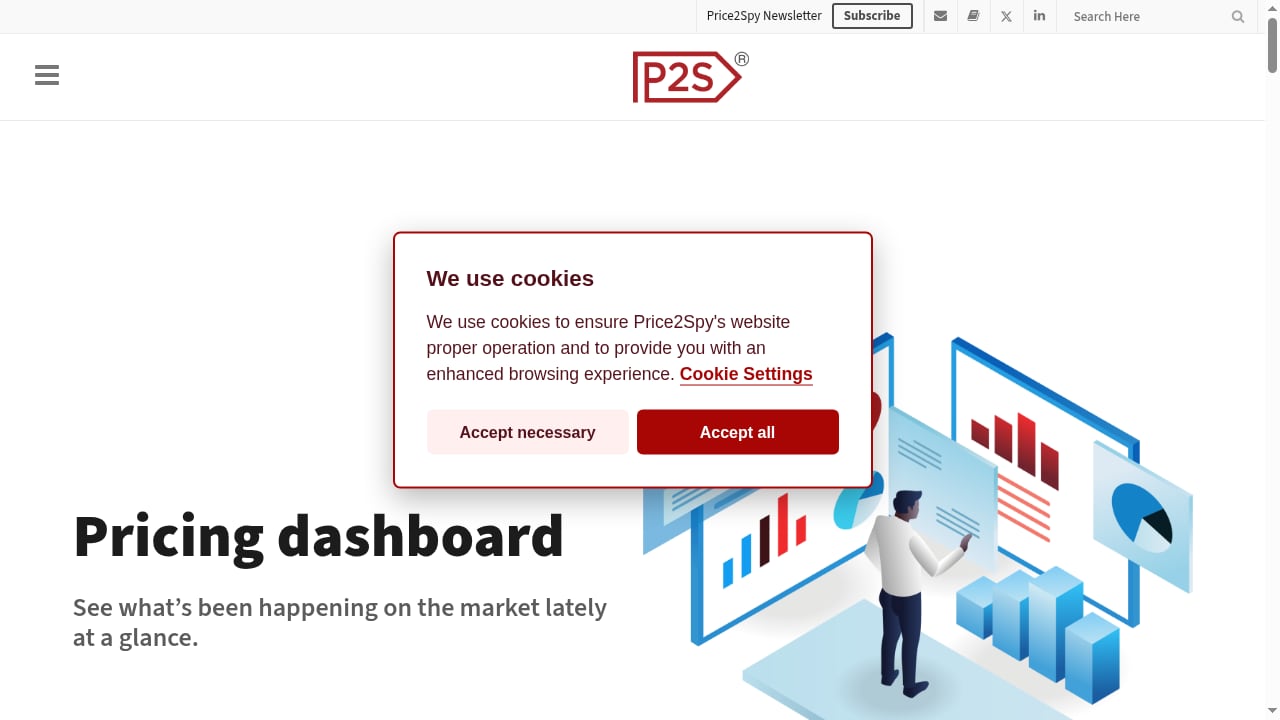
First viewport screenshot of Pricing dashboard – Price2Spy®.
Step 1: Prepare your AdsCrawl access
Create an AdsCrawl account and choose a plan based on your monthly credit needs and browser concurrency. The Free tier includes 500 one-time credits, Hobby is $9/month for solo developers, Starter is $49/month for small production teams, and Pro is $199/month for high-volume automation teams. Generate an API key and note your plan's Cloud Browser profile limits.
Step 2: Configure a browser profile and proxy
For price monitoring, identity stability matters. Create a stateful cloud browser profile so cookies, locale, and fingerprint settings persist across tasks. Route traffic through a residential proxy or your own custom proxy, especially for geo-specific pricing or stores that block datacenter IPs. AdsCrawl offers 100+ rotating residential proxies.
Step 3: Extract the price with the AdsCrawl API
Use the synchronous rendered-content endpoint, POST /html, when you need the fully rendered DOM. For structured output, use SPA page data extraction with templates. For visual verification, capture a screenshot with viewport and selector controls.
A minimal extraction flow looks like this:
- Send the product URL with the desired browser settings, proxy, and wait conditions.
- Wait for the price selector or network idle state.
- Retrieve rendered HTML or JSON.
- Parse the price, currency, availability, and shipping fields.
If you need direct browser control, open a remote CDP session and drive the page with Playwright or Puppeteer. For a deeper walkthrough of that pattern, see How to Use AdsCrawl with Playwright for Reliable E2E Testing.
Step 4: Normalize the extracted data
Map each extracted value to the fields Price2Spy expects. Typical fields include product name, SKU, GTIN/EAN/UPC, brand, category, competitor URL, price, currency, and availability. Keep one URL per website per product, as Price2Spy requires.
Step 5: Add or update data in Price2Spy
You have two main paths:
- API integration: Use the Price2Spy API to communicate in both directions, updating product data programmatically.
- Bulk import: Collect competitor URLs and product data in an Excel/CSV file, then use Product Data > Import > Import product data (add new products). Map properties, map competitor URLs, test the import, and confirm.
Price2Spy's help center documents the manual and import workflows in detail, including how to add URLs for monitoring manually or via import.
Step 6: Configure monitoring and alerts
Once URLs are in Price2Spy, set the price checking frequency according to your plan, configure price change alerts, and build reports such as Price Matrix. If you use repricing, define your strategy and choose between direct and indirect repricing.
Practical examples
Example 1: A JavaScript-rendered storefront
A competitor's product page loads prices via a client-side API call. A simple HTTP request returns an empty price container. AdsCrawl renders the page in cloud Chromium, waits for the price selector, and returns JSON with the price and availability. You push that value into Price2Spy, which then alerts you when the competitor drops the price by more than 5%.
Example 2: Geo-specific pricing
A marketplace shows different prices depending on the visitor's country. AdsCrawl routes the request through a residential proxy in the target market, so the rendered page reflects the local price. Price2Spy monitors that URL and reports the local price alongside your other markets.
Example 3: Capturing more than price
Price2Spy can capture shipping costs, seller name, and product reviews. When those fields sit behind dynamic content, AdsCrawl extracts them from the rendered page and passes them into Price2Spy, so your reports reflect total landed cost rather than sticker price alone.
Example 4: Bulk onboarding a new competitor
You want to monitor 500 URLs from a new competitor. Use AdsCrawl to render and extract the product data, export a CSV with headers, and import it into Price2Spy. Map product fields and competitor URLs, test the import, and confirm. Price2Spy's tutorial on product data extraction covers the crawl services side.
Problems the combination solves
- Missing prices from dynamic pages: AdsCrawl renders JavaScript so Price2Spy receives real values instead of empty containers.
- Geo-blocked or region-specific pricing: Residential proxy routing in AdsCrawl reveals the price a local shopper would see.
- Bot detection and blocking: Real cloud Chromium browsers with stable profiles reduce the chance of being blocked.
- Inconsistent data formats: AdsCrawl returns HTML, JSON, Markdown, or screenshots, which you normalize before pushing to Price2Spy.
- Manual URL onboarding at scale: AdsCrawl extraction plus Price2Spy bulk import shortens the time to monitor a new competitor.
- Repricing on unreliable data: Price2Spy's repricing module depends on accurate competitor prices; AdsCrawl improves the input quality.
Decision guidance: when to use AdsCrawl with Price2Spy
First viewport screenshot of Price plan comparison – Price2Spy®.
Use AdsCrawl with Price2Spy when:
- Your target pages are JavaScript-heavy or client-side rendered.
- You need geo-specific pricing from multiple markets.
- Standard extraction returns missing, stale, or incorrect prices.
- You want structured output for API or bulk import workflows.
- You need screenshots for visual verification or compliance records.
Stick with Price2Spy's built-in extraction when:
- Pages are static or server-rendered and return prices in the initial HTML.
- You are monitoring a small number of simple URLs.
- You do not need proxy routing or browser identity control.
If you are evaluating browser infrastructure more broadly, Top 10 Cloud Browser Automation & Web Data Extraction APIs 2026 compares options and pricing signals.
Related reading
- AdsCrawl vs Parallel vs Remote Browser: AI Agent Web Stack - AdsCrawl vs Parallel vs Remote Browser compared: rendered extraction, search and research APIs, and remote CDP sessions for AI agent browser infrastructure.
- AdsCrawl vs Incogniton: Cloud Browser API or Anti-Detect Browser? - AdsCrawl vs Incogniton compared: managed cloud Chromium with a CDP API versus an anti-detect browser for multi-account profiles. See which fits your workflow.
- Browse AI Review 2026: No-Code Scraping & Monitoring Tested - Evidence-based Browse AI review: no-code scraping, monitoring, pricing signals, setup steps, limitations, and who it actually fits in 2026.
Sources and further reading
- Home | Price2Spy Help Center - Price2Spy Help Center
FAQ
Does AdsCrawl replace Price2Spy's product data extraction?
No. AdsCrawl is an upstream rendering and extraction layer for pages that need a real browser. Price2Spy remains the monitoring, alerting, reporting, and repricing platform.
Can I use AdsCrawl without Price2Spy?
Yes. AdsCrawl is a standalone browser automation API for scraping, testing, and monitoring. The combination is useful specifically for competitor price monitoring workflows.
How do I push AdsCrawl data into Price2Spy?
Use the Price2Spy API for programmatic updates, or prepare a CSV/Excel file and use the bulk import process under Product Data > Import.
What output formats does AdsCrawl support?
Rendered HTML, Markdown, JSON, and screenshots. You can also open a remote CDP session for direct browser control.
Do I need residential proxies?
Not always, but they help with geo-specific pricing and stores that block datacenter IPs. AdsCrawl offers 100+ rotating residential proxies and supports custom proxies.
How does pricing work for the combined setup?
AdsCrawl uses credit-based plans starting with a Free tier of 500 one-time credits, then Hobby at $9/month, Starter at $49/month, and Pro at $199/month. Price2Spy pricing depends on your URL volume and check frequency.
Conclusion
AdsCrawl and Price2Spy solve different parts of the same problem. AdsCrawl gets reliable rendered data out of difficult pages; Price2Spy turns that data into monitoring, alerts, reports, and repricing decisions. If your competitor price monitoring is limited by dynamic pages, geo-restrictions, or bot detection, pairing the two gives you a cleaner data pipeline and a more dependable pricing workflow. Start by identifying the URLs that fail today, render them with AdsCrawl, and feed the results into Price2Spy through its API or import process.