
Top 10 AI Web Crawling and Scraping APIs 2026
Compare the top 10 AI web crawling and scraping APIs of 2026 by success rate, Markdown quality, structured extraction, MCP support, and pricing per page.
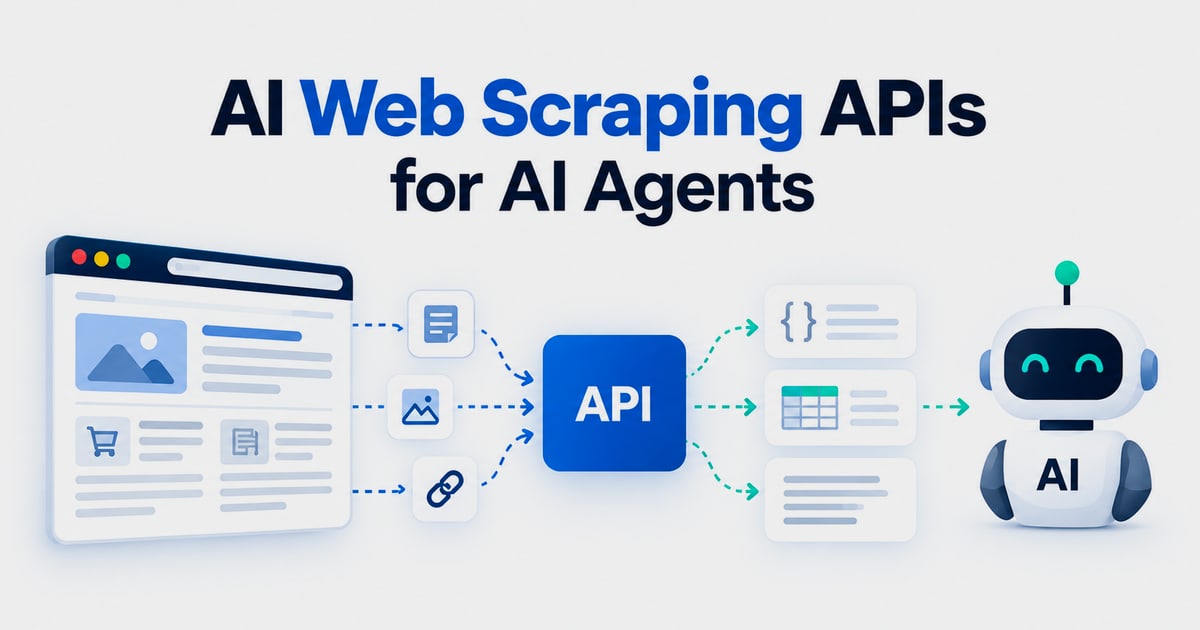
Top 10 AI Web Crawling and Scraping APIs 2026
Feeding a language model clean web data is still harder than it should be. JavaScript-heavy pages, bot detection, and messy HTML turn a simple URL into an engineering project. AI web crawling and scraping APIs exist to absorb that work: they render pages, rotate proxies, and return Markdown or structured JSON that a model can actually use.
This review ranks ten products that genuinely belong to the AI crawling and scraping API category. We evaluated them on published evidence, not marketing claims. Where a tool sits outside this category but shows up in adjacent workflows, we say so plainly.
How we evaluated these products
We scored each product on six dimensions, using vendor documentation, independent benchmarks, and published pricing checked in 2026:
- AI-ready output: Does it return clean Markdown, JSON, or schema-validated fields, or only raw HTML?
- JavaScript rendering and anti-bot handling: Does it manage headless browsers, proxy escalation, and retries behind the API?
- Crawling and discovery: Can it follow links, map sitemaps, and run recursive crawls?
- Agent and framework integration: MCP servers, Python/JS SDKs, and LangChain, LlamaIndex, or CrewAI support.
- Pricing transparency: Per-page or per-credit rates, failed-request billing, and overage rules.
- Evidence quality: Independent benchmark results, published case studies, or reproducible tests.
One note on scope: browser automation platforms such as AdsCrawl are not AI crawling APIs. They give developers a full cloud browser over CDP, which is a different job. We mention them only where a hybrid workflow makes sense.
1. Firecrawl
Firecrawl popularized the "scrape-to-Markdown for LLMs" category and still has the strongest developer mindshare. It crawls recursively, respects robots.txt, and returns Markdown with noise removed. Structured extraction uses LLM parsing with Zod or JSON schema definitions, and its official MCP server is one of the most widely adopted in the ecosystem. SDKs cover Python, JavaScript, Go, Rust, and Ruby.
Pricing starts at $16/month (annual) for 5,000 credits, with a free tier of 1,000 monthly credits. Credit consumption varies by feature, which makes cost prediction harder at scale. In the September 2026 Web Data Frontier Benchmark, Firecrawl returned content on 80.2% of 500 requests against 100 bot-protected sites. A 403 or 404 still consumes a credit.
Best for: RAG pipelines, recursive crawling, and teams already invested in the LangChain or LlamaIndex ecosystem.
2. Spider
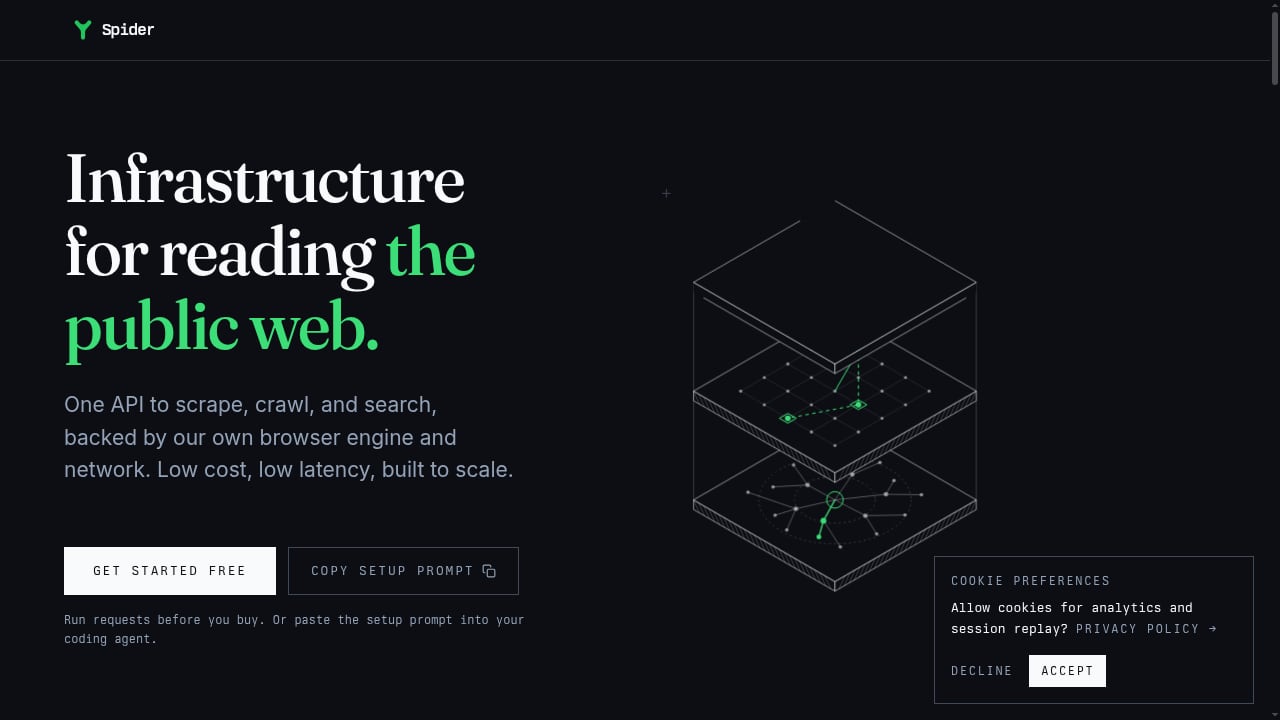
First viewport screenshot of AI Web Crawler API for Agents and RAG | Spider.
Spider is an AI crawler API built as data infrastructure for AI applications. It returns clean Markdown or JSON from any website in real time and prices per page. The pitch is that proxies, browser farms, bot detection, rate limits, and edge cases stay behind a single API.
Core capabilities include one API for crawling, scraping, searching, and extracting; an MCP server for agent integration; SDKs for Python, CrewAI, and LangChain; a native browser with JavaScript rendering; proxy rotation; auto-retry; and token-efficient Markdown output. AI Studio adds natural-language extraction as an add-on from $6/month. Pricing is pay-as-you-go from $1/GB plus $0.0001 per CPU minute, or unlimited concurrency plans from $40/month, with failed requests costing $0. A11yWatch reported cutting server costs from $2,000/month to $13/month after moving to Spider.
Best for: AI agents, RAG systems, LLM training pipelines, compliance monitoring, and platforms that need reliable web data without maintaining crawling infrastructure.
3. Context.dev
Context.dev combines scraping with brand intelligence in one API. It returns Markdown, HTML, images, screenshots, and schema-based JSON, and its MCP server is a core part of the product rather than an add-on. Brand endpoints retrieve logos, colors, typography, and company profiles by domain, ticker, or name.
Anti-bot handling is built into requests without a separate per-request feature flag. Pricing starts at $19/month for 7,500 credits, with overage at $2.20 per 1,000 on the entry tier. In the September 2026 benchmark, Context.dev passed 72.0% of protected-site requests. Independent reviewers note that 404s now bill at the base price.
Best for: AI agents that need structured JSON plus company or brand enrichment from a single vendor.
4. Scrapfly
Scrapfly packages several APIs under one key: scraping, screenshots, extraction, and browser automation. It supports anti-scraping protection with a residential proxy pool and returns Markdown or structured data. The Pro plan at $100/month includes 1,000,000 credits, with 1 to 25 credits consumed per page depending on settings.
Scrapfly placed second in the September 2026 protected-site benchmark at 86.2%, behind only the benchmark author's own API. Two caveats matter for budgeting: credits do not roll over, and failures bill if more than 30% of an hour's traffic fails.
Best for: Teams that want multiple scraping surfaces on one key and are willing to tune credit settings per target.
5. ScraperAPI
ScraperAPI is a long-standing general-purpose scraping API with a reputation for handling Akamai-protected sites. It offers a simple request model, JavaScript rendering, and proxy rotation, with SDKs for Python and JavaScript. The Startup plan at $149/month includes 1,000,000 credits, though protected sites consume 10 credits each.
It scored 84.0% in the September 2026 benchmark. Two billing details to watch: 200 and 404 responses both bill, and credits do not roll over. AI extraction is available as an add-on rather than a native capability.
Best for: Teams scraping heavily protected sites that want a predictable, well-documented request API.
6. Apify
Apify is a scraper marketplace rather than a single API. Its store lists more than 68,000 Actors, including prebuilt scrapers for named sites and an AI Web Scraper that supports natural-language extraction. The Web Fetch Actor scored 77.4% in the September 2026 benchmark.
Pricing is layered: Starter at $19/month or Scale at $199/month, plus usage. Web Fetch starts at $1.00 per 1,000 fetches, and unused prepaid usage expires monthly. Each Store Actor has its own price and maintainer, so total cost can include Actor fees, compute, storage, and proxy usage.
Best for: Teams that need a maintained scraper for a specific site rather than a general crawling API.
7. Bright Data Scraper Studio
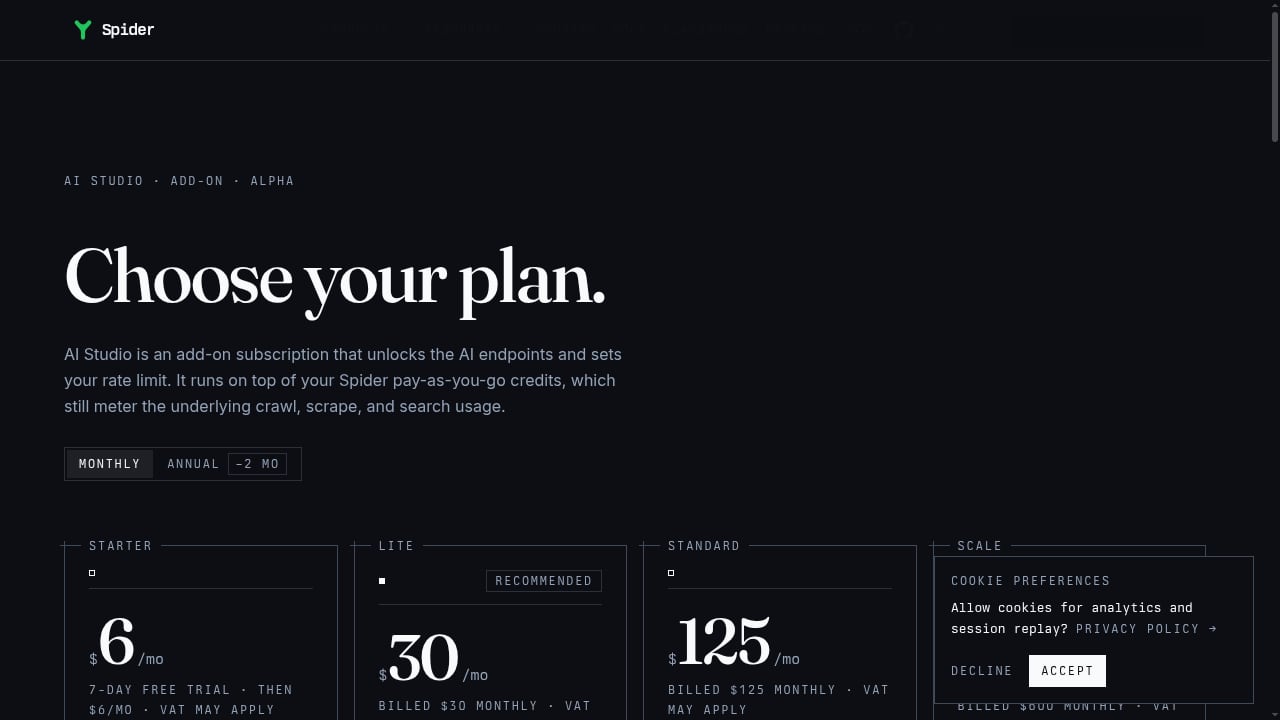
First viewport screenshot of AI Studio Pricing - Spider.
Bright Data pairs scraper generation with enterprise access infrastructure. Scraper Studio generates editable scraper code and assists with repairs when sites change. The broader platform includes proxy networks and datasets under one contract.
Pricing starts at $1.50 per 1,000 successful page loads, with 5,000 monthly page loads on the free tier. It scored 74.6% in the September 2026 benchmark, though it dropped to 47.4% against DataDome specifically. For small jobs, the surrounding infrastructure can be more than a team needs.
Best for: Enterprises that want generated, editable scrapers plus access infrastructure and compliance coverage.
8. Oxylabs
Oxylabs is best known for proxy infrastructure, and its Web Unblocker product extends that into scraping. It handles JavaScript rendering and anti-bot bypass, with SDKs for Python and Go. OxyCopilot adds AI-assisted extraction as an add-on.
Web Unblocker Micro starts at $75 for 8GB, billed by bandwidth rather than per page, which makes per-page cost estimates harder. It scored 69.0% in the September 2026 benchmark, with stronger results on grocery and news sites.
Best for: Teams already using Oxylabs proxies that want unblocking and rendering from the same vendor.
9. Crawl4AI
Crawl4AI is the strongest open-source option in this category. It produces LLM-ready Markdown and supports LLM-based extraction, all under an Apache-2.0 license. Configuration happens in Python, and the user owns deployment and reliability.
There is no software subscription. The real costs are infrastructure, proxies, model calls, and engineering time. It was not benchmarked in the September 2026 test because a harness cannot call a self-hosted tool the same way. It ships no proxy pool or captcha solver, so blocked pages stay your problem.
Best for: Teams with engineering capacity that want full control and no per-page fees.
10. ScrapeGraphAI
ScrapeGraphAI maps natural-language requests to structured data using prompts and JSON schemas. It is designed for runtime AI extraction, where a model interprets each page rather than relying on saved selectors. The Starter plan is $20/month for 10,000 credits, with 500 one-time API credits on the free tier.
The trade-offs are inherent to runtime inference: added latency, credit costs, and outputs that can be harder to diagnose than explicit selectors. It is not a visual builder for non-technical users.
Best for: Prompt-and-schema extraction where page layouts vary and selectors would break often.
Comparison table
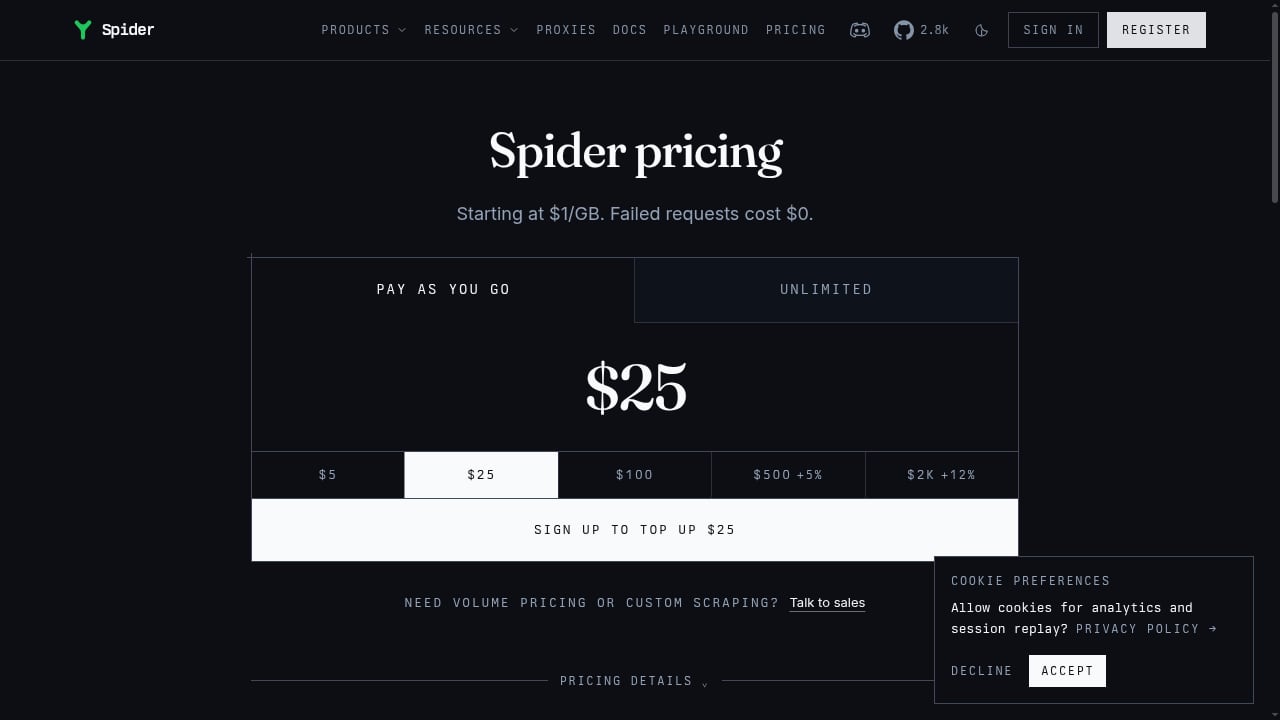
First viewport screenshot of Pricing from $1/GB pay as you go, or Unlimited | Spider.
| Product | Best for | Starting price | Benchmark success (Sept 2026) |
|---|---|---|---|
| Firecrawl | RAG and recursive crawling | $16/mo (annual) | 80.2% |
| Spider | AI agents and high-volume crawling | $40/mo or $1/GB | Not tested |
| Context.dev | Structured JSON plus brand data | $19/mo | 72.0% |
| Scrapfly | Multiple APIs on one key | $100/mo | 86.2% |
| ScraperAPI | Akamai-protected sites | $149/mo | 84.0% |
| Apify | Prebuilt site scrapers | $19/mo plus usage | 77.4% |
| Bright Data | Enterprise access and maintenance | $1.50/1K loads | 74.6% |
| Oxylabs | Proxy-first unblocking | $75 for 8GB | 69.0% |
| Crawl4AI | Open-source, self-hosted | Free (OSS) | Not tested |
| ScrapeGraphAI | Prompt-and-schema extraction | $20/mo | Not tested |
Benchmark figures come from the September 16, 2026 Web Data Frontier Benchmark: 100 bot-protected sites, five attempts each, 500 requests per provider. That benchmark was built by String, which sells a competing API, so treat the ranking as directional and rerun the public harness with your own keys.
How to choose
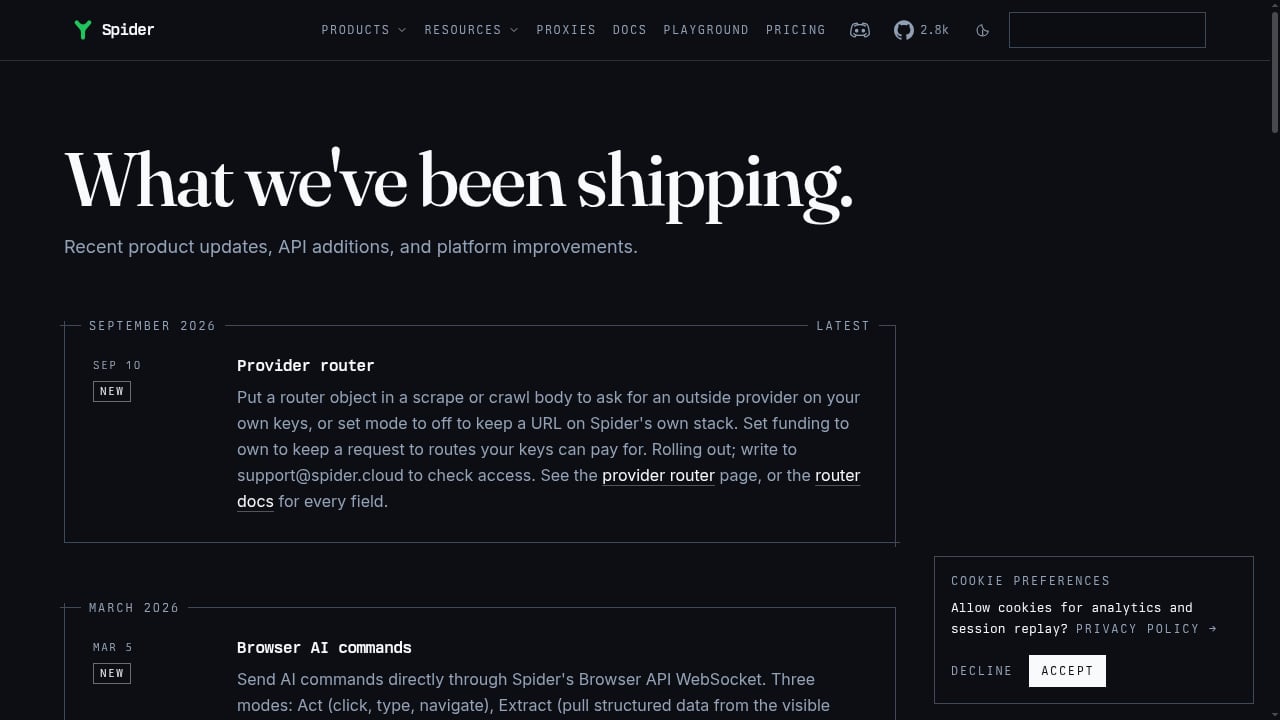
First viewport screenshot of Spider Changelog - New Features and API Updates.
The decision usually comes down to who handles blocking and what output your pipeline needs.
- If you are building RAG or agent pipelines: Start with Firecrawl or Spider. Both return Markdown designed for token efficiency, and both ship MCP servers.
- If you need structured JSON plus company data: Context.dev bundles brand intelligence that other APIs charge separately for.
- If your targets are heavily protected: Scrapfly and ScraperAPI posted the strongest independent success rates after the benchmark author.
- If you need a scraper for one named site: Apify's marketplace likely already has a maintained Actor.
- If you want zero per-page fees: Crawl4AI is the strongest open-source path, provided you can run proxies and browsers yourself.
- If page layouts change constantly: ScrapeGraphAI's prompt-and-schema model avoids selector maintenance at the cost of inference latency.
Many teams end up with two tools: a framework or no-code app for easy sites, and a hosted API for the ones that block. If you also need full browser control for login flows, QA, or stateful sessions, a cloud browser platform such as AdsCrawl can complement a scraping API rather than replace it. For a deeper look at that hybrid pattern, see our comparison of AdsCrawl vs Spider vs Browse AI.
Related reading
- How to Use AdsCrawl with Sendwin: Multi-Account Browser + Cloud - Combine AdsCrawl's cloud browser API with Sendwin's isolated profiles for multi-account scraping, QA, and monitoring. Setup, workflow, and examples.
- AdsCrawl vs ScreenshotAPI.net: Which Fits Developers? - AdsCrawl vs ScreenshotAPI.net: compare a full cloud browser API with a single-purpose screenshot API for rendering, proxies, pricing, and scale.
- ClawEngine.ai Review: Clean, LLM-Ready Web Scraping API - Hands-on ClawEngine.ai review: how its web scraping API turns sites into clean Markdown or JSON for LLM pipelines, plus pricing signals, setup, and limits.
Sources and further reading
- 10 best AI web scraping tools in 2026 | Web Scraper - Compare 10 AI web scraping tools for no-code extraction, monitoring, APIs, RAG pipelines and self-hosting, including pricing and trade-offs
- Top 11 Web Scraping APIs for AI in 2026 (Best Scraping APIs Compared) - Compare 11 web scraping APIs for AI on Markdown quality, structured extraction, anti-bot handling, MCP, brand data, pricing, and developer experience. For the strongest all-in-one platform, the top choice is Context.dev.
- Best Web Scraping Tools 2026: 12 Compared, Free and Paid - 12 web scraping tools, free and paid: 8 APIs tested on 100 sites (String 97.0%), Scrapy, Crawl4AI, Playwright, Octoparse, MCP servers and prices.
FAQ
What is the difference between an AI web crawling API and a traditional scraping API?
Traditional scraping APIs return raw HTML and leave parsing to you. AI crawling APIs return Markdown, JSON, or schema-validated fields, and often include MCP servers and framework SDKs so agents can call them directly. The output format, not the crawling mechanism, is the main difference.
Do I need an MCP server?
If you are building with AI agents or clients that support the Model Context Protocol, yes. An MCP server lets the agent call the scraper as a tool without custom glue code. Firecrawl, Spider, Context.dev, and Apify all document MCP support.
How should I compare pricing across these APIs?
Convert every plan to a cost per 1,000 pages or credits, then check three things: whether failed requests bill, whether credits roll over, and whether protected pages consume more credits than standard ones. The same input URL list can produce very different bills across vendors.
Are failed requests free?
It depends on the vendor. Spider states that failed requests cost $0. String's benchmark reports failed requests are not billed. Firecrawl, ScraperAPI, and Context.dev bill certain error responses at the base rate, so read the billing rules before committing to volume.
Can I self-host instead?
Yes. Crawl4AI is Apache-2.0 licensed and produces LLM-ready Markdown. You own deployment, proxies, and reliability. If your target sites are unprotected, self-hosting can be the cheapest option; if they block aggressively, a hosted API usually pays for itself.
Conclusion
There is no single winner in this category, because the right choice depends on your targets, your output format, and who carries the blocking problem. Firecrawl and Spider lead for AI-native pipelines, Scrapfly and ScraperAPI lead on protected-site success rates, Context.dev bundles structured extraction with brand data, and Crawl4AI remains the strongest free option for teams with engineering capacity.
Start with one representative workload, run it through two or three candidates, and compare the real cost per usable page rather than the sticker price. For a broader view of the market, see our Top 10 Web Scraping API Platforms 2026 ranking, and if your workflow needs full browser sessions alongside an API, our AdsCrawl vs Browserbase vs Browserless comparison covers that layer.