
How to Use AdsCrawl with Sendwin: Multi-Account Browser + Cloud
Combine AdsCrawl's cloud browser API with Sendwin's isolated profiles for multi-account scraping, QA, and monitoring. Setup, workflow, and examples.
How to Use AdsCrawl with Sendwin: The Multi-Account Browser, Desktop & Cloud
Managing many accounts while scraping dynamic sites is a common pain: each account needs its own cookies, fingerprint, and proxy, and the scraping layer needs a real browser to render JavaScript. AdsCrawl and Sendwin solve different halves of that problem. AdsCrawl gives you a managed cloud browser and automation API. Sendwin gives you isolated, fingerprint-protected browser profiles you can run locally or in the cloud. Together they let you run authenticated, multi-account workflows at scale without leaking sessions between accounts.
This guide explains how the two fit together, how to set them up, and what you can build.
Why combine AdsCrawl and Sendwin?
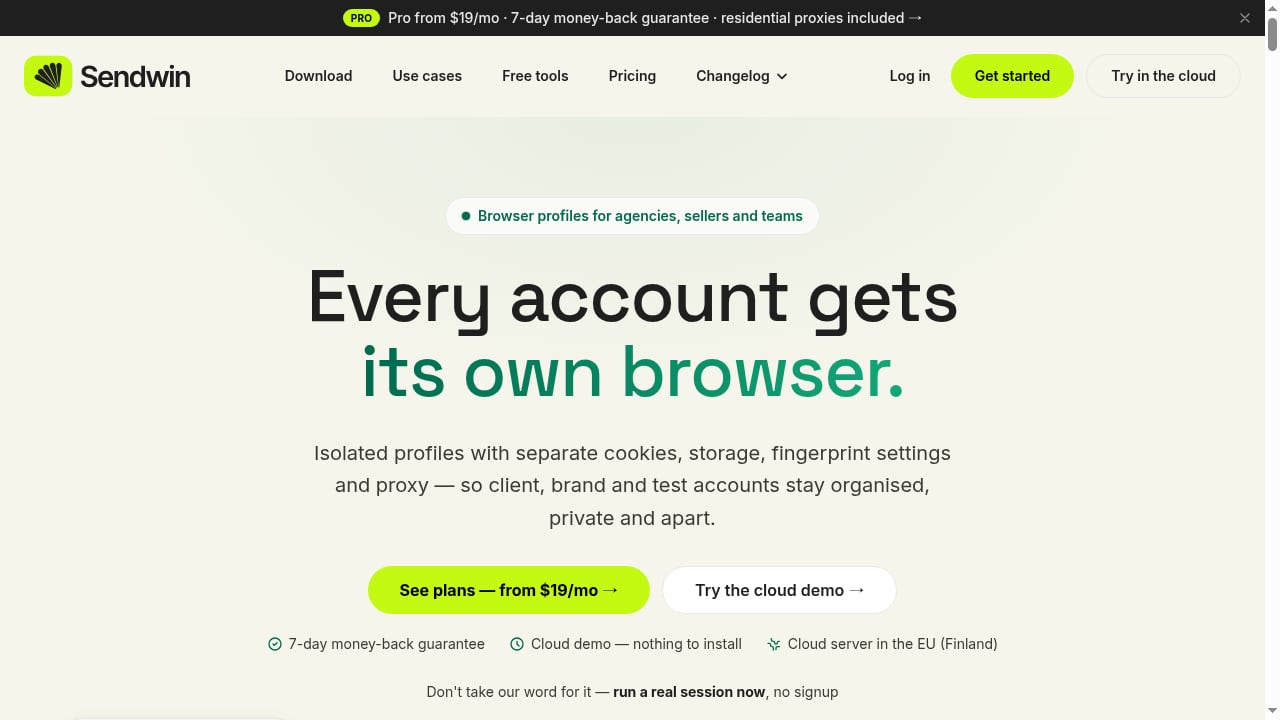
First viewport screenshot of Sendwin — The multi-account browser, desktop & cloud.
AdsCrawl is a managed cloud browser and browser automation API. You connect Playwright, Puppeteer, or any CDP client to real cloud Chromium browsers, route traffic through residential or custom proxies, and retrieve HTML, Markdown, JSON, or screenshots from JavaScript-heavy pages. It also offers stateful Cloud Browser profiles, remote CDP sessions with short-lived live-control tokens, and per-user running quotas.
Sendwin is a multi-account browser for agencies, sellers, and teams. Each profile has its own cookies, storage, fingerprint settings, and proxy. Profiles can sync across devices or be shared with paid teammates without sharing passwords.
Used alone, AdsCrawl handles rendering and extraction but expects you to manage identity and sessions. Sendwin handles identity and sessions but is not an automation API. Together, Sendwin supplies the isolated, logged-in browser identity, and AdsCrawl supplies the scalable automation layer that drives it.
How the two products fit together
First viewport screenshot of Plans & billing | Sendwin Help Center.
Think of it as a division of labor:
- Sendwin owns the account identity: cookies, fingerprint, proxy, timezone, and login state for each profile.
- AdsCrawl owns the automation runtime: cloud Chromium, CDP sessions, rendering, extraction, and screenshots.
- Your code orchestrates: it picks a Sendwin profile, launches an AdsCrawl session with the matching proxy and cookies, runs the task, and stores the result.
This separation is what makes multi-account scraping manageable. You are not mixing account state into your scraping code, and you are not asking a profile manager to render SPAs or return structured JSON.
Setup: step by step
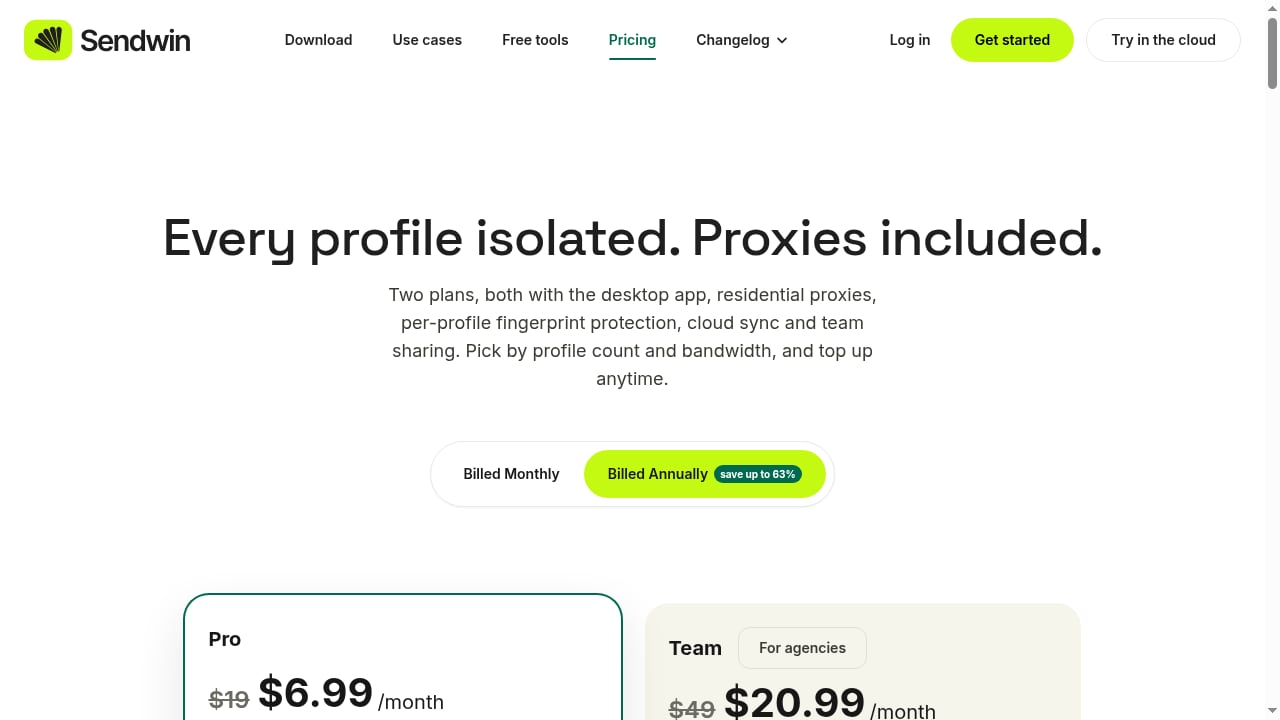
First viewport screenshot of Pricing | Sendwin - Plans for Multi-Account Browser Profiles.
1. Create your Sendwin profiles
Install the Sendwin desktop app (Windows, macOS, or Linux) or use the cloud browser. Create one isolated profile per account you manage. Each profile gets its own consistent fingerprint, its own cookies, and its own proxy. Assign a residential or custom HTTP/SOCKS5 proxy, and let Sendwin set timezone and language from the proxy's country.
Log in to the target site inside that profile, then sync or share the profile as needed. For teams, share a profile with a paid teammate so it opens already signed in, with an expiry you control.
2. Get your AdsCrawl API key
Sign up for AdsCrawl, copy your API key from the dashboard, and keep it on your server. Send it in the x-api-key header on every request. If you prefer, paste the setup prompt into a coding agent and let it walk through sign-up and integration.
3. Choose the right AdsCrawl endpoint
POST /htmlfor rendered HTML or Markdown (contentMode: markdown).POST /spa-extractfor structured fields, using CSS selectors for DOM fields and matching JSON responses for network fields.POST /screenshotfor PNGs, full page or a single element.- Remote CDP sessions when you need Playwright or Puppeteer to click, fill forms, and navigate.
- Cloud Browser when you want a reusable profile with a live viewer.
4. Pass Sendwin's identity into AdsCrawl
For APIs that support proxies, send the same proxy configuration that Sendwin uses for the profile. For authenticated pages, pass the profile's cookies. For multi-step sign-in flows, use a CDP session so the browser keeps state across steps.
A minimal rendered-page request looks like this:
curl --fail-with-body -sS \
  -X POST "https://api.adscrawl.net/html" \
  -H "x-api-key: $ADSCRAWL_API_KEY" \
  -H "content-type: application/json" \
  -d '{
    "url": "https://example.com/dashboard",
    "contentMode": "markdown",
    "waitUntil": "domcontentloaded"
  }' \
  --output page.md
5. Orchestrate per account
Loop over your Sendwin profiles. For each one, launch an AdsCrawl session with that profile's proxy and cookies, run the task, and close the session. Keep concurrency within your AdsCrawl plan limits, and handle HTTP 402 (credits) and HTTP 429 (rate limit) with backoff.
Practical examples
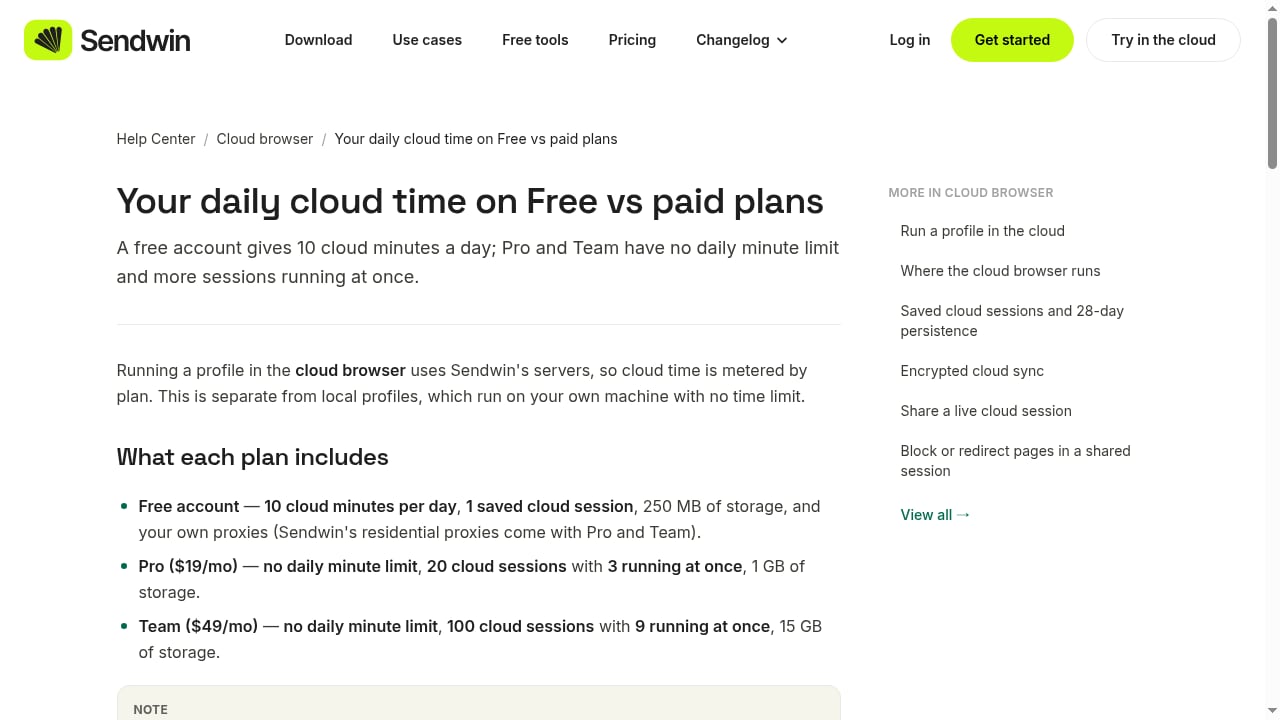
First viewport screenshot of Your daily cloud time on Free vs paid plans | Sendwin Help Center.
Example 1: Multi-account price monitoring
You manage ten seller accounts on a marketplace. Each account sees slightly different pricing and inventory. Create ten Sendwin profiles, each with its own proxy. For each profile, call AdsCrawl's POST /spa-extract with the profile's cookies and proxy, and define fields for price, stock, and seller name. Store results per account and diff them daily.
Example 2: Agency QA across client sites
An agency runs QA on client sites that require login. Each client gets a Sendwin profile with its own fingerprint and proxy. Use AdsCrawl's remote CDP session to connect Playwright, log in, click through key flows, and capture POST /screenshot images for visual review. Because each client runs in its own profile, one client's session never bleeds into another's.
Example 3: Ad and content verification
You need to verify that ads and localized content render correctly across regions. Sendwin profiles carry region-appropriate proxies and timezones. AdsCrawl renders the page from the matching region and returns HTML, Markdown, or screenshots. You get region-accurate evidence without maintaining your own browser fleet.
Where this combination wins
- No session bleed. Sendwin's isolated profiles keep cookies and fingerprints separate, so accounts never mix.
- Real rendering. AdsCrawl renders JavaScript-heavy pages before returning content, so SPAs and dynamic dashboards work.
- Geo-accurate results. Proxy routing in both products aligns timezone, language, and exit IP.
- Team-friendly. Sendwin shares profiles without passwords; AdsCrawl keeps API keys server-side.
- Scales with your plan. AdsCrawl's tiers (Free, Hobby at $9/mo, Starter at $49/mo, Pro at $199/mo) scale credits, concurrency, and profiles. Sendwin Pro is $19/mo for 150 profiles, and Team is $49/mo for 500 profiles.
Decision guidance: when to use which
| Need | Use |
|---|---|
| Isolated account identity, fingerprints, team sharing | Sendwin |
| Rendering, extraction, screenshots, CDP automation | AdsCrawl |
| Authenticated multi-account scraping at scale | Both together |
| Single-purpose screenshot API | Consider a dedicated screenshot API instead |
| No-code point-and-click scraping | Consider a visual scraper instead |
If you are still comparing automation platforms, see our breakdowns of AdsCrawl vs Browserbase vs Browserless and AdsCrawl vs Zyte. For a broader market view, read Top 10 Web Scraping API Platforms 2026.
Related reading
- AdsCrawl vs Spider vs Browse AI: Which Fits Your Stack? - Compare AdsCrawl, Spider, and Browse AI for scraping and browser automation. See strengths, limits, pricing, and which tool fits developers vs no-code teams.
- ClawEngine.ai Review: Clean, LLM-Ready Web Scraping API - Hands-on ClawEngine.ai review: how its web scraping API turns sites into clean Markdown or JSON for LLM pipelines, plus pricing signals, setup, and limits.
FAQ
Do I need Sendwin if I already use AdsCrawl Cloud Browser profiles?
AdsCrawl Cloud Browser profiles persist settings after you stop a session, which is useful for reuse. Sendwin adds per-profile fingerprint protection, proxy-per-profile management, and team sharing without passwords. If you manage many accounts across people and devices, Sendwin covers identity management that AdsCrawl does not.
Can I use my own proxies with both products?
Yes. Sendwin supports HTTP and SOCKS5 proxies per profile, plus included residential proxies. AdsCrawl accepts custom proxy configurations on supported endpoints and requires a valid proxy on every Cloud Browser launch. Use the same proxy for a profile in both tools so the exit IP stays consistent.
How do I handle cookies for logged-in pages?
Export or pass the profile's cookies into the AdsCrawl request. Check domain, path, and expiration. For multi-step sign-in, use a CDP session so the browser keeps state across steps. Only use cookies for accounts you are authorized to access.
What happens if I run out of AdsCrawl credits?
You will get HTTP 402. Check your credit balance and plan in the dashboard. For HTTP 429, lower concurrency and retry with backoff. Plan limits are listed on the pricing page and in your account.
Is closing the AdsCrawl live viewer enough to stop a Cloud Browser?
No. Closing the viewer leaves the Cloud Browser running and usage charges continue. Call the stop endpoint and confirm runtime.status is stopped. To release a temporary CDP session, call DELETE /cdp/sessions/:sessionId.
Can my coding agent set up AdsCrawl for me?
Yes. Paste the setup prompt into your coding agent. It will guide you through sign-up, request an API key, and integrate AdsCrawl into your project. You approve access in your browser.
Conclusion
AdsCrawl and Sendwin solve complementary problems. Sendwin gives every account its own browser identity, and AdsCrawl gives your code a scalable cloud browser to render, extract, and automate. Put them together and you get authenticated, multi-account workflows that stay isolated, geo-accurate, and team-friendly. Start with one Sendwin profile and one AdsCrawl request, then expand as your account list grows.
For more on the automation side, see how AdsCrawl pairs with a search data API in How to Use AdsCrawl with Searlo, and compare rendering options in AdsCrawl vs ScreenshotAPI.net.
External references: AdsCrawl, Sendwin, Sendwin Help Center.