
How to Use AdsCrawl with SerpApi: Google Search API
Combine AdsCrawl cloud browsers with SerpApi Google Search API to scrape SERPs, render landing pages, and build reliable search pipelines.
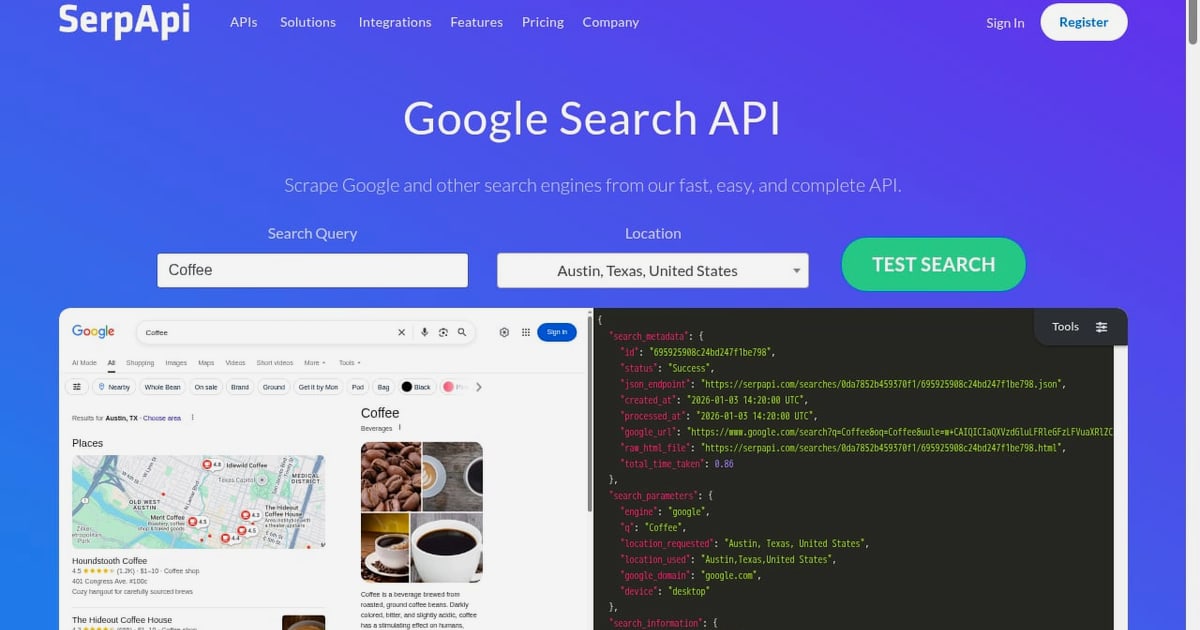
How to Use AdsCrawl with SerpApi: Google Search API
Search data rarely lives in one place. SerpApi: Google Search API gives you clean, parsed Google results without managing proxies or CAPTCHAs. AdsCrawl gives you a real cloud Chromium browser that can open any of those result URLs, render the JavaScript, and return structured content. Used together, they cover the full path from a keyword to a fully rendered destination page. This guide explains the workflow, setup, practical examples, and the problems the combination solves.
Why combine a SERP API with a cloud browser?
First viewport screenshot of SerpApi Release Notes - SerpApi.
SerpApi handles the search layer: it returns organic results, ads, knowledge panels, related questions, and pagination as structured JSON. It is fast, consistent, and does not require you to maintain scraping infrastructure for Google itself.
What it does not do is render the pages behind those results. Many landing pages are single-page applications, load content after hydration, or block simple HTTP requests. That is where AdsCrawl fits. AdsCrawl is a managed cloud browser and browser automation API powered by AdsPower. You connect Playwright, Puppeteer, or any CDP client to real cloud Chromium browsers, route traffic through residential proxies, and retrieve rendered HTML, Markdown, JSON, or screenshots.
The division of labor is simple:
- SerpApi answers "what ranks for this query?"
- AdsCrawl answers "what does each ranking page actually contain?"
How the workflow fits together
A typical pipeline has four stages:
- Query SerpApi for a keyword, location, and device. Store the JSON response.
- Extract result URLs from the organic results array.
- Send each URL to AdsCrawl using the synchronous
POST /htmlendpoint or a remote CDP session. - Parse the rendered output into Markdown, JSON, or screenshots for analysis, monitoring, or QA.
This keeps Google-facing scraping in SerpApi's hands while AdsCrawl handles the harder, JavaScript-heavy destination pages.
Setting up both APIs
First viewport screenshot of SerpApi Release Notes - SerpApi.
Step 1: Get your API keys
Create a SerpApi account and copy your API key from the dashboard. For AdsCrawl, sign up and generate an API key. The Free tier includes 500 one-time credits, which is enough to test the full pipeline before upgrading to Hobby at $9/month or Starter at $49/month.
Step 2: Make your first SerpApi request
SerpApi exposes a REST endpoint. A minimal request looks like this:
curl "https://serpapi.com/search.json?q=cloud+browser+api&api_key=YOUR_SERPAPI_KEY"
The response includes an organic_results array. Each item has a link, title, and snippet.
Step 3: Send a result URL to AdsCrawl
AdsCrawl accepts a synchronous request to render a page and return HTML:
curl -X POST "https://api.adscrawl.com/html" \
  -H "Authorization: Bearer YOUR_ADSCRAWL_KEY" \
  -H "Content-Type: application/json" \
  -d '{
    "url": "https://example.com/landing-page",
    "proxy": "residential",
    "wait": 2000
  }'
The response contains the fully rendered HTML after JavaScript execution. You can also request Markdown or a screenshot by changing the output type.
Step 4: Chain them in code
A small Node.js script shows the pattern:
const serp = await fetch(
  `https://serpapi.com/search.json?q=cloud+browser+api&api_key=${process.env.SERPAPI_KEY}`
);
const { organic_results } = await serp.json();

for (const result of organic_results.slice(0, 5)) {
  const rendered = await fetch("https://api.adscrawl.com/html", {
    method: "POST",
    headers: {
      Authorization: `Bearer ${process.env.ADSCRAWL_KEY}`,
      "Content-Type": "application/json"
    },
    body: JSON.stringify({ url: result.link, proxy: "residential" })
  });
  const html = await rendered.text();
  // parse, store, or diff the HTML
}
Practical examples
First viewport screenshot of Amazon Product Protection Plan API - SerpApi.
Example 1: Rank tracking with rendered content
You want to know not just where a page ranks, but whether the page content changed. SerpApi returns the ranking position and URL. AdsCrawl returns the rendered HTML. Hash the HTML and compare it across runs to detect content updates on competitor pages.
Example 2: Ad and landing page monitoring
SerpApi exposes ads in its response. Feed each ad's landing page URL into AdsCrawl to capture the rendered page, including dynamic pricing, banners, or A/B test variants. This is useful for competitive intelligence and compliance checks.
Example 3: SPA data extraction with templates
If the destination page is a single-page application, AdsCrawl supports template-based extraction. You define selectors once, and AdsCrawl returns structured JSON from the rendered DOM. Combined with SerpApi's query layer, you can build a keyword-to-structured-data pipeline without writing a custom scraper for every site.
Example 4: Screenshot-based QA
For visual regression testing, request a screenshot from AdsCrawl instead of HTML. Set the viewport and selector, and compare screenshots over time. SerpApi tells you which URLs to check; AdsCrawl captures what they look like.
Where the combination solves real problems
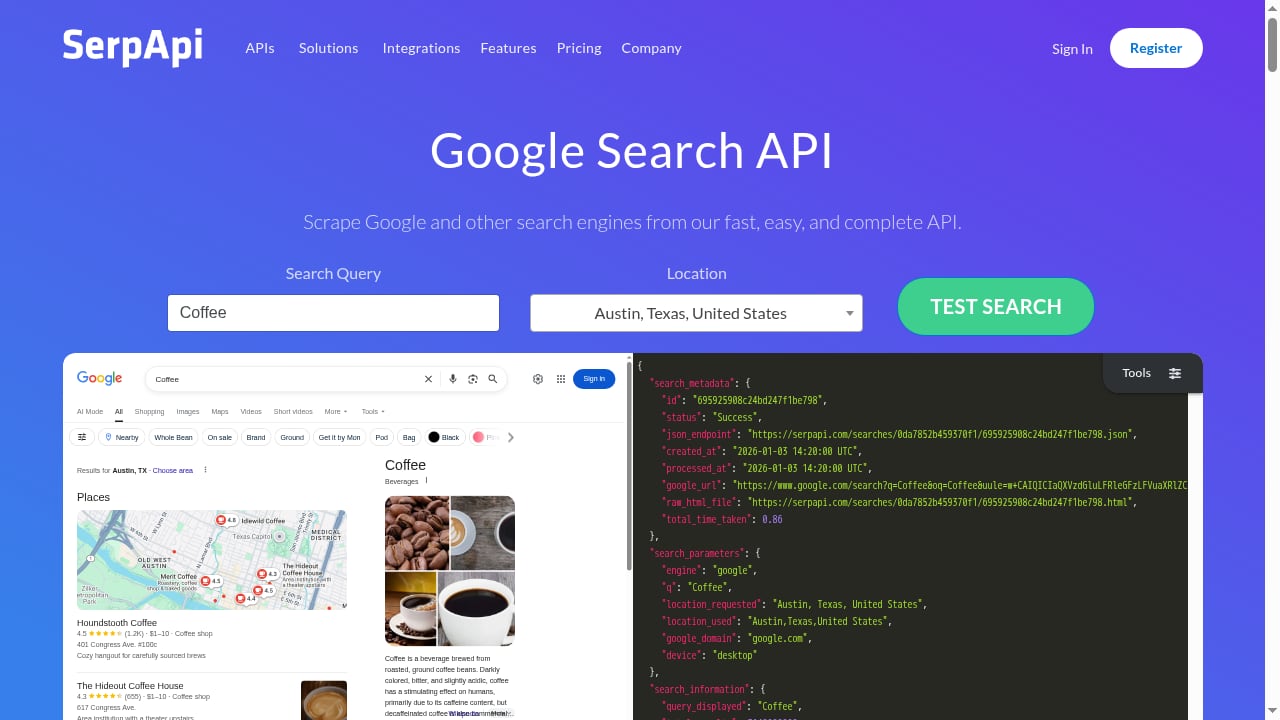
First viewport screenshot of SerpApi: Google Search API.
- Anti-bot resistance: SerpApi handles Google's defenses. AdsCrawl handles destination pages that block simple HTTP clients, using residential proxy routing and real browser fingerprints.
- JavaScript rendering: Many modern pages return empty HTML to basic requests. AdsCrawl renders them in cloud Chromium.
- Session persistence: AdsCrawl's stateful cloud browser profiles keep cookies and settings across tasks, which matters for logged-in flows or multi-step journeys.
- Scale without infrastructure: Both services are APIs. You do not run proxy pools, browser farms, or CAPTCHA solvers.
- Structured output: SerpApi returns parsed JSON. AdsCrawl returns HTML, Markdown, JSON, or screenshots. Both fit directly into data pipelines.
If you are already connecting a browser automation client, the Playwright Node.js client guide covers setup and cloud browser scaling. For a deeper look at AdsCrawl's browser infrastructure, see the Puppeteer integration walkthrough.
Choosing the right approach for your stack
| Need | Use SerpApi alone | Use AdsCrawl alone | Use both |
|---|---|---|---|
| Get Google rankings | Yes | No | Yes |
| Render JavaScript pages | No | Yes | Yes |
| Capture screenshots | No | Yes | Yes |
| Extract structured SERP data | Yes | No | Yes |
| Monitor competitor landing pages | No | Yes | Yes |
| Avoid proxy and CAPTCHA management | Yes | Partial | Yes |
If your goal is only search visibility, SerpApi is sufficient. If your goal is only rendering known URLs, AdsCrawl is sufficient. The combination is for teams that need the full path from query to rendered page.
Related reading
- AdsCrawl vs Thunderbit vs Incogniton: Cloud Browser or No-Code? - AdsCrawl vs Thunderbit vs Incogniton compared: no-code AI scraping, anti-detect profiles, and cloud browser APIs for developers. Find your best fit.
- AdsCrawl vs ApiFlash: Screenshot API or Full Browser? - AdsCrawl vs ApiFlash compared: screenshots, rendered HTML, CDP control, proxies, and pricing. See which browser API fits your scraping workflow.
- WebHarvy Review 2026: Pay-Once Visual Scraper Tested - Hands-on WebHarvy review: point-and-click scraping, AI/LLM extraction, MCP support, pricing signals, limits, and who should buy it in 2026.
Sources and further reading
- API Providers - APIs.io - Browse all API service providers indexed on APIs.io, ranked by the API Evangelist rating. Find providers by name, see their APIs, capabilities, and more.
- Simple Index - ... api · 10xscale-agentflow · 10xscale-agentflow-cli · 1102 · 111752 · 115cli · 115wangpan ... search-mcp · 123dasilva4 · 123hibob789 · 123testupload · 123tv-iptv
- index.html | APIs.io Agentic Access - Browse recommended x-agentic-access execution contracts for API providers across the APIs.io network — the scope, audience, consequence tier, short-lived token constraints, and human-in-the-loop escalation each operation should carry before it is handed to an AI agent. Classified from provider OpenAPI, following Curity's Access Intelligence model.
FAQ
Do I need both APIs for basic rank tracking?
No. SerpApi alone returns rankings, URLs, and snippets. Add AdsCrawl when you need to inspect the rendered content of those URLs.
Can AdsCrawl query Google directly?
AdsCrawl is a browser automation API, not a search API. You can technically load Google in a cloud browser, but SerpApi is purpose-built for search results and handles parsing, proxies, and CAPTCHAs for you.
How do I handle rate limits?
SerpApi and AdsCrawl both have plan-based limits. Batch your requests, cache SerpApi responses, and use AdsCrawl's concurrency limits to avoid throttling. The Starter plan at $49/month supports small production teams, while Pro at $199/month is built for high-volume automation.
What output formats does AdsCrawl support?
Rendered HTML, Markdown, JSON via templates, and screenshots. You can also open a live interactive browser session through a connectUrl for debugging.
Is this workflow suitable for AI agents?
Yes. SerpApi provides the search context, and AdsCrawl provides the rendered page content that agents need for reasoning. For a broader comparison of browser infrastructure options, see AdsCrawl vs Steel: Browser Infrastructure for AI Agents.
Conclusion
SerpApi: Google Search API and AdsCrawl solve different halves of the same problem. SerpApi turns Google into clean JSON. AdsCrawl turns any URL into rendered, structured content. Together they let you move from a keyword to a fully understood page without building or maintaining scraping infrastructure. Start with the Free tier, test the pipeline on a handful of queries, and scale once the output proves useful.
For more context on how AdsCrawl compares to other browser automation tools, see the top AI browser automation platforms ranking.