
AdsCrawl vs Incogniton: Cloud Browser API or Anti-Detect Browser?
AdsCrawl vs Incogniton compared: managed cloud Chromium with a CDP API versus an anti-detect browser for multi-account profiles. See which fits your workflow.

AdsCrawl vs Incogniton: Cloud Browser API or Anti-Detect Browser?
AdsCrawl and Incogniton both deal in browser identities, which is why they get compared. But they solve different problems. Incogniton is an anti-detect browser built to keep many accounts isolated and believable on one machine. AdsCrawl is browser infrastructure: managed cloud Chromium that you drive with Playwright, Puppeteer, or any CDP client, with proxy routing and structured output. This comparison breaks down what each tool actually does well so you can pick the right one instead of the loudest one.
AdsCrawl vs Incogniton at a glance
Incogniton product interface.
| Tool | Core model | Best for |
|---|---|---|
| AdsCrawl | Cloud browser platform and browser automation API | Developers scraping, testing, or monitoring dynamic sites at scale |
| Incogniton | Anti-detect browser with isolated profiles and fingerprints | Managing multiple accounts safely from one device |
What Incogniton is actually good at
First viewport screenshot of Cart.
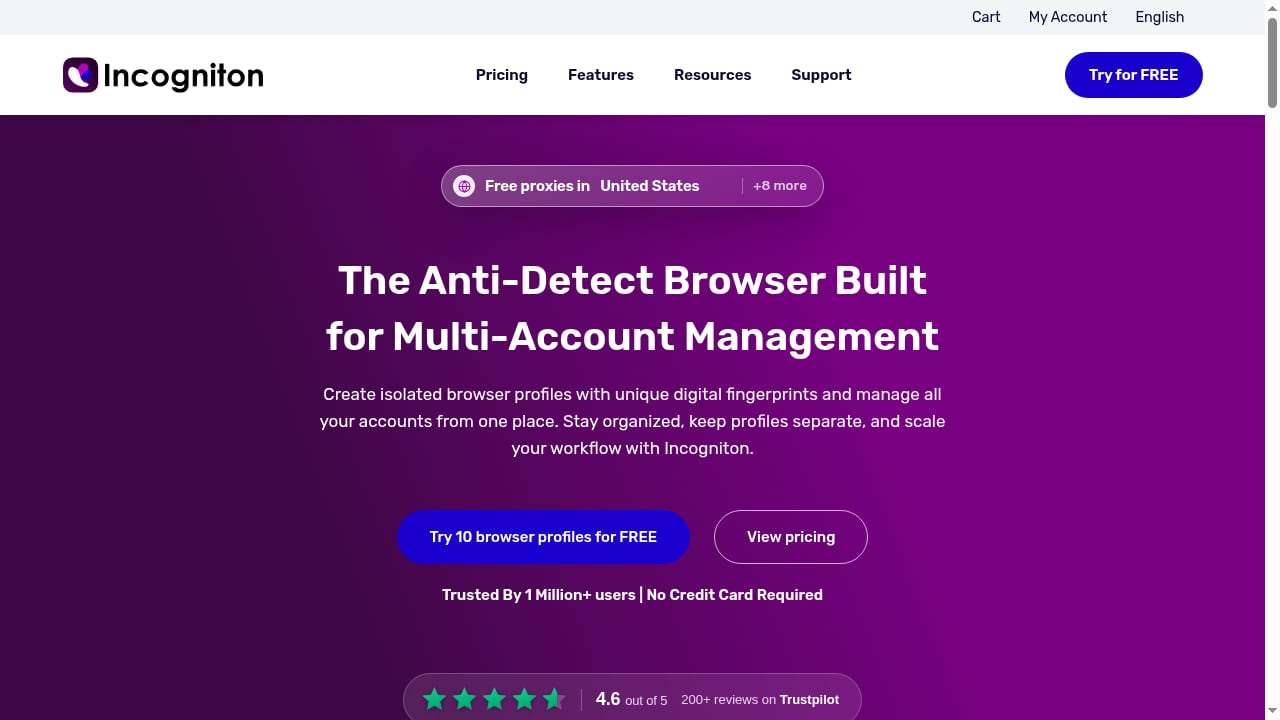
Incogniton approaches the problem from the identity side. Each browser profile carries its own fingerprint, so you can run several accounts side by side on the same machine and have them look unrelated to each other.
Its strengths are real:
- Profile isolation. Independent fingerprints per profile are exactly what social media marketing, e-commerce operations, ad verification, and account management workflows need.
- Automation hooks. Selenium and Puppeteer integration plus API access let you script workflows that run inside a profile.
- Team features. Seat management and profile synchronization help growing teams share the same infrastructure.
- Ease of use. The interface is designed for individuals, freelancers, and solo professionals, not only engineers.
Where Incogniton stops short
First viewport screenshot of Homepage - No card required.
These are the trade-offs that matter when you move from account management to data extraction.
- It is an anti-detect browser first, not a scraping API. Data extraction still depends on whatever code or tool you run inside each profile. There is no rendered-HTML endpoint waiting for you.
- Its built-in proxies are convenient for identity work, not built for high-volume page scraping. They are not a rotating residential proxy pool sized for crawling.
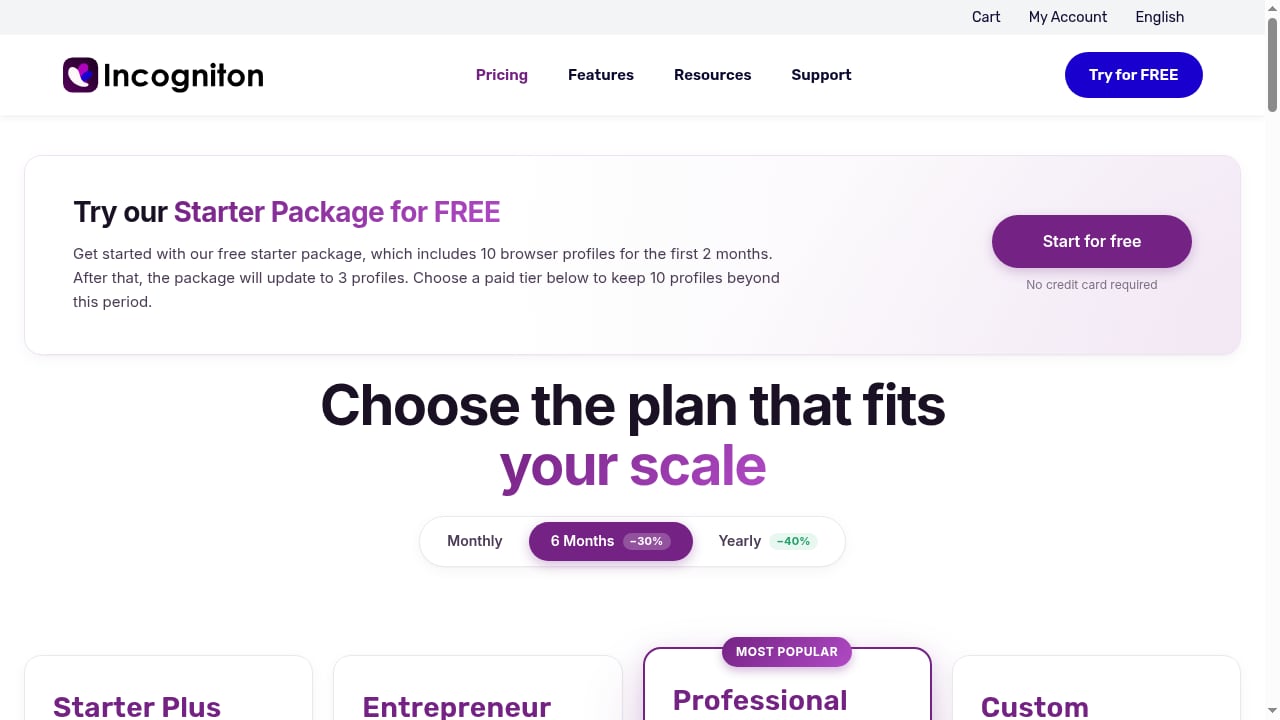
- Billing runs every 6 months. That is worth planning for in a budget, especially if you are comparing it against monthly credit plans.
- Scale is measured in profiles and seats, not parallel page fetches. If your bottleneck is concurrent page rendering rather than account count, this is the wrong axis.
What AdsCrawl does differently
First viewport screenshot of Pricing packages-incogniton.
AdsCrawl is not a spreadsheet tool and not a profile manager. It is browser infrastructure: real cloud Chromium instances you connect to with Playwright, Puppeteer, or any CDP client, with residential proxy routing or your own custom proxies.
What that looks like in practice:
- Rendered content on demand.
POST /htmlreturns rendered HTML, Markdown, JSON, or screenshots from dynamic pages that plain HTTP requests cannot handle. - Controlled screenshots. Viewport and selector-level screenshot options make visual QA and monitoring straightforward.
- SPA extraction. Templates handle single-page application data extraction when the DOM only exists after JavaScript runs.
- Stateful profiles. Cloud browser profiles persist settings, cookies, and fingerprint configuration across tasks, keeping session behavior consistent.
- Remote CDP sessions. A dedicated connection URL and short-lived live control tokens let you drive a real browser directly or hand it to an agent.
- Proxy routing. 100+ rotating residential proxies are built in, and custom proxies are supported when you need a specific region or provider.
Pricing is credit-based and transparent: a Free tier with 500 one-time credits, Hobby at $9/month for solo developers, Starter at $49/month for small production teams, and Pro at $199/month for high-volume automation. Plans differ by monthly credits, browser concurrency, Cloud Browser profile limits, and API key counts.
The honest trade-off: AdsCrawl assumes you can write code or connect an existing automation client. If you want a table in Google Sheets without touching a script, a no-code extractor is the faster answer. If you want a browser you fully control, this is what AdsCrawl is built for. For a hands-on setup walkthrough, see How to Use AdsCrawl with Playwright for Reliable E2E Testing.
Head-to-head on the criteria that decide it
Setup and learning curve
Incogniton is easy to pick up for non-engineers managing accounts. AdsCrawl expects familiarity with Playwright, Puppeteer, or CDP. That is the price of full browser control, and it is the reason extraction logic can live in version control rather than behind a UI.
Extraction control and repeatability
AdsCrawl gives you the browser itself, so your extraction logic is code you can test, diff, and debug. Incogniton provides the identity layer but leaves extraction to whatever you run inside the profile. If reproducibility across daily runs matters, that distinction decides the tool.
Identity and proxy handling
Incogniton is purpose-built for isolated fingerprints and safe multi-account operation. AdsCrawl pairs persistent cloud browser profiles with rotating residential proxies or custom proxies, aimed at reliable access rather than account farming. These are related but not interchangeable goals.
Scale and concurrency
AdsCrawl's plans scale browser concurrency and profile limits explicitly, which suits production scraping, QA, and monitoring pipelines. Incogniton scales by profile count and team seats, not by parallel page fetching.
Data delivery
AdsCrawl returns structured responses your application consumes directly. Incogniton hands results back to your script. Decide based on where the data needs to land.
Which one should you choose?
- Choose Incogniton if your core problem is managing multiple accounts safely with isolated fingerprints, and you want Selenium or Puppeteer hooks running inside those profiles.
- Choose AdsCrawl if you are a developer or team running production scraping, QA, monitoring, or remote CDP workflows against dynamic sites that resist simple HTTP requests, and you need reliable browser identity plus proxy routing.
The two are not mutually exclusive. A common pattern is using a cloud browser API for the heavy dynamic fetching and an anti-detect browser for account-side operations. If you are still mapping the category, Top 10 Cloud Browser Automation & Web Data Extraction APIs 2026 covers the wider landscape, and Scrape Website Data: A Developer's Guide to Dynamic Pages walks through the extraction side in detail.
Related reading
- Browse AI Review 2026: No-Code Scraping & Monitoring Tested - Evidence-based Browse AI review: no-code scraping, monitoring, pricing signals, setup steps, limitations, and who it actually fits in 2026.
- AdsCrawl vs Steel vs Axiom: Browser Infrastructure Compared - AdsCrawl vs Steel and Axiom compared: open-source browser infrastructure for AI agents vs no-code and code automation. Pick the right stack.
Sources and further reading
- Best BrowserScan Fingerprint Detection Tool - Improve your online privacy security - Enhance your online security with the best BrowserScan fingerprint checking tool. Protect and prevent your privacy from leaking with our advanced technology.
Frequently asked questions
Can Incogniton replace a cloud browser API?
Not directly. Incogniton is an anti-detect browser, not a scraping API. It supports Selenium and Puppeteer integration, so you can automate browsing inside its profiles, but you still need your own extraction code, and its built-in proxies are not a rotating residential pool built for high-volume crawling.
Does AdsCrawl support Playwright and Puppeteer?
Yes. AdsCrawl exposes remote CDP sessions, so Playwright, Puppeteer, or any CDP-compatible client can connect to real cloud Chromium browsers. That is the same protocol layer the broader automation ecosystem relies on, which is why existing scripts usually port over with minimal changes.
Which tool handles JavaScript-heavy dynamic pages better?
AdsCrawl is built for exactly that scenario: rendered HTML, Markdown, JSON, and screenshots from pages that only exist after JavaScript runs. Incogniton can run those pages inside a profile, but it is not positioned as browser infrastructure for heavy dynamic workloads.
How does pricing compare?
AdsCrawl uses credit-based tiers from a free plan up to $199/month, with differences in monthly credits, browser concurrency, profile limits, and API keys. Incogniton uses subscription plans billed every 6 months, with varying profile counts and team seats. Compare against your real concurrency and volume needs, not just the headline price.
Can I use both together?
Yes, and many teams do. Use a cloud browser API for programmatic fetching, rendering, and monitoring, and an anti-detect browser for account management tasks that depend on isolated fingerprints. They occupy different layers of the stack.
Conclusion
Incogniton is strong at what it was designed for: isolated anti-detect profiles for multi-account operations, with automation hooks and team features on top. AdsCrawl occupies a different lane entirely, giving developers managed cloud browsers with CDP access, persistent profiles, and residential proxy routing to handle dynamic, scrape-resistant pages. Match the tool to the task, and you will spend far less time fighting your own stack.