
Browse AI Review 2026: No-Code Scraping & Monitoring Tested
Evidence-based Browse AI review: no-code scraping, monitoring, pricing signals, setup steps, limitations, and who it actually fits in 2026.
Browse AI Review 2026: No-Code Scraping and Monitoring Tested
Browse AI is one of the better-known no-code scraping tools, but "no-code" does not mean "no thinking." This review breaks down what it does well, where it frustrates, how its credit system actually works, and which users should pick it over code-based alternatives.
What Browse AI actually does
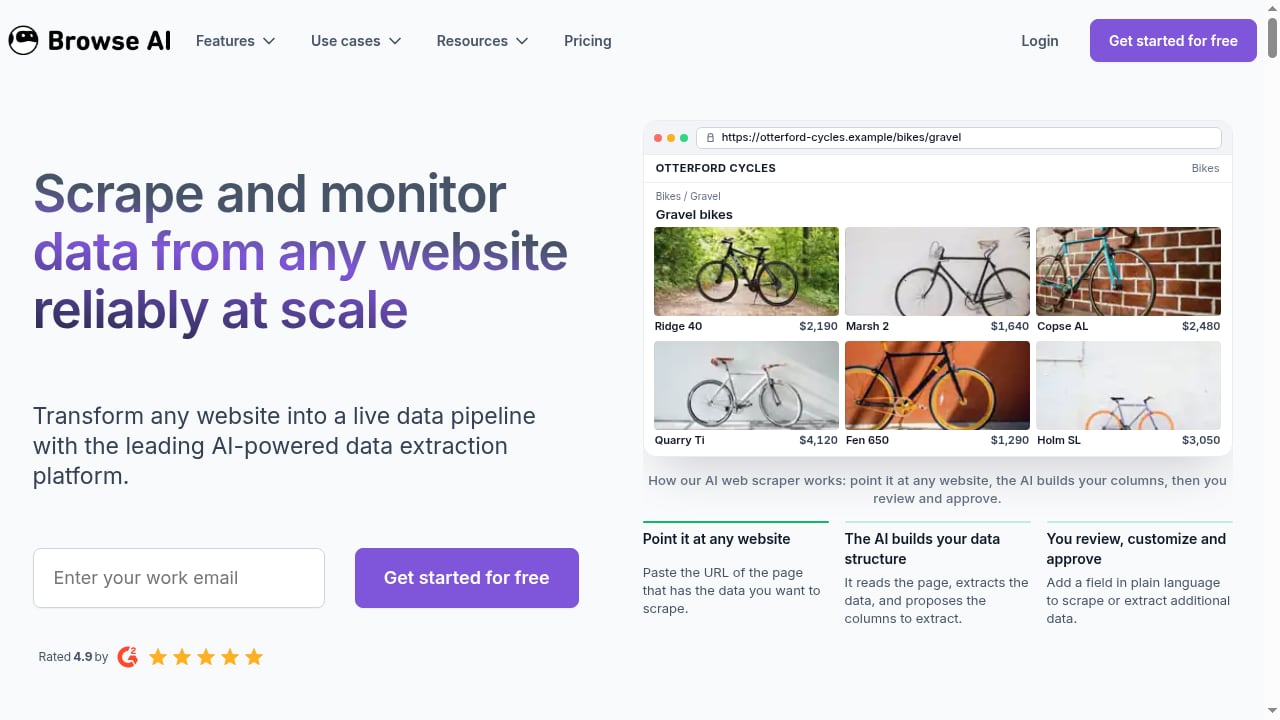
First viewport screenshot of Scrape and Monitor Data from Any Website with No Code.
Browse AI lets you train a robot to extract structured data from a web page by clicking the elements you want. The robot learns the pattern, then runs on a schedule. You can monitor pages for changes (price drops, new listings, updated job posts) and receive alerts. Data can flow to Google Sheets, Airtable, or your own app via API.
The company positions the product as a way to "scrape and monitor data from any website with no code" and "turn websites into APIs." It reports over 770,000 users, and one documented use case scaled data collection from 30 to 300+ firms in 10 days without adding staff.
Who Browse AI is built for
First viewport screenshot of Most popular use cases of Browse AI - Browse AI.
Business analysts and ops teams who need recurring competitor or market data but do not have engineering support. Agencies collecting leads or monitoring client-relevant sites. Data teams that want a fast prototype before committing to custom scrapers. Enterprise groups needing SSO and managed bot building.
It is less suited to developers who want full control over request headers, proxy rotation, and browser sessions. For that audience, a managed cloud browser API is usually a better fit.
Setup and first-run experience
The onboarding is genuinely fast: install the extension, open a target page, click the data you want, name the fields, and run. Most simple pages work on the first or second attempt.
Realistic friction points from user reports:
- The first one or two robots often need re-training before they behave consistently.
- Complex layouts, infinite scroll, and anti-bot measures can require extra iterations.
- You still need a basic mental model of how pages are structured. It is low-friction, not zero-brain-power.
- PDFs and image scraping are not supported. It works on websites only.
Core use cases with real examples
First viewport screenshot of Use Cases - Browse AI Blog.
- Legal and professional services: extracting attorney data from law firm websites for outreach or market mapping.
- Commercial real estate: monitoring LoopNet listings for new properties or price changes.
- Travel and pricing intelligence: tracking cruise pricing across dates and itineraries.
- Education and recruiting: aggregating job postings from thousands of school websites.
These share a pattern: predictable structure, recurring checks, and a need for alerts rather than one-off dumps.
Pricing signals and the credit model
Browse AI does not charge per scrape. It charges by task complexity and data volume through a credit system. Reported plan tiers (as of 2026, subject to change):
- Free: roughly 50 credits/month, 5 robots, daily runs.
- Starter: around $19/month, ~2,000 credits, hourly scheduling, 10 robots.
- Pro: around $99/month, faster runs, more data retention.
- Team: around $249/month, more users, priority support.
- Enterprise: starting around $5,000/year, SSO and managed bot building.
The practical risk: credits can run out faster than expected if your robots pull large tables or run frequently. Before committing, estimate monthly runs × pages per run × fields extracted, then map that against the credit allowance.
Strengths
- Point-and-click training that works for non-developers.
- Handles pagination, infinite scroll, and logged-in sessions.
- Scheduled runs with change alerts.
- Clean exports to Sheets, Airtable, Zapier, and Make.
- API access for pushing data into your own stack.
Limitations
- Credit costs are hard to predict without testing.
- No PDF or image extraction.
- Anti-bot sites can break robots.
- Beginners often redo early robots.
- Less control than code-based scraping when you need custom headers, proxies, or session logic.
Browse AI vs code-based browser automation
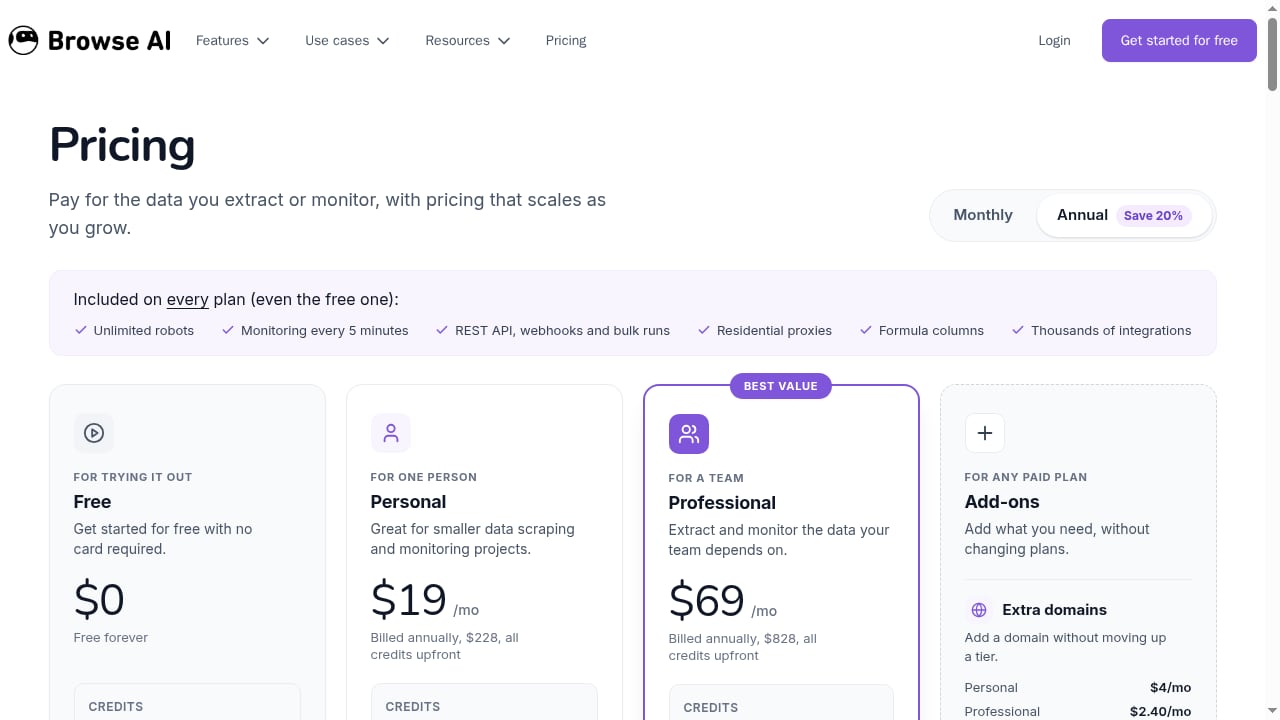
First viewport screenshot of Pricing - Browse AI.
If your targets are stable, public, and moderate in volume, Browse AI's no-code model saves real time. If you need dynamic rendering, proxy routing, CDP-level control, or high-volume pipelines, a managed cloud browser API is more appropriate. For a broader comparison of no-code and code approaches, see AdsCrawl vs Browser Automation & Web Scraping Tools.
For teams evaluating the wider market, our ranked list of AI web scraping and data extraction tools covers evaluation criteria and pricing signals across vendors. Developers who need to render JavaScript-heavy pages should start with this guide to scraping dynamic pages.
Decision checklist
Choose Browse AI if:
- You need recurring monitoring more than one-time extraction.
- Your team has no engineering bandwidth.
- Your target sites are public and structurally stable.
- You want alerts and spreadsheet delivery, not a custom pipeline.
Look elsewhere if:
- You need PDFs, images, or heavy anti-bot handling.
- You require fine-grained control over requests and sessions.
- Your volume makes credit-based pricing unpredictable.
- You are building a production data pipeline with SLAs.
Related reading
- How to Use AdsCrawl with Playwright for Reliable E2E Testing - Learn how to connect Playwright to AdsCrawl cloud browsers for reliable end-to-end testing of modern web apps, with proxy routing, CDP sessions, and CI examples.
- AdsCrawl vs Steel vs Axiom: Browser Infrastructure Compared - AdsCrawl vs Steel and Axiom compared: open-source browser infrastructure for AI agents vs no-code and code automation. Pick the right stack.
Sources and further reading
- 🤖 3 weeks with Browse AI.Scraped leads, tracked listings, and broke up with spreadsheets : r/LovedByCreators - I’ve been testing Browse AI to automate some grunt-work: scraping events, reviews, even some lead gen from public directories. TL;DR: it’s a solid no-code tool once you get your head around how it works, but it’s not totally frictionless for beginners.
FAQ
Is Browse AI really no-code? Yes for training and scheduling, but you still need to understand page structure. Expect to refine your first robots.
Can it scrape behind a login? Yes. It can save login sessions and continue running.
Does the free plan work for real tasks? For a single robot and small daily jobs, yes. Multiple pages or frequent updates require an upgrade.
Can it handle PDFs or images? No. It works on websites only.
How does pricing work? Credits are consumed based on task complexity and data volume, not per scrape. Estimate before you commit.
What are the best alternatives? Code-based cloud browser APIs for control and scale, or other no-code scrapers if you want a simpler credit model. See our cloud browser automation and web data extraction API comparison.
Conclusion
Browse AI earns its popularity. For predictable, recurring, public-web data collection, it removes most of the technical barrier and delivers usable results fast. It is not frictionless, and its credit model rewards testing before scaling. If your needs are simple and monitoring-focused, it is a strong pick. If you need control, scale, or non-HTML sources, a code-based or managed browser infrastructure will serve you better.
For third-party user feedback, see Trustpilot reviews and G2 reviews.